
Rangliste
-
Cpt.Howdy
Members11Punkte5.187Gesamte Inhalte -
Lambretta-Lutz
Members8Punkte295Gesamte Inhalte -
heizer
Members6Punkte30.861Gesamte Inhalte -
500 Miles
GSF Support5Punkte1.450Gesamte Inhalte

.thumb.jpg.9b066c8bf7cde81e084ce88643f48ef7.jpg)

Beliebte Inhalte
Inhalte mit der höchsten Reputation am 02.06.2025 in allen Bereichen anzeigen
-
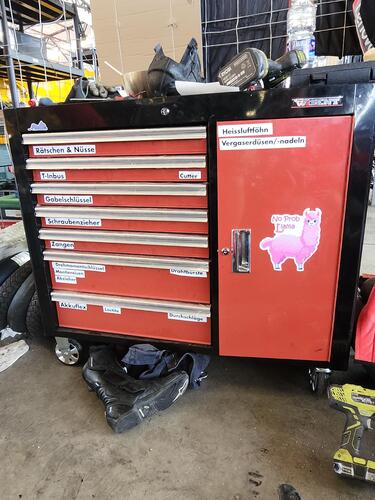
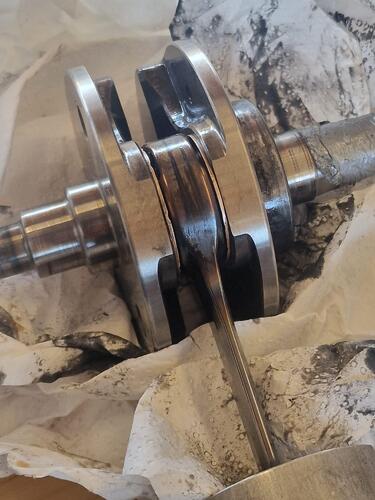
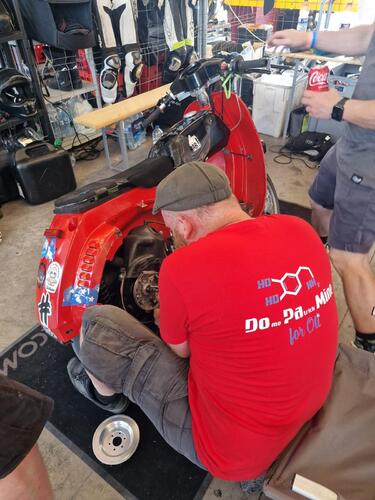
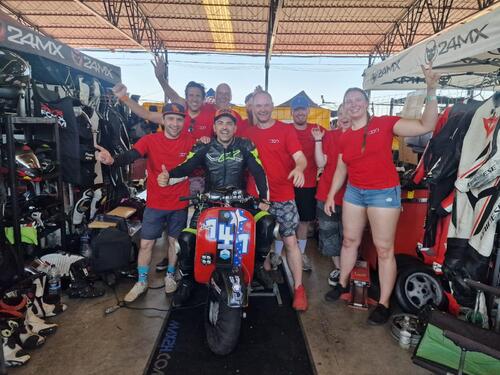
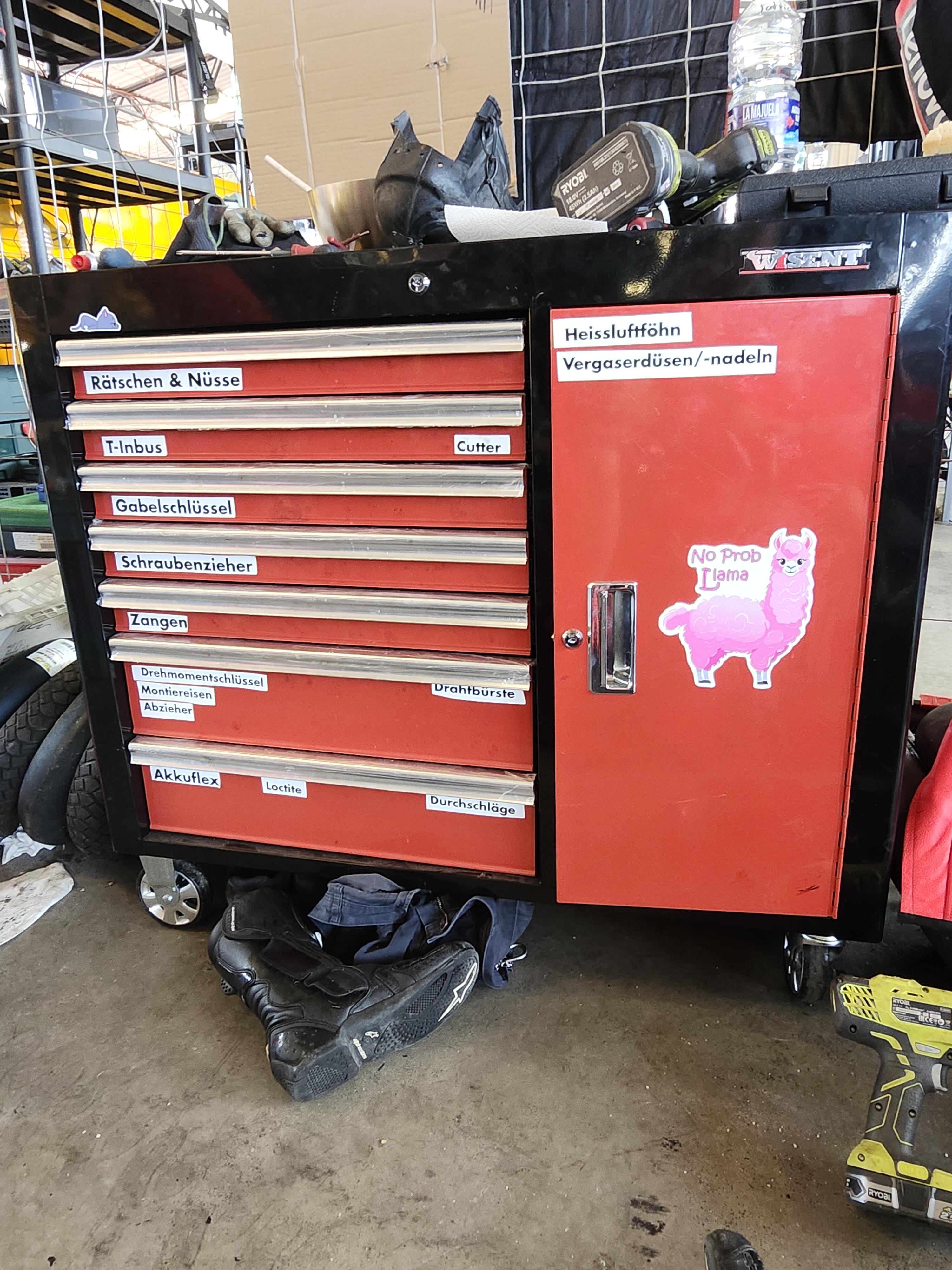
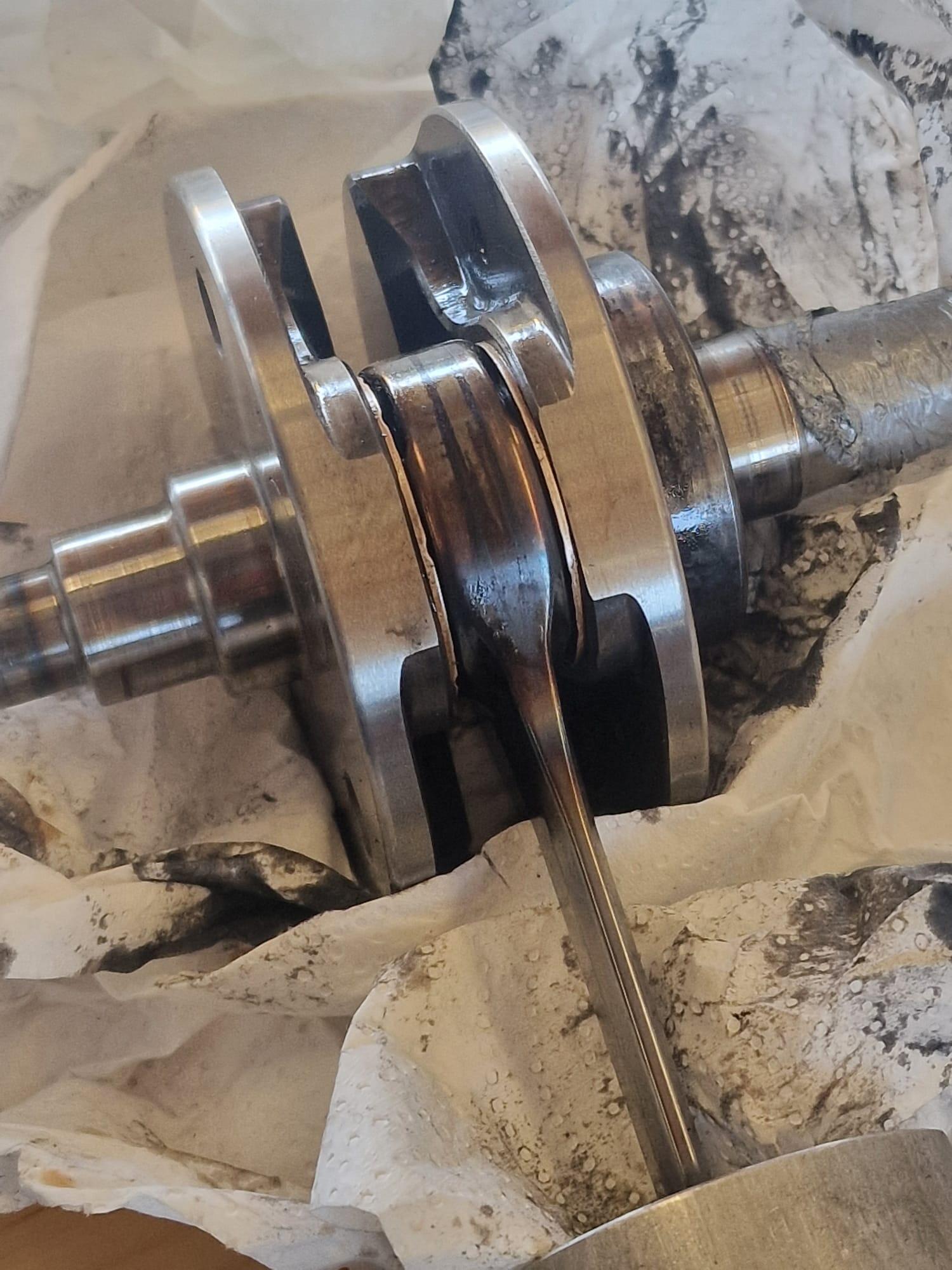
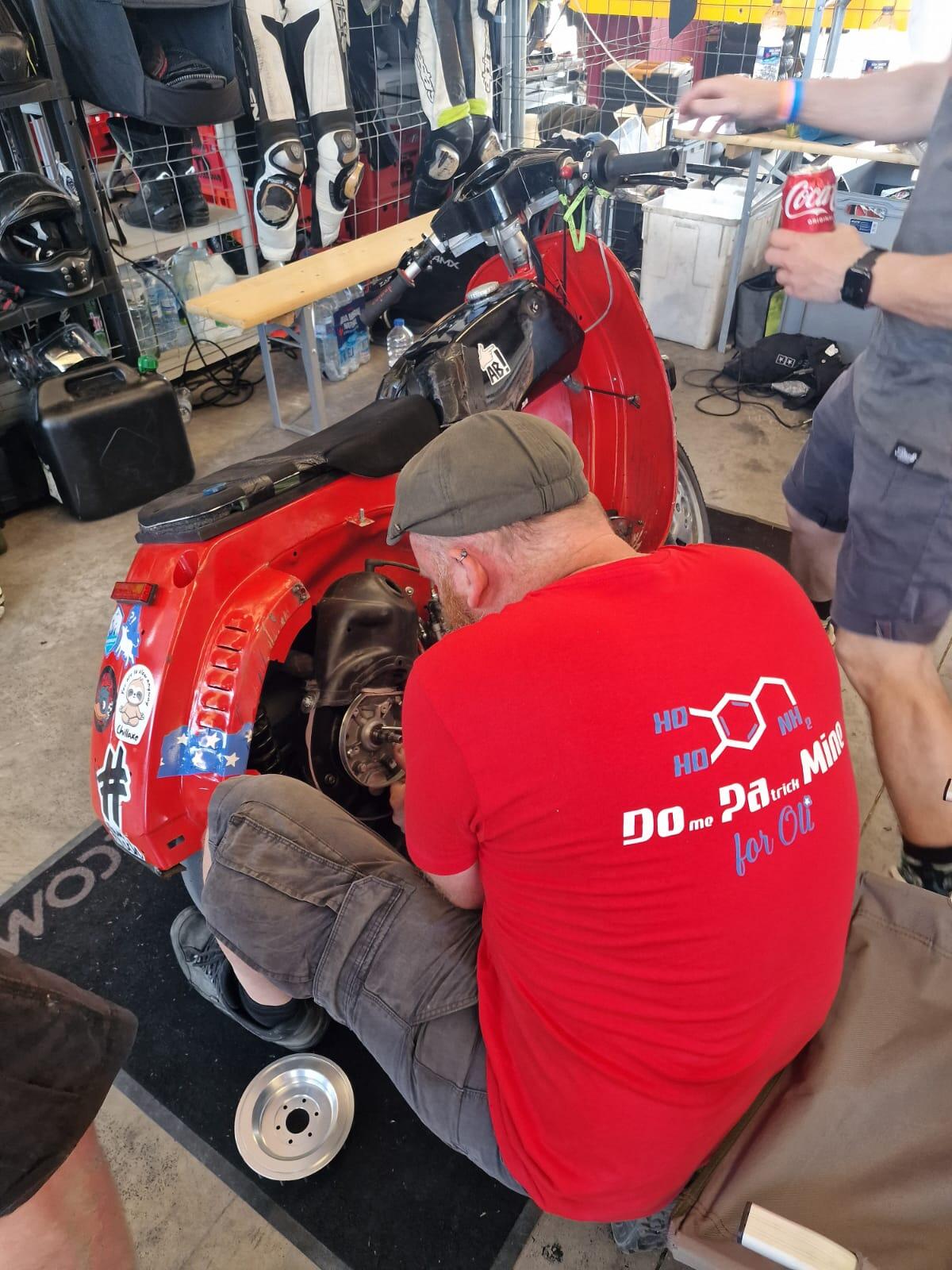
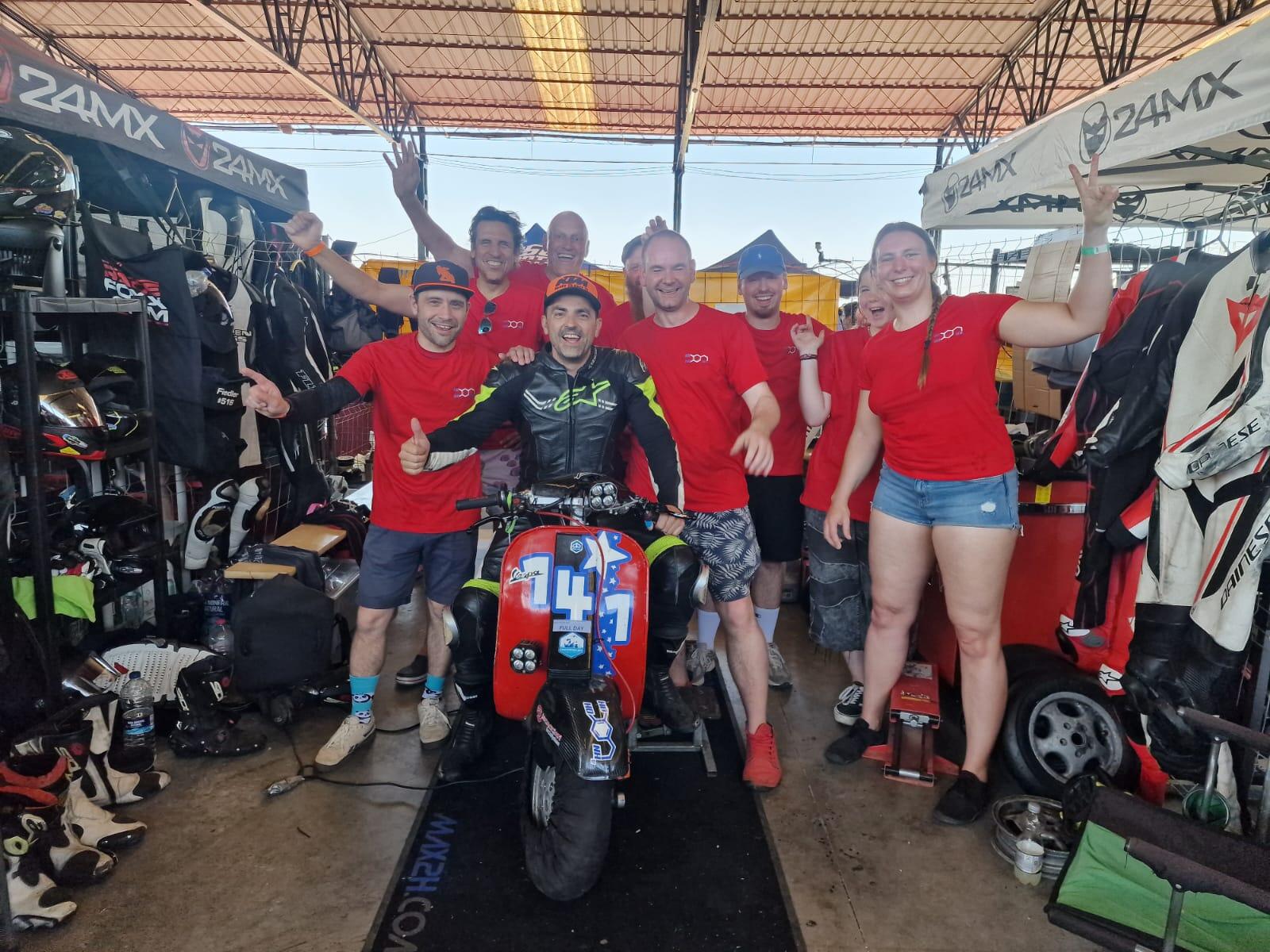
6 PunkteJa das war wohl nichts bei uns diesmal. Zuerst kurbelwelle unteres pleuellager blau. Danach motortausch, parallel in motor 1 die kurbelwelle ausgetauscht. Danach motor 2 raus und motor 1 rein. Der lief dann kurz und der zylinder ist hopps gegangen. Also wieder motor 2 rein. Als dann dort auch der zylinder hopps ging, haben wir aufgehört. Nach 23h heimfahrt steht der Roller in der Werkstatt und es geht dann mal auf ursachensuche. Schön war, daß obwohl wir ja quasi nur geschraubt haben, die Stimmung war immer top. Macht spass mit euch Jungs Glückwunsch an td customs. Timo und co. Richtig gut gemacht. Allen anderen natürlich auch Glückwünsche und gratulation. .
 6 Punkte
 -
Auf FB gibts an Haufen vom SIP, Sonst nur meine ruhmreichen Momente festgehalten
 6 Punkte
 -
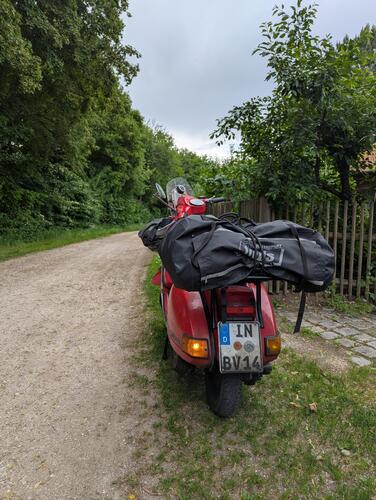
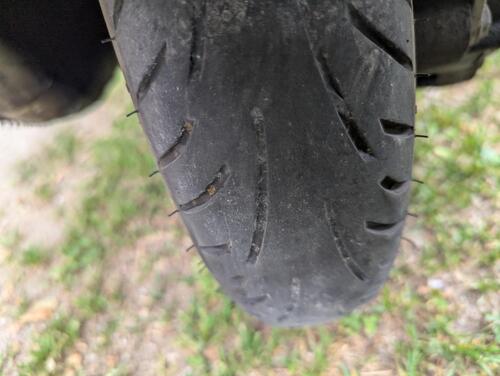
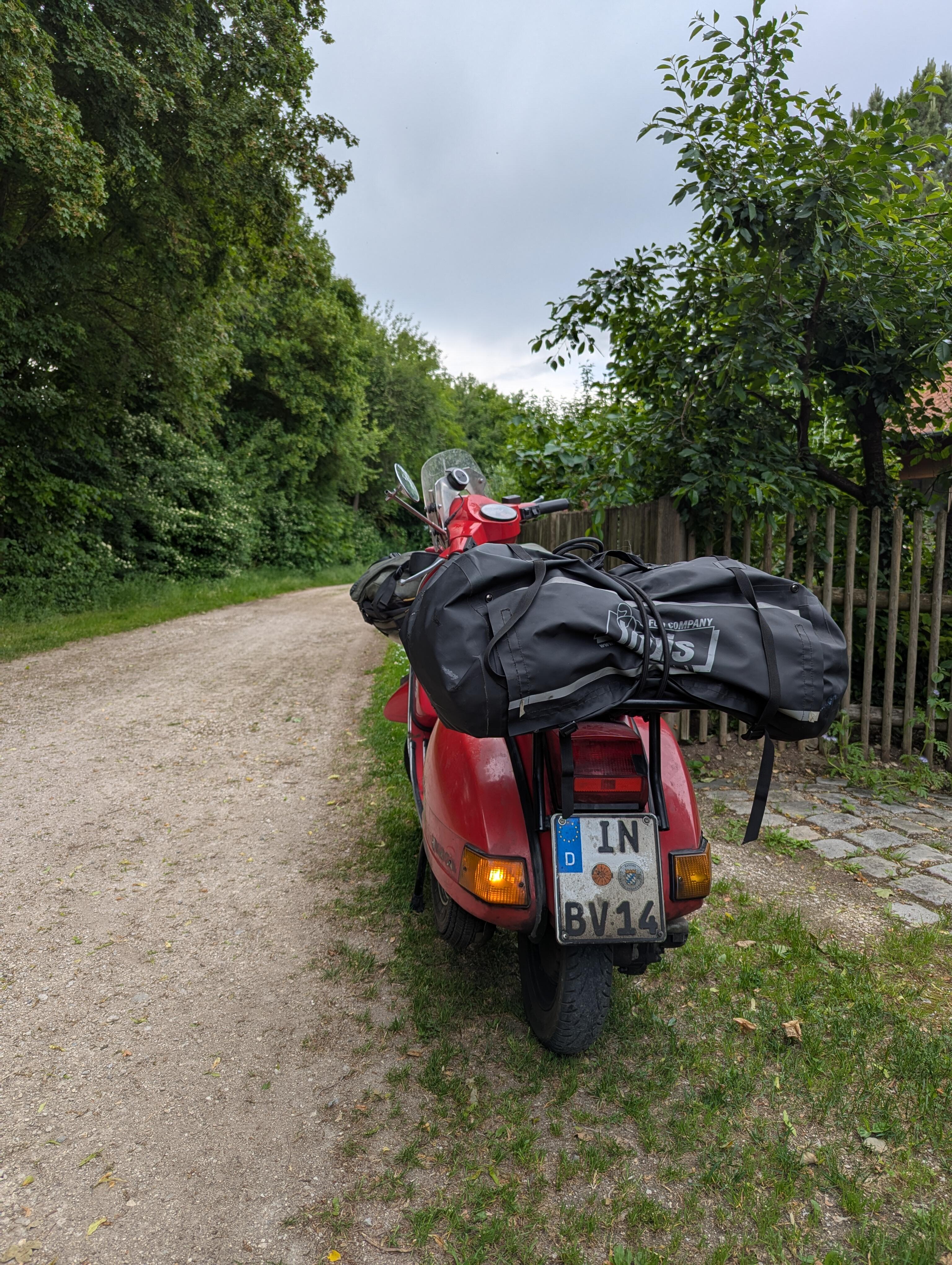
5 PunkteSo, nach etwa 4794km und 25 Tagen bin ich wieder daheim in Piovaria angekommen. Blinker steht schon auf links, damit es bald weiter gehen kann ! Techniktasche waren 15,xkg meine Reisetasche waren so 9,xkg Mitas Touring Langzeit nach etwa 5000km. Schotter geht soweit auch. mit dem und Ersatz Reifen fährt man easy auch nen 6 Wochen Törn....oder wo es heiss ist. Regen weiterhin unklar. ich glaub ja nicht dran. Ausfälle waren überschaubar : Rücklichtbirne Membrankasten lose 1x komplett Wackler beim Tacho und Licht 1x Sicherung durch Hinterrad Zentralmutter durchgehend nachgezogen EGT Sensor gebrochen Kupplungshebel und Zug haben bissl geklemmt Bremsbeläge vorne getauscht 1x Bremse vorne Luft gepumpt in krasser Schrägstellung Haar im SNV Verbrauch deutlich höher, als vorher gesehen. Vorbereitet, aber nicht kaputt gegangen 2 Kolben dabei Auslassstutzen Alu am M244 Stahlersatz dabei Ersatzmembran Getriebeöl nur 0,3ltr getauscht statt 1-1,5 ltr nachfüllen Perfekt vorbereitet fährt nicht ! Das Ganze soll nicht zum Nachahmen verleiten und wurde von professionellen Geisteskranken gefahren ! Ich hoffe, dass ich die ganzen super Ratschläge nicht zu geringschätzig behandelt habe. >Gefreut hab ich mich immer riesig drüber !< Ich danke auf alle Fälle den Zuschauern daheim an den Geräten fürs mitfiebern und würde mich freuen, wenn Ihr dann wieder einschaltet, wenn es wieder losgeht !
 5 Punkte
 -
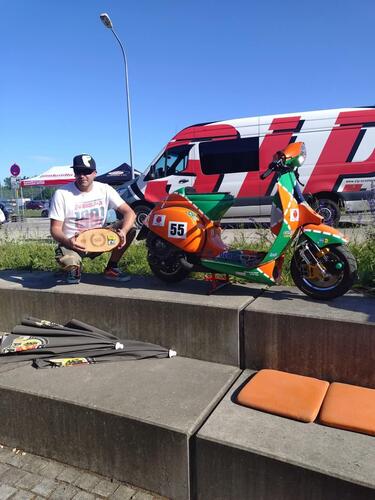
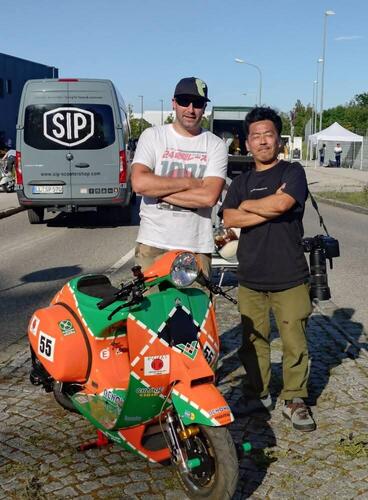
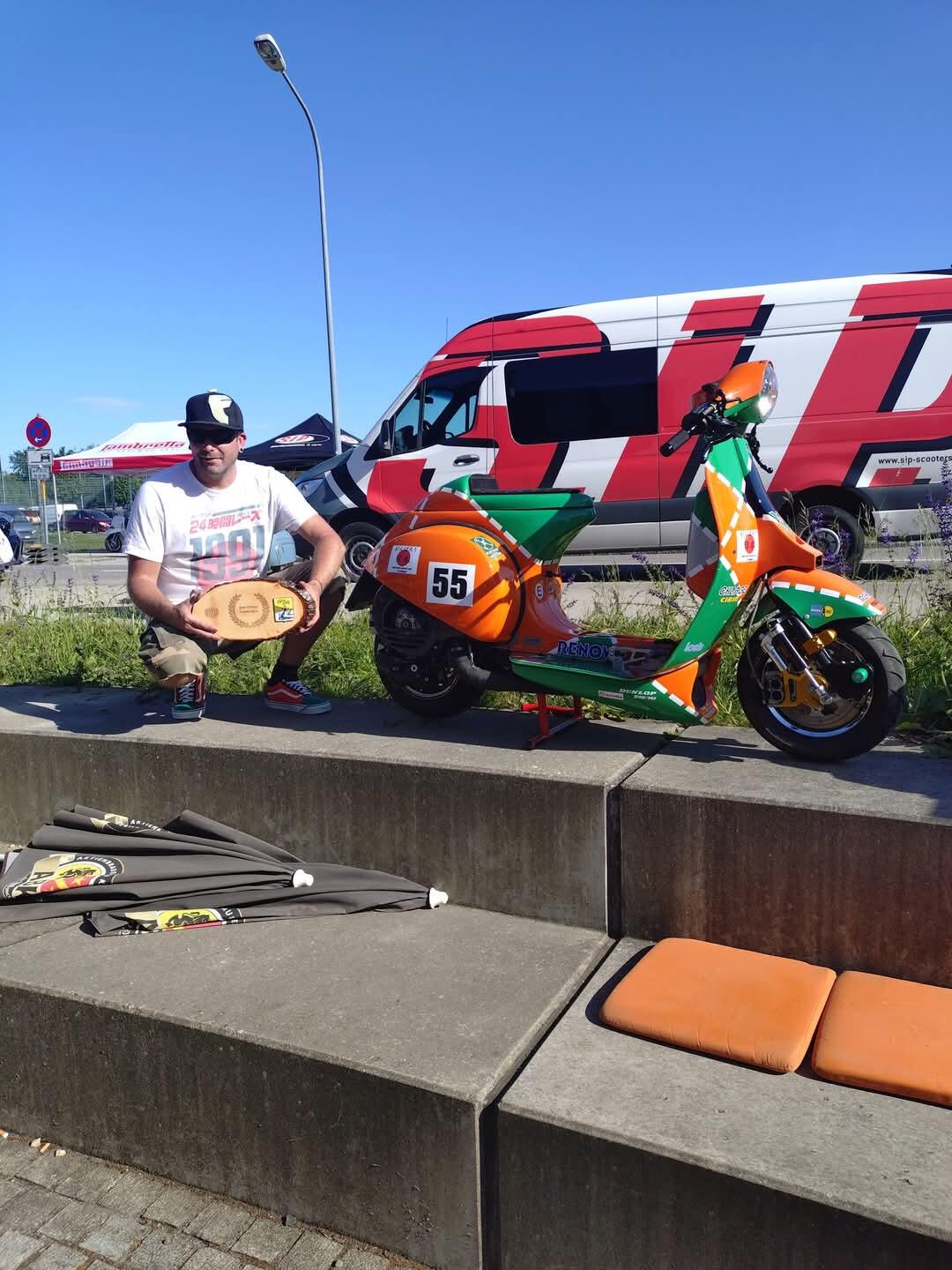
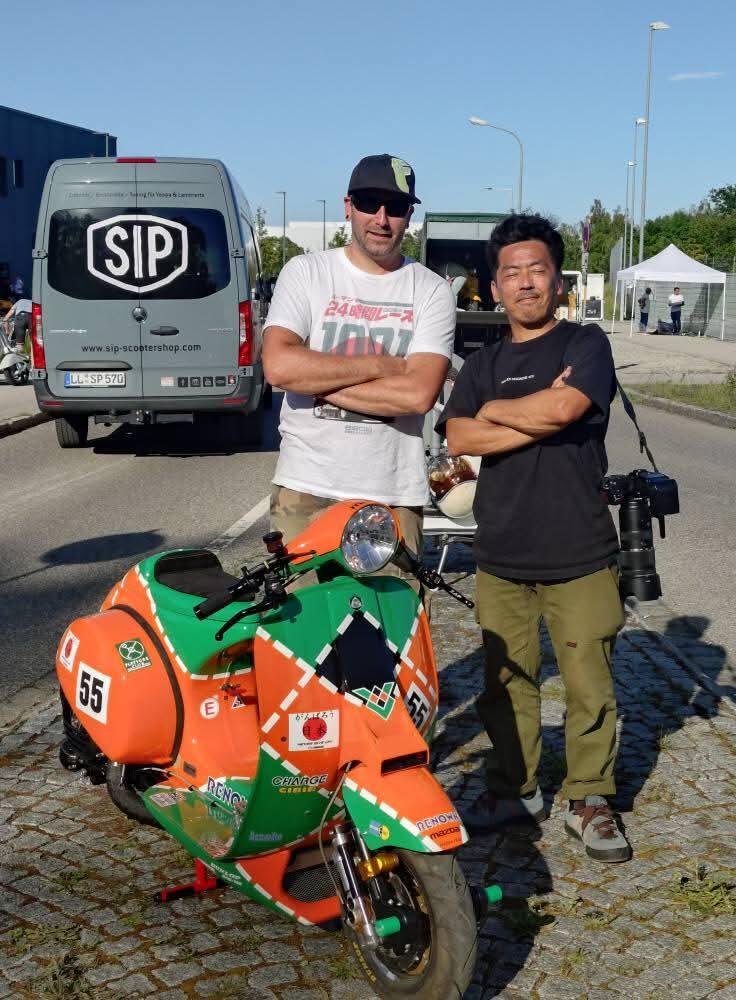
5 PunkteDanke Hab ja dann tatsächlich einen Pokal für Best of customshow gewonnen. Wusste garnet das da überhaupt was geplant war. Hat mich dann schon sehr gefreut. Der erste Pokal für den Roller Und dann war da noch Ryo vom Roller Magazin aus Japan der noch Bilder gemacht hat und das Teil in ihrem Magazin featuren will...ich meine wie geil ist das eigentlich das mein Roller in einem japanischen Rollermagazin kommen soll
5 Punkte
-
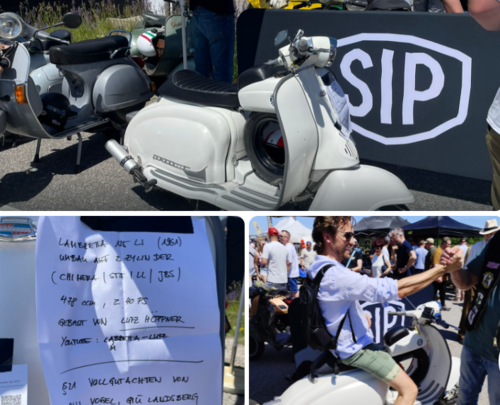
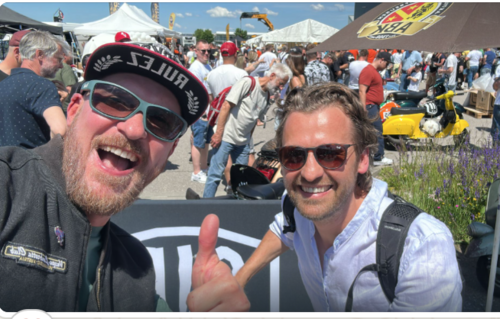
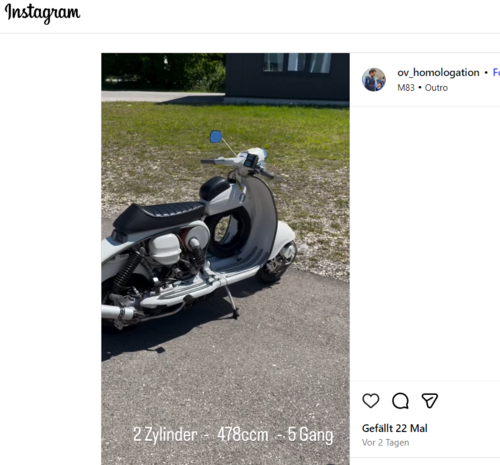
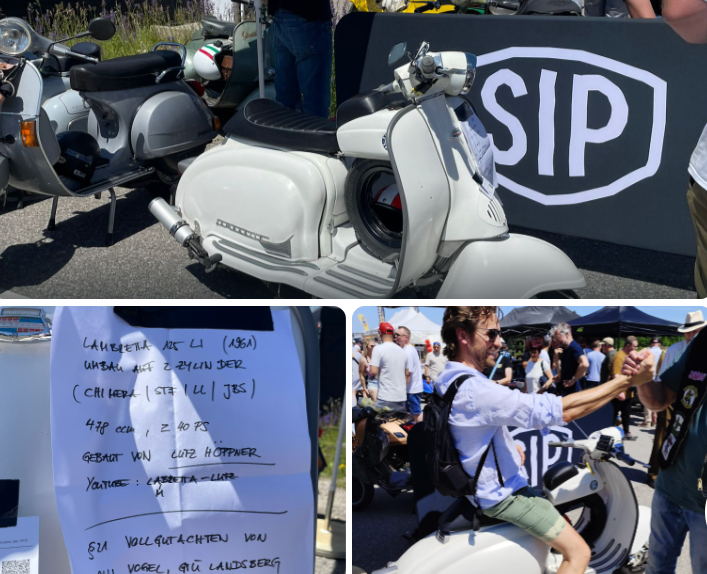
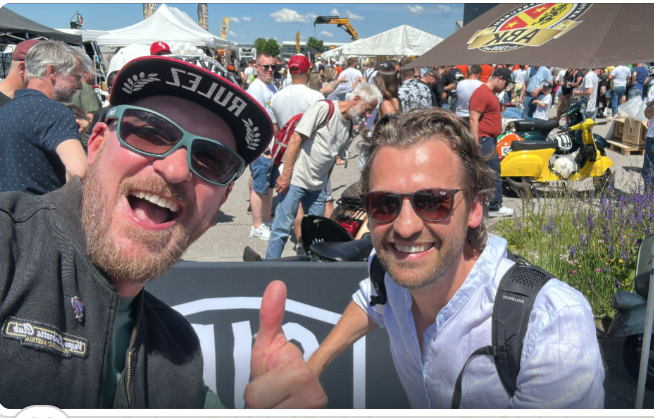
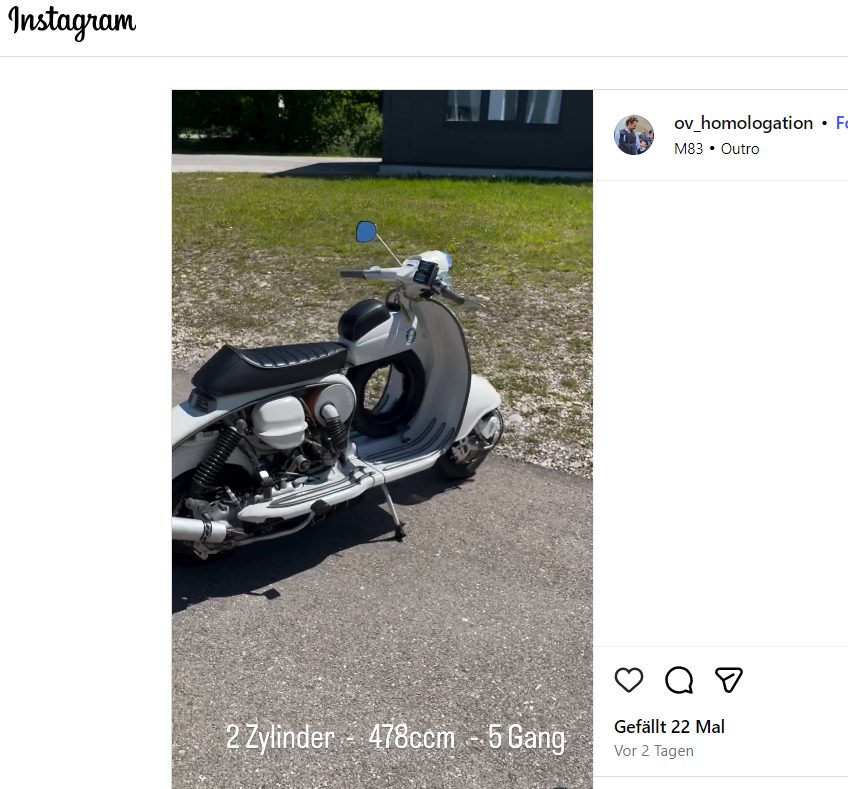
4 Punkte...unglaublich, jedoch wahr.... der Prüfer war so begeistert von meiner Lammy, dass der kurzerhand damit zum Sip Open Day gefahren ist... Also ich bin ja derzeit gar nicht in Deutschland, aber meine Lammy war da... gefahren vom Prüfer.... Wie geil ist dass bitte...??? Er hat es sogar auf seinen Instagram geposted.... Na da scheint mal jemand wirklich vom Twin überzeugt zu sein... Sascha hat er auch getroffen... ;) Danke für die Bilder!
 4 Punkte
 -
3 PunkteDas ist definitiv ein Zeichen dafür, dass du viel zu wenig Leistung in deinem Roller verbaut hast. Zu viel Leistung äußert sich dann wiederum durch übermäßige Ausschüttung von Adrenalin, in der Regel zusammen mit vor Aufregung nicht schlafen zu können. Roller mit 50PS fahren eigentlich nur Kampfjetpiloten im Straßenverkehr, die endlich mal wieder einen Adrenalinschub erleben wollen. Die meisten Rollerfahrer liegen irgendwo dazwischen, wobei es vorteilhaft ist, lieber etwas zu viel als etwas zu wenig Leistung zu haben, um beim Feiern entsprechend durchzuhalten. Eine langweilige Antwort auf deine Frage könnte z.B. Pollenallergie lauten. Wie dem auch sei, du solltest sicherheitshalber in jedem Fall den Motor aufrüsten.3 Punkte
-
3 PunkteMarkieren / Verlinken funktioniert nur, wenn du den auch wirklich anklickst, bzw. der Nick blau hinterlegt ist @powerracer. Glückwunsch @takuya! Und Glückwunsch auch an @broncolor und das TwoStroke Loft!3 Punkte
-
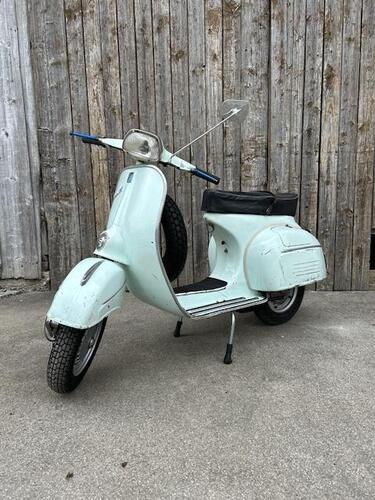
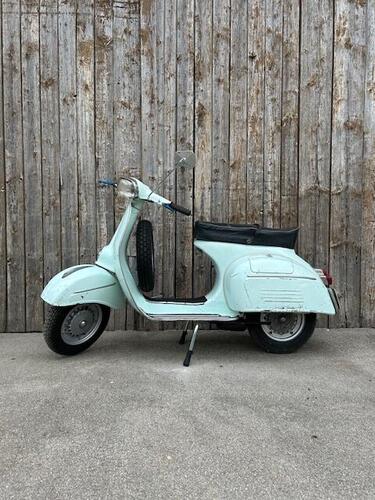
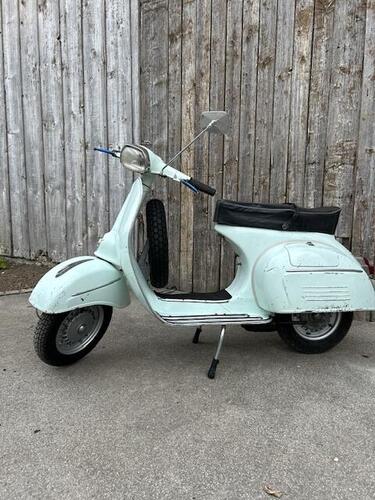
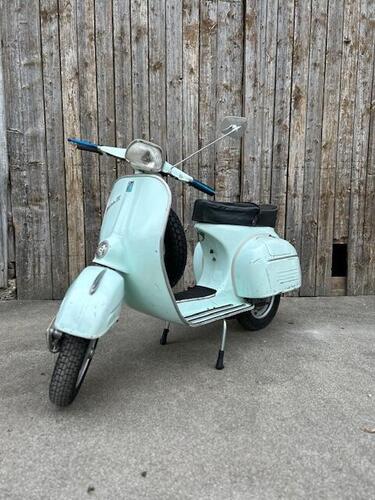
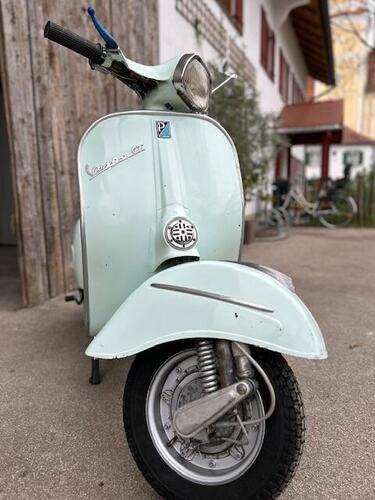
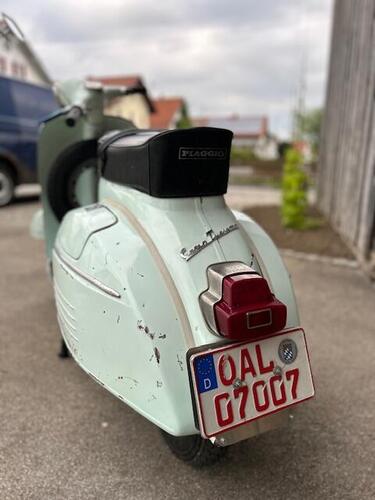
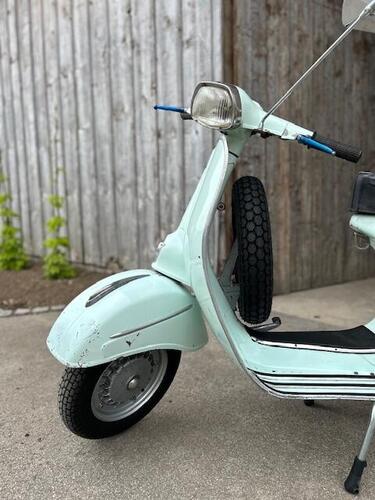
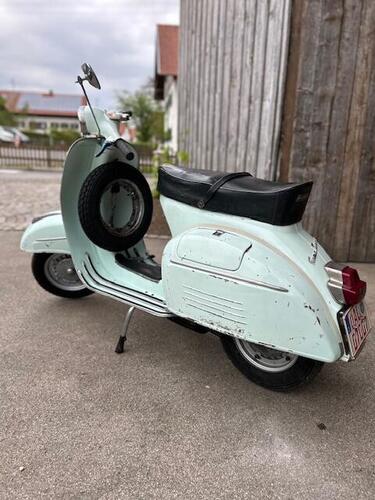
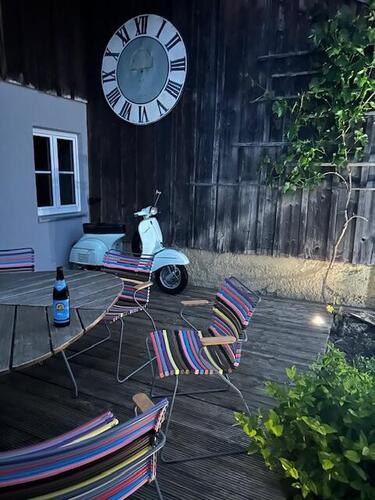
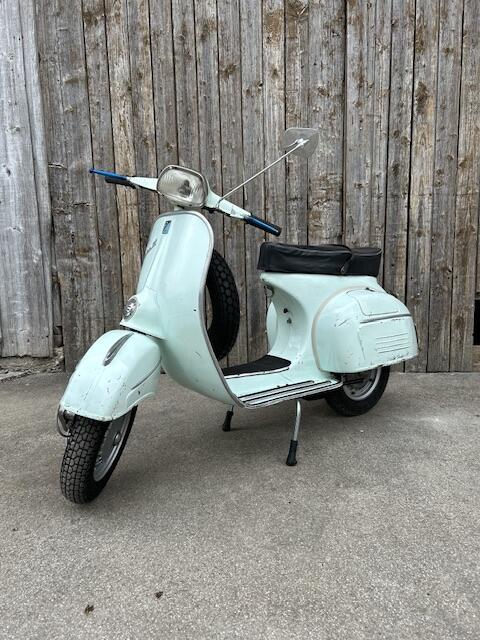
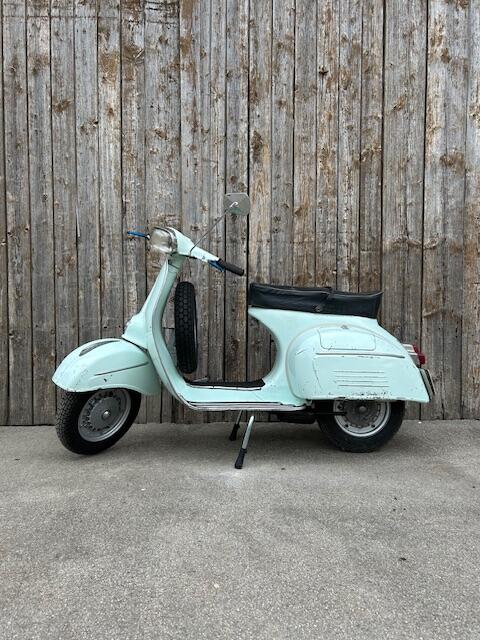
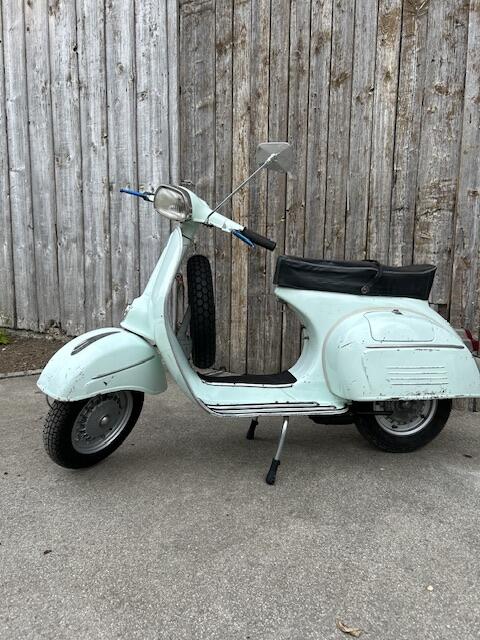
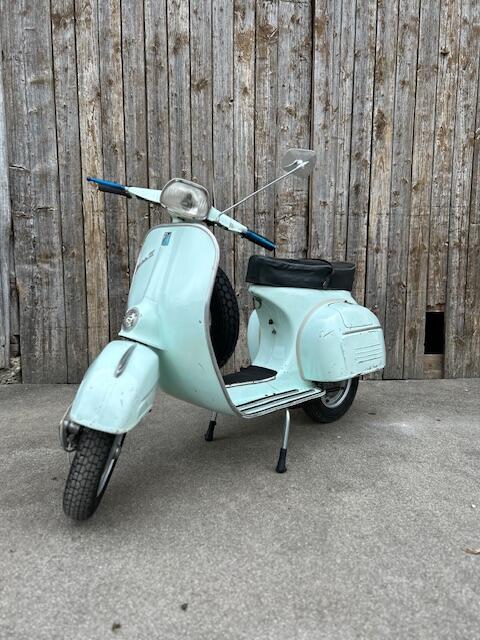
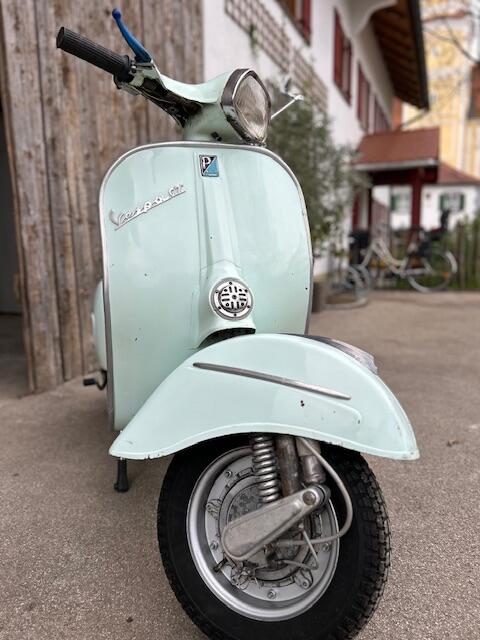
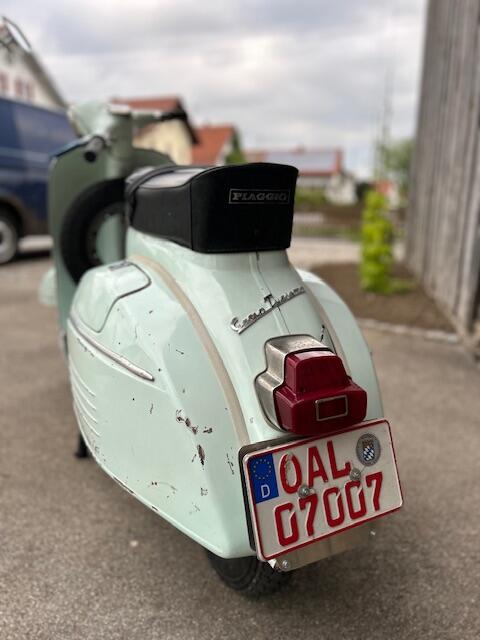
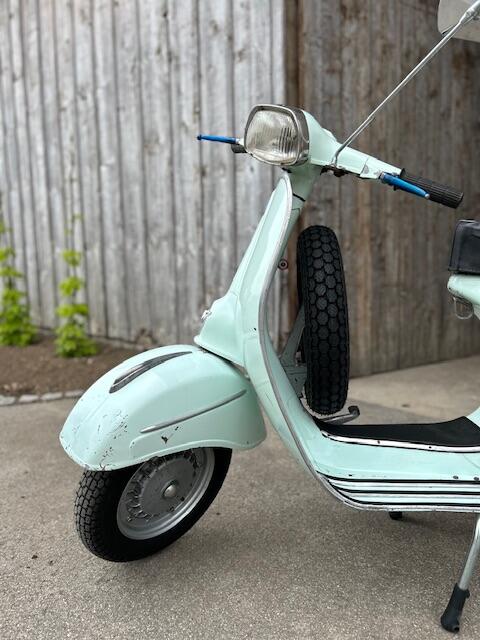
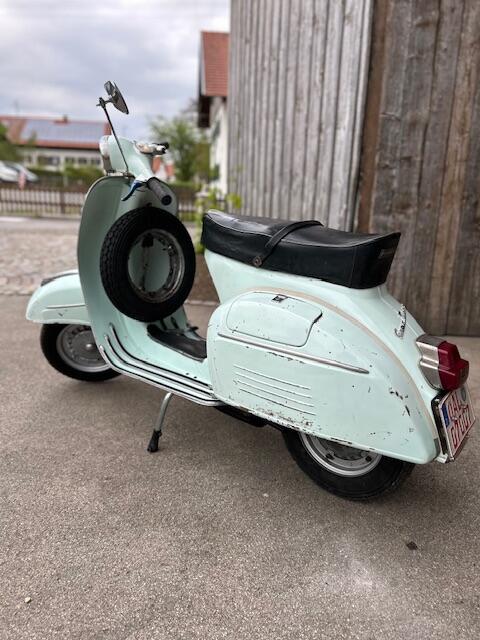
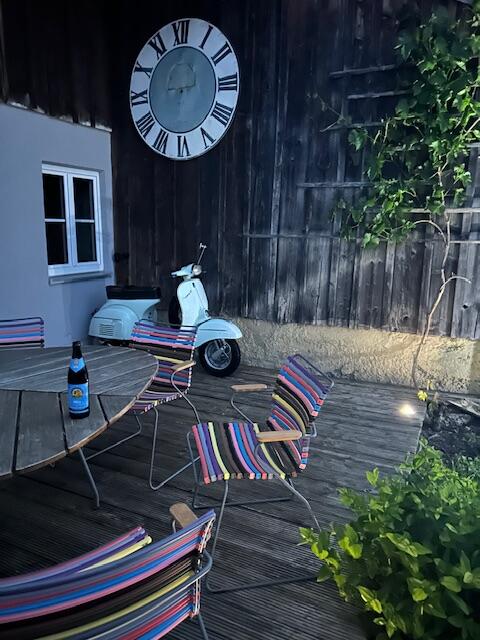
Ciao a tutti, durch das GSF bin ich an folgende GT 125 Bj1966 1.Serie (altes Kaskaden Emblem) gekommen. Stand im Münchner Süden und hatte einen durchaus Prominenten Vorbesitzer, da sich die privaten Umstände geändert haben wurde nach Jahren der Standzeit die Vespa veräußert. Kein kompletter O-lack aber authentischer Zustand, hat mir gut gefallen.. Freitag kurzer Ausflug zur Abholung, einen Familienfreien Samstag geopfert und Vollgas geschraubt. --> Motor überholt (original), sämtlichen Pfusch beseitigt, Tank gereinigt und entrostet, mit neuem Beninhahn stand dann noch die Endreinigung der Vespa an. Nach TÜV §21 und 14 Tage aufbieten der Vespa wurde sie letzte Woche zugelassen und ist bereit für das Allgäuer Flachland mehr geht mit dem Motor auch nicht, aber zum Cruisen ganz nett. oder steht wie aktuell als Deko auf der Terasse.
 3 Punkte
 -
An Teil gelb dreht man aber nicht. Und wenn doch, schraubt man das wieder ganz fest, so wie es der Hersteller auch tut. Dann kommt, wie mehrfach erwähnt, die 6-kant Verlängerung nach gewünschter Länge drauf (inkl, dem Sprengring) und dann kommt der Silentblock drauf. Fertig, war schon immer so und wird wohl auch so bleiben.... Das ist schon a bisserl gefährlich, wenn Du der Meinung bist, das man über dieses Teil die Länge des Dämpfers einstellt.2 Punkte
-
Das haben sich schon mehr Leute hier gefragt. Und das kam dabei heraus:2 Punkte
-
2 PunkteSieht man am Teppich. Erinnert mich an dieses Video: https://www.youtube.com/watch?v=6bamFHeTKTs Dir fehlen nur noch die Tapeten.2 Punkte
-
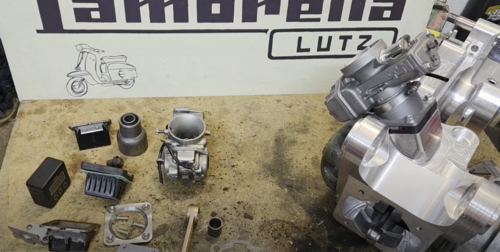
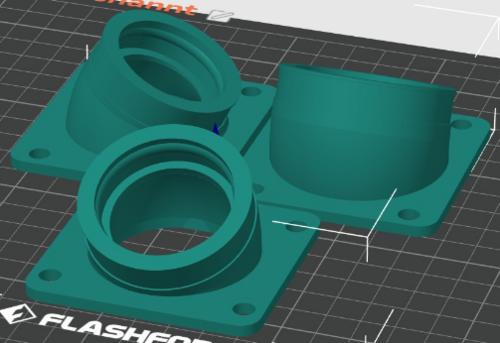
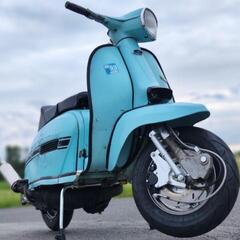
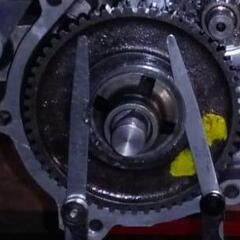
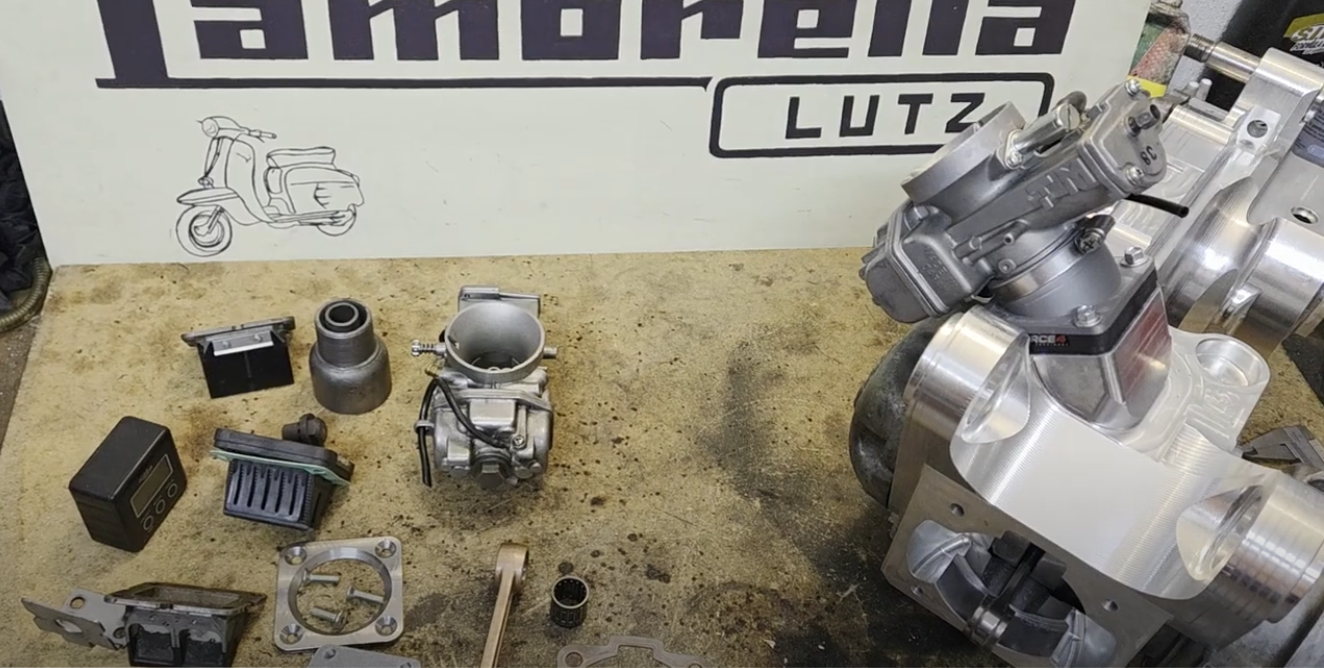
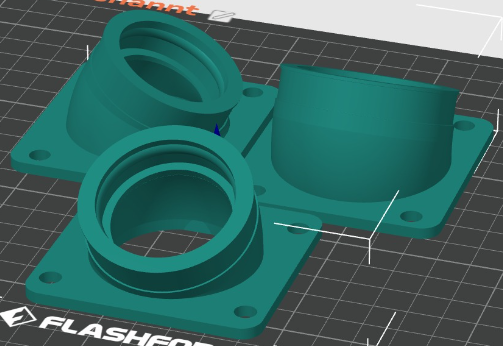
2 PunkteZur Info was nun geplant ist: Zylinder: Ich werde keinen 250er THOR verwenden, sondern den 303er mit 76 mm Bohrung. Kurbelwelle: Das bedeutet, dass ich einen Hub von mindestens 62 mm einsetzen werde – optional werde ich auch mit 64 mm und 66 mm experimentieren. Pleuel: Aufgrund des 18 mm Kolbenbolzens des 303er Kolbens werde ich ein 125 mm oder 120 mm Pleuel ausprobieren, um letztlich die ideale Steuerzeit-Kombination zu finden. Ansaugstutzen: Für 30, 35 oder 38 mm Mikuni-Vergaser habe ich bereits Designs erstellt und Testdrucke gemacht. Geplant ist in jedem Fall eine möglichst kurze Version. Leistung: Die Werksangabe von Polini liegt bei 38 PS bei 8000 rpm. Wenn man das Projekt von Jürgen Posch als Referenz nimmt – der den 250er auf eine Vespa adaptiert hat – sollten diese Werte durchaus realistisch sein. Ich bin selbst gespannt, was am Ende dabei herauskommt … Also: einfach dranbleiben – wird sicher spannend und gut! Ich werde es auch auf YT dokumentieren... für 30, 35 oder 38mm Mikuni sind Probedrucke gemacht...
 2 Punkte
 -
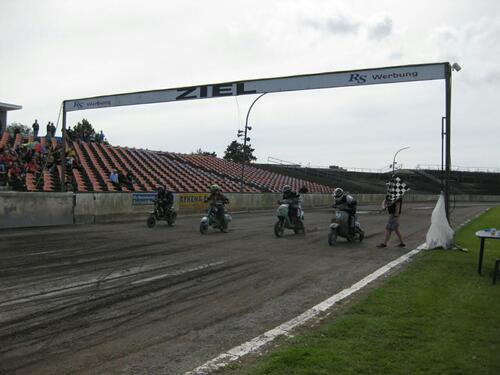
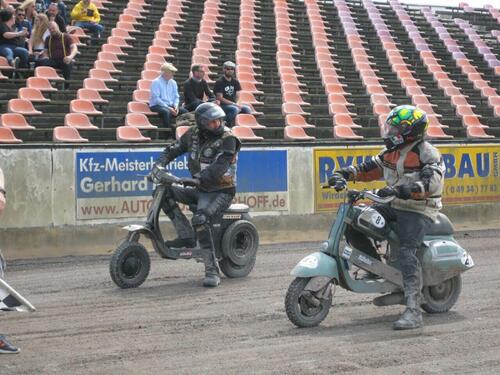
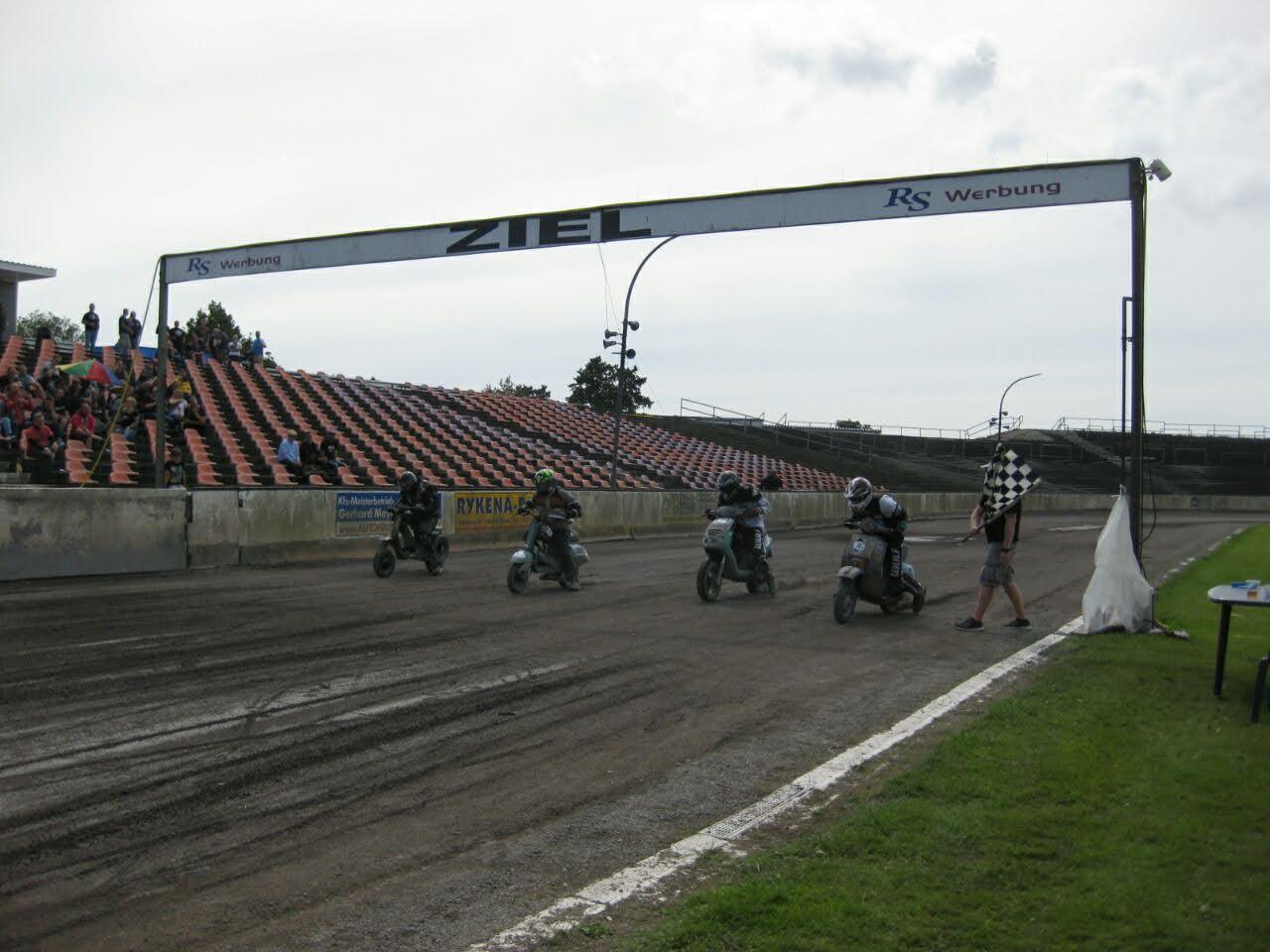
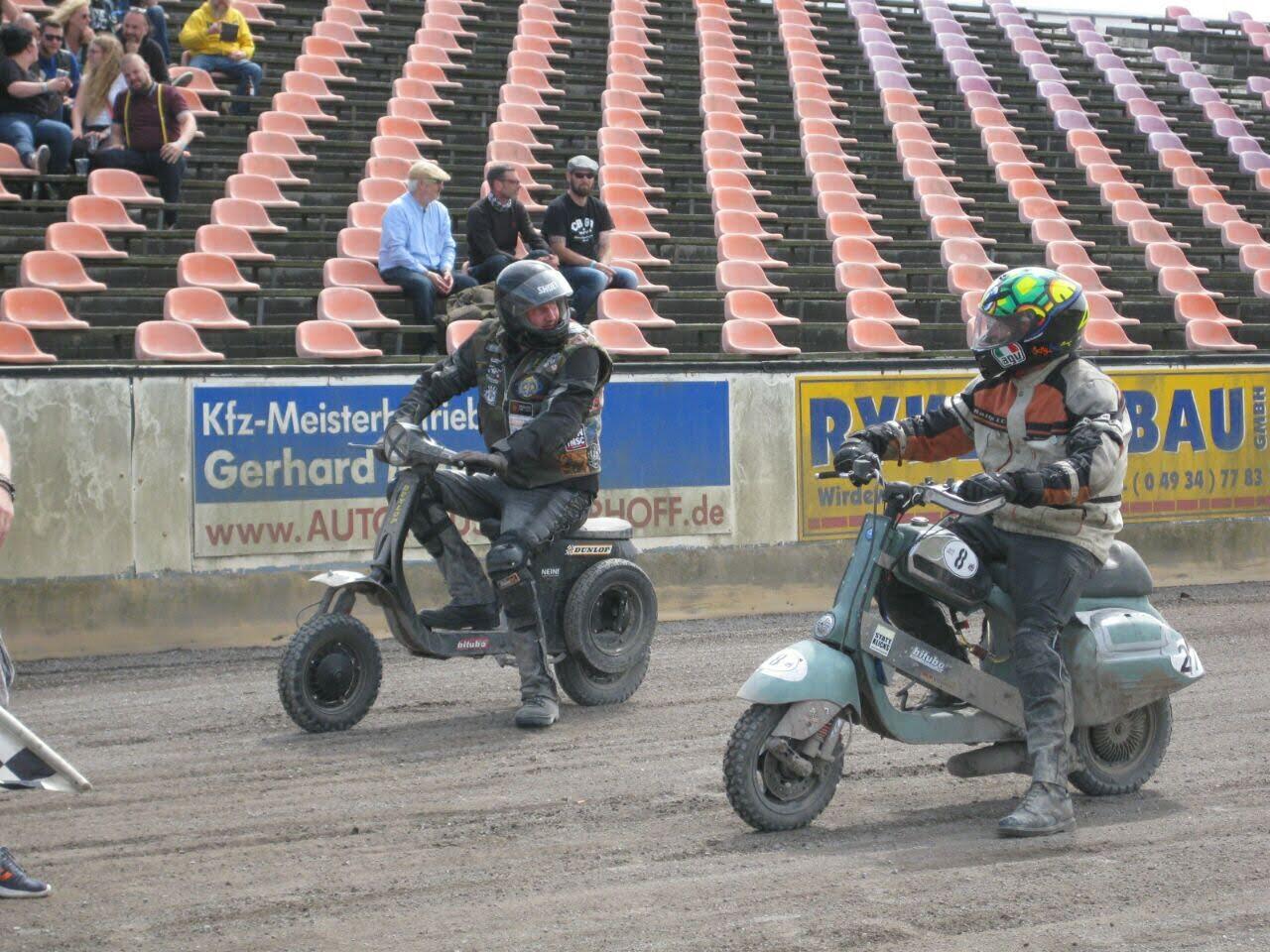
2 Punkte2 PunkteMotodrom Halbemond – Wikipedia Wer Bock auf ein Rennen im größten Speedwaystadion in Europa hat ist bei uns richtig. Unser Treffen findet im Motodrom Halbemond statt. Am Samstag startet das Sandbahnrennen, bei dem jeder mitmachen kann. Wer mitmachen will bitte unter dieser Mail Adresse anmelden: [email protected]

.thumb.jpg.acb2231ff4a6ebf8aec157994c15dd5f.jpg)
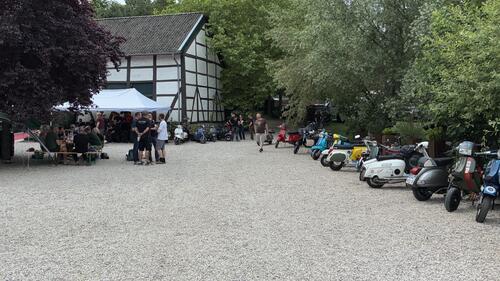
 1 Punkt1 Punkt1 PunktDanke euch! (Edit: Was ein Schwachsinn! Das mit den Laschen der Seitendeckel genauso.)1 PunktWith stiffest possible springs it works, I‘m using only 4 disc BFA clutches, same BGM friction plates and stiffest springs available and having zero issues even not using MTX oil.1 Punktyep. Deutsche 125er XL1 und XL2 hatten PK S Blinker vorne und hinten. ETS fällt raus die hatte ja PX alt? vorne und PK automatik hinten. Gabs ja aber auch nicht in Deutschland.1 Punktdas gehört so. Deutsche 125er XL2 auf jeden Fall, 125er XL1 meines Wissens nach auch. @Vespatreiber hast du deine 125er XL1 noch?1 Punkt1 PunktScherzkeks. Es geht doch gerade darum, die Maße für die Nuten zu bekommen1 Punkt1 Punkt1 Punkt1 PunktVielleicht kann ja der @egig spontan zuliefern Außendurchmesser Ansaugstutzen: XXmm Länge Ansaugstutzen bis zur Nut: XXmm Breite der Nut im Ansaugstutzen: XXmm Durchmesser in der Nut oder Nuttiefe: XXmm falls ich vorher in die Werkstatt komme trage ich es hier nach.1 PunktEingeschlagene Rahmennummer ist eher untypisch für ne Augsburger Vespa - erst recht für ne VNA; das mit den zwei Schildchen hatten sie ja eigentlich schon seit der GS drauf. Wo genau ist denn die Nummer und wie schaut die aus? Kannst du evtl. noch die zwei "Nietlöcher" für die Kerbnägel des FIN-Schildes erkennen?1 PunktPHBH30....ich fahre den aktuell mit folgender Abstimmung (ist aber noch nicht ganz top, aber schon sehr gut): AS268, X13 Nadel 2.clip, ND62, HD138, Schieber 45, Schraube ca. 1.5 Umdrungen raus (das Ganze mit CST-Filter)1 Punkt1 PunktDie Farbe ist ja das typische Rosso Corsa 806 der frühen Lussos. Bei dem insgesamt schönen orginalen Zustand kann ich schon verstehen, dass man da ne vergleichsweise makellose Backe möchte. Da es diese Farbe ja nicht gerade selten gab, würde ich trotz Gefahr eines anderen "Ausbleichungsgrads" mal versuchen ob ich da was Gebrauchtes bekomme. Sieht man ja teilweise schon auf den Fotos ob das Rot noch kräftig ist oder schon leicht rosa. Parallel würde ich die Backe auch blechtechnisch richten, dann hat man mit der Suche keine Eile. Irgendwann kommt was rein.1 Punkt1 PunktWo gehobelt wird …. backe rausdrücken, wie Kerbra schreibt oder mit weichem gummihammer auf weichem Untergrund ausbeulen und einen passenden Farbton für die Grundierung suchen - leicht austupfen wo es blank ist und drüberpolieren - es bleiben leichte kampfspuren aber die sind halt dann Zeugen der Nutzung 😇 aluleiste ist etwas mehr Aktion, aber rechnet sich optisch zum Schluss 😇1 Punkt1 PunktErstmal, sei froh, daß das so glimpflich ausgegangen ist. Ich sehe da auch definitiv ein Plaste-Schlitzrohr. Alu bricht nicht so schnell. Bei Rot ist es eher schwierig Ersatz zu bekommen, der vom "Ausbleichungsgrad" paßt, also: Verbuch das unter Patina. Der Blopper geht recht easy raus. Decke auf den Boden, Backe mit Außenseite nach unten darauf legen. Schuhe mit weicher Sohle anziehen und mittig auf die Innenseite/Beule stehen und die Backe zu dir vorsichtig hochziehen. Meißt plöppt dann die Beule nach außen zurück. Zig mal gemacht... Oxyblock an sichtbarer Stelle solltest du gerade NICHT machen ! Und beim nächsten mal auf Nässe u. evtl. Pollen keine Schräglagentests machen. Schon garnicht mit solchen Reifen. Viel Erfolg.1 Punkt1 Punkt1 PunktNaja... wenn der 'Andere ' Roller seit 77 zugelassen ist und noch rumfährt dann dürfte die Situation ja klar sein...1 PunktDas Thema hatte ich auch. Ich habe alles durchprobiert - am Ende haben die Doppel-Scheiben von Nord-Lock eine dauerhafte Lösung gebracht. Schade, daß der Trip schon rum ist - hat so viel Spaß gemacht zu lesen und in Gedanken ein bisschen mitzufahren.1 PunktSchön, dass du wieder heil gekommen bist. War ein bisschen wie selber unterwegs sein, wenn man deine Bilder und Kommentare gelesen hat. Danke dafür1 PunktApplaus Wann geht's weiter oder wer macht weiter? Ich wünsche eine gute Nacht im eigenen Bett!1 Punkt1 PunktIch persönlich würde das unter "Patina" verbuchen und nur die Backe etwas rausziehen und die Stelle am Beinschild mit Wärme und den Händen "richten". Den Lack mit Oxyblock* oder Owatrol behandeln und Scheinwerfer und Schlitzrohr neu machen. Schlitzrohr würde mich auch interessieren, ob es da was sinnvolles gibt. Steht bei mir auch am und noch scheue ich die Anschaffung einer Zange. Edit: *Multifilm - nicht Oxyblock1 PunktAls Piercing im Gesicht und passend dazu die Bezeichnung drunter tätowiert. Geht natürlich nur mit Jethelm1 PunktSchön war‘s Danke an die Banausen!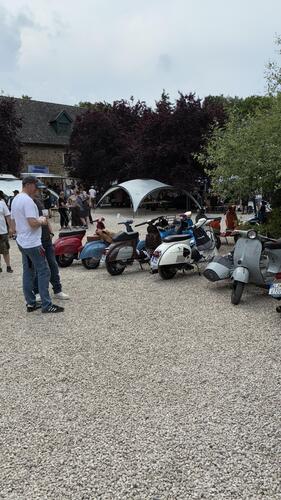
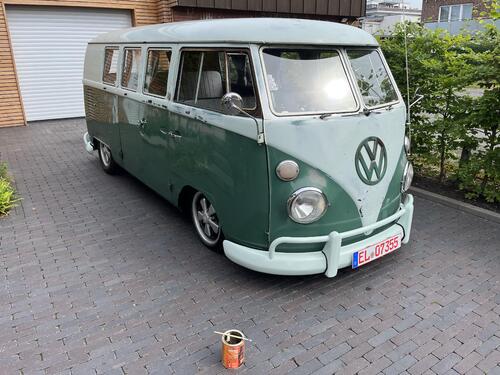
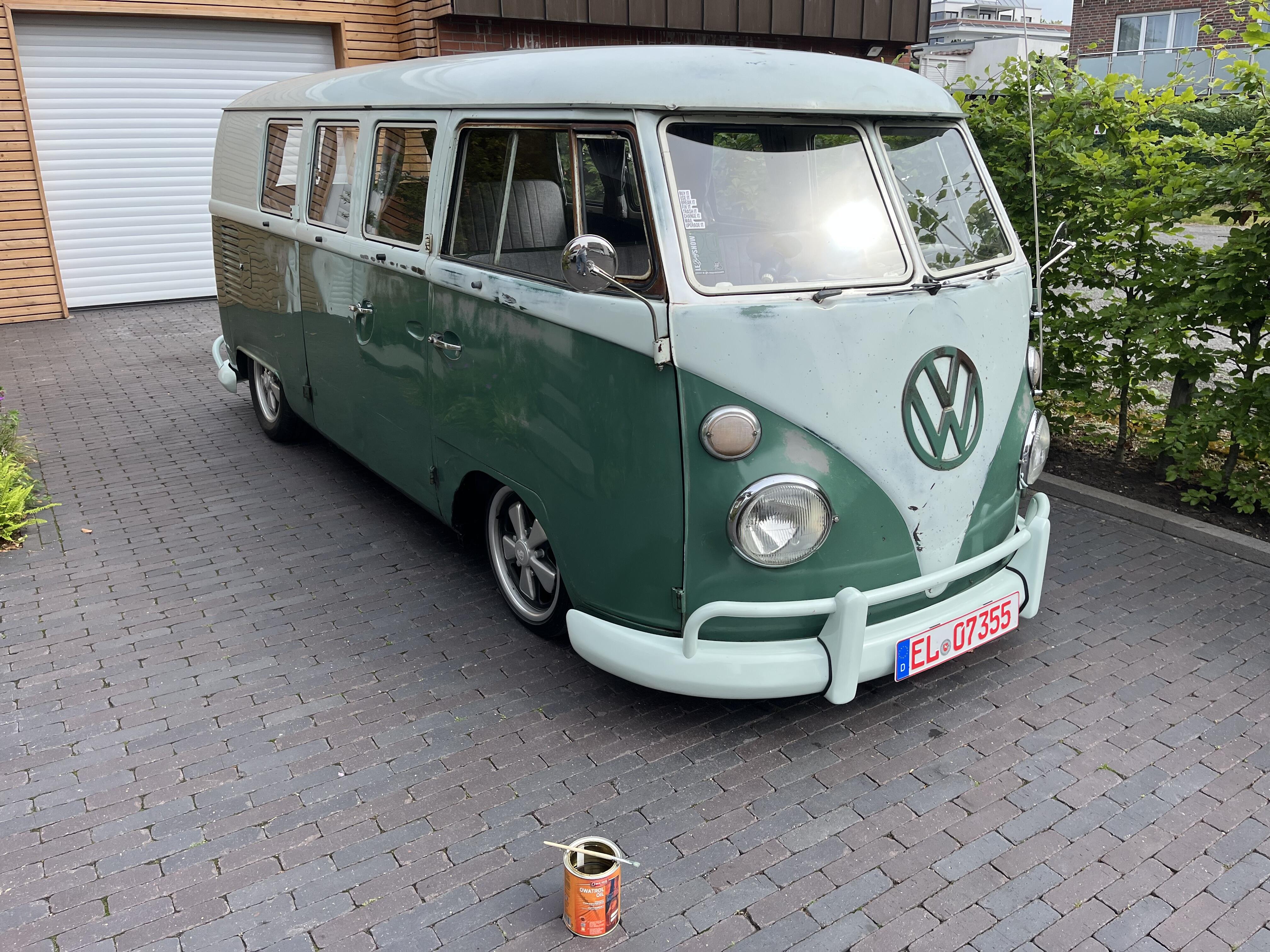
 1 PunktPlastikbox mit diversen unterteilten kleinen Fächern. In die Fächer mit Filzstift die Nadelbezeichnungen reingeschrieben und die jeweilige Nadel in das jeweilige Fach gelegt. Deckel zu, Bier auf.1 Punkt1 Punkt1 PunktSollte ich meinen bereits begonnenen Roman eines Tages fertig stellen, würde ich gerne das Buch mit diesen Satz beginnen lassen. Allerdings benötige ich weiterführende Informationen speziell zu den Schlüsselwörtern "in Dresden", "Sisal-Teppich", "Freundin mit besonderen Vorlieben" und "wunde Knie", da ich in den folgenden Kapiteln literarisch darauf näher eingehen möchte. Damit ich mir das besser vorstellen und im Buch verarbeiten kann: "Wurde während der Vorlieben sächsisch gesprochen?"1 Punkt1 PunktHeute is geil, weil ich endlich meinen 100er auf dem Gravel-Bike geschafft habe. In passabler Zeit. Und das obwohl es gestern geregnet hatte und die Wege dementsprechend schwer zu fahren waren.1 Punkt1 PunktUpdate - diese Projekt lebt wieder auf... Baue den Motor nun für mich selbst...1 PunktEs gibt für den RT ein Booklet mit div. Setups und Empfehlungen was KuWe, Zündung etc. angeht, das liegt dem Kit bei. Evtl. ist das als Download beim SCK hinterlegt. Ich fahre den RT mit Seriennahen Setup mit 25er Dello auf Airbox und Ancilotti Clubman, der läuft unaufgeregt und haltbar. Ich würde aber mittlerweile auf 30er Dello und BGM oder SIP Box gehen, dann hat er mehr Druck für ne längere Übersetzung.1 Punkt1 PunktKann dann wohl hier abgeschlossen werden. Gerne bezahle ich für meine Schweißaufträge, bevor ich einen Prüfer verbrenne. Vor allem für jemanden, der glaubt, die beiden Themenbereich miteinander gegenverrechnen zu können oder gleichzustellen. Merkst aber selber bei all Deinem Erfahrungsschatz und Deinem Szene-KnowHow, dass sich keiner der hier anwesenden Prüfer zum Thema gemeldet hat - oder? Junge, Junge.. Kannst es positiv unter Loyalitat verbuchen, die Du hier erfahren hast. Nur leider nicht zu Deinen Gunsten.1 PunktIn meiner Lis150 mit RT195 werkelt: - 28. Keihin-PWK mit Schaumstofffilter ("Airbox fick dich" und dafür 12,5 Liter-Männertank) - BGM Clubman V4 - BGM-Welle 58/107 - Original-Kupplung mit verstärkten Federn (originalen Kupplungskorb gegen einen besseren getauscht) - 12 Volt-BGM-Zündung auf 19° vor OT - Übersetzung 16/46 statt 15/46 Fährt Vmax ca. 115 km/h und hat 16-17 PS. Man bekommt keine Erektion aufgrund der Fahrleistungen, aber man ist unaufgeregt geil, weil es hält und zuverlässig läuft. Touren und Fahrten zu Runs enden nicht im Graben und auch nicht "hoch auf dem gelben Wagen beim Schwager vorn".1 Punkt1 Punkt…Vaddertags Owatrol Session am Bus beginnt. Ohne das mit einer aufn Sack geht :)
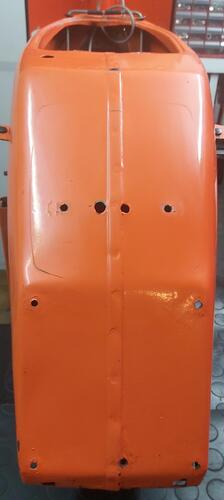
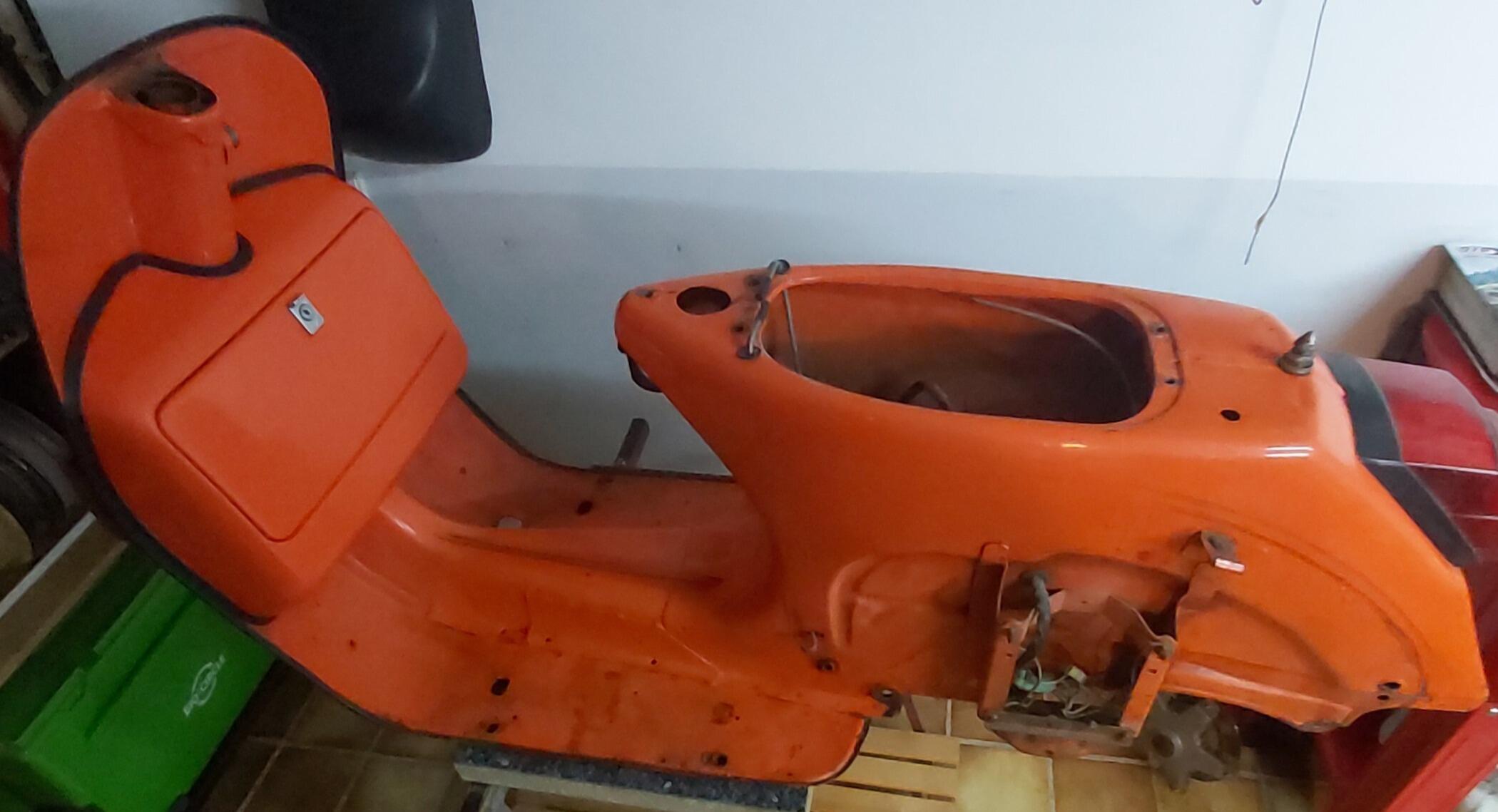
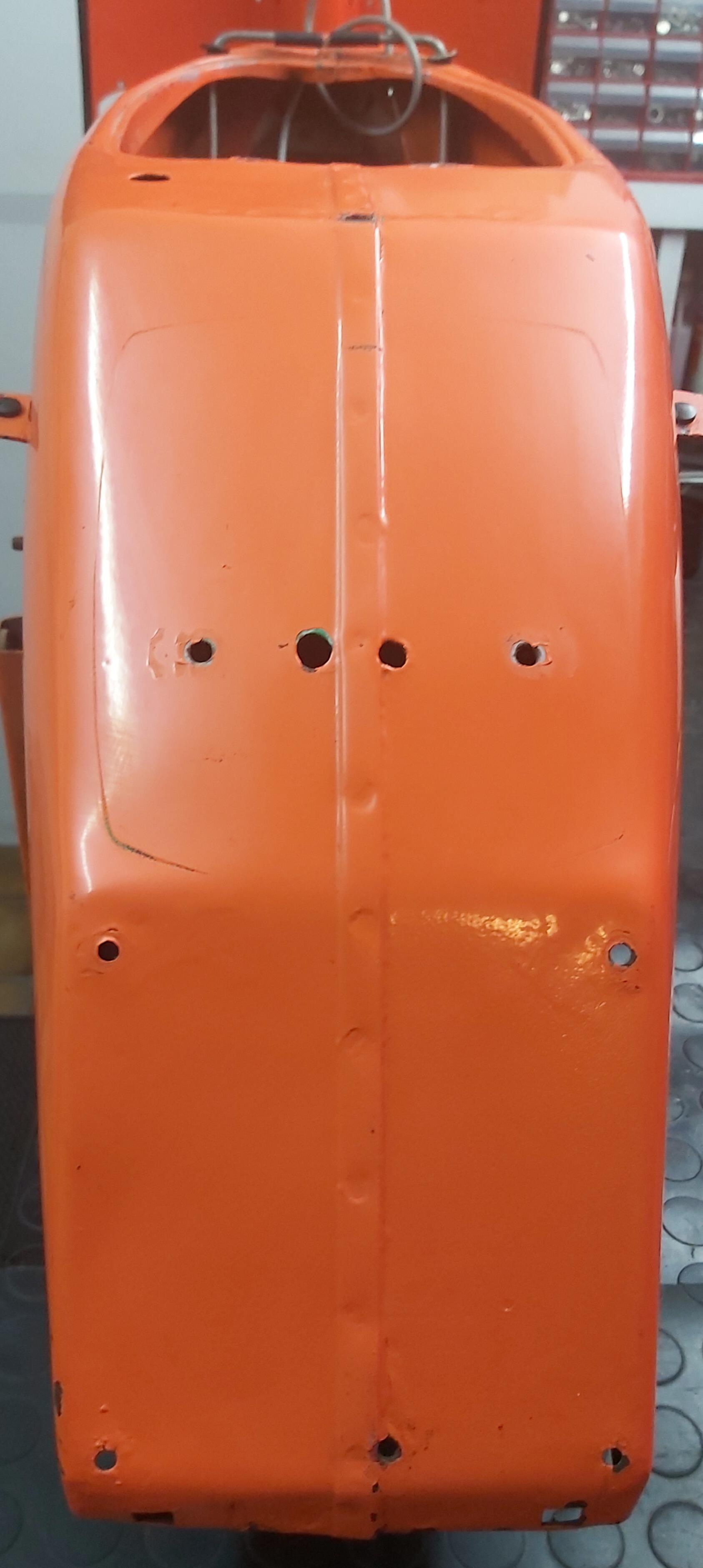
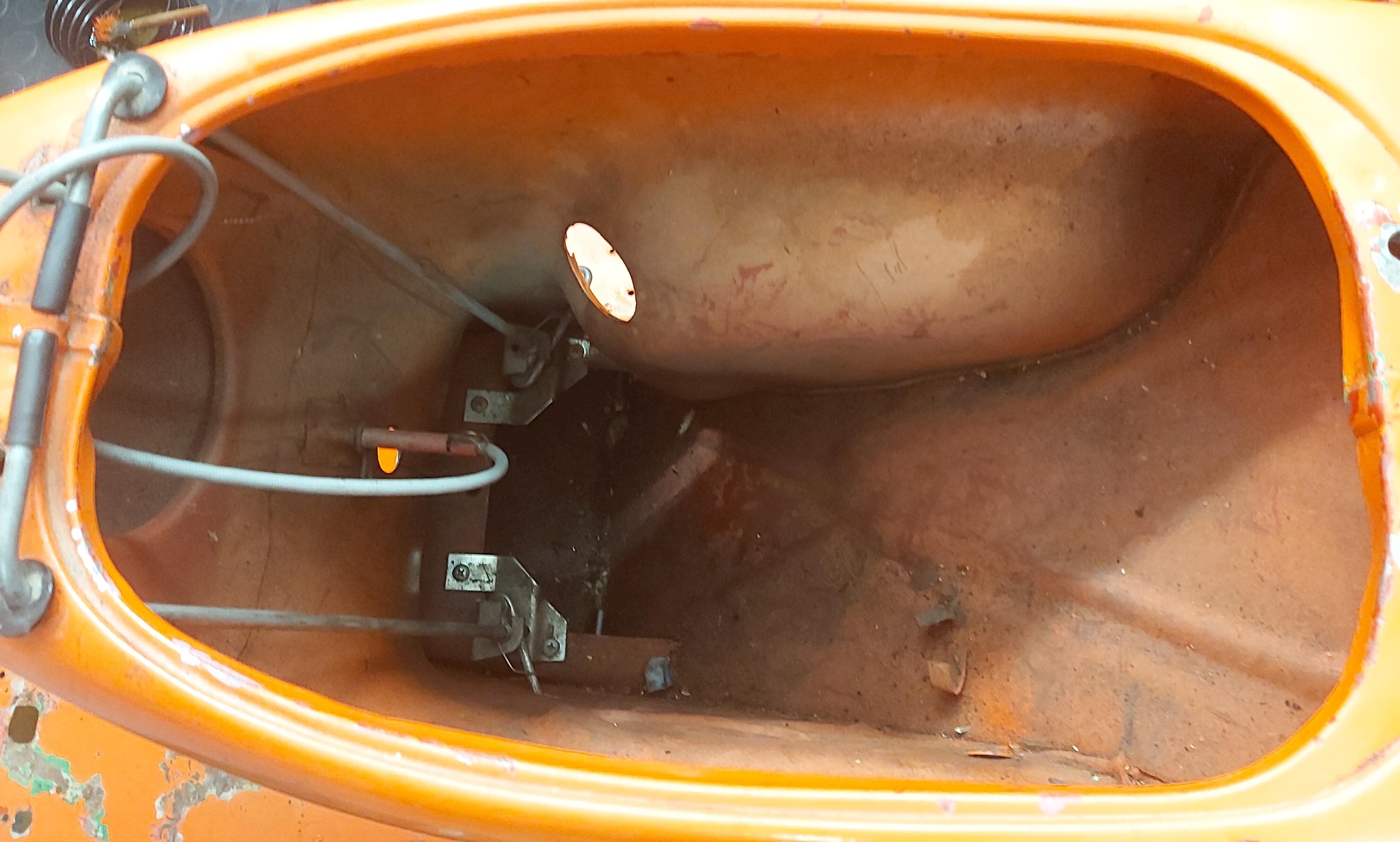
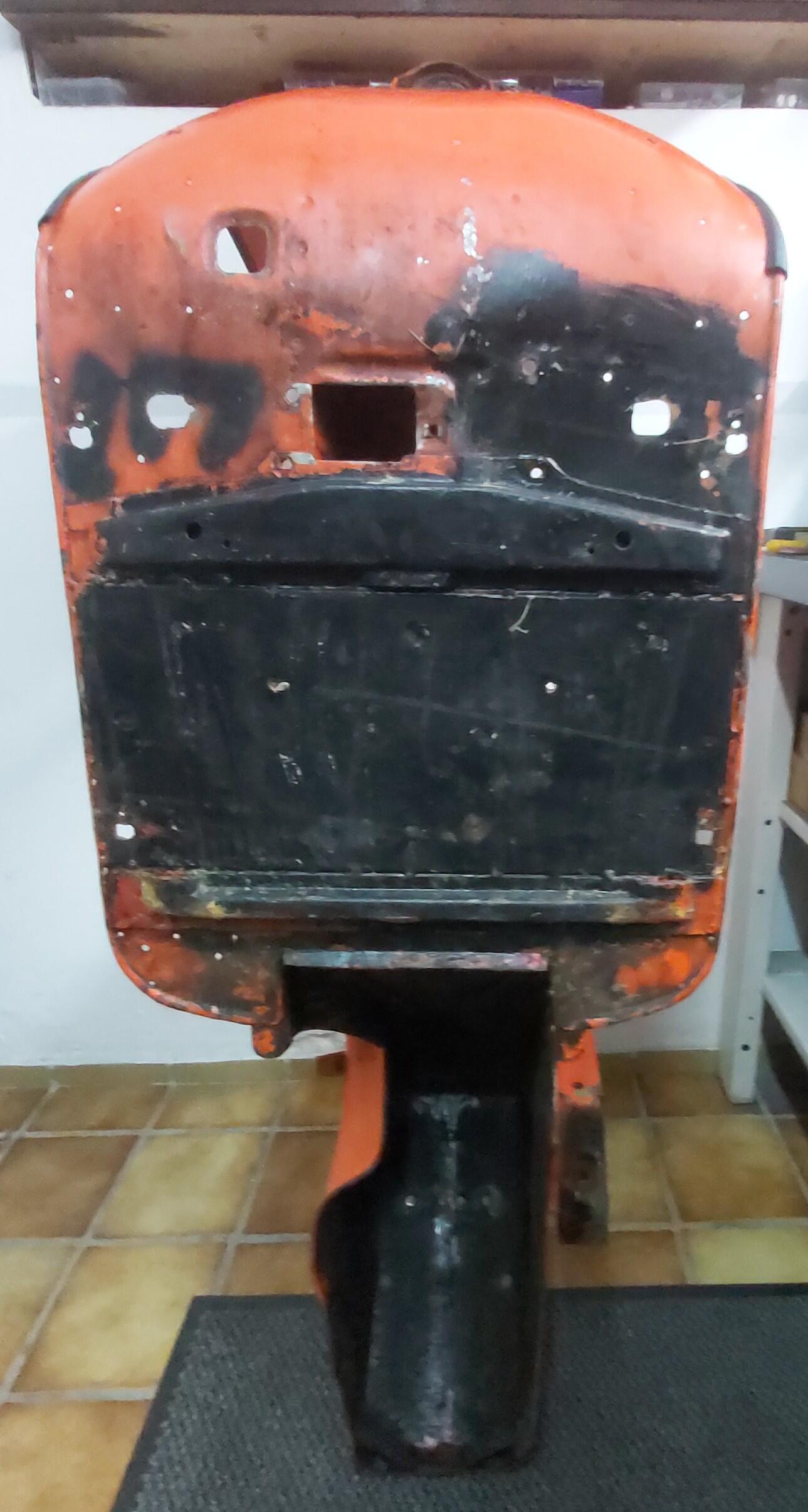
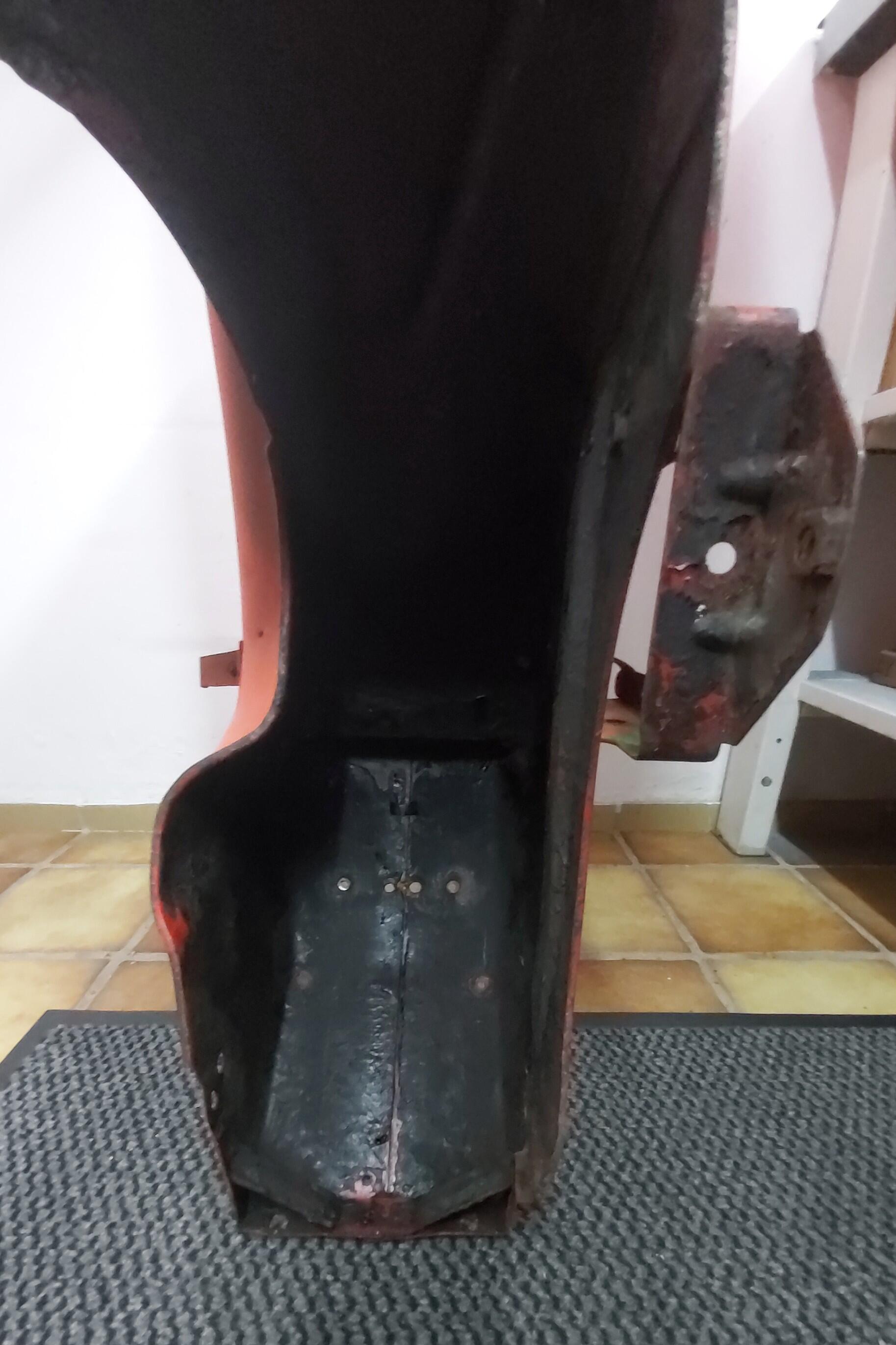
 1 Punkt- jetzt erstmal genauer nach dem Blechzustand geschaut, dabei die alten Züge und die komplette Lusso-Elektrik entsorgt. - verbaut war ein Lusso-Tank m. Geber und ein Alt-Tacho(vermutlich LML) mit Tankanzeige. - der Blechzustand ist erstaunlich gut! die Beiwagenverstärkungen wurden oben und unten verschweisst. - am Rahmen waren T5-Matten u. der Spoiler verbaut = das bleibt, es werden nur die nicht benötigten Bohrungen der Trittleisten verschlossen.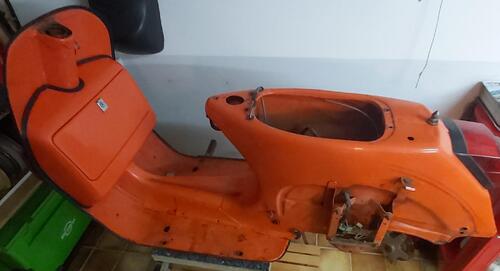
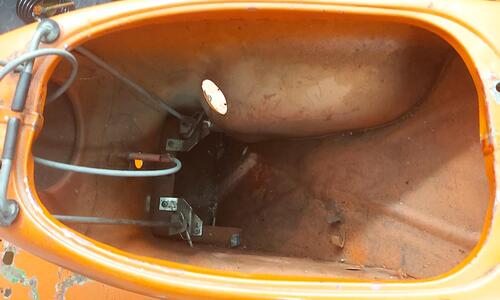
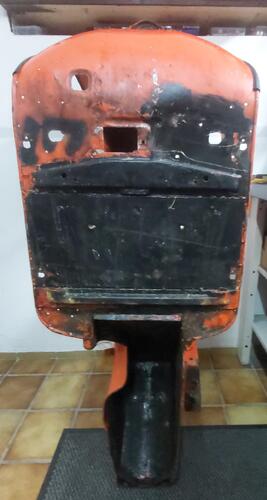
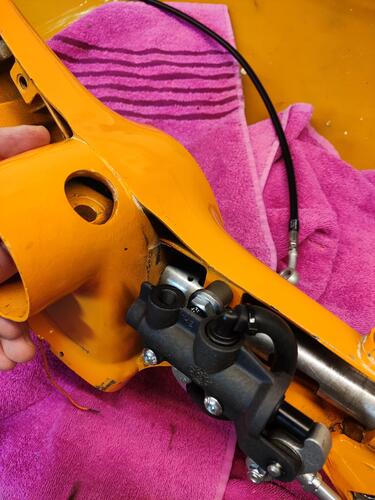
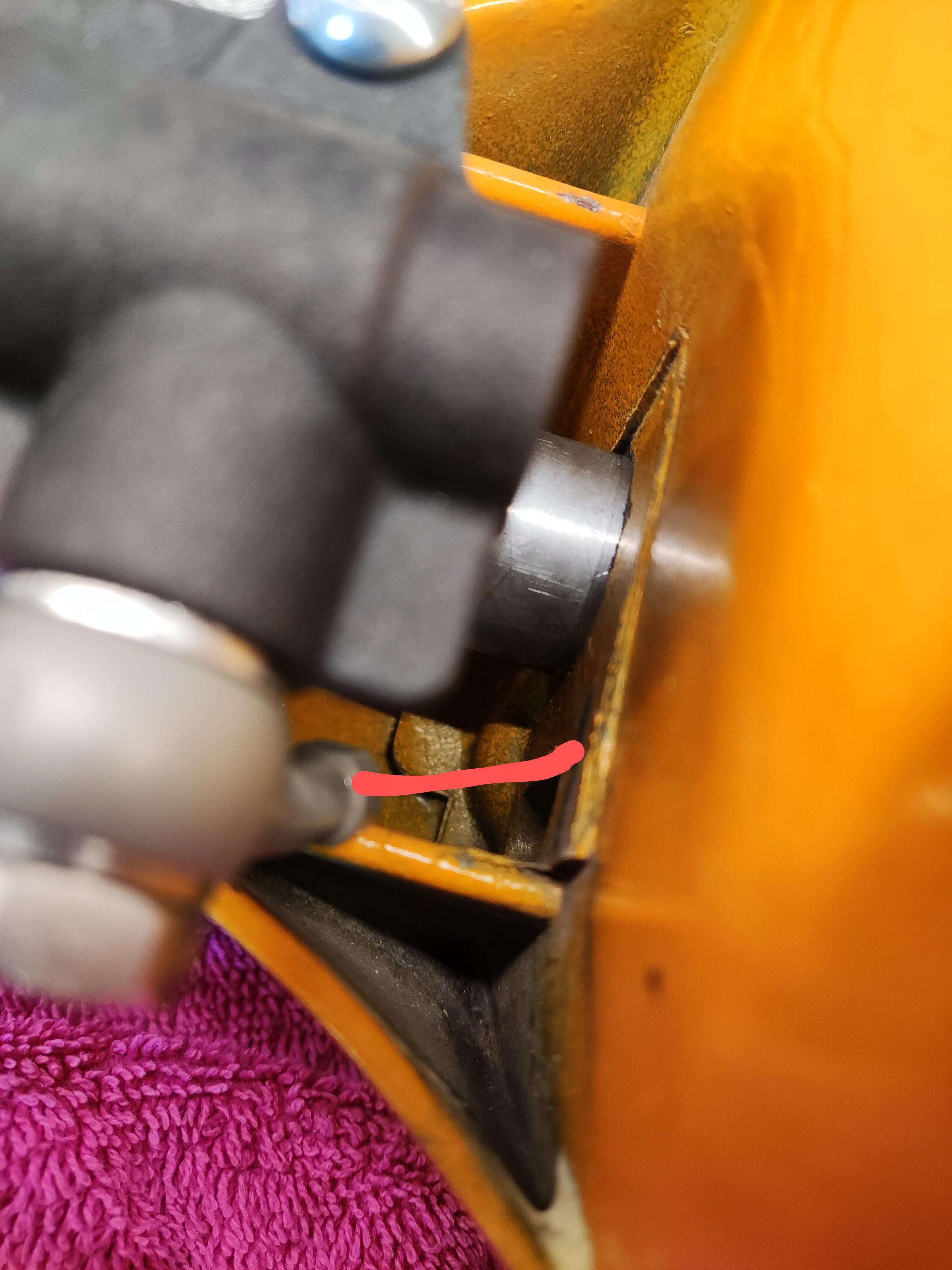
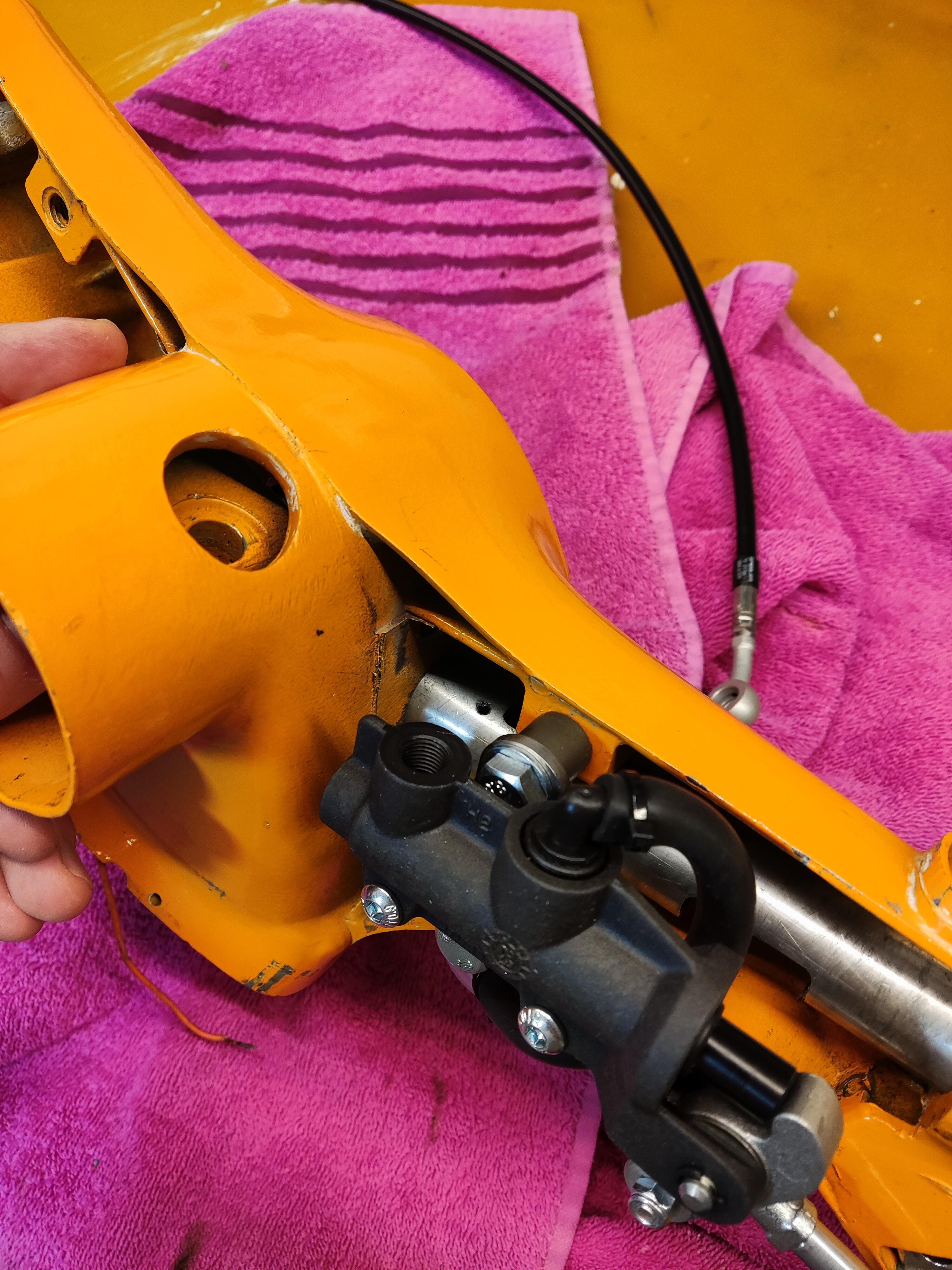
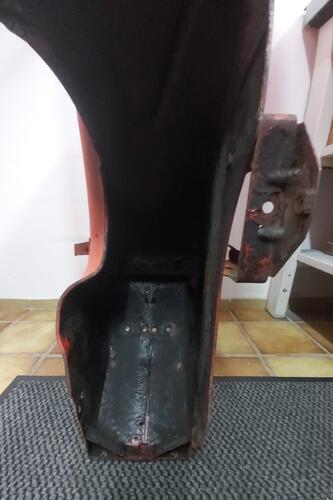 1 Punkt1 PunktDas letzte Foto vom Lagersitz des Kurbelwellenlagers, zeugt von der Qualität der Restauration…1 PunktIch bin dran die Crimaz 2.0 an einen GT160 Trapez Lenkkopf zu montieren. Bevor ich jetzt den großen Fräser auspacken und den Crimaz Halter modifiziere, nochmal ne Rückfrage: man geht mit der Kombi definitiv mit nem 20 Grad Banjo durch das originale gegossene Loch im Lenkkopf? Siehe Foto mit rotem Strich. Kann mir noch nicht recht vorstellen wie es dann innen am Muscheltacho vorbeikommen soll. Danke vorab!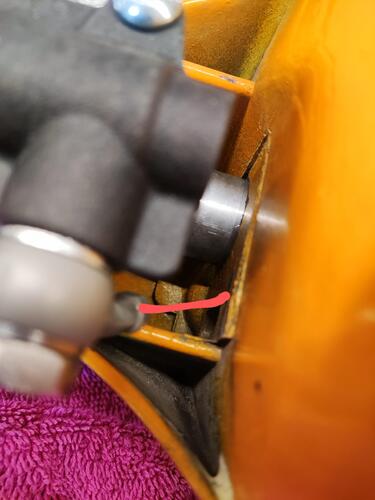
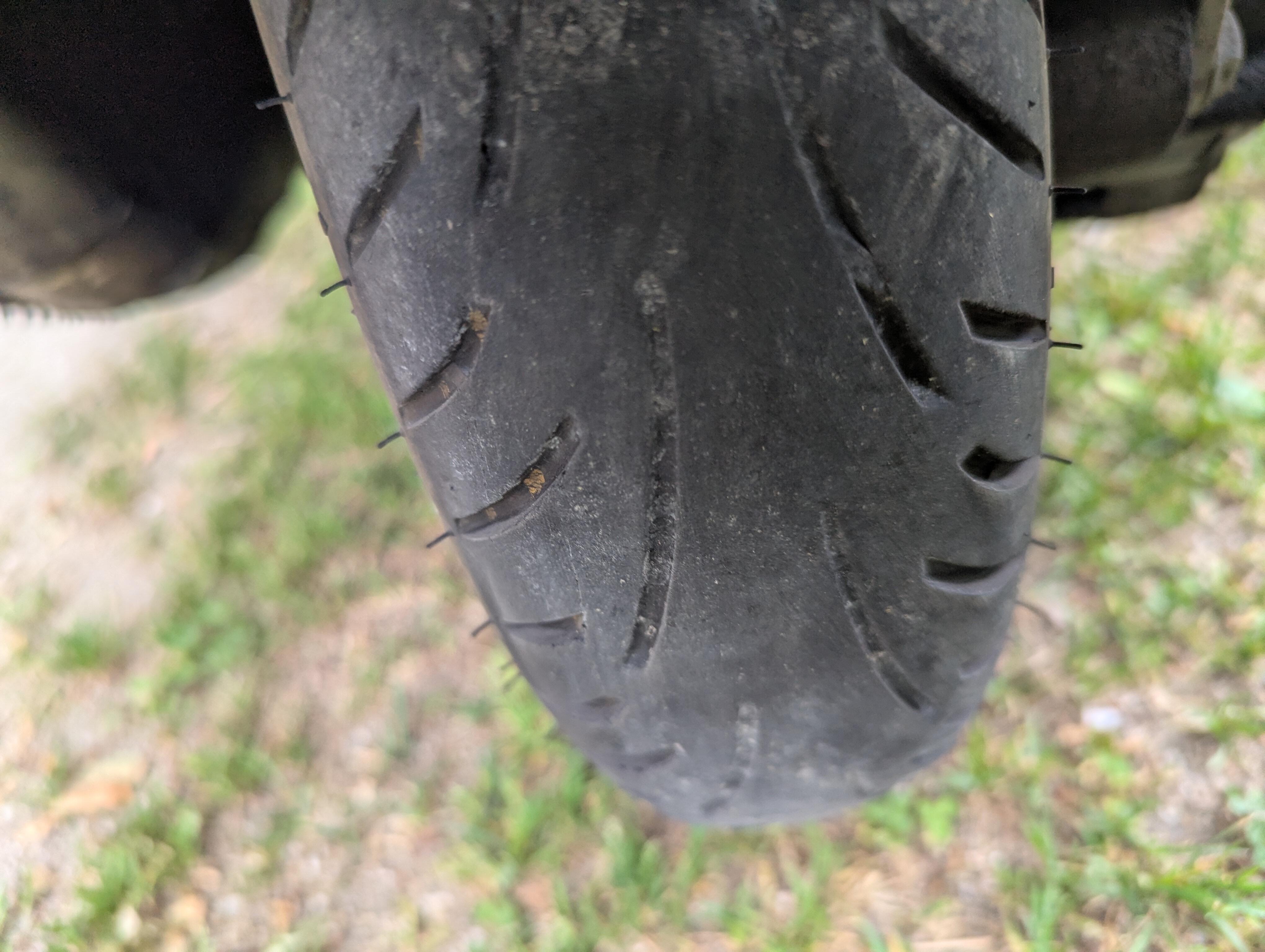
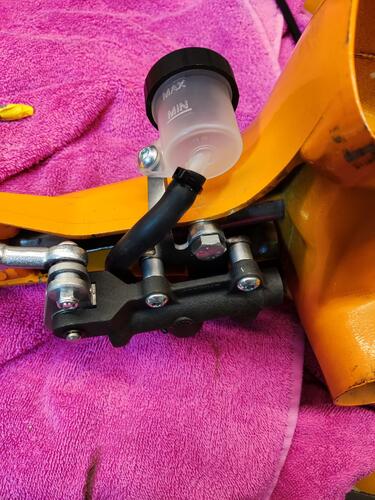 1 Punkt1 Punkt1 Punkt1 PunktWoran machst du das fest? Jede mänge Dichtfläche und 8 Fach Verschraubung ist ja nicht gerade schlecht. Ich würde sagen, wer es schafft den undicht zu bekommen macht was grob fahrlässig falsch1 Punkt1 PunktHatte das selbe Problem mit lockerem Glas schon mehrmals bei verschiedensten Rollern. Aber zum Glück hatte ich das Glas immer noch vorher halten können und dann bis nach Hause mit Isolierband befestigt. Habe dafür schon mal auf einem Run (Vignetten Run vom Spice) den Pokal "Best Scheinwerferbefestigung" erhalten! Das weiße Kleb-/Dicht-/Irgendwas schrumpft anscheinend mit der Zeit ein wenig zusammen (UV-Licht oder flüchtige Weichmacher, ...)! Einfach das weiße Zeugs entfernen (Schraubenzieher ist dafür ausreichend) und mit Silikon neu verkleben. Hält bis dato bei allen meinen Rollern super. Für dich ist das ja leider keine Hilfe mehr, sorry. Ich hoffe andere Leser können damit ihr Scheinwerferglas retten. Aber als Trost: Der Klarglasscheinwerfer macht irre viel Licht. Da kann man(n) statt das Geld für irgendwelchen Tuning-Schnick-Schnack auszugeben mal auch was für seine Sicherheit aus dem Geldbörserl opfern. Gerald N.S.: Original fährts sich ja auch ganz gut. Außerdem gibts ja noch Original-Tuning!1 Punkt
Wichtige Information
Diese Website nutzt Cookies und vergleichbare Funktionen zur Verarbeitung von Endgeräteinformationen und personenbezogenen Daten. Die Verarbeitung dient der Einbindung von Inhalten, externen Diensten und Elementen Dritter. Je nach Funktion werden dabei Daten an Dritte weitergegeben. Einige dieser Verfahren sind technisch unerlässlich, andere kommen nur mit Ihrer Zustimmung zum Einsatz, eine Anpassung ist in den die Cookie-Einstellungen möglich. Für Details siehe die Datenschutzerklärung




.jpg.c0e29fec7f3d3b36c092e1dc1a66cf94.jpg)











.thumb.JPG.e55add5121b30b235c43d5406f46baa6.JPG)
Account
Navigation
Suche
Configure browser push notifications
Chrome (Android)
- Tap the lock icon next to the address bar.
- Tap Permissions → Notifications.
- Adjust your preference.
Chrome (Desktop)
- Click the padlock icon in the address bar.
- Select Site settings.
- Find Notifications and adjust your preference.
Safari (iOS 16.4+)
- Ensure the site is installed via Add to Home Screen.
- Open Settings App → Notifications.
- Find your app name and adjust your preference.
Safari (macOS)
- Go to Safari → Preferences.
- Click the Websites tab.
- Select Notifications in the sidebar.
- Find this website and adjust your preference.
Edge (Android)
- Tap the lock icon next to the address bar.
- Tap Permissions.
- Find Notifications and adjust your preference.
Edge (Desktop)
- Click the padlock icon in the address bar.
- Click Permissions for this site.
- Find Notifications and adjust your preference.
Firefox (Android)
- Go to Settings → Site permissions.
- Tap Notifications.
- Find this site in the list and adjust your preference.
Firefox (Desktop)
- Open Firefox Settings.
- Search for Notifications.
- Find this site in the list and adjust your preference.