
Rangliste
-
dorkisbored
Globaler Moderator26Punkte27.284Gesamte Inhalte -
ludy1980
Members23Punkte11.478Gesamte Inhalte -
weissbierjojo
Members22Punkte7.298Gesamte Inhalte -
Humma Kavula
Globaler Moderator21Punkte10.072Gesamte Inhalte

Beliebte Inhalte
Inhalte mit der höchsten Reputation seit 13.07.2026 in Beiträge anzeigen
-
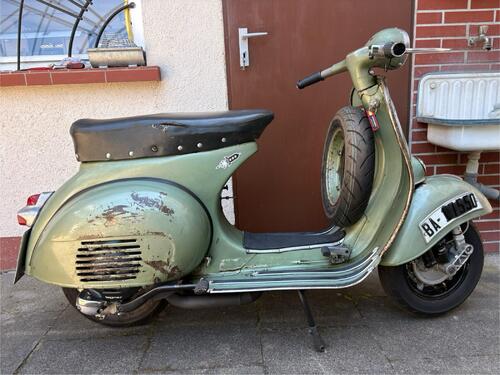
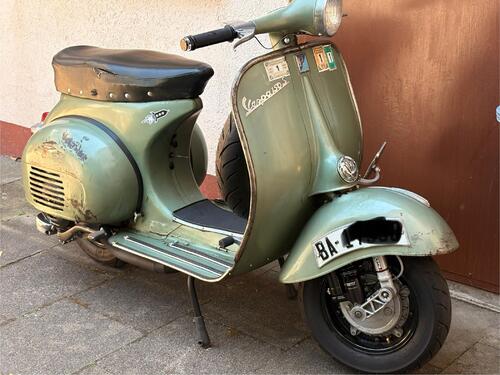
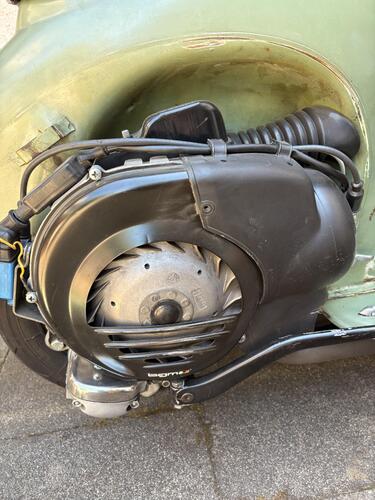
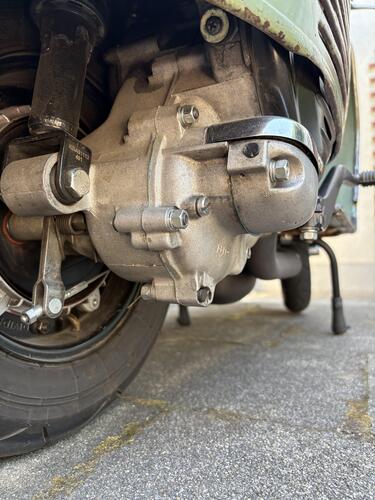
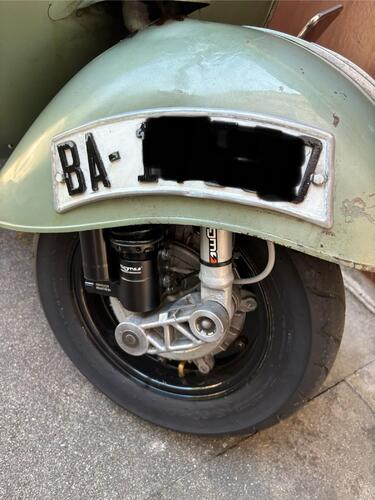
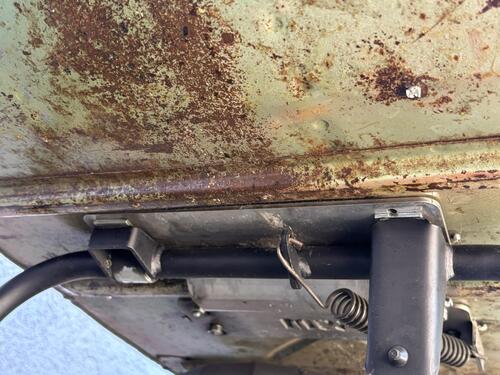
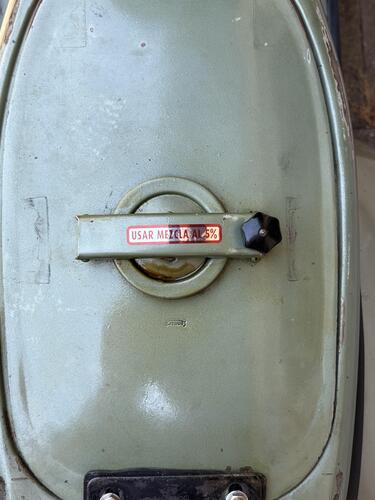
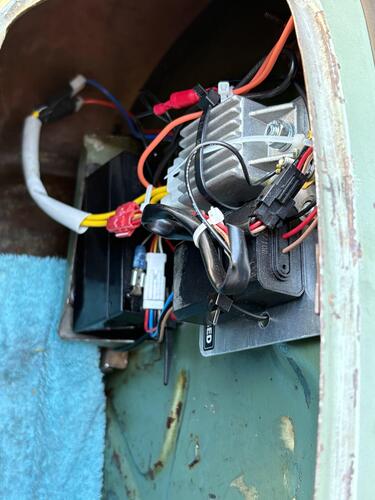
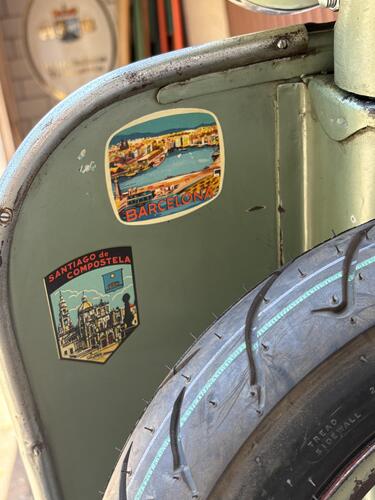
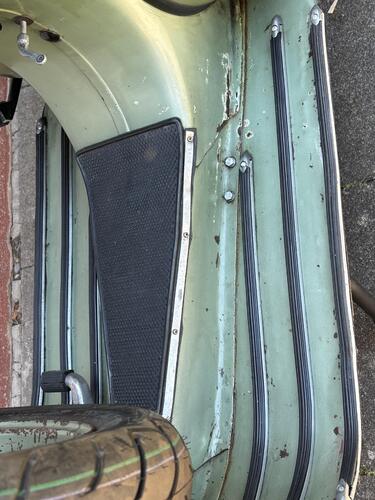
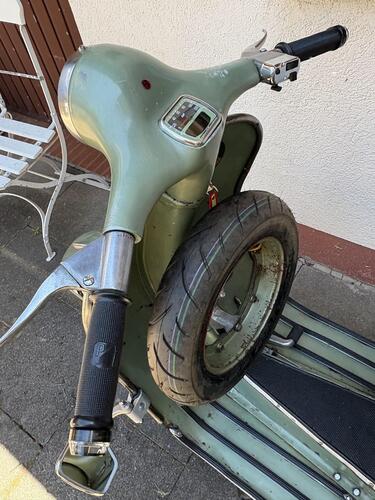
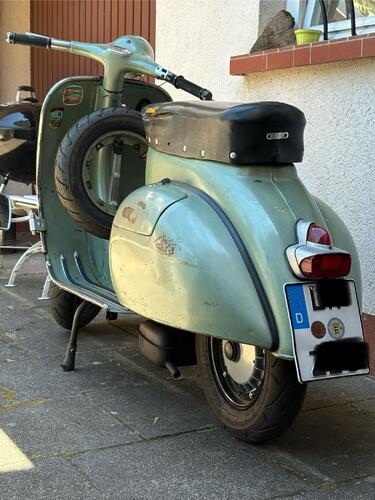
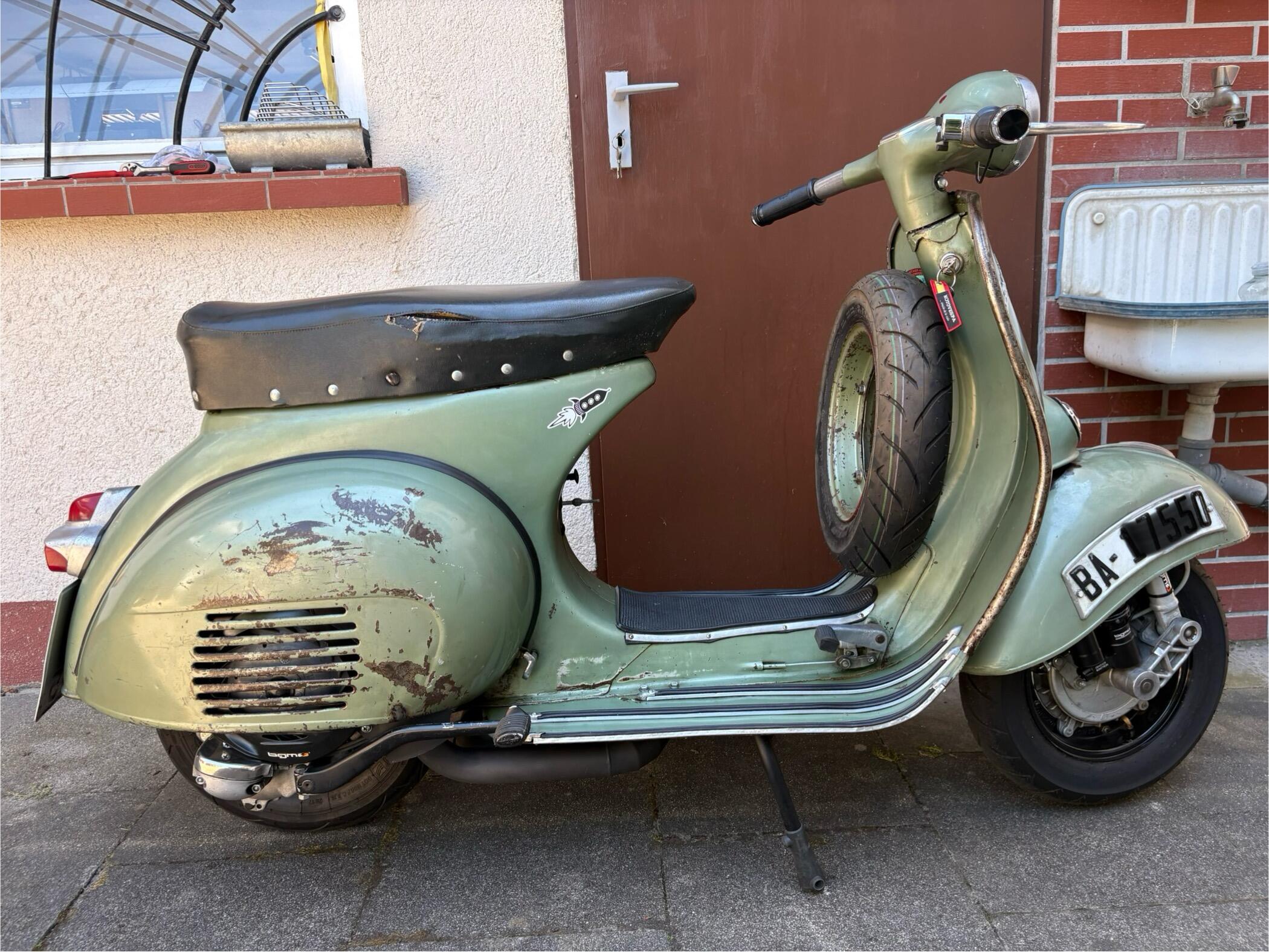
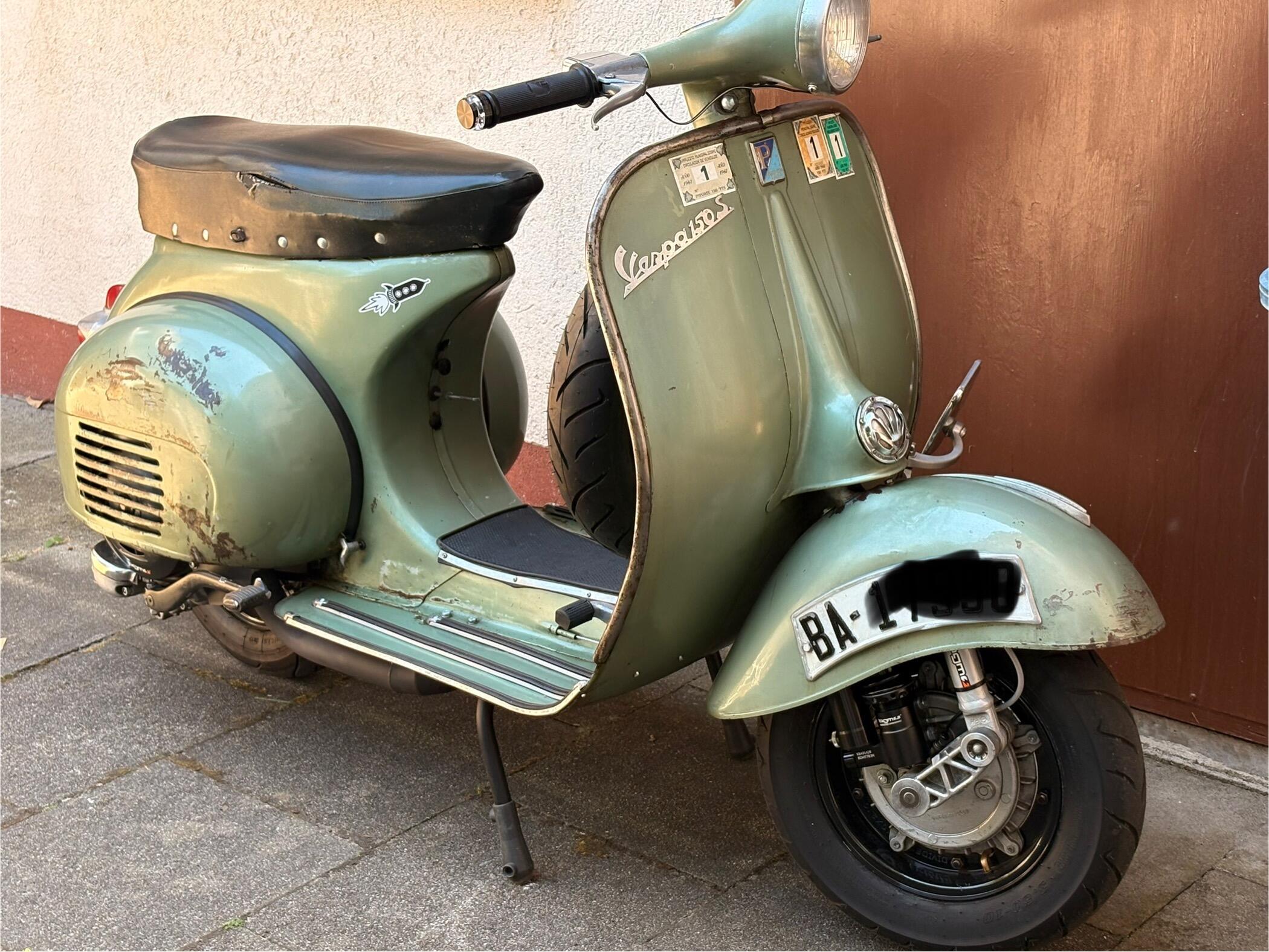
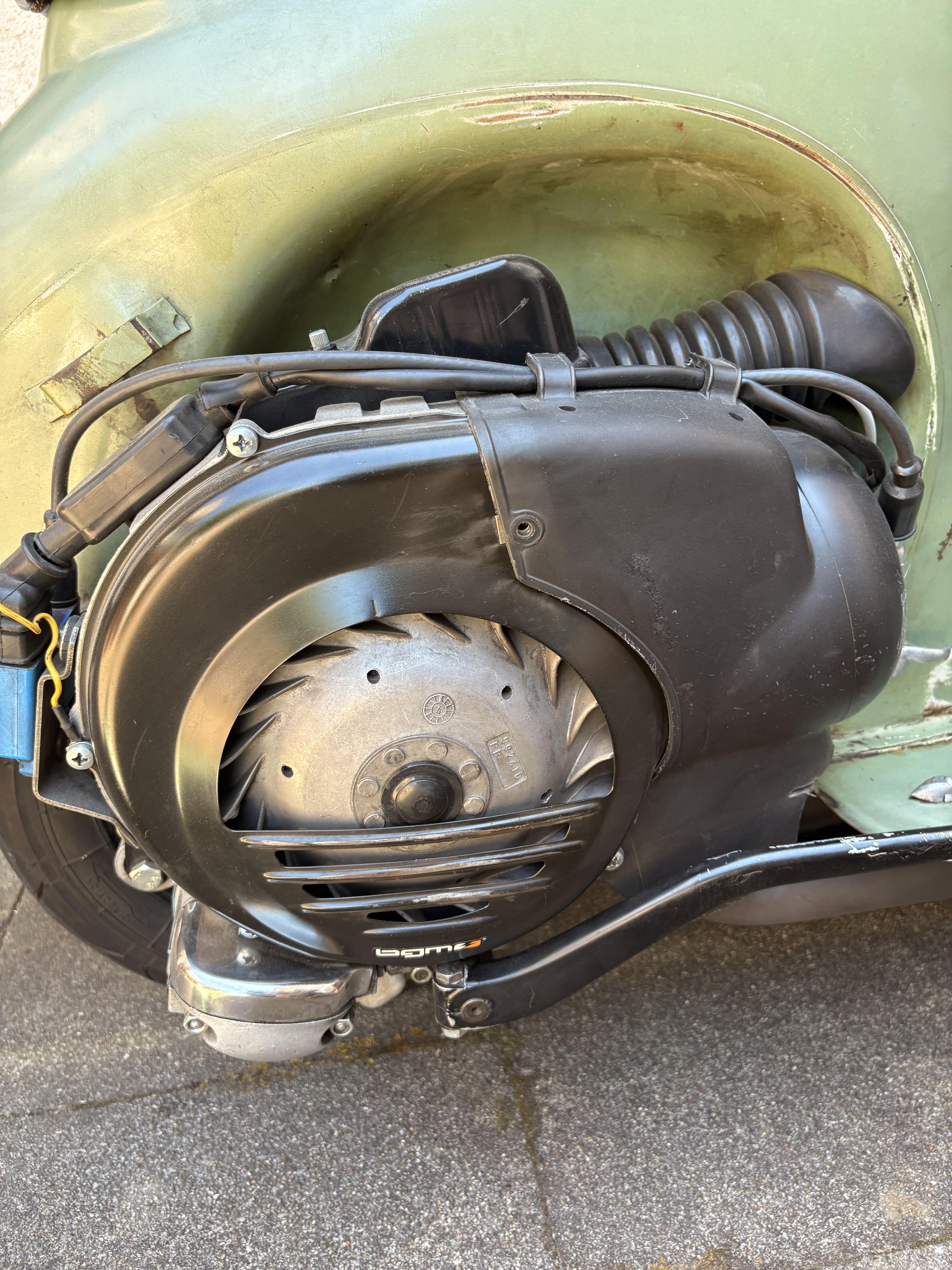
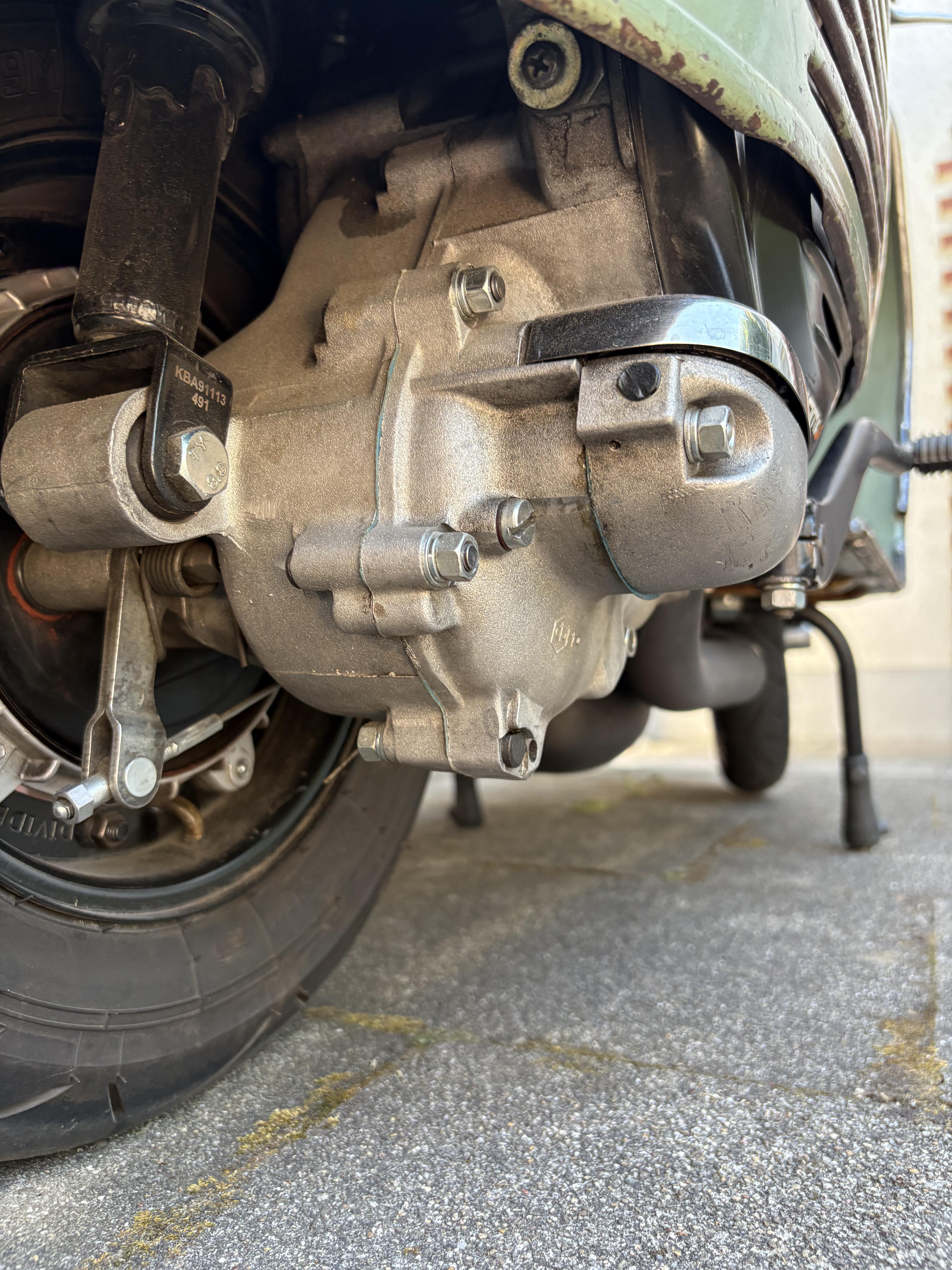
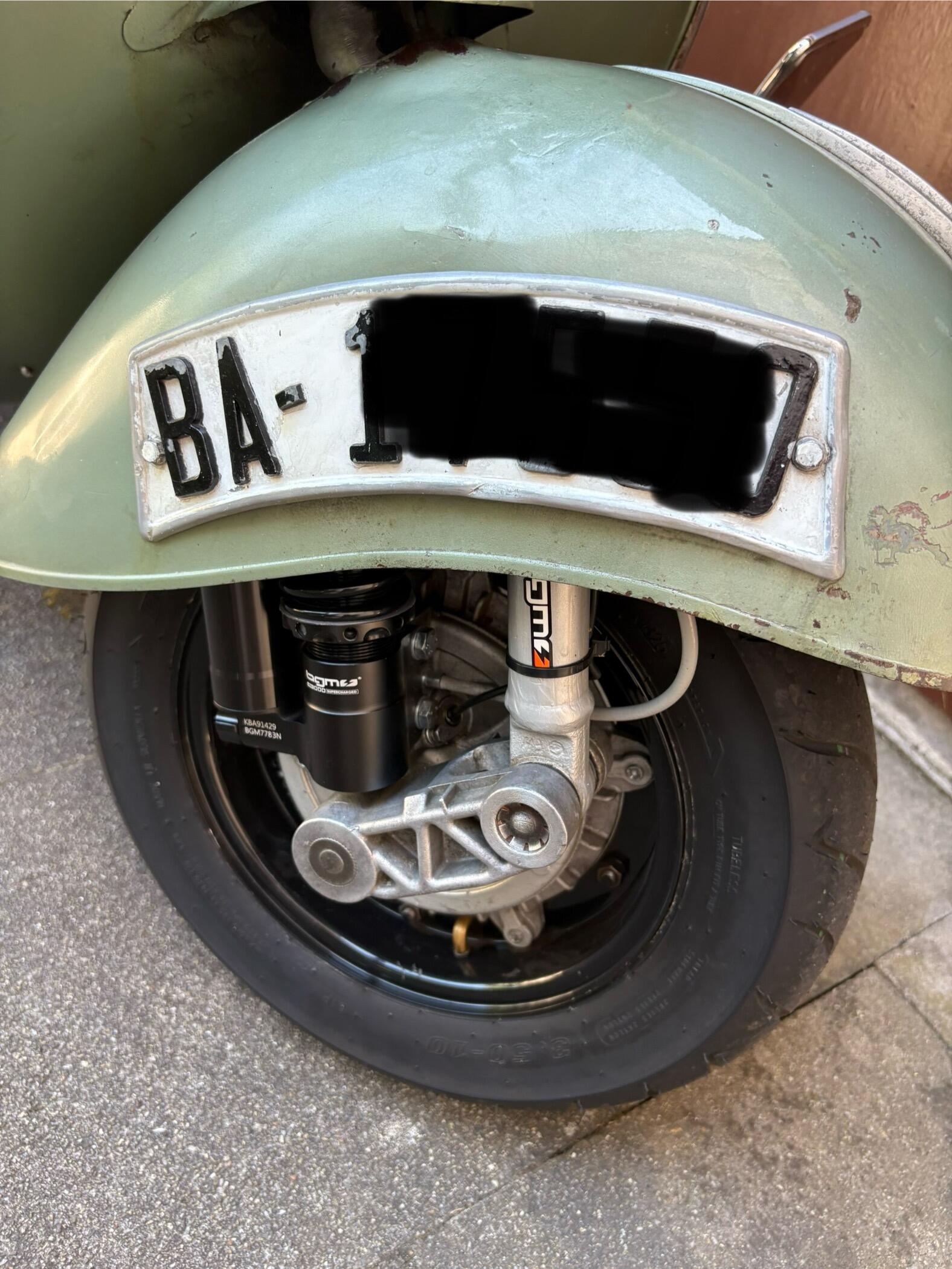
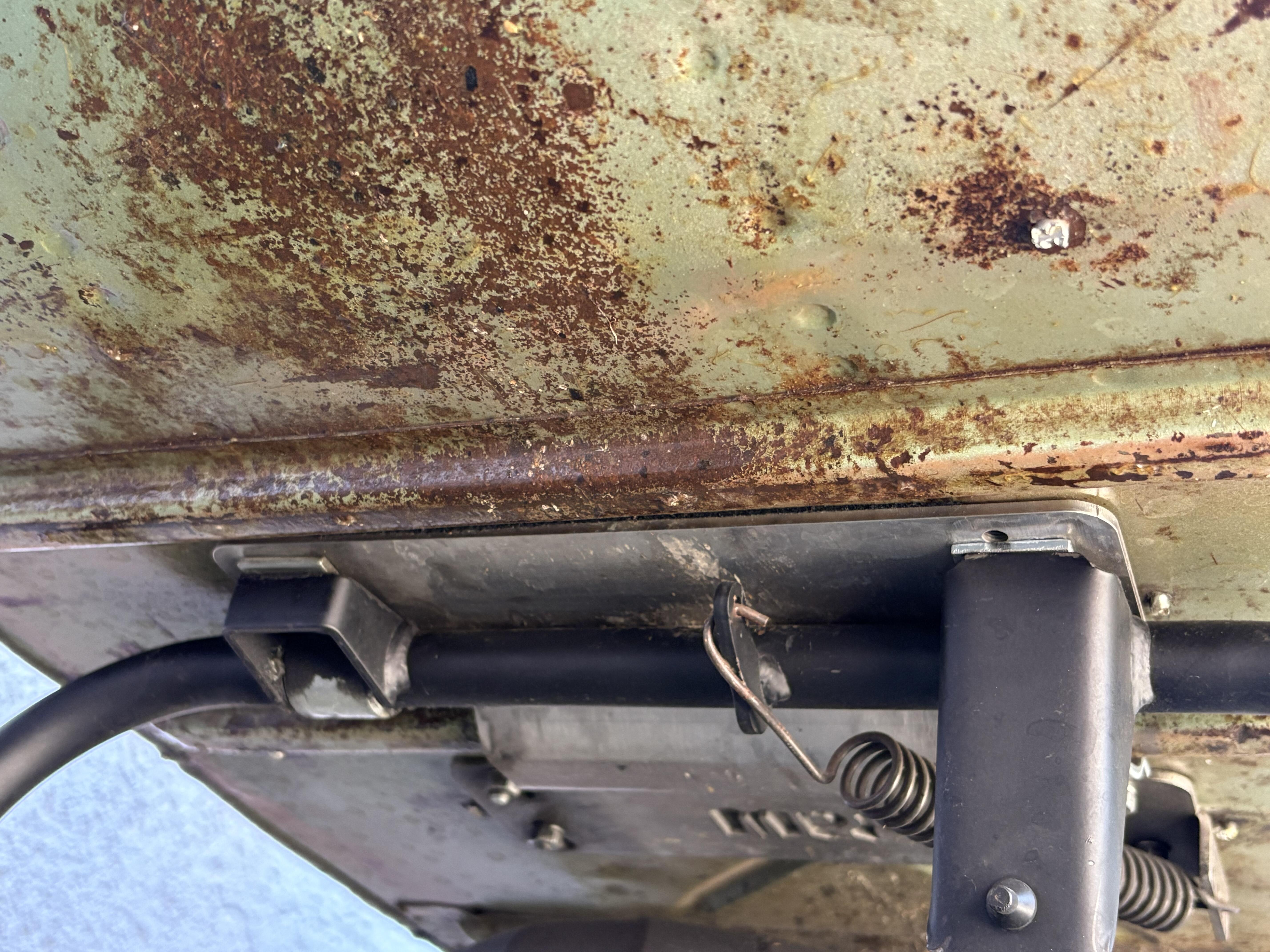
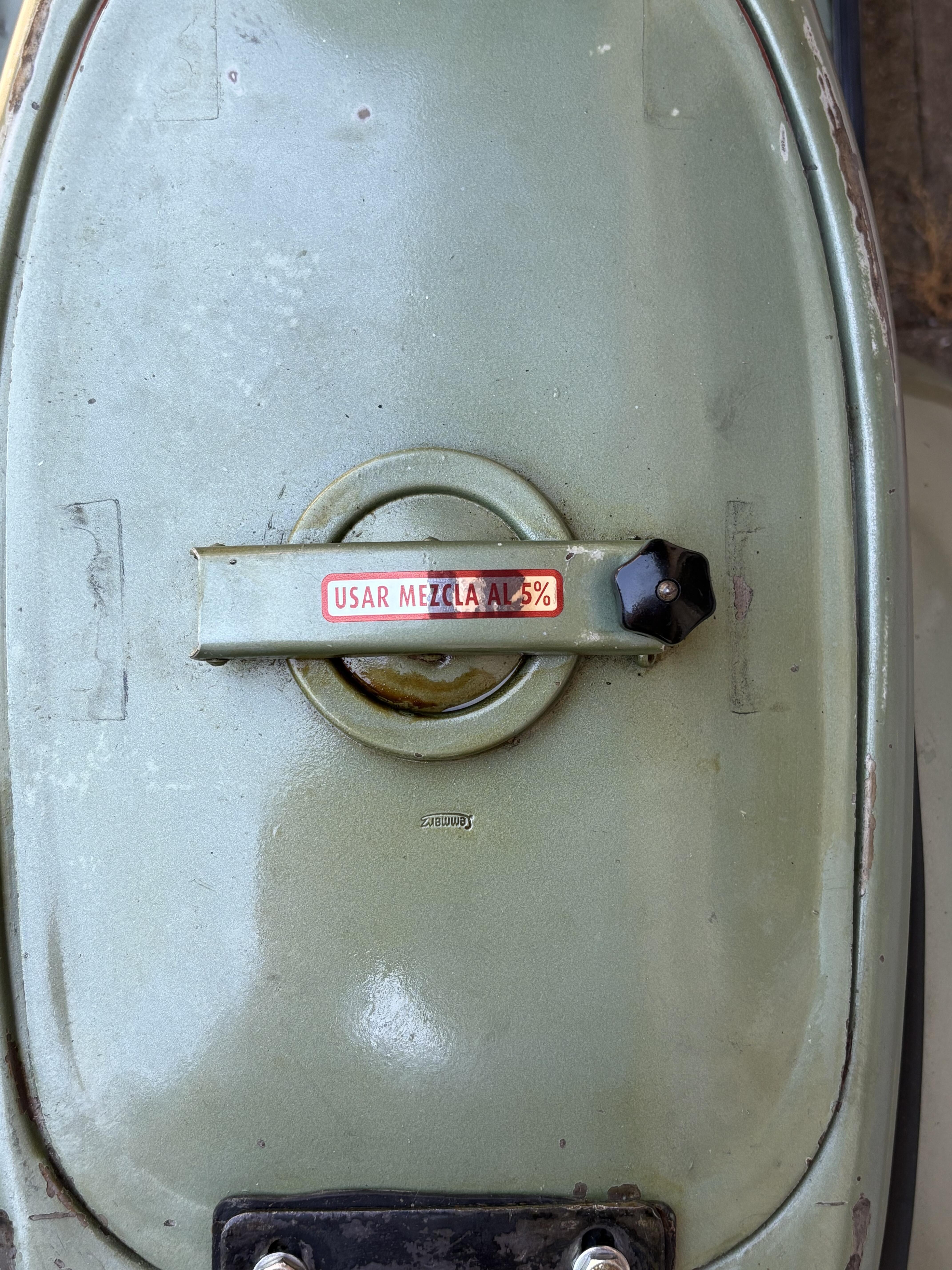
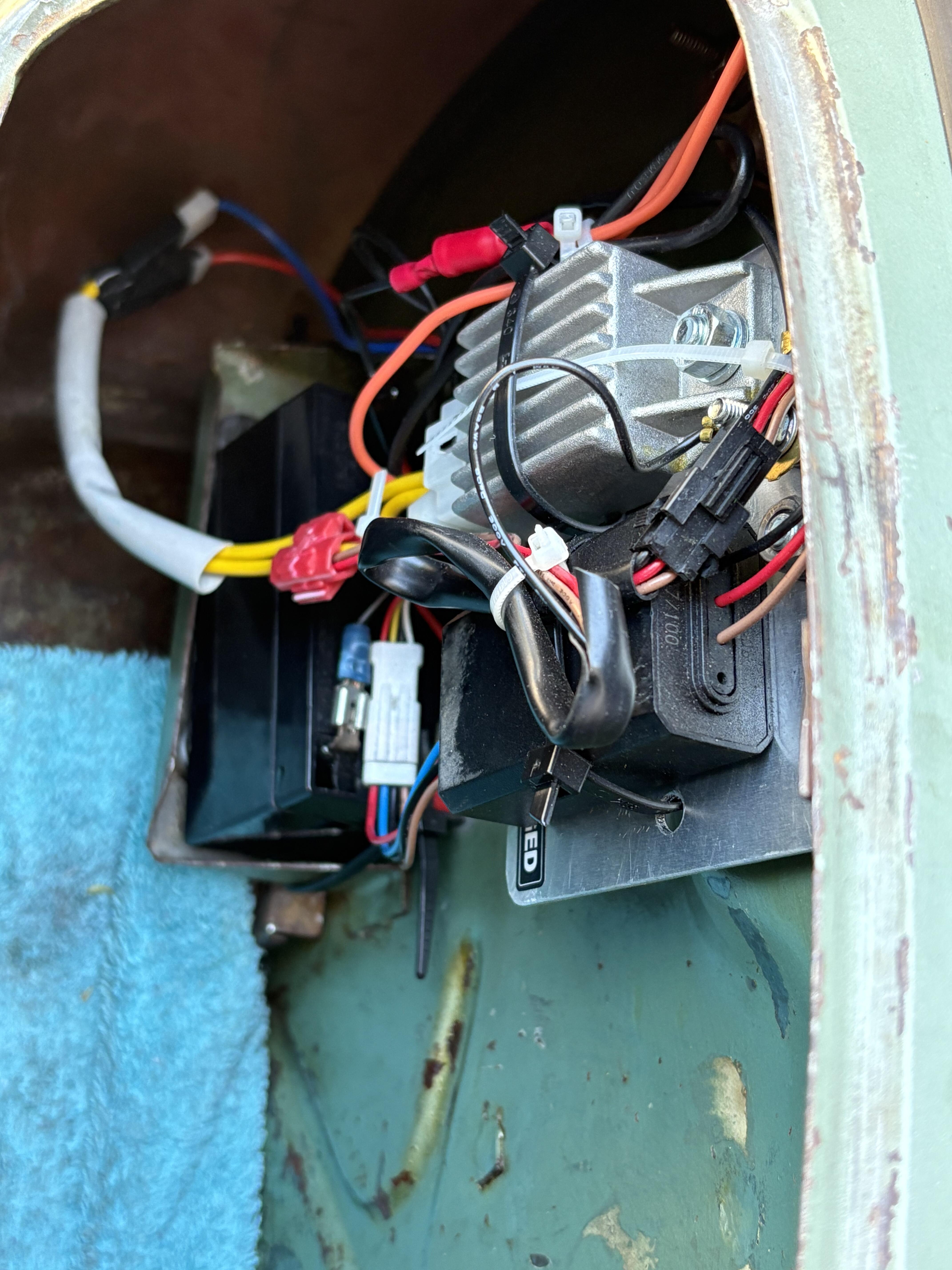
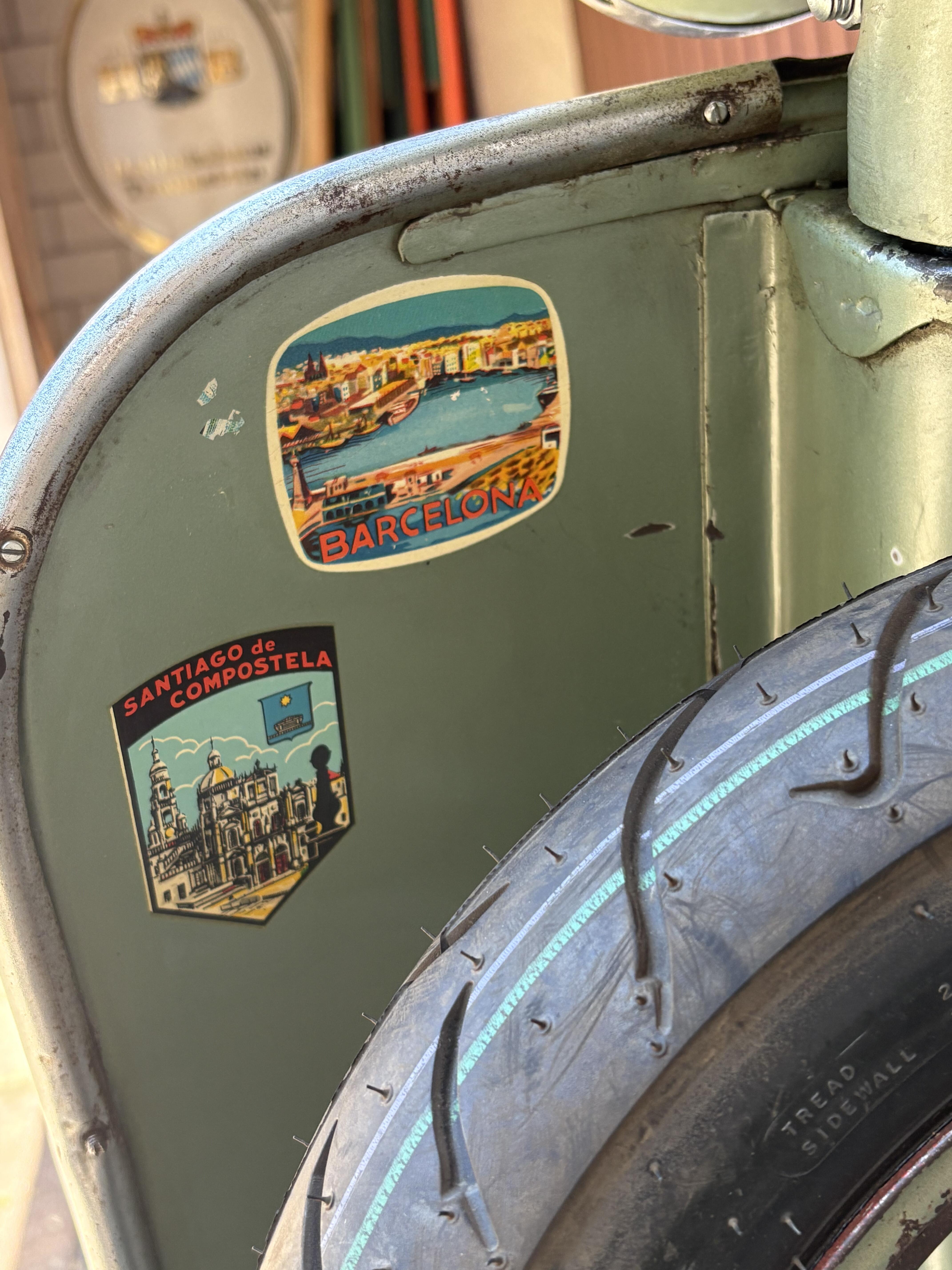
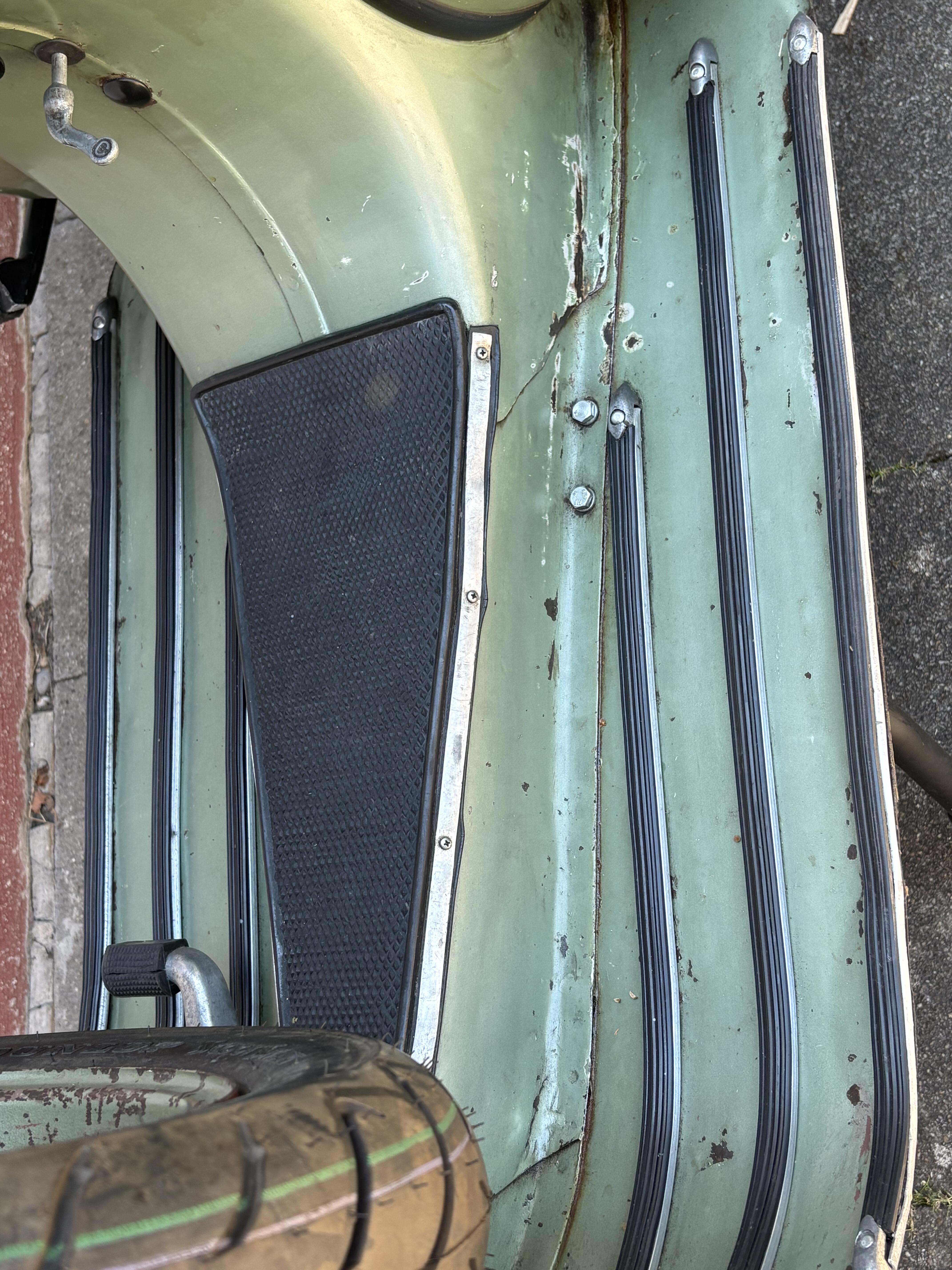
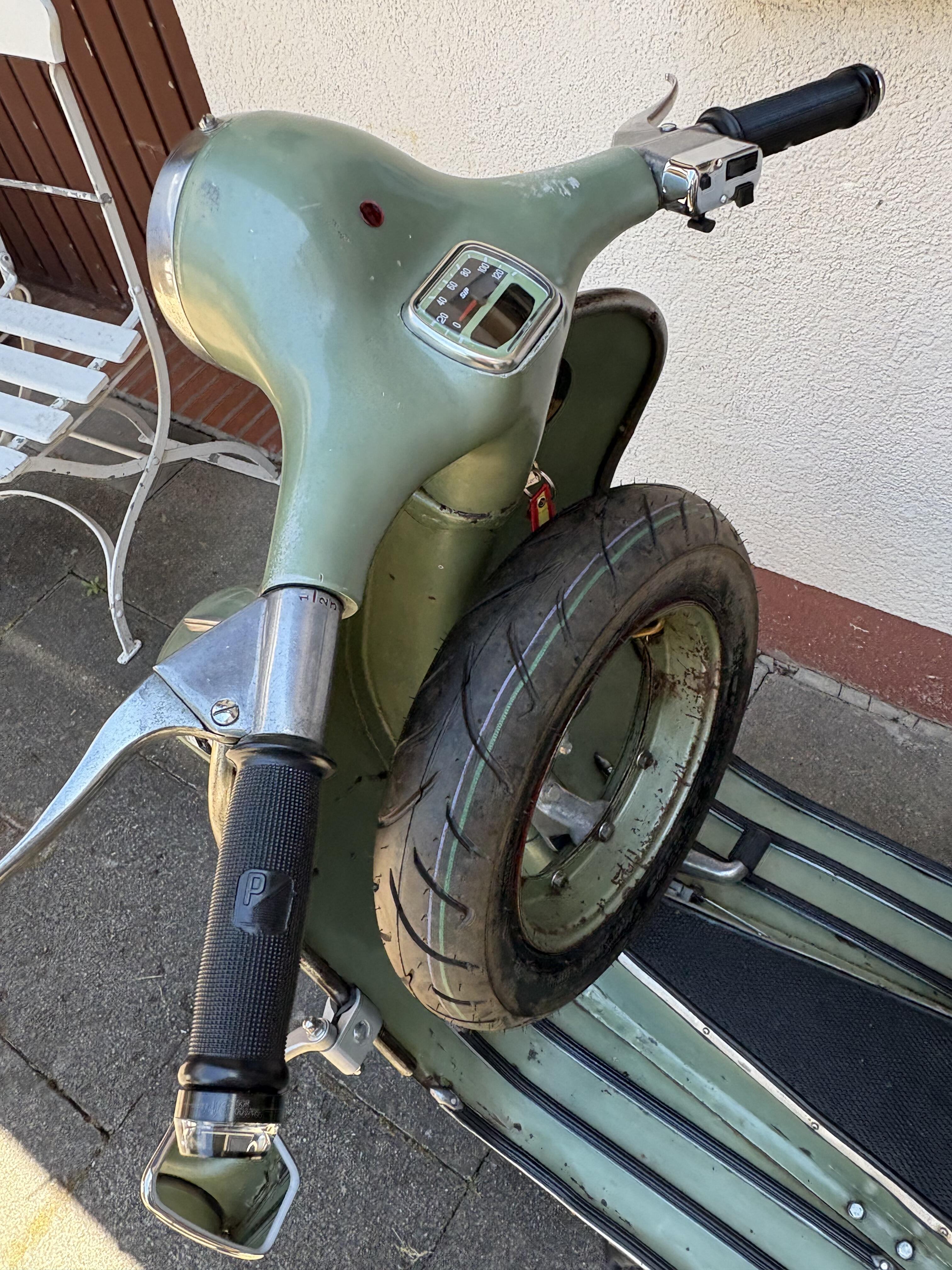
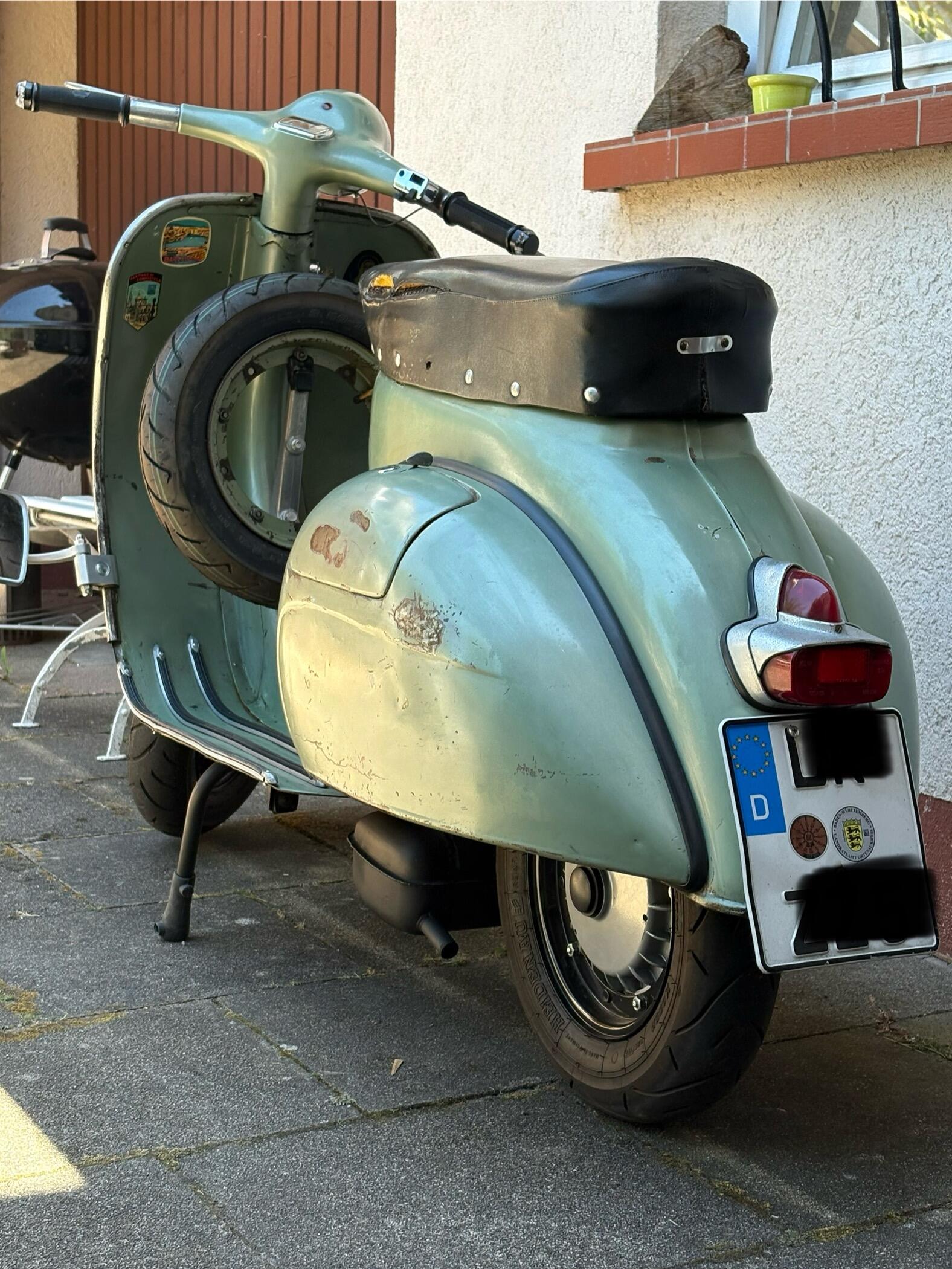
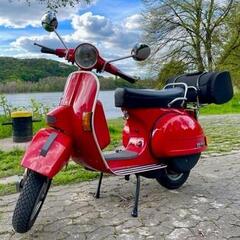
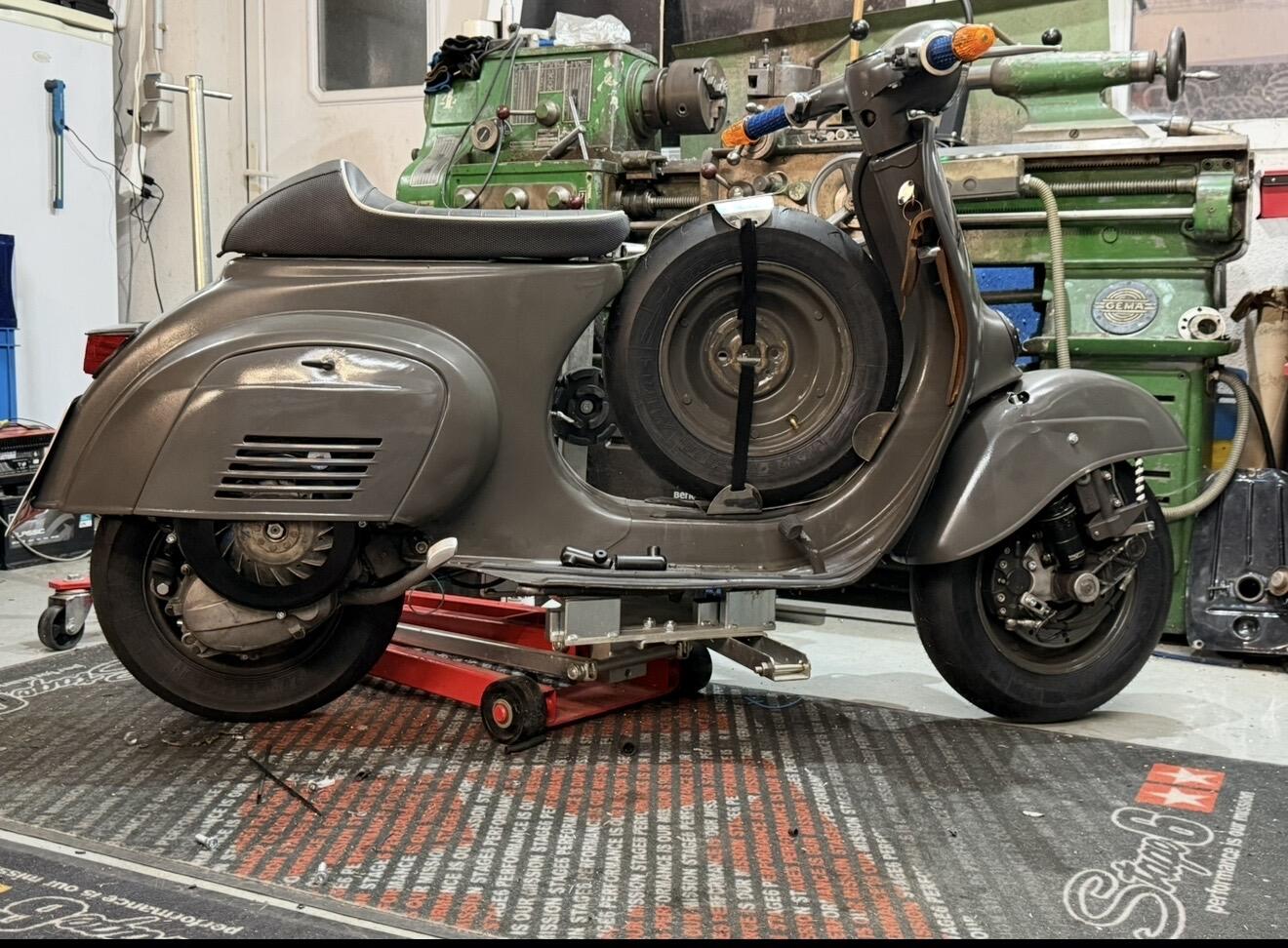
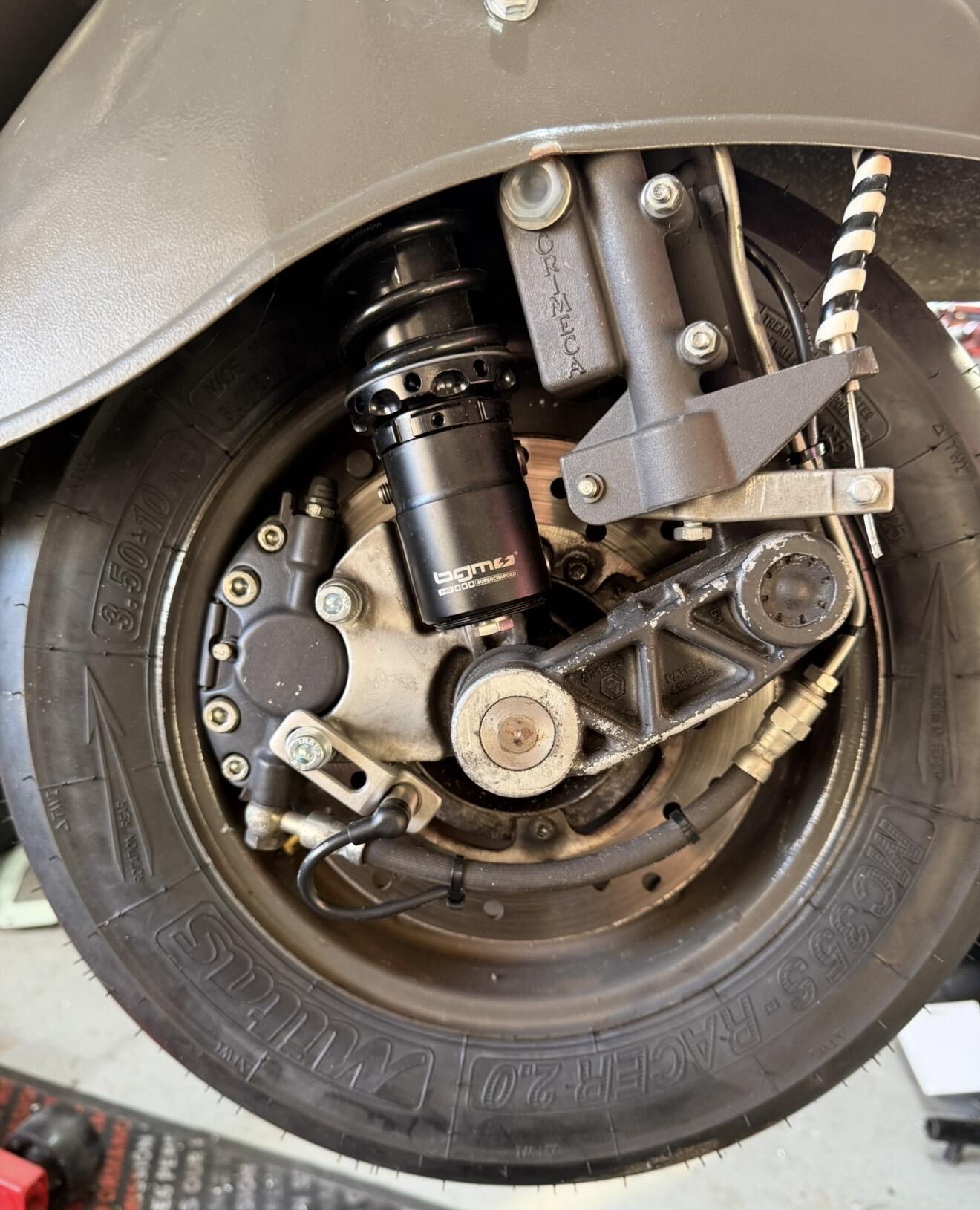
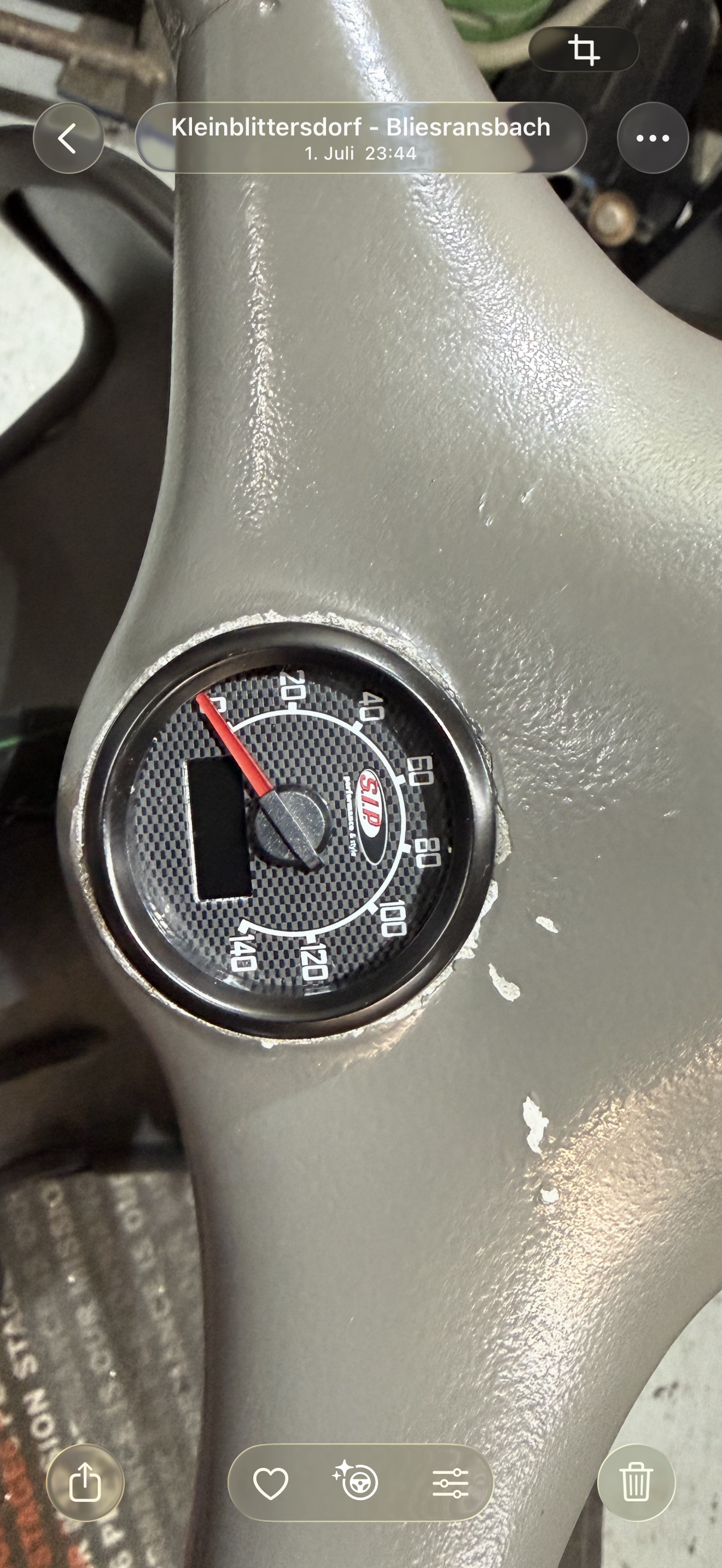
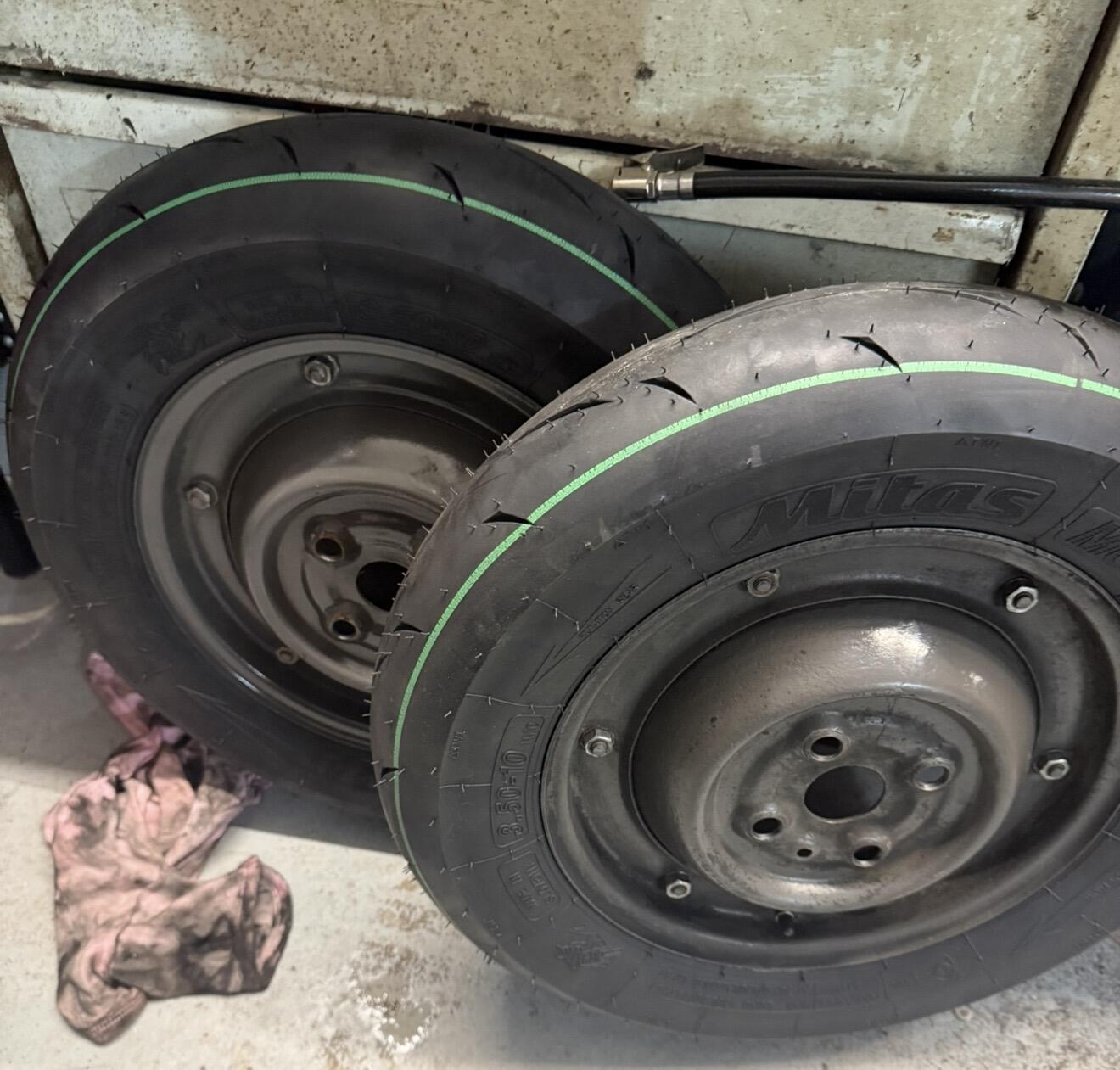
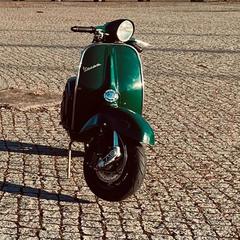
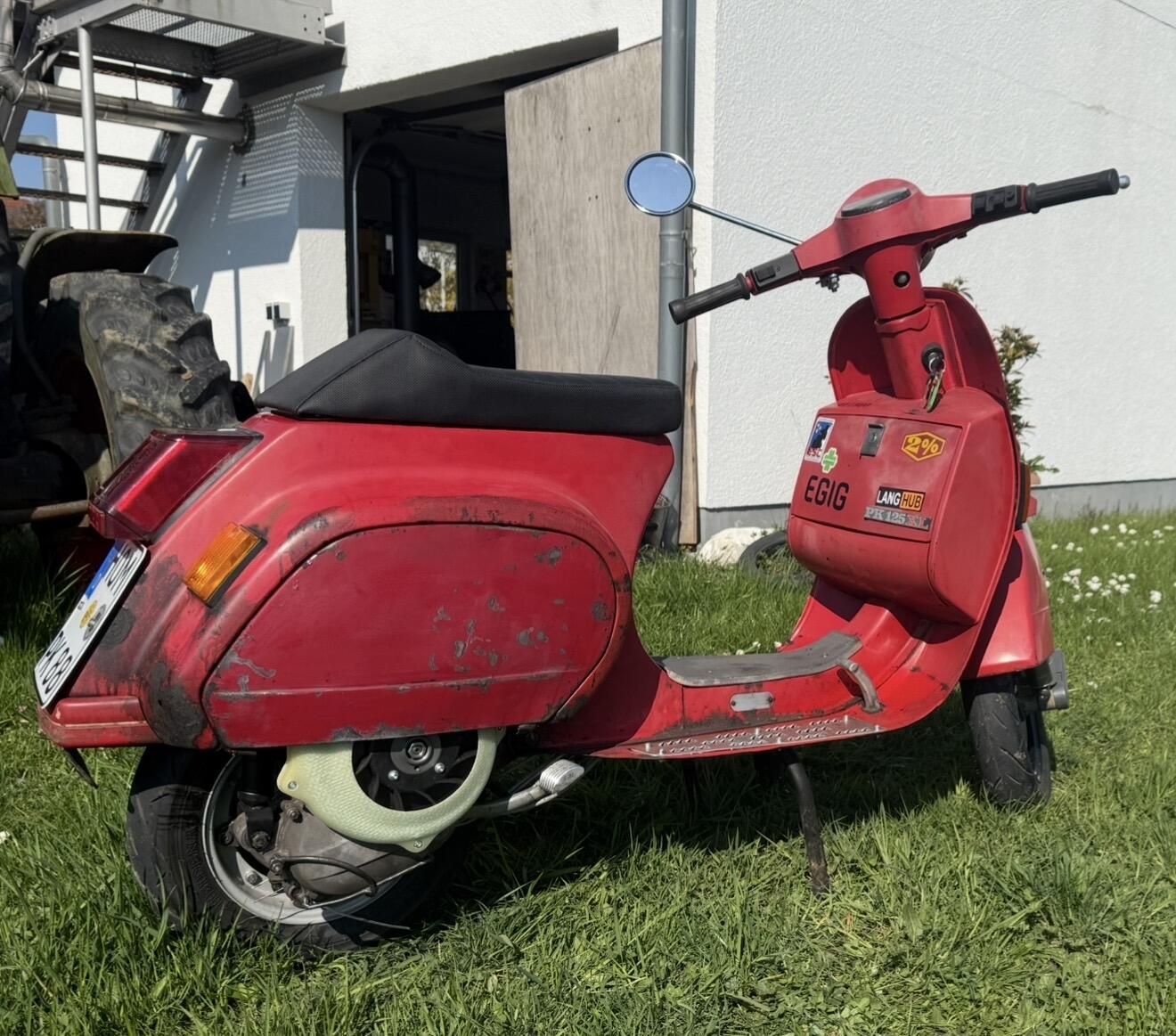
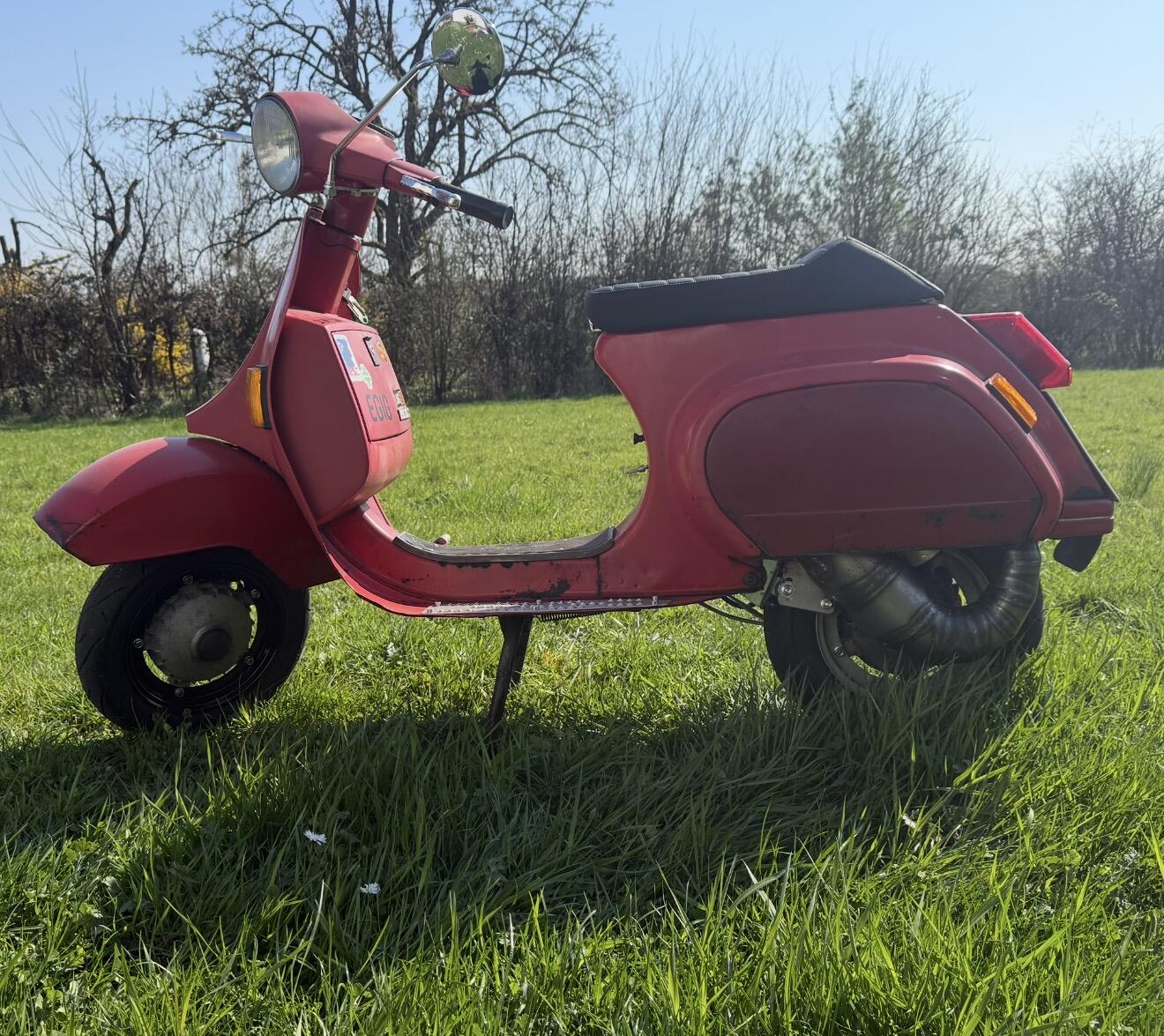
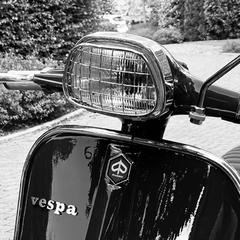
Ihr habt es ja vermutlich in den KA schon gesehen.....ich verkaufe meine (Standort 77948 Friesenheim) Motovespa 150S Erstserie OLack mit einer punktuellen Ausbesserung am Kotflügel, wunderschöne Patina. Kein Rost!! Weder im Rahmen noch unten drunter noch sonstwo. Technik: Züge neu, Kabelbaum 12V, MotoGadget LED Lenkerendenblinker über AGM Batterie, Betätigung über Kippschalter am Lichtschalter. PK Robertogabel 4cm gekürzt, BGM Pro Competition Stoßdämpfer vorne mit 165er Tieferlegungsadapter. Trommelbremse PK Schwimmnocke, PX Trommel, Ankerplatte komplett überholt. Lenkkopflager Jockeys Boxenstop neu. Hauptständerversatzplatte MRP Edelstahl Rahmen mit Fluid Film gefüllt, Radkasten punktuell Oxyblock und flächig Multifilm Motor: T5 Motor, komplett überholt vor ca. 4000 km, der wertvolle Block wurde nicht gefräst-komplett original. Getriebe neu orig. Piaggio, Hauptwelle neu Piaggio Lusso, Primär doppelte Federn, 22/68, seltene originale T5 Kurbelwelle mit den langen Steuerzeiten komplett überholt mit neuem unteren Pleulager und neuen Anlaufscheiben, Pleul geschlitzt. Pinasco 26Si GR Vergaser, Malossi 172 (Zylinder hat ca. 7 tkm, MRP CNC Zylinderkopf. Auspuff BGM T5 Touring. Kupplung Typ Cosa 2 mit CR80 Touring Belägen (BGM Superstrong). Sip Digitaltacho 2.0 Dabei ist zusätzlich der originale Motor sowie der originale unbeschädigte Tacho und die originale Gabel (die aber nicht mehr gut ist) Originale Nasenbank ist verbaut. Tank original Lemerz, rostfrei, Faster Flow Benzinhahn Ebenfalls dabei eine Mappe mit Rechnungen/TÜV Eintragungen (Motor mit Zylinder, 172 ccm und ich glaube 16 PS ist eingetragen). Vespa ist zugelassen und der TÜV ist neu (6/2028) Felgen BGM mit Heidenau K80 in gutem Zustand. Preis 7700,- Euro Verhandlungsbasis........bei Interesse gerne melden.........irgendwie kommt man ja immer zusammen.
 15 Punkte
 -
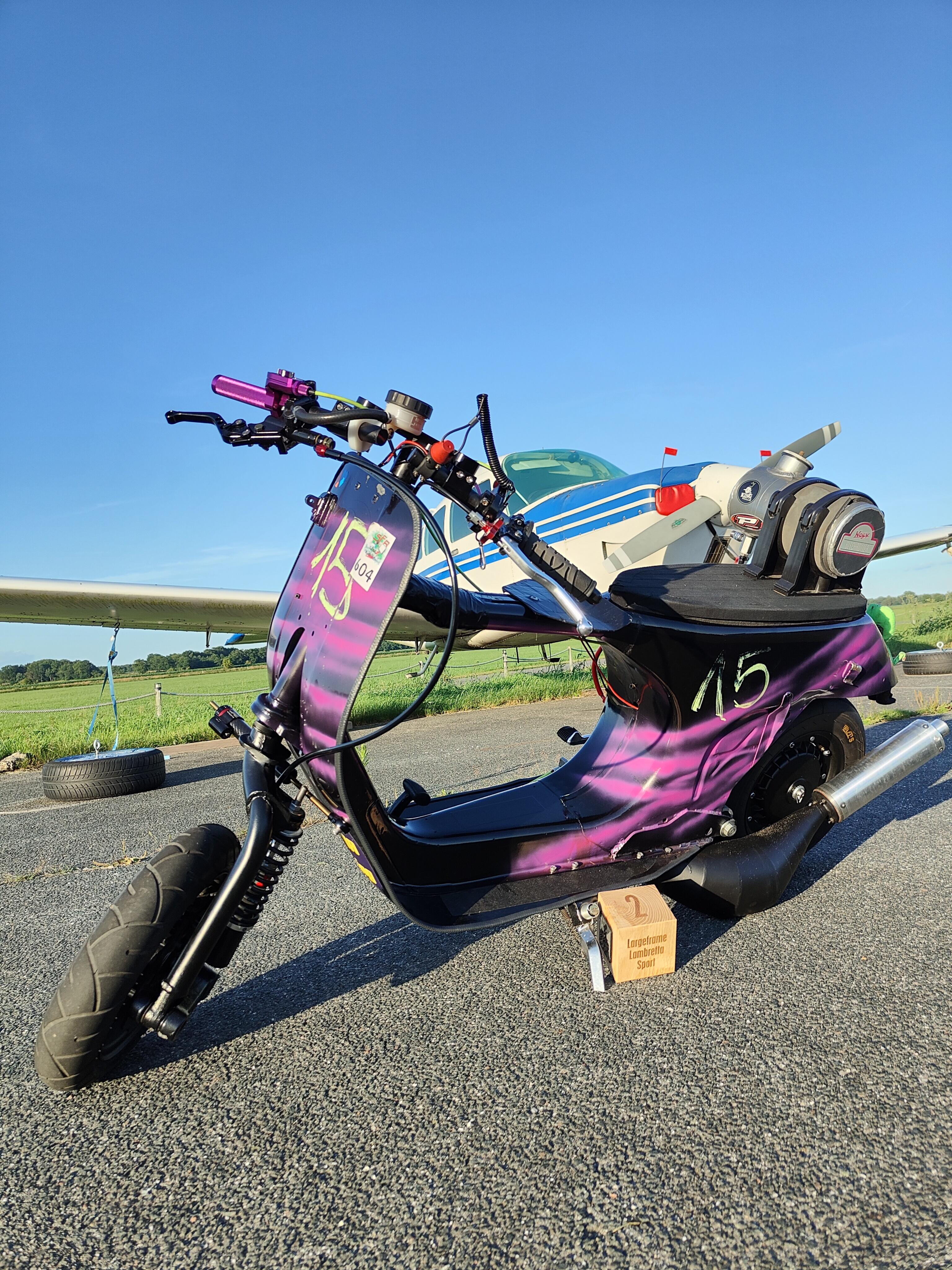
14 Punkte14 Punkte10 Punkte10 PunkteErstmal danke an alle helfenden Hände und die Orga fürs Rennen! Ich finde Karlshöfen immer besonders, weil man irgendwo im nirgendwo einfach unter sich ist und das merkt man auch an der Stimmung! Die Götter waren mir wohlgesonnen und haben den Motor diesmal, bis auf Kleinigkeiten, einfach seinen Dienst verrichten lassen Es war sehr knapp unter den letzten verbliebenen Dreien in LF Sport, wenn ich mich recht erinnere 8,8s 8,9s und 9,0s. Es hat echt Spaß gemacht! Bis September
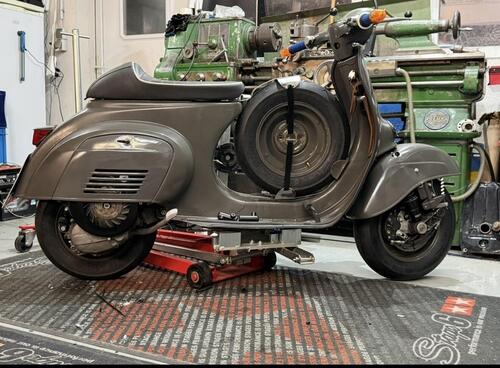
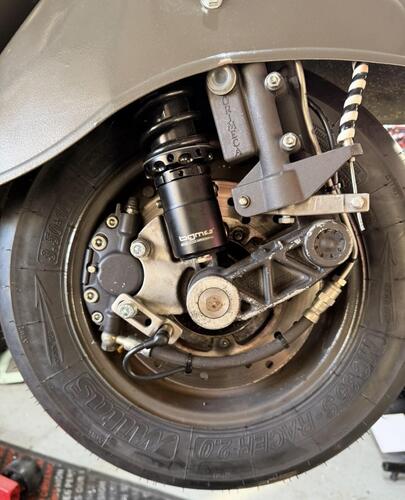
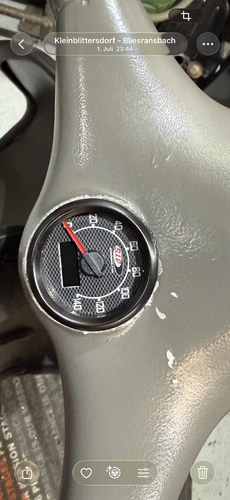
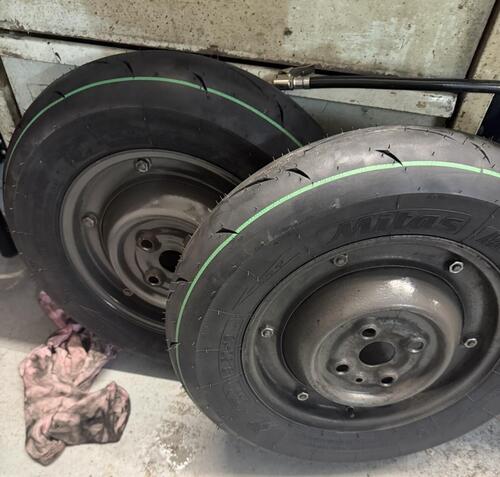
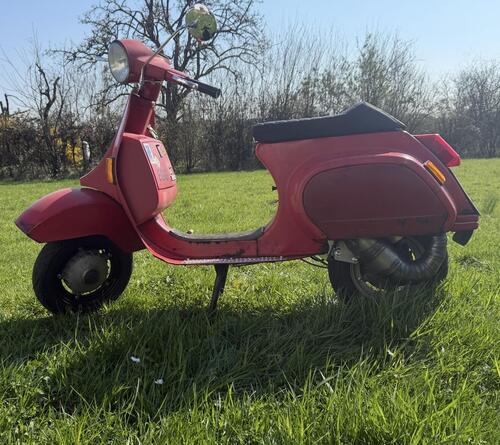
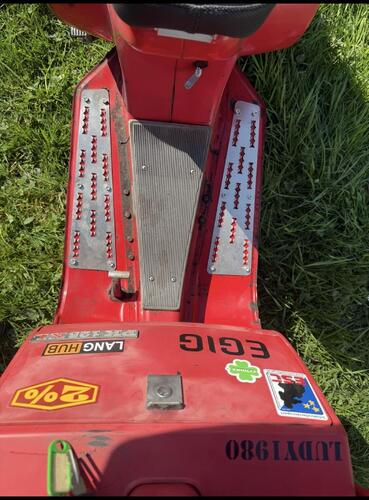
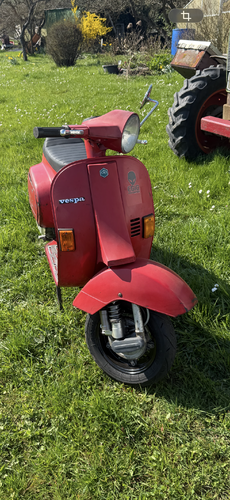
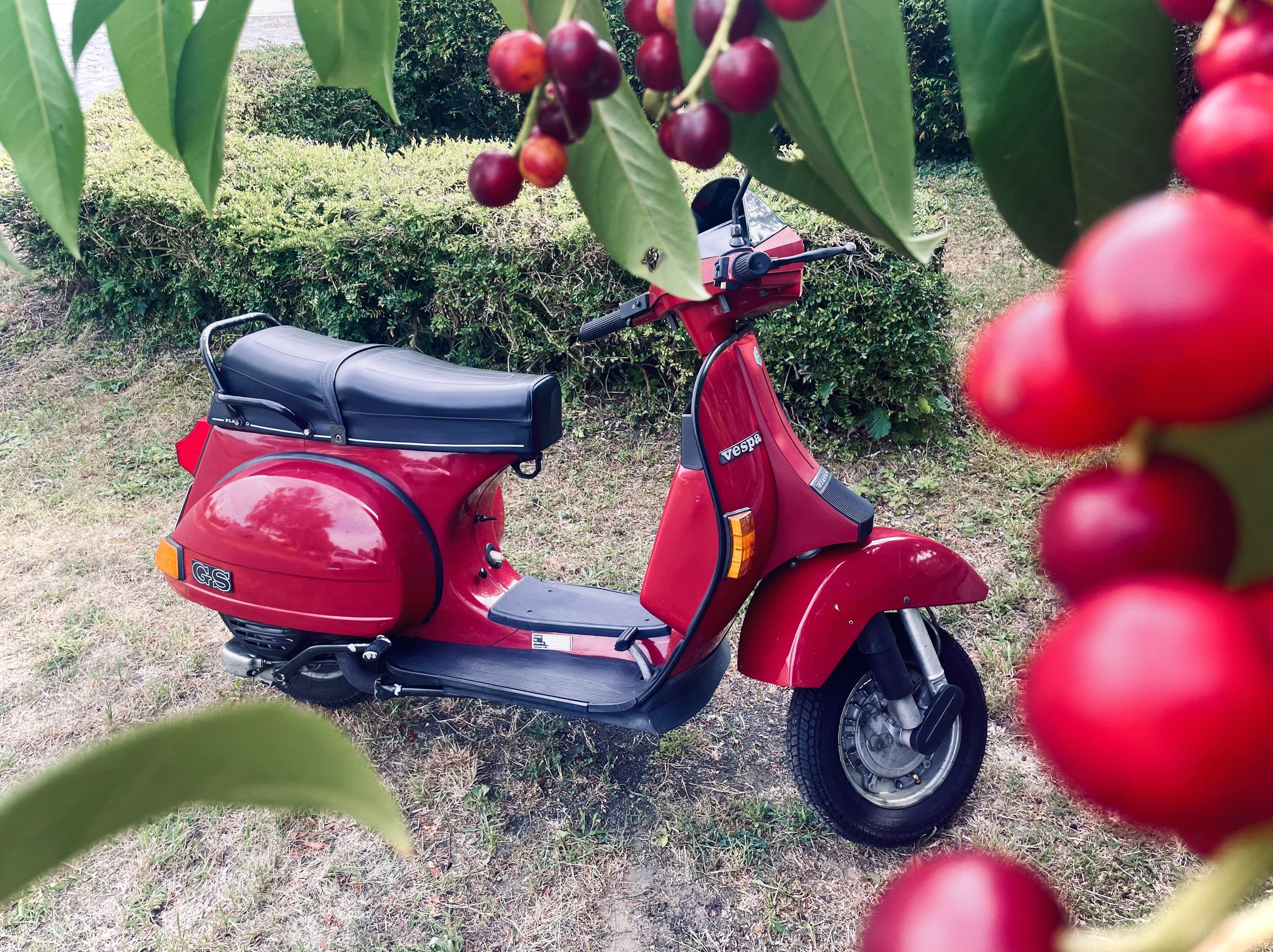
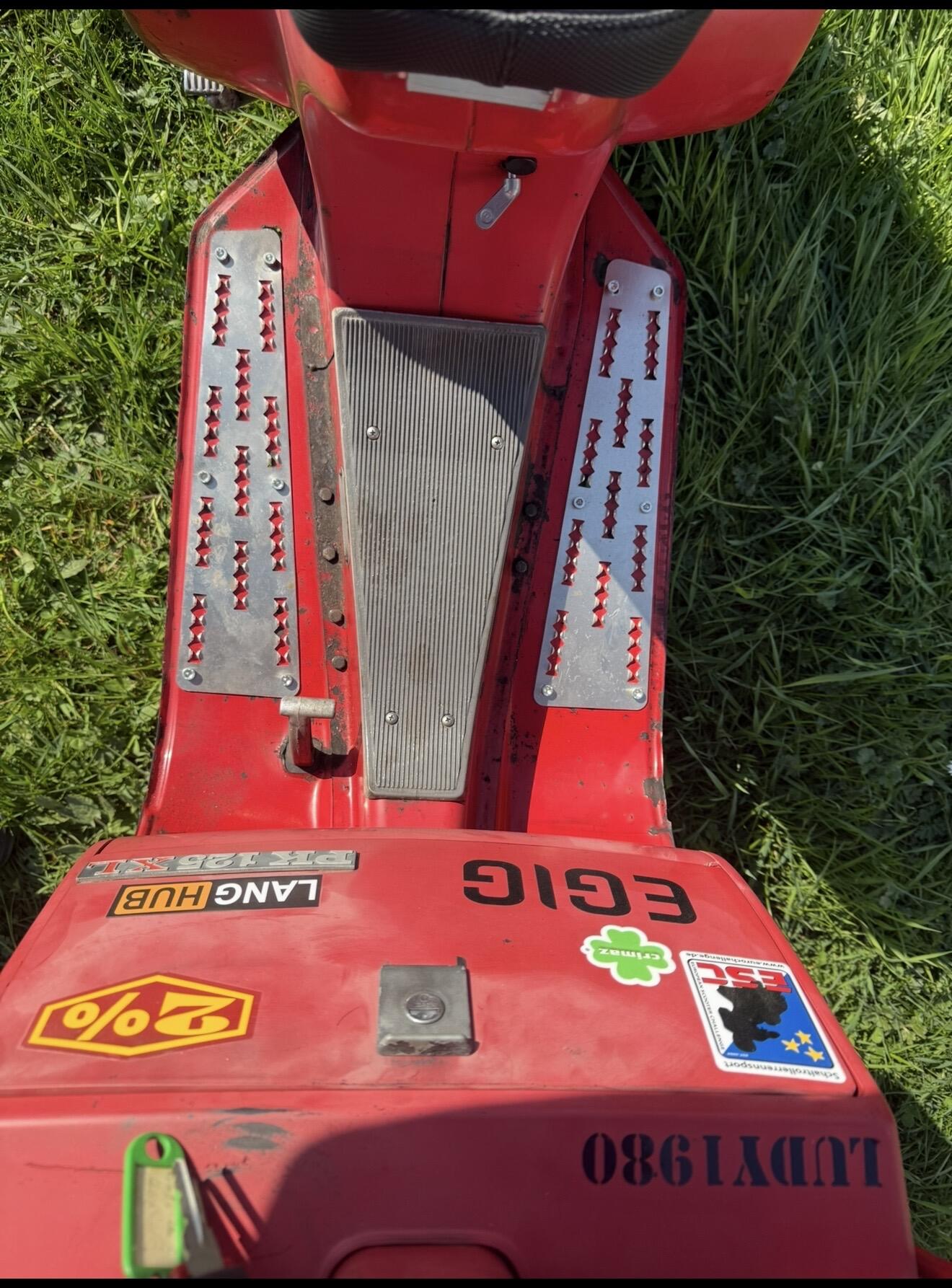
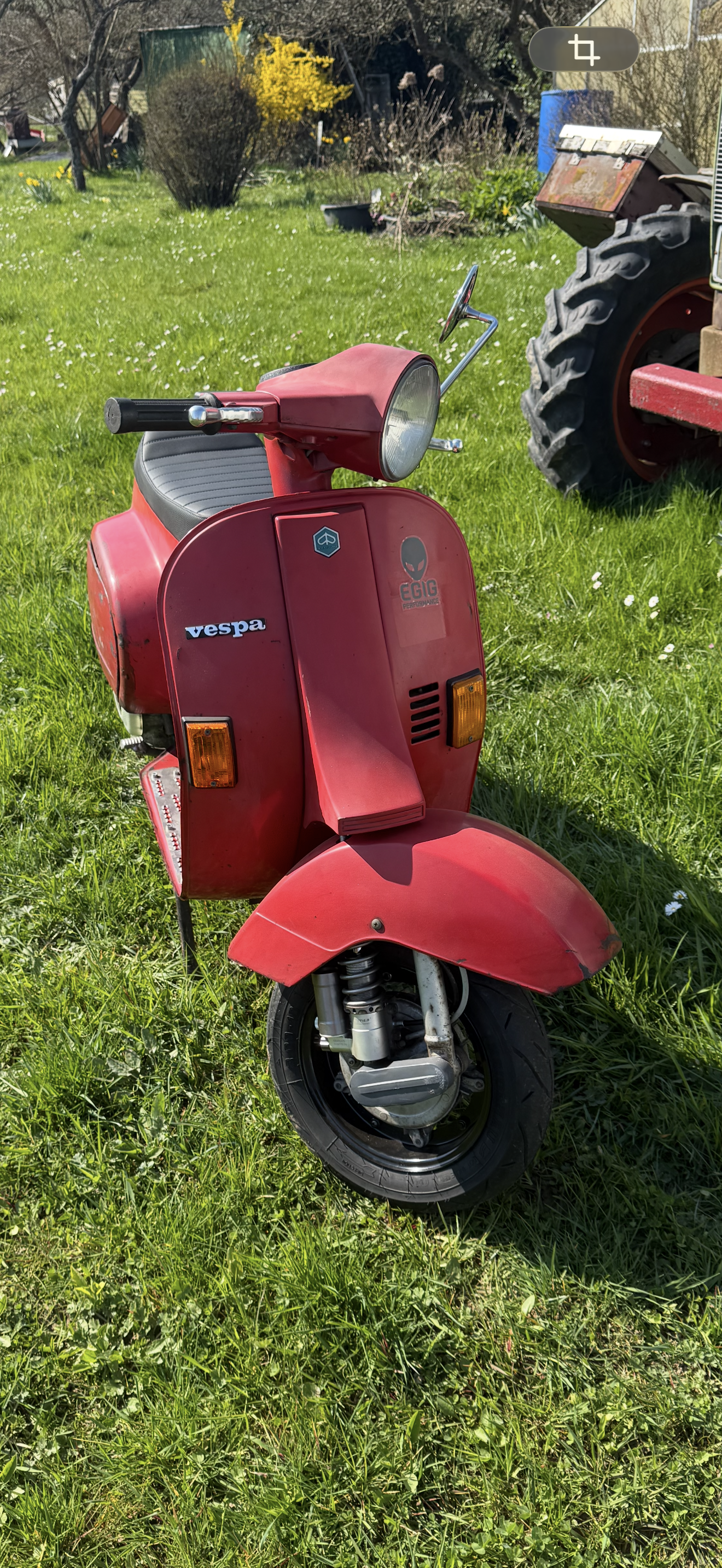
 10 Punkte10 PunkteJetzt noch mein ganz aktuelles Projekt, die v50 Die ich unserem Moderator @dorkisbored abgekauft hab und die Kiste liegt mir echt am Herzen. #Marie Eigentlich ist daran alles neu bis auf den Lack, der fand ich auch recht schön. Bis auf ein paar Stellen die Ausgebessert wurden noch wie er war. Quasi einmal alles neu mit Egig 170 Motor. Die Woche nochmal kurz aufgeklappt und hier kommt noch das VMC 5 Gang rein.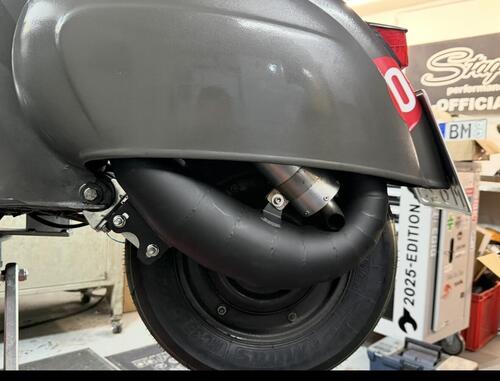
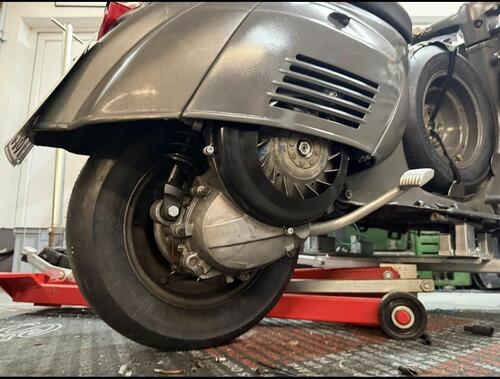
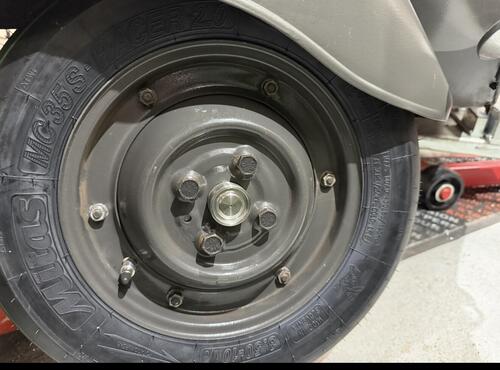
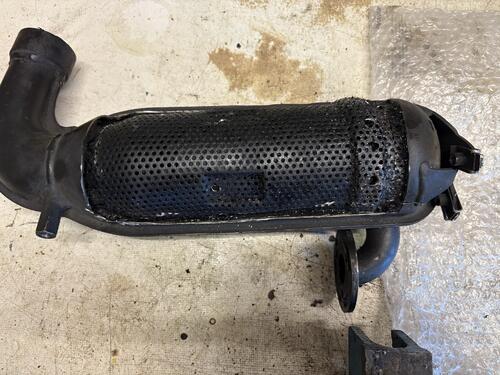
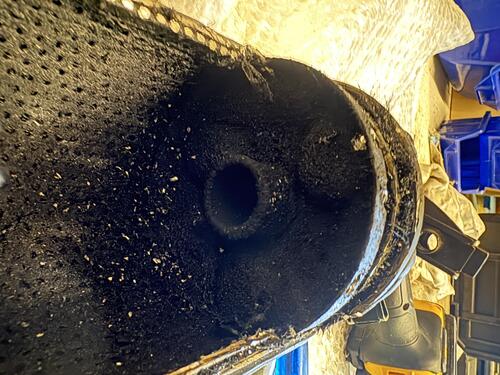
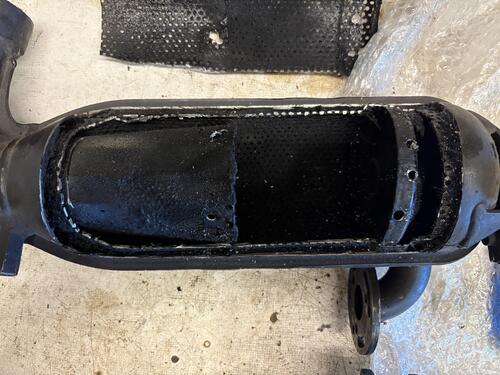
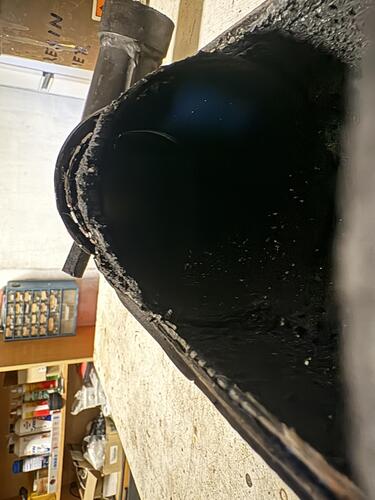
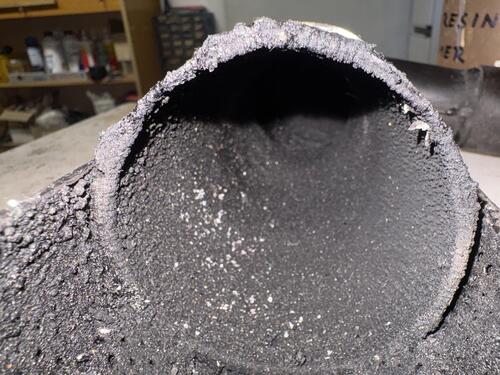
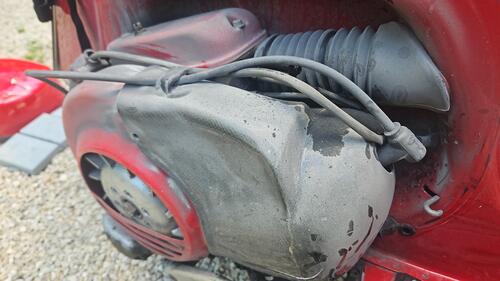
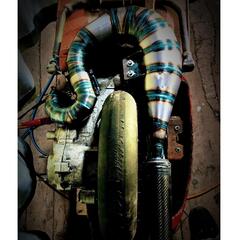
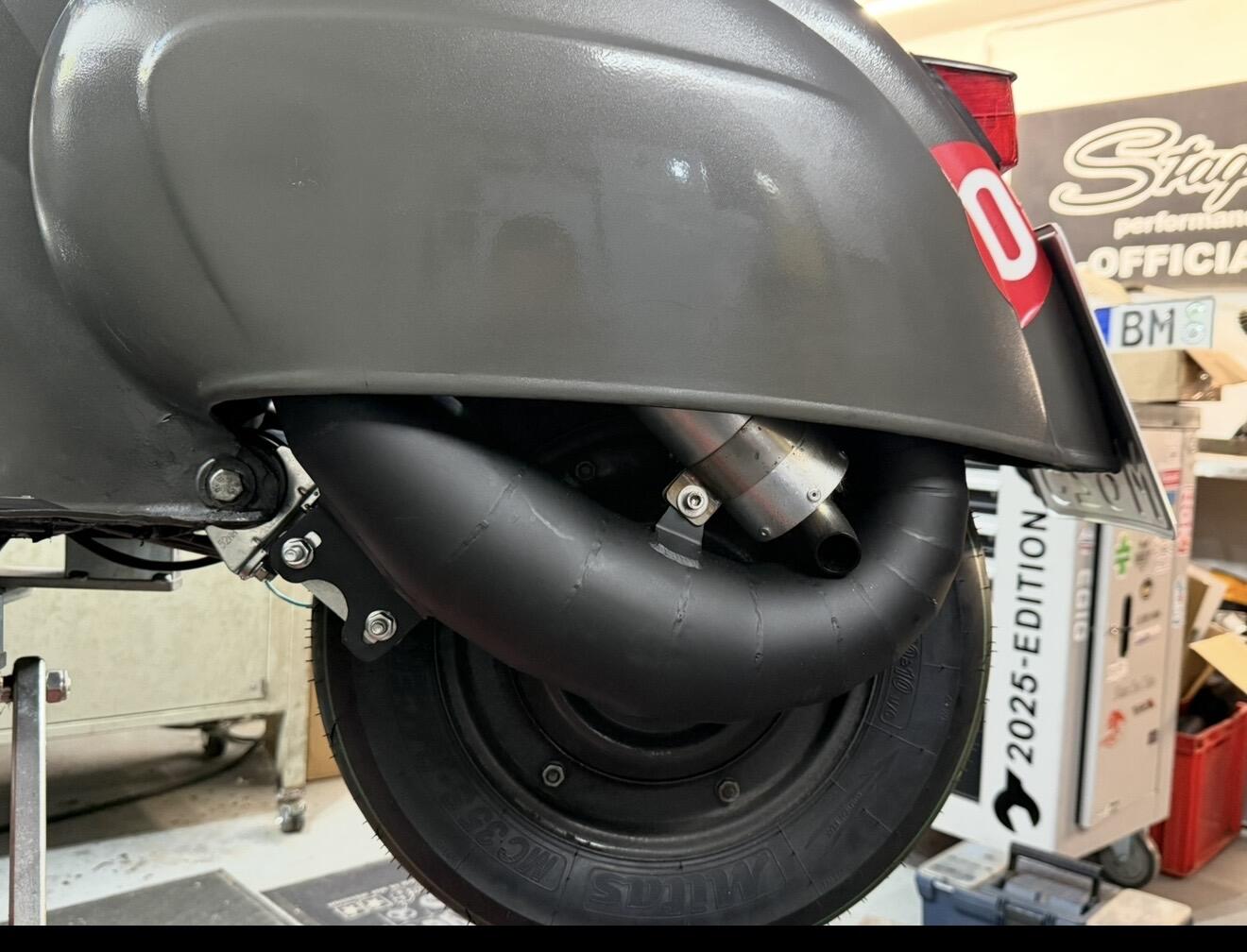
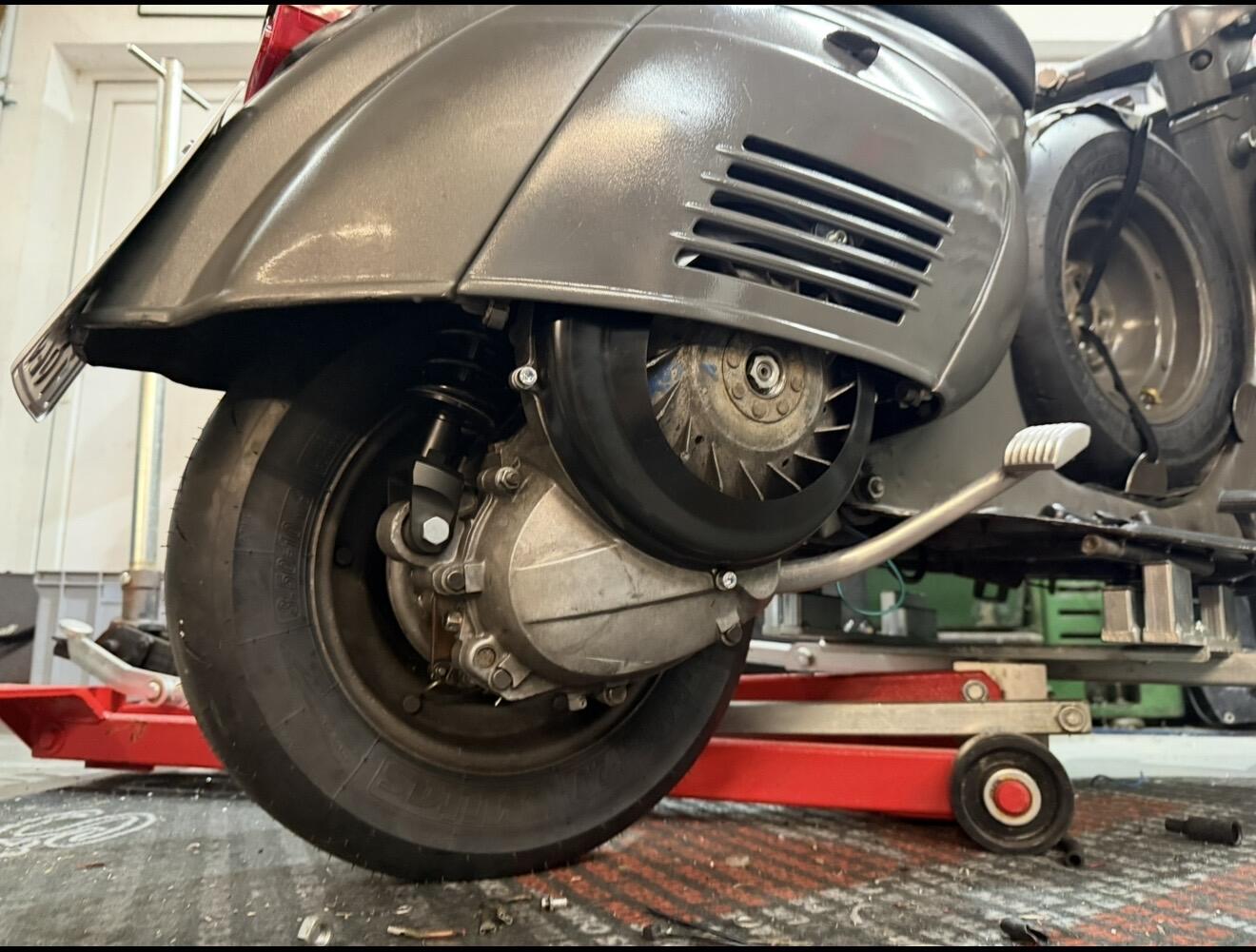
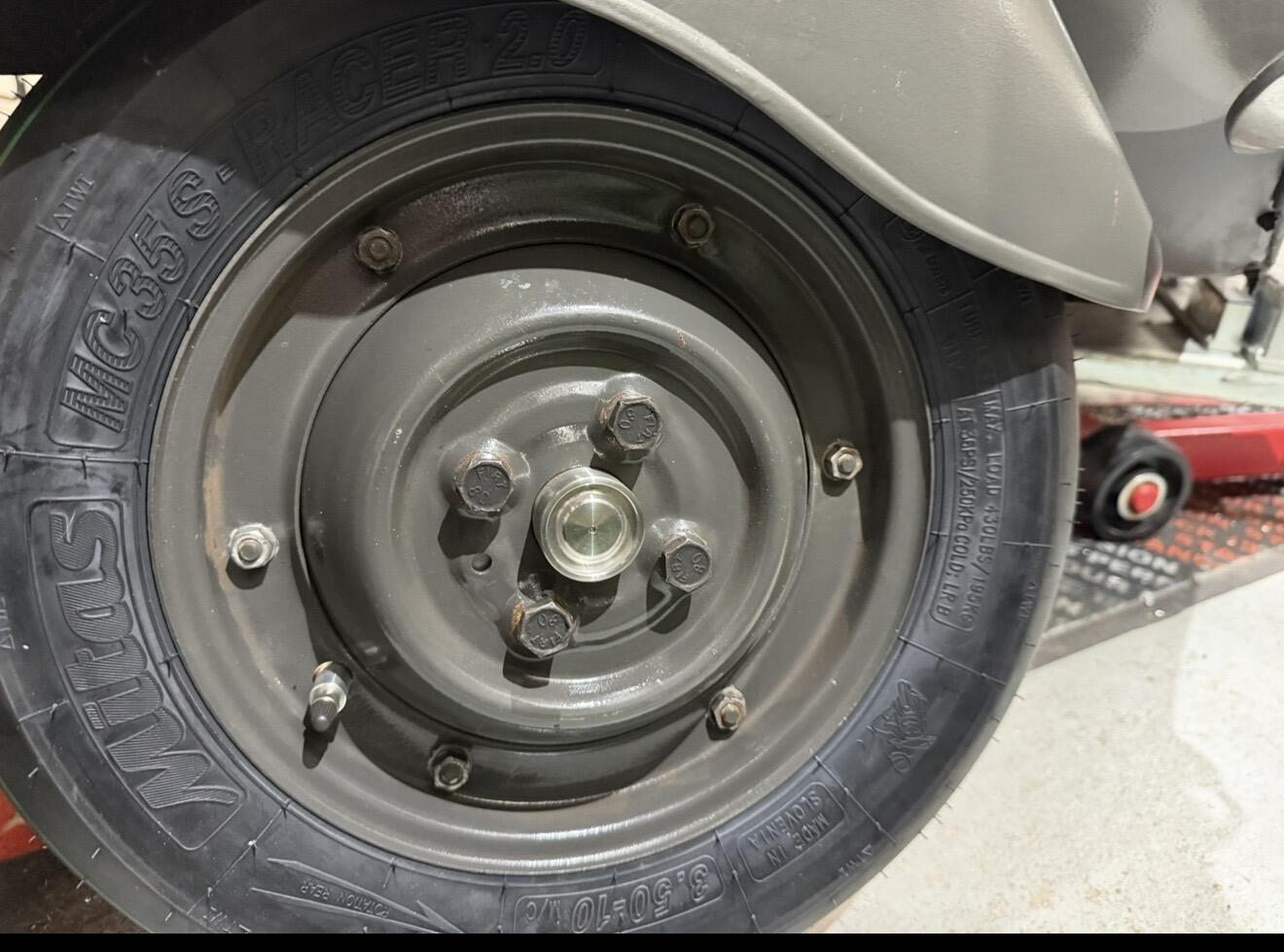
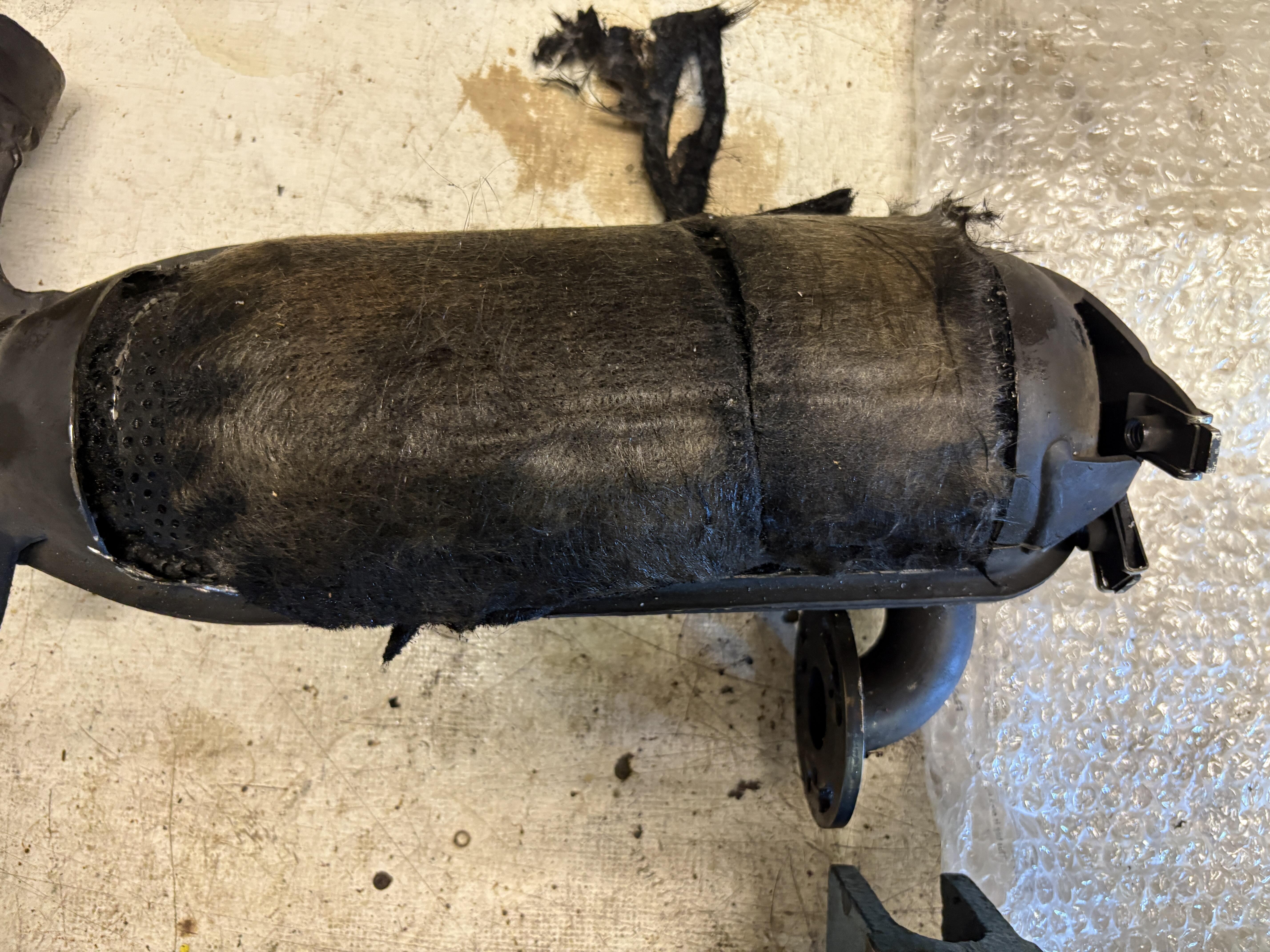
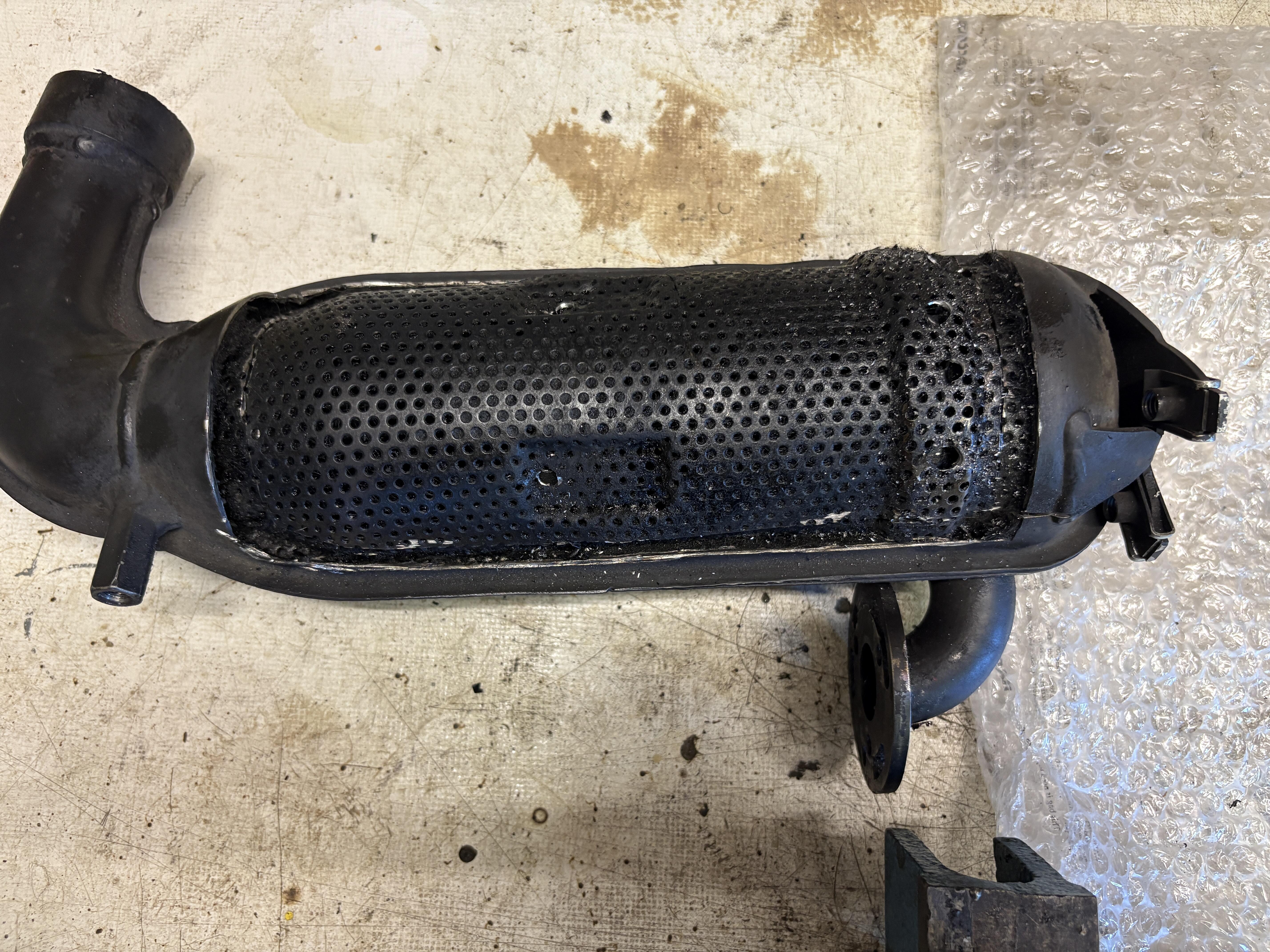
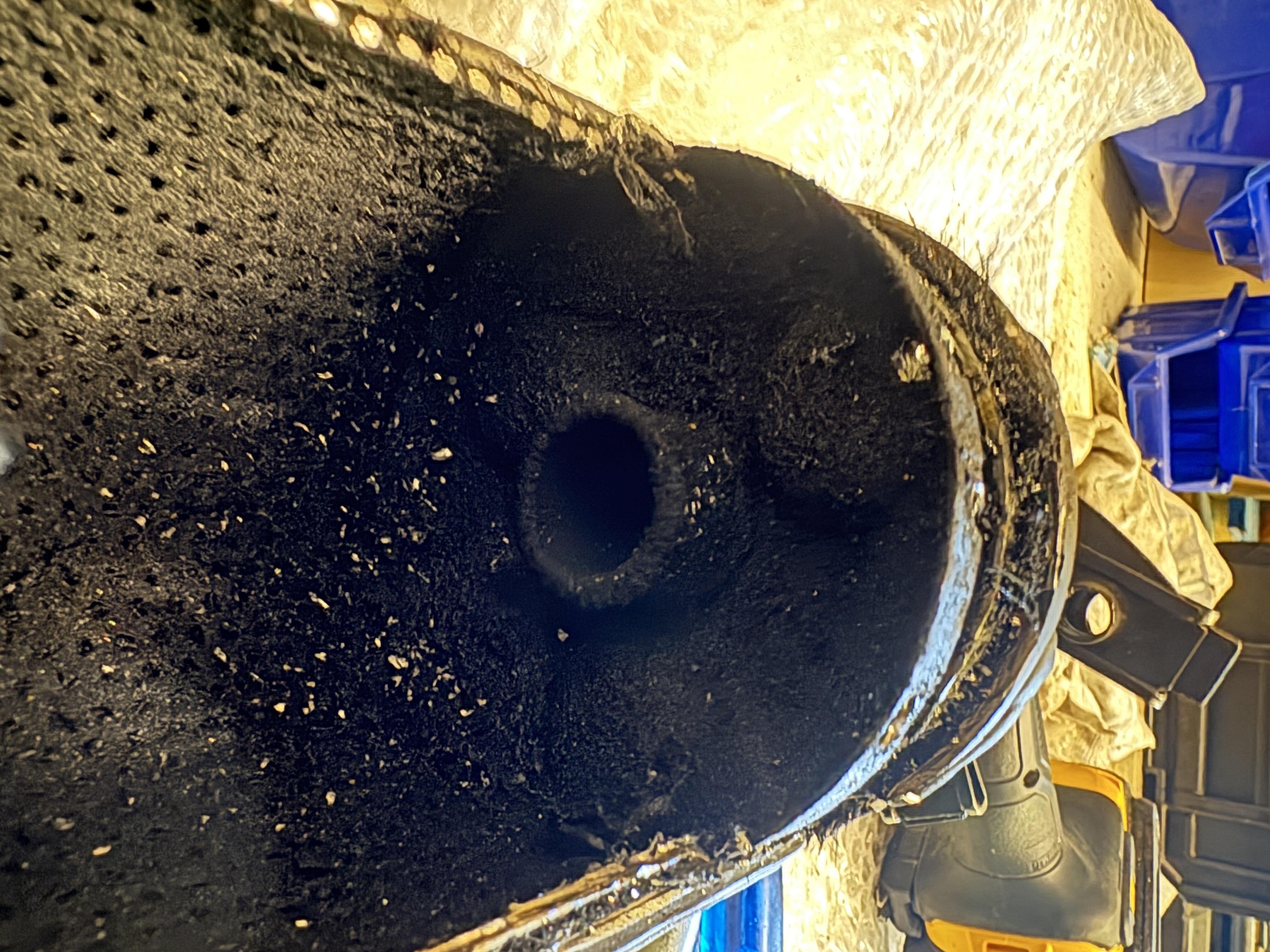
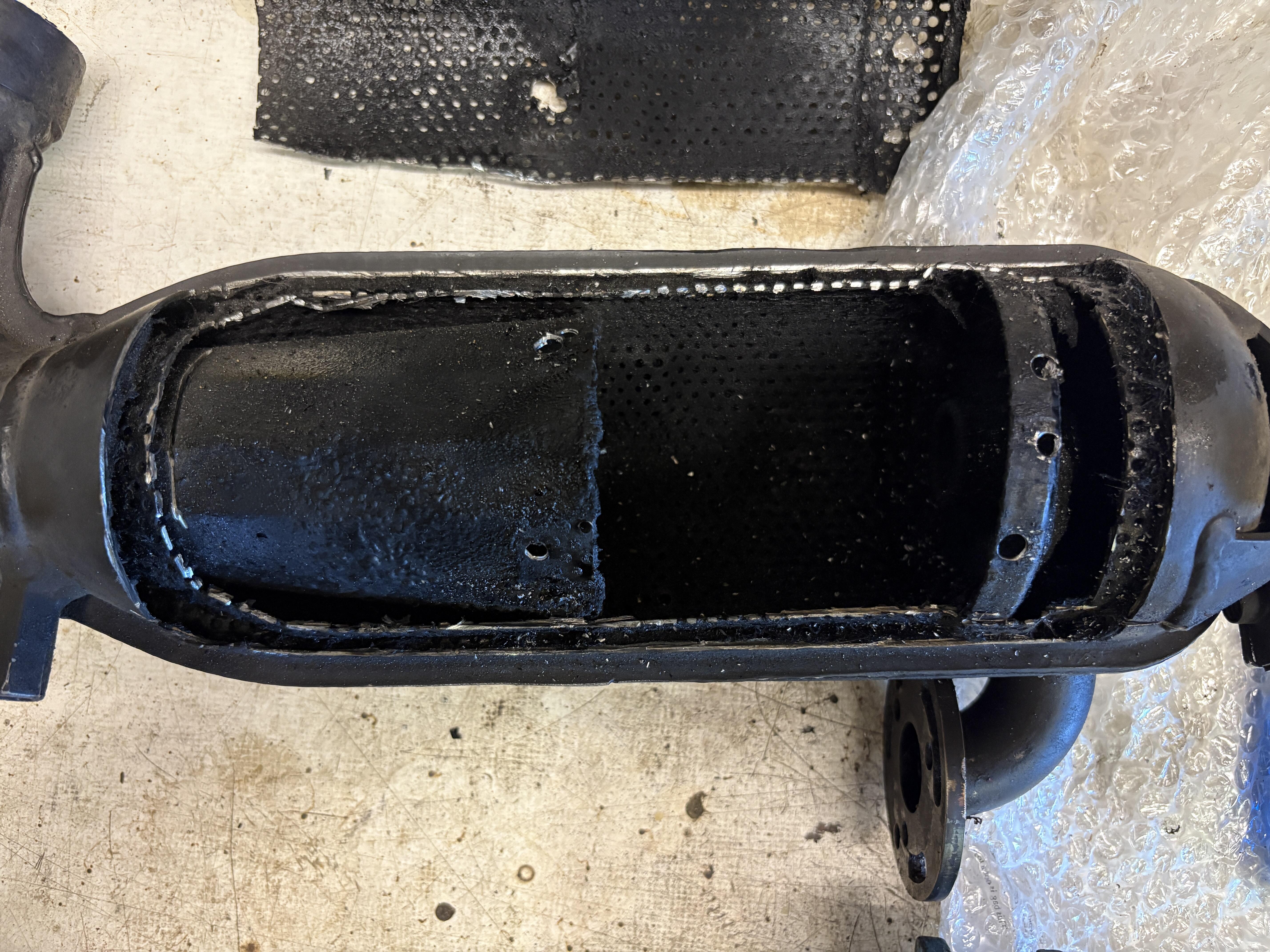
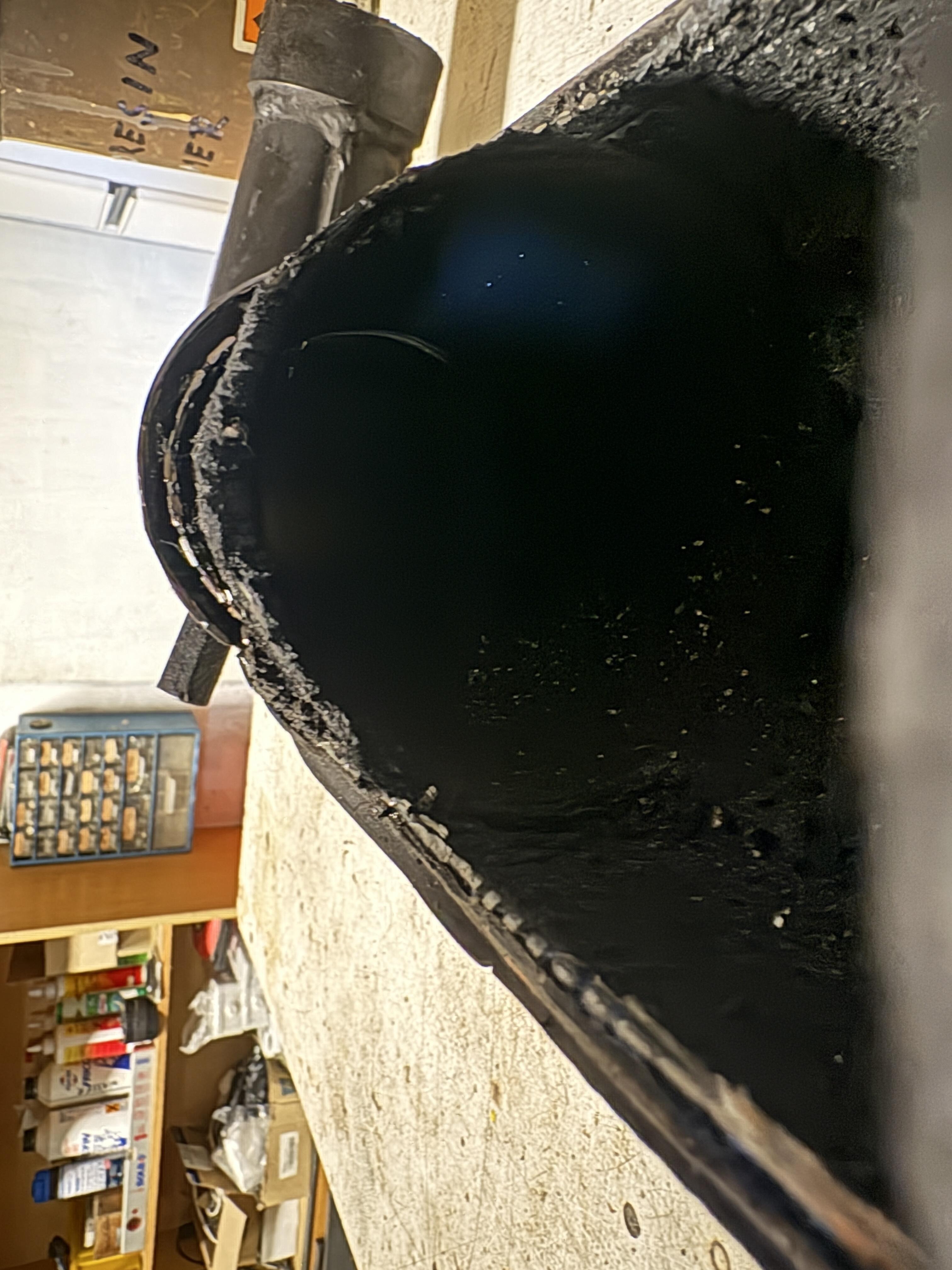
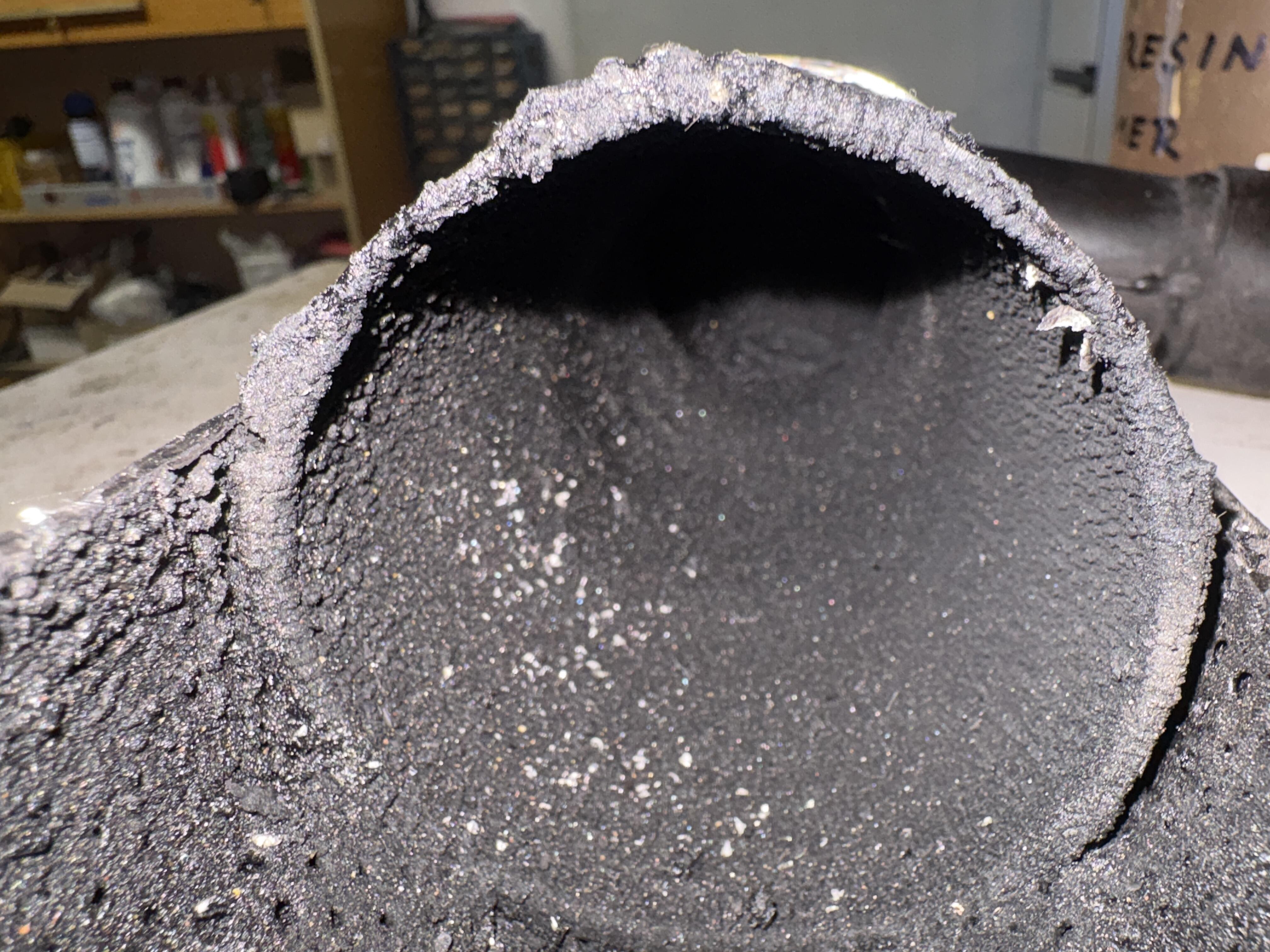
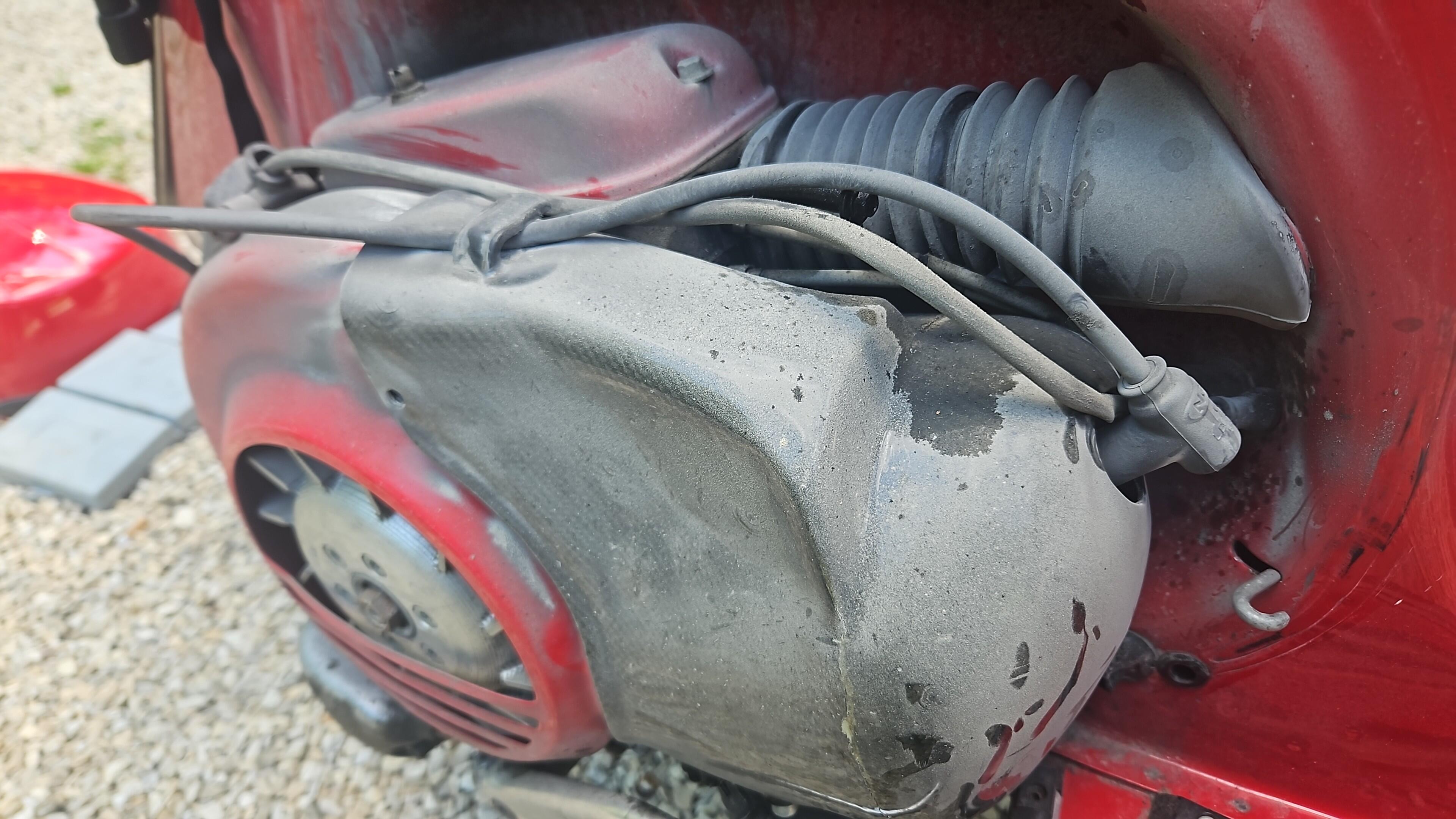
 10 PunkteIch fahre nun die zweite Saison mit der Race1 (täglich) und hatte nun schon wieder Banana-Rasseln. Letztes Jahr war nur das innere Endstück am Lochgitter lose. War mit ein paar Schweißpunkten einfach zu lösen (siehe Beitrag weiter oben). Dieses Jahr ein nerviges Rasseln zwischen 3000 und 5000U/min. Konnte die Ursache nicht wirklich finden, daher die Banane geopfert mal komplett aufgemacht um zu sehen wie die Banane innen aussieht. Wen es interessiert hier ein paar Fotos dazu.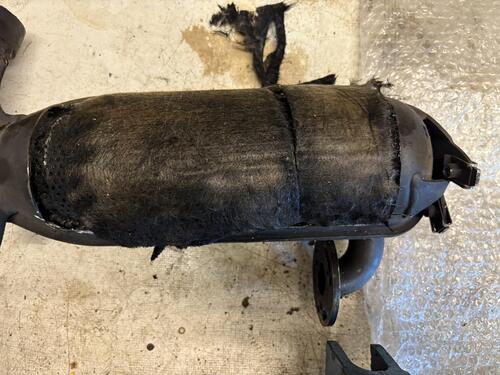
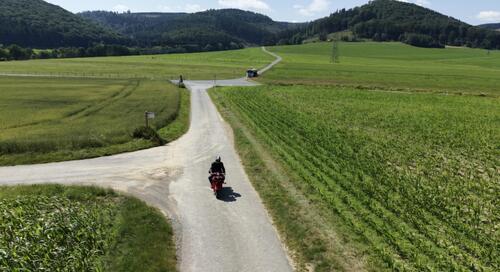
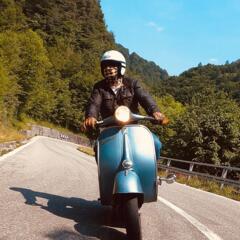
 9 Punkte7 PunkteKleinanzeigenPatina Paste motovespa Vespa Sprint Veloce vnb vnt vbbOriginale PX-Patina-Paste – ca. 7 g historische Oberflächenveredelung Zum Verkauf steht eine...,Patina Paste motovespa Vespa Sprint Veloce vnb vnt vbb in Baden-Württemberg - SigmaringenWer von euch war das?7 Punkte6 Punkte6 Punkte„Papa, ich will auch so einen Roller fahren.“ „Papa, wir müssen Mama überreden, dass sie wieder mit ihrem Roller fährt.“ „Papa, wenn Du so ein Elektro-Dings nach Hause bringst zieh ich hier aus!“ „Papa, wir lackieren das in Pinkt.“ „Papa, wir lassen das mit dem Mopedführerschein. Ich warte noch ein Jahr, dann darf ich gleich 125er fahren.“ … Hab einfach nur ein bisschen Geduld. Wird schon!6 Punkte6 PunkteAbschlussbericht: In Lindau hatte ich ein übles Hotel. War günstig, o.k. aber das muss für mich nicht gleichbedeutend mit schmuddelig sein. In der Bude habe ich mich sehr unwohl gefühlt. Mein Roller musste auf dem Bürgersteig schlafen, unmittelbar neben einer Spielhalle. Leider hatte ich zwei Übernachtungen gebucht, weil ich am Anreisetag ziemlich k.o. war. naja, Haken dran. weiter ging es über die schwäbische Alb - war für mich ein völlig unbeschriebenes Blatt. Und was soll ich sagen, ich fand mega! Es ging rauf und runter und durch unzählige schöne kleine Orte. Bis nach Gaildorf hat es mich gebracht. Gottseidank in ein schönes Hotel - mit einer super Küche. Habe lange nicht so gut gegessen. Leider hatte das Hotel ein echtes Fliegenproblem. Fliegen ohne Ende. Das war unschön - aber ich hatte wirklich nicht den Eindruck, dass es an dem Hotel lag. Der arme Hotelier hat mir auch schon berichtet was er alles angestellt hat, um das Problem zu lösen...Vespa durfte im abschließbaren Fahrradschuppen parkieren 😃 Vorletzte Etappe ging bis Marburg. Irre Stadt! Die Oberstadt erreicht man von der Unterstadt per Aufzug! Und: wunderschöne Altstadt. Schließlich Westfalen! Durchs tolle Sauerland nach Soest gefahren und von dort über Werne und Olfen nach Oer-Erkenschwick. Damit habe ich den Realitätsschock durchs Ruhrgebiet verzögert! Fazit: Megareise. 3.926 Kilometer. Gottseidank kein Sturz. Pannen so gut wie keine, Problemchen selbst gelöst. Einmal brauchte ich tatsächlich den Liter Sprit aus meinem Fuelfriend. Viele total nette Begegnungen gehabt. Hochgefühl mit Vespa am Kolosseum. Zwischendurch anstrengend und zum Ende hats mir auch gereicht. Aber ich würde es immer wieder machen. Davon werde ich noch lange zehren.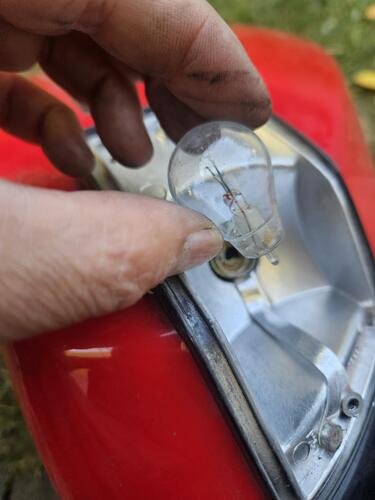
 6 Punkte5 PunkteDas läuft, wie supermoto schon geschrieben hat, problemlos. Die Überschneidung mit den Überströhmern ist irrelevant, da sich im Kurbelgehäuse schon längst wieder ein Unterdruck gebildet hat! Über den Sinn kann man jedoch durchaus diskutieren, da bei 135°, bauartbedingt, kaum an Einlasszeitquerschnitt gewonnen wird! Um das sinnvoll umzusetzen, müßte man schon den ganzen Einlass sammt Ansauger weiter nach hinten (also weg vom Zylinder) versetzen, damit der Hubzapfen nicht mehr im Weg ist und der Kanal mit ausreichend Querschnitt ausgestattet werden kann! Das wurde schon vor ~15 Jahren hier diskutiert und z.B. Kingwelle haben das jetzt auch in ihrem neuen CNC-Drehschieber-Gehäuse erfolgreich so umgesetzt!5 Punkte5 PunkteNa Tuningkontrolle halt. Wenn nicht getunt, kannste umdrehen und heimfahren.5 Punkte5 PunkteDanke an die Orga für die wirklich gelungene Veranstaltung. Hätten ein paar Besucher mehr sein können. Freue mich schon auf September.5 Punkte5 PunkteNachdem ich hier auch schon länger nichts mehr geteilt hab bringe ich meine Projekte der letzten Zeit auch mal nochmal rein. Letzten Winter eine PK125 mit ein paar Eintragungen neu aufgebaut. Egig 170 Motor mir schön Leistung, vielleicht bereite ich die Tage den Lack mal noch auf. Alles wurde mit Fertan behandelt gegen weiteren Rost. Alle Züge neu, Elektrik gangbar gemacht und den Motor der eigentlich in meine K1 für die ESC sollte.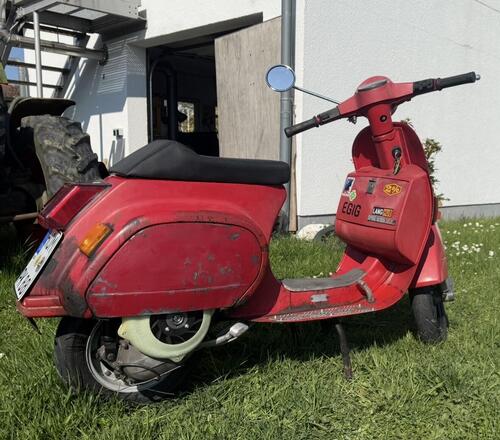
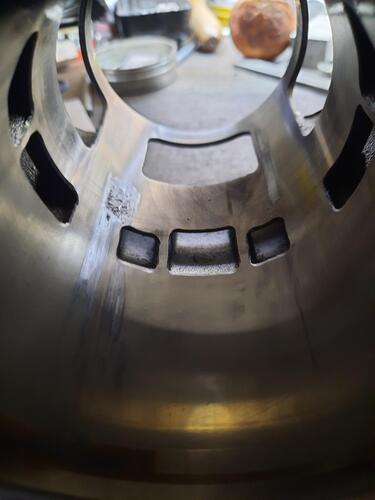
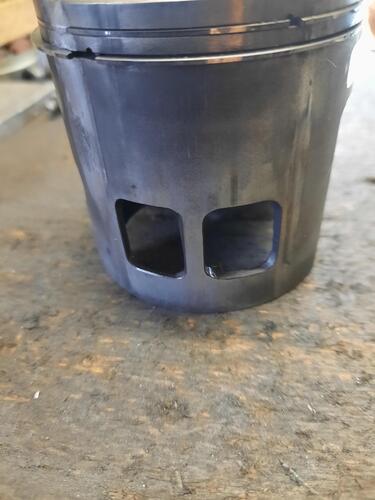
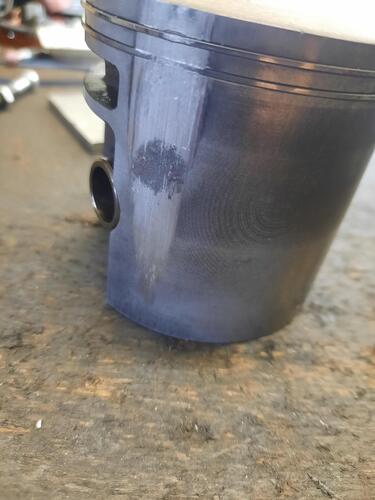
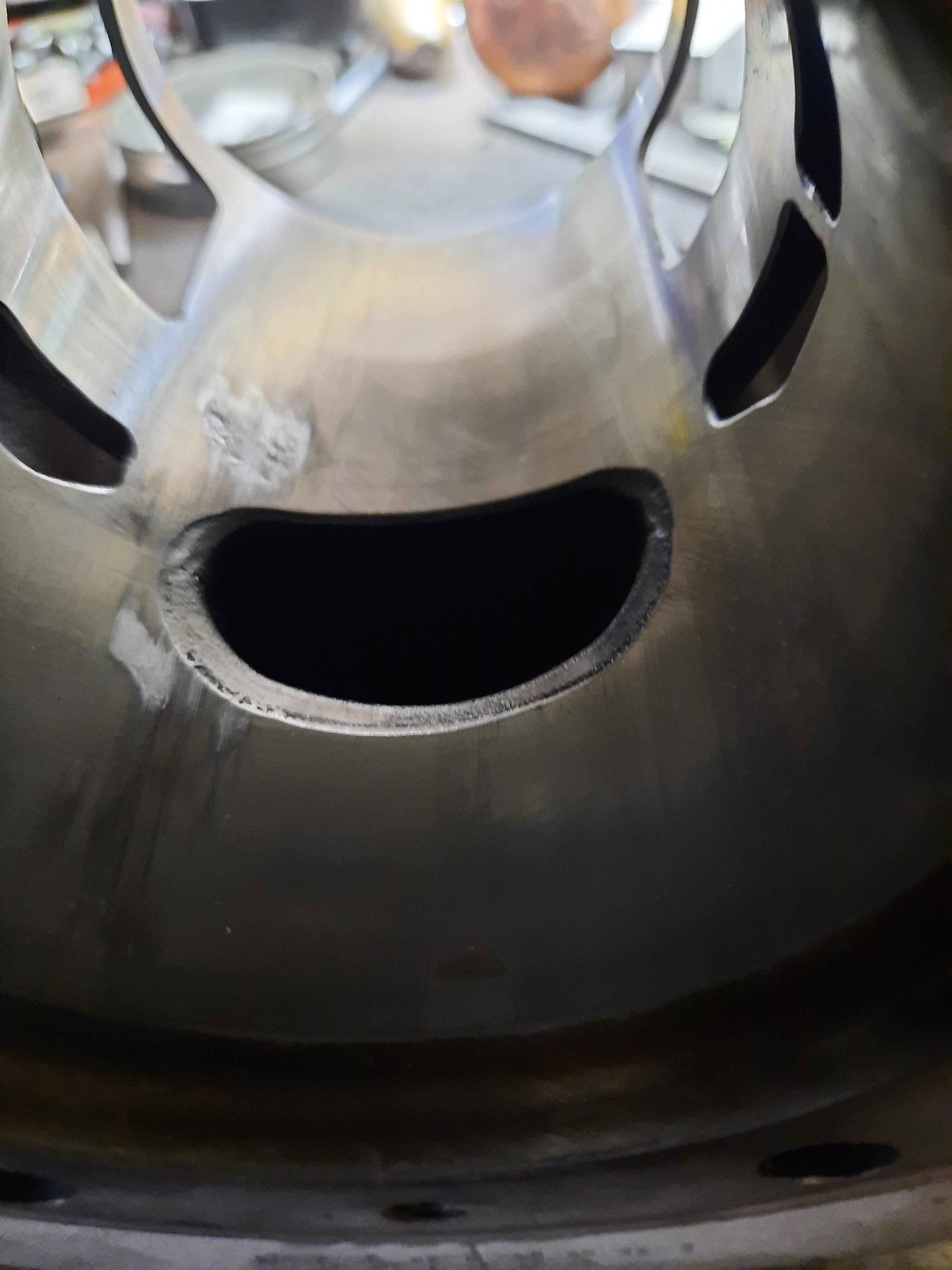
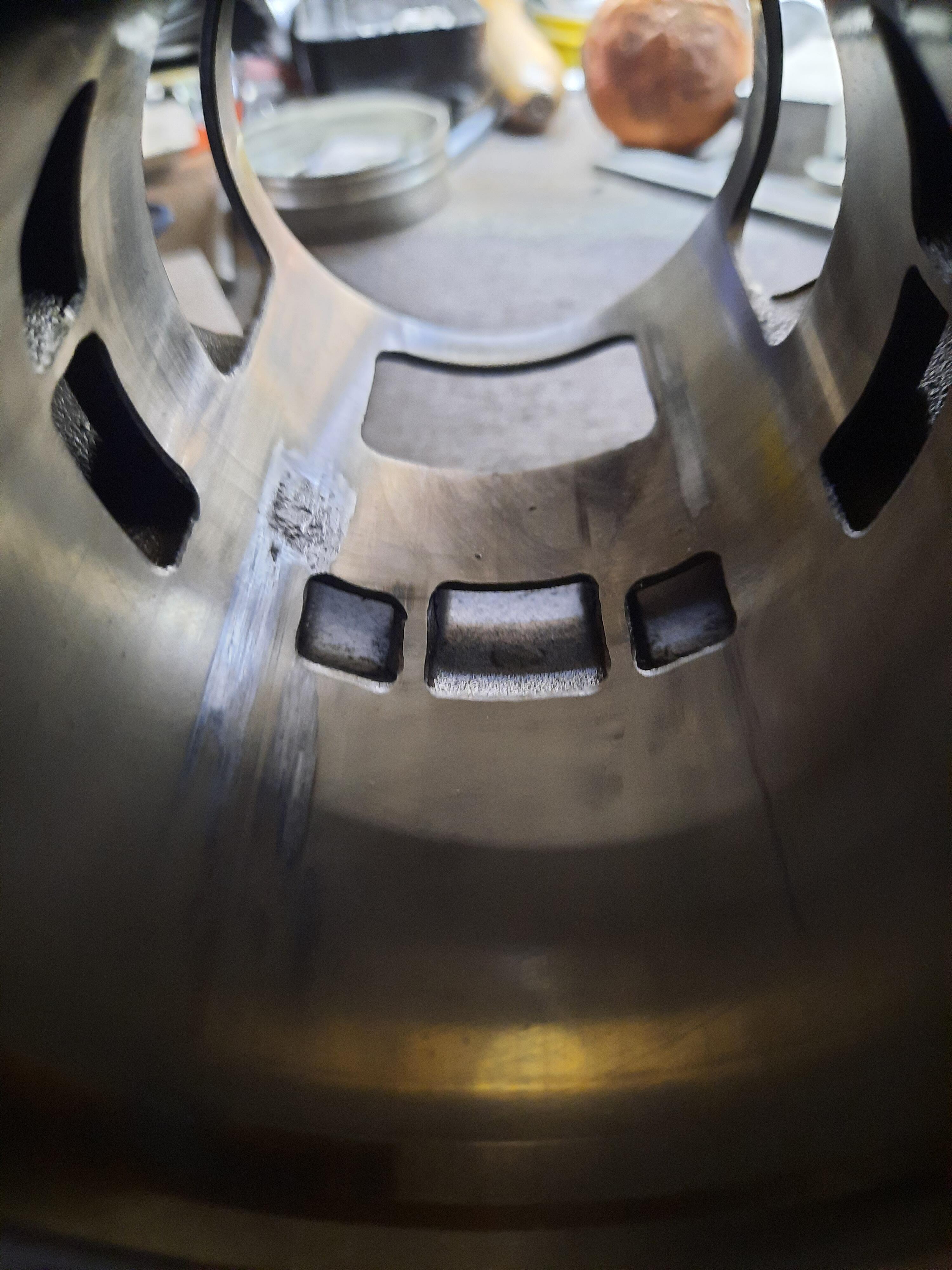
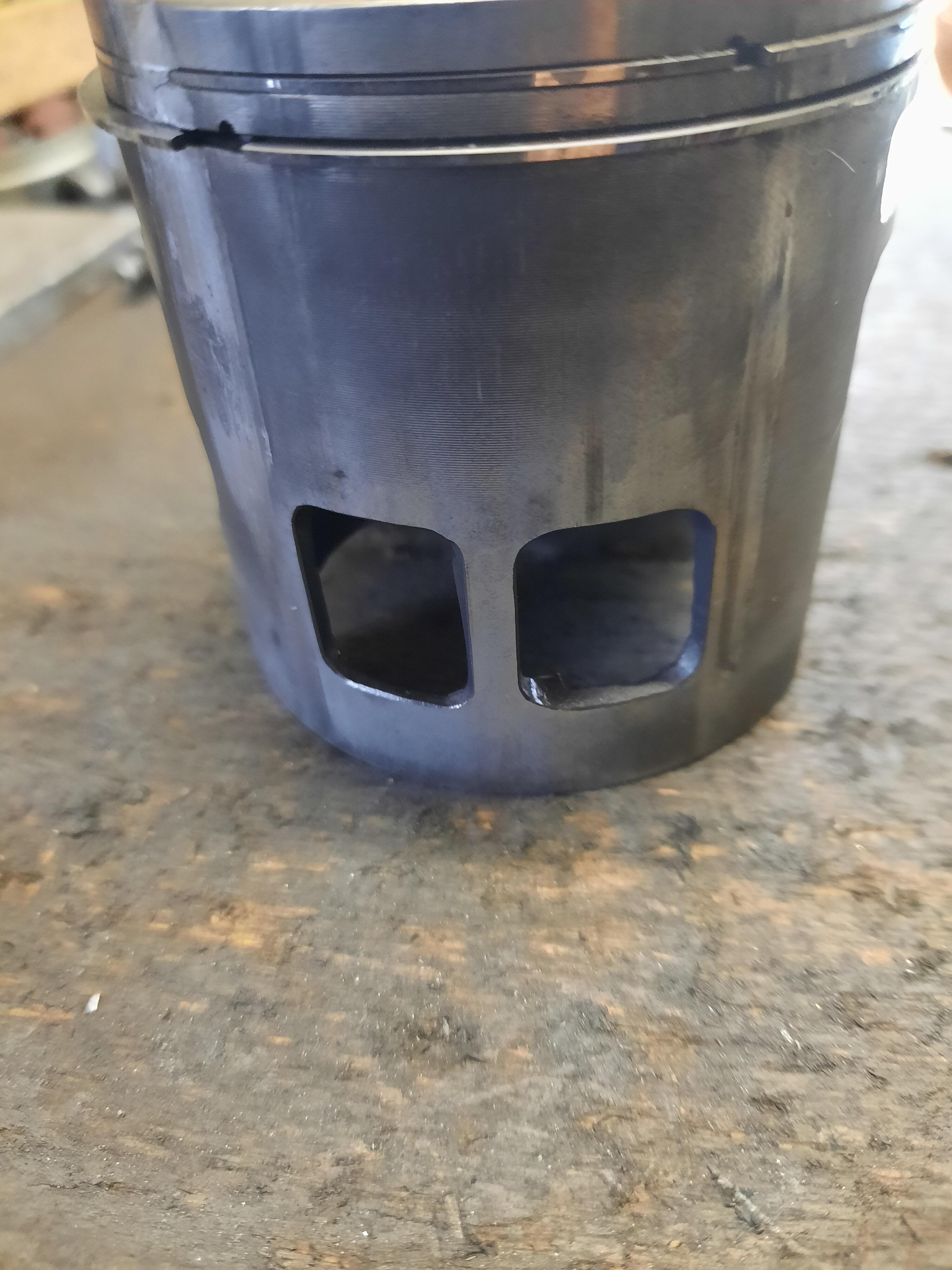
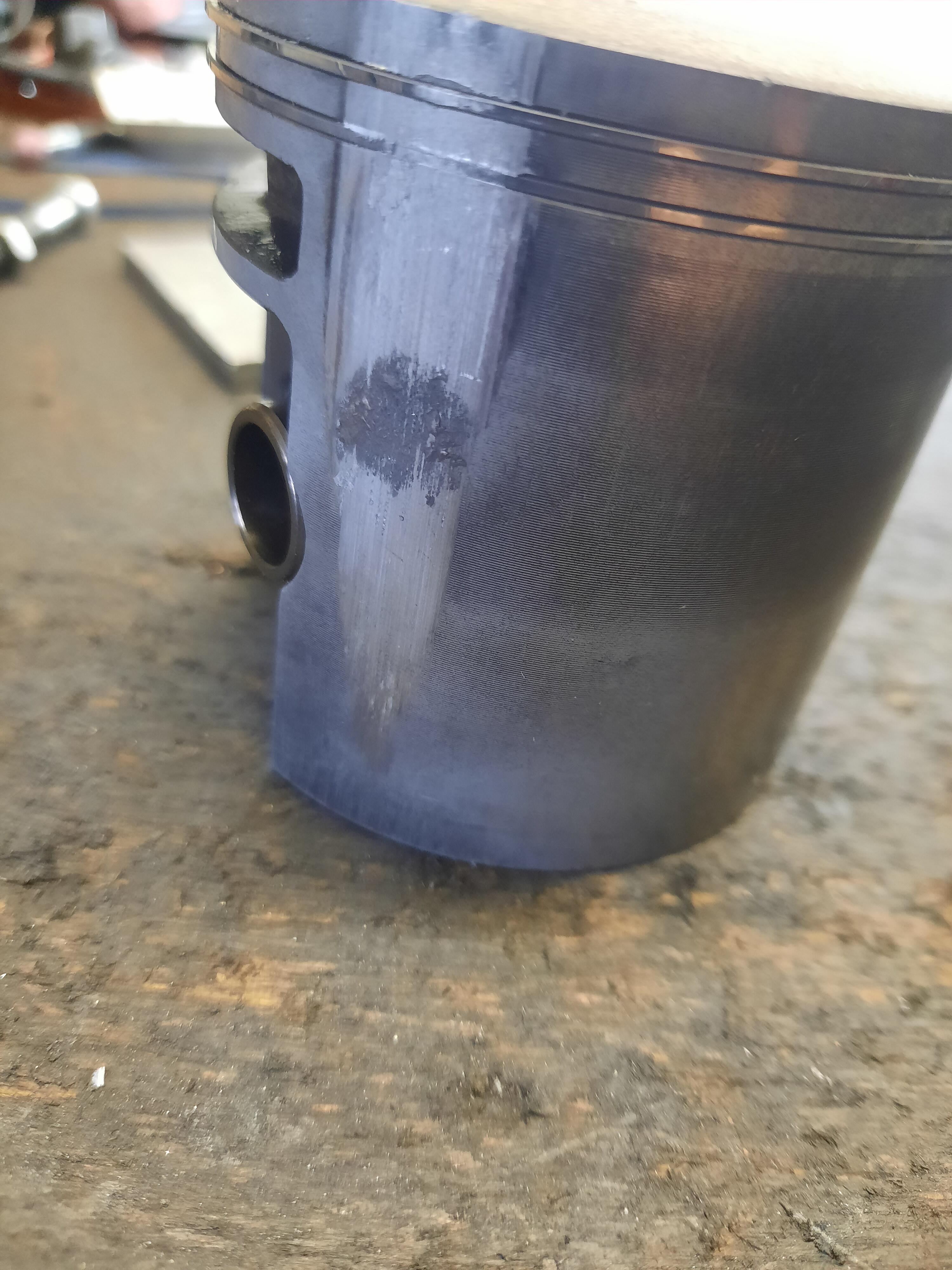
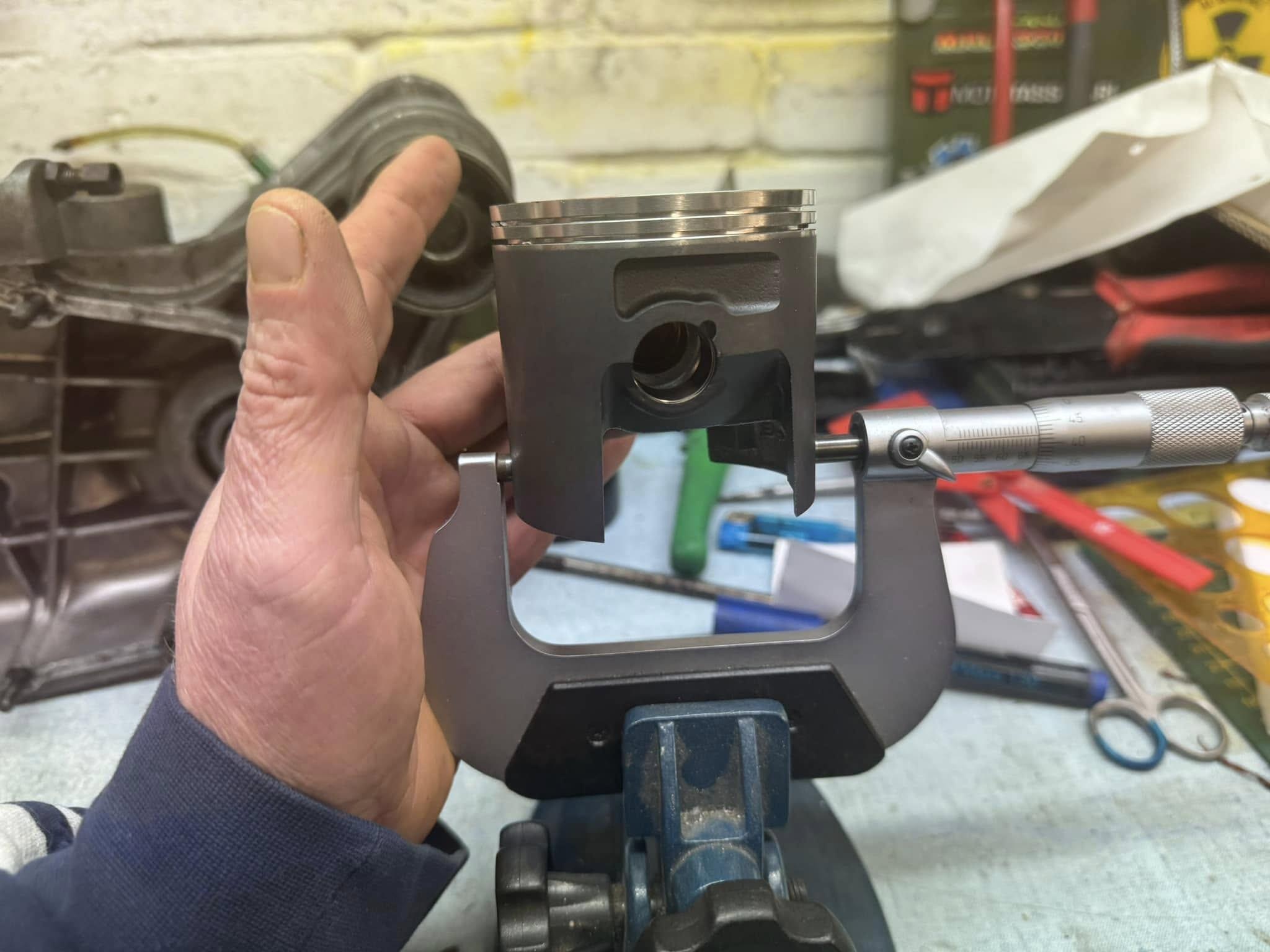
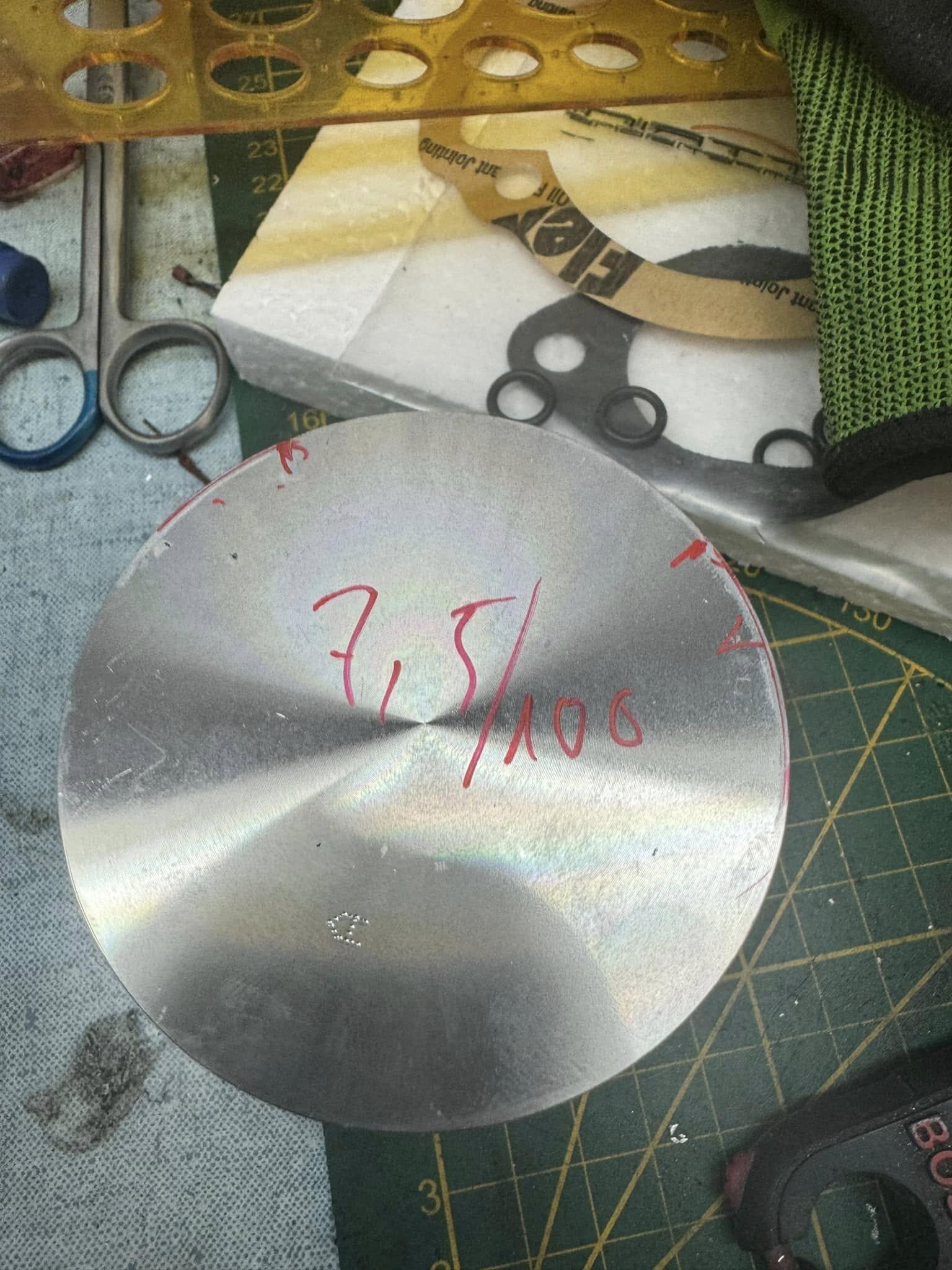
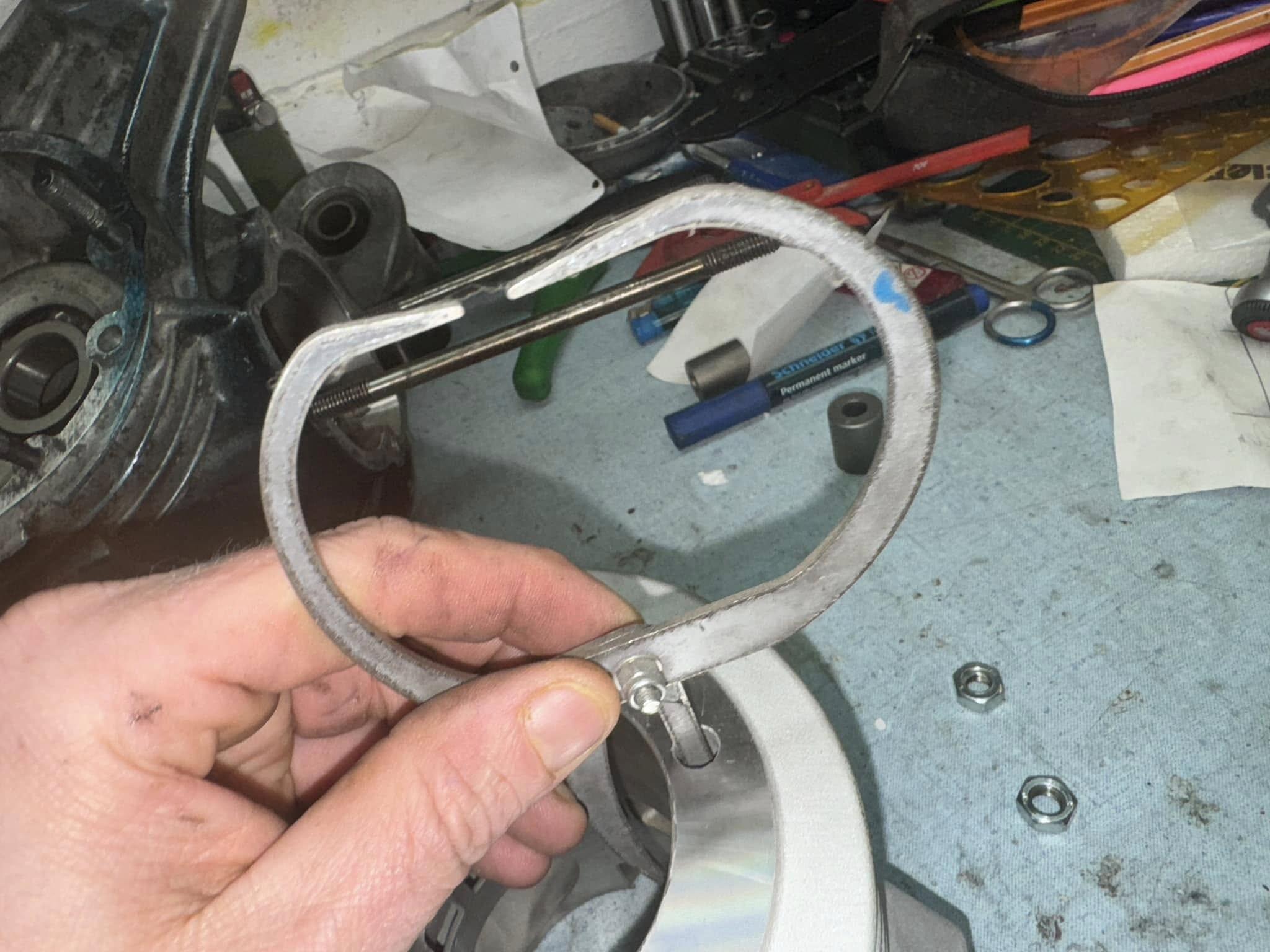
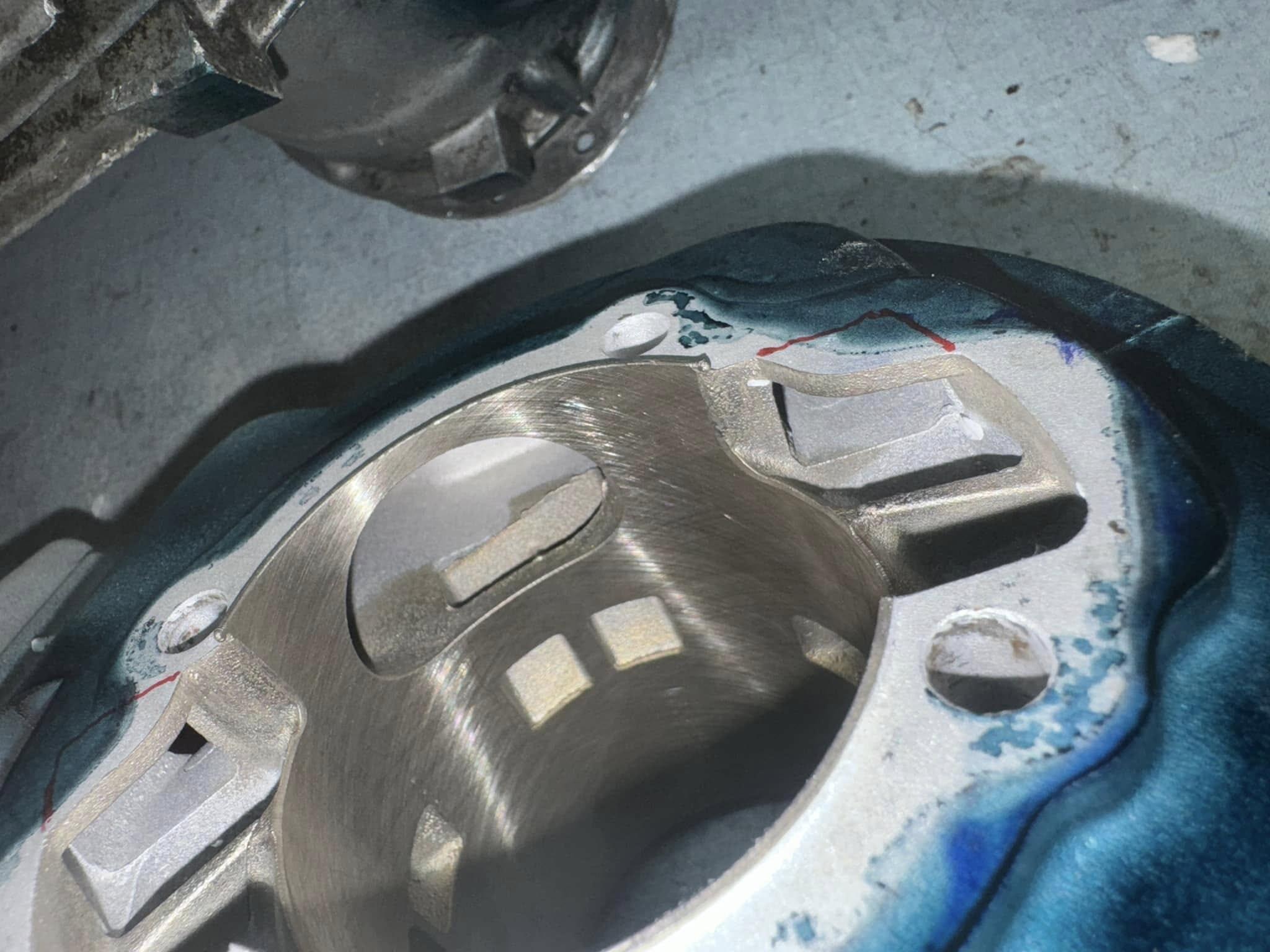
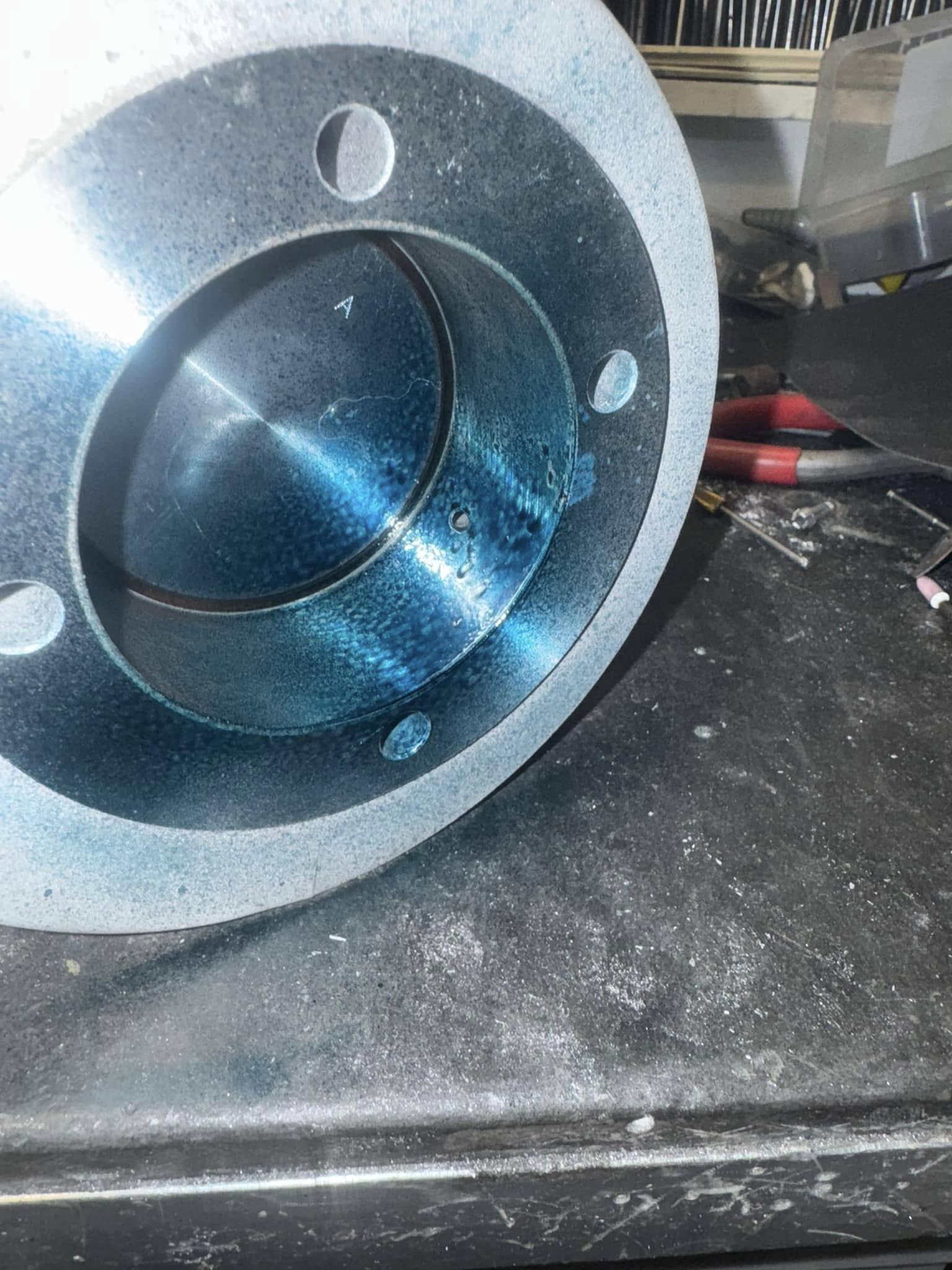
 5 Punkte5 PunkteJaja, aber wehe, Du machst alles richtig: Dann verreckt der Hobel noch in der Einfahrt...5 PunkteSo, um das hier mal in ungefähre Zahlen zu gießen, hab ich mal Quergelesen und eine Auflistung gemach: Seite User Anzahl Schaden Laufleistung Grund 39 Sprint_Cruiser 3 geklemmt 200-1000 Ringspiel 40 Ork77 1 geklemmt 400 Spritmangel 40 Schwimmpimmel 1 geklemmt Spritmangel 40 VespACMAn 1 geklemmt Spritmangel 41 R.Malossi 1 geklemmt 60 41 Slacker81 1 41 meccanico 1 Spuren in Laufbahn 1200 42 meccanico 4 Spuren in Laufbahn 45 SIP 1 46 Bernd Schölly 1 geklemmt 600 47 M245 1 geklemmt Ringe unrund 49 meccanico 1 Spuren in Laufbahn 1200 51 piepmatz 1 geklemmt 4000 51 piepmatz 1 geklemmt 100 19 Wir reden aktuell also von ca. 20-23 betroffenen Zylindern, wenn man die Dunkelziffer von Powerracer auch mit rein nimmt. Begründung fehlt in den meisten Fällen in anderen Spekulation. Also kann man schon behaupten das der Zylinder ein grundlegendes Thema hat. Offen ist allerdings ob es in einem Zusammenhang mit einer bestimmten Charge liegt oder nicht. Gegenüberstellung mit problemlos laufenden Rangern leider unmöglich, da keine oder nur sehr wenige Rückmeldungen. Bin ja mal gespannt ob VMC in irgendeiner Art und Weiße reagiert auf das ganze Thema.4 Punkte4 PunkteNoch ein weiteres Update zum Projekt, weil sich gerade einiges bewegt. Nachdem die A-Samples komplett verkauft waren, ging direkt ein Kit nach Schottland. Ich habe bereits die ersten Bilder vom Einbau gesehen – genau dafür entwickelt man solche Sachen. Und dann kam die nächste Überraschung: Der nächste Full-Power-Motor mit den Assassin2-Zylindern und einer Zielgröße von 80–90 PS geht nach Thailand. Damit hätte ich ehrlich gesagt nicht gerechnet, dass das Konzept so schnell auch außerhalb Europas Interesse findet. Aktuell bestelle ich die nächste Serie der B-Samples. Dabei fließen natürlich alle Erfahrungen und Verbesserungen aus den A-Samples ein. Parallel dazu baue ich die ersten zwei verstärkten Kurbelwellen. Diese basieren nicht mehr auf der bisherigen Version, sondern auf der höherwertigen Banshee-Kurbelwelle. Das Projekt entwickelt sich also weiter. Die ersten Erfahrungen aus den laufenden Motoren fließen direkt in die nächsten Schritte ein – genau so sollte eine Entwicklung laufen.4 PunkteVorgestern wieder einer der verdächtigen Ranger auf die Werkbank bekommen. Warte noch auf den Auslassstutzen um auch hier die Ursache bestätigt zu bekommen. Der Auslassstutzen hat wieder recht's vom auslass dermassen die Bohrung eingebeult das der Kolben sogar diagonal genau gegenüber auch ordentlich abgeklemmt hat. Auf der anderen Seite diagonal auch schon auch leicht Druckspuren. Ich werd mal versuchen den Zylinder mit Honbrille vorgespannt neben dem Auslass messen zu können. Für diese Kundin wird der Zyli vorgespannt geläppt. Ergebnis der Ursachenforschung kommt. @Soul-Beat und @Merde Vela wenn mal ein User nicht ganz die perfekte Wortfindung parat hat, eigentlich wissen wir alle worum es geht!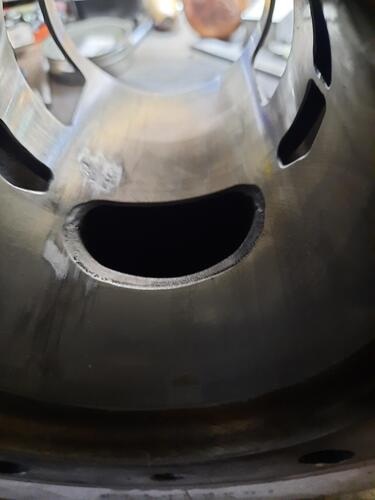
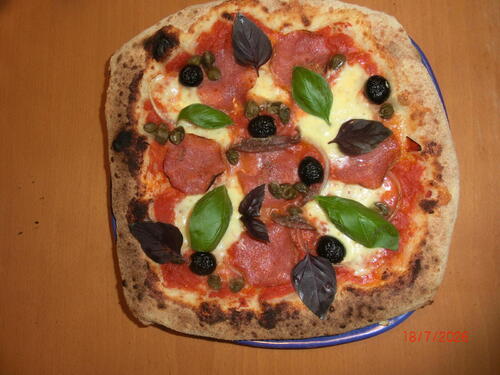
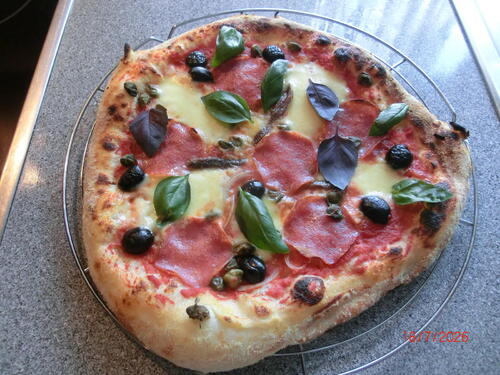
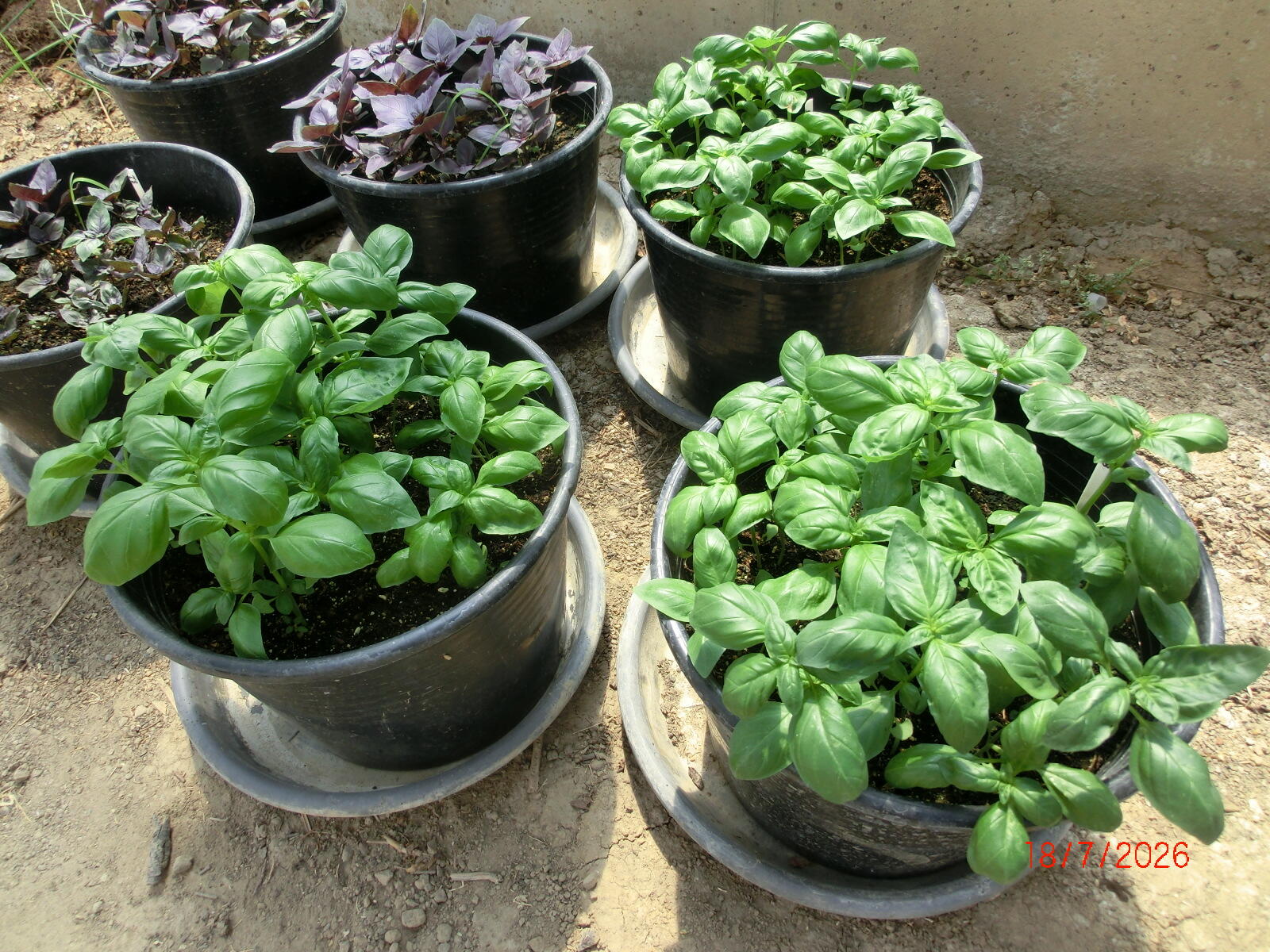
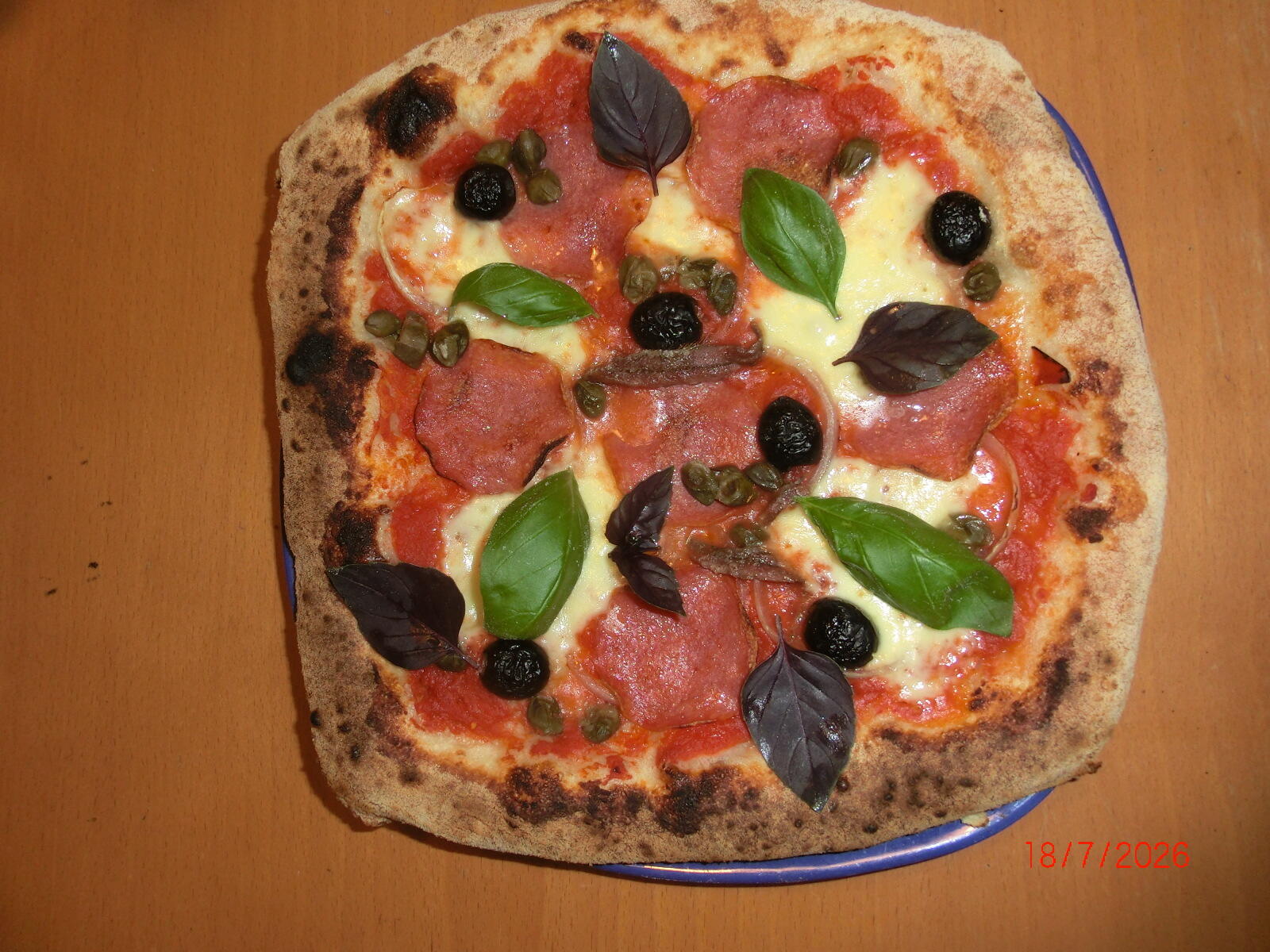
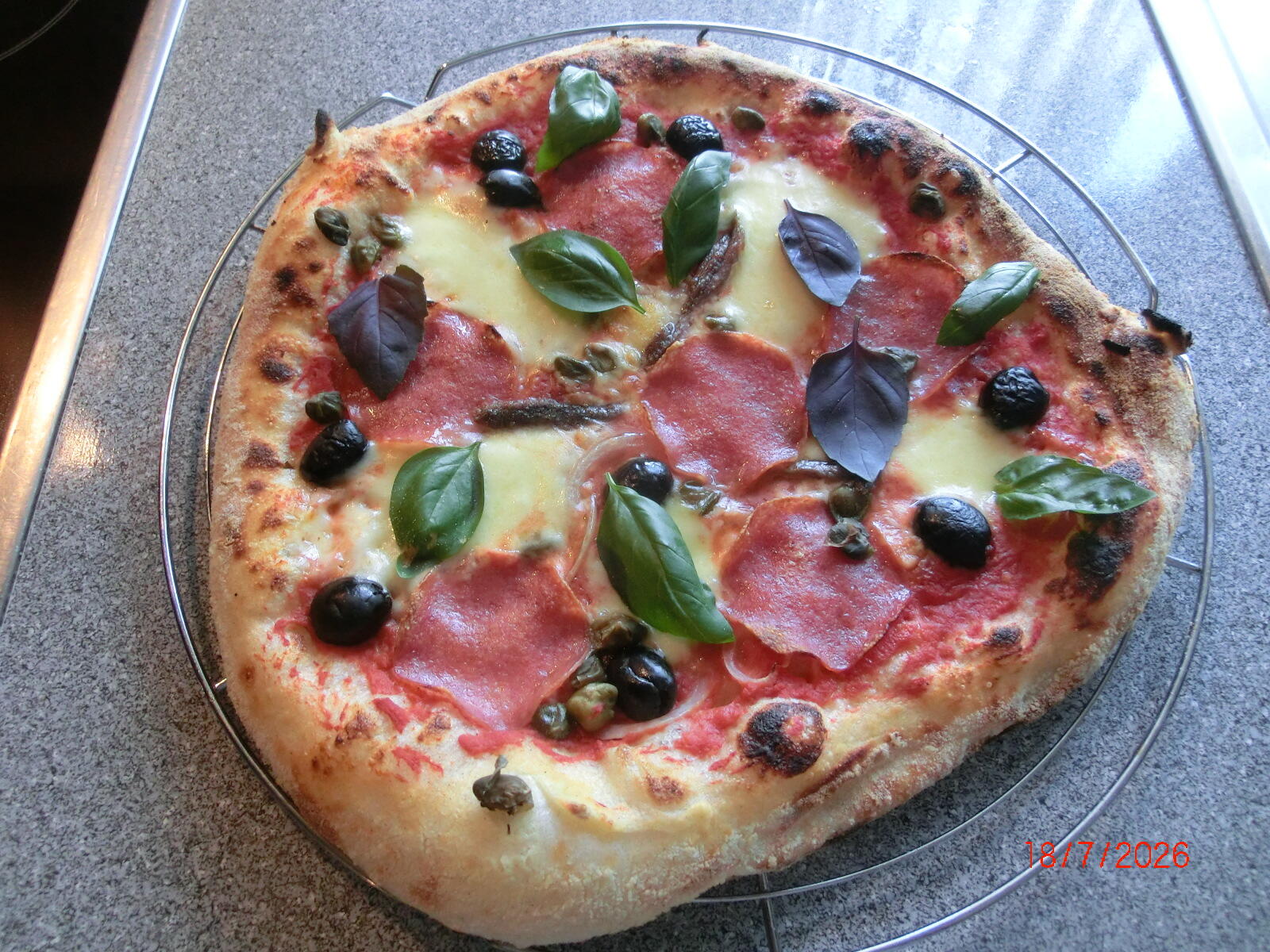
 4 PunkteVielleicht kann man einige dieser Themen (u.a. wie kalt/heiß wird der SI-Vergaser?), sofern sie nicht den Ranger betreffen, in die allgemeine Technik auslagern?4 Punkte4 Punkte4 PunkteDer Explorer hat genau gar kein Problem..... da ist von gar nix was hier geschrieben wird zu hören. Egal was nun gemutmaßt wird. Und welche Explorer haben denn geklemmt? Das Topic ist diesbezüglich ganz schön ruhig. Also Bitte.... es muss jetzt nicht alles runter gesprochen werden was drei Buchstaben hat. Egal ob Hersteller oder Shop......4 Punkte4 PunkteIm September sind wir auch wieder live dabei, diesmal war es einfach zeitlich nicht möglich, über 1200km Anreise müssen wir halt ordentlich organisieren. Freuen uns schon unsere Updates zu testen.🤩4 PunkteWeil er weder die Gebühren übernommen hat noch das so läuft. In meiner Anzeige steht klar drin, was ich akzeptiere. Wenn er das nicht will, kauft er halt woanders. Grund ist der Gleiche wie bei Dir aus der anderen Richtung. Bin einmal abgezogen worden weil jemand einen völlig unberechtigt angezettelten Paypal Käuferschutzfall geltend gemacht hat. Am Ende hatte ich erstmal weder mein Geld noch meinen Artikel zurück und das musste über eine Anzeige geklärt werden. Ich hab meinen Artikel dann zurückbekommen, leider in völlig anderem Zustand als ich den versendet hab. Da ich keine Zeit und Lust hatte, das final auszufechten, als Lehrgeld verbucht. Wer bei mir kauft, hat die Option nicht. Er kann gerne von der polnischen Grenze rüberkommen und ein Haustürgeschäft abwickeln, oder er - mit ziemlich miesem Profil was Zuverlässigkeit angeht - vertraut mir mit perfektem Profil einfach. Ansonsten soll er es halt lassen. Ich komme damit dann auch klar.4 Punkte4 Punkteich will ein Projekt fertig kriegen, Tüven und mit dem Sohn in Urlaub fahren. Da sind 3-4 Wochen Lieferzeit nicht geil. Trink Du Dein Bier.4 PunkteEin weiterer 177. Darauf warte ich seit Jahren.3 Punkte3 PunkteWie ja schon kommuniziert, wechselt die PX für 5k den Besitzer. Danke für die ganzen Einschätzungen.3 Punkte3 PunkteHeute gab es gesundes Mittagessen, Basilikum Genovese und Rosso auf Pizza.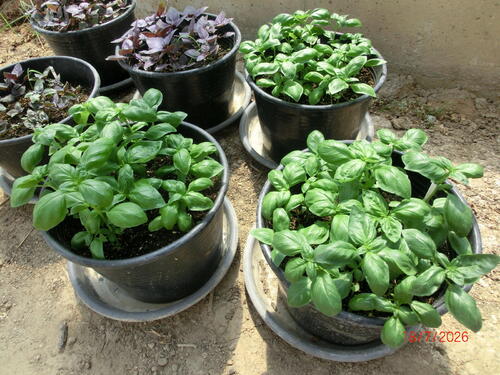
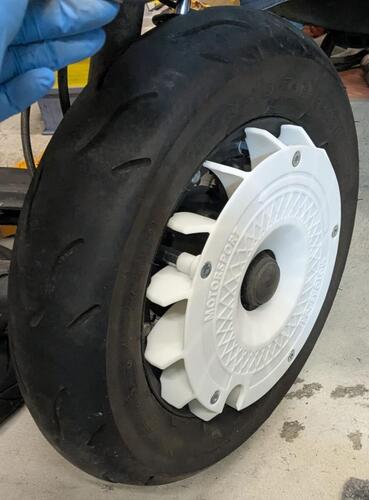
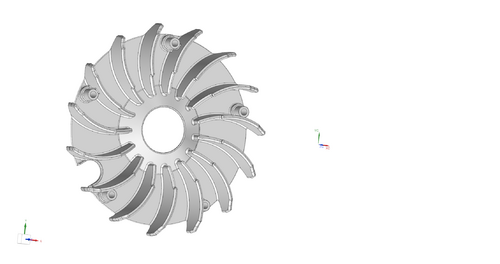
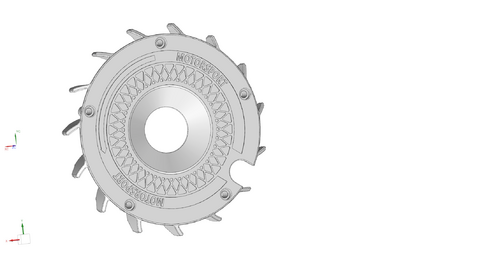
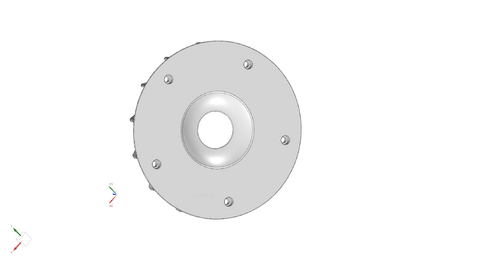
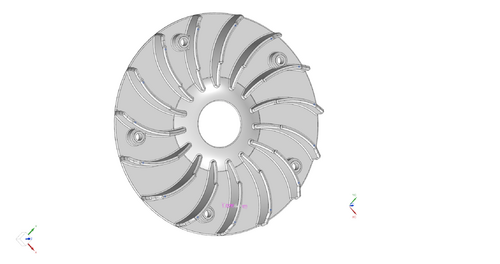
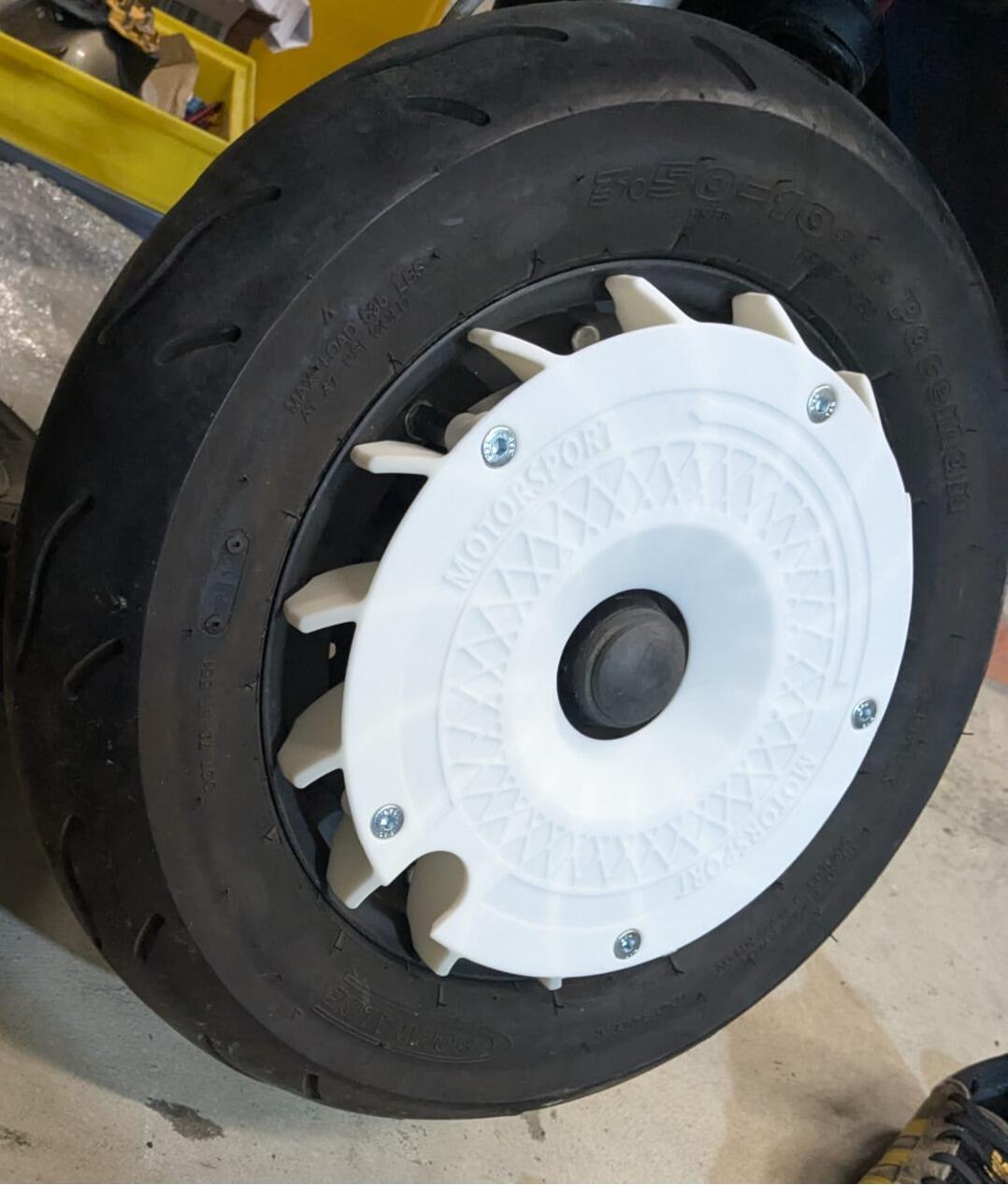
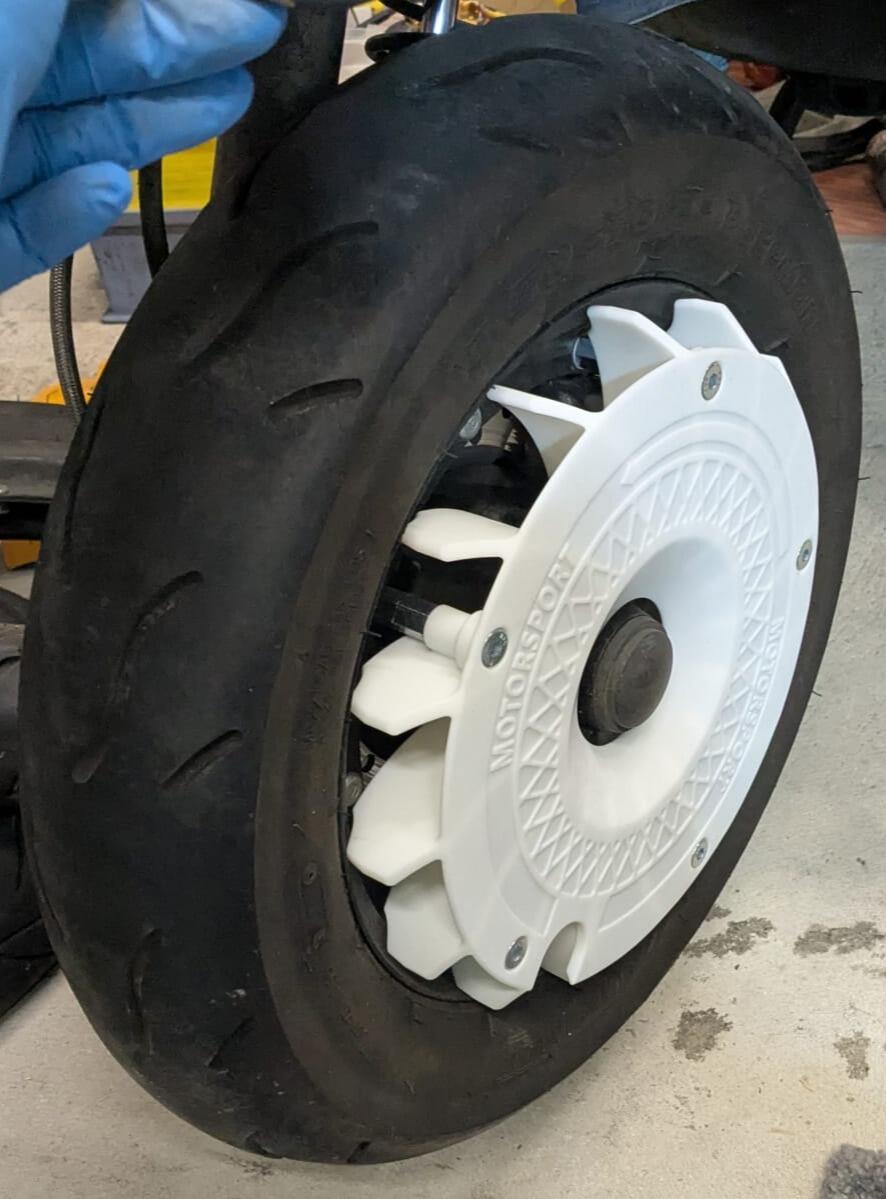
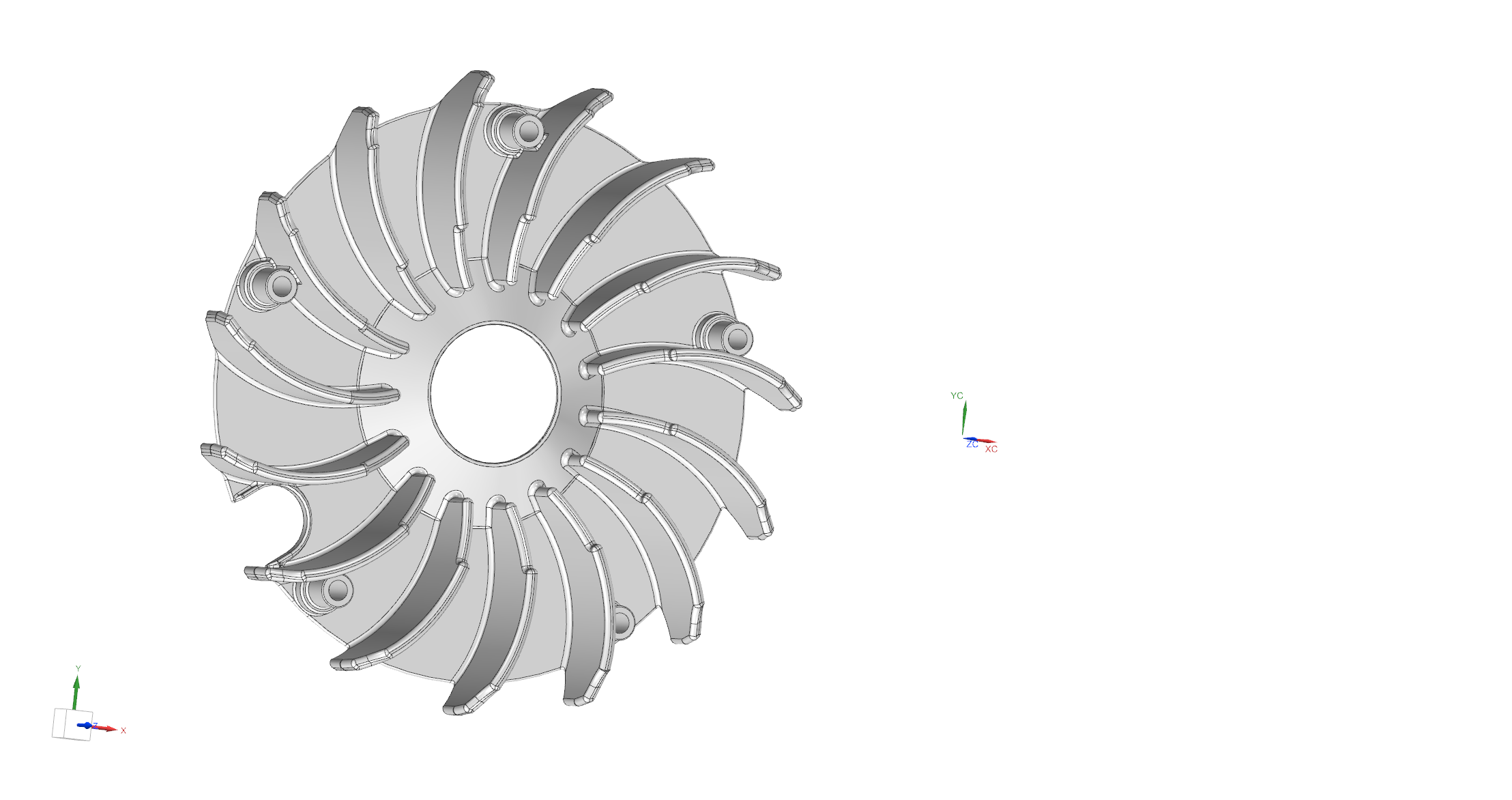
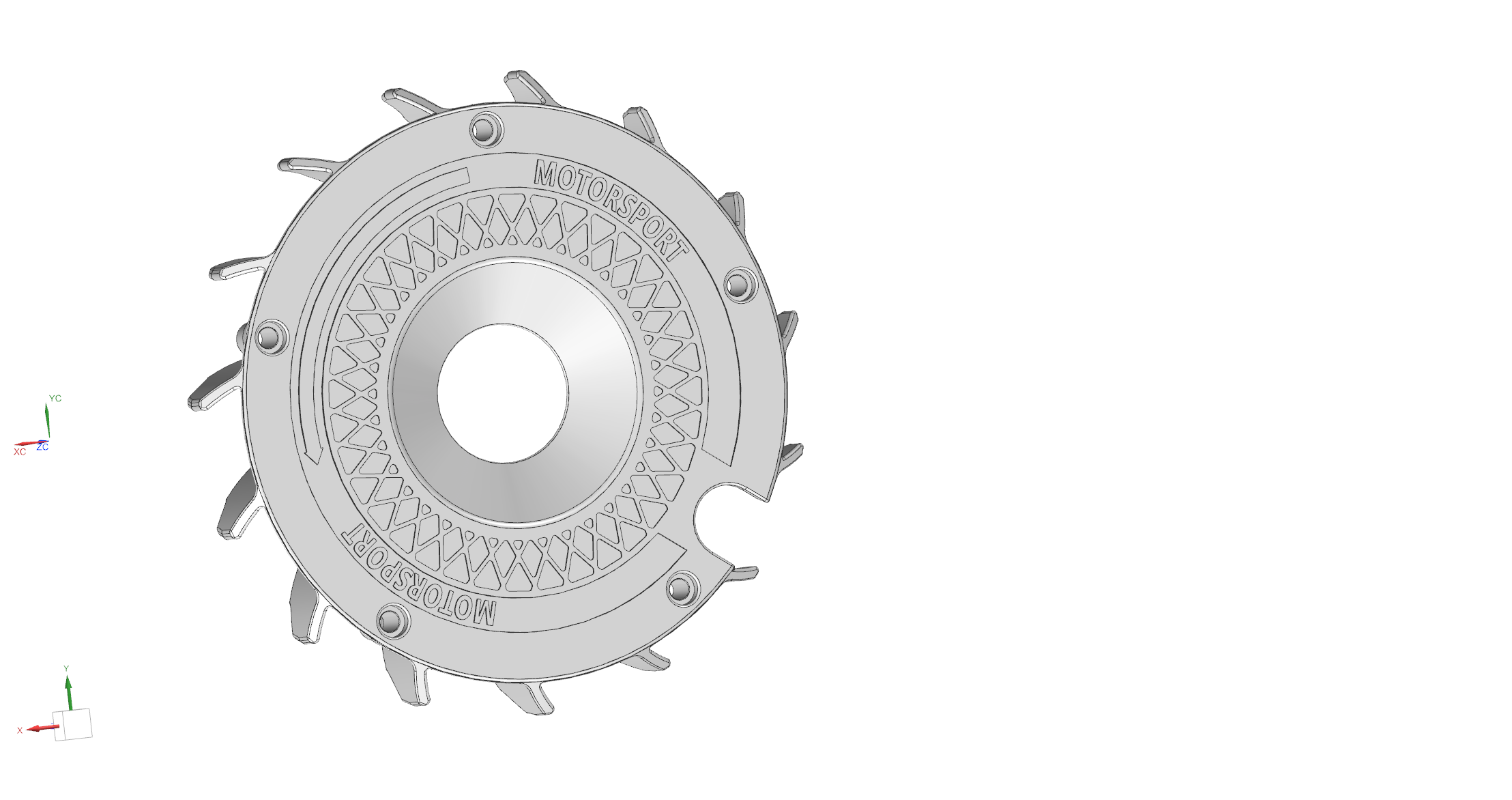
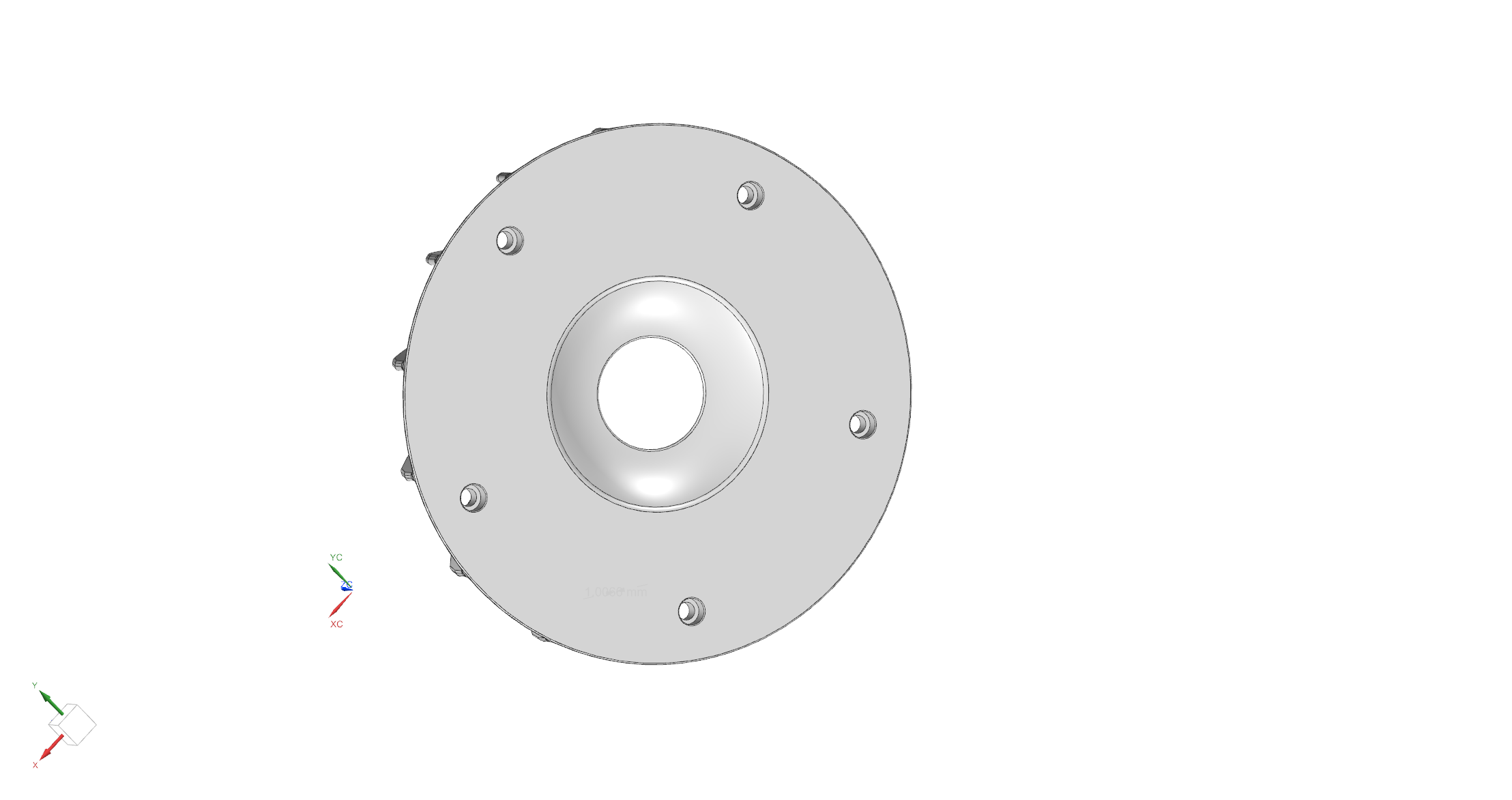
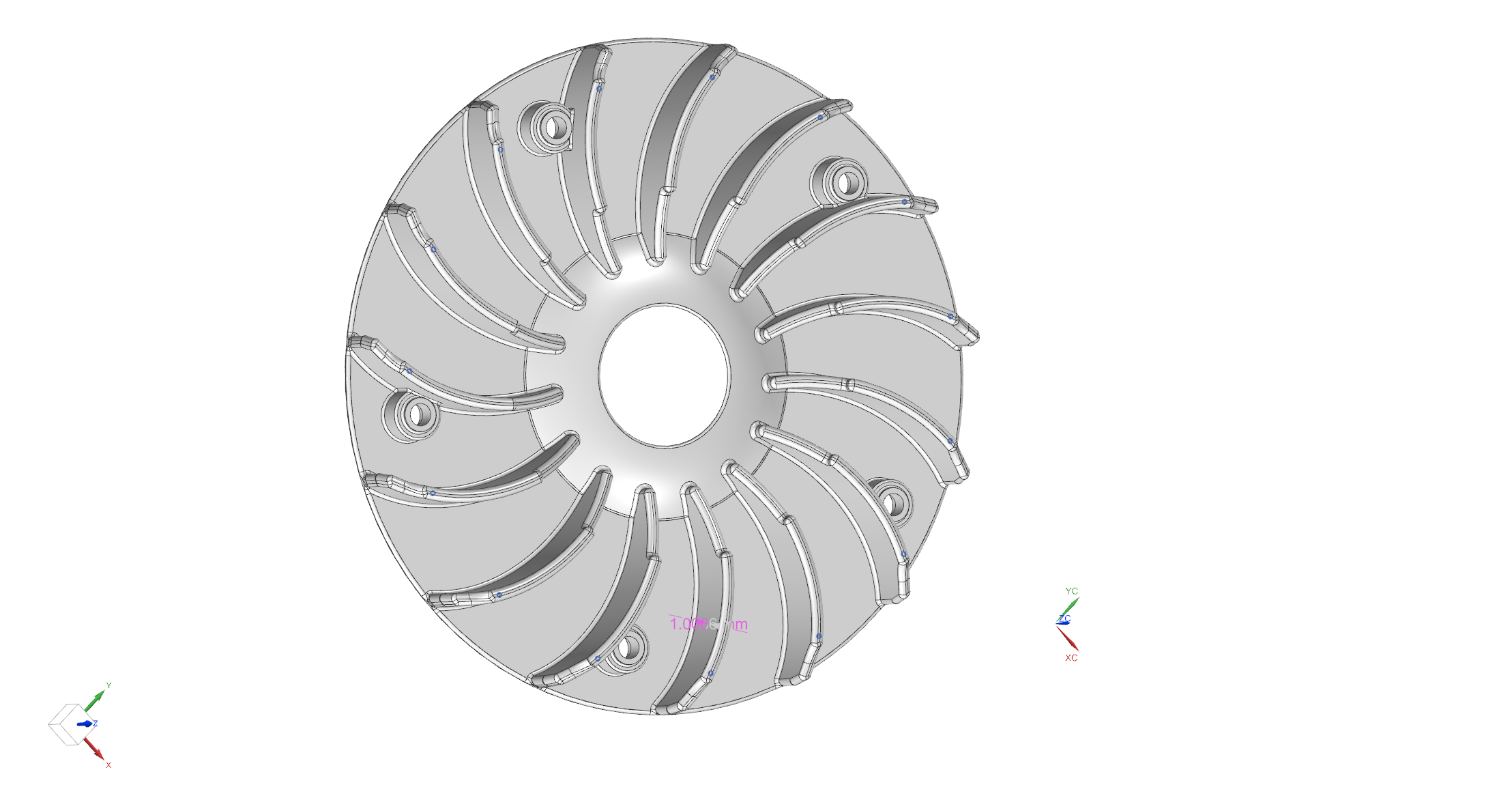
 3 Punkte3 Punkte3 Punkte3 PunkteKurze Vorstellung meines letzten 3D Druck Projekts: da ich den Felgenstern der MY mittlerweile ziemlich hässlich finde, bin ich auf die Idee gekommen eine Radkappe im Stil der AF AERO Wheels zu entwerfen. Die Aerowheels fand ich nicht schlecht, aber das Befestigungskonzept mit Kabelbindern fand ich Murks Auch gibts im Internet ja schon ähnliche Dinger zum runterladen, aber da waren die Schaufeln verkehrt herum Anyway... mittlerweile hat das Ganze einen herzeigbaren Status erlangt. hab da jetzt noch ein "Design" mit drauf gemacht; ist aber im CAD ja auch kein Problem das mal zu entfernen, falls man sich ne flache Version drucken möchte. Kleine Aussparung für Zugang zum Ventil hab ich auch integriert und befestigt wird ddas ganze per Inbusschrauben an Langmuttern... _______________________________________________________________________ UPDATE1: _______________________________________________________________________ da ich zeitlich recht ausgebucht bin und ich auch nicht so wirklich Lust habe, mich um Lieferanten und Bestellungen usw zu kümmern, habe ich mich entschieden, die Daten freizugeben! Außerdem lebt eine Szene wie die unsere auch immer vom Austausch Ihr findet hier nach und nach die ganzen Varianten die ich erstelle, for free zum Download und selbst drucken Falls Euch die Sachen gefallen, dürft ihr gerne eine kleine Spende per Paypal an SLR [ät] gmx.de raushauen... Wenn ihr andere Leute kennt, die Bock auf das Zeug hier haben, bitte gebt die Daten nicht einfach weiter, sondern verweist sie auf das GSF und dieses Topic! Und jetzt: los gehts mit den ersten 2 Datensätzen es gibt von allen Radkappen immer 2 stp files: eines mit der Endung FDM; für FDM-Drucker eines ohne FDM im Namen, hier haben die hohlen Rippen Entlüftungsöffnungen, damit das Resin oder das Pulver rausgeblasen werden kann Variante 1 (Style11) ist die, die ihr oben als weißen Prototypen sehen könnt; 11_hollow_SLR.7z11_hollow_SLR_FDM.7z Variante 2 (Design16) ist die Wunschvariante von @passarati also etwas flacher, ohne Cutout fürs Ventil, ohne Design und innen konkav 16_GSF_flat_SLR.7z16_GSF_flat_SLR_FDM.7z kleine Änderungen (bsp motorsport entfernen, falls euch das zu albern ist) kann ich relativ schnell umsetzen; einfach mal anschreiben Mehr gibts, wenn ich mehr Zeit finde ;-) Habt Spaß, Gruß Sven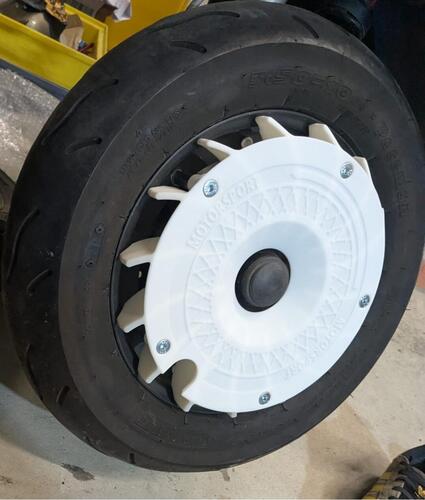
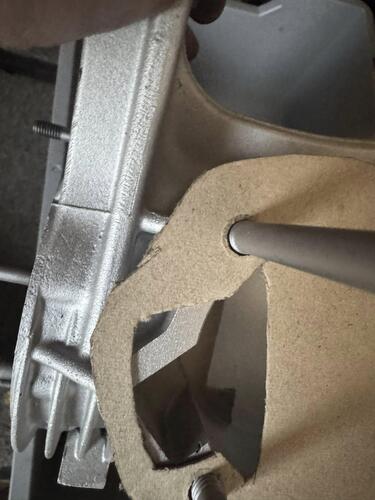
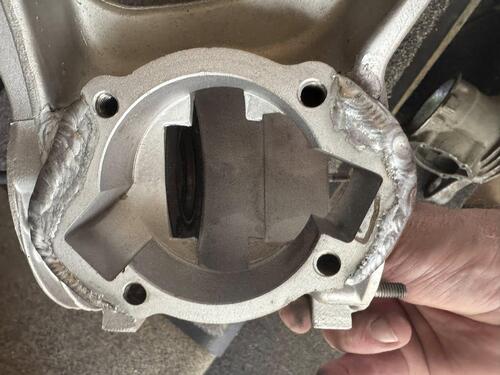
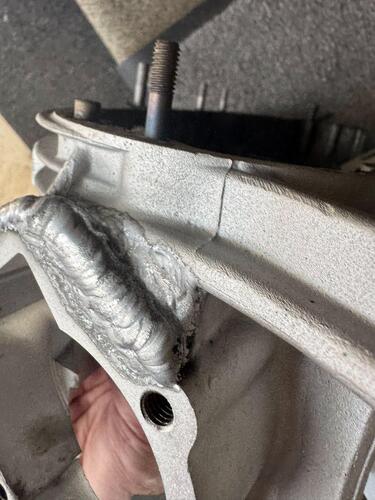
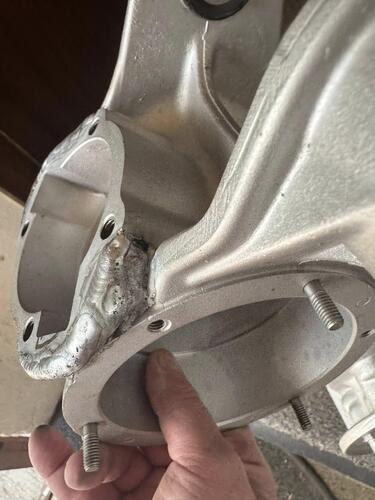
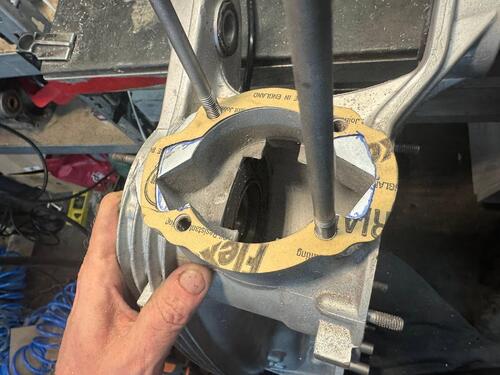
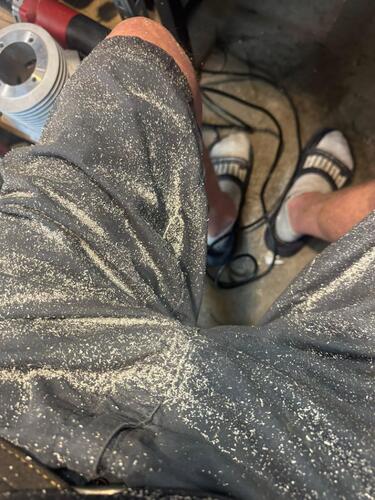
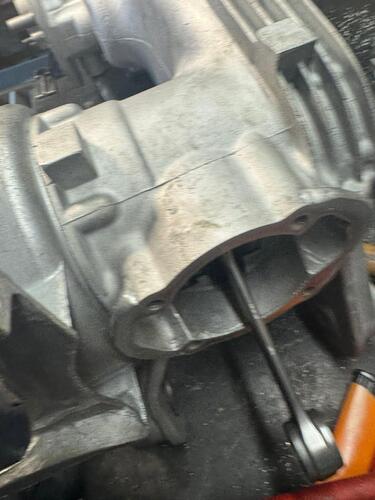
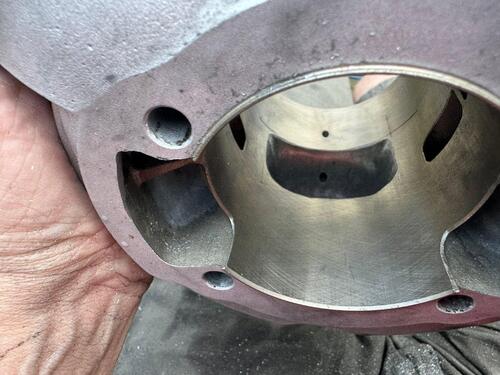
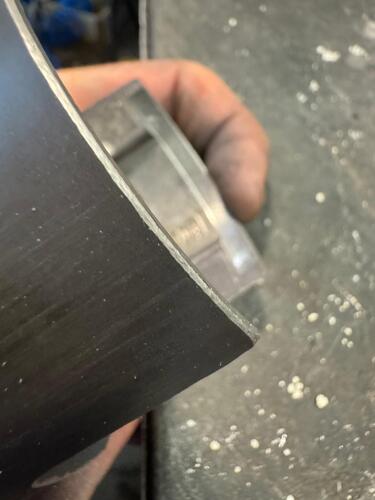
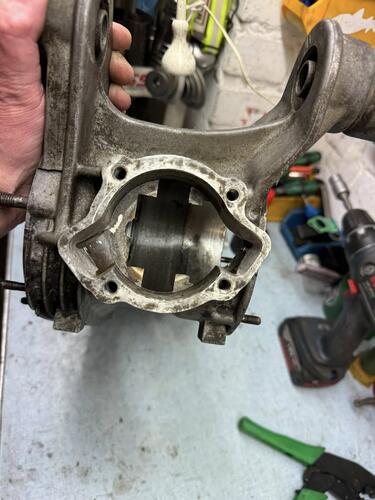
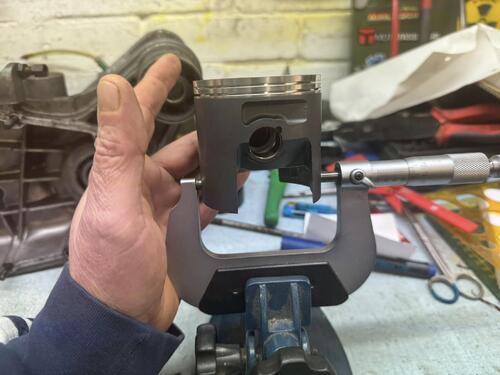
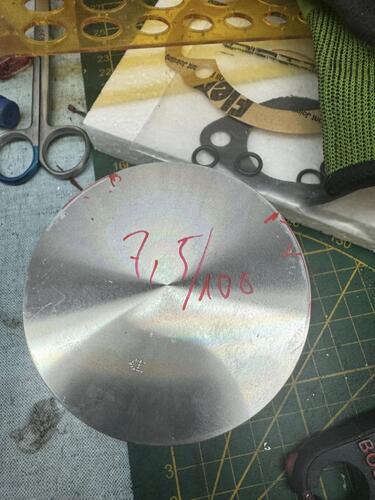
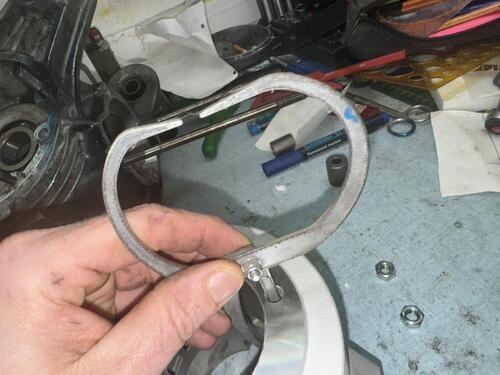
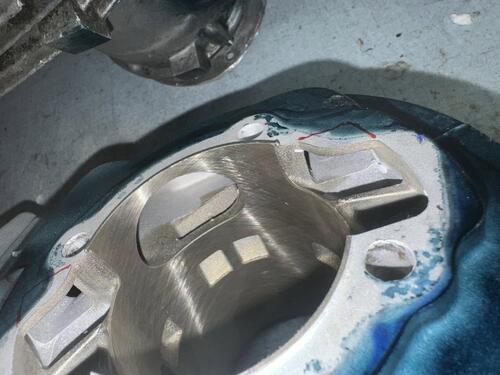
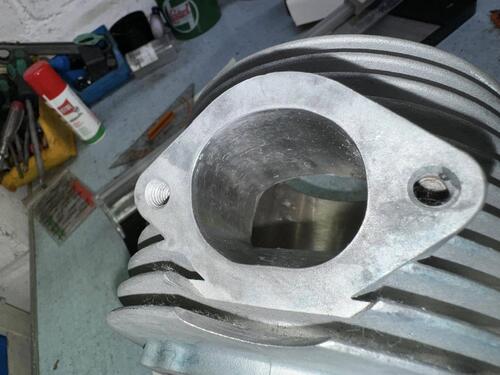
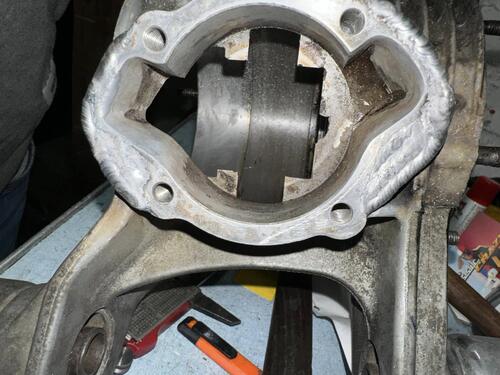
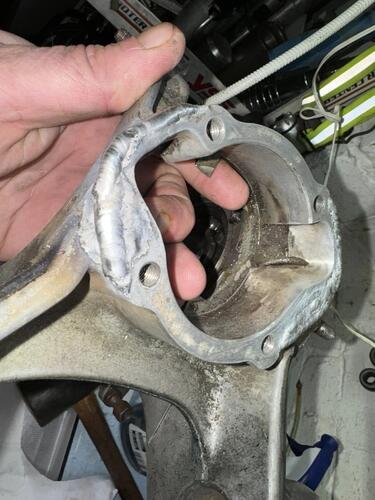
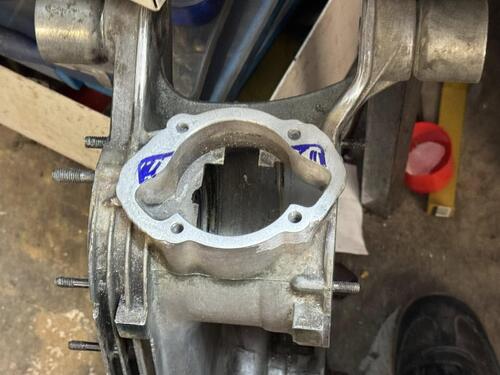
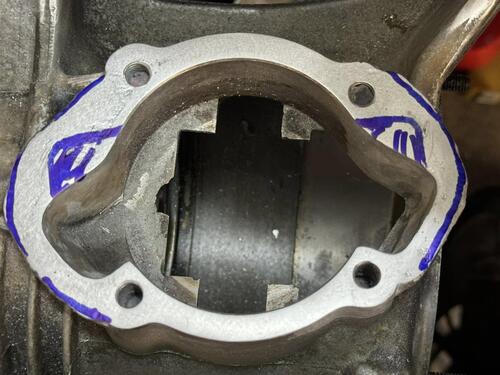
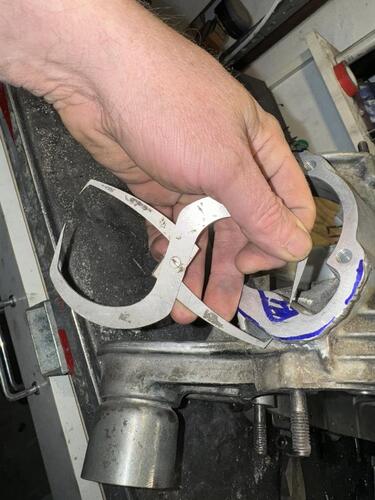
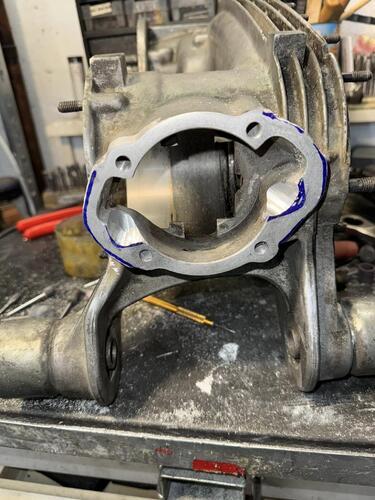
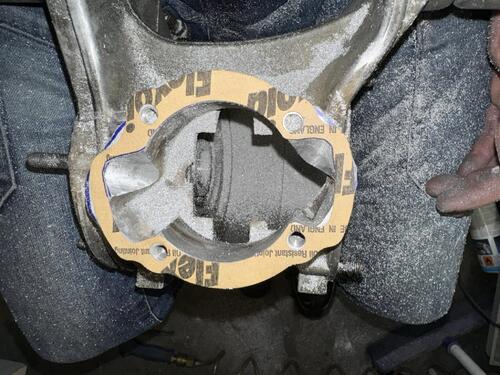
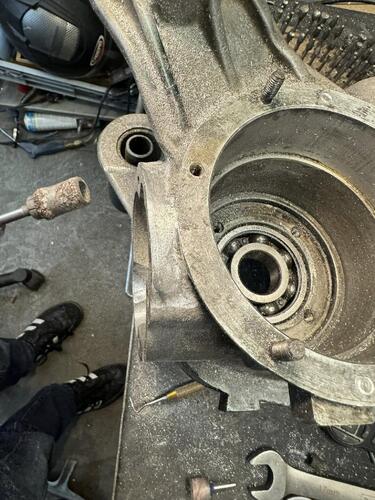
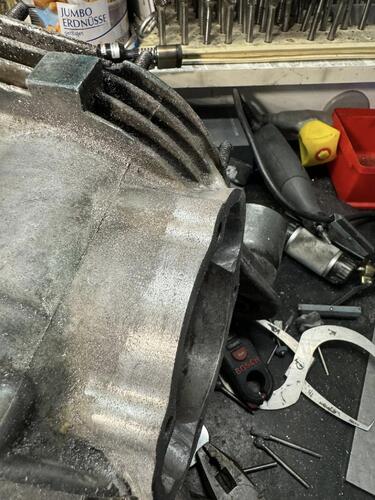
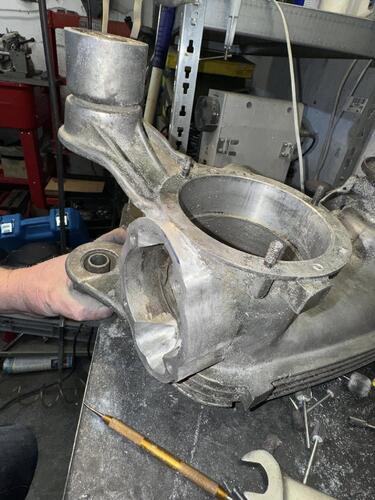
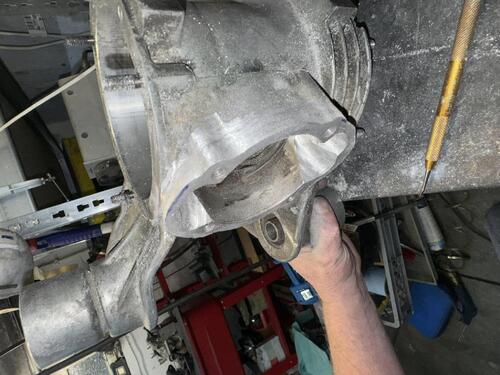
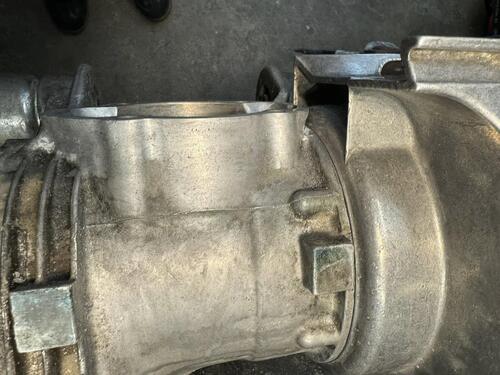
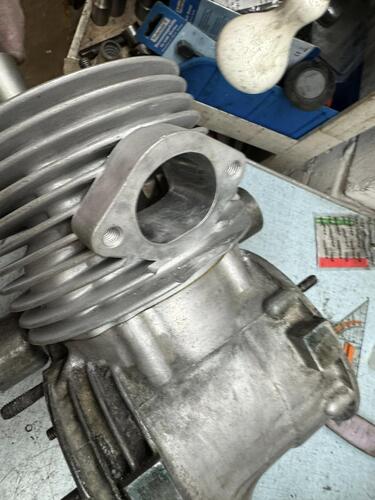
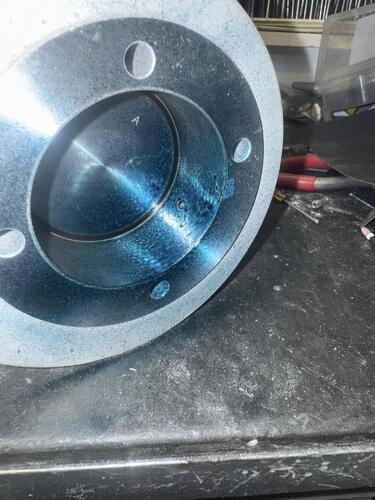
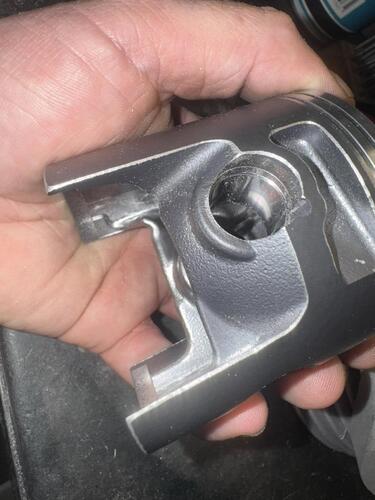
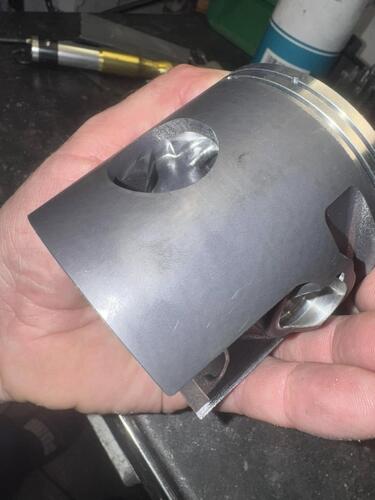
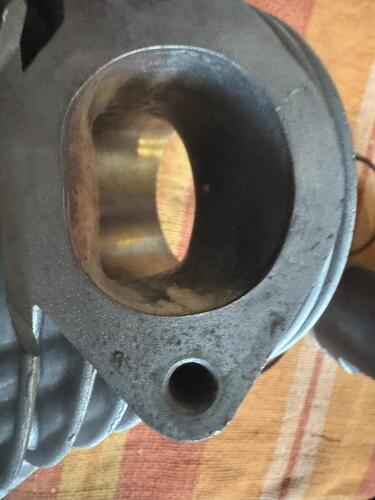
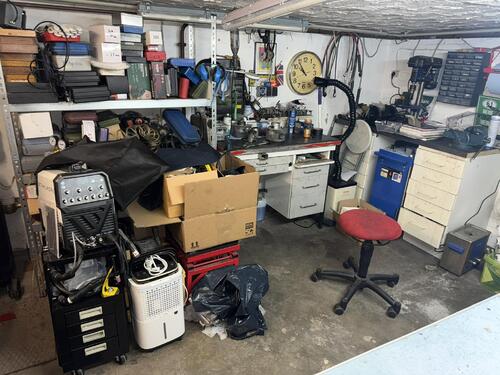
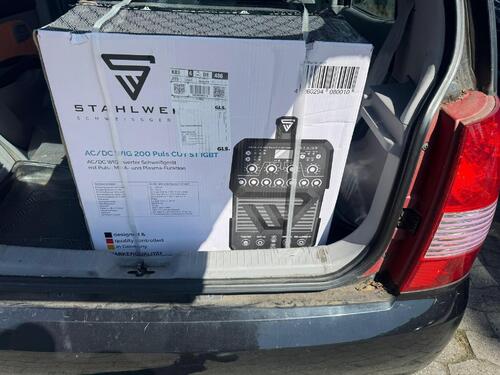
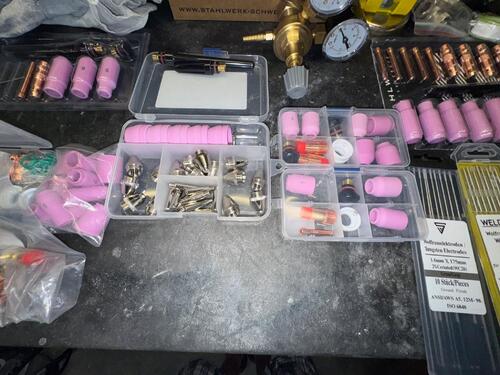
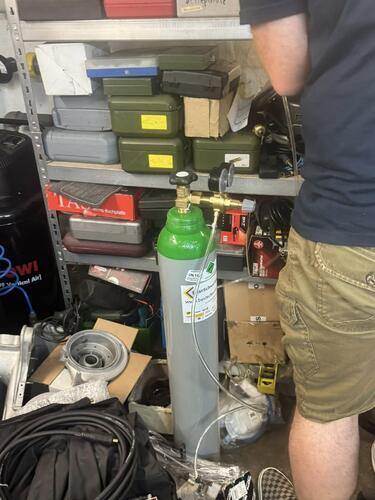
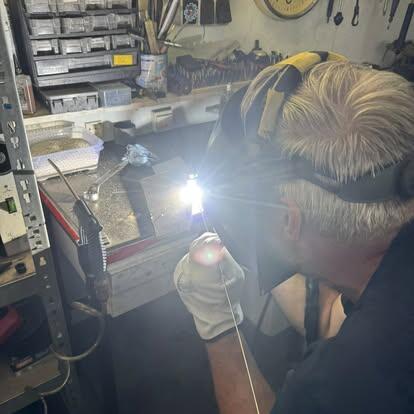
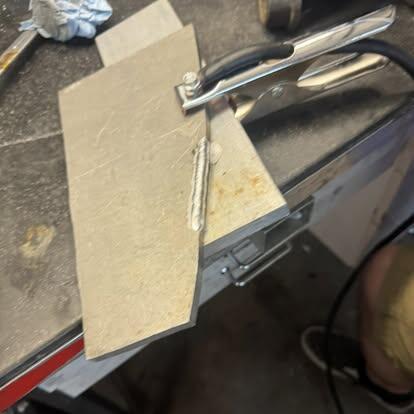
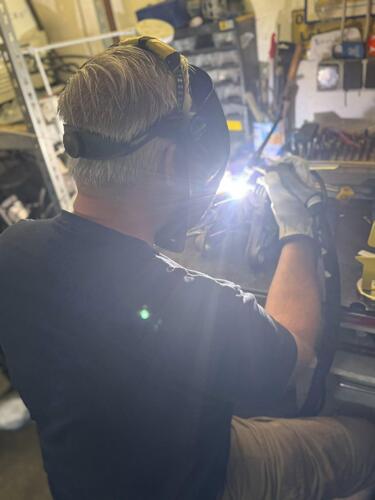
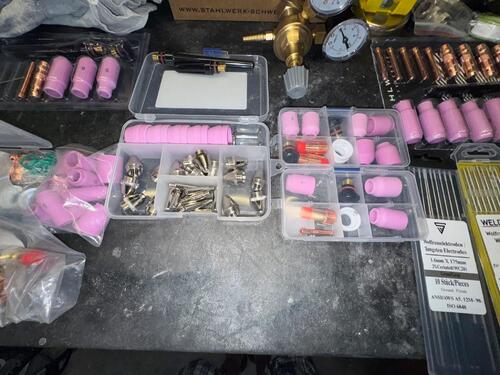
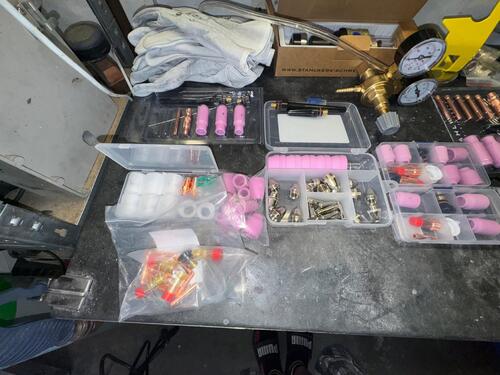
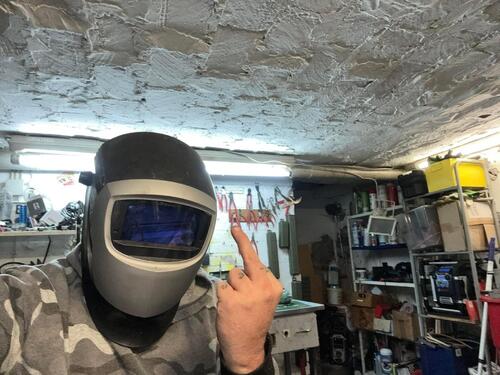
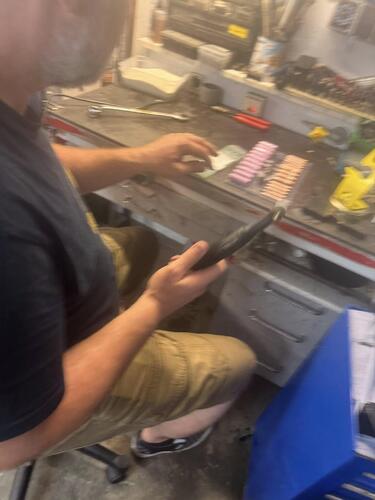
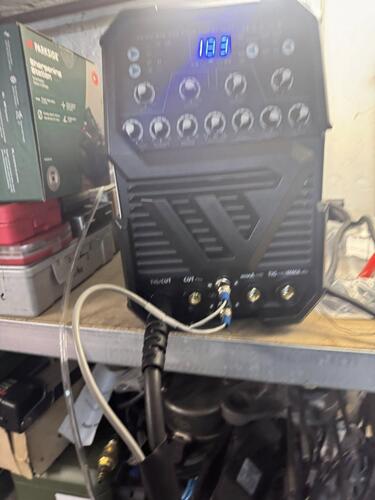
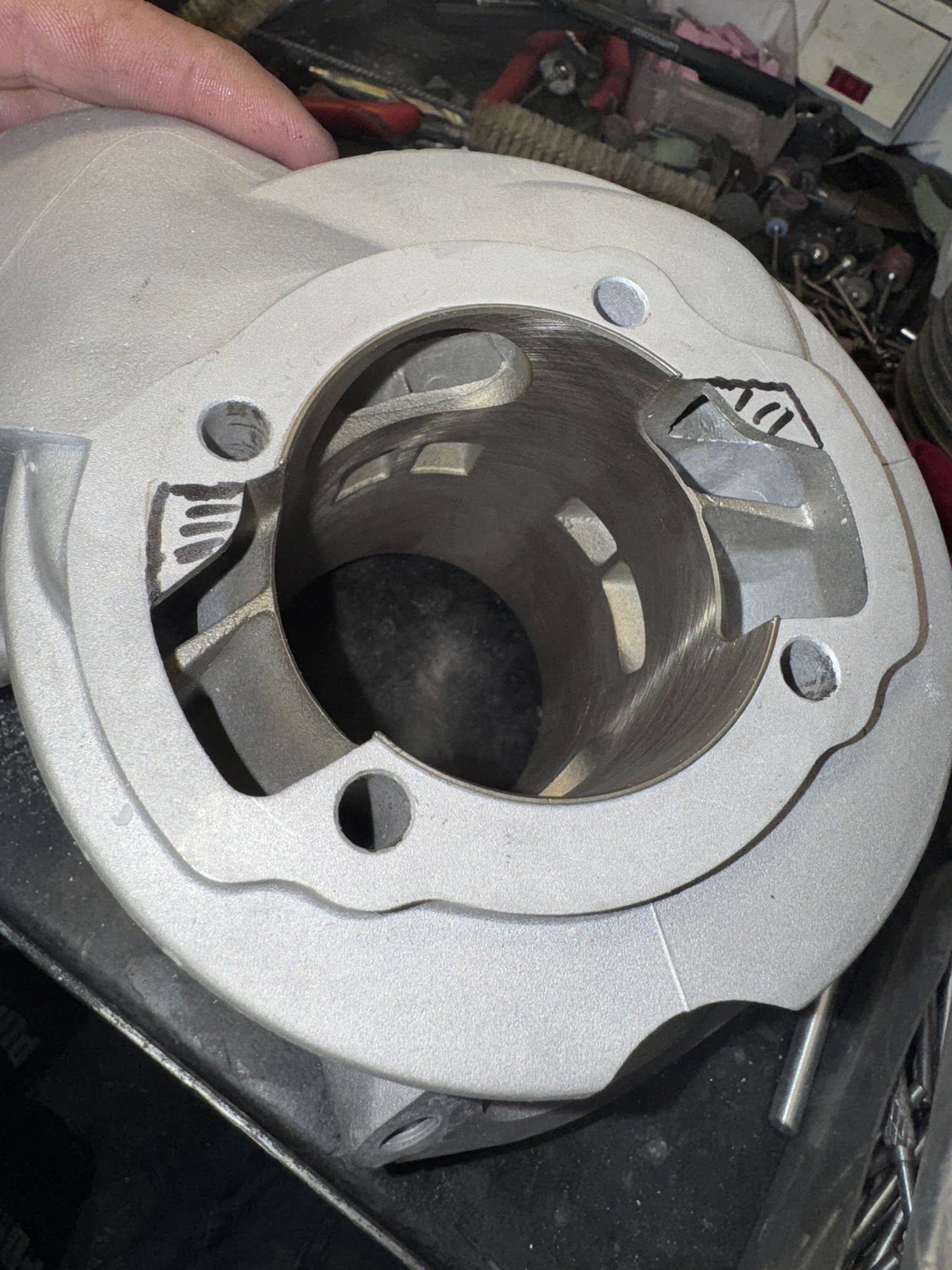
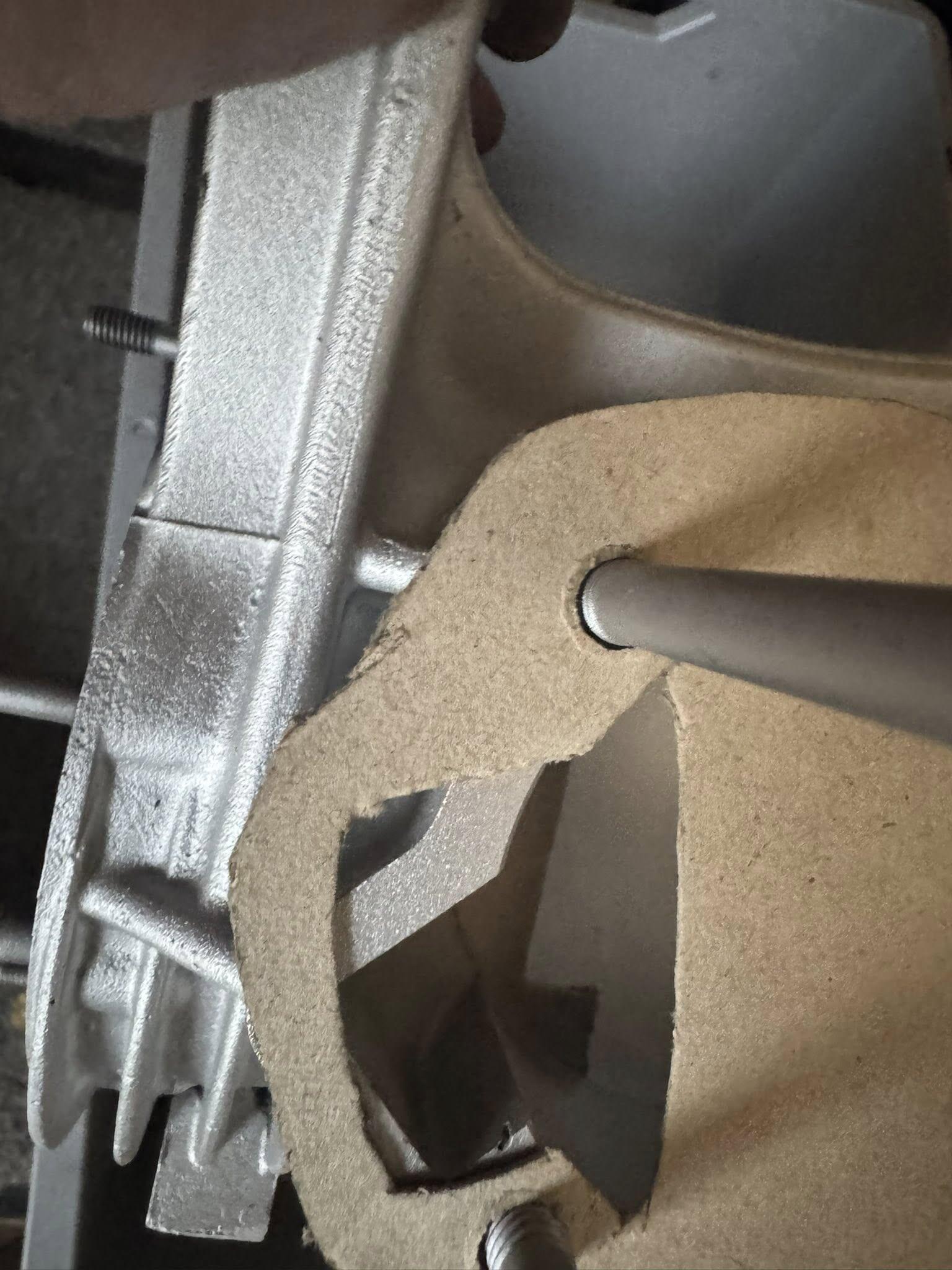
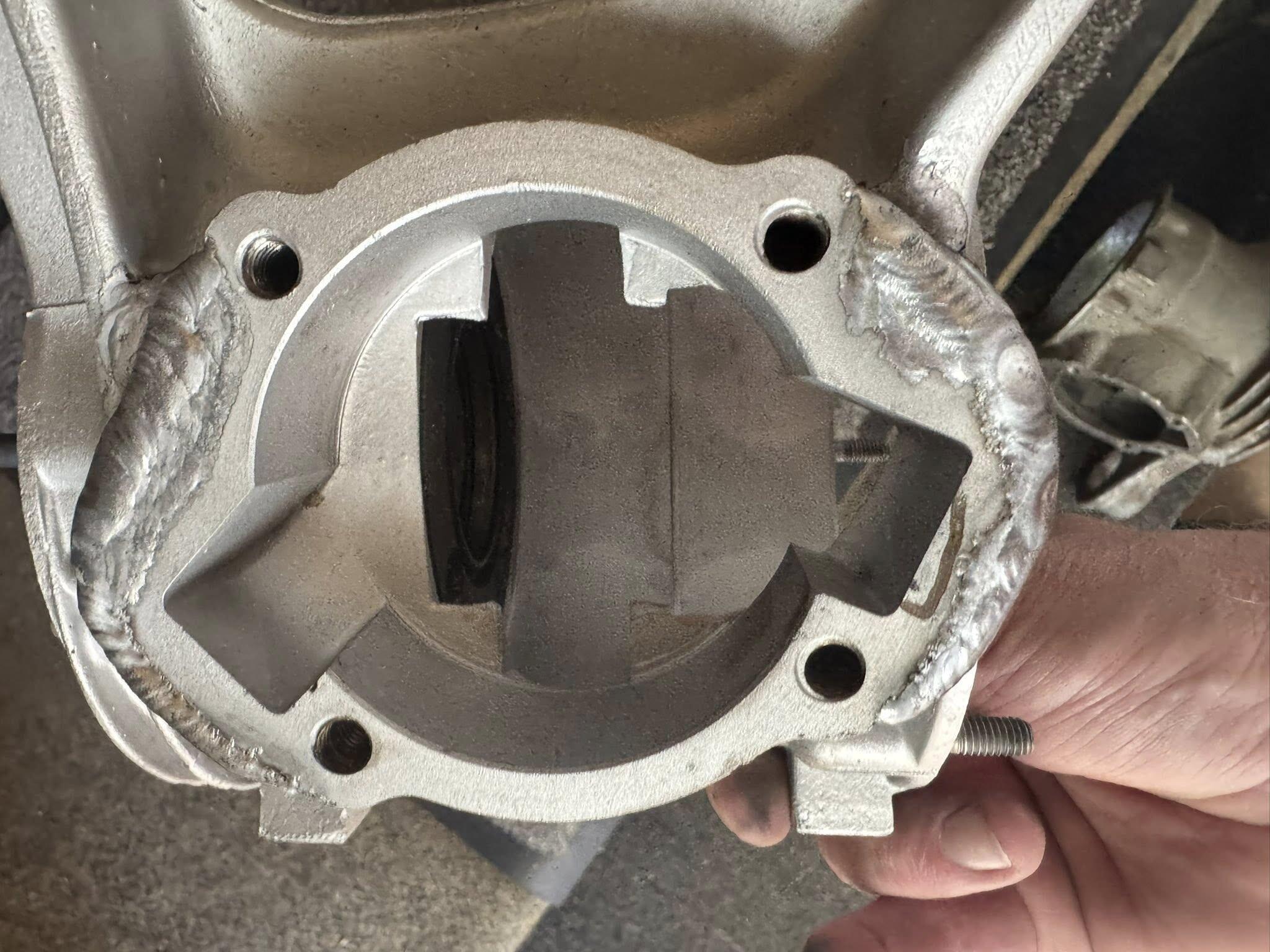
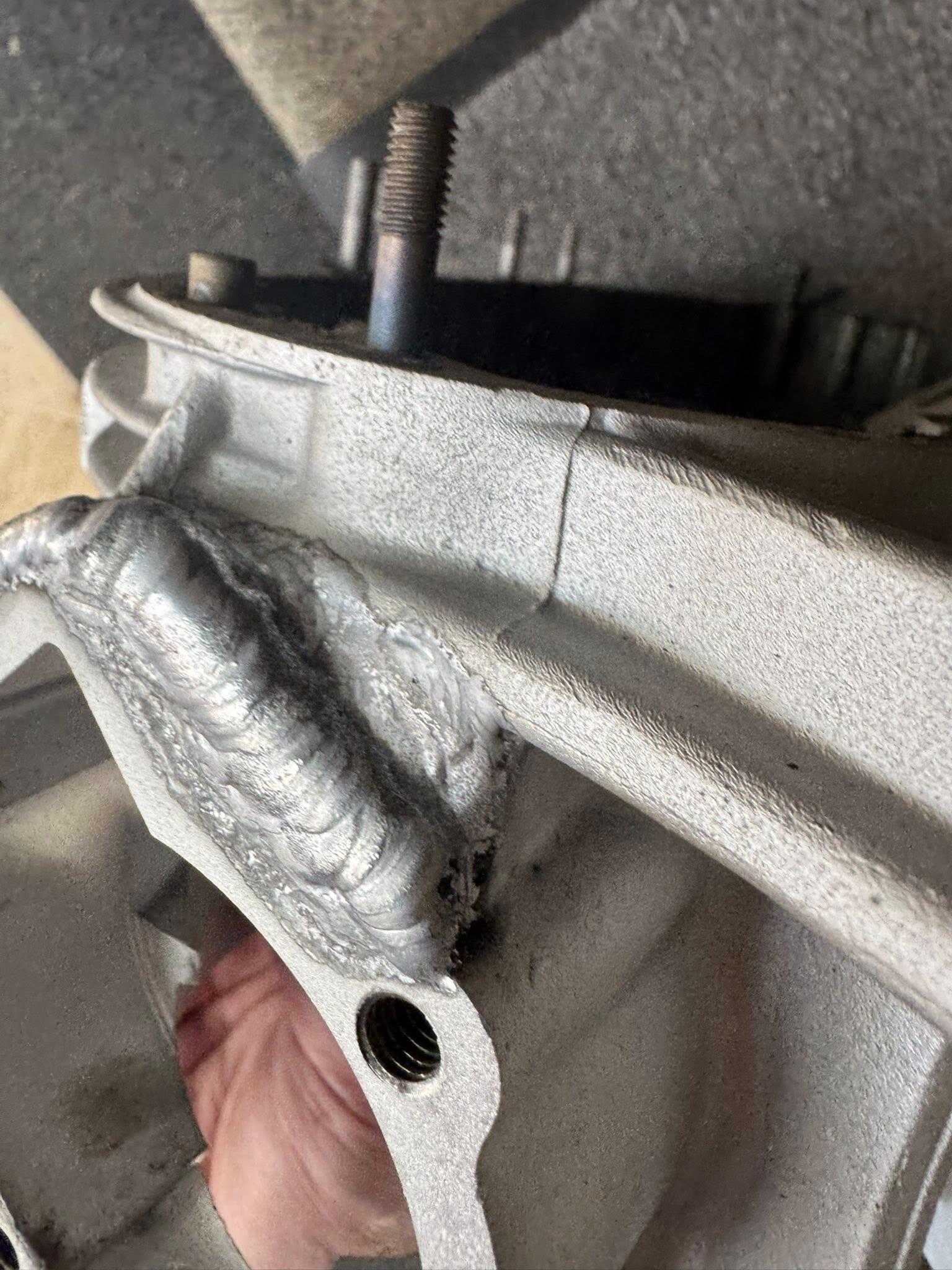
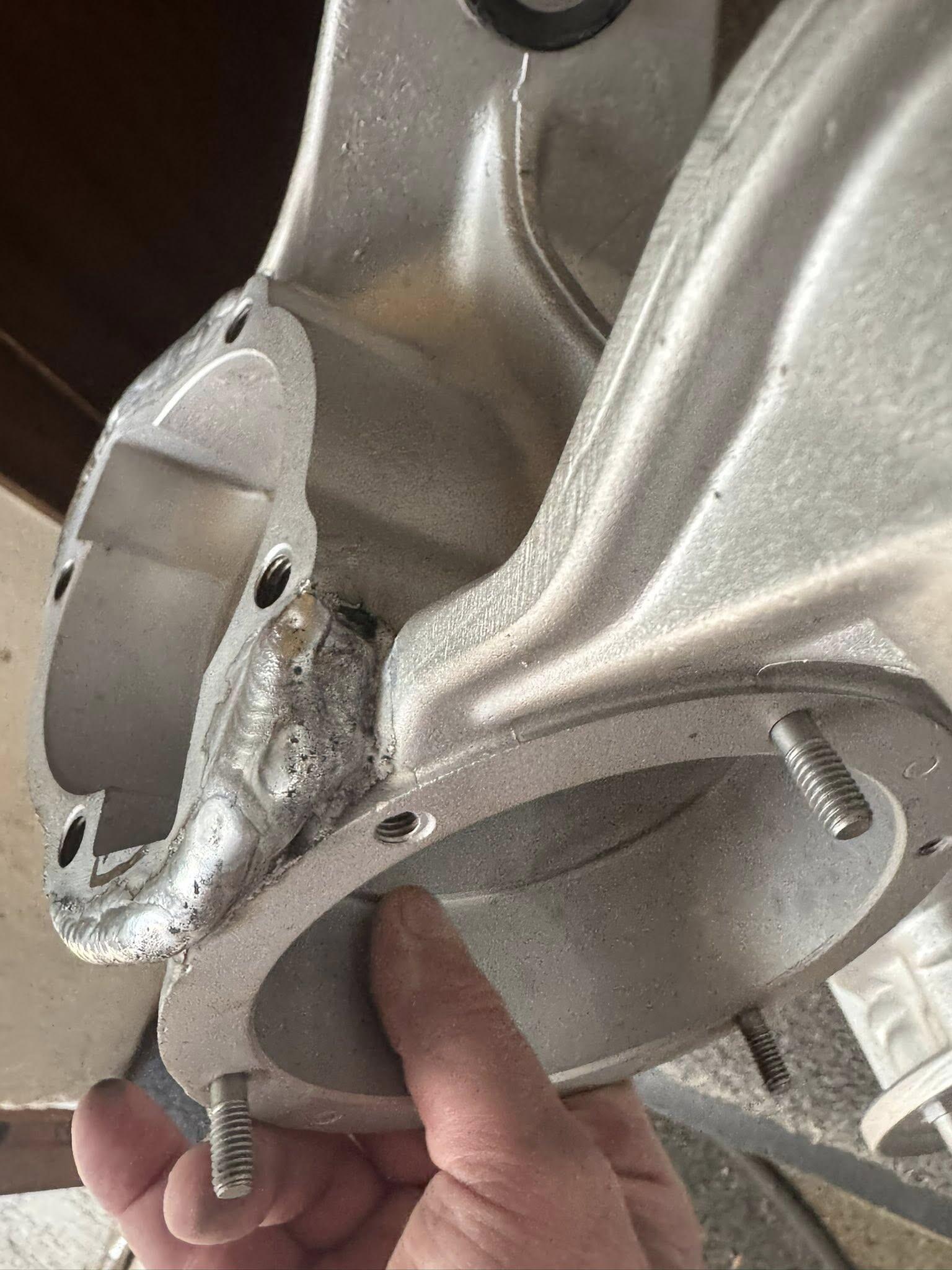
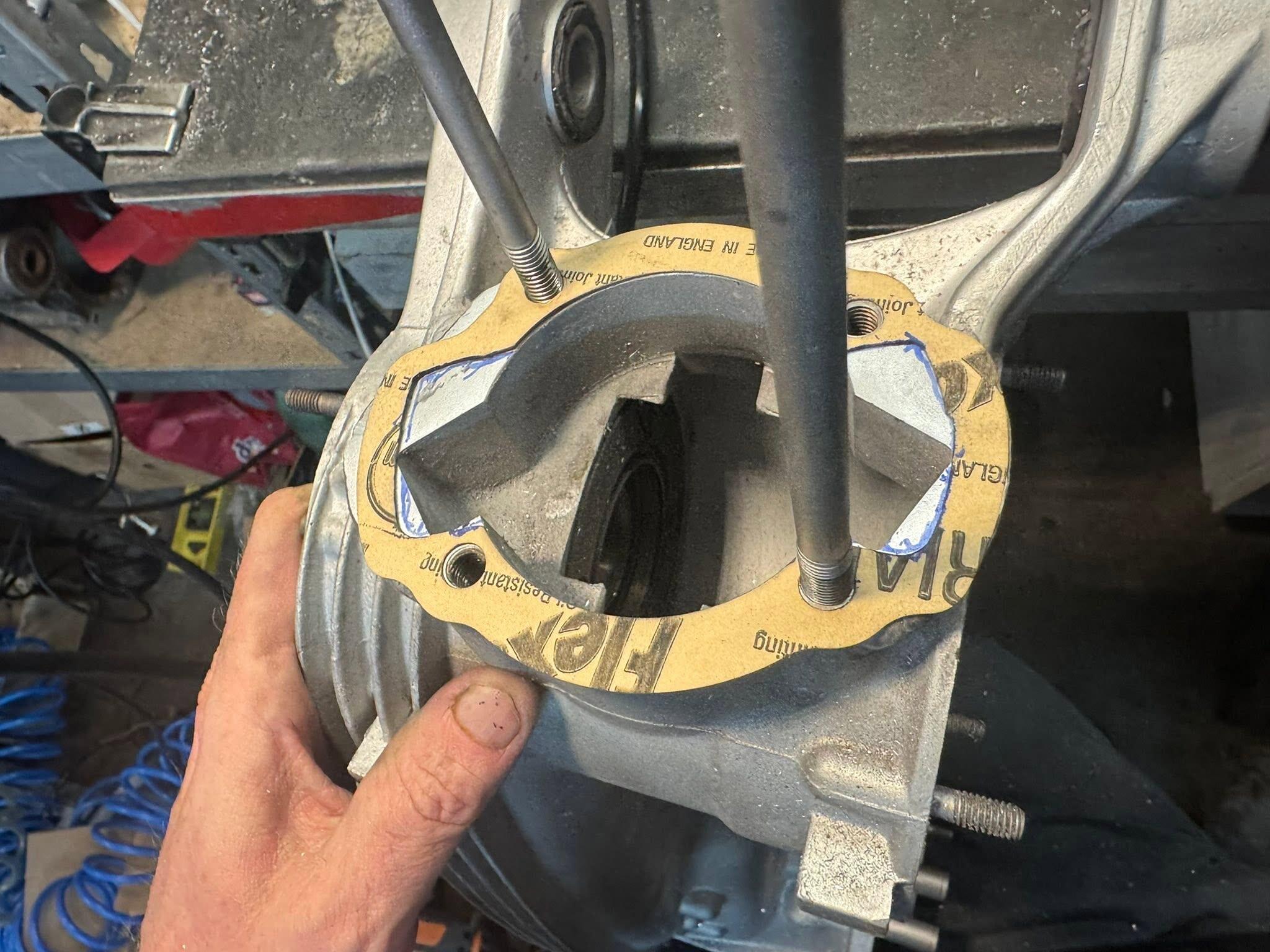
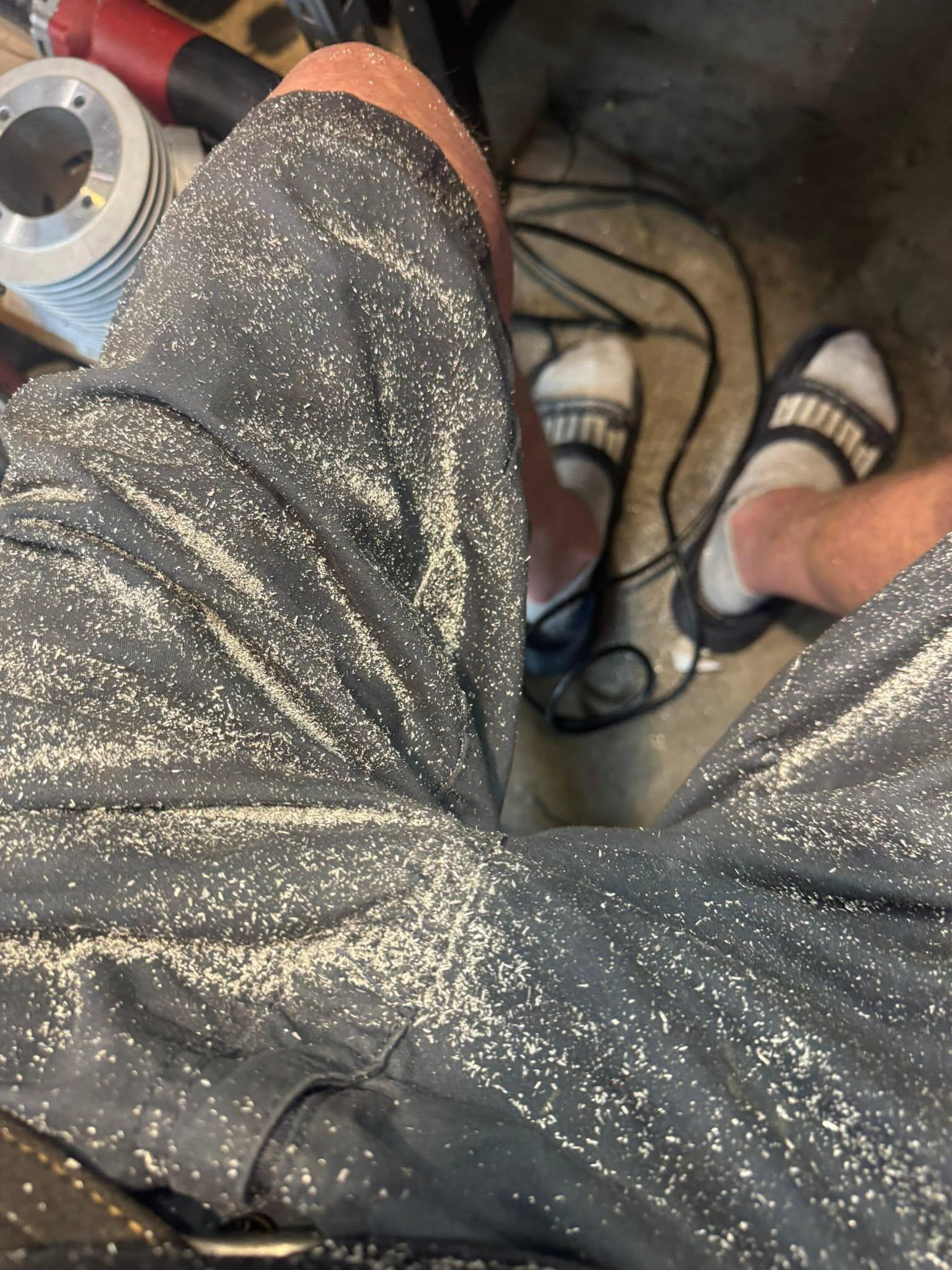
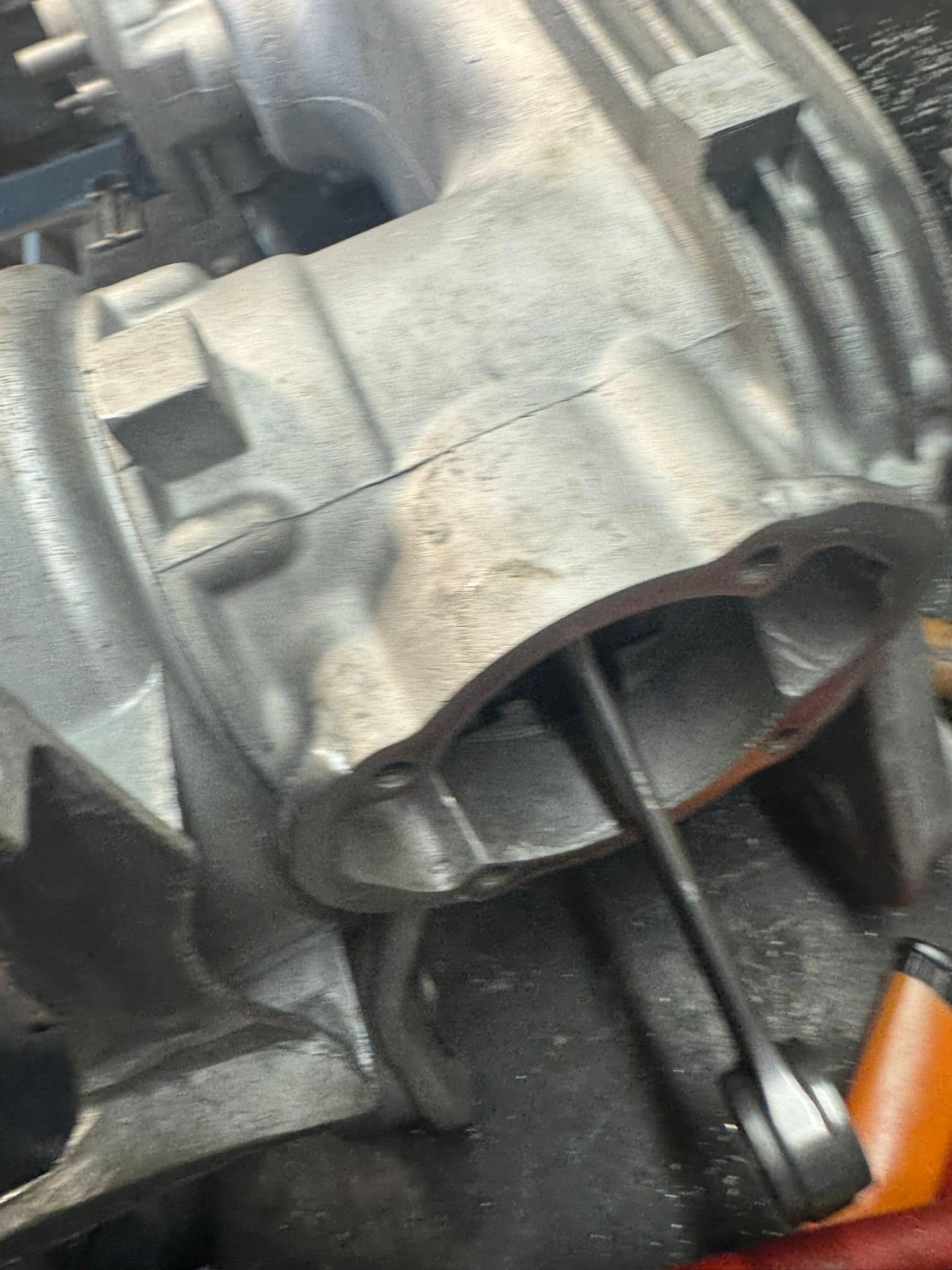
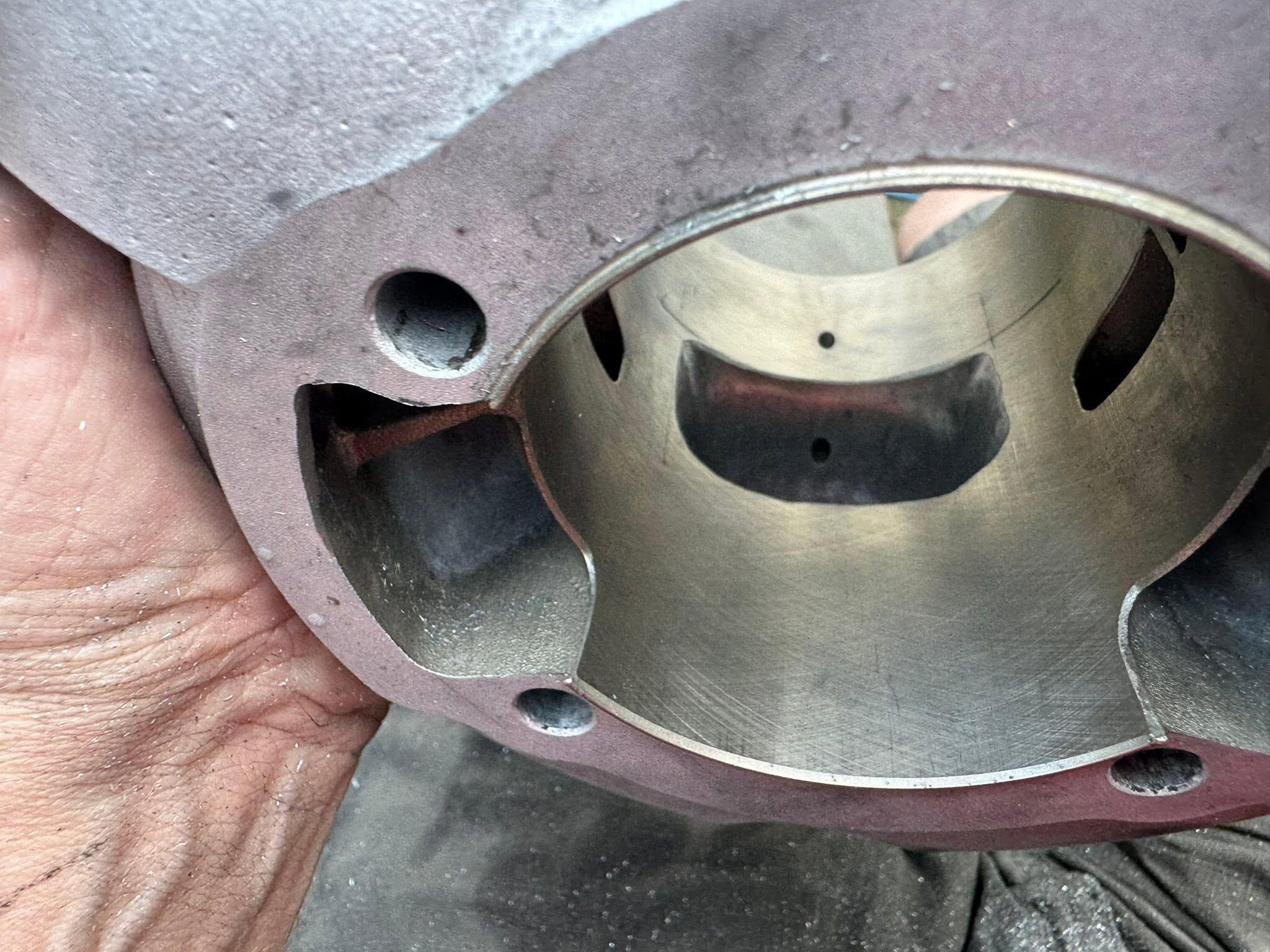
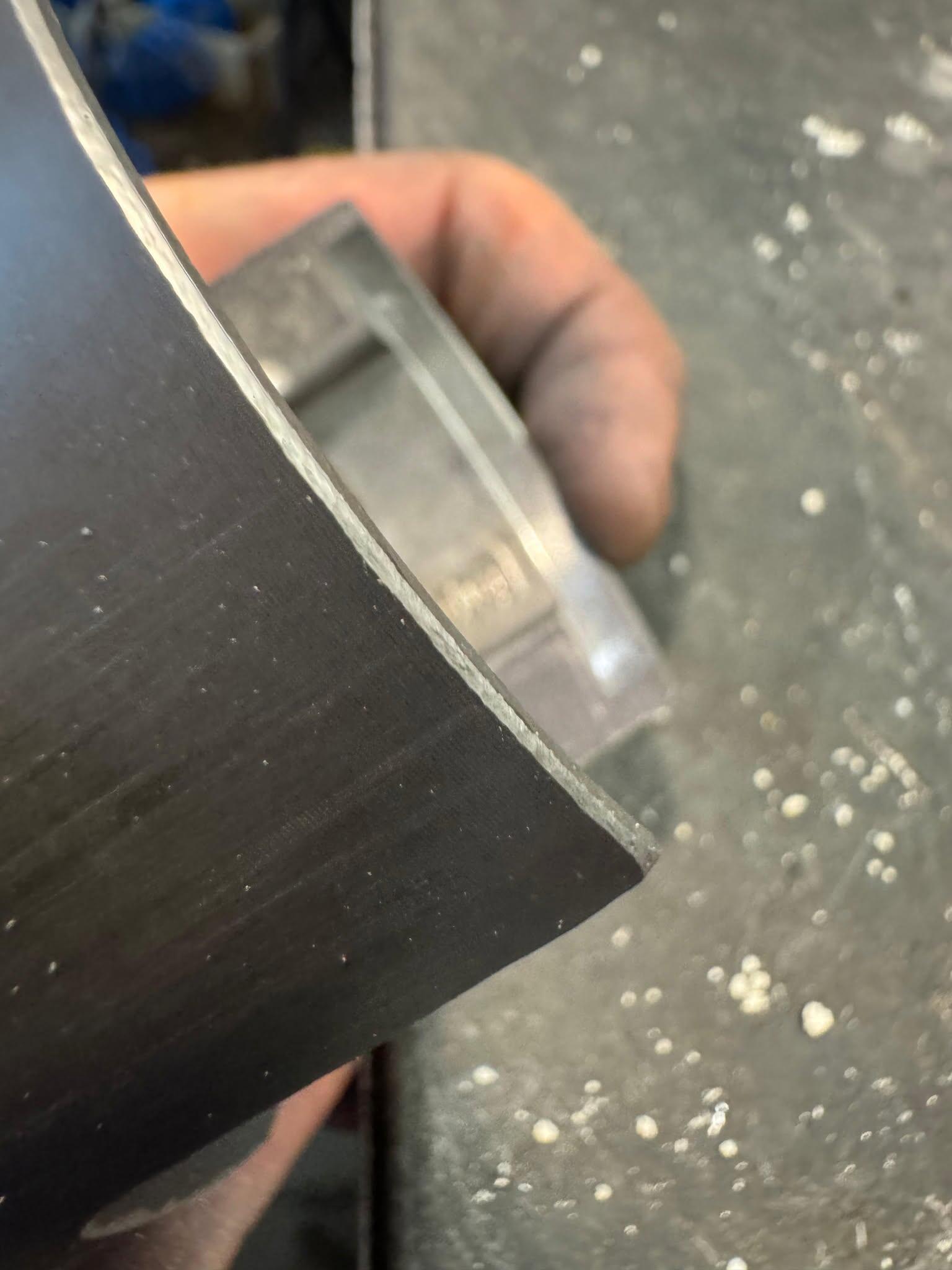
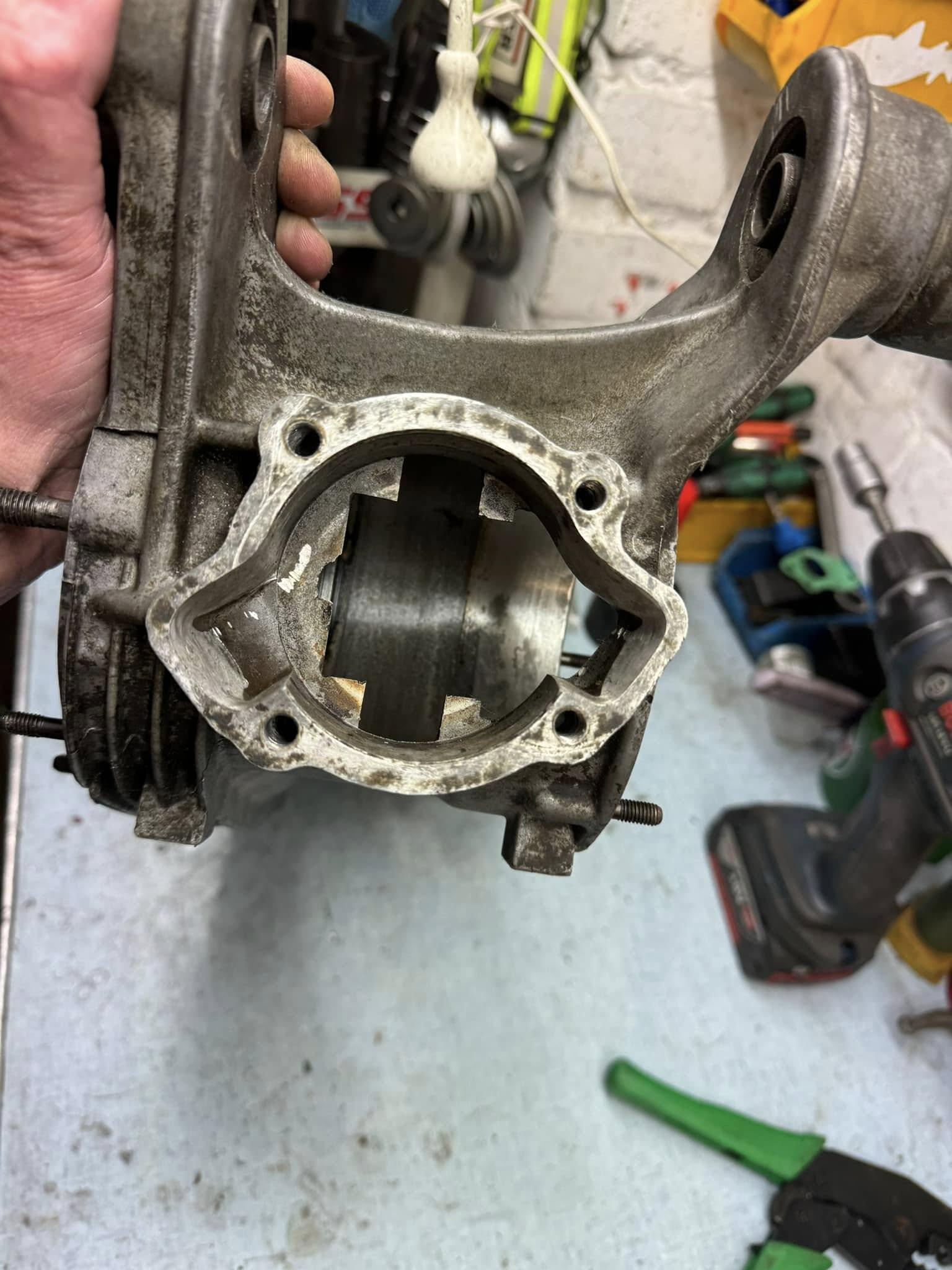
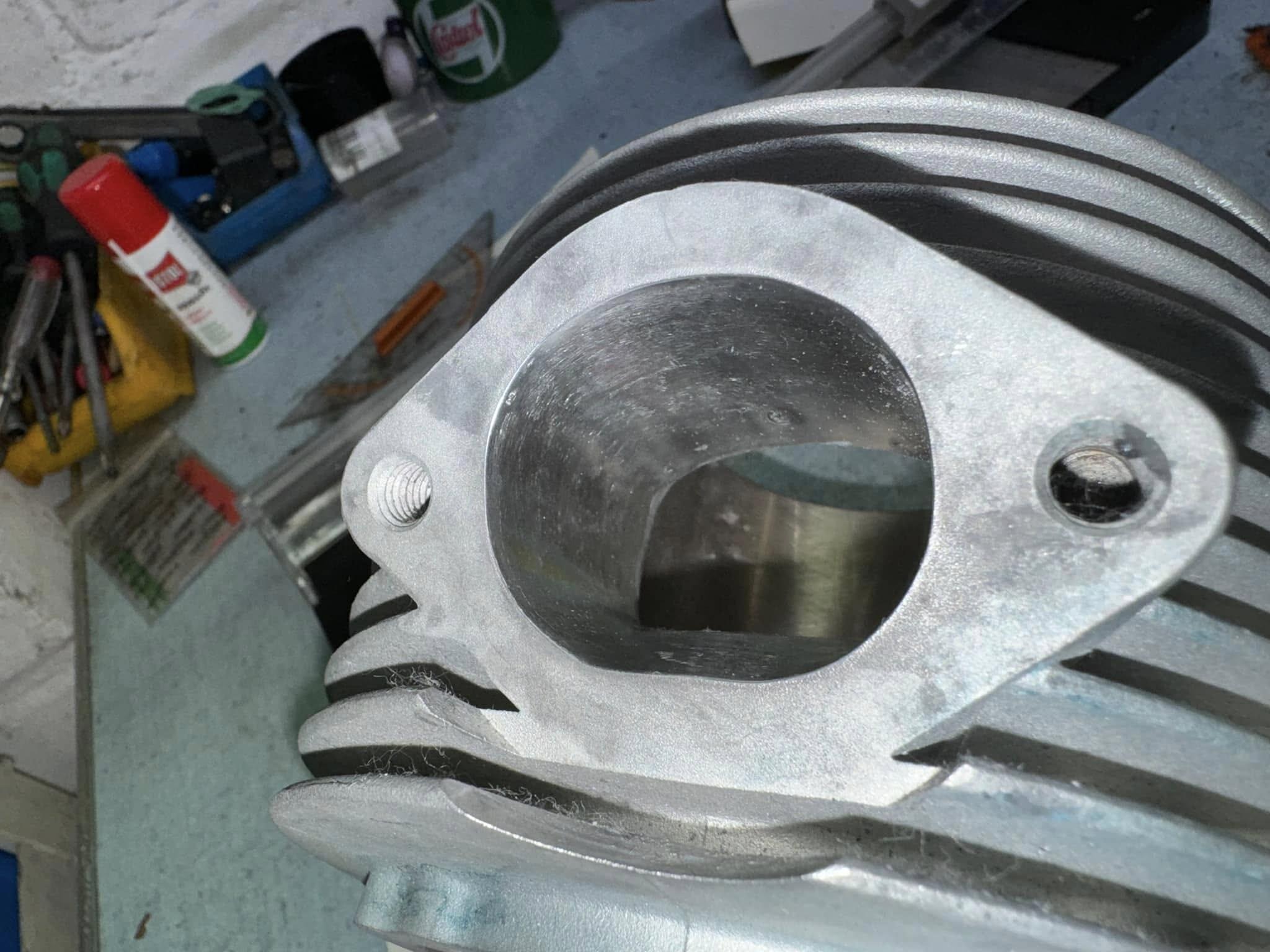
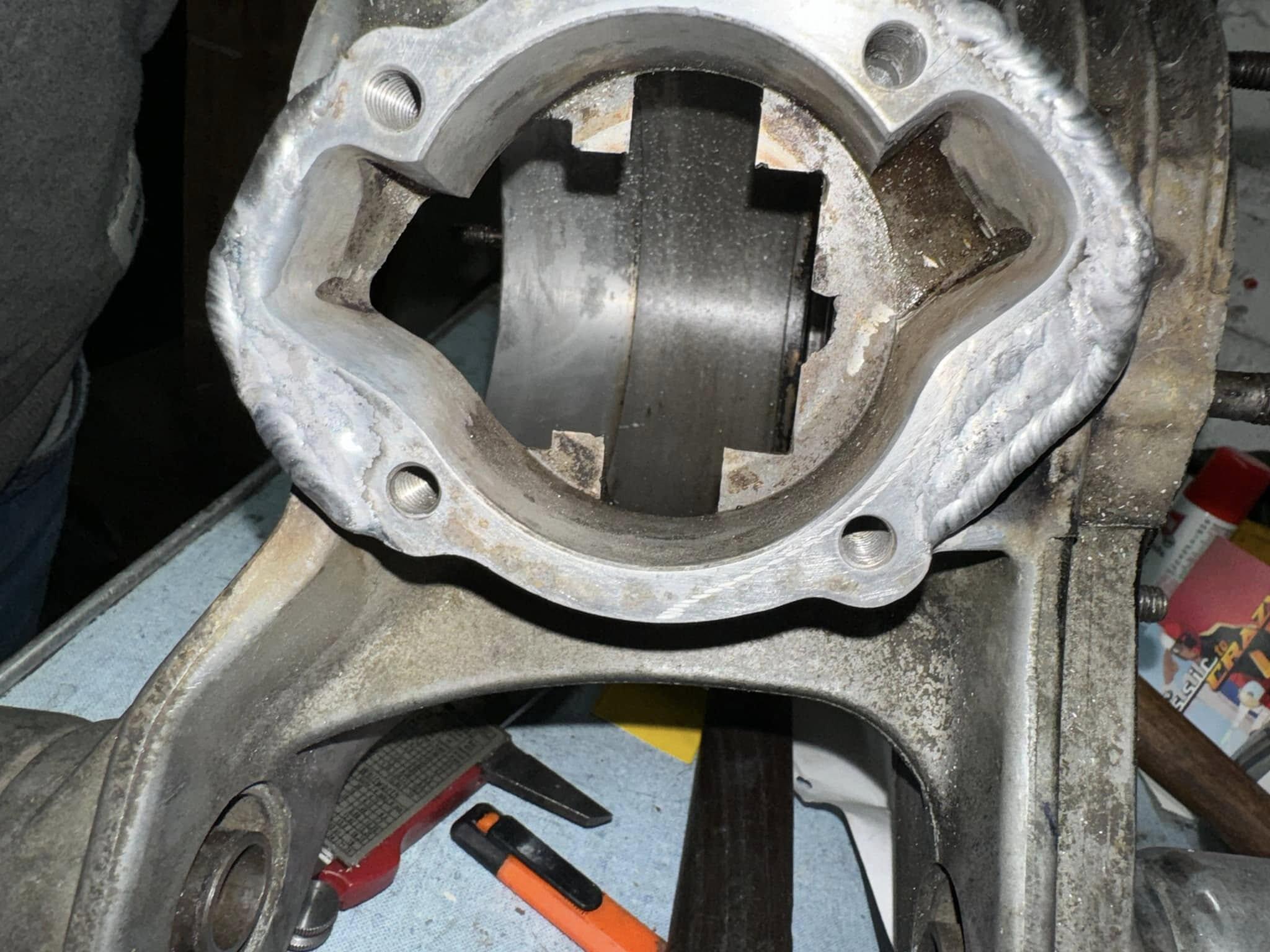
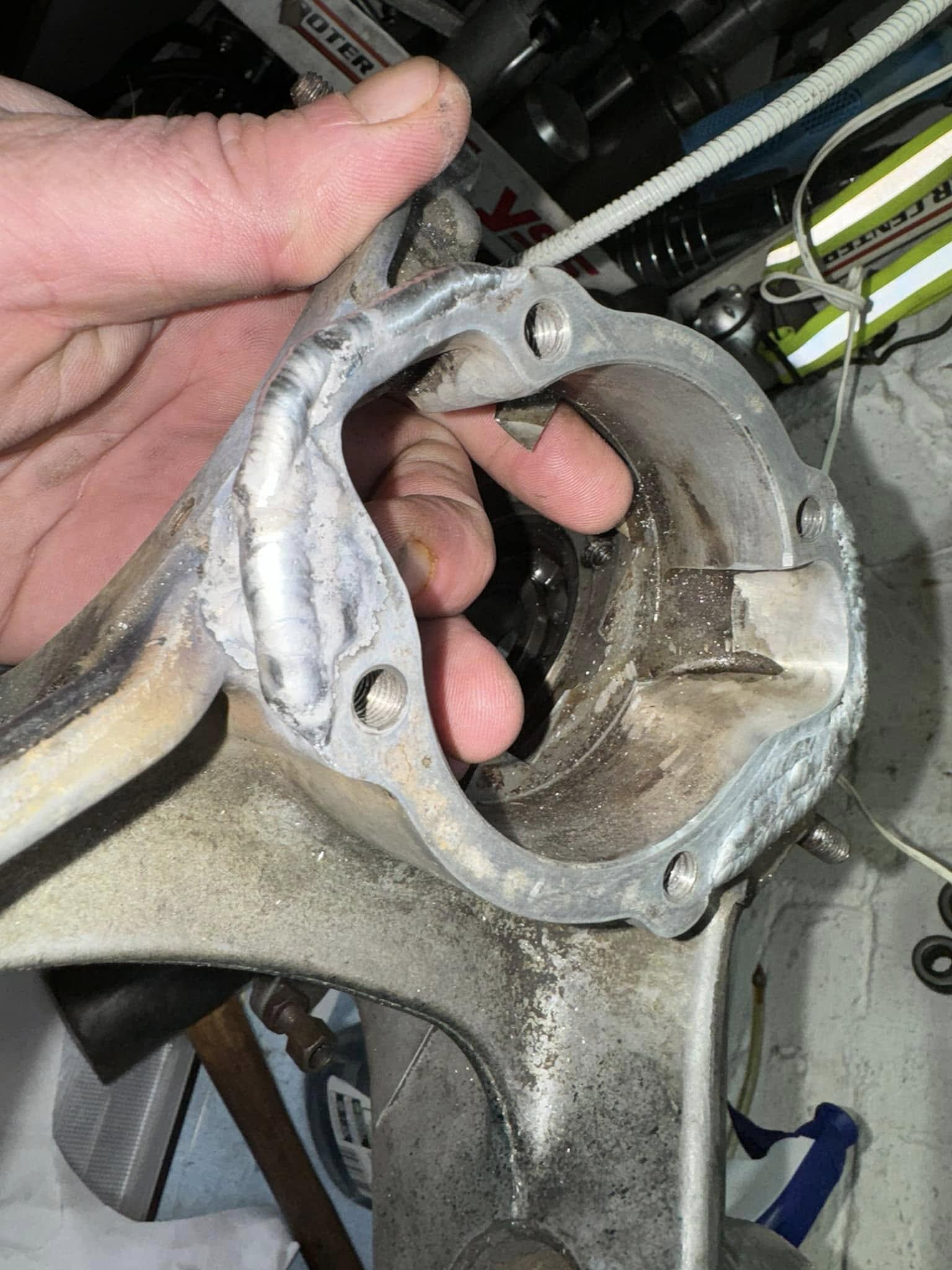
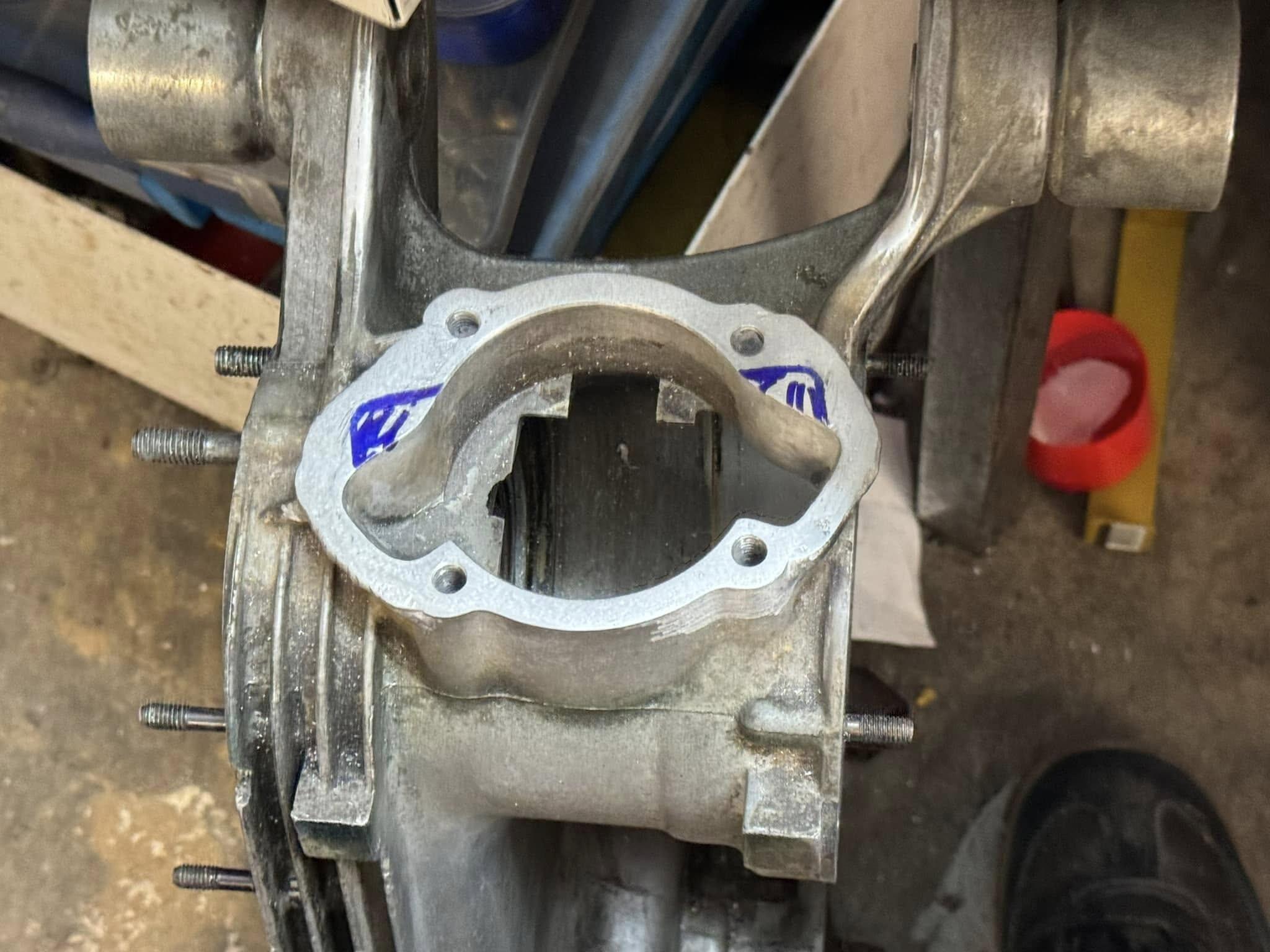
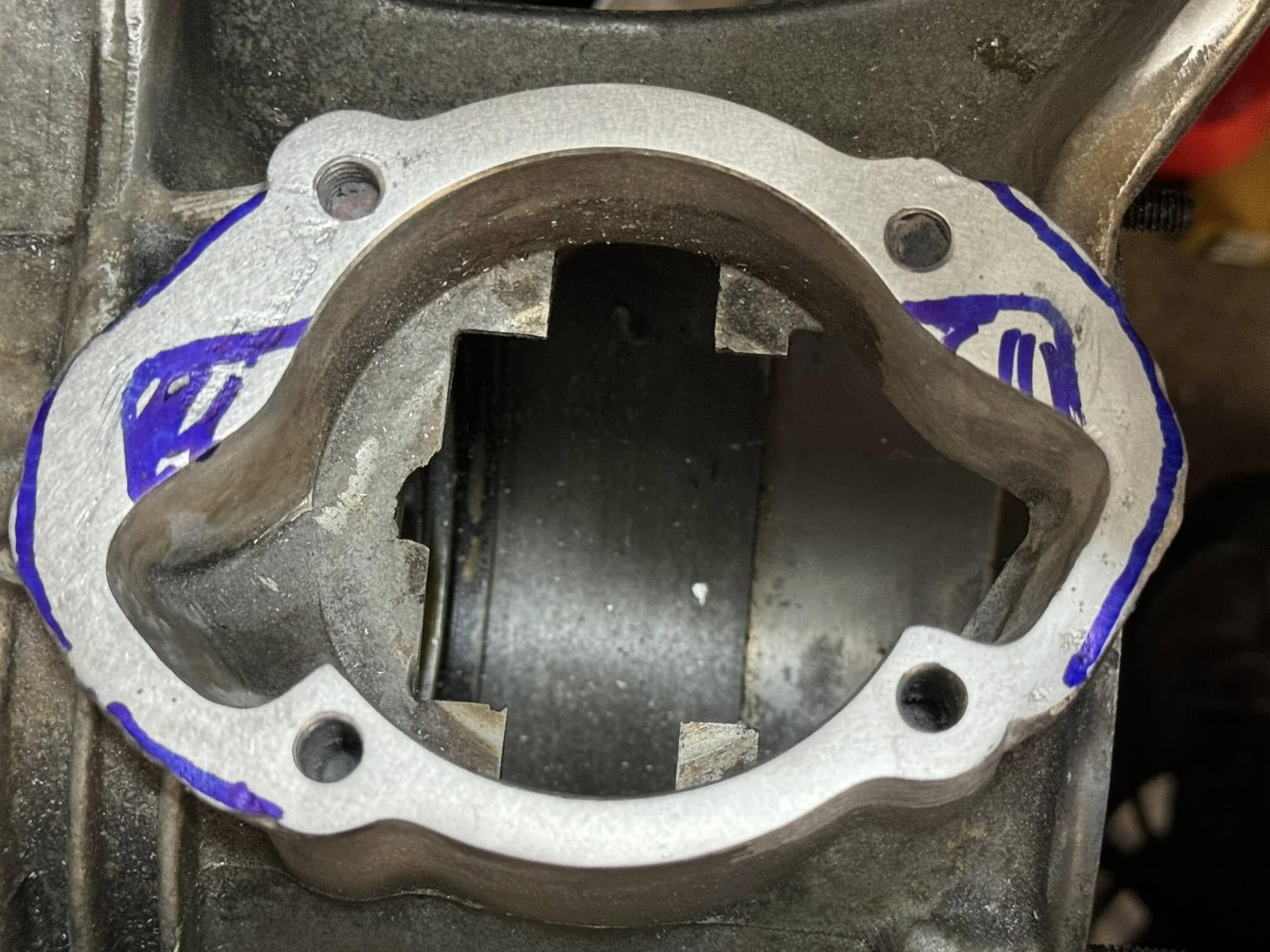
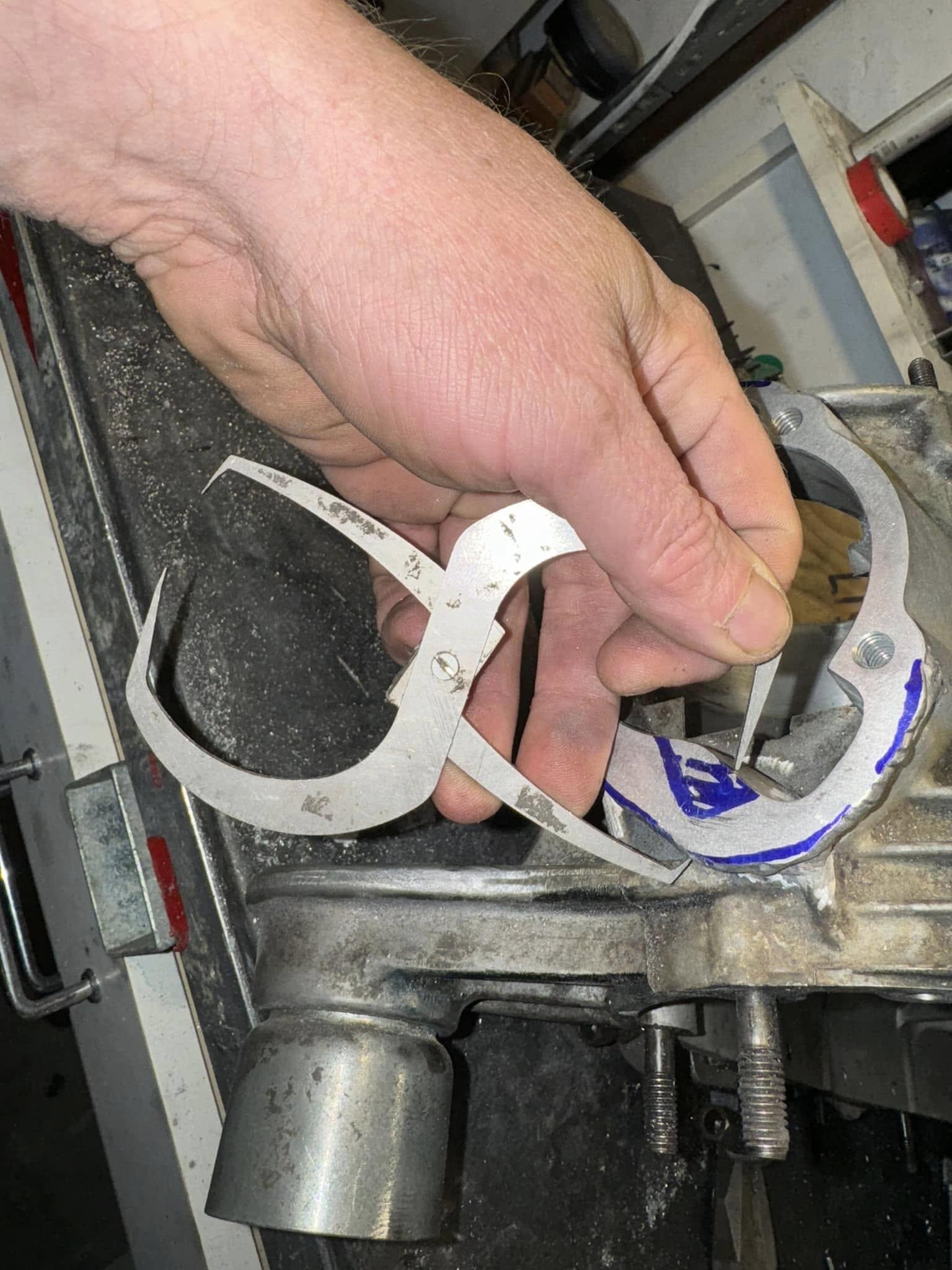
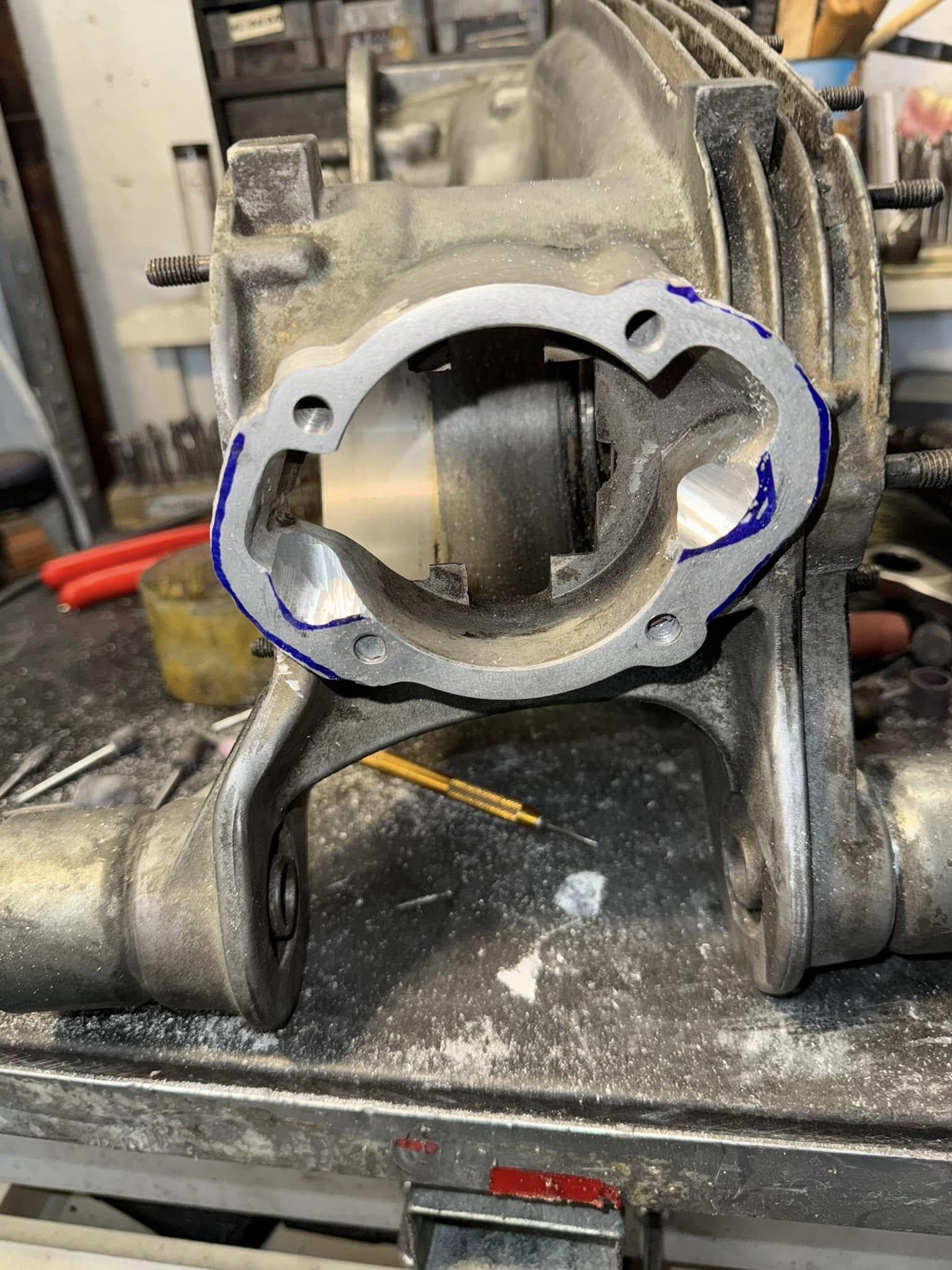
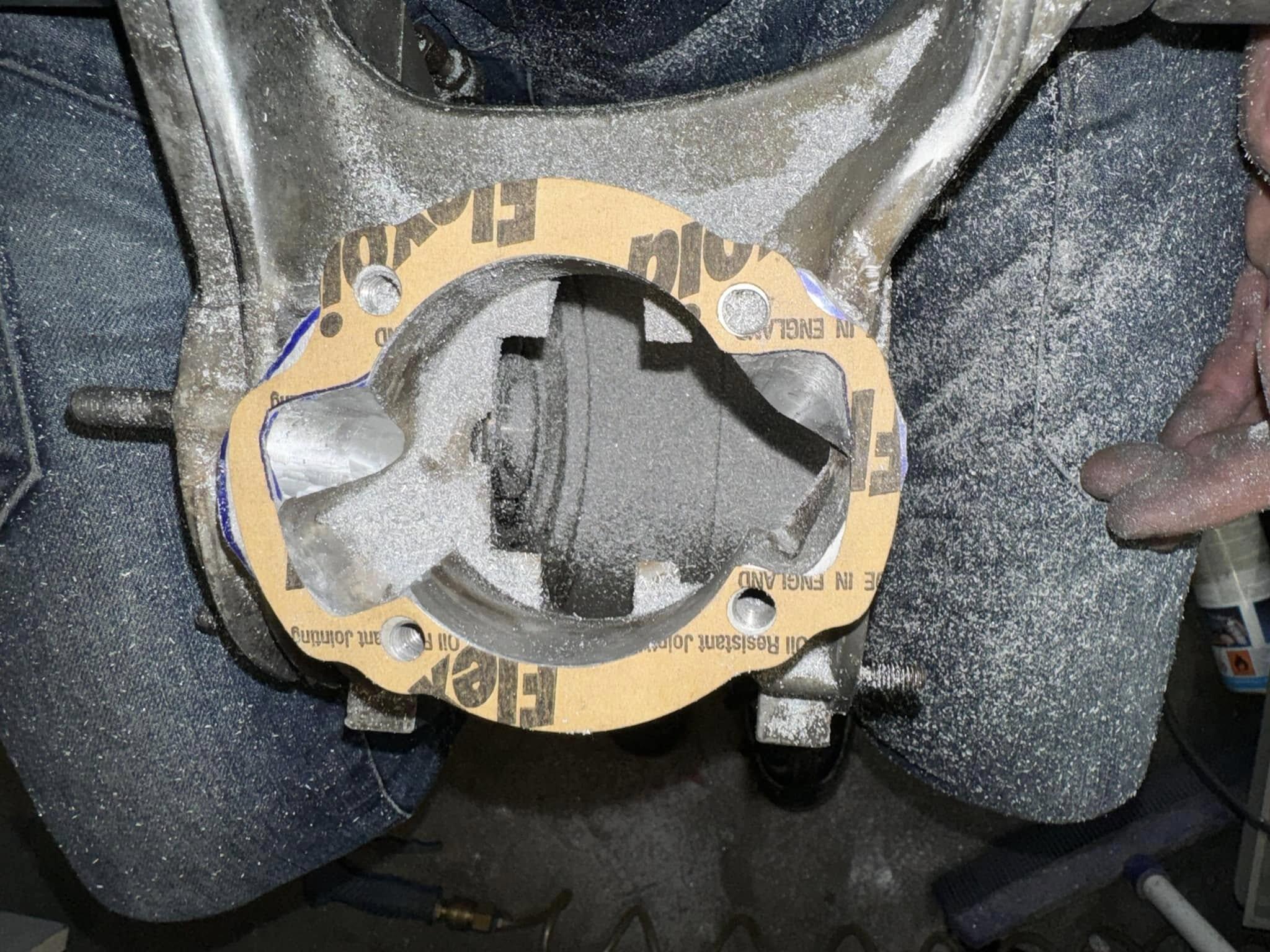
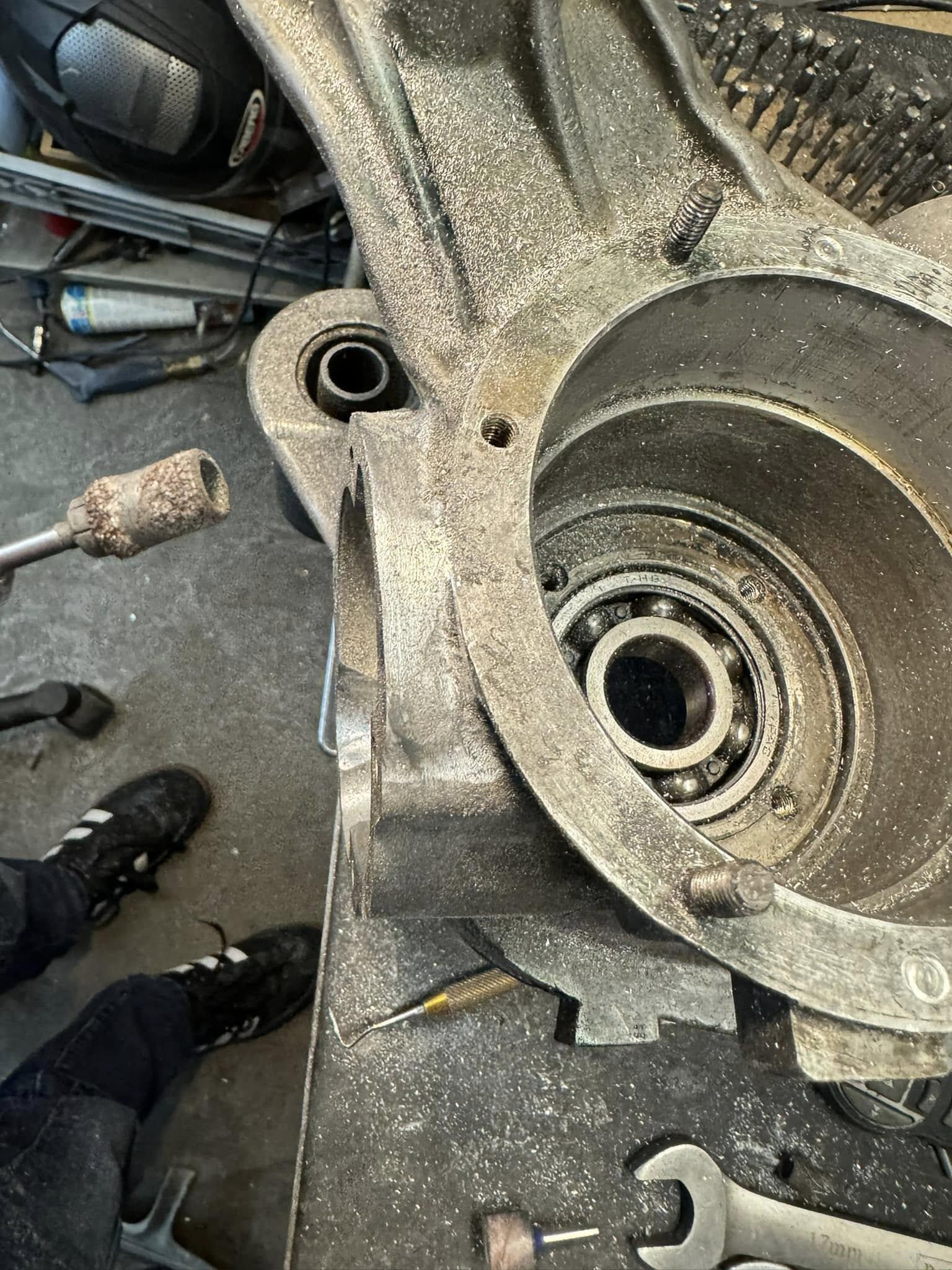
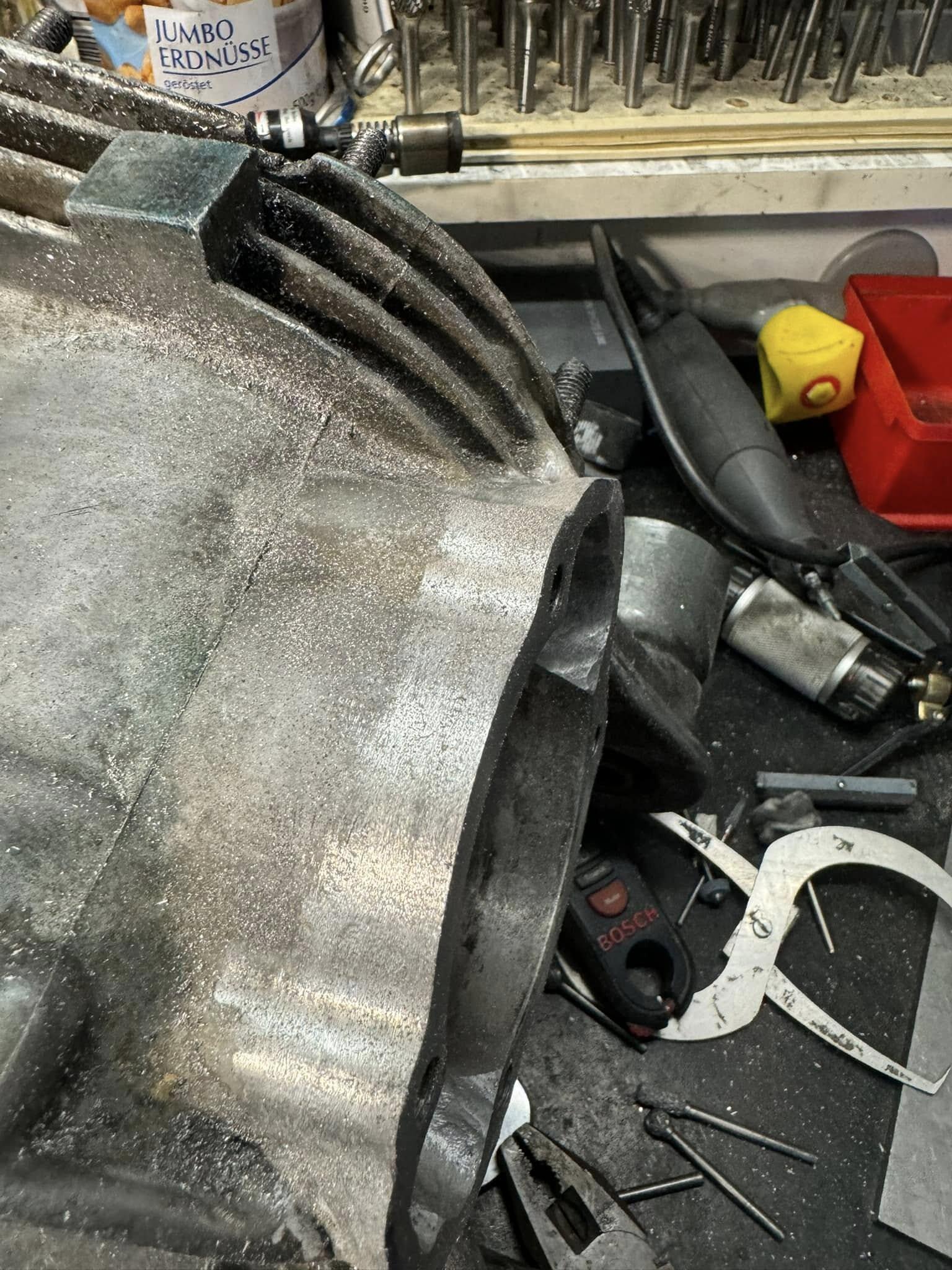
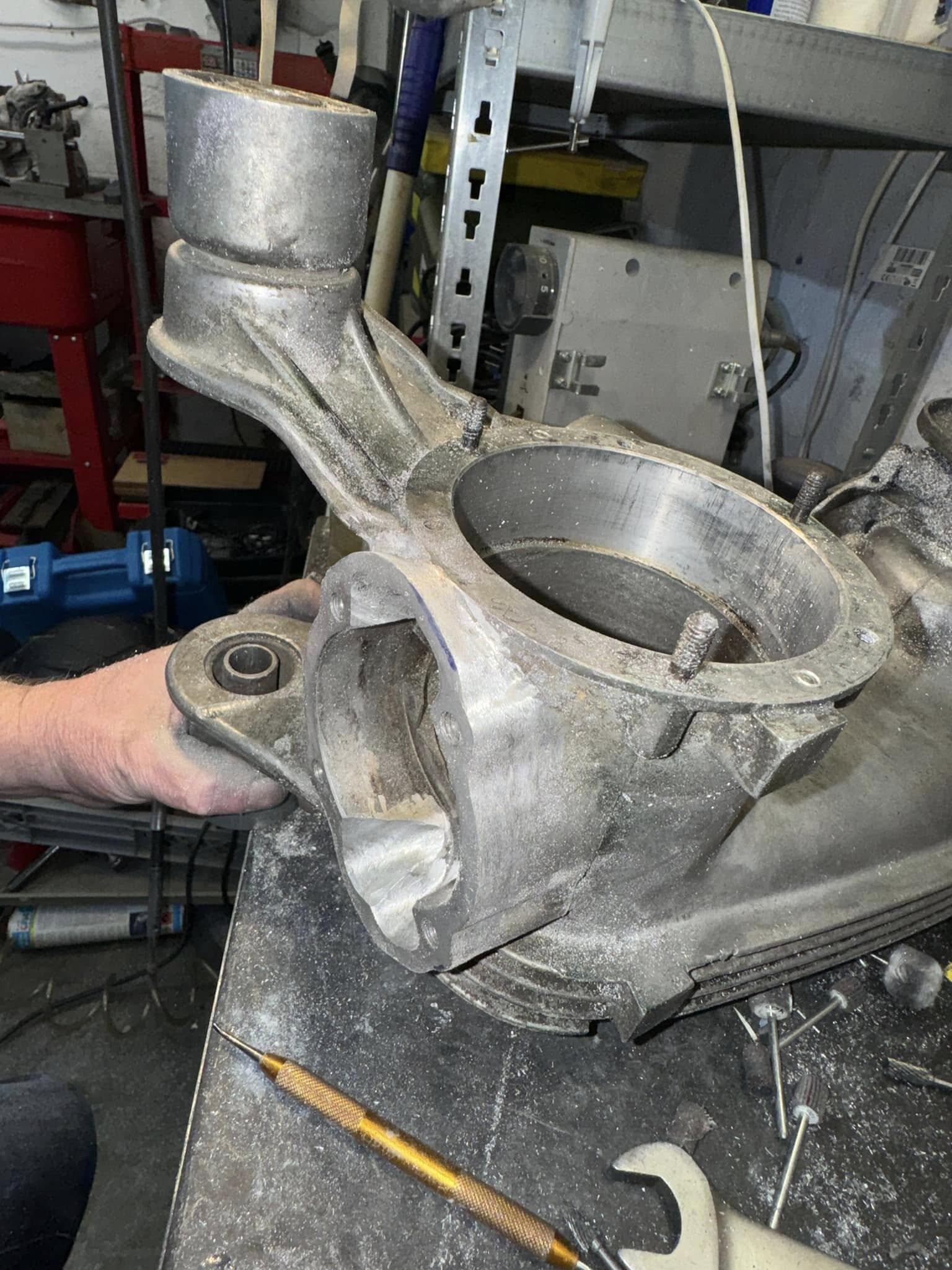
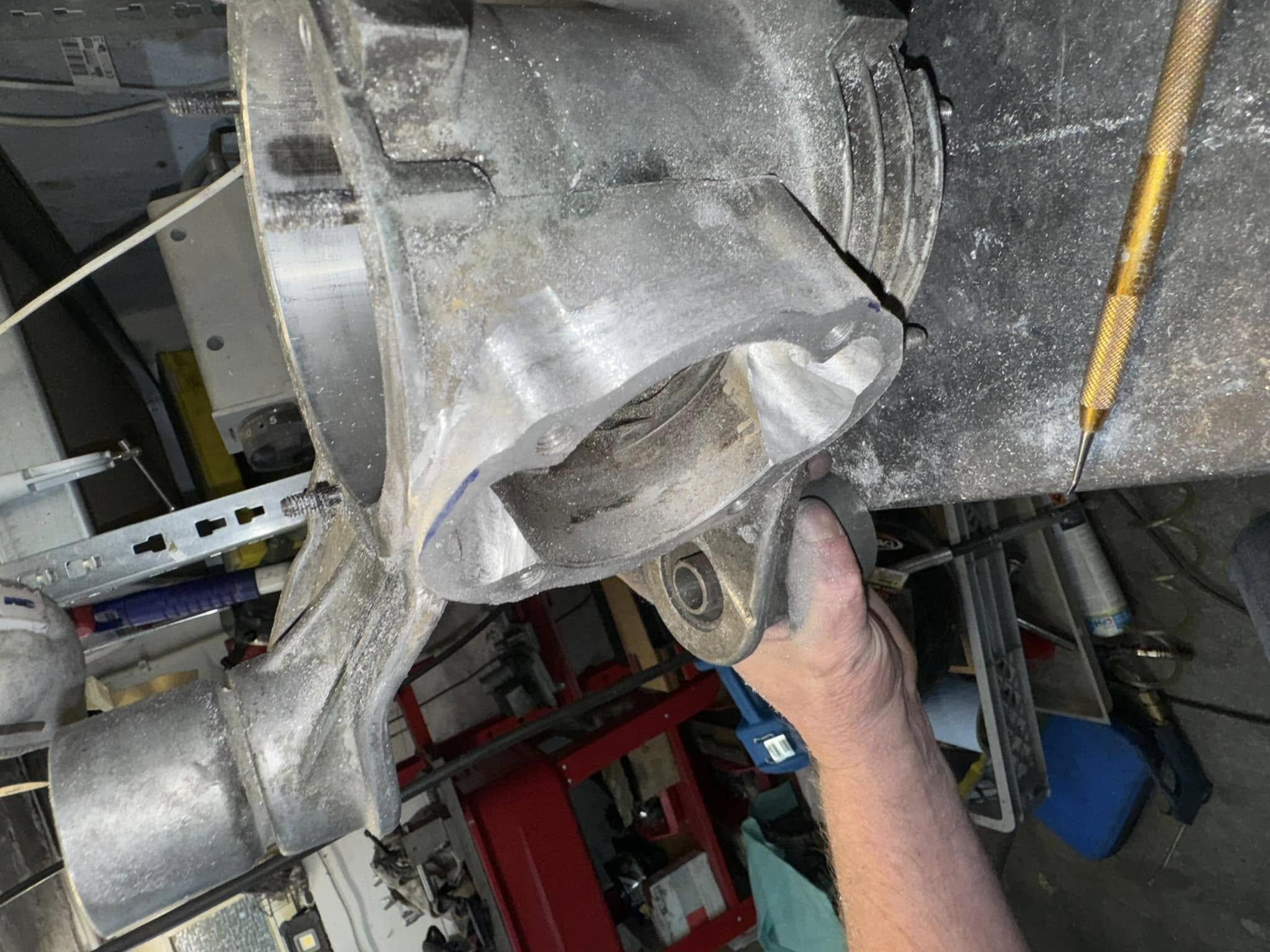
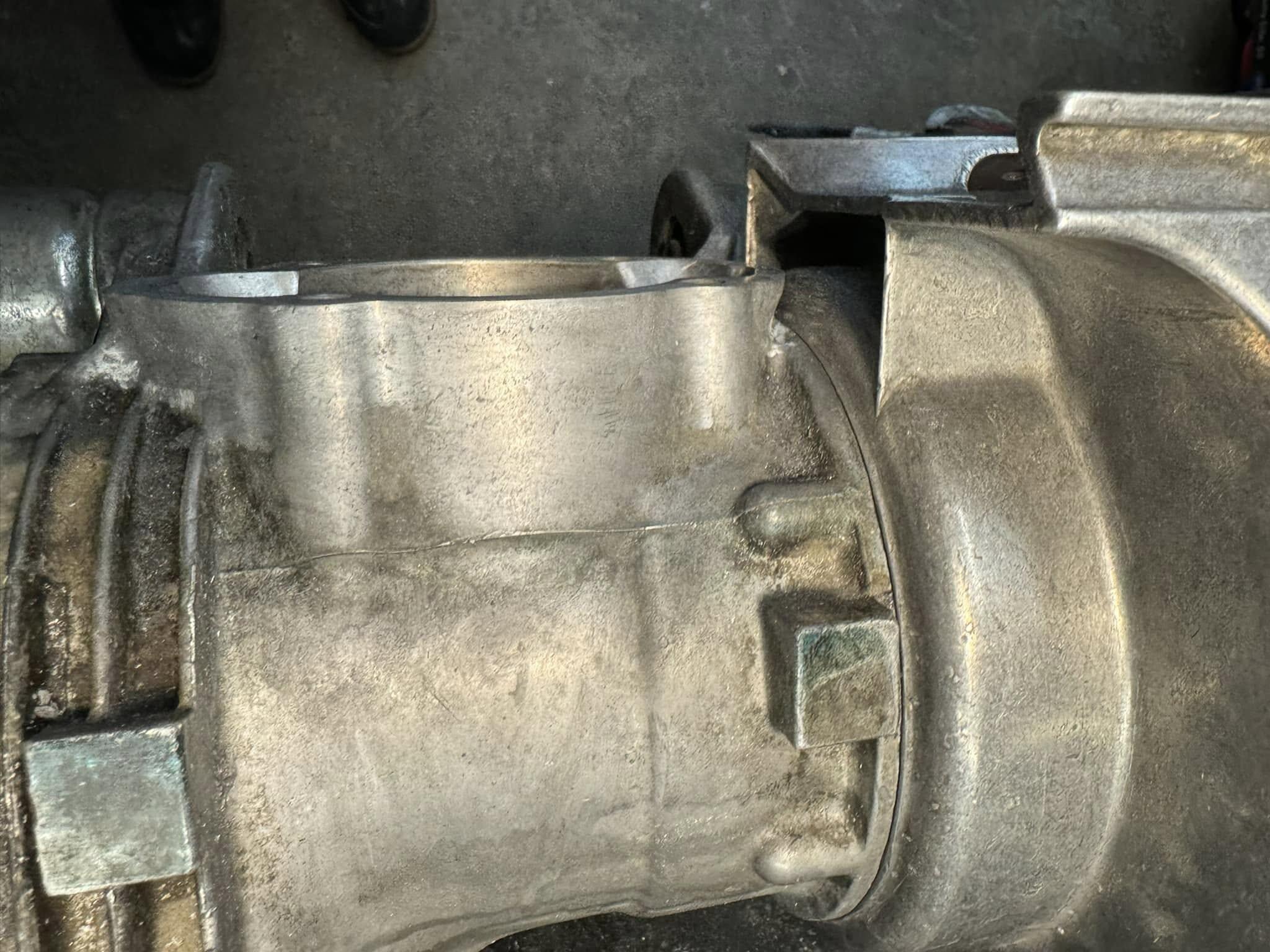
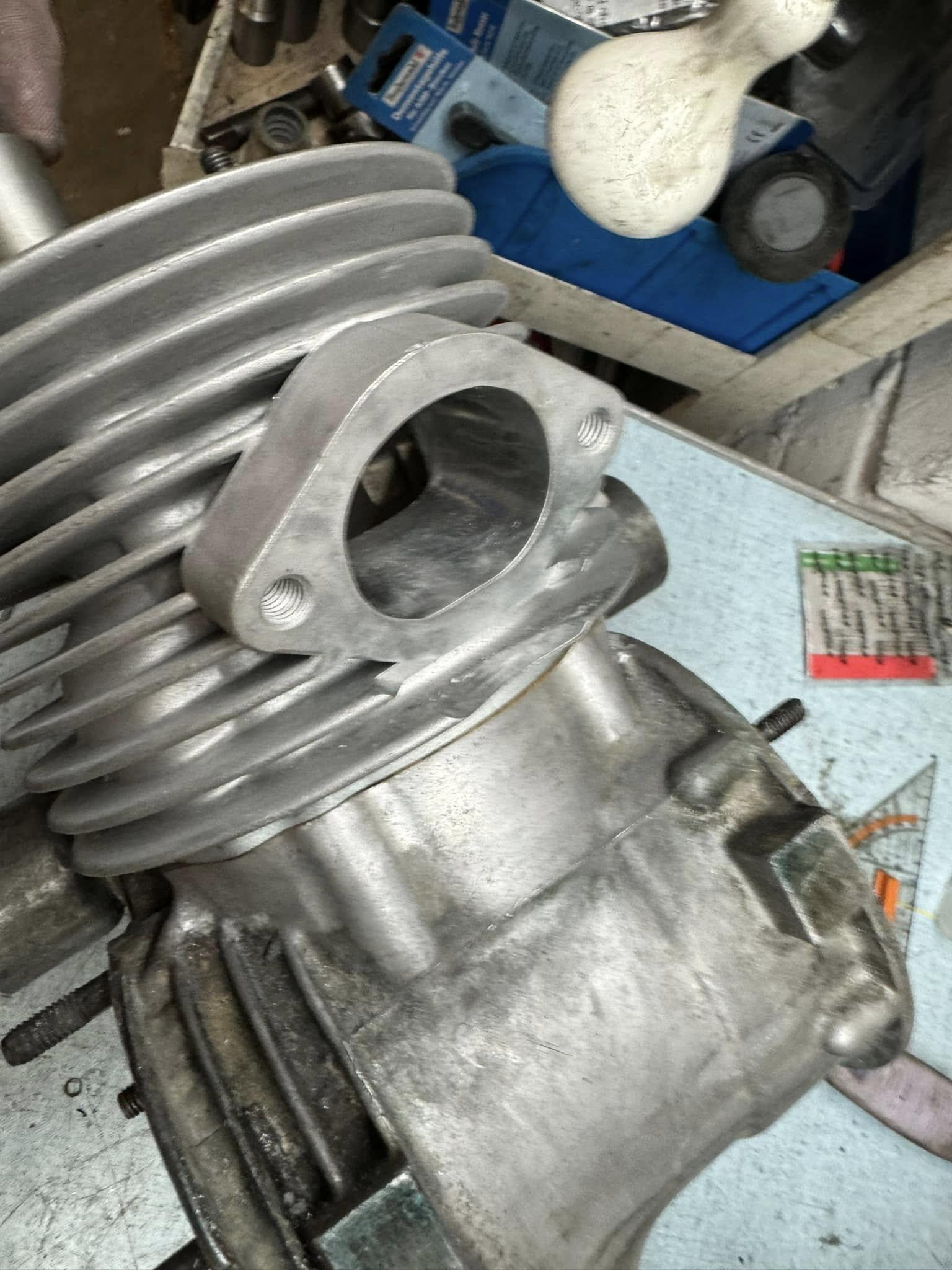
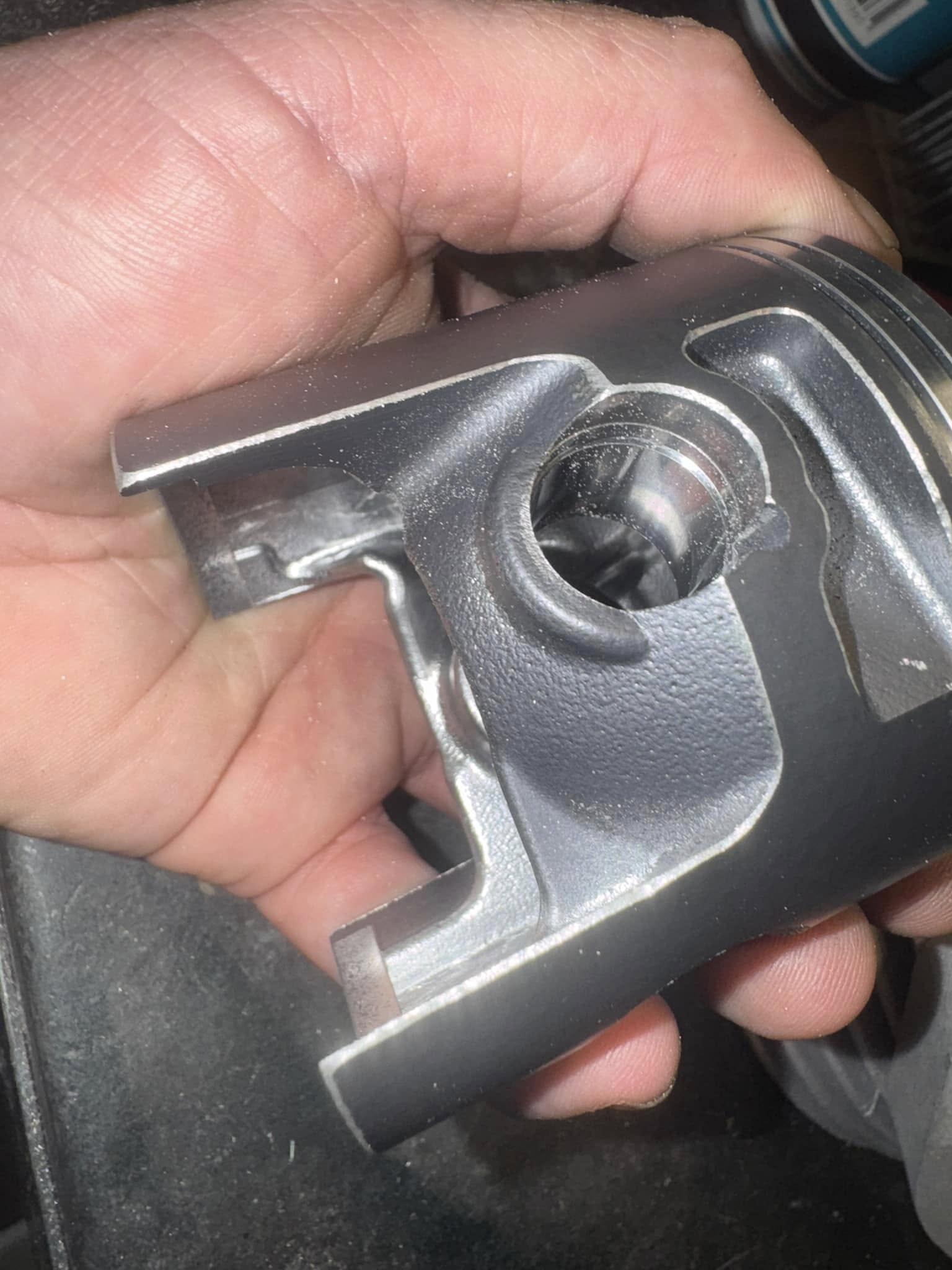
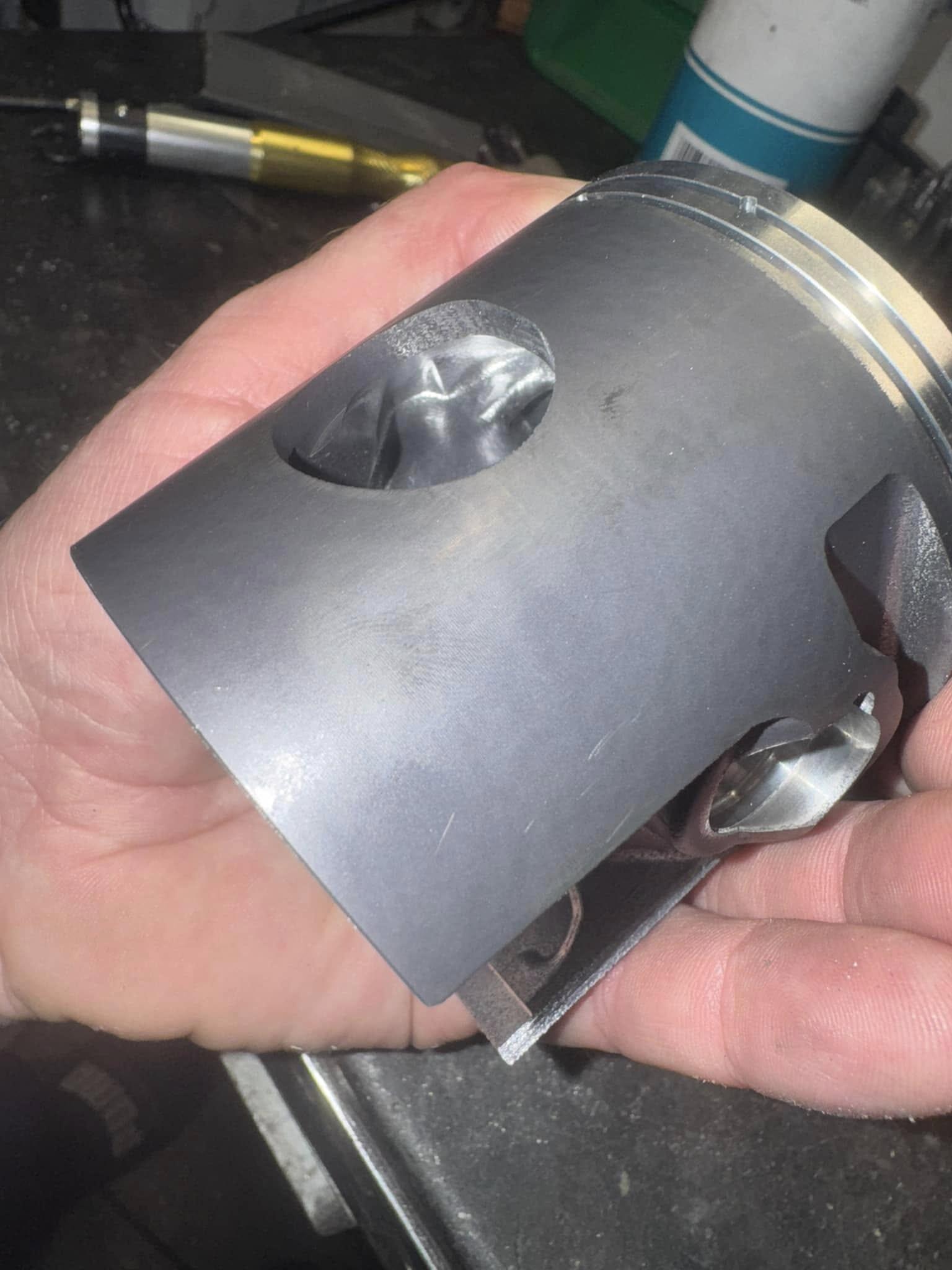
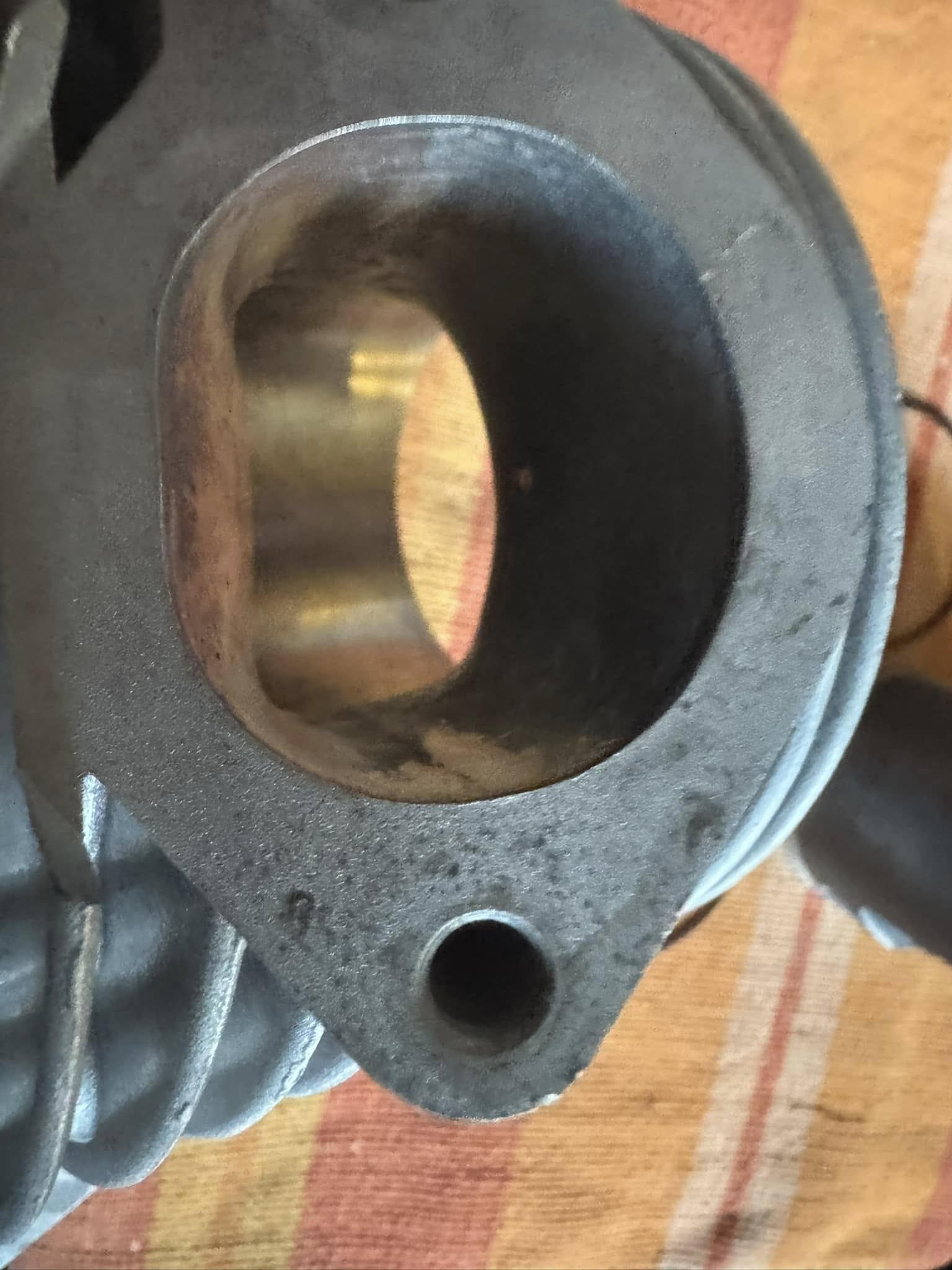
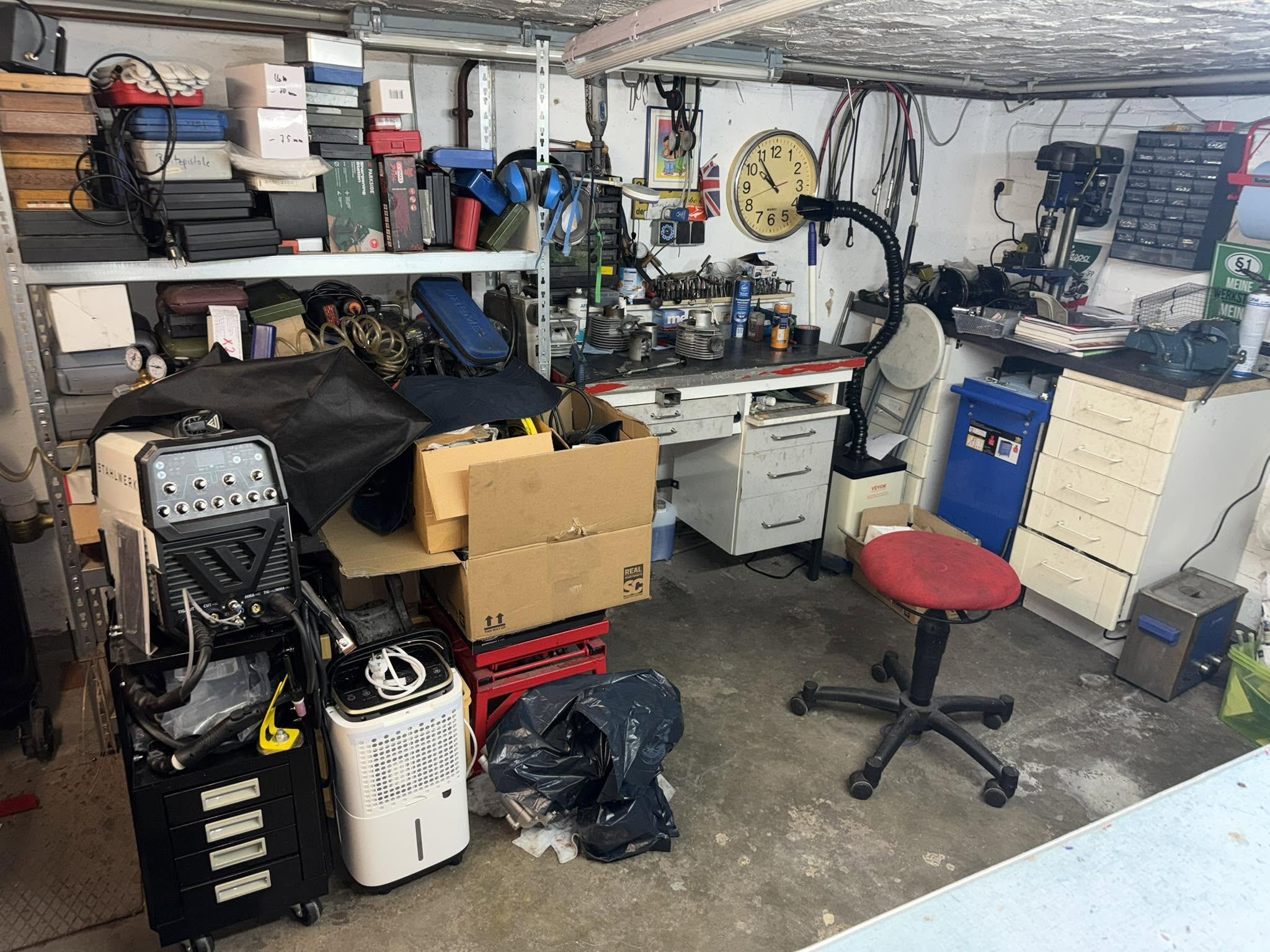
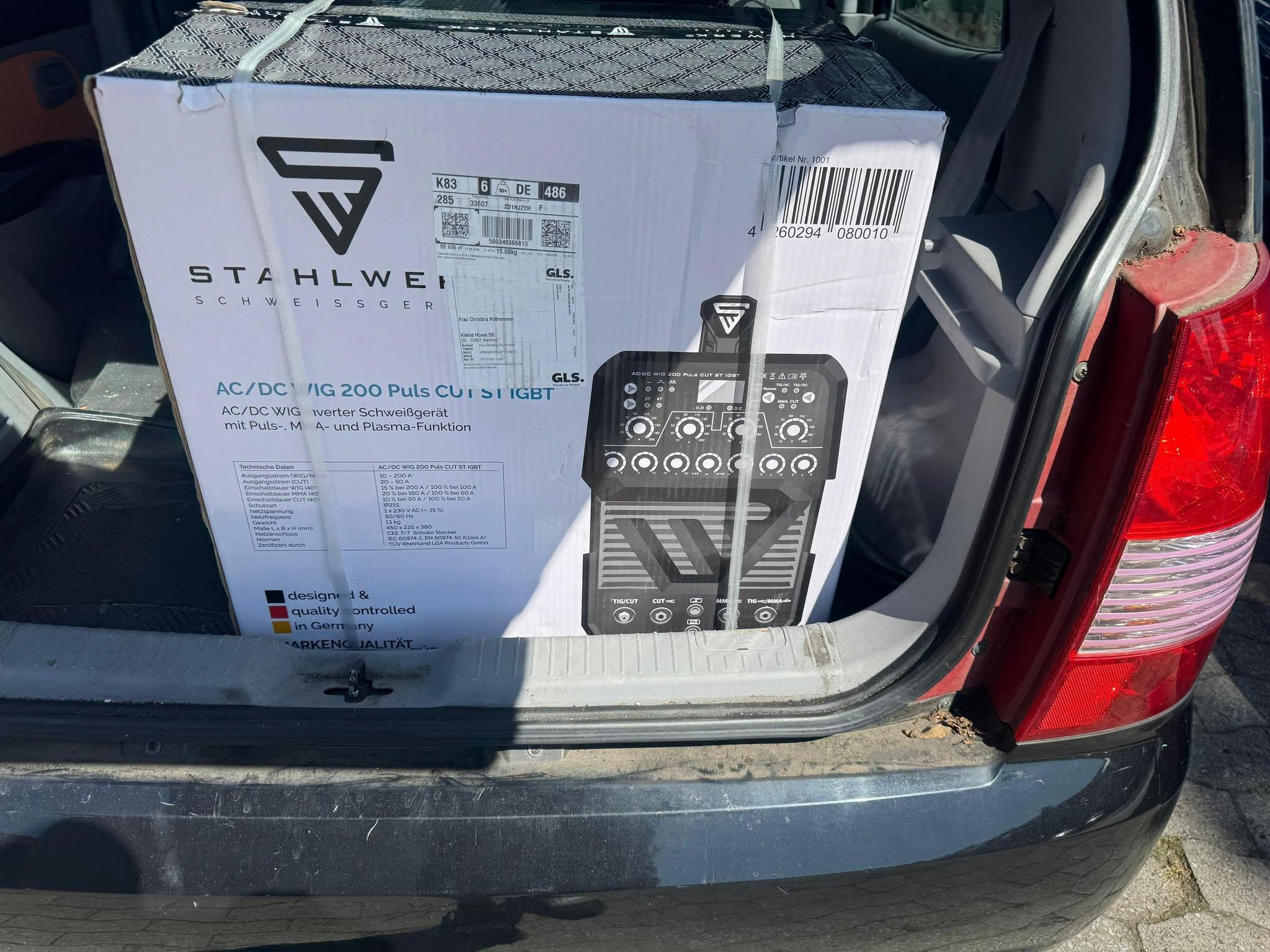
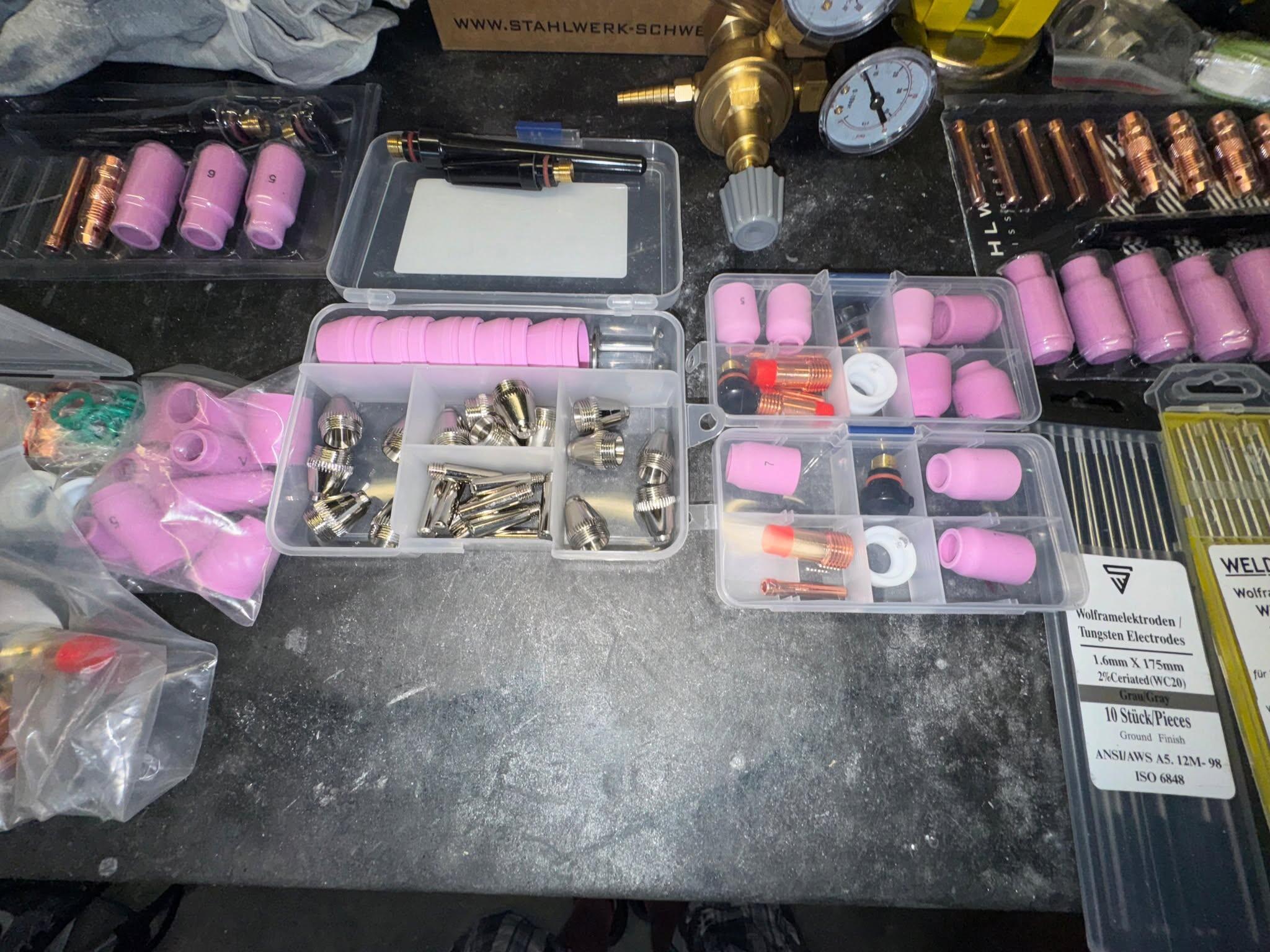
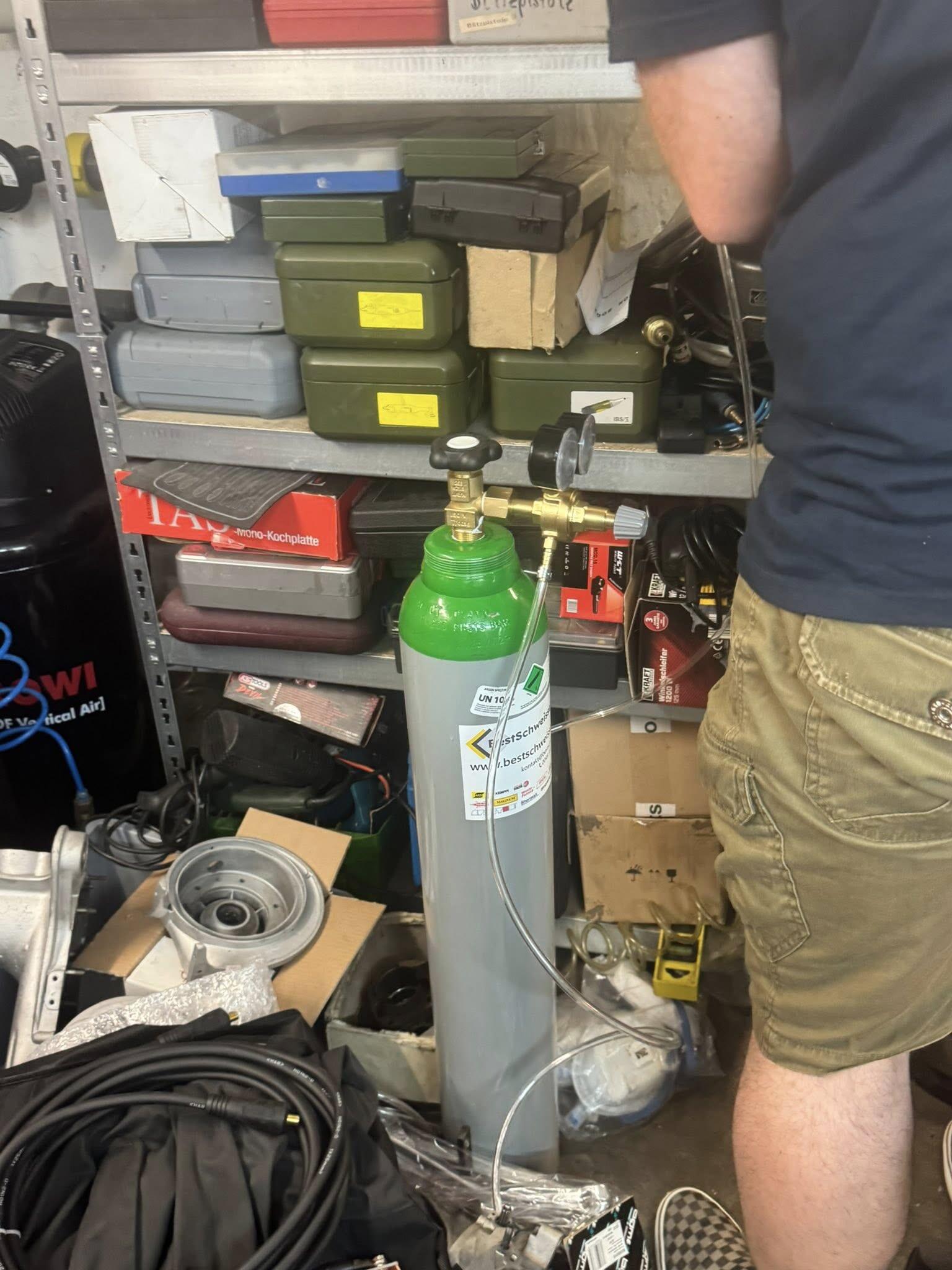
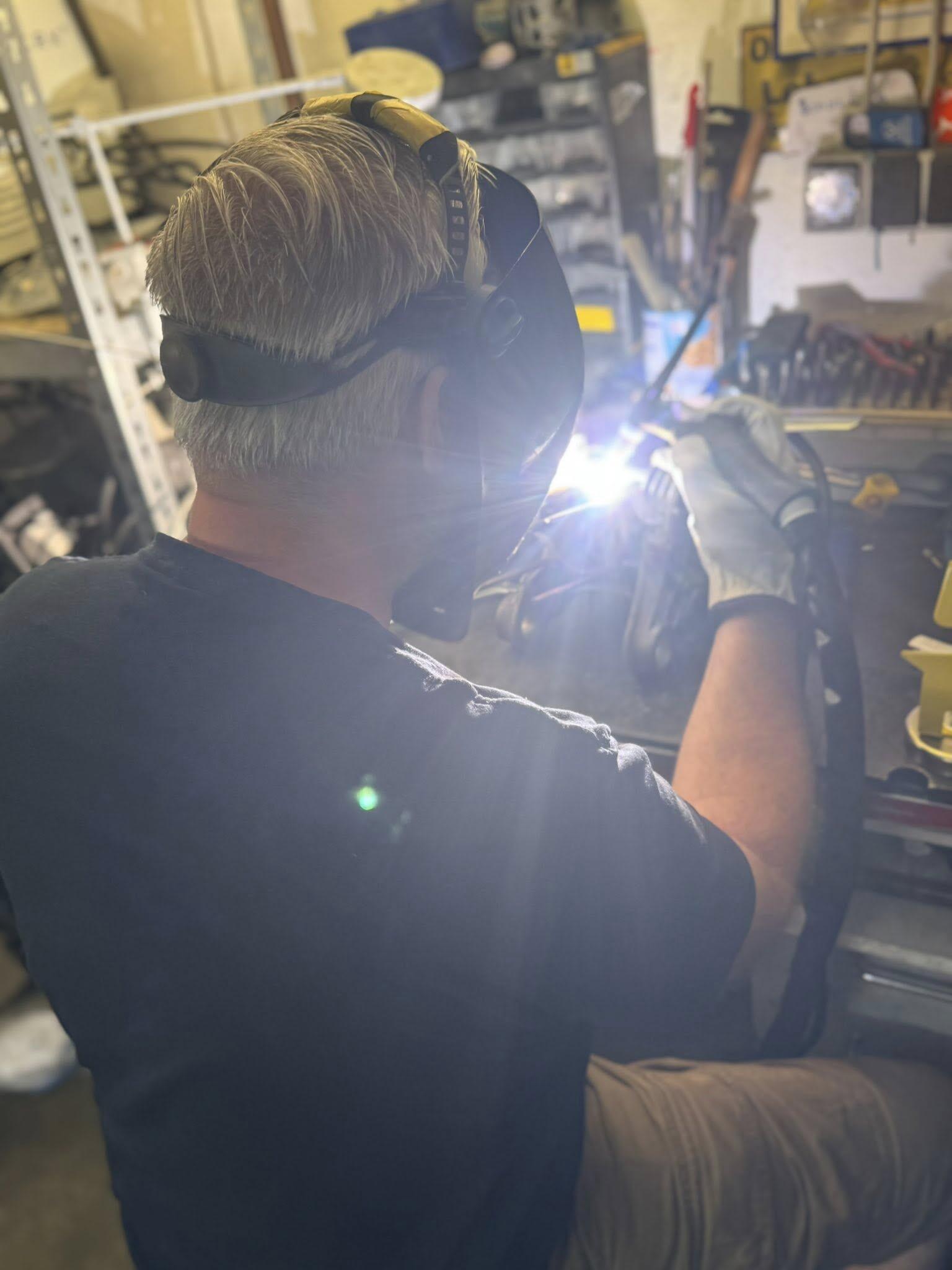
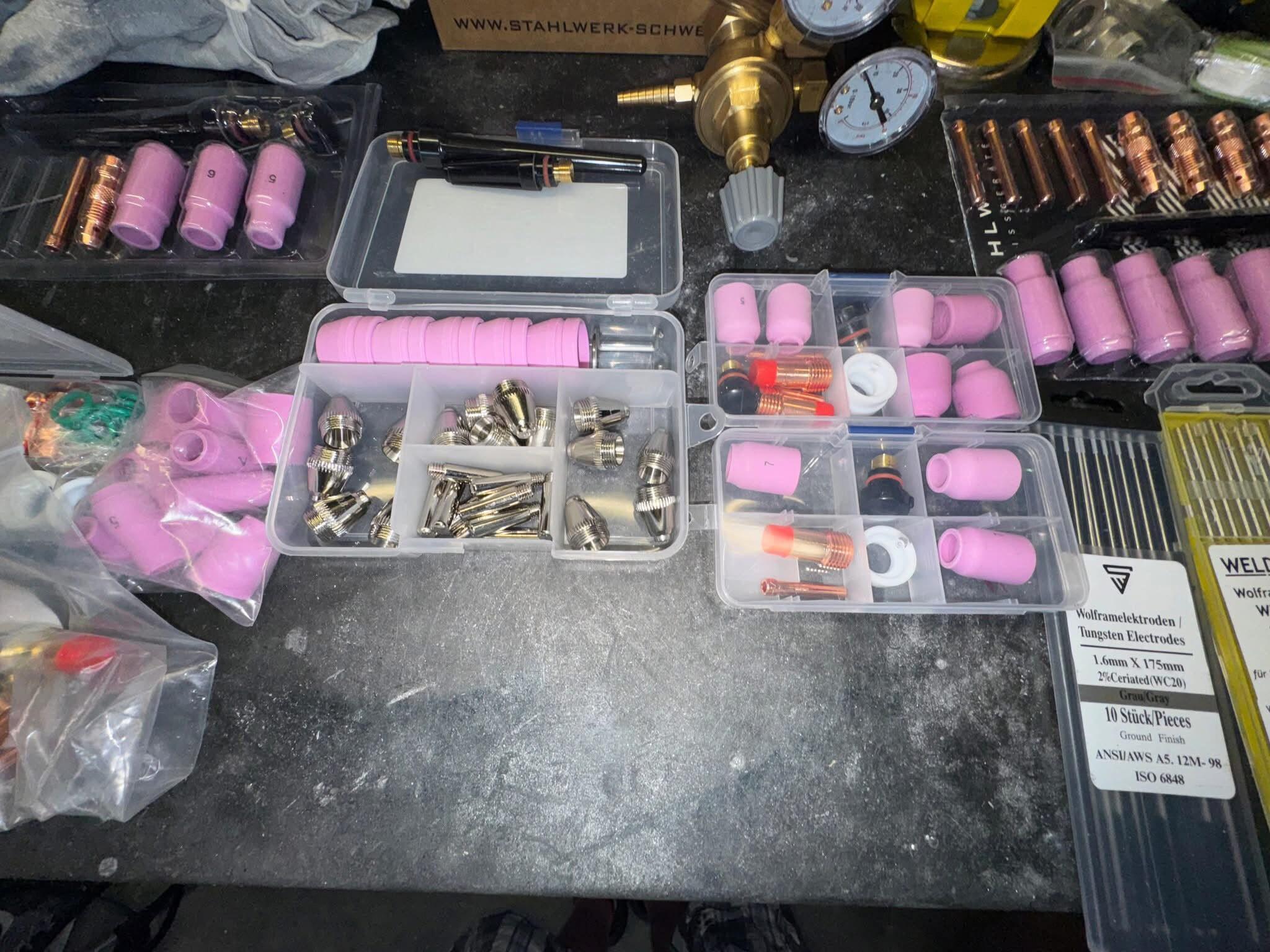
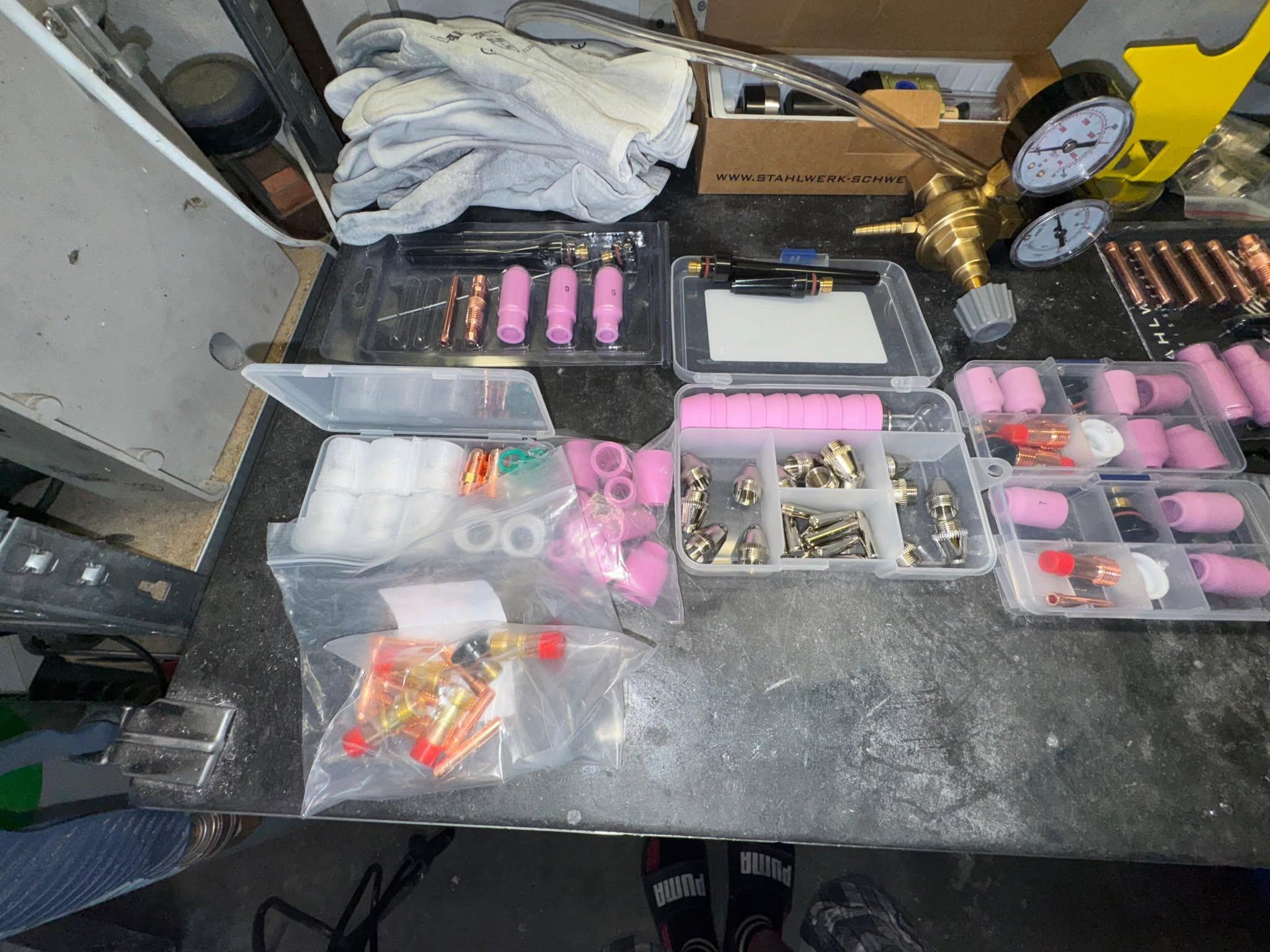
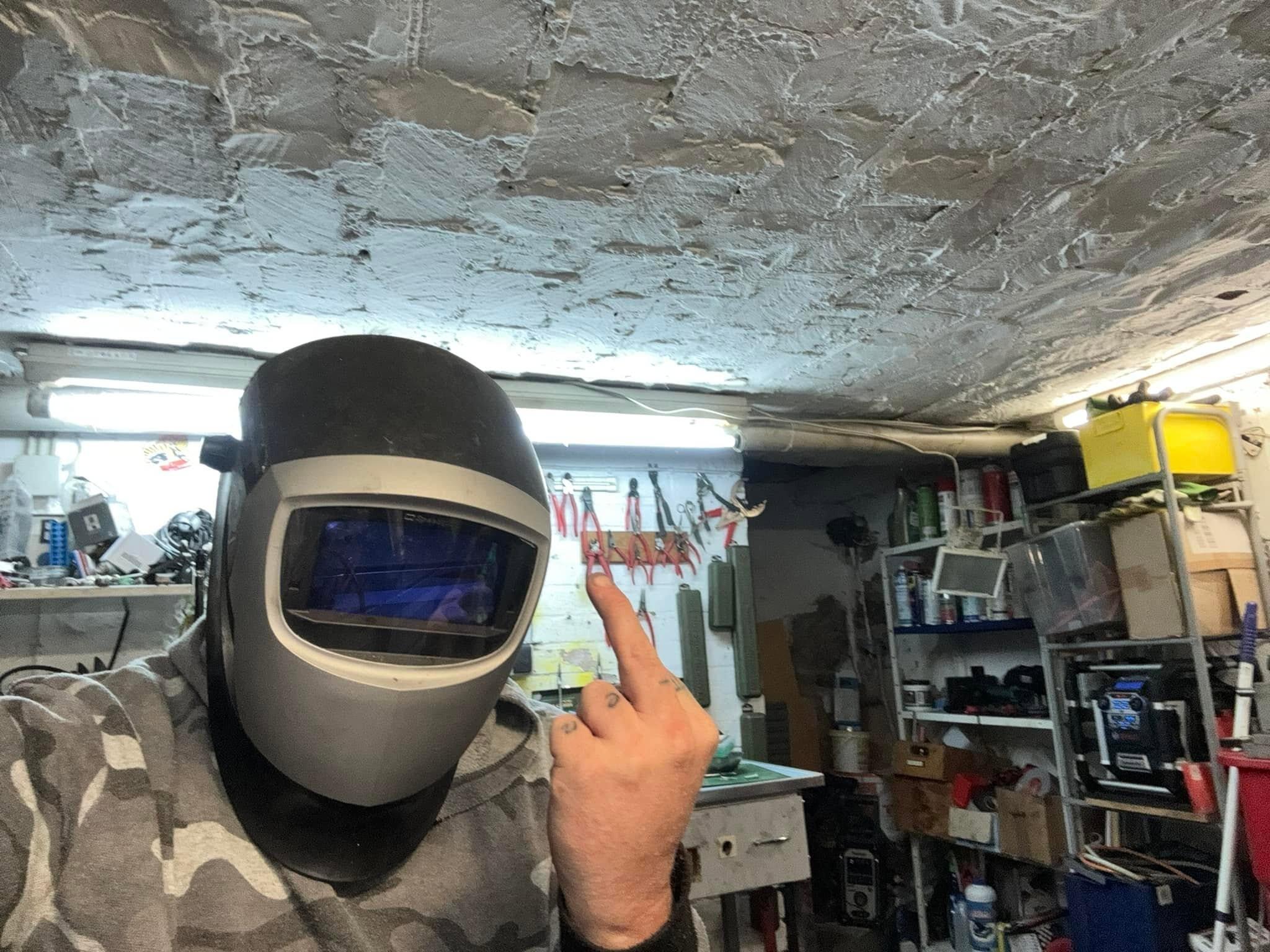
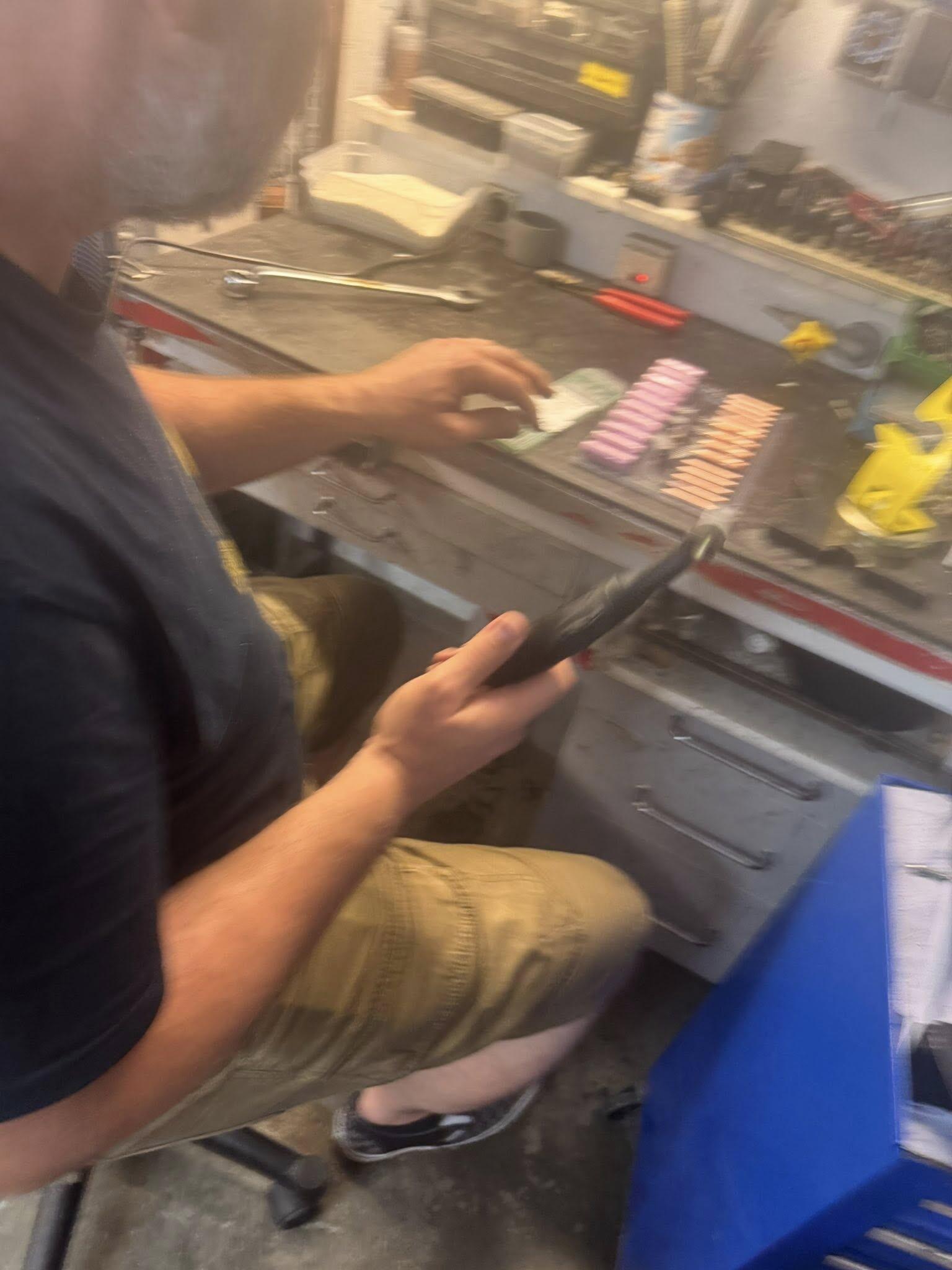
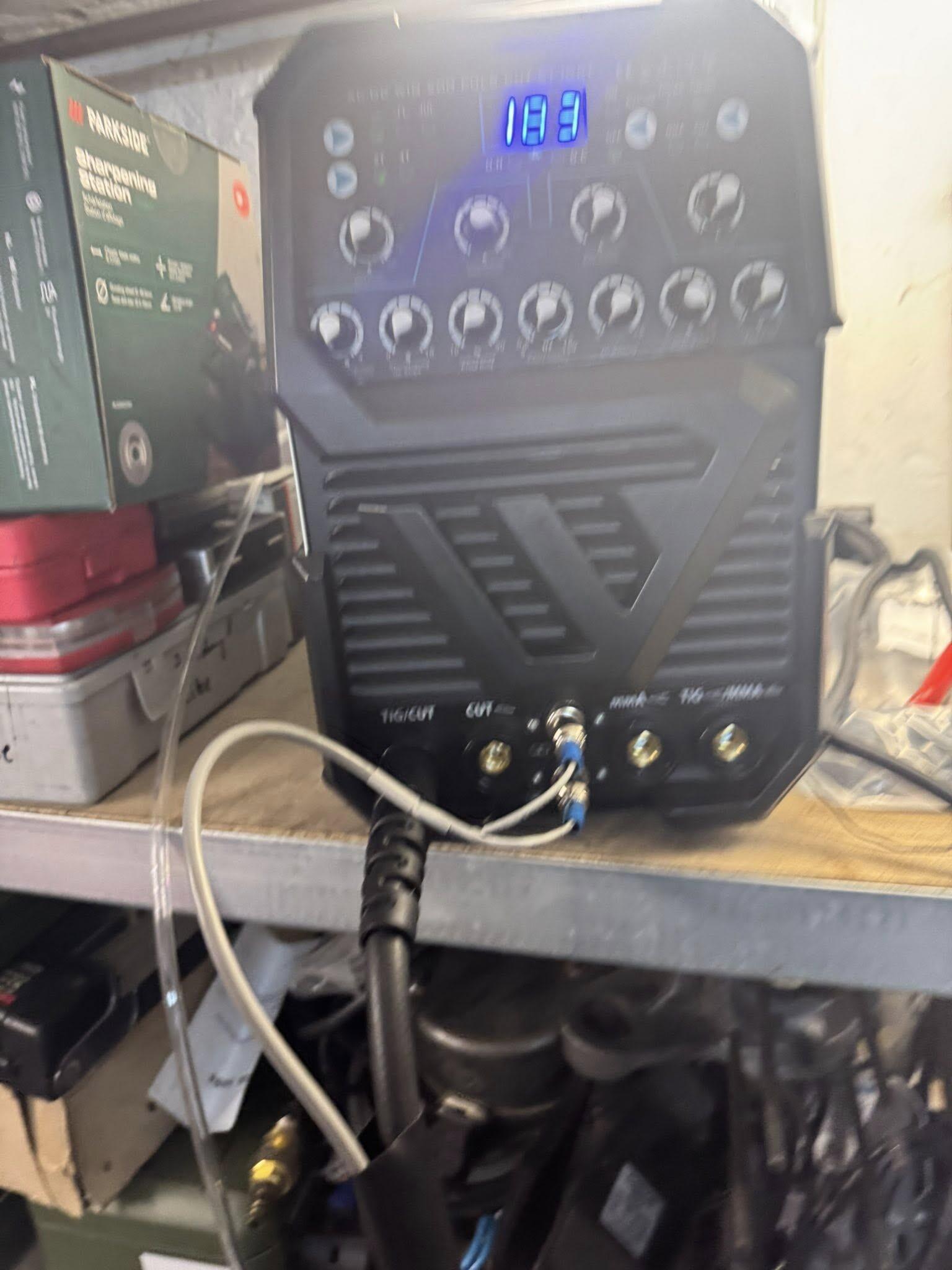
 3 Punkte3 Punkte@linksgewinde und @PXCop : Contenace, büdde! Recht habt ihr wahrscheinlich Beide! Es scheint ja schon (eventuell) Qualitätsmängel zu geben und sicher sind auch einige Schrauber nicht so hundertpro geil am Werkzeug, dass ist aber jetzt kein Grund zum zicken, o. K.? @eye.dee. Mach ein Thema auf und schreibt dort weiter, ich schiebe dann die anderen, passenden Beiträge da rein! Und nu weiter mitm Ranger Vielen Dank für die Aufmerksamkeit3 Punktebei welchem block irgendwas aufgeschweißt werden muss, kann ich dir leider nicht sagen, aber ich hatte in den letzten jahren einige von den kandidaten hier, die alle die üs am zylinder komplett geöffnet haben wollten. geschweißt hat mein brutzler des vertrauens. der komplette rest, also abplanen, fräsen, zylinder überarbeiten wie sz, einlass auslass usw. etc. habe ich gemacht. leider wollten alle personen eher ein tourensetup, ich würde ja gerne mal einen auf leistung umarbeiten und nicht auf drehmoment, aber kommt vielleicht noch irgendwann mal. die gemachten zylinder/gehäuse laufen alle top und sind dicht. einer der motor liegt allerdings noch bei einem kollegen nach meinem kenntisstand auf der werkbank, aber den hatte ich im "vordern bereich" probehalber montiert und abgedrückt und so sollte es dann auch sein, wenn er dann irgendwann mal in betrieb genommen wird. wie man sieht, ich habe das alles tatsächlich händisch gemacht - dauert zwar dann etwas länger, aber mit sorgfalt und etwas geschick kriegt man das eigentlich ganz gut hin und braucht lediglich einen guten schweißer, sofern man mit dem standartwerkzeug wie dremel etc. einigermaß firm ist. ein oberflächenfinsch wie z.b. bei mb war nicht gewünscht, hätte ich auch sicher nicht ganz so dolle wie mark hinbekommen, der hat natürlich einen anderen werkzeugpark, aber da man den bereich eh nicht sieht, war das den besitzern egal - einige fotos vom endstand sind dabei und das feedback bei facebook war eigentlich nur positiv. kleiner tip: der kolben sollte m.e. unbedingt ordentlich entgratet werden, aber das versteht sich ja von selbst, der ist echt megascharf. bei dem ersten motor, den ich damals gemacht habe, wurde sehr großzügig material aufgetragen -sieht man auch auf einigen bildern, weil ich dummerweise meine schablone zuause vergessen hatte - das hat dazu gefürt, dass man im nachhinein etwas mehr arbeit beim fräsen hatte - sieht man bei einigen fotos, soviel ist in der regel gar nicht nötig und spart bei der nachbearbeitung ordentich zeit, ich habe mir jetzt auch selbst letztes jahr ein passendes wig.gerät gekauft, was der brutzler des vertrauen bei mir auch getestet hat. sobald es die gesundheit wieder zulässt, werde ich mich selbst mal versuchen bzw. erstmal anfangen zu üben - einen 1a lehrer habe ich ja und bin eigentlich auch ein ganz guter autodidakt, aber das wird sicher noch eine zeit dauern, bis ich da einigermaßen was hinbekomme. wie man beim durchscrollen sieht: ch habe die beigefügten fotos einfach aus verschiedenen meiner alben unsortiert zusammengestellt, vielleicht kannst du damit ja etwas anfangen und bekommst etws input.. bei fragen kannst du dich gerne melden. hier noch als kleiner anhang meine schweißausrüstung - ein stahlwerk ac,dc - habe mir da so ein komplettpaket zusammengekauft, weil es mich einfach reizte. auch mit absaugung ( kellerwerkstatt, nicht so dolle belüftet ) , fussschalter, plasmaschneider, ich glaube sämtliches verfügbares zubehör und verbrauchsmaterial für 20 jahre , falls ich am brutzeln gefallen finde wenn es mir wieder besser geht . ich neige bei werkzeug zu umfangreichen übertreibungen. weiteres problem ist bei mir leider der platz - habe nur 10 qm - sowohl bei der unterbringung der ganzen sachen als auch bei der benutzung. wenn ich was damit machen will, muss ich die halbe werkstatt umdekorieren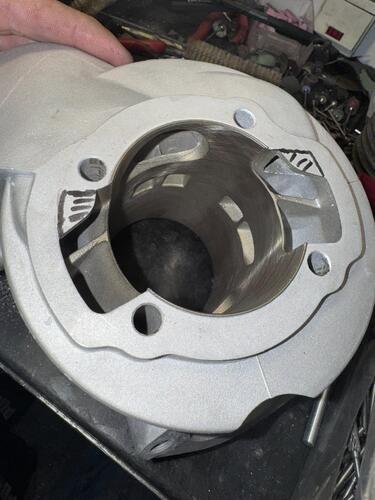
.thumb.jpeg.df7a53dbed9a9addad02376ba79be45a.jpeg)
.thumb.jpeg.ac34310fc83aeb3f2674d85bf6485f44.jpeg)
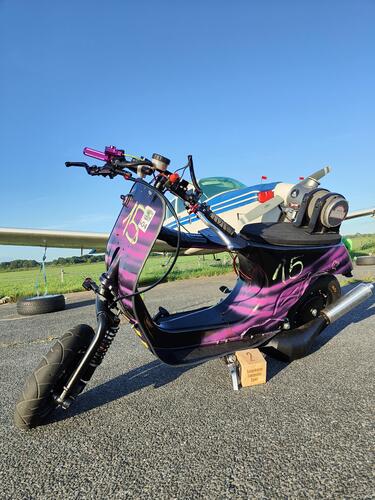
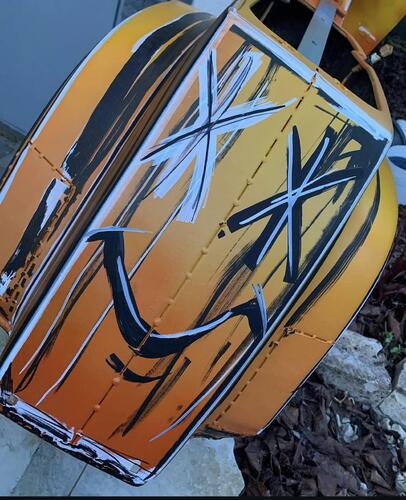
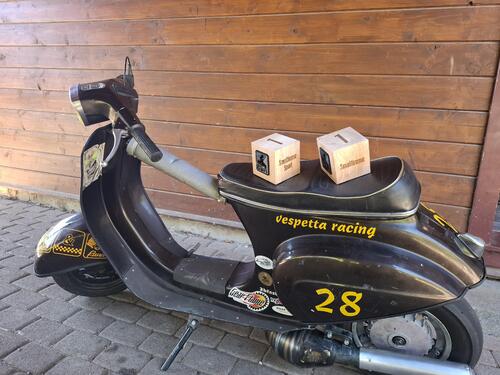
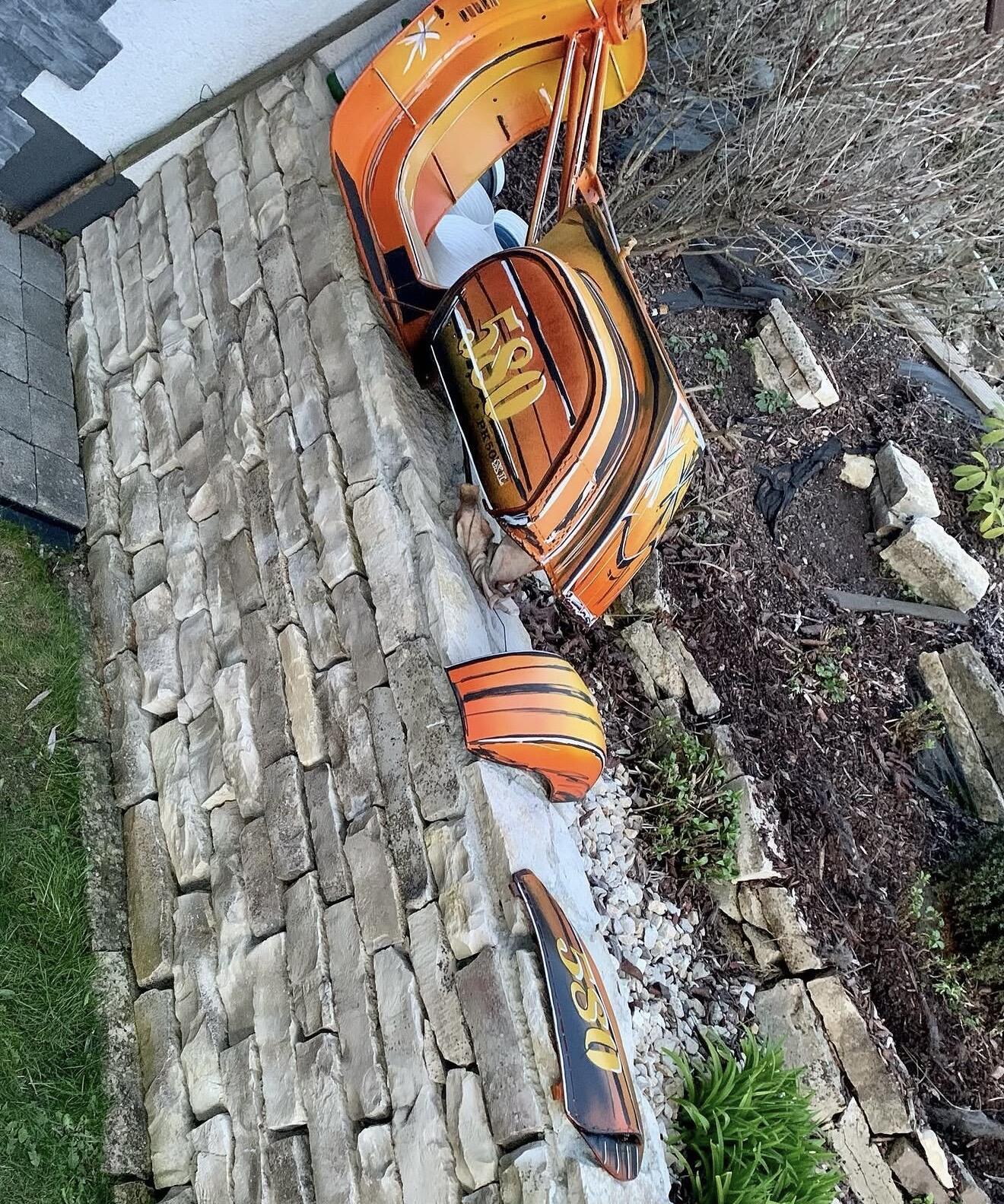
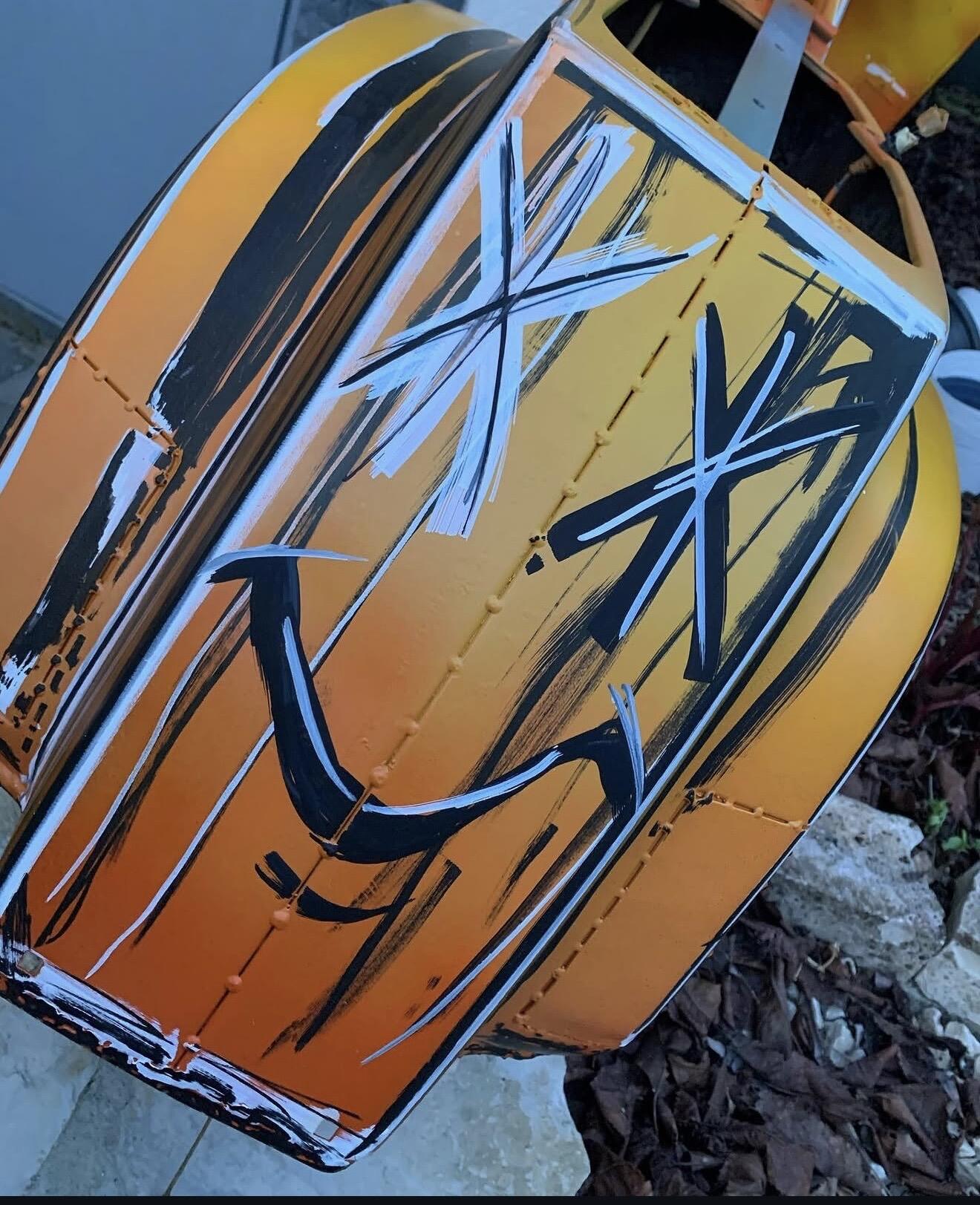
 3 Punkte3 PunkteDann müsste ein Quetschspalt von 1,0mm ja auch problematisch sein. Teilweise wird da ja sogar weniger gefahren.3 Punkte@GS160 Danke für den interessanten Link aber abgesehen davon daß die vermeintlichen Fakten zum kerzenwärmewert versus braun Stufen am Isolator net stimmen, wage ich auch die Storie zur vergaserbedüsung etwas in Frage zu stellen, je nach volumetrischen Wirkungsgrad eines Motors kann man das net von Vergaserdurchmesser ausgehend berechnen, aber halt meine Meinung. Rlg Christian3 PunkteLass uns teilhaben weshalb du denn die Nase voll hast. Du wirst schon nicht gleich gefressen werden. Und wenns Gegenwind gibt, weiß ich - du hälst das aus! Ich pers kann nur positives berichten. Alles nicht ganz easy und sicher nichts für Anfänger, aber mir taugts sehr gut!3 Punkte3 PunkteAls alter Trekkie bestehe ich auf WARP. Ansonsten gehe ich mit dem Kollegen @dorkisbored : abgesehen vom eventuell nötigen Kürzen des Endrohrs geht das auch so, da muss nix abgeklappt werden. Ich lege den Roller bei sowas aber auch gerne auf die Seite, geht fix und erleichtert das Arbeiten.3 Punkte3 PunkteJa, war etwas mau. Ich konnte aber auch nicht lange da sein, weil ich noch weiter musste. Und die Sonne hat echt geballert, so ohne Koppbedeckung. Ich muss gestehen, selbst die Automaten waren fies beeindruckend, so vong dems Leistung her.3 Punkte3 Punkte3 PunkteZwischendurch mal noch einen Rennroller für Langstrecke gebaut vor 4 Jahren. Der mittlerweile aber verkauft ist. Lackmässig war das schon witzig, da werd ich auch nochmal was machen mit anderen Farben 😃👌🏻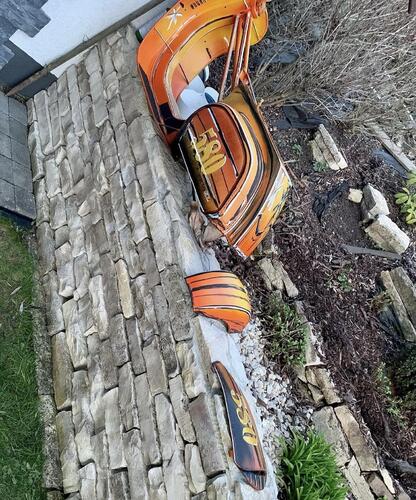
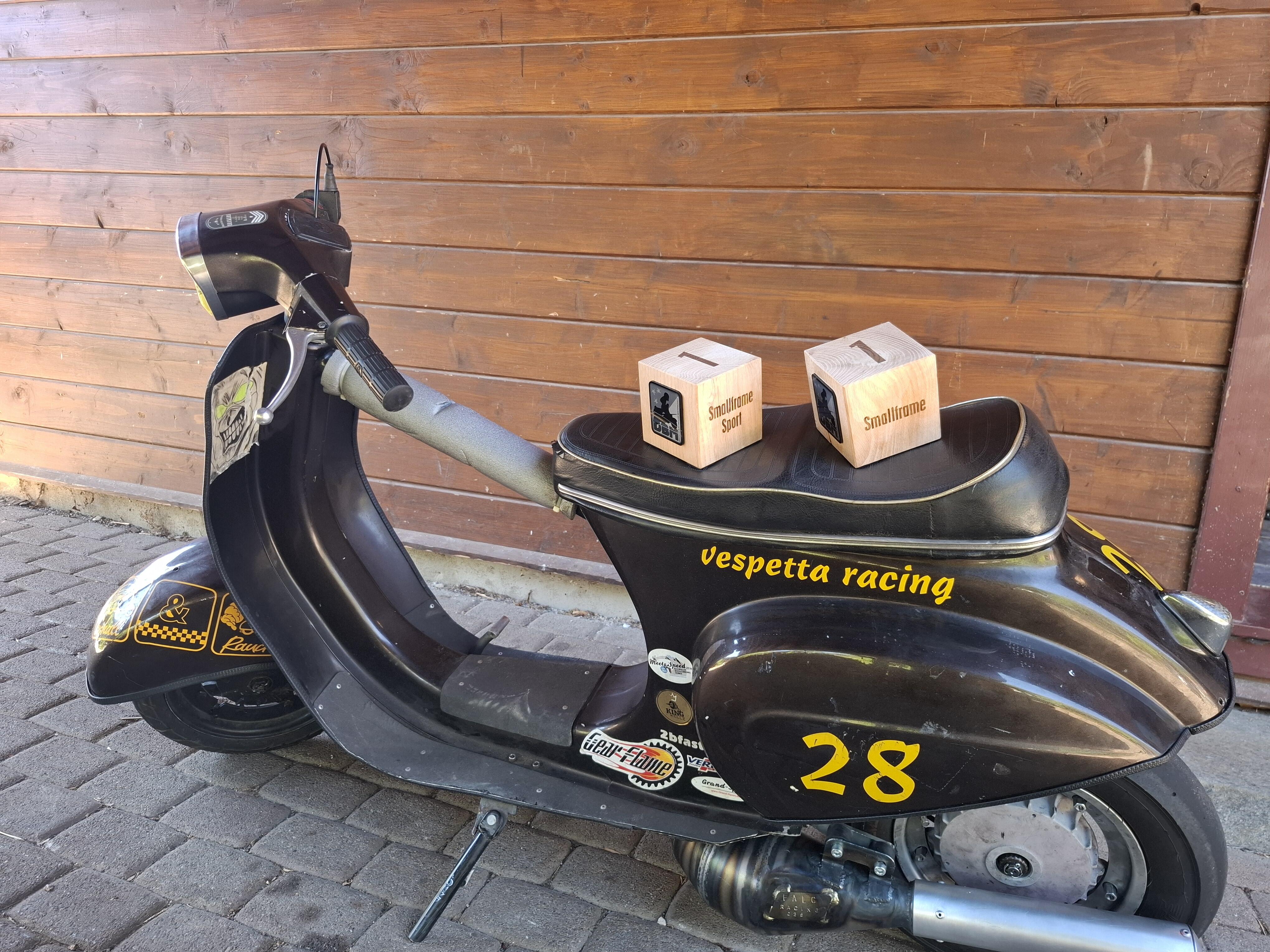
 3 Punkte3 PunkteENDLICH GEFUNDEN! Die Formel für den Verkaufs-Preis: VK = [reeller Wert in €] + [Investiertes Geld für Teile und Zubehör in €]*0,8 + [reingesteckte Arbeit in h]*25,99€ + F + T + R + G F (Technik und Funktionsfaktor) o "Läuft, Vergaser muss nur mal eingestellt werden" +450€ o Unterboden eine einzige Rostschutzpampenschicht +250€ o Mattlack +120€ o "zerlegt, lief vorher aber" +359€ T (Tränenfaktor) für jeden zutreffenden Faktor der folgenden Liste addiere 100€ O ich häng so dran O schweres Herz O Erstbesitzer O Import/Italienpapiere O muss mich verkleinern O kein Notverkauf! R (Seltenheitsfaktor) für jeden zutreffenden Faktor der folgenden Liste addiere 219,37€ O Lampe unten (auch wenn erst später angebracht und mit LED) O Originallack O SS90 O saß vielleicht Sophia Loren drauf G (Geschmack) für jeden zutreffenden Faktor der folgenden Liste addiere 460€ O fürchterliche Airbrush-Art O Gebamsel aller Art dran O Rentnerbastelfahrzeug O LV-Design3 Punkte3 PunkteEs hat sich am Wochenende hierzu ergeben, dass die HD um einiges zu groß war und daher eben diese Probleme bestanden, wie zuvor beschrieben. Dank dem Nico, der mir den richtigen Egig ASS (34mm) aus Landsberg mitgebracht hatte, bestand nach wie vor das Problem, dass kein vernünftiger Start möglich war. Dann kam der Schorse um die Ecke und der Vergaser wurde im Detail überprüft mit dem Fazit, die HD auf 310 und die Nadel auf die mittlere Clip Stellung zu ändern. Somit war es mir dann endlich möglich, an der Ampel vom Fleck wech zu starten. Sicher wird das noch weiter im Detail eingestellt, aber das ging dann schon mächtig zur Sache und die Kombi mit dem, was ich am dem Tripel bearbeitet hatte und der Kombination mit dem FalkR Race echt brutal Vorschub bringt! Dazu muss ich noch meine Sitzposition überarbeiten, um meinen Arsch weiter vorne halten zu können, weil es mich so nach hinten drückt und mir dann die Haftung auf dem Vorderrad zum Asphalt abhanden kommt. Echt krass dat Ding und am 12 Sep. geht es dann wieder an den Start bei der DBM.3 PunkteLeistung? Wen interessiert das, Ergebnisse zählen Denke mal 35 müssten schon anstehen. Ich hoffe bis zum winter mal auf die rolle zu kommen, bevor ich auf 54 hub wechsle
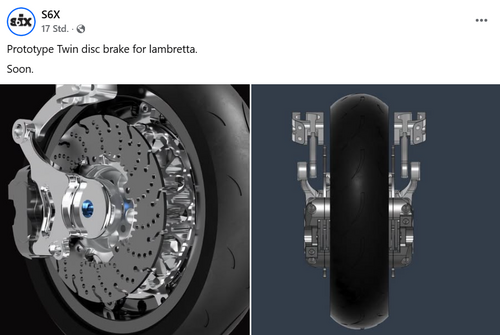
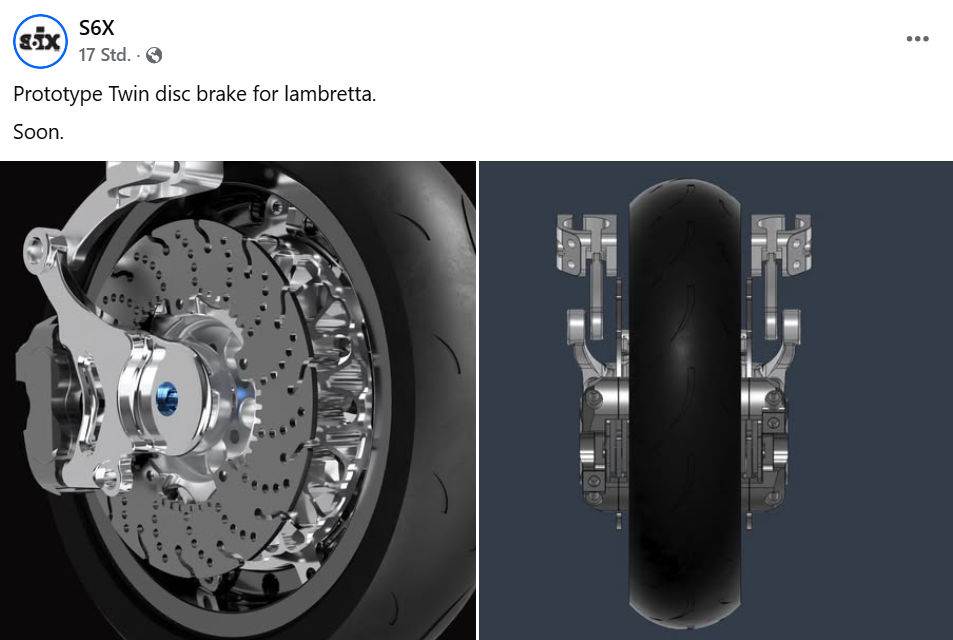
 3 Punkte3 PunkteUnd bitte bei aller Dorfladen-Romantik nicht vergessen, dass der Starter dieses Themas einen Aufpreis für schnellen Versand bezahlt hat. Das hat dann weniger mit überzogenen Black-Friday-geiz-ist-geil-Amazon-Ansprüchen zu tun als mit Täuschung des Kunden.3 Punkte3 PunkteSorry, bitte nicht falsch verstehen, aber hier geht es um Tuning auf hoher Ebene , und nicht um ein Regal von Ikea. Da sollte man sich eigentlich schon auch ein bisschen Eigeninitiative einpacken und Mal sehen und überlegen warum nicht alles auf Anhieb so passt, und sich Lösungsansätze suchen und finden.3 Punkte2 PunkteDas Problem sind bei weitem nicht wir Rollerfahrer, sonden wie genannt wurde, Motorräder und Sportwagen mit offnen Klappenauspuff oder halt ohne DB Killer. Die Dinger schallen das ganze Tal raus, ein schargfer 2T , ist direkt neben dem Ohr laut, hört man aber kaum noch nach wenigen 100 Metern. Ein anderes Problem ist der Verkehr an den Passstraßen, der alles dicht macht, dies wiederum verrursacht genau das Gegenteil der genannten Fahrer! Womo und die verdammten Radfahrer , die in 2 oder 3er Reihe mit deren Ebike mit 1,5m breiten Lenkern kilometerlange Autokolonnen verrursachen. Neue Gesetzte werden hier immer wieder mal rausgehauen, dann verrändert oder gar wieder zurückgezogen. Aktuell mache ich mir da für die paar Rollerfahrer keine Sorgen und wir werden genauso wie vorher weiter fahren. Ich vermute die Ordnung kennt die Problemmacher und Gottseidank wird bei unserer Polizei noch mit Hausverstand; nur wenn nötig geandet. Also bei Kontrollen, entspannt bleiben, sucht ein entspanntes Gespräch, nicht den dummen spielen und kooperieren. Dann wird und Vespa fahrern nicht viel passieren2 Punkte2 PunkteBitte was? Wo kommt denn das jetzt her? Ich bin mit meinem 85er DR damals dank Reisegruppe "großes Kennzeichen" 130km lang quasi Dauervollgas zum Run gefahren. Wenn die Bude zu heiß wird, dann klemmt es und wenn alles passend eingestellt ist, dann fährt das Ding auch dauerhaft mit vorhandener Maximalleistung.2 Punkte2 PunkteReichen zwei aktuelle SIP Topics zu dem Thema nicht um über Verfügbarkeiten und Lieferzeiten zu diskutieren/spekulieren?2 Punkte2 PunkteDie Single liegt ja schon beim Kollegen in der Nachbars- Schrauber Koje, jetzt schieben die S6X Jungs sogar eine Doppelscheibe nach.....
 2 Punkte

















.jpeg.4912b20d68c2b0c161bbfc51850d857d.jpeg)
.jpeg.fb8242a778d79957d20f01436ee06186.jpeg)








Wichtige Information
Diese Website nutzt Cookies und vergleichbare Funktionen zur Verarbeitung von Endgeräteinformationen und personenbezogenen Daten. Die Verarbeitung dient der Einbindung von Inhalten, externen Diensten und Elementen Dritter. Je nach Funktion werden dabei Daten an Dritte weitergegeben. Einige dieser Verfahren sind technisch unerlässlich, andere kommen nur mit Ihrer Zustimmung zum Einsatz, eine Anpassung ist in den die Cookie-Einstellungen möglich. Für Details siehe die Datenschutzerklärung
Account
Navigation
Suche
Configure browser push notifications
Chrome (Android)
- Tap the lock icon next to the address bar.
- Tap Permissions → Notifications.
- Adjust your preference.
Chrome (Desktop)
- Click the padlock icon in the address bar.
- Select Site settings.
- Find Notifications and adjust your preference.
Safari (iOS 16.4+)
- Ensure the site is installed via Add to Home Screen.
- Open Settings App → Notifications.
- Find your app name and adjust your preference.
Safari (macOS)
- Go to Safari → Preferences.
- Click the Websites tab.
- Select Notifications in the sidebar.
- Find this website and adjust your preference.
Edge (Android)
- Tap the lock icon next to the address bar.
- Tap Permissions.
- Find Notifications and adjust your preference.
Edge (Desktop)
- Click the padlock icon in the address bar.
- Click Permissions for this site.
- Find Notifications and adjust your preference.
Firefox (Android)
- Go to Settings → Site permissions.
- Tap Notifications.
- Find this site in the list and adjust your preference.
Firefox (Desktop)
- Open Firefox Settings.
- Search for Notifications.
- Find this site in the list and adjust your preference.