
Rangliste
-
der_michi
Members9Punkte3.028Gesamte Inhalte -
Hubsi@84
Members8Punkte726Gesamte Inhalte -
Labelsucker
Members8Punkte1.697Gesamte Inhalte -
MaRi
Members7Punkte2.938Gesamte Inhalte

.jpg.4809d740cc7195342d0896beacab1ee9.thumb.jpg.27a53b2a888c7c0fe8ea7784d0d58f47.jpg)

Beliebte Inhalte
Inhalte mit der höchsten Reputation am 05.05.2023 in allen Bereichen anzeigen
-
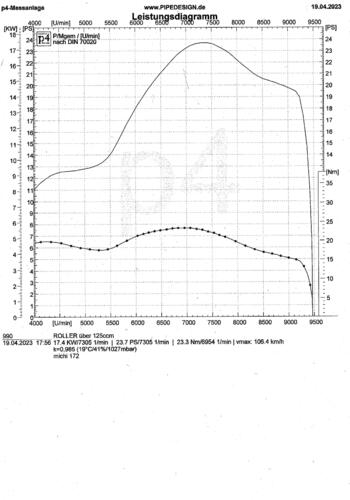
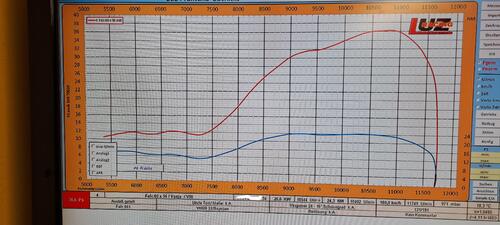
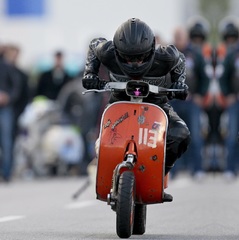
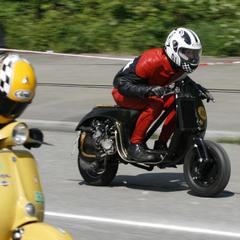
9 PunkteMoin! Ich wollte hier einmal mein Ergebnis vorstellen. Ich war vorletzte Woche mit meinem SKR Malossi auf der Rolle. Setup: SKR Malle, Langhub, mini Tassi, 30er PHB und Franz. Zündung statisch. Vielen Dank @Tim Ey für die Teile und die Unterstützung bei der Umsetzung
 9 Punkte
 -
8 Punkte
-
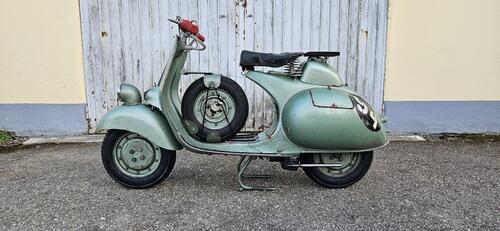
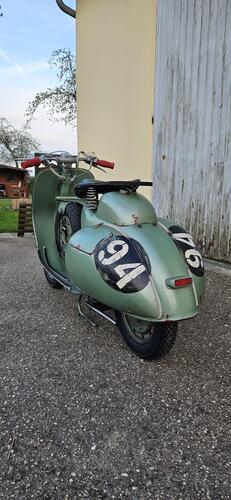
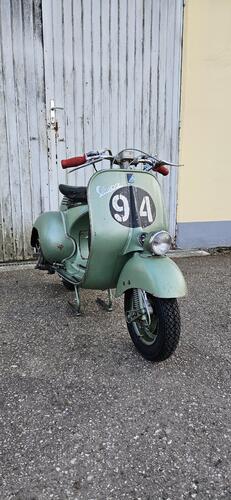
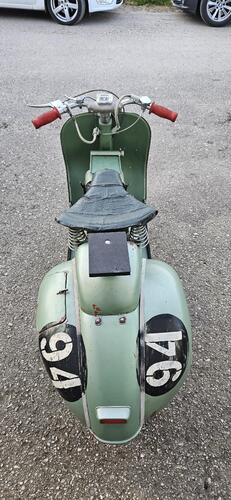
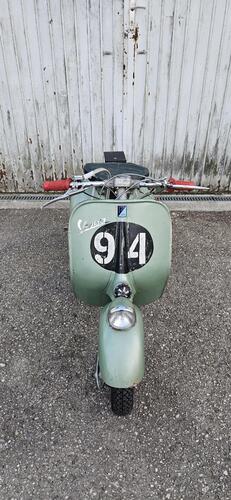
8 PunkteAm Montag geht's zum TÜV. Bis auf paar Kleinigkeiten (Zylinderhaubenabdeckung, LüRa Abdeckung, usw.) ist sie fertig! Somit sollte alles bereit sein für die 1000km Vespistica wenn nichts mehr gröberes aufkommt
 8 Punkte
 -
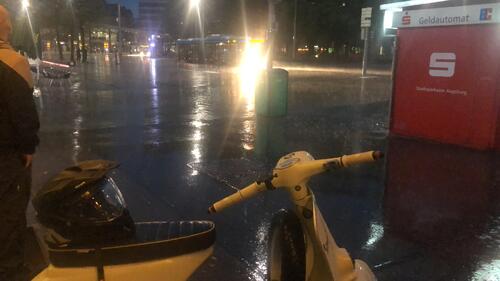
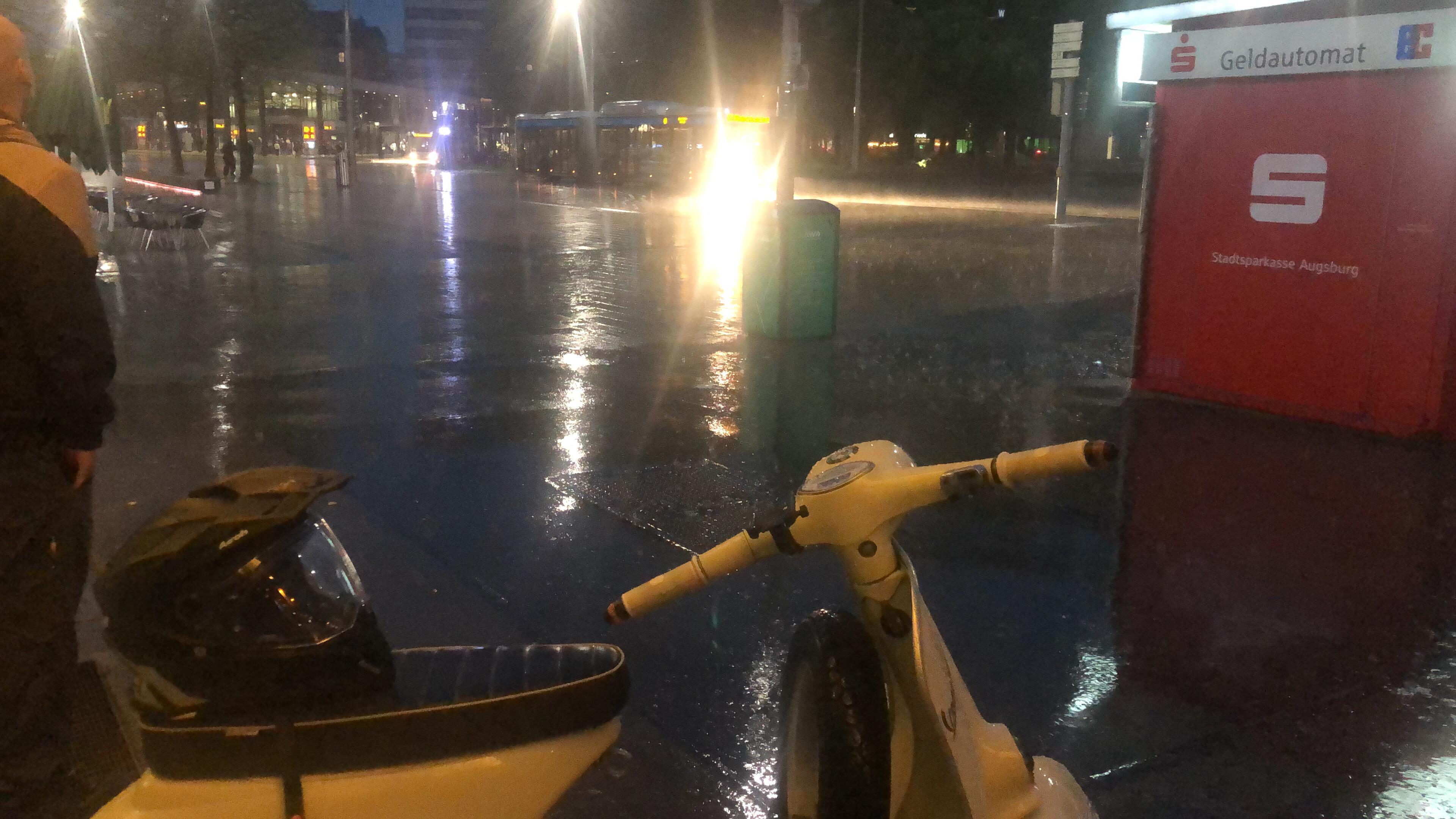
7 Punkte4 PunkteJetzt mal nüchtern betrachtet, eignet sich eine Serie3 zum Crossen oder Trail fahren wie ein Elefant zum Eiskunstlauf. Größere Probleme dürfte es mit dem Motor geben. Da fehlt es überall an Bodenfreiheit. Zylinder, Auspuff Downpipe, Maghousing und auf der Kickstarter Seite generell die Block und Kettendeckel Konstruktion. Dann am Rahmen die Motorbolzen Aufnahme mit den Konen, mit Ihren zwei Pille Schweissnähten. Die Gabel mit wenig Federweg. Was vielleicht auf Asphalt Rennstrecken Gut funktioniert, dürfte im Gelände schnell an seine Grenzen kommen. Vielleicht wurde von den Engländern deshalb lieber D Modelle zum Scrambler umgebaut. Wegen dem stehenden Zylinder. Meiner Meinung nach ist Grassbahn, Beach Rennen oder auch Cross Veranstaltung mit seichtem Gelände machbar, aber wenn es wirklich an Rauhes Gelände geht, sehe ich Schwarz…4 PunkteDu hast dich nicht „auf andere Leute verlassen und warst dann verlassen“, du warst einfach unfähig, Tipps umzusetzen und bist es immernoch. Etwas nicht zu können ist an sich ja kein Problem und niemand kann alles. Ich bin auch kein Meisterschrauber (und diese sind auch noch nie vom Himmel gefallen), aber du bist dermaßen beratungsresistent, da will man dann einfach nicht mehr helfen -> aus deiner Sicht „man ist verlassen“… Du hast im April 2020 deinen Zylinder angeblich um 2mm gefräst und hattest zuvor Steuerzeiten von 120/169 bis 126/181 gemessen, es war mehr als schwer, irgendeinen Ansatz zu finden, wo man helfen kann. Du hast Links mit sehr guten Erklärungen (zum Messen der Steuerzeiten, zu Werkzeugen etc.) bekommen, du hast diverse Tipps bekommen (natürlich beruhrend auf deine anscheinend immer falsch gemessenen Steuerzeiten), Racebase zur Steuerzeitenberechnung hattest du damals angeblich auch benutzt, jetzt kennst du Steuerzeitenrechner nicht mehr? Ich könnt noch mehr schreiben aber mir ist meine Zeit zu kostbar ☺️ Werde mal aufnahmefähig für Tipps, für das, was man dir sagt und schreibt. Wenn dein Leben aber so zeitlich unpassend für ein Hobby ist, dann nehm deinen Geldbeutel zur Hand und lass das wen machen, der es kann und nutz deine „knappe Zeit“ für andere Dinge bevor du uns hier ständig unpassend angehst. Ja, DU bist der Geisterfahrer, nicht wir alle…4 Punkte2 PunkteScheeeee.... ( nass ) war ´s.... Sei´s drum... - Müssen wir uns wenigstens nicht "Schön Wetter Fahrer" schimpfen lassen.... Bei Sonnenschein kann ja jeder...
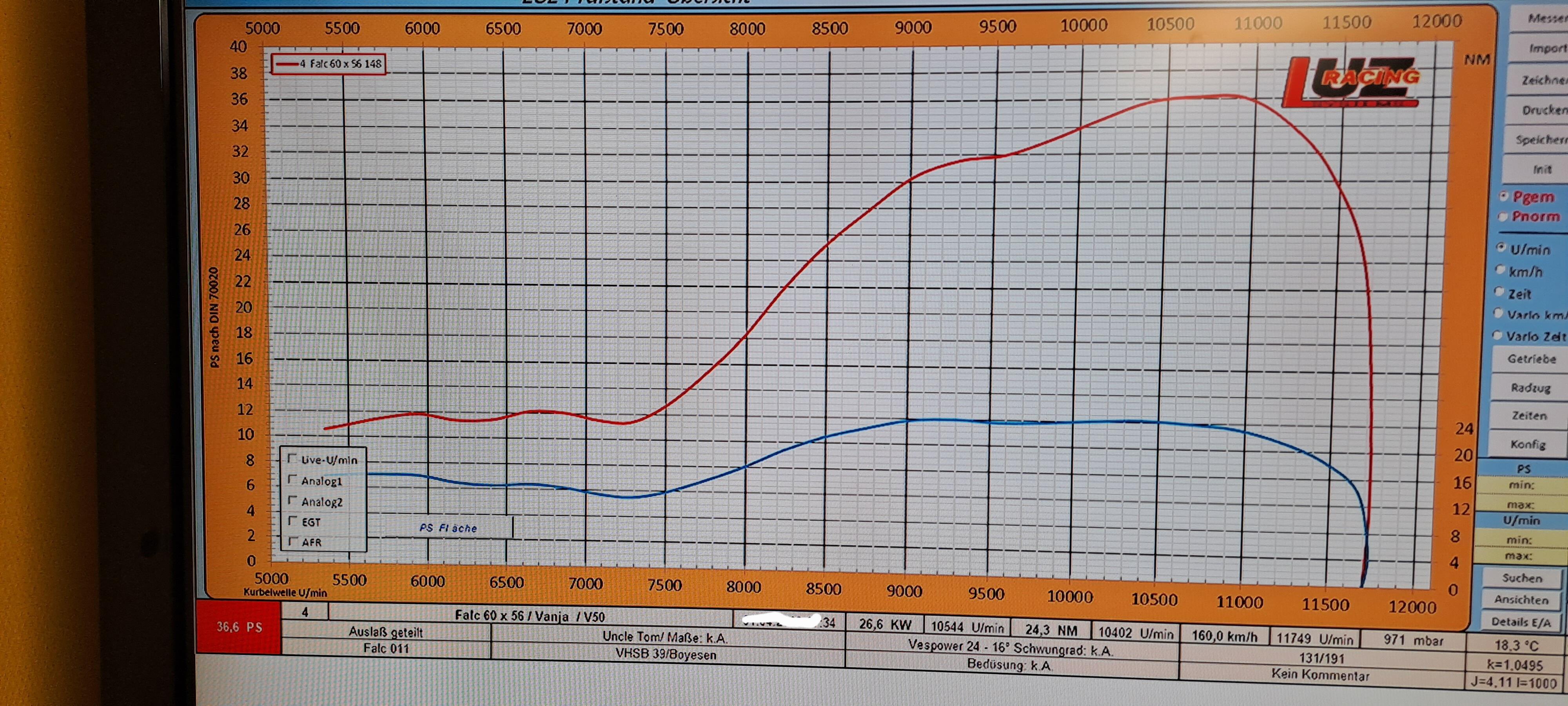
 2 Punkte60 x 56 Zweiteiler, nur Auslass dezent breiter gemacht 131/191 Falc 011 Vhsb 39 Boyesen Plättchen
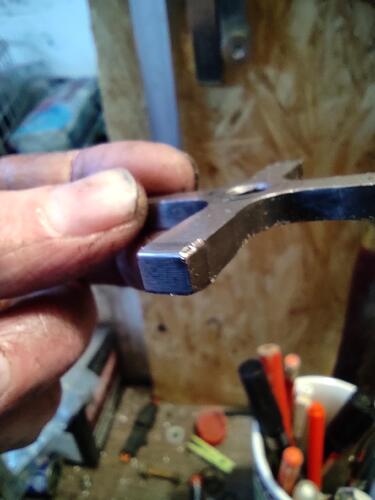
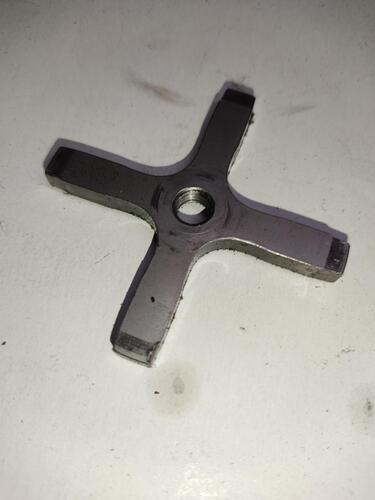
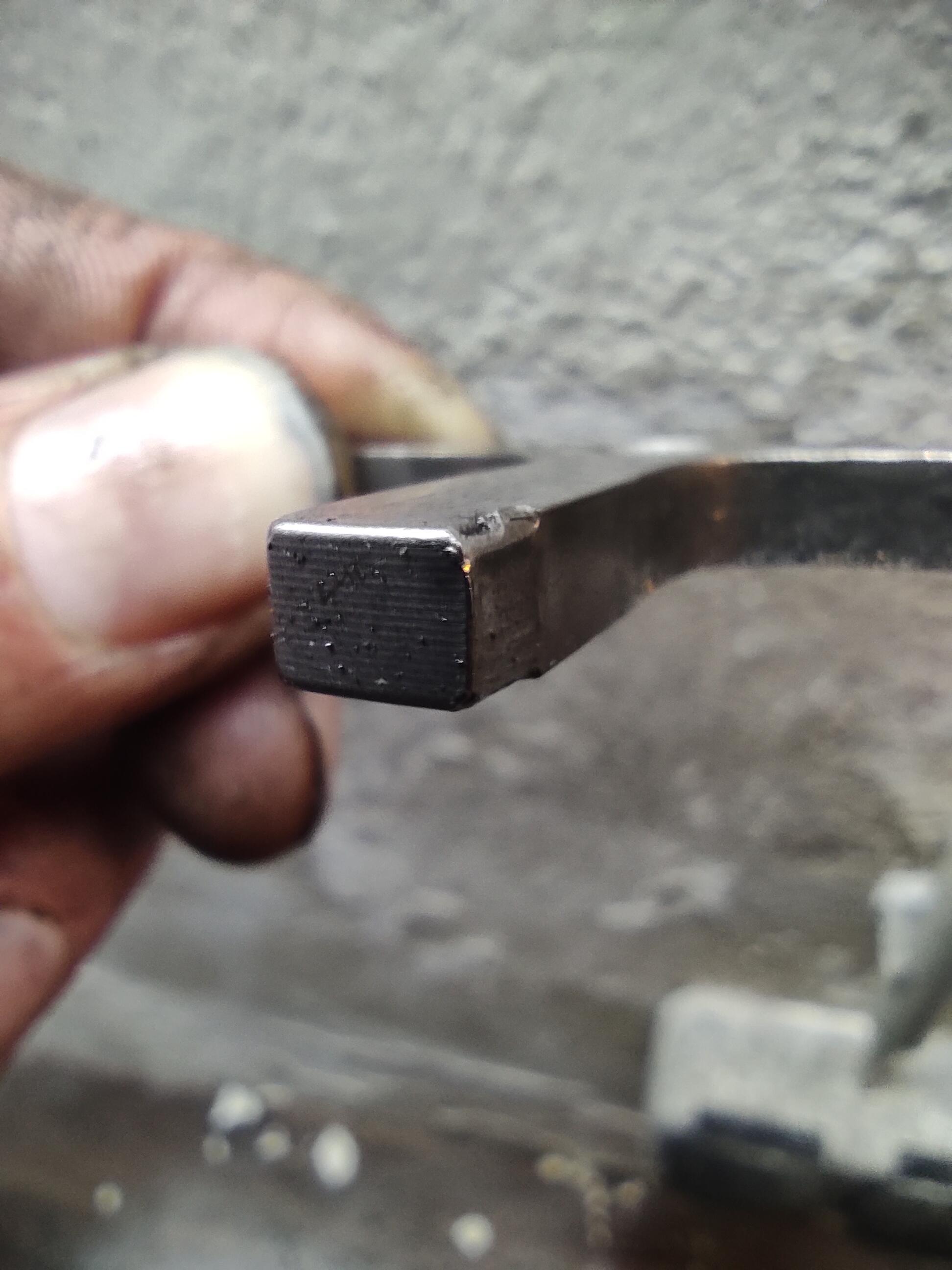
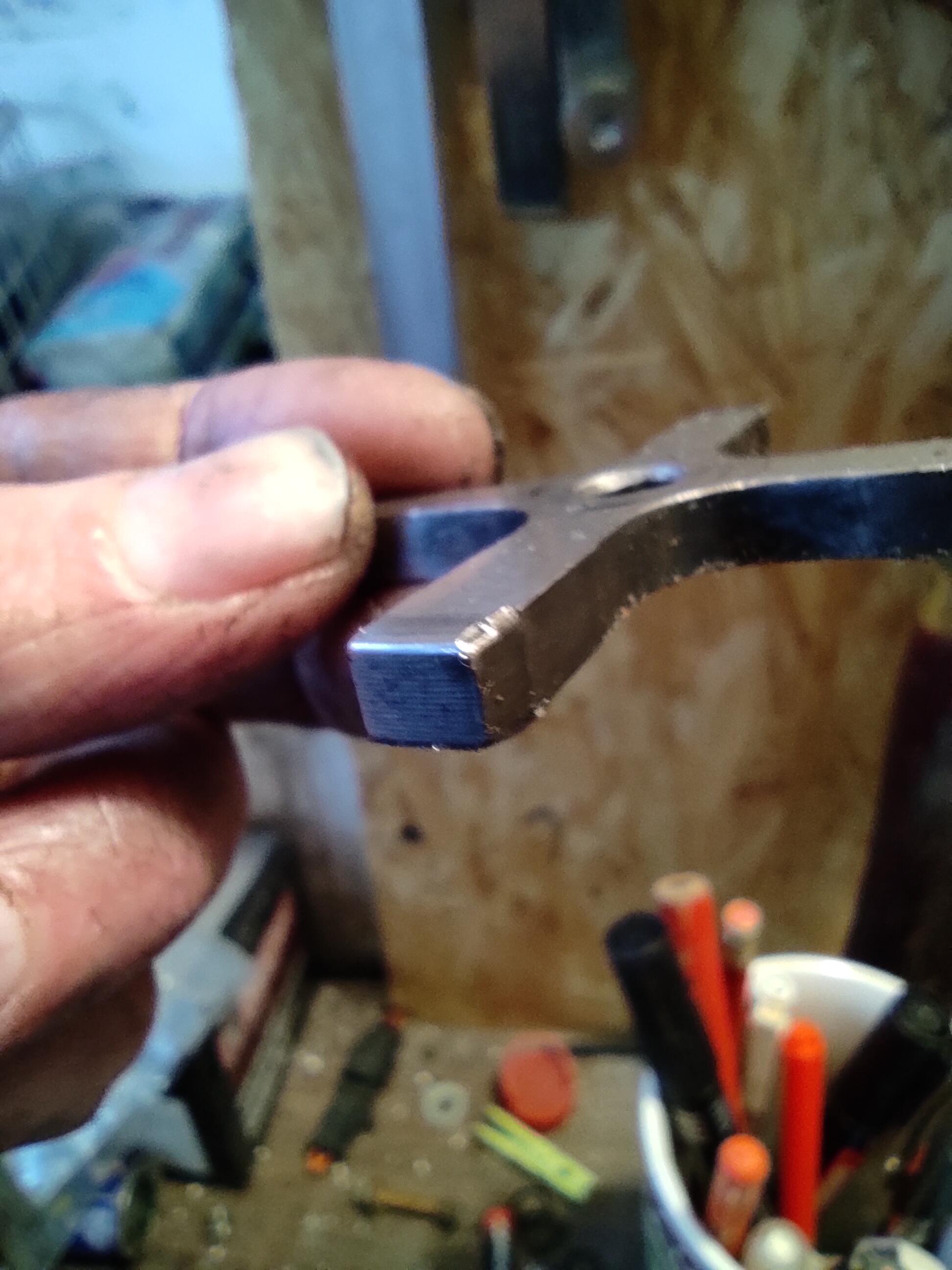
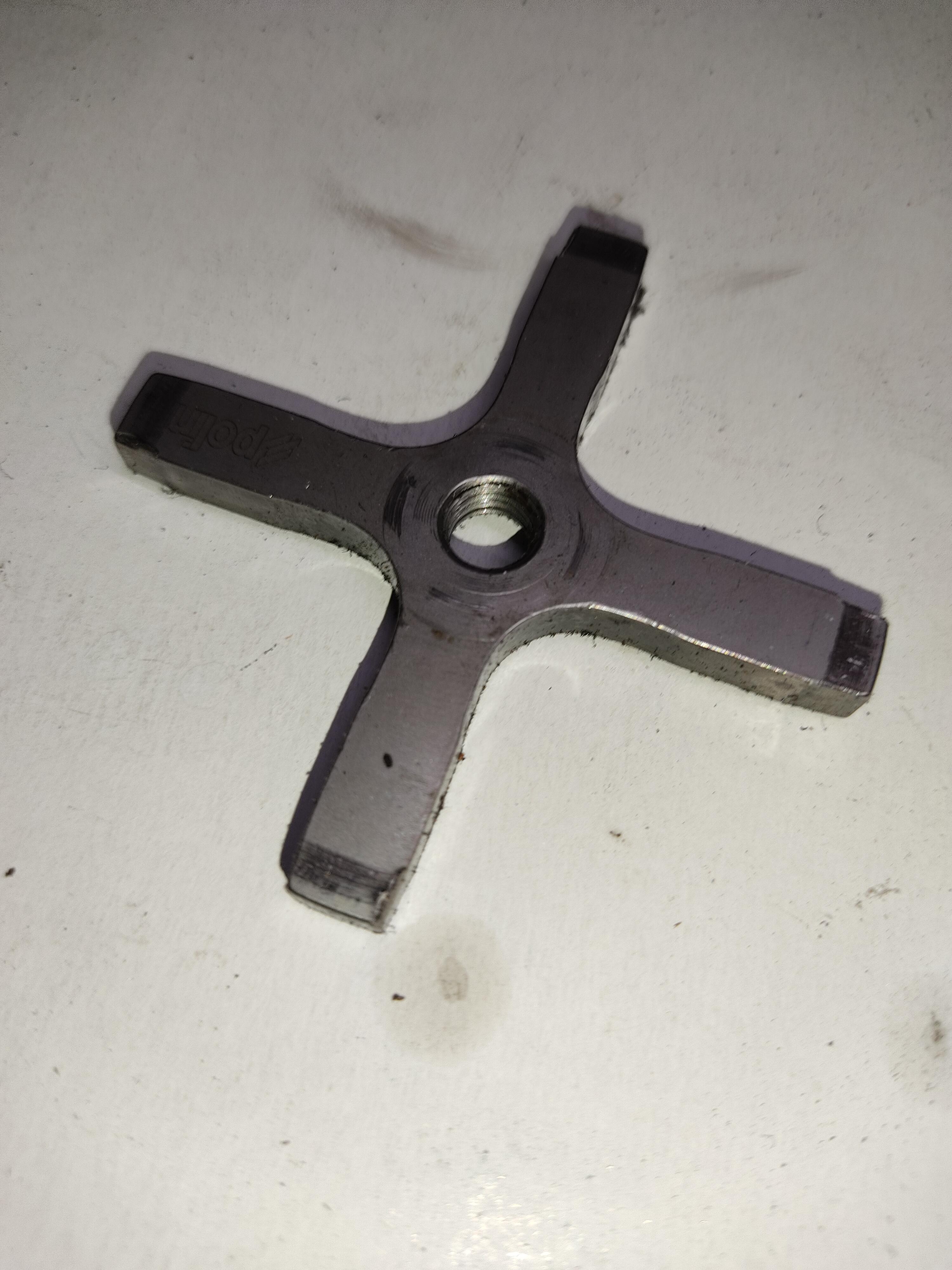
 2 PunkteDanke für den Tip. Hat wunderbar funktioniert. Was mir geholfen hat das auch alleine hin zu bekommen, waren zwei selbst einrastende abgewinkelte Spitzzangen aus dem medizinischem Bereich oder Angelzubehör. Die kosten je 5 € und machen sich gut im Werkzeugschrank.2 Punkte2 Punkte@Schniedel Haube habe ich noch. Schaue nach und dann melde ich mich. So teurer wie beim @Dirk Diggler wird es nicht werden. Ein Champusschluck aus dem Pokal würde mir reichen.2 PunktePolini Schaltkreuz nach ca. 4000 km mit min. 35 PS/NM. Bin zufrieden. Gedreht und wieder rein...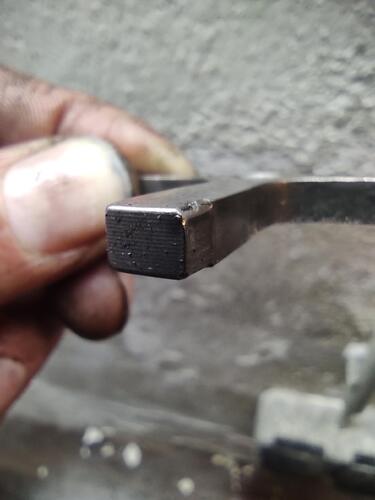
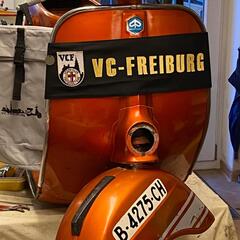
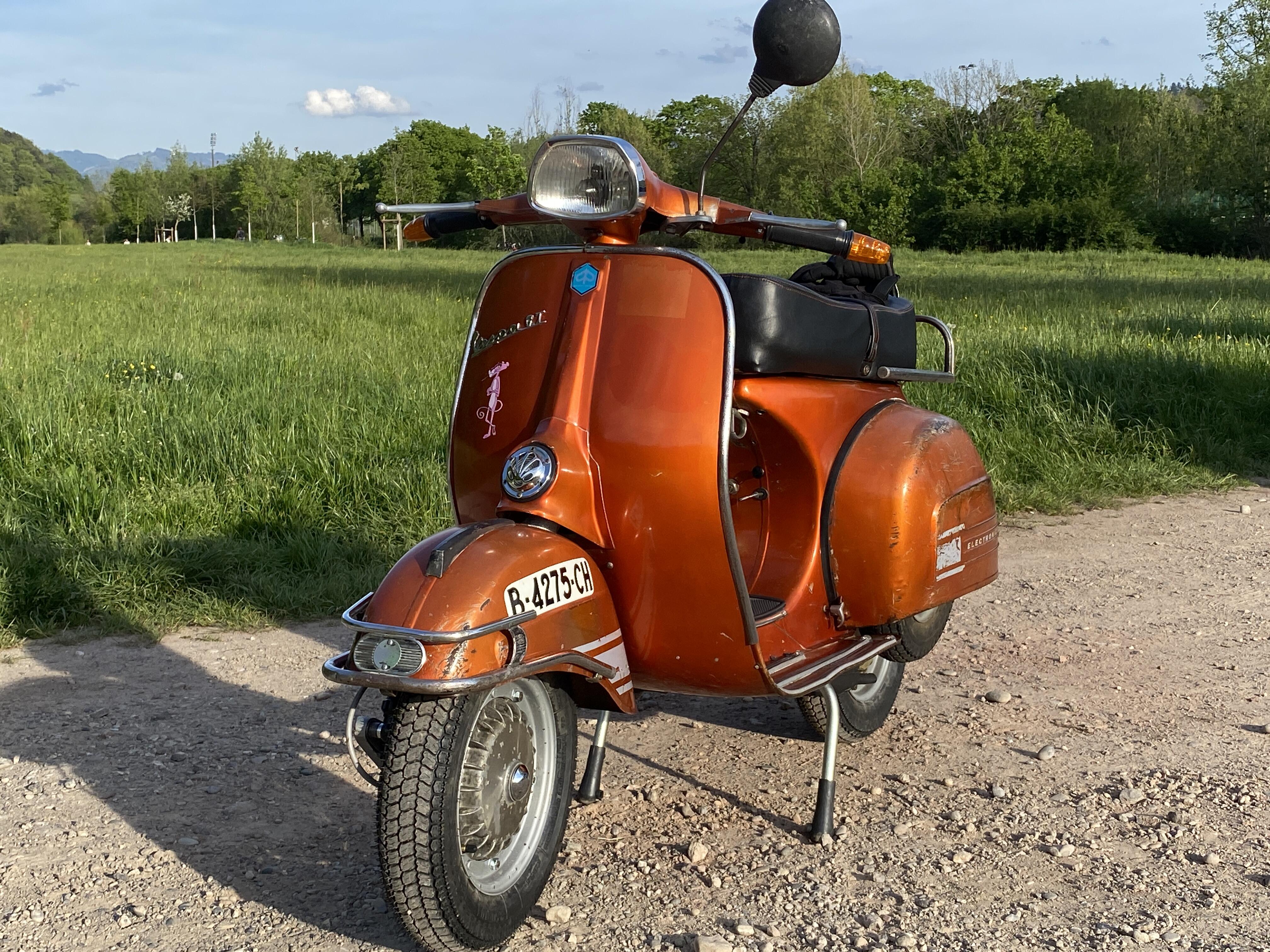
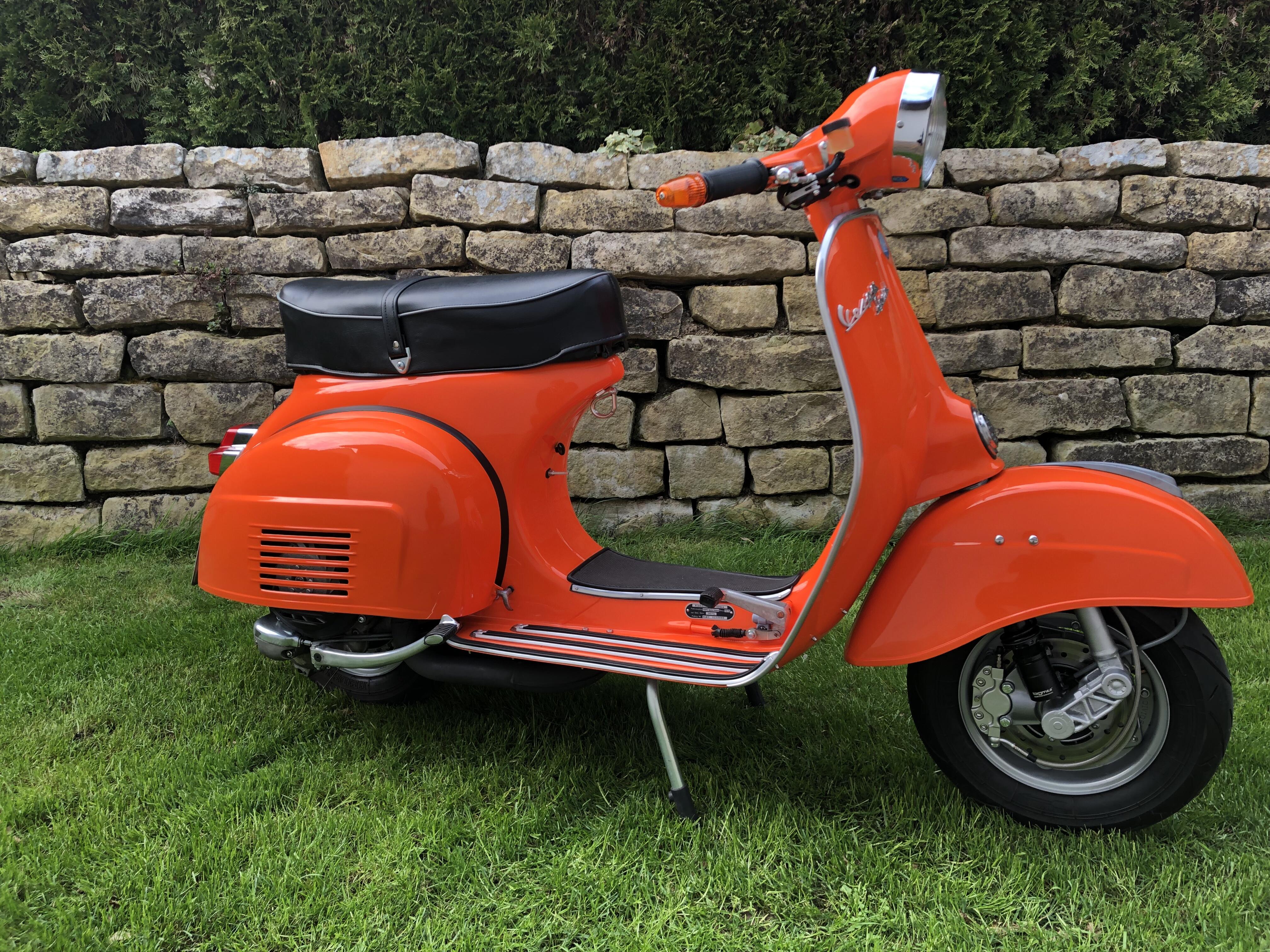
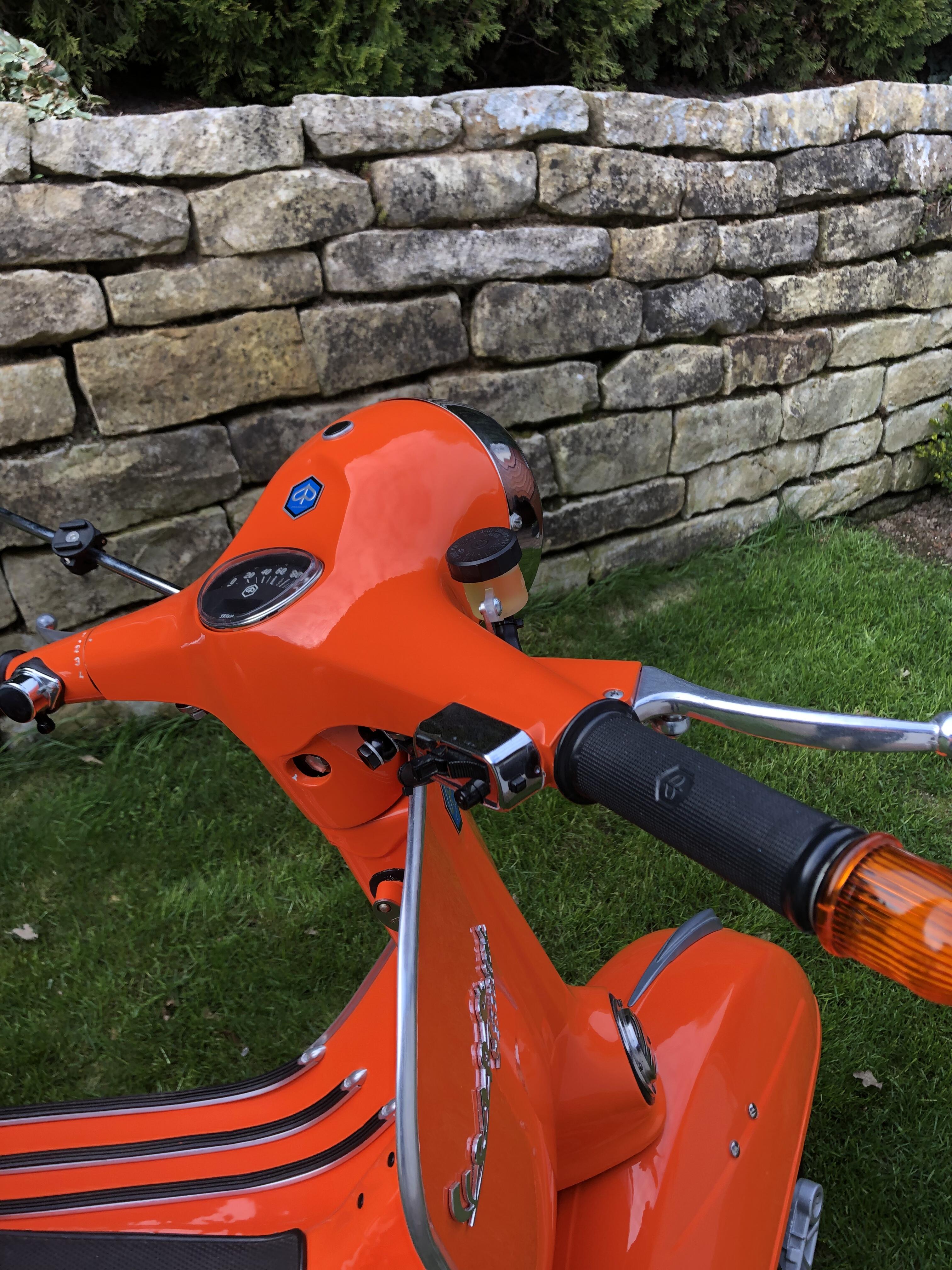
 2 PunkteWenn Du immer von allen Zügen einen dabei hast, gehen die auch nicht kaputt. Erst wenn Du ihn mal vergisst, geht er hops.2 PunkteUpdate finale ! Heute mit allem Klump & Gezeter zum Zulassungsdienst (Thoscha KFZ-Zulassungsdienst Freiburg) und um 12Uhr kam die Erlösung ... alles safe, Zulassung ist durch, neuer Schein&Brief nebst schönem kleinen Freiburger Kennzeichen ... klar FR-GTxx .... so muss das. Dennoch heftig, alleine der Bürokram, also 21erGutachten, TÜV, Zulassung, Kennzeichen all in rund 400€ Kosten. Das sollte man bei der Restaurierungs-Import-Kalkulation nicht aussen vor lassen. Flugs das Kennzeichen montiert und in aller Gemütsruhe nach Hause gebollert, natürlich mit irrem Grinsen im Gesicht. Somit ist das Projekt abgeschlossen. All in stecken in der GT nun rund 4,5K€, aber ich denke das ist es wert. Die Freude mit einem alten Blechroller durch die Gegend zu bollern ist einfach unbezahlbar. Danke für Euren fantastischen Support hier im Forum, so ging das Ganze doch sehr viel leichter von der Hand. Wertvoll auch die hier abgelegten Dokumentationen für die Zulassung, das war die "halbe Miete" für den geschmeidigen Ämtergang. Danke auch an den Vespa Club Freiburg (VCF), ohne die tatkräftige Unterstützung aus dem Club, allen voran Wolfi & Geggi wäre das Projekt vielleicht gar nicht für mich machbar gewesen. So aber "happy rolling" mit der Schönen Spanierin! Grüße aus Freiburg Matthias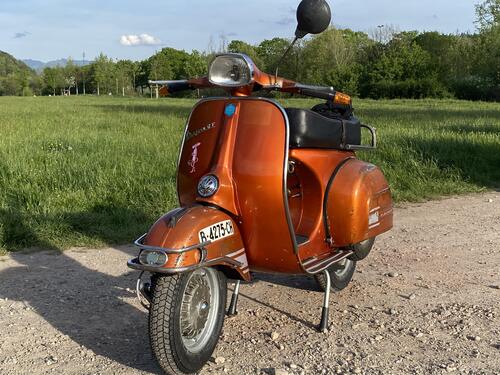
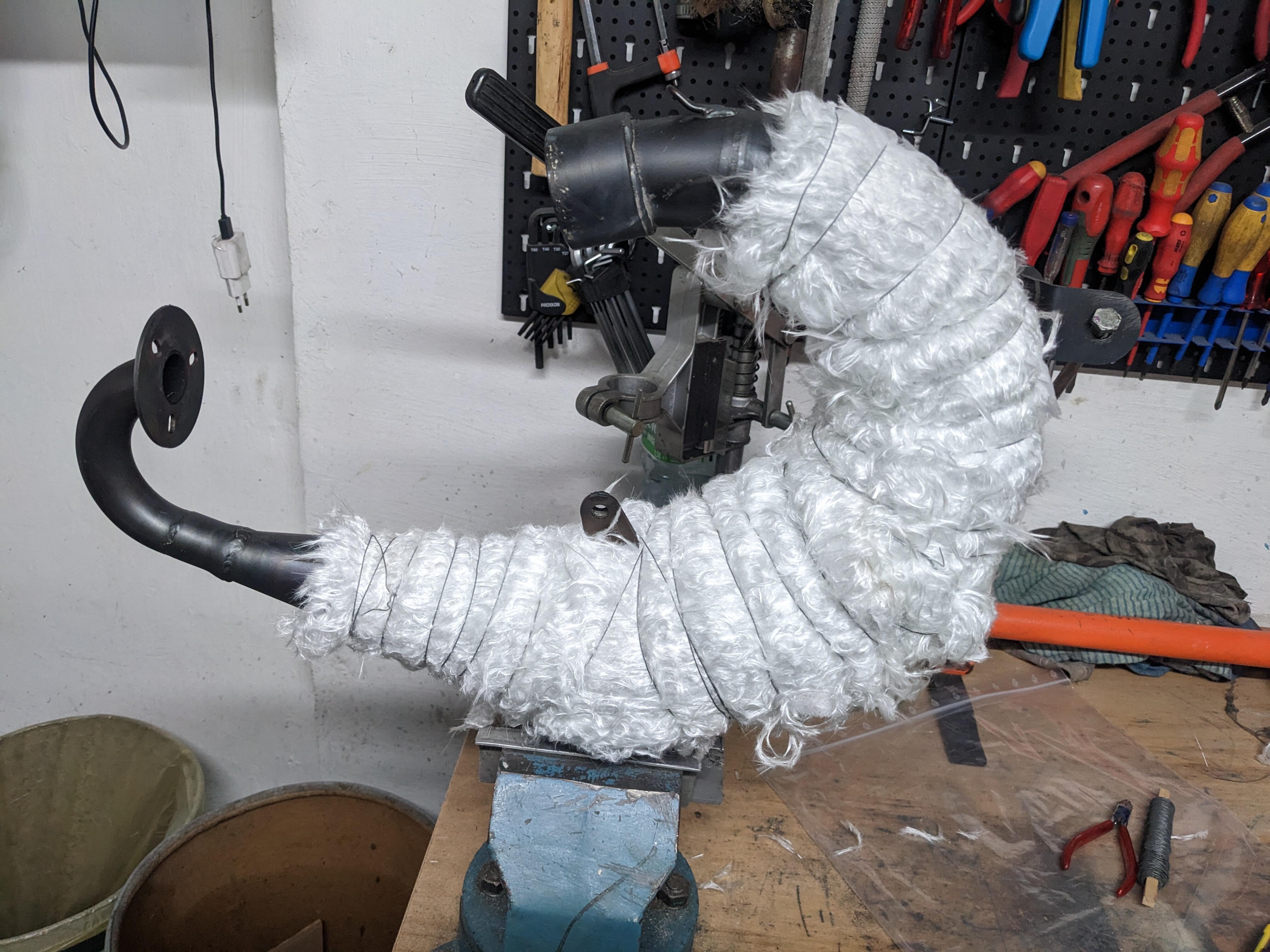
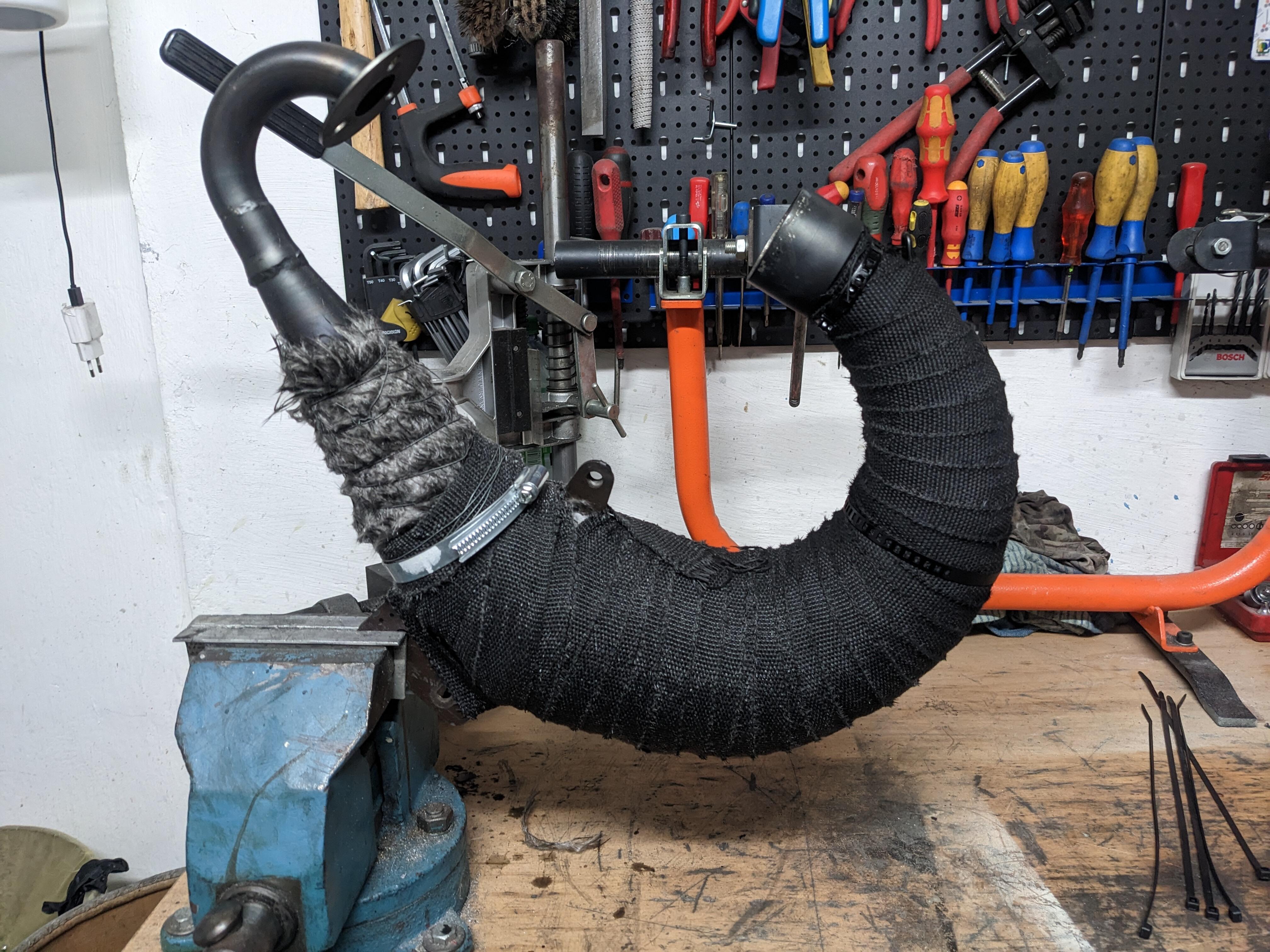
 2 Punkte2 PunkteIch probiere es jetzt mit Dämmwolle unter dem Thermoband (Mamba "S" 0,9mm) Leider ging mir das Band aus beim wickeln und muss jetzt auf nachlieferung warten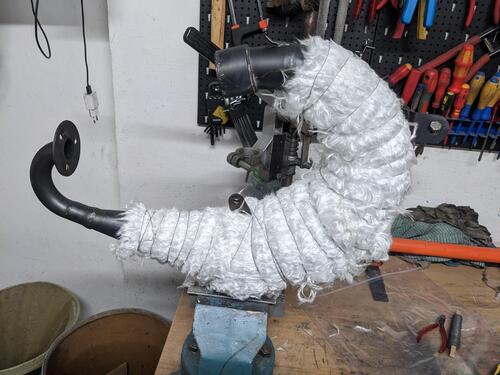
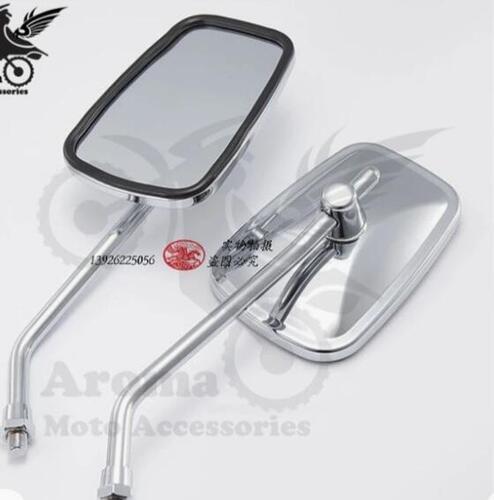
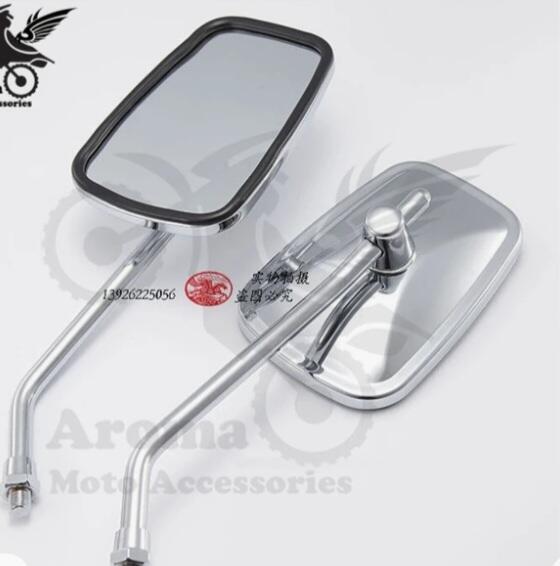
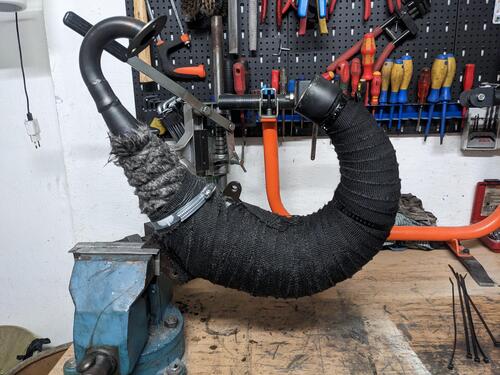 2 Punkte1 PunktMichi hat meinen letzten SKR übernommen. Schau mal in diesem Topic, evtl hab ich da mal was geschrieben. 54 / 120 Kurbelwelle Steuerzeiten könnten laut meinen Aufzeichnungen 122/178 sein. Übersetzung dürfte 2.34 sein.1 Punkt1 Punkt@Weppe Wie erwähnt ich würde einfach auf subito oder kijj (oder wie das hieß) auf Ducati Monster oder andere relativ populäre Modelle, und daher Zahlreiche, Mopeds suchen, und dann mittels ASI anmelden. So kommst Du an die Emissionserleichterung und an geringere Versicherungsraten. Mit dem Eurigen Preisen kannst Du hiesige Mopeds nur äußerst beschränkt vergleichen weil der Markt und das Angebot ein Anderes ist, und man mMn. net Äpfel mit Birnen vergleichen kann. Für den Rest musst Du Dich dann halt selber entscheiden was Du willst, mehr kann man dazu nimmer sagen. rlg Christian1 PunktGibt's auch in Luftgekühlt - Stehbolzen Bohrbild wie smallframe Motor1 Punkt1 Punkt1 PunktBitte kein normales WD40 in den Schließzylinder geben, das verharzt mit der Zeit und nach Verdunstung. Am besten spezielles Öl für Schließzylinder verwenden, gibt es auch von WD40 oder Abus oder...1 Punktdann "sprech" ich mal weiter.. ...mit der indischen Dornröschengeschichte der Vespa PL 170 - neuer Modelleintrag 4 Jahre lang produziert von Andhra Pradesh Scooters Ltd. (Hyderabad) Wer Bilder für das Modell zur Verfügung stellen kann, meldet sich gerne!1 PunktAuf der Seite zum Eingriff sehen beide Kanten/ Ecken etwa gleich aus an allen 4 Armen. Die in Drehrichtung gegenüber liegende Seite zeigt gar keine Abnutzungsspuren. Deshalb gedreht und wieder rein. Motor war auch nicht wegen Schaltkreuz offen. Über die Han.F Schaltraste ist die Lage des Kreuzes zu den Gangrädern wirklich optimal. Hab das bei Montage geprüft und musste nichts nachjustieren. Außerdem sind bei den DRT Gangrädern, glaube ich, die Flanken wo das Schaltkreuz ansetzt auch etwas breiter als bei originalen. Das mag insgesamt alles in Summe zuträglich sein für geringen Verschleiß. Habe während der Laufzeit mit der Raste auch keinen wirklichen Verschalter gehabt. Lob an dieser Stelle nochmal an Han.F!1 Punkt1 PunktWar das schon ? https://scooterlab.uk/sluk-exclusive-new-bgm-lambretta-reedvalve-kit-news/1 PunktDie Mittlere, müsste blau sein. Als Grobmotoriker passt mir die ganz gut.1 Punkt1 Punkt1 Punkt1 Punkt1 Punkt1 PunktNachdem der Spachtel runter ist, wird vom Blech nicht mehr viel übrig sein.1 Punkt1 PunktIch kenne den nur als Mini 2 Plus https://www.simonini-flying.com/en/home/22-mini-2-plus.html Der Thor ist doch wassergekühlt.1 PunktJa und genauso werde ich das nun machen! 1,5mm Fudi ist bestellt, Fräsen werde ich die 0,97 auch ich hoffe ich treffe den Wert. Dann fahre ich mal und berichte.1 Punkt@Matze Tipp topp gemacht und die Spanierin ist wirklich super geworden Nur als ungefragten Ratschlag mit allem Respekt: Den Spiegel würde ich, wenn irgendwann mal wieder etwas Geld übrig ist, gegen einen trapezförmigen, verchromten Spiegel ersetzen. Trapezförmig deshalb, weil dein Scheinwerfer auch die Trapezform hat und das harmoniert - natürlich nur nach meinem Empfinden - immer gut. Ansonsten habe ich einen Pastis im Glas und trinke einen auf Dich und Esmeralda! Nur beispielhaft und so ähnlich.
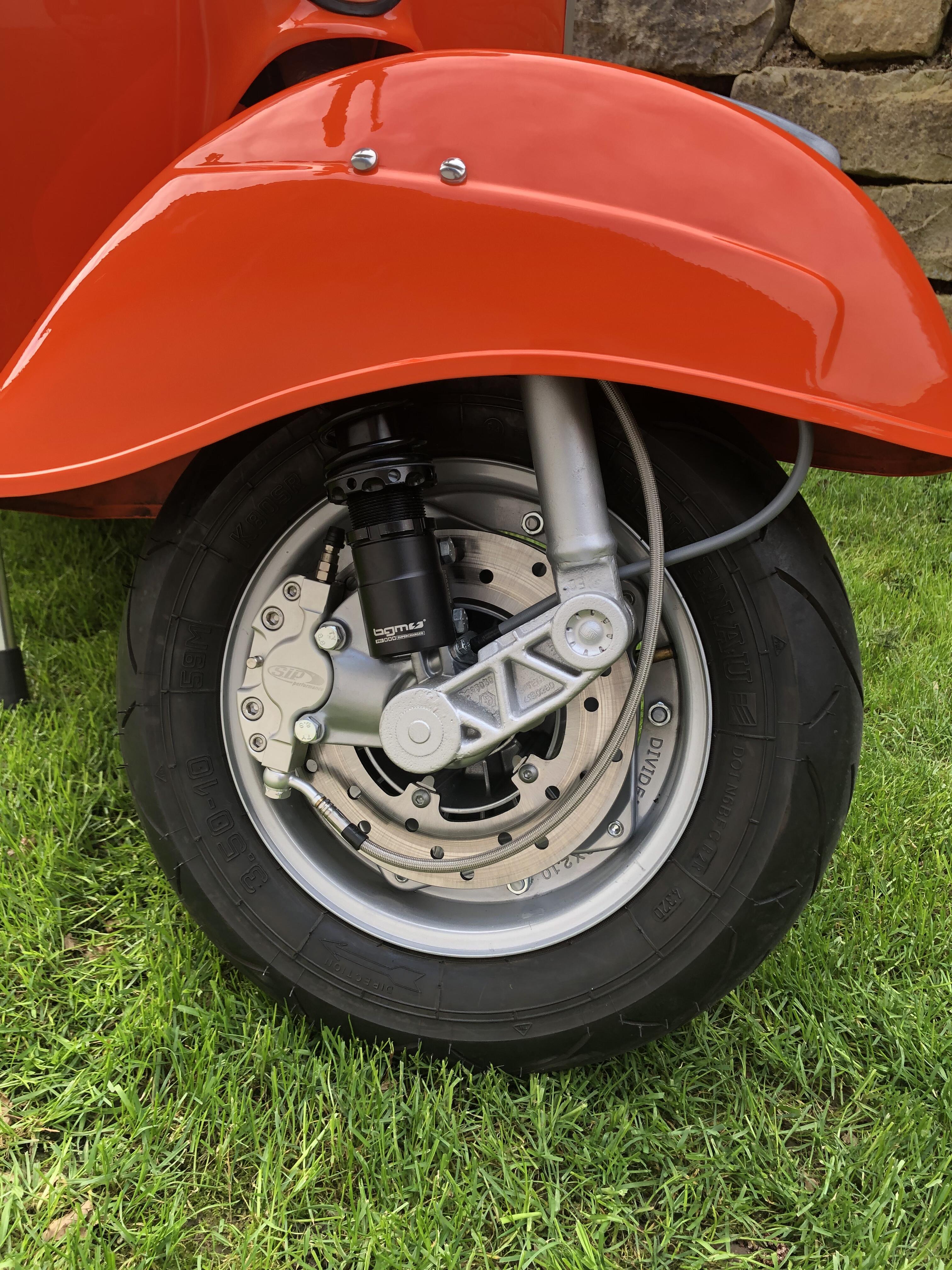
 1 PunktJa schön für dich... Bei Te geht's anscheinend nicht...1 PunktPäckchen vom SC kam gerade, für 60€ diverse Rep. Und Ersatzzüge bestellt. Nun muss ich doch bis 97Jahren Roller fahren um das Zeug zu verbrauchen. Ist ja wie mit Werkzeug. Ersatzteile kann man auch nie genug haben1 Punkt1 Punkt@Weppe Wenn Du gebraucht kaufst musst Du ja für das Moped ummelden einiges hinlegen (um einiges teurer als in DE oder AT dank Bürokratie). Gebraucht ist schwierig aufgrund der emissionslimitierungen. Ich würde mir für relativ wenig Geld eine Monster der ersten Serie (also vor 2000) kaufen und damit sofort die ASI (Oldtimer Registrierung) Zulassung beantragen, dann darfst Du auch in alle limitierten Zonen fahren. Ducati Monster gab oder gibt's hier noch wie Sand am Meer und tlw Recht günstig. BMW sowie Honda africa twin sind ziemlich beliebte modelli in Italien und ich vermute daher auch dementsprechend teuer. Rlg Christian1 Punkt1 PunktUptate zum 25mm Vergaser Habe den YSN und den Dellorto PHBL 25mm beide durchgetestet, die Nadel und Zerstäuber AQ266 und D22 sind bei beiden komplett identisch obwohl verschiedene Hersteller dran werkeln , auch reagieren beide exakt gleich auf Düsenänderungen. Auf jeden Fall kann ich sagen ist der PHBL25 wesentlich schwieriger sauber abzustimmen als VHSH30 oder PHBH30 . Die Finale Bedüsung die sauber läuft ist AQ268 D25 (1. clio v oben) HD 1,20mm ND 46 Gemischschraube ca 1-1,5 heraus Grundsätzlich kann man sagen, die Serienauslieferung ist total daneben für solche Motoren, dies wird auch beim PHBL24 der Fall sein Serie: AQ266 D22 HD 102 (1,04mm) ND 701 Punkt1 PunktVielleicht sollten sich in dieser Hinsicht alle mal wieder ein wenig lockerer machen.... Deswegen: Du lebst in Deutschland, wenn Du Dir Dein Geschlecht , aber nicht die Heizung aussuchen darfst!1 Punkt1 PunktAlso im Maschinenbau sagt man dass Keile bzw Passfedern kein Moment aufnehmen sollen/dürfen und der Keil nur zur Positionierung dient! Klar mit einem härteren Keil passiert das nicht so schnell, dass der abschert. Wenn sich aber aus irgendeinem Grund die Mutter löst, ist die Welle endgültig dahin. Das ist aber auch eine Glaubensfrage...wie ÖL oder Reifen1 Punkt1 PunktKupplung mach ich immer mit Keil, ist Erfahrungsgemäß besser als ohne und je nach Gewindetyp kann man bei m12 auch 85nm machen. Die 70nm sind nicht immer ausreichend, da würde ich bei m10 zb die Spinne immer zusätzlich erhitzen und aufschrumpfen.1 PunktJeder hinterlässt eine Lücke, die ihn vollständig ersetzt.1 PunktSo, nach vielen erfolglosen Versuchen mit der variante 2.0 ( immer wieder undicht) habe ich mich für die variante mit separatem ausgleichsbehälter entschieden. Und was soll ich sagen….. angebaut, befüllt, entlüftet…. Bremst. War in entspannten 2 Stunden in Ruhe erledigt. Für mich ist die 2.0 eine „show & shine“ variante. Euch allen eine schöne rollersaison.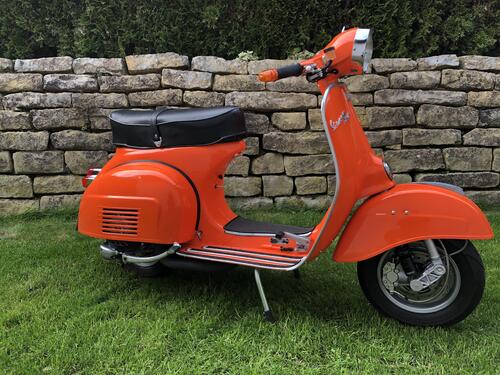
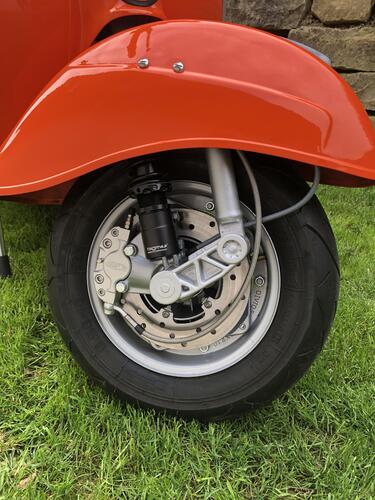
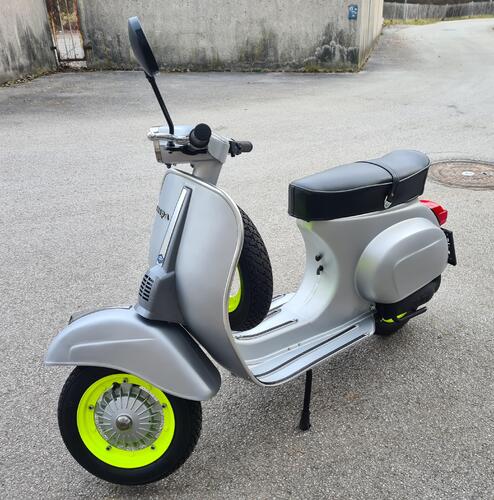
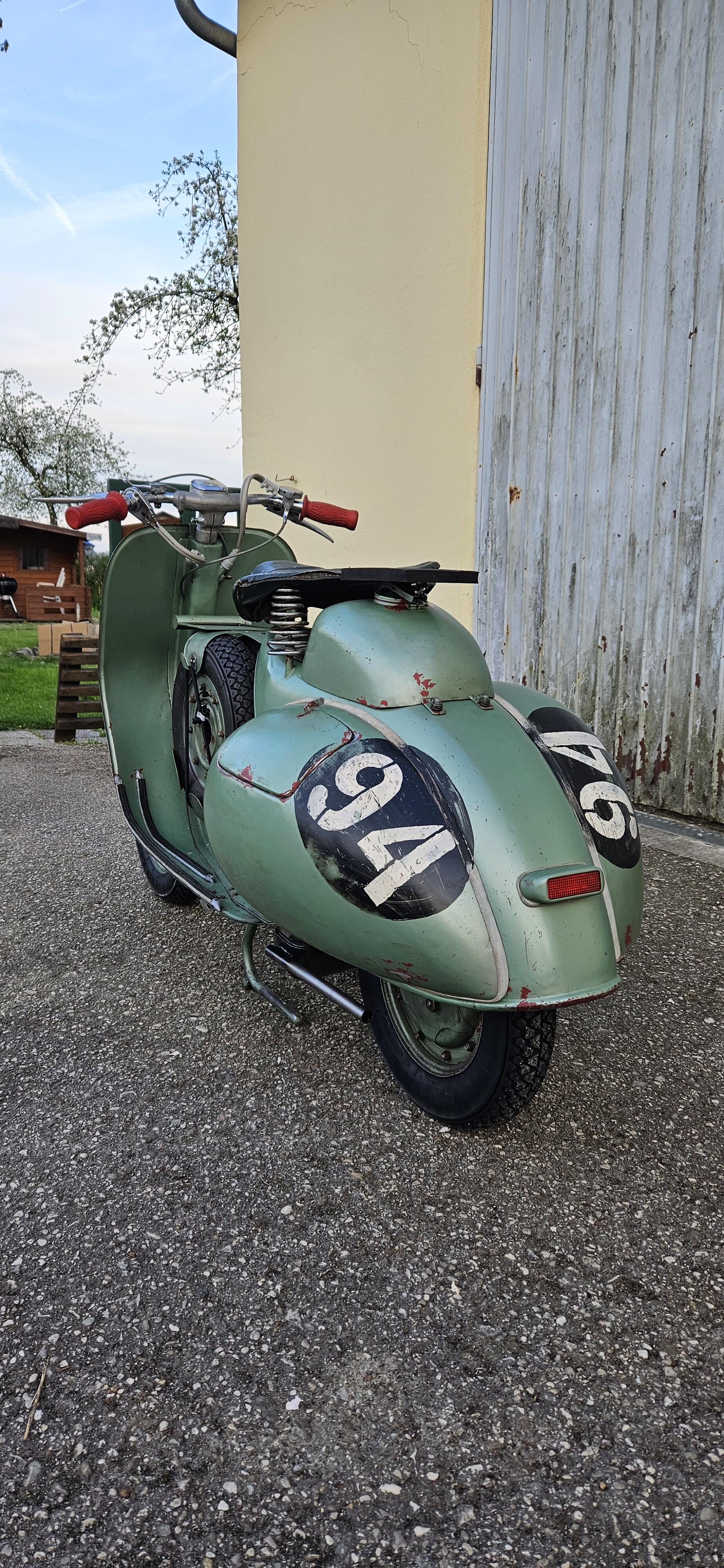
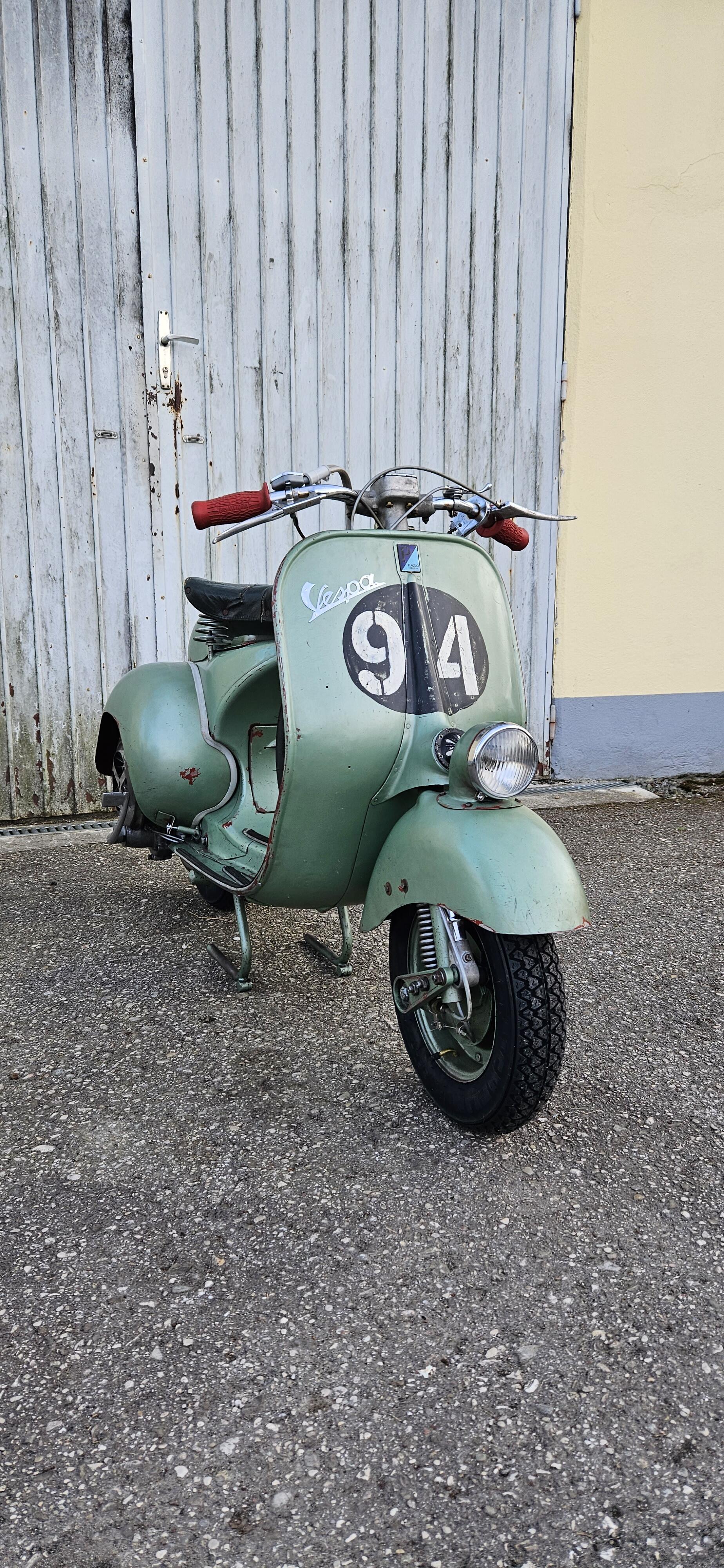
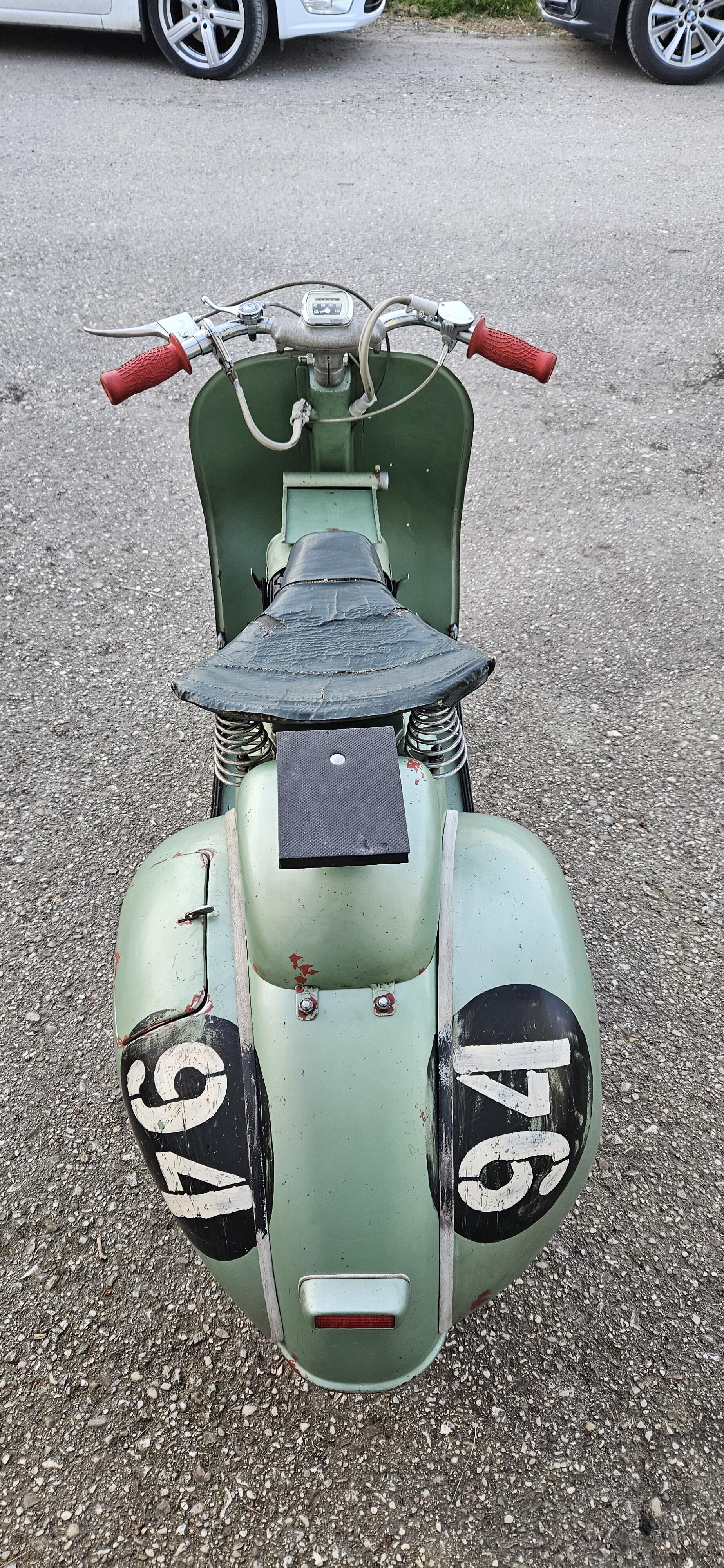
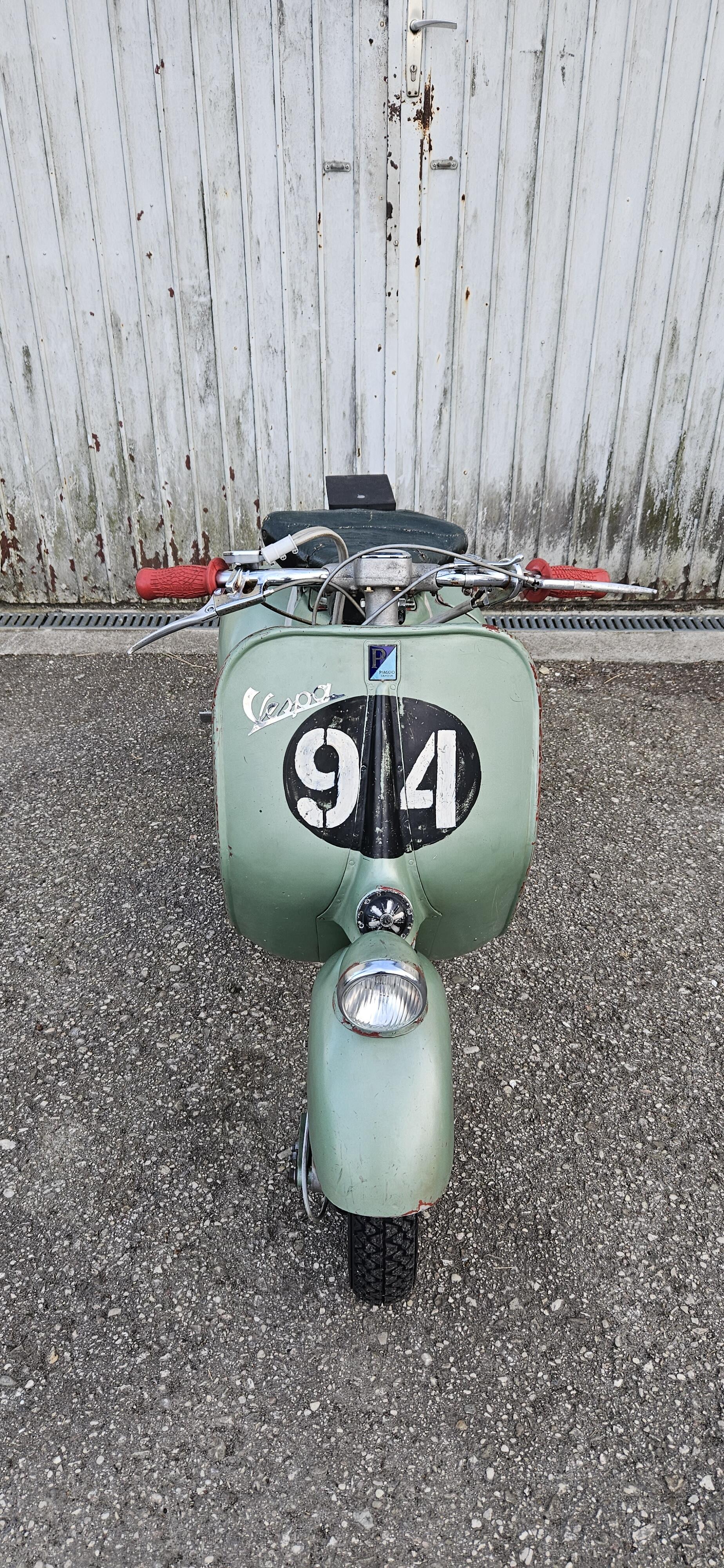
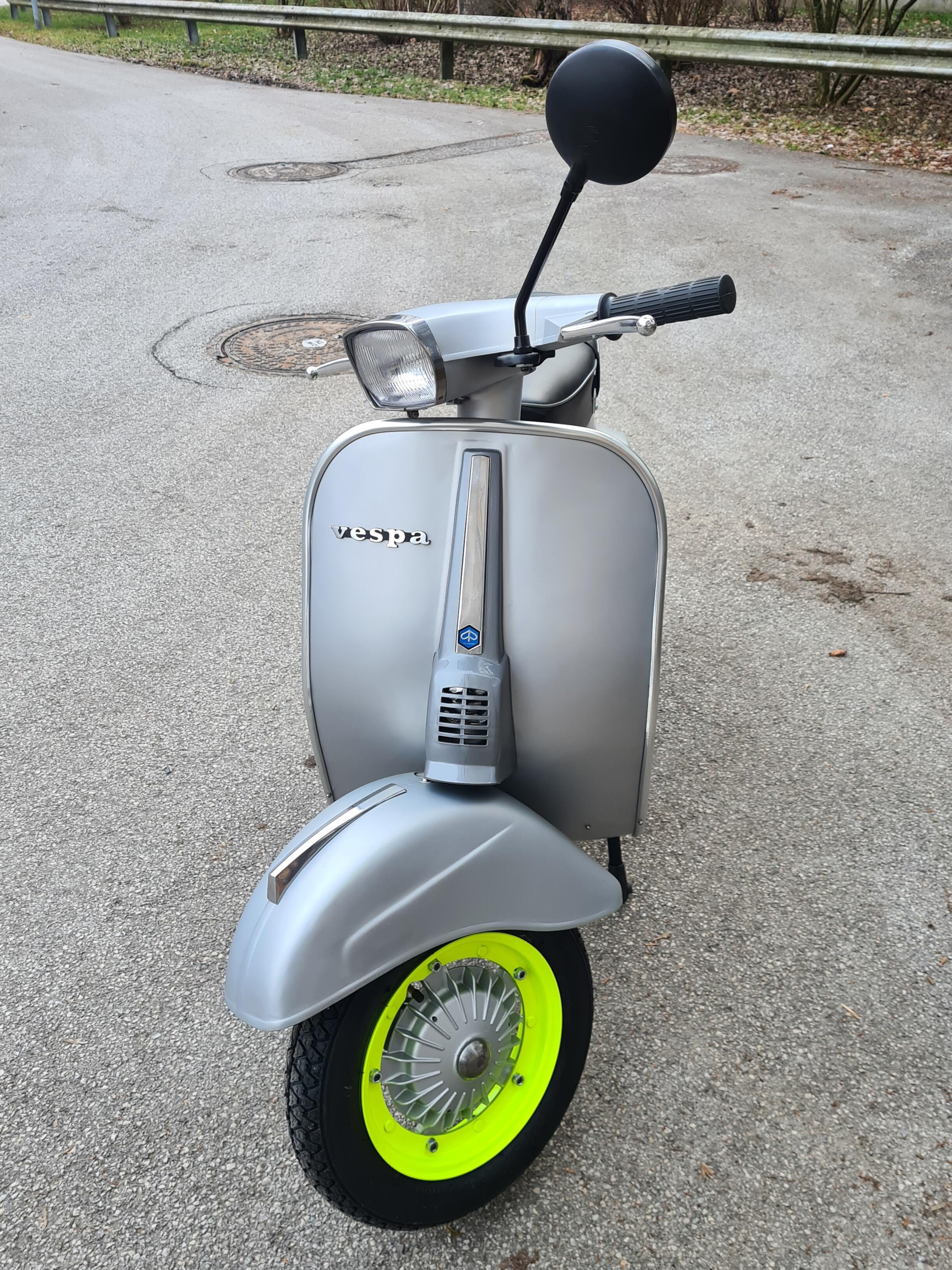
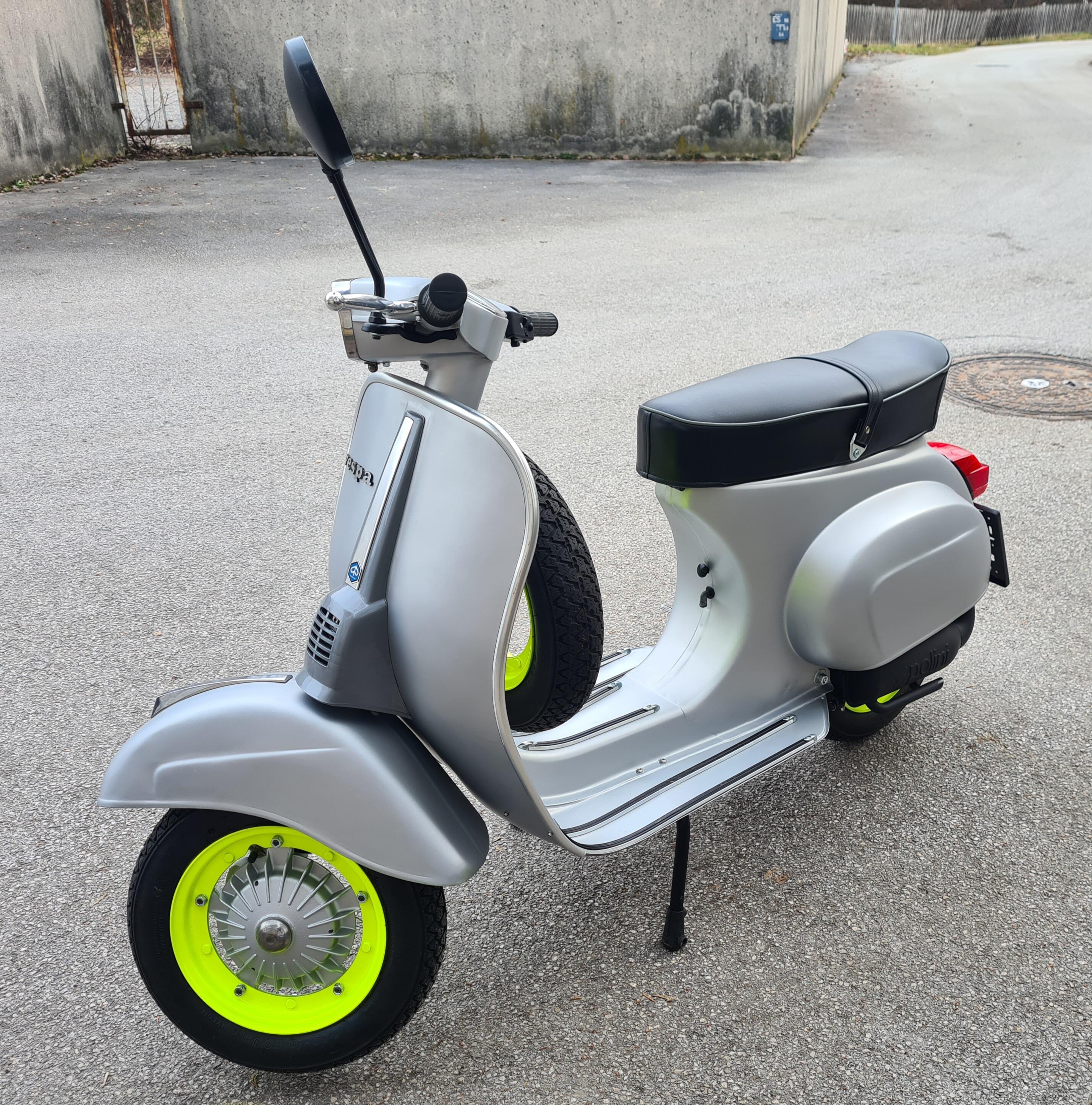
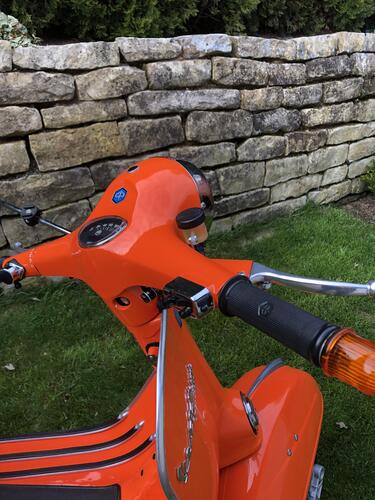 1 Punkt1 PunktMein Silberpfeil im 80er Neon Style 😁 Folgeprojekt von der Grünen Mini Rally...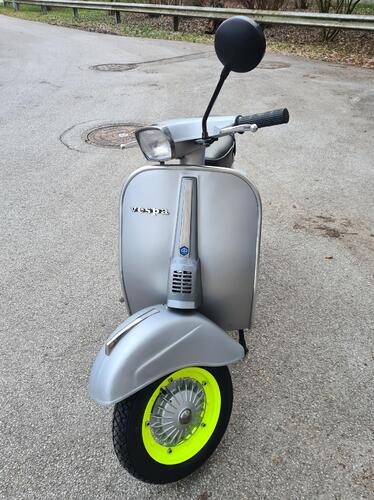
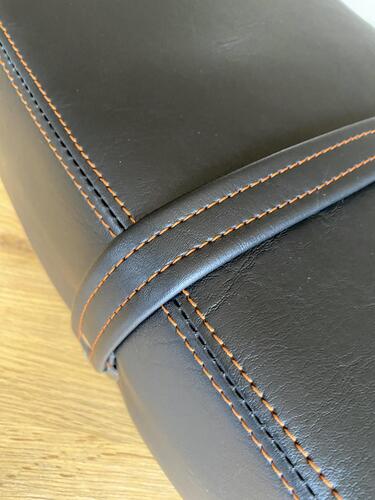
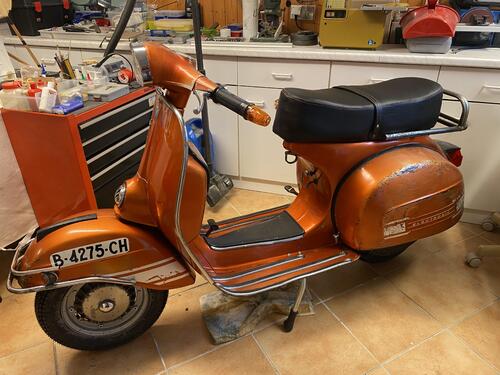
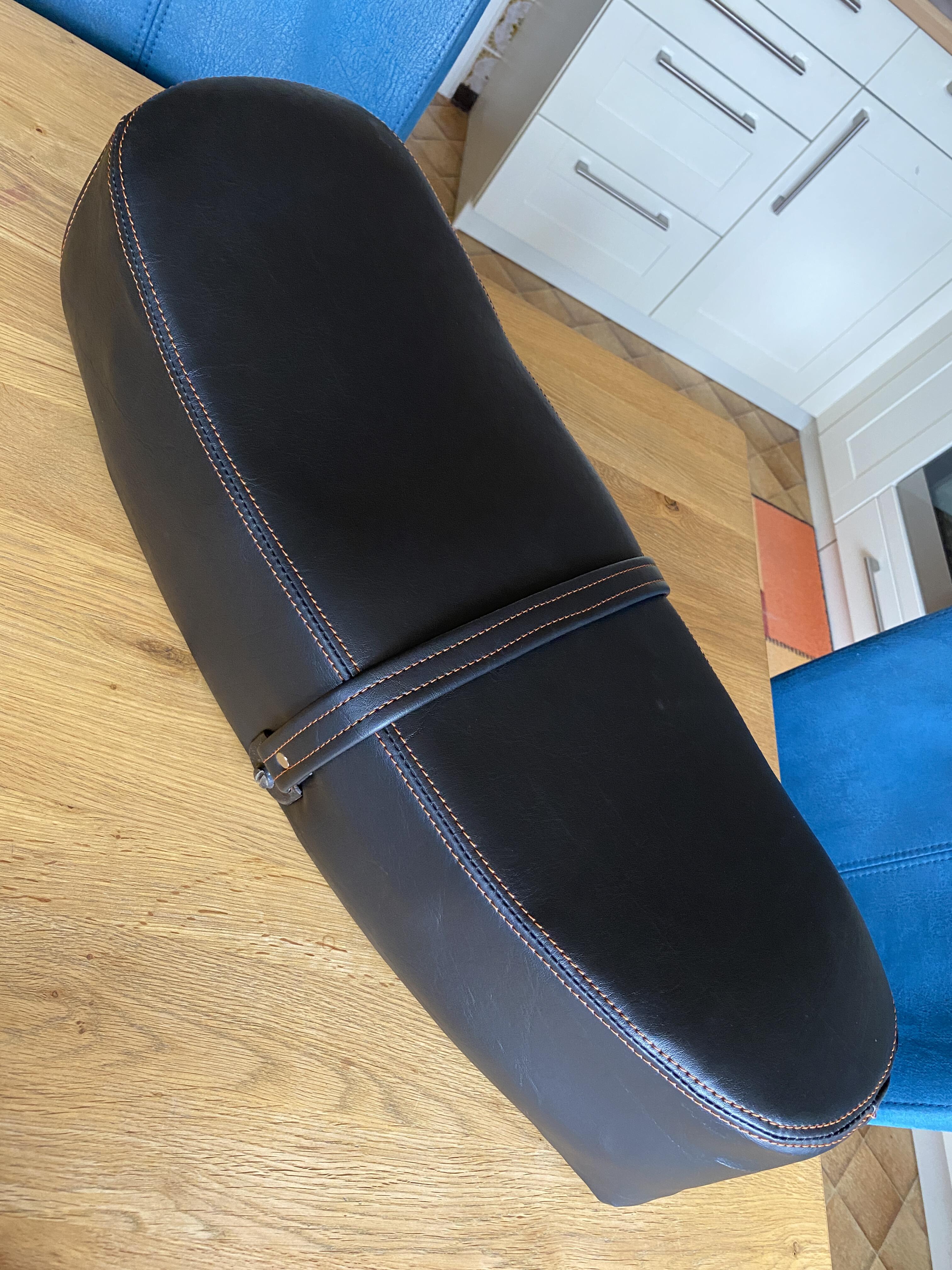
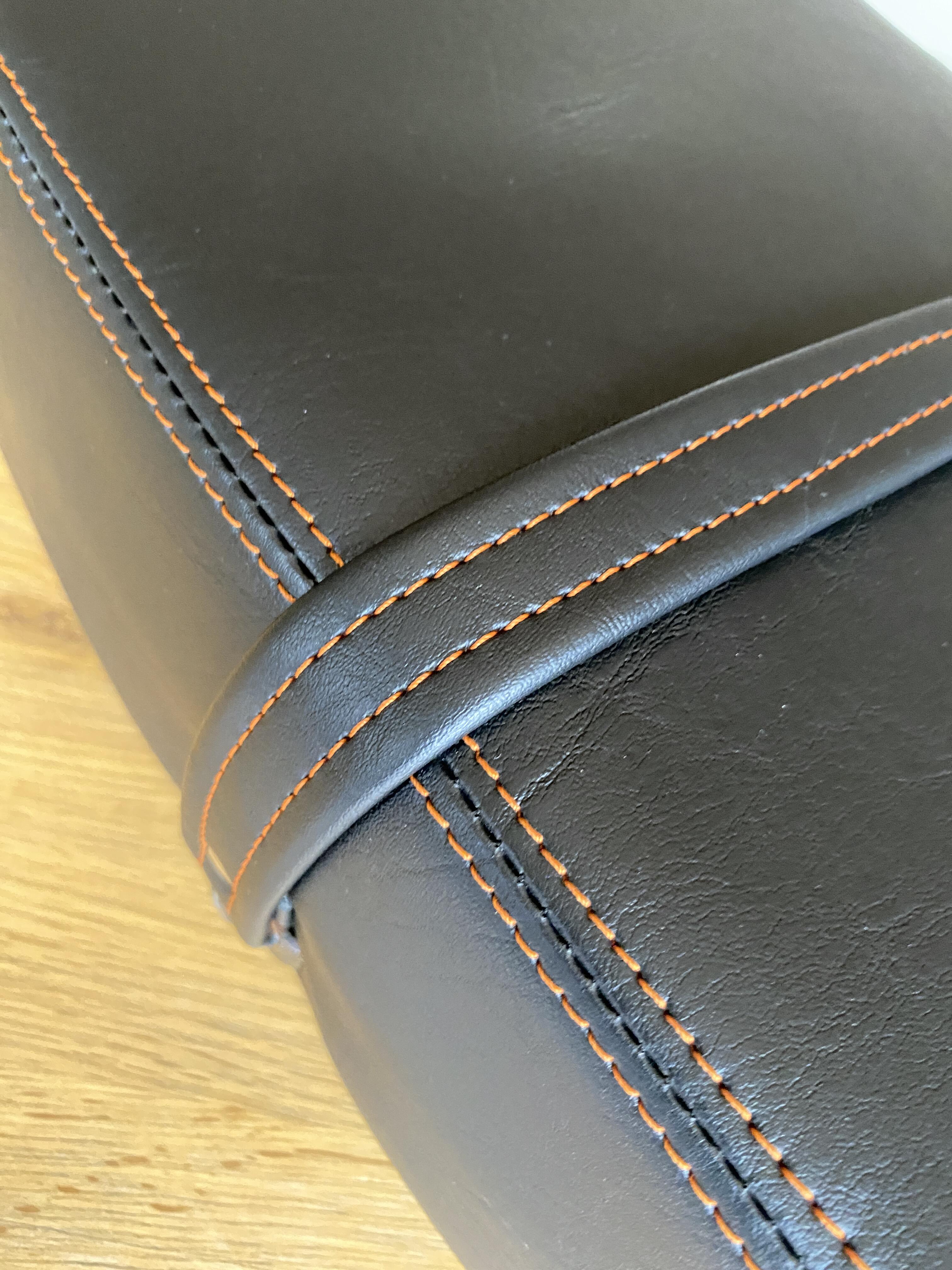
 1 PunktHeute beim Sattler die Sitzbank abgeholt ...... ist das geil, oder ist das geil die Nähte in der gleichen Farbe wie die schöne Spanierin Ich bin happy Achja, der Sattler meines Vertrauens war Sattlerei Ehret, Freiburg, Stadtstrasse - beste Werte, gute Preis, max professionelle Arbeit.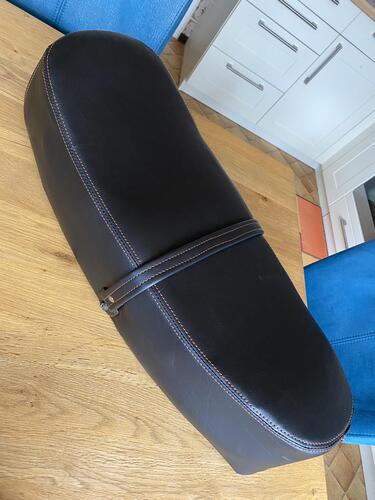
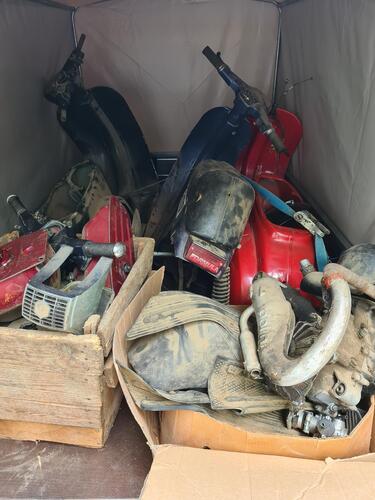
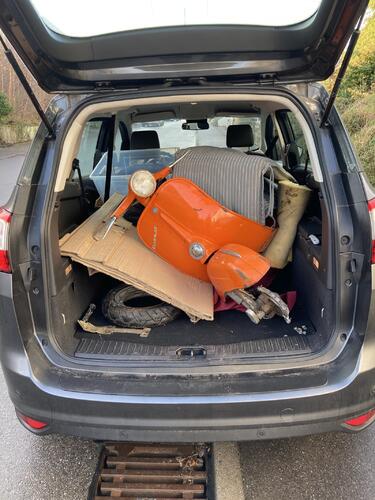
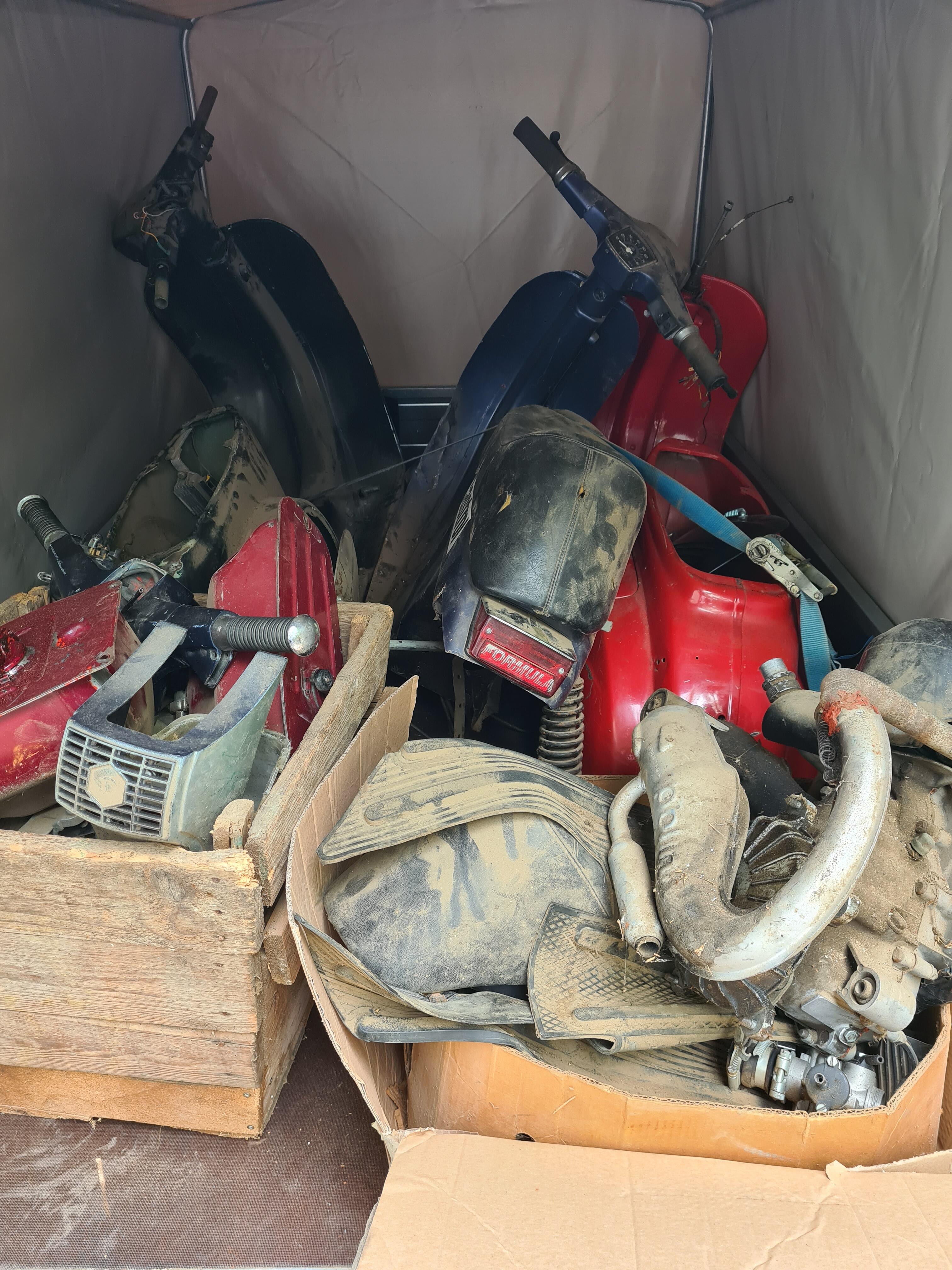
 1 PunktIch habe es gemacht, aber nicht mit Loctite. Nach Recherche im Netz war klar, dass es ein Cyanacrylat-Kleber sein muss. Uhu Blitzschnell Mini flüssig ist so einer. Gibt bestimmt noch tausend andere. Habe es mit einem neuen O-Ring ausprobiert, hält min. 2kg Zug aus. O-Ring im 90Grad Winkel durchgeschnitten, an die gewünschte Stelle gelegt und dann am besten mit Hilfe arbeiten. Beide Ende mit abgewinkelter Spitzzange greifen, entfetten mit Wattestäbchen und Aceton, Kleber einseitig drauf und dann auf Stoß zusammefügen. Man kann rechts und links der geplanten Schnittstelle mit dünnem weißen Edding je eine Markierung setzen, damit man den Ring nicht in sich verdreht. 2 Minuten ruhig halten, dabei anhauchen, denn der Kleber härtet mit Luftfeuchtigkeit aus. Dann vorsichtig in die Nut gleiten lassen und etwas fetten. Hält seit 2 Jahren. Habe irgendwie vergessen, das hier zu berichten.1 PunktSo, hier mal ein kleines Happy End nach mehr als 7 Jahren (!) . Ich war fest davon überzeugt, dass der Roller im Heck eines Ford Transit Richtung Ostblock gebracht wurde, aber letztlich hat sie es nicht mal über die Stadtgrenzen Stuttgarts hinaus geschafft. Ein User hier aus dem Forum hat den Roller Ende '22 bei EK ohne Papiere gekauft und wollte den orangenen Tank kaufen, den ich im Verkaufe-Topic anbiete. Wie sich herausstellte, ist das der Tank, der ursprünglich im geklauten Roller drin war (ich hatte ihn wg. Rost gegen einen schwarzen Tank ausgetauscht). Anhand des Aktenzeichens konnte die Polizei bestätigen, dass der Rahmen als gestohlen galt und der Verkäufer erstattete, wenn auch widerwillig, den Kaufpreis. Nach seinen Angaben bei der Polizei stammt der Roller aus der Auflösung eines Fahrradkellers ( ). Gestern konnte ich das Gerät abholen und in seine neue Heimat in die Domstadt am Rhein überführen. Vom Zustand her ist sie ok und bekommt jetzt die Überarbeitung, die sie schon seit langem verdient hat. Danke an den Forenuser hier (dessen (User-)Name ich gern noch nenne, wenn er einverstanden ist), denn er hatte den größten Stress bei der ganzen Sache.
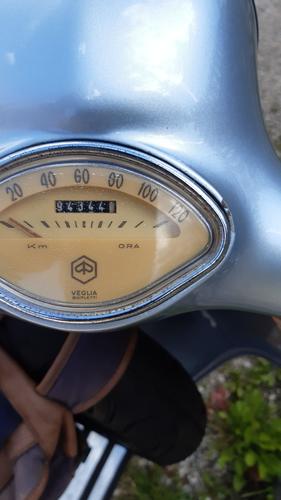
 1 Punkt1 Punktpassiert auch gerne mal, unabhängig davon das das Teil ja alt ist, wenn man öfter mit ´Echten´ 113 unterwegs ist - da dürfte die Nadel schon laaange hinten auf Anschlag sein.. Habe schon einige Tachos ´so´ ruiniert durch Dauerfeuer.. andere wiederum halten ...
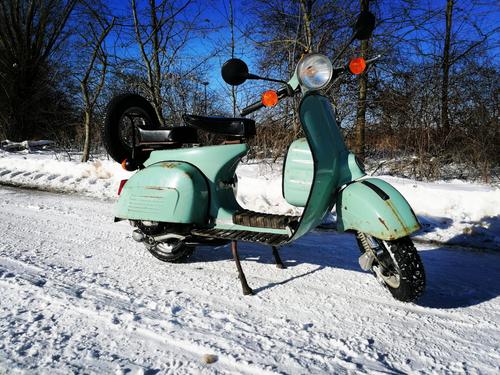
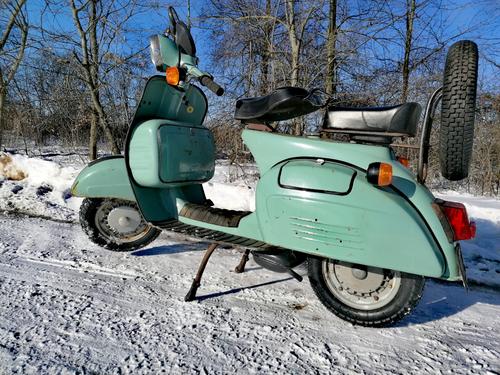
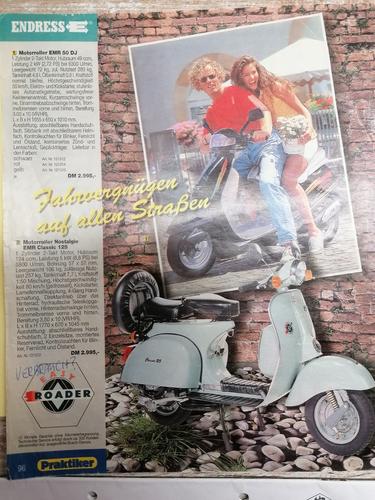
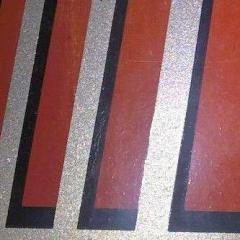
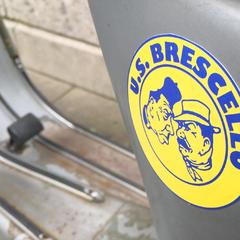
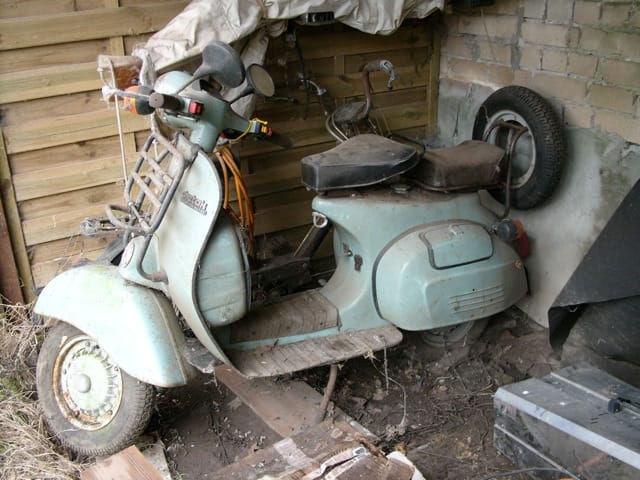
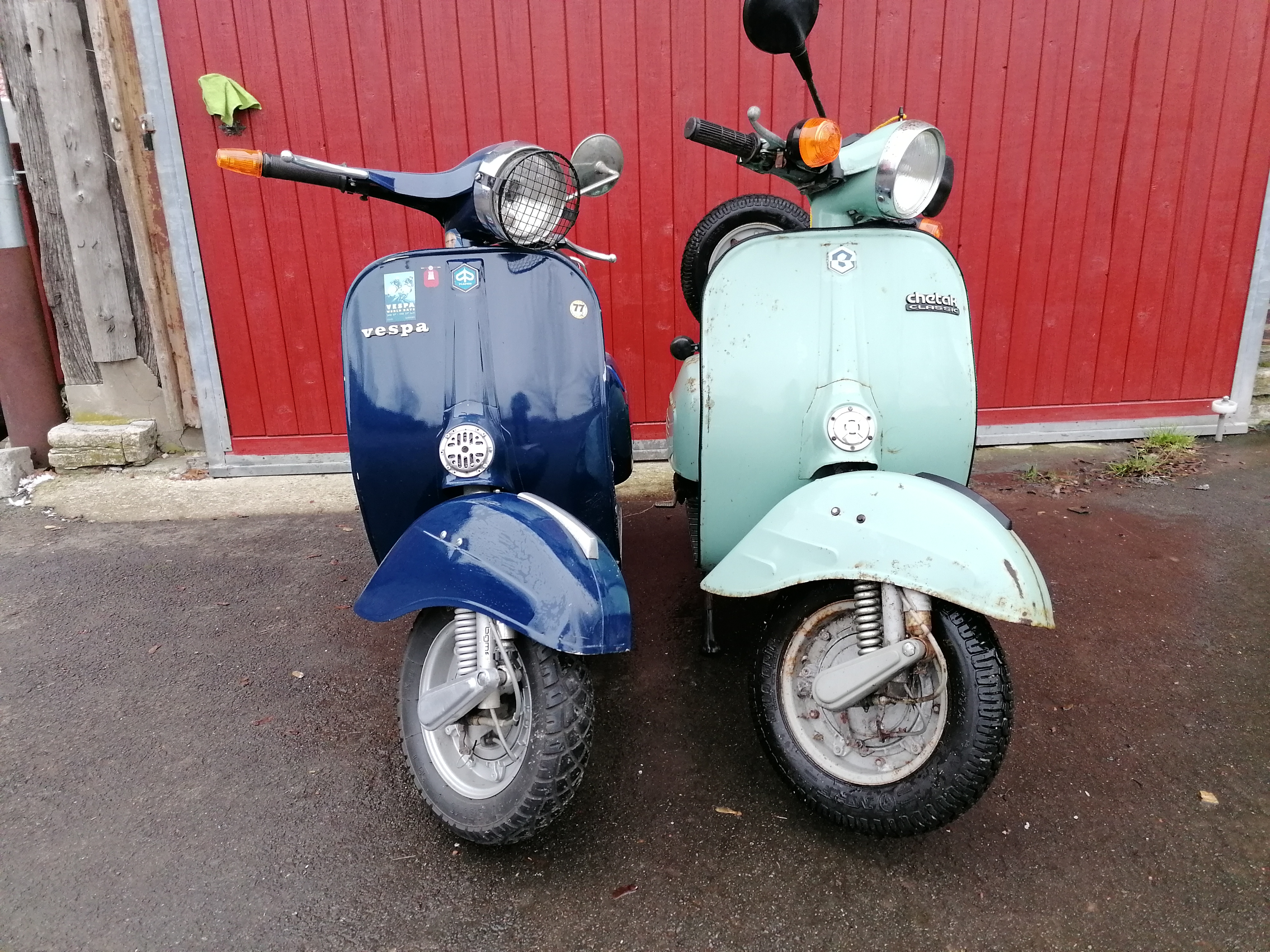
 1 Punkt1 PunktBajaj Chetak Classic BJ 1997 125ccm 3001 km aufem Tacho bei Kauf Fundzustand Vergleich Sprint/Chetak Verkaufsprospekt Praktiker Baumarkt 1997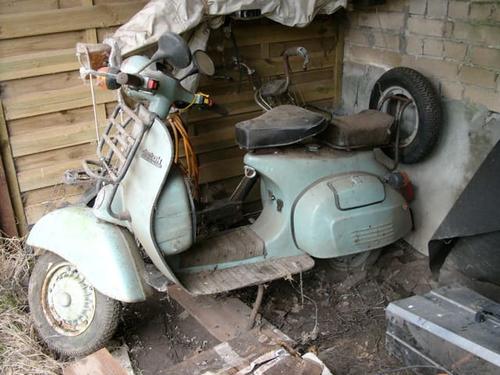
 1 Punkt

























Wichtige Information
Diese Website nutzt Cookies und vergleichbare Funktionen zur Verarbeitung von Endgeräteinformationen und personenbezogenen Daten. Die Verarbeitung dient der Einbindung von Inhalten, externen Diensten und Elementen Dritter. Je nach Funktion werden dabei Daten an Dritte weitergegeben. Einige dieser Verfahren sind technisch unerlässlich, andere kommen nur mit Ihrer Zustimmung zum Einsatz, eine Anpassung ist in den die Cookie-Einstellungen möglich. Für Details siehe die Datenschutzerklärung
Account
Navigation
Suche
Configure browser push notifications
Chrome (Android)
- Tap the lock icon next to the address bar.
- Tap Permissions → Notifications.
- Adjust your preference.
Chrome (Desktop)
- Click the padlock icon in the address bar.
- Select Site settings.
- Find Notifications and adjust your preference.
Safari (iOS 16.4+)
- Ensure the site is installed via Add to Home Screen.
- Open Settings App → Notifications.
- Find your app name and adjust your preference.
Safari (macOS)
- Go to Safari → Preferences.
- Click the Websites tab.
- Select Notifications in the sidebar.
- Find this website and adjust your preference.
Edge (Android)
- Tap the lock icon next to the address bar.
- Tap Permissions.
- Find Notifications and adjust your preference.
Edge (Desktop)
- Click the padlock icon in the address bar.
- Click Permissions for this site.
- Find Notifications and adjust your preference.
Firefox (Android)
- Go to Settings → Site permissions.
- Tap Notifications.
- Find this site in the list and adjust your preference.
Firefox (Desktop)
- Open Firefox Settings.
- Search for Notifications.
- Find this site in the list and adjust your preference.