
Rangliste
-
freibier
Members8Punkte9.725Gesamte Inhalte -

dorkisbored
Globaler Moderator7Punkte27.165Gesamte Inhalte -

Tim Ey
GSF Support7Punkte7.011Gesamte Inhalte -
Scumandy
Members6Punkte4.419Gesamte Inhalte
.thumb.png.78c69dcb6f8fcf5e30d793f130d1817c.png)

Beliebte Inhalte
Inhalte mit der höchsten Reputation am 26.08.2021 in allen Bereichen anzeigen
-
Da ist das Ding! Neue Overrev Kurbelwelle für Quattrini / Pinasco Gehäuse. https://1537118469.jimdofree.com/deutsch-1/vespa/sf-motor/ Nach dem Feedback der 60mm Hub Kurbelwellen bezüglich Restwandstärke am Gehäuse, haben wir beschlossen das Reduktion des Spindeldurchmessers Pflicht ist. Daher haben diese Kurbelwellen einen Hub von 58mm und einen geringeren Aussendurchmesser vom Pleuel. Und schon schwitzt man nicht mehr ganz so stark beim spindeln Hersteller ist weiterhin Primatist.7 Punkte
-
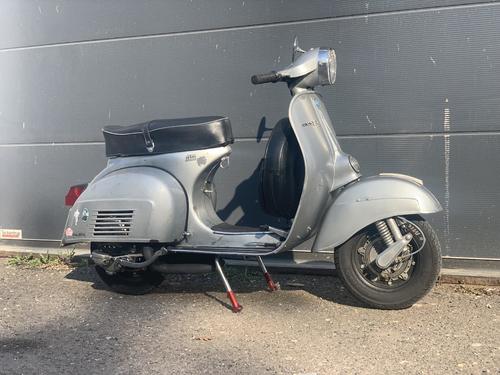
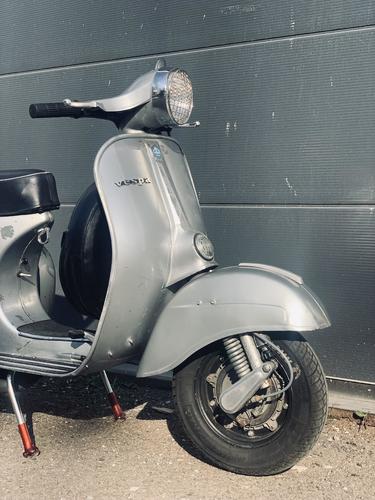
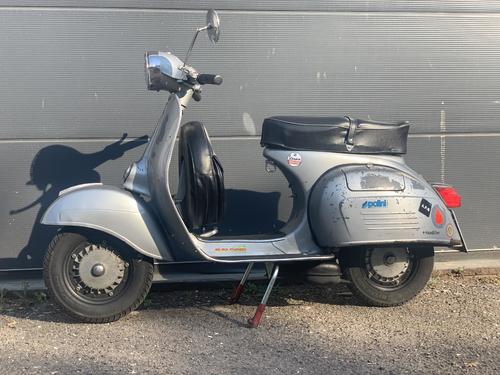
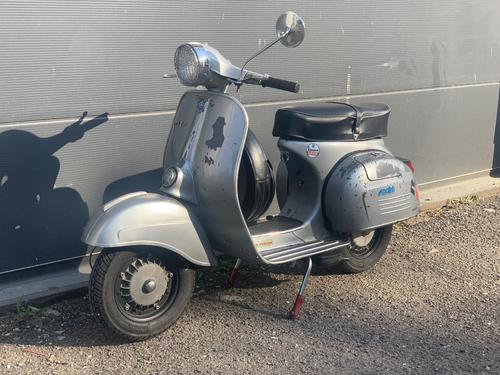
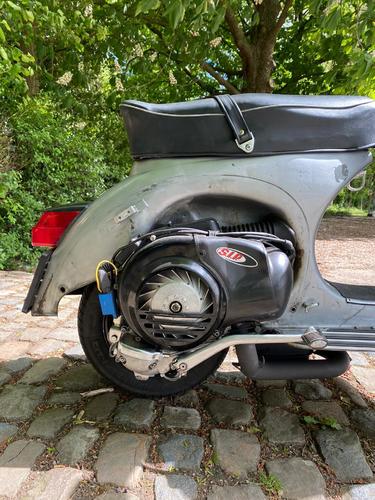
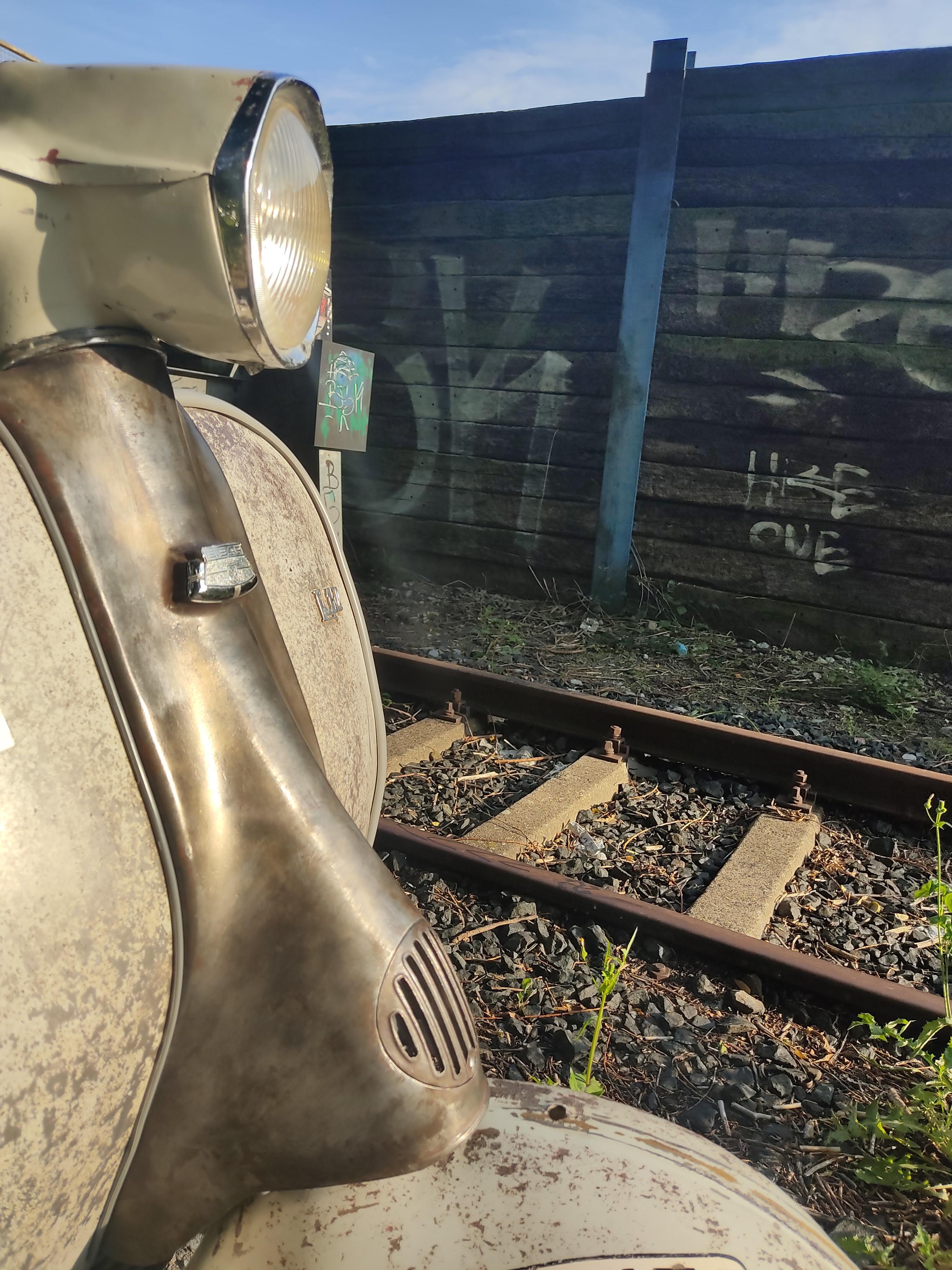
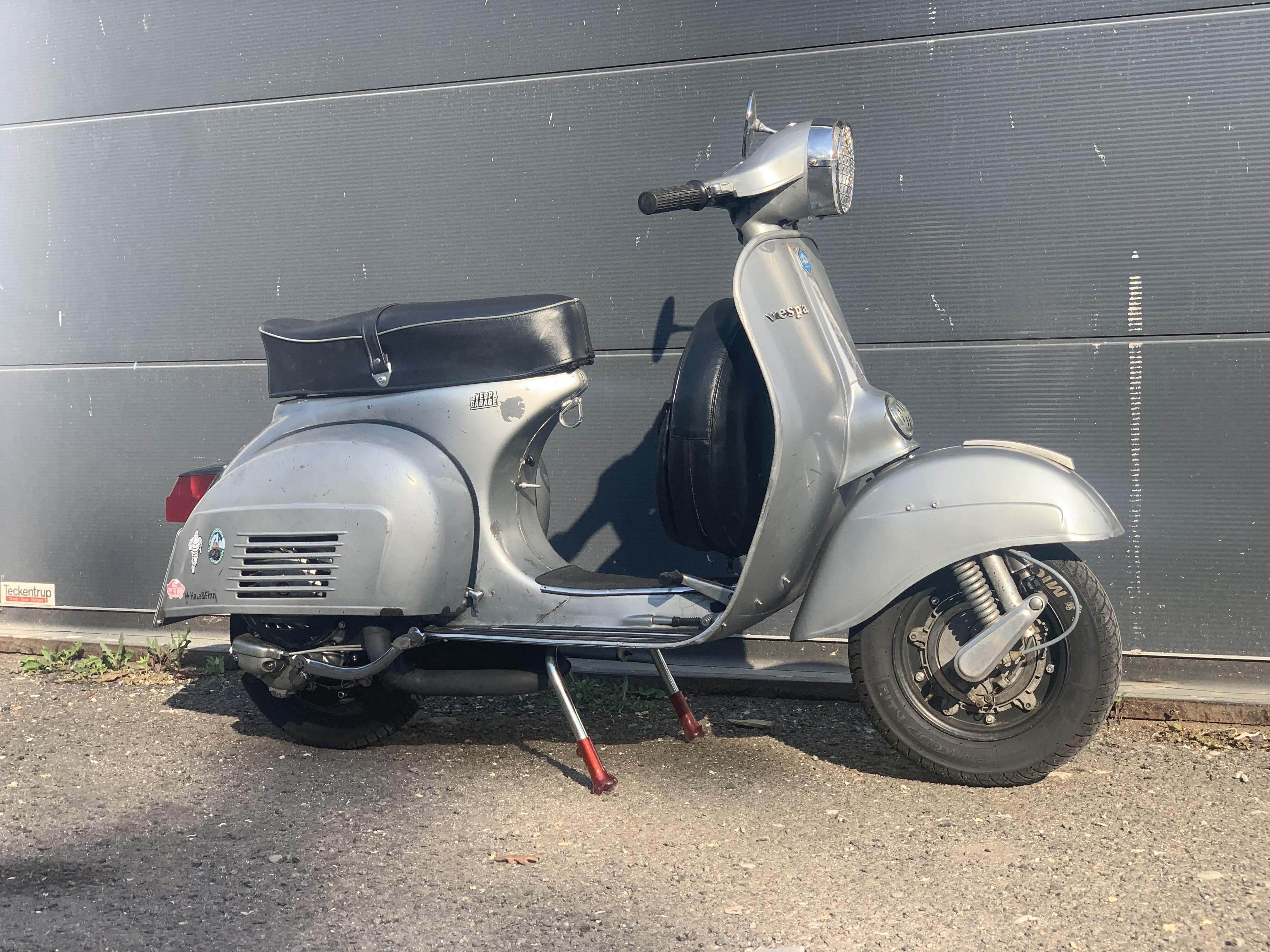
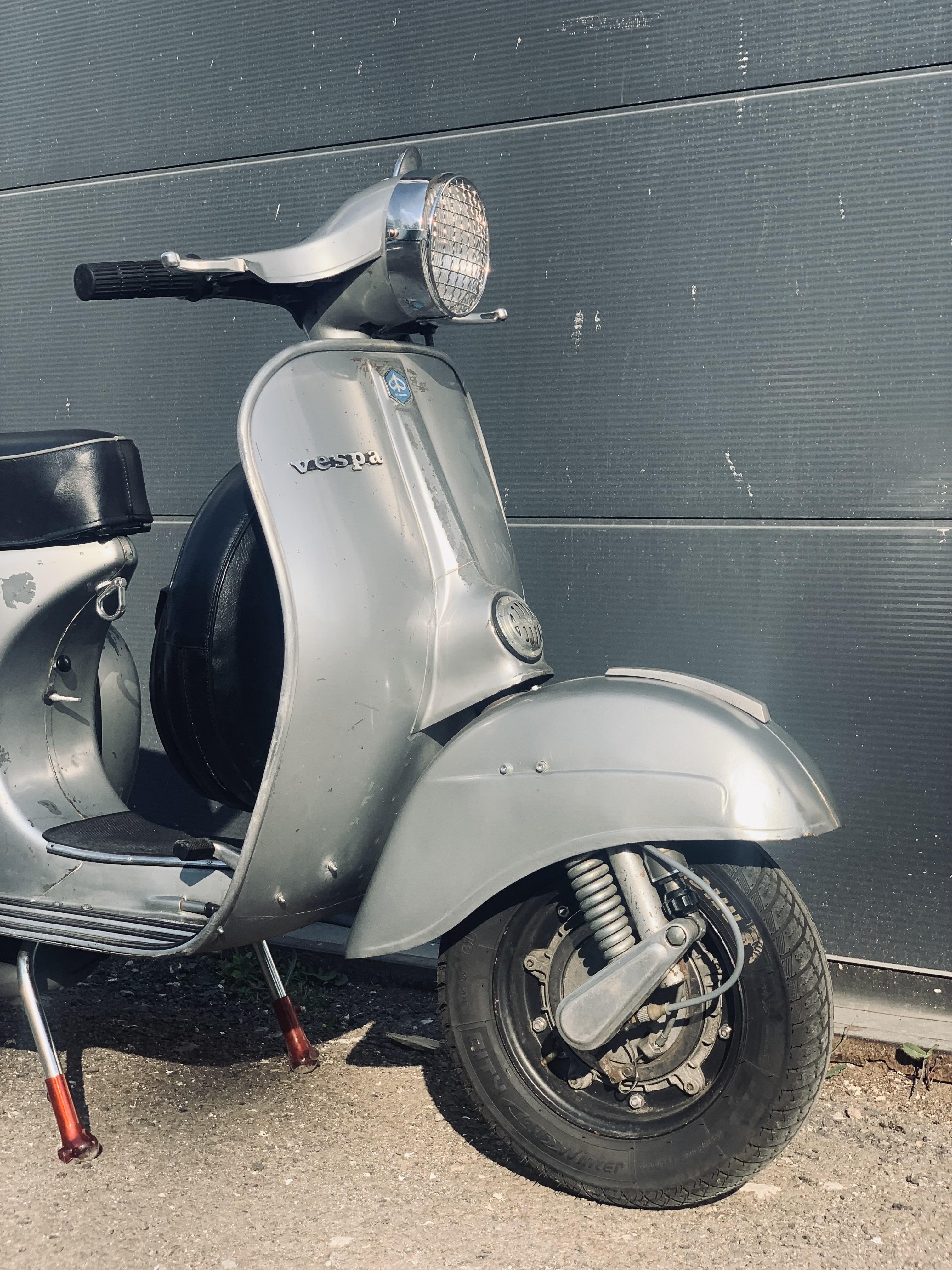
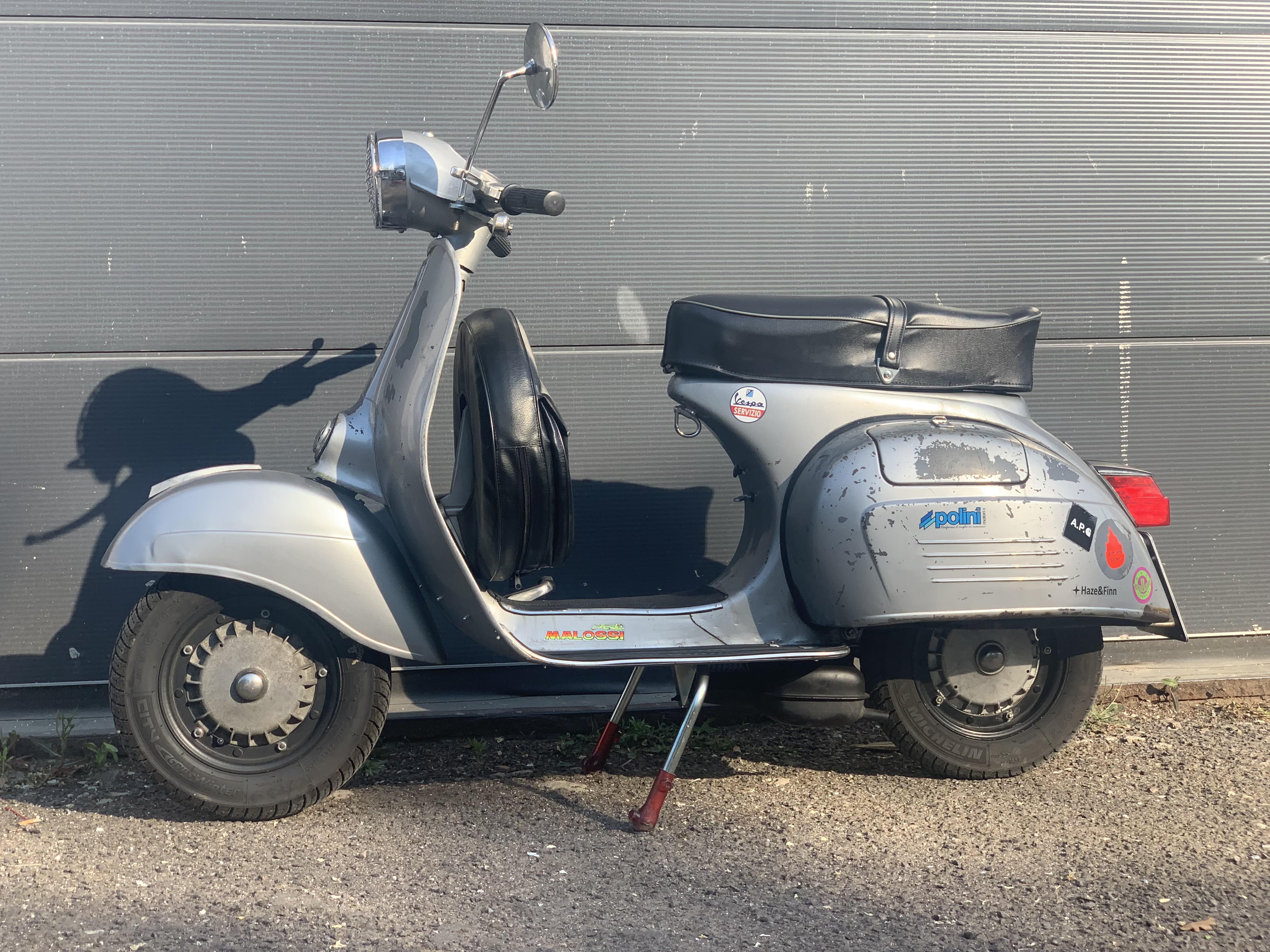
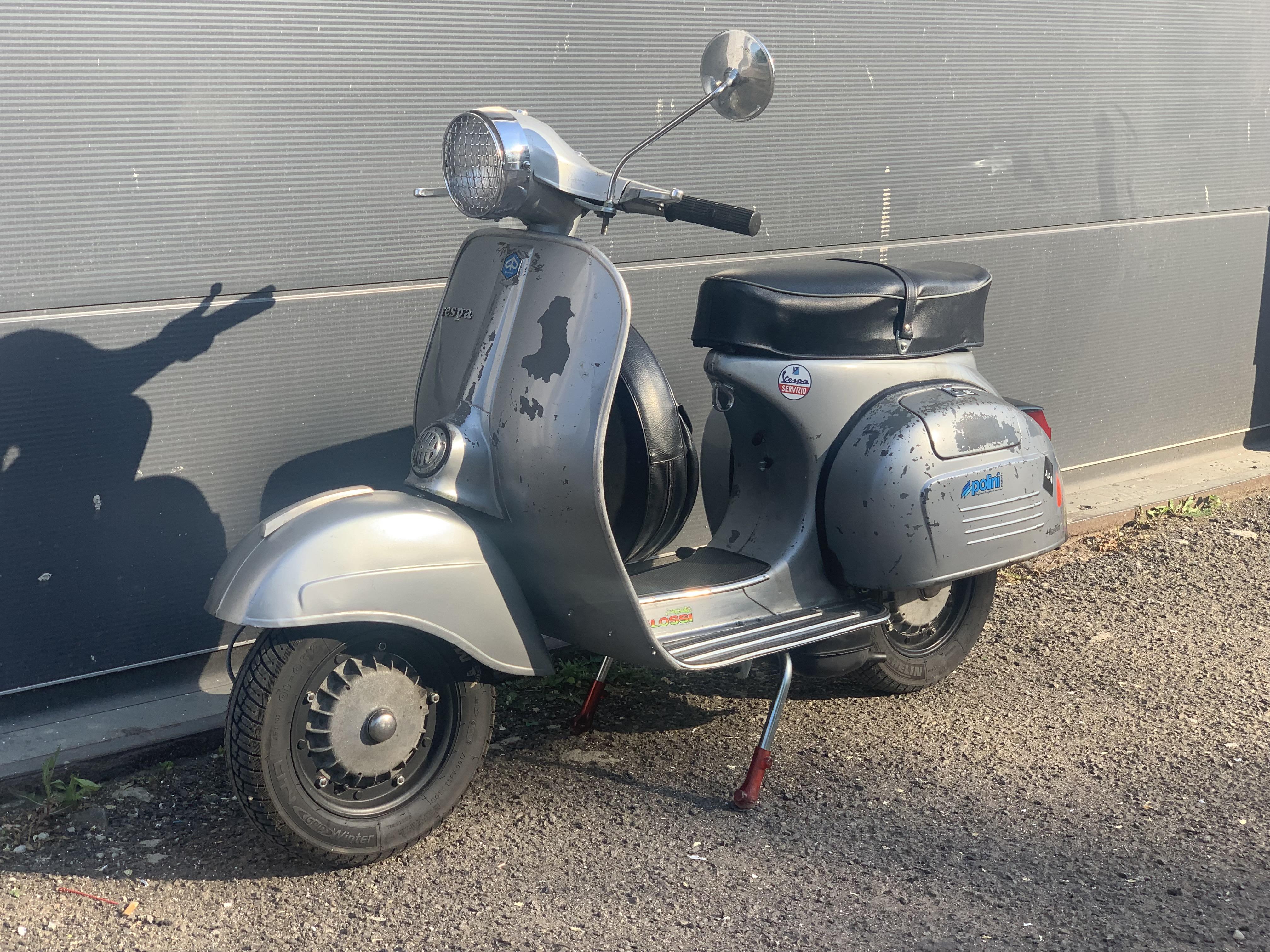
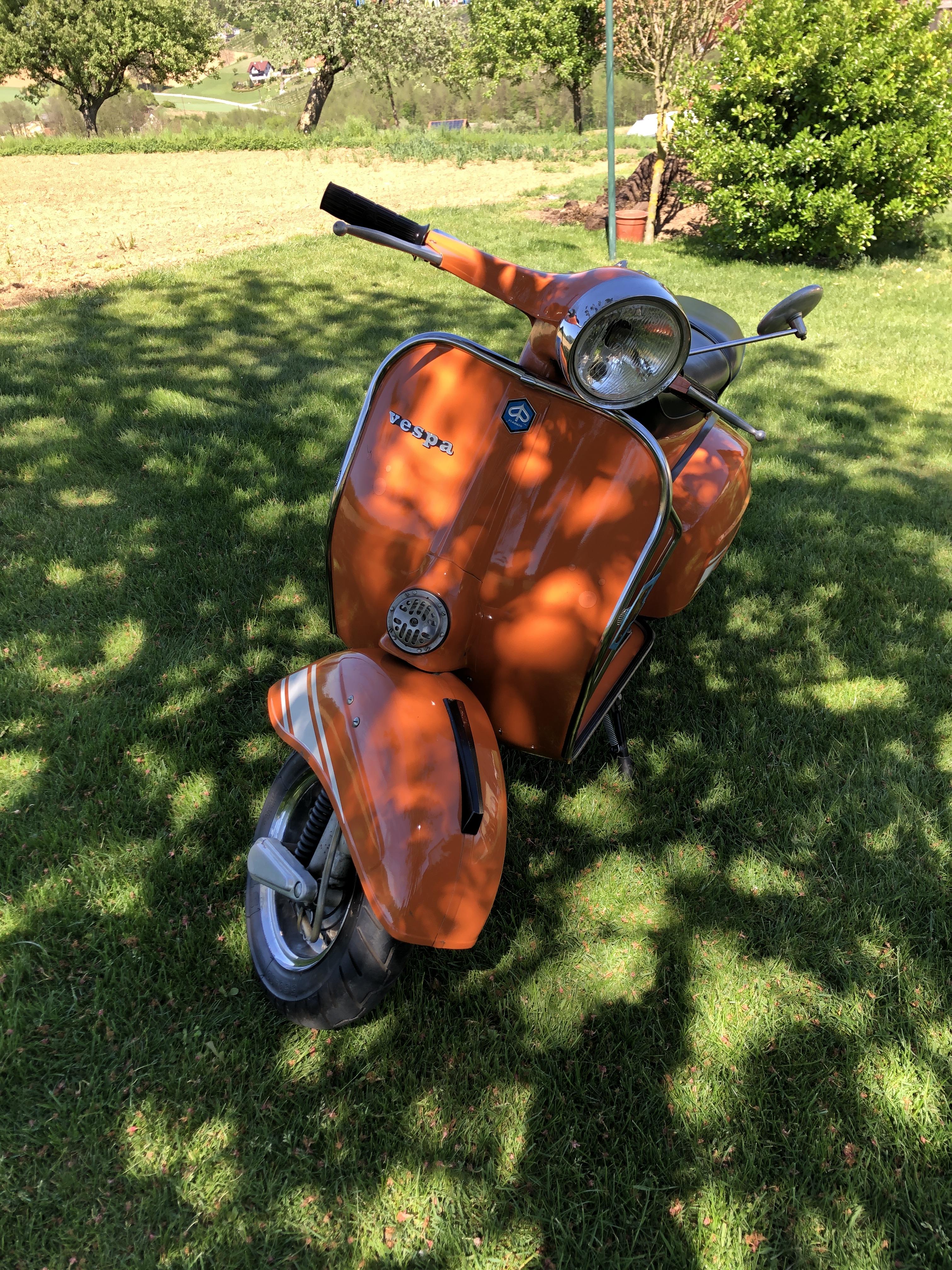
5 Punkte5 PunkteAus eigener Erfahrung kann ich sagen, dass man nicht stirbt, wenn man sich selbst nackt so durch Brennnesseln bewegt, dass tatsächlich die gesamte (!) Körperoberfläche Kontakt zu den Nesseln hatte...5 Punkte5 Punkte4 Punkte1. Es war ein Wetteinsatz 2. Rein gerannt, hingeworfen, rumgewälzt 3. Vor Ort war ich nicht alleine, allerdings war ich der einzige Nackte in den Brennnesseln. 4. Ja auch in der Kimme und unterm Sack (war Teil des Wetteinsatzes) 5. Schon vorher beim Reinrennen, zur Motivation, quasi als Kampfschrei. Irgendwann habe ich aber nur noch gejammert. 6. Nö, bin irgendwann raus aus den Brennnesseln und direkt in den angrenzenden See rein 7. Nein, es ja leider keine 37 nackten Jaungfrauen für mich. Nur die Ehre durch das Einlösen der Wettschuld3 Punktemoin, wollte hier meine 76er Sprint mal vorstellen, Niederländisches Modell in (teilweise Erstlack) Silber Chiaro di luna metallizzato 108 und PX Motor.
 2 PunkteAuch wenn es keiner hören will, ALLE bis auf einen meiner Roller laufen und fahren auf Drehschieber perfekt mit komplett originalen Benzinhahn. Auf die ach so tollen Produktbeschreibungen bin ich seinerzeit auch reingefallen. Die tollen fastflow sind in meinen Augen Marketing ohne wirklichen nutzen. Ich stehe zur Steinigung bereit!2 Punkte2 PunkteMit den eigenen Händen... und wenn man das passende Getriebe schon im Motor hat, kommt da neu eben "nur" Kupplung, Zylinder, Welle, Lager, Tröte. Gaser hab ich nicht mitgezählt. Hab mir nun mal die Mühe bei LTH gemacht. Da kommt jetzt nur noch "Kleinscheiss" Lagersatz, Kette, Wedis und Dichtungssatz, Spanner, passendes Ritzel etc. und ab dafür. Wenn man dann noch im LCD ist, kommen da eben auch wieder 10% am Ende runter. Aber selbst ohne die, Lande ich da nicht bei 3.5K Klar.... man kann auch jede Schraube gegen Casa oder sonst was für Teile tauschen....muß man aber nicht. Tschuldigung für Offtopic, aber irgendwie mußte das raus
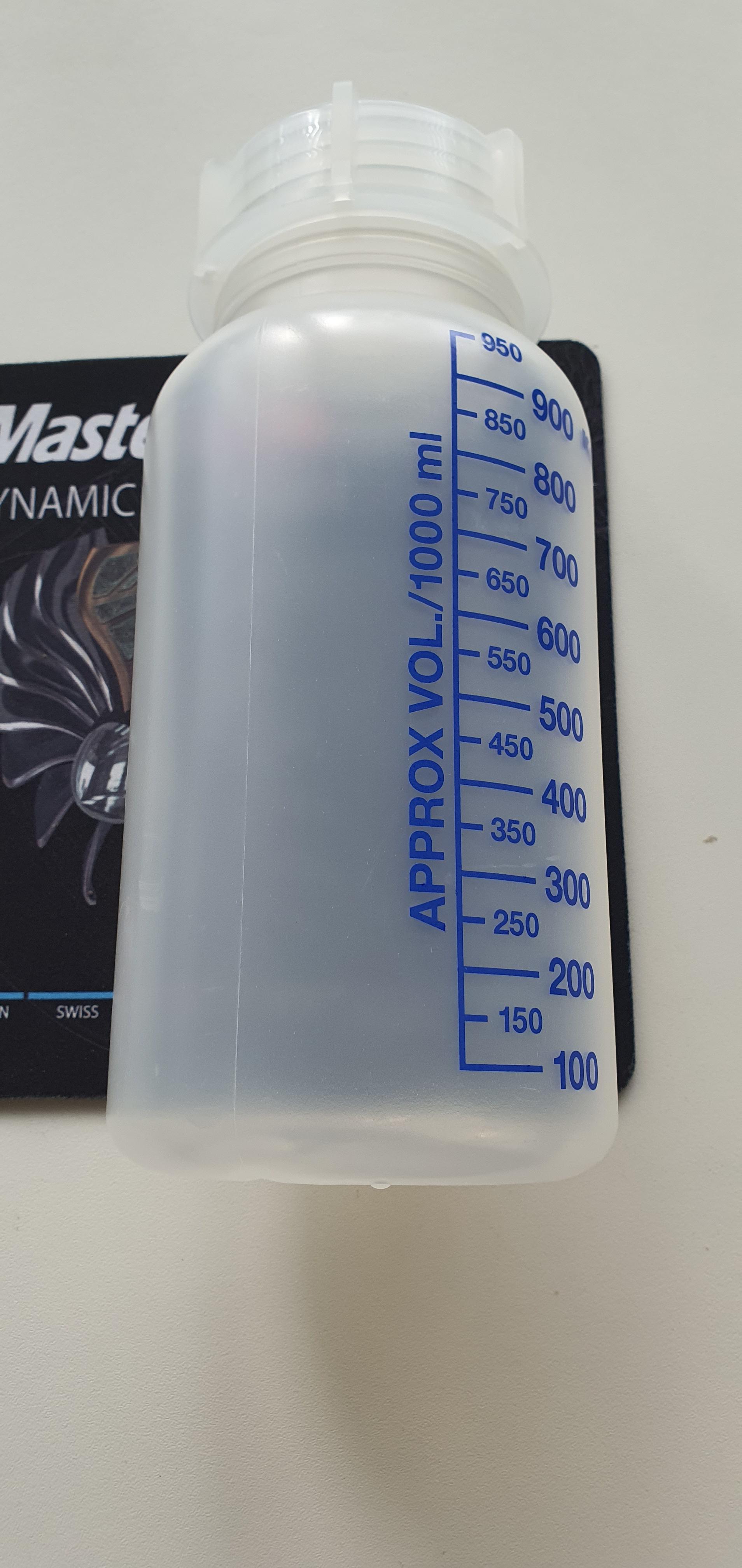
 2 Punkte2 Punkte2 Punkte2 PunkteVielleicht helfen dir die Namen weiter. Hab ich Mal bei eBay Kleinanzeigen gekauft. Über den großen Deckel lässt sich jede Flüssigkeit einfüllen.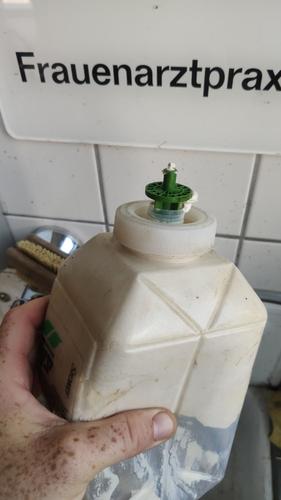
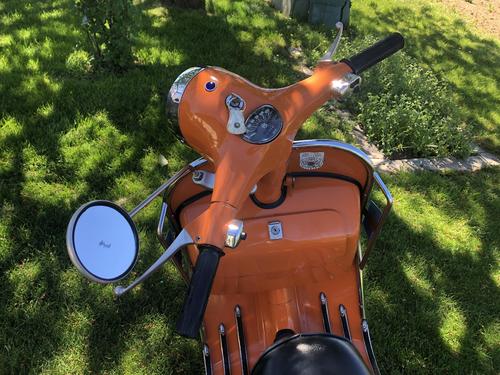
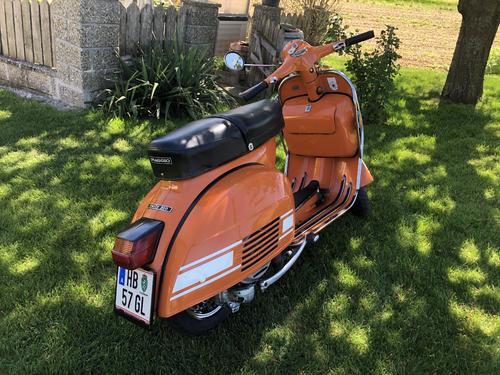
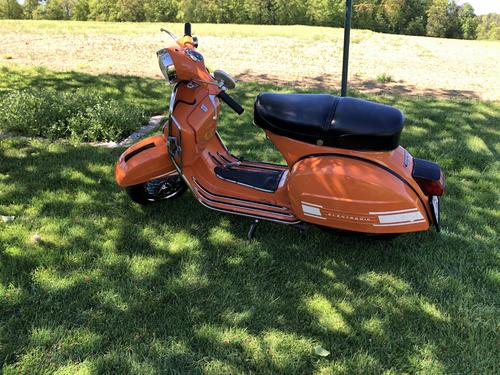
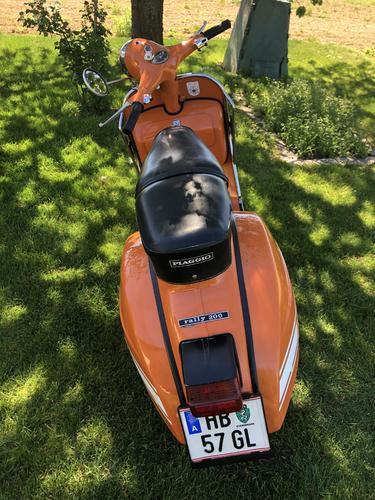
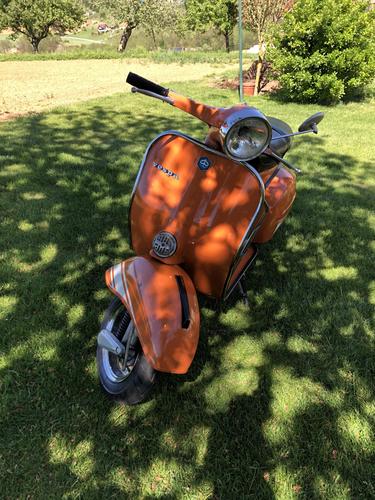
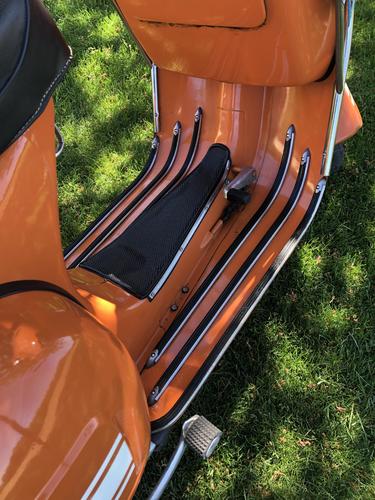
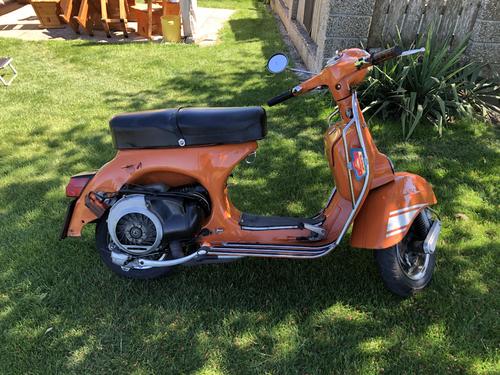
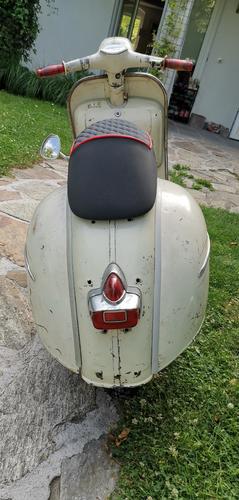
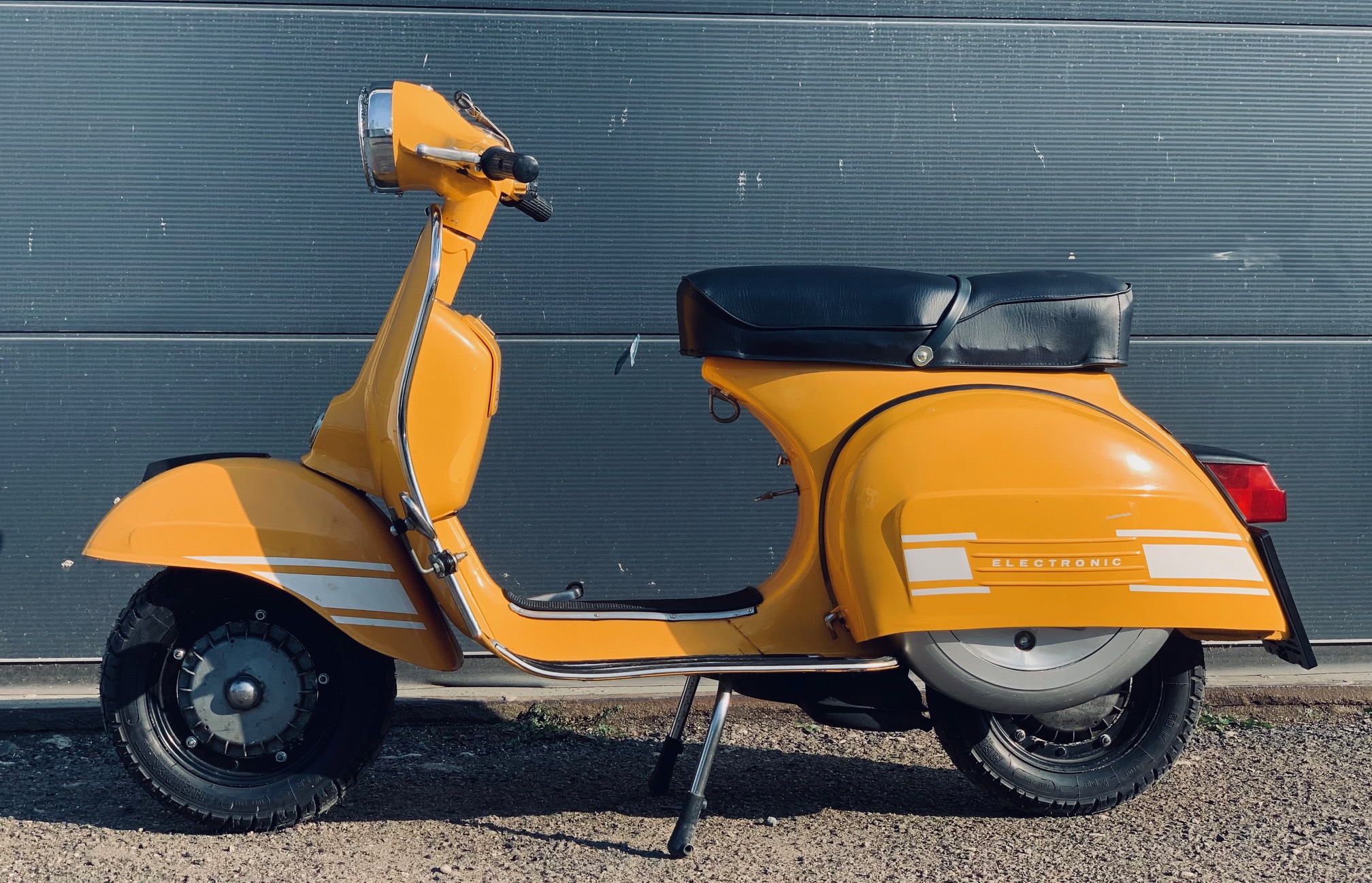
 2 Punkte2 PunkteMöchte gerne meine Rally im Erstlack vorstellen……!! 10.000 km Laufleistung…..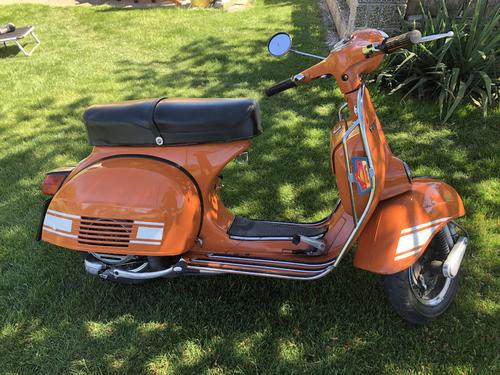
 2 Punkte2 Punkte1 Punktich habe den si25.6mm drauf. Mit voll offen mein ich unter 1mm Überlappung am Rand z.b. Das war ja mehr dem Kollegen in den Mund gelegt... so sieht das bisher bei mir aus: (das oberste ist schon der si hier.)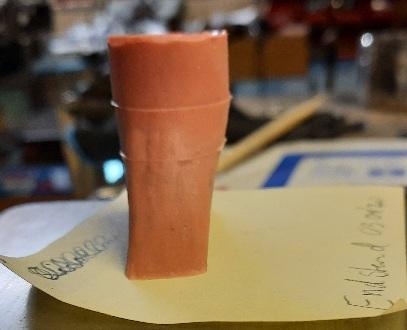
 1 Punkt1 PunktVor dem Urlaub ging bei meiner Coronaschaukel Luigi (Fiat 500 C) die Fahrertüre nur noch von innen auf... Kostenvoranschlag 330 EUR für nen neuen Türgriff. Heute kam die Zusage von der Gebrauchtwagenversicherung, dass 90% der Kosten übernommen werden. Luigi hat zum Glück am vorletzten Tag der Versicherung das Schloss sterben lassen1 PunktEin Tropfen Öl auf Löschpapier sieht auch immer extrem wild aus... Öl wird ja bekanntlich durch Wärme sehr dünn, und durch Alterung,wenn die Polymerketten zerrieben werden,nochmals. Da entscheidet dann auch oft nur ein Mü an der Mutter, ob's wirklich dicht wird,oder nicht. An der Lagerhülse unter'm Liüra schwitzt es ja auch schon mal durch. Oder an Gehäuseschrauben. Wegen der Sicherheit musst Du ja ohnehin die Trommel von innen kontrollieren, und dann weisst Du auch genau,was verbaut ist. Ist ja auch recht fix gemacht...1 Punkt
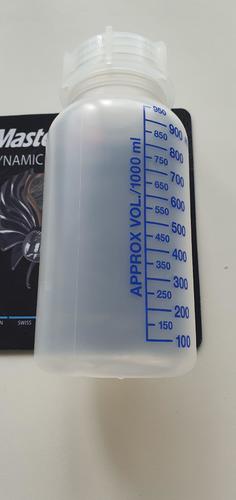
 1 Punkt1 PunktKorrekt! Deine Theorie der losen Trommel ist aber plausibler, da bei defektem Siri das Öl hauptsächlich in die Trommel läuft, weshalb ja aus Sicherheitsgründen auf den innenliegenden Siri und Bohrung umgerüstet wurde. Das Öl kann deshalb eigentlich nur bei loser Trommel, oder vermakelten/gestauchten/verdreckten Flanken an Trommel/Lager/Hauptwelle durch die Verzahnung an die Achsmutter laufen. Was einen zusätzlich defekten Siri natürlich nicht ausschliesst... @AAAB507 Ich würde einmal die Trommel/Siri von innen checken,ob trocken, und wenn ja,nochmal ordentlich mit zur jeweiligen Käfigmutter/Kronenmutter passenden Drehmoment anziehen. Edith bezieht sich vermutlich auf PX Alt...1 PunktDarum wirst Du nicht herumkommen. Die 19er-Kurbelwelle würde ich jedenfalls austauschen (je nach Motorkonzept eine 20/20er nehmen). Dabei würde ich ebenfalls gleich Lager und Simmeringe wechseln. Ein Primär-Reparaturkit würde ich ebenfalls in Erwägung ziehen. Dann hast Du erstmal ein paar Jahre Ruhe.1 Punkt1 Punkt1 Punkt1 PunktDas wird schwierig- ich hab von unseren Chemikern so ein Zylinderförmiges 1L Kunststoff Gebinde. Das passt gerade soins Fach!
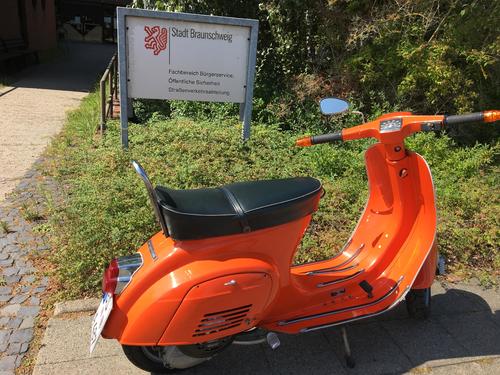
 1 Punkt1 PunktDamit den Ampullen nix passieren kann, werden die in die X-Millionen fehlerhaften Masken eingewickelt, da kann er direkt 2 Fliegen mit einer Maske erschlagen1 Punkt1 PunktHabichhabich, aber da steht nix, wie will die auch verstellen? Z.B da: Zündung -BGM PRO Grundplatte HP V2.5 Silikon- Vespa PX Lusso - 5 Kabel | Zündungen | Zündung | Motor | Scooter Center (scooter-center.com) gruzz1 Punkt1 PunktDazu kann ich nur sagen: „wir haben die Lage falsch eingeschätzt“ Man sollte mal überlegen ob Politiker ein Ausbildungsberuf werden muss. Zumindest überqualifiziert für ihren Job scheinen die nicht zu sein.1 Punkt1 PunktScooterhelp ist nicht allwissend. Meiner Erfahrung nach endet der Datenbestand dort ca. Anfang der 90er Jahre, d. h. zu Nummern von später hergestellten Motoren und Rahmen gibt es keine Angaben.1 PunktDas hört sich zunächst mal nach defekter Batterie an. Das sie noch 12 Volt Spannung anzeigt,bedeutet nicht,dass sie auch noch ausreichend Kapazität/Ampere liefert! Sollte die Batterie definitiv intakt sein,(funktioniert der Anlasser?),dann gibt es an der Rückseite der Hupe eine kleine Stellschraube,meist mit einem kleinen Farbklecks markiert/gesichert, mit der man den Ton justieren kann. Da die Spannung aber schon bei der Hupe in den Keller geht, dürfte der Anlasser aber erst recht nicht funktionieren. Der Batterieregler mag es übrigens nicht,wenn bei laufendem Motor keine Batterie angeschlossen ist! Steht extra für die,die kein Deutsch lesen können,meist auf italienisch drauf....1 PunktKann ich mir gut vorstellen. Mir hats letztens endgütig einen Auspuff zugerotzt, der Motor lief wie ne PX80. Wenn ich mir vorstelle, du hast dann quasi eine Ventilklappe, voila. Schwing mal die Flex.1 Punkt1 Punkt1 Punkt1 Punkt… die Special durch die Vollabnahme kam und zugelassen wurde. Ein dickes f**k you an die völlig inkompetente und unfreundliche Dame im Straßenverkehrsamt Braunschweig.
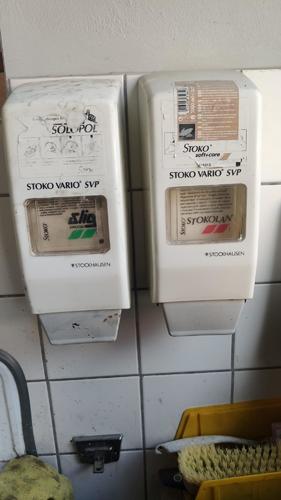
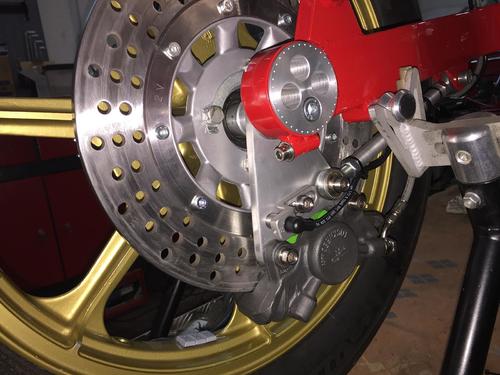
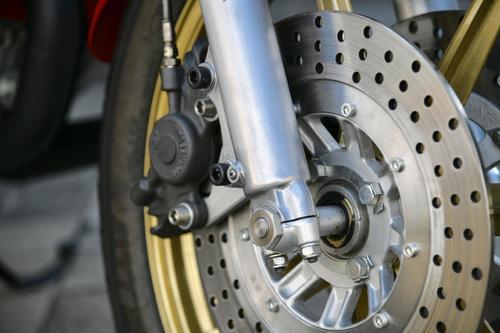
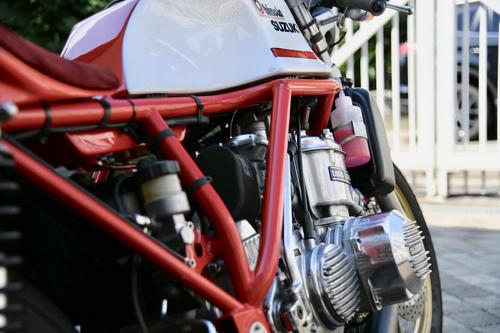
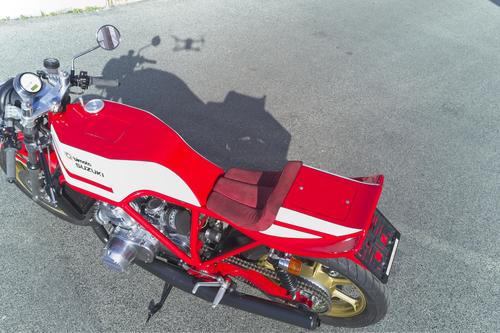
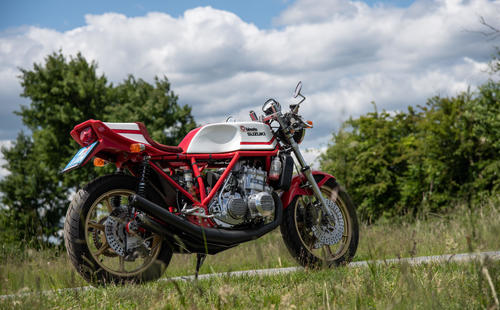
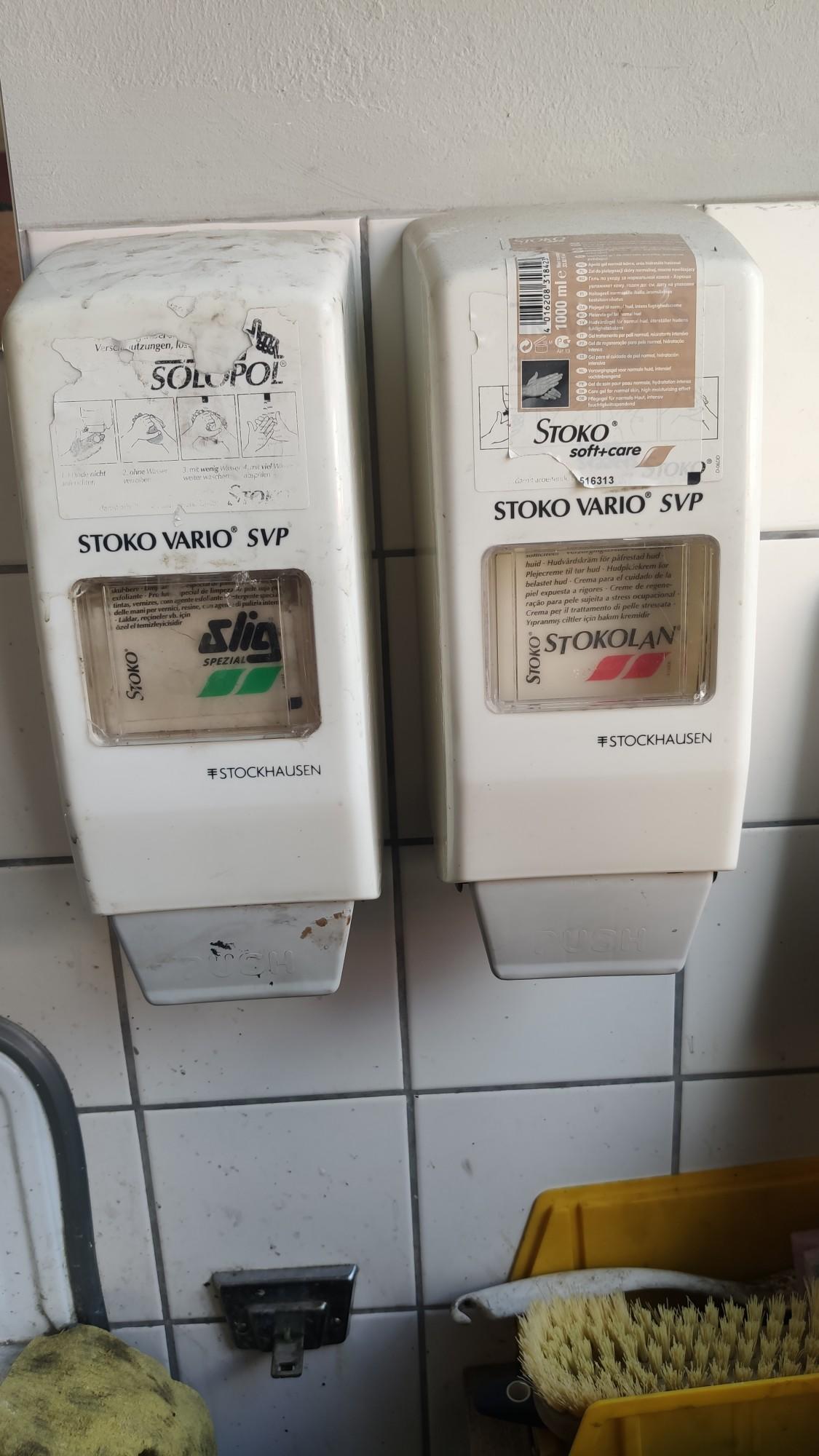
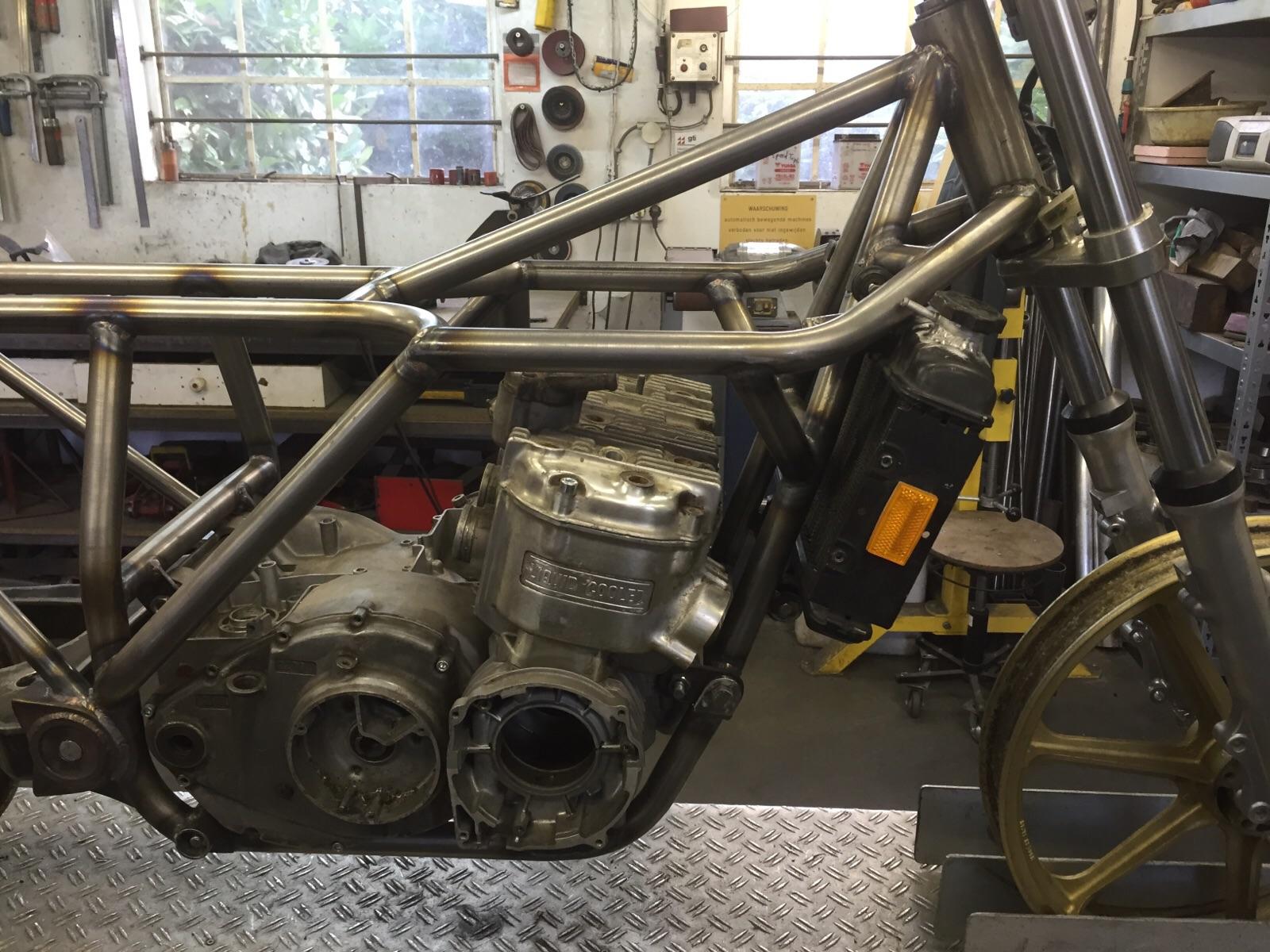
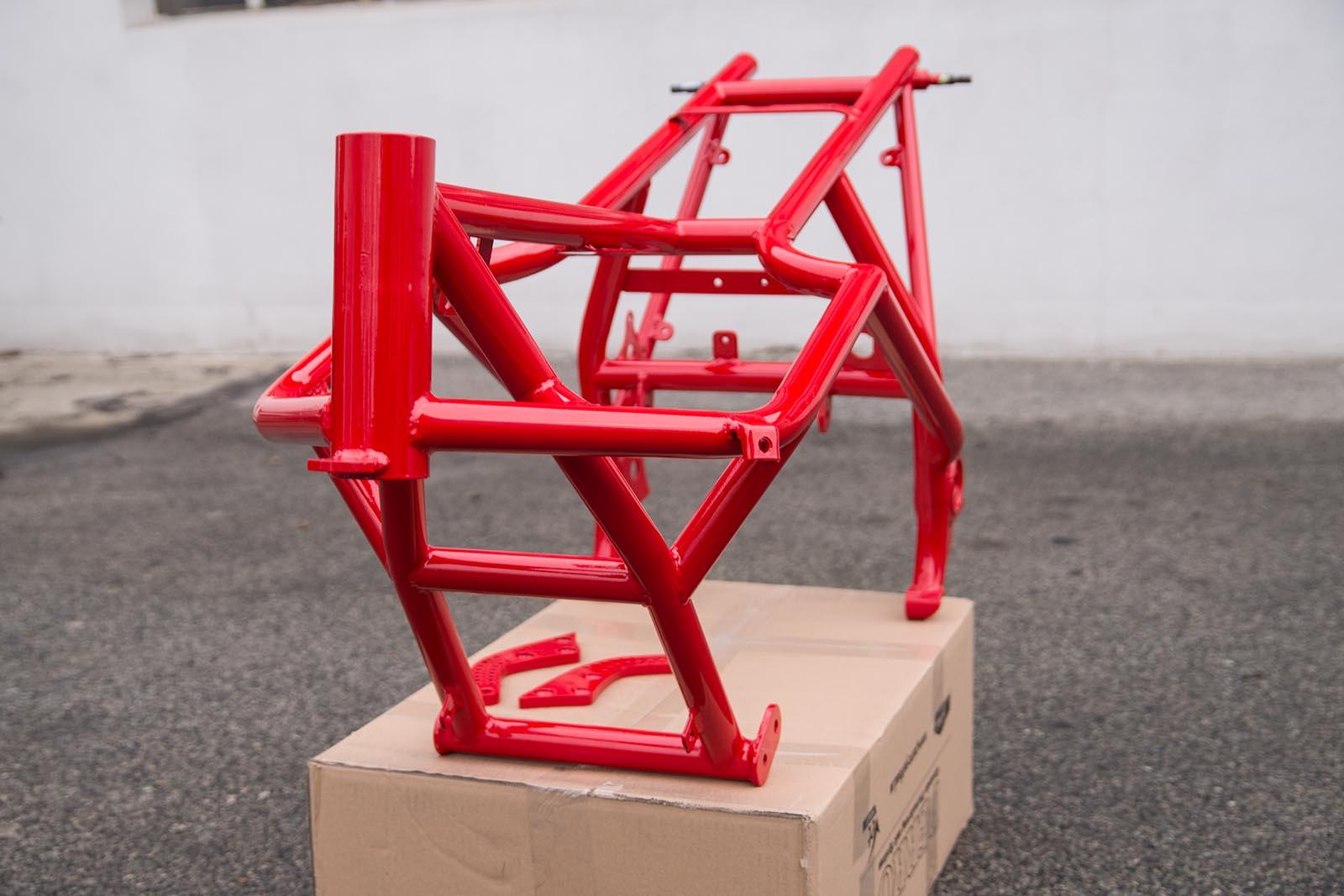
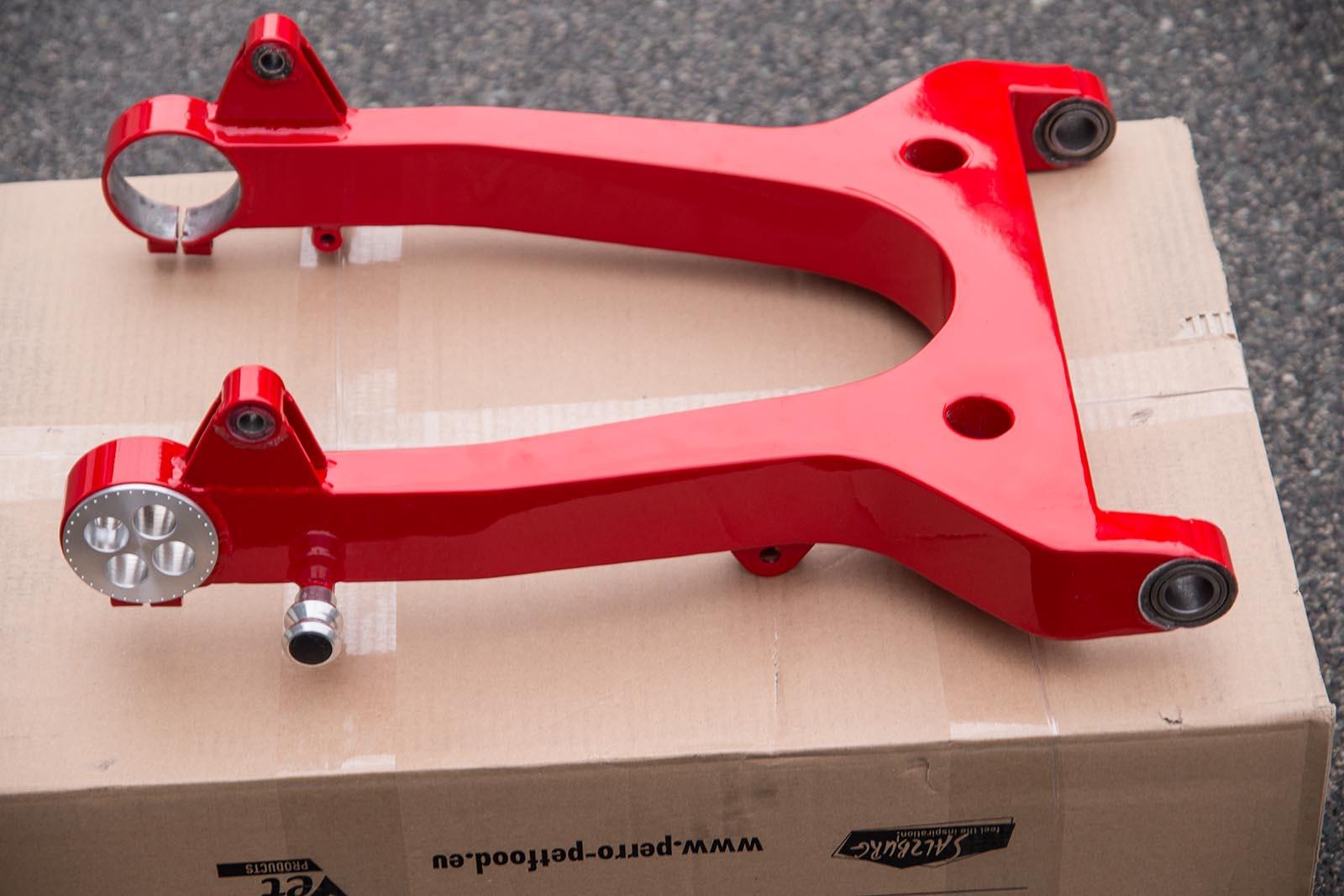
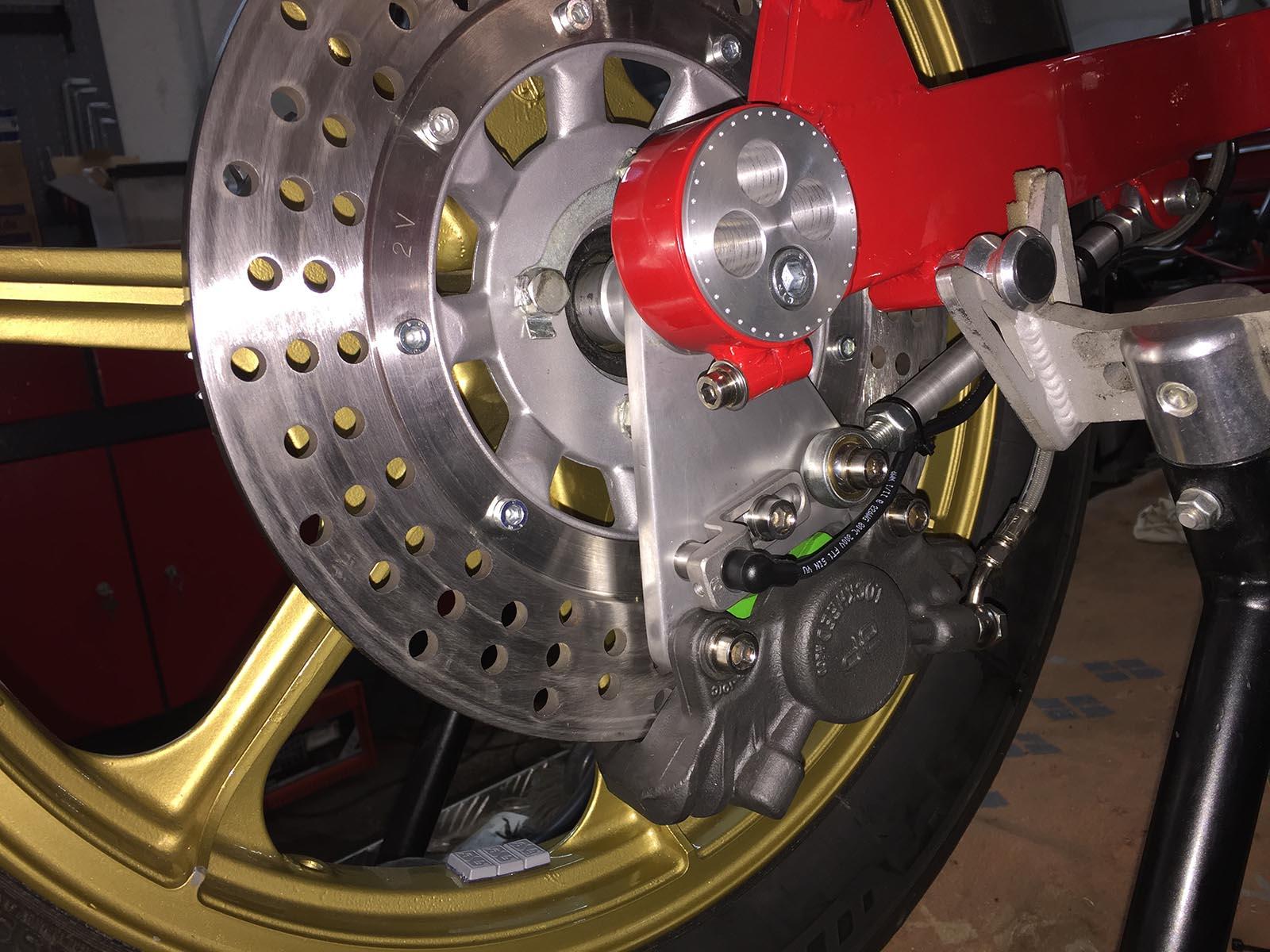
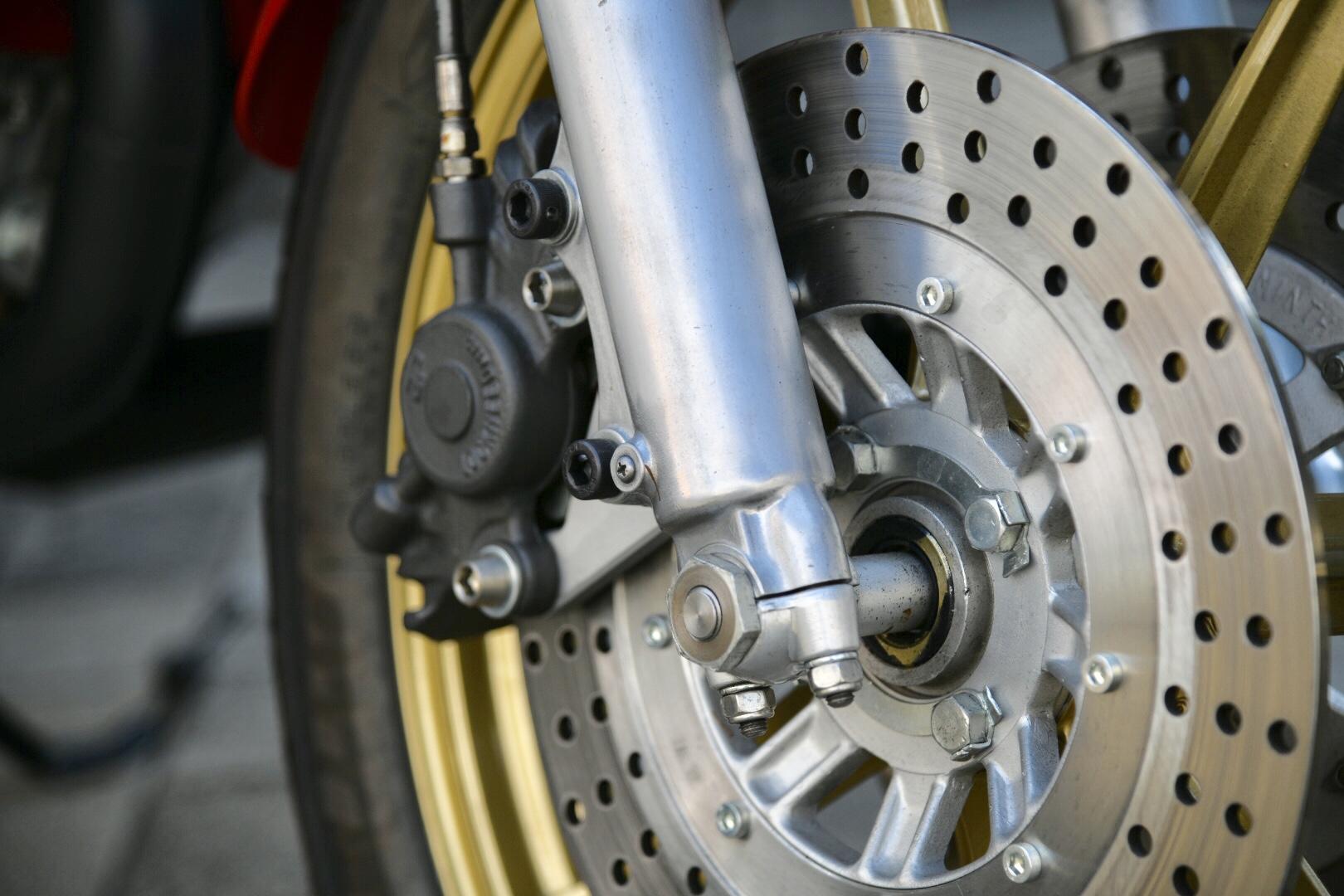
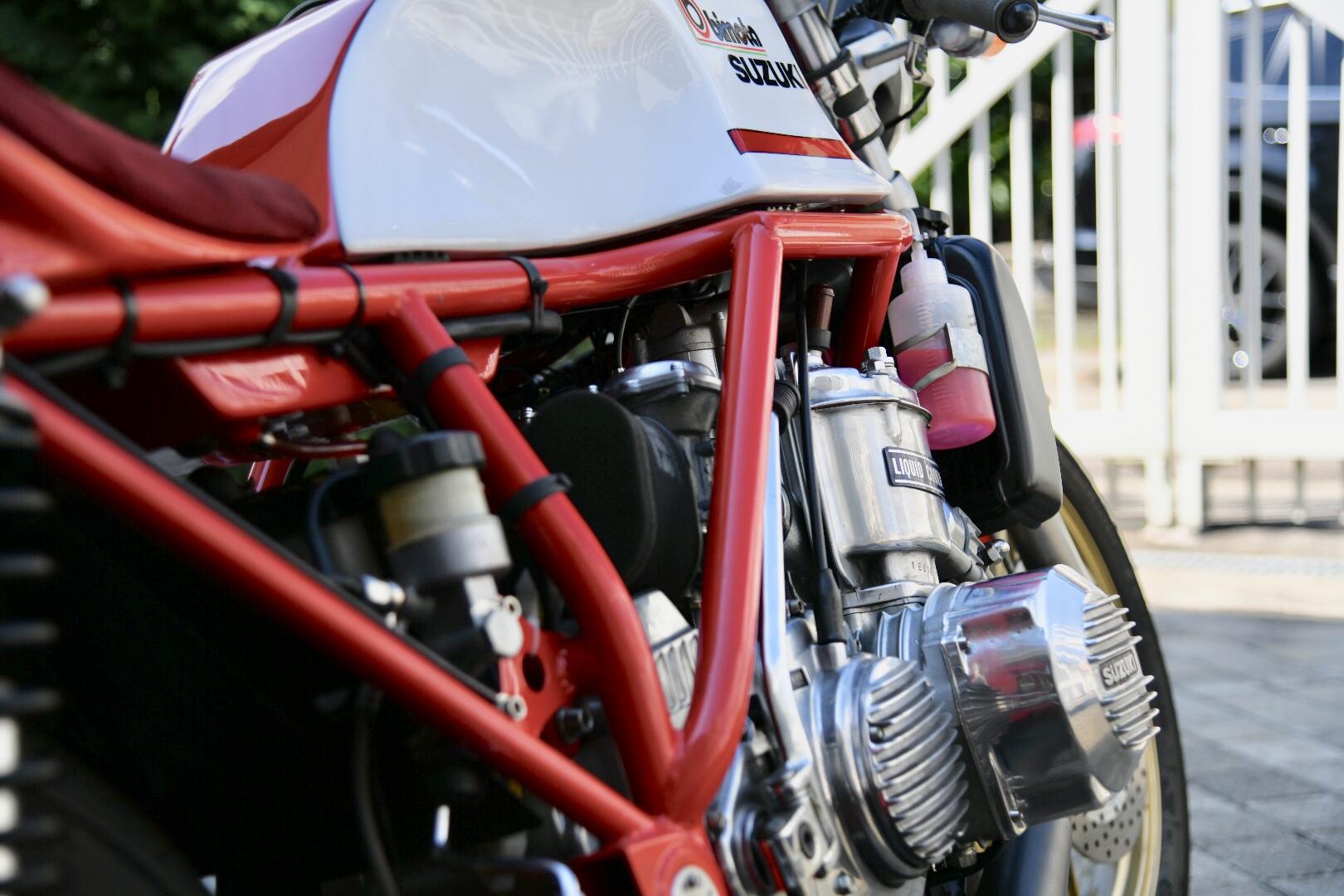
 1 PunktOh, bitte mach'ne Umfrage, welches Thema als nächstes bearbeitet werden soll. (Ich finde die Auswahl übrigens super!)1 PunktMöchte auch Vollzug melden! Der minimalinvasive Eingriff hat tatsächlich innerhalb von 45 min geklappt. Fährt sich schön geschmeidig1 PunktIch finde ja Pevalin überzeugend, das reinigt gut und hat eine flüssigere Konsistenz als das Zeug mit Sägemehl. Da gibt es auch Spender, die Deiner Vorstellung nahekommen: https://paul-voormann.com/de/produkt/pevalin-spezial/1 PunktKöntest mal probieren die Handwaschpaste, die du hast, mit Wasser zu verquirlen, bis eine pumpfähige Viskosität entsteht. Ich weiss nur nicht, ob sich das irgendwann wieder trennt wenns rumsteht.1 PunktDas weisse Kunststoffteil kannst du idR für Handwaschpaste vergessen, such am besten das Modell mit dem Metallbügel, lässt sich auch wesentlich einfacher befüllen und funktioniert mit Handwaschpaste.1 PunktSeifenspender? Echt jetzt? SEIFENSPENDER?! Was kommt als nächstes? "Welches Klopapier ist am geschmeidigsten?" "Was ist eure Lieblings-Tupperware?" "Wie werde ich Vip-Kunde bei moderne-hausfrau.de?"1 PunktMehr als drei, welche Investition aber Quatsch beiseite. Ich hab meist irgendwelche Teile in Kunststofftüten im Roller dabei und wenn der auf die Seite gelegt werden muss klemme ich ein Stück von der Tüte unter den Tankdeckel und dann bleibt der Sprit wo er sein soll.1 PunktBurgwedel noch im 2 stelligen Bereich, wenn auch nur 10 "1 PunktWahrscheinlich war wieder mal PINASCO schuld ? ! Grüße aus Augsburg BABAS Edith tippt eher auf ein "durchgehärtetes" Zahnrad vom Aftermarket.1 Punkt1 PunktDas ist keine echte BIMOTA, sondern eine Replica. Ich habe einen Rahmen nach Vorbild der HB1 für die Aufnahme meines GT750 Ersatzmotors konstruiert und in Einzelfertigung herstellen lassen. Tank und Sitzbank nach Original HB1 Formen, Gabel, Felgen und Bremsscheiben von Kawa Z1000J usw. Diese Konfiguration gibt es nur 1x, die echte HB1 immerhin 10x. Nein, eine Vdue hab ich nicht, gottseidank. Ein Freund hat sie, und nur Probleme.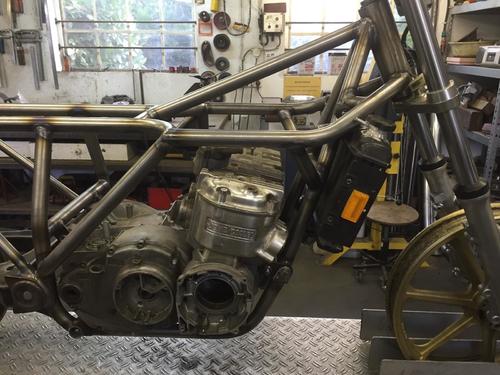
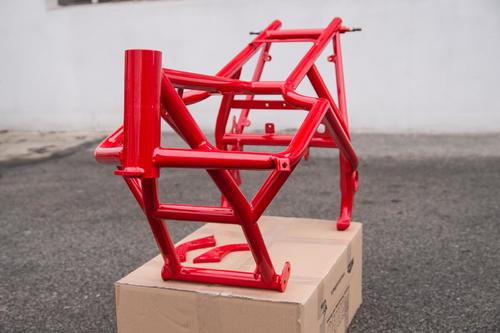
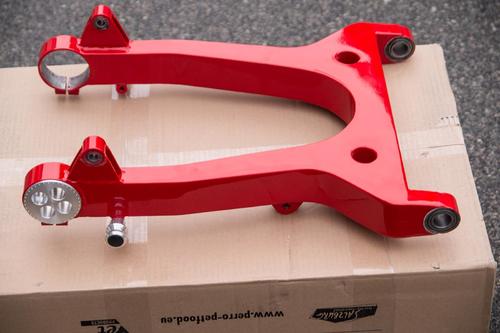
 1 Punkt1 PunktKarakiri M200 mit FalkR m200 Touring Scheibenbremse & geschlossene Felge BGM Stoßdämpfer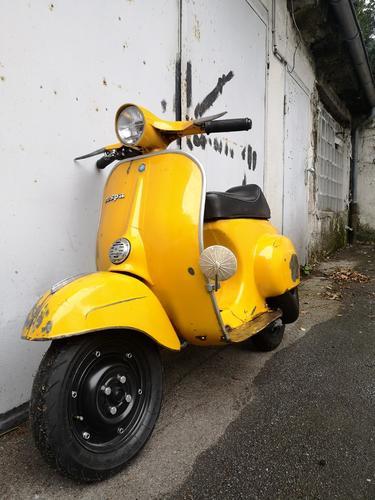
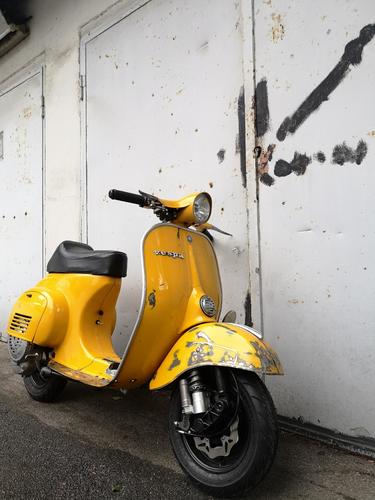
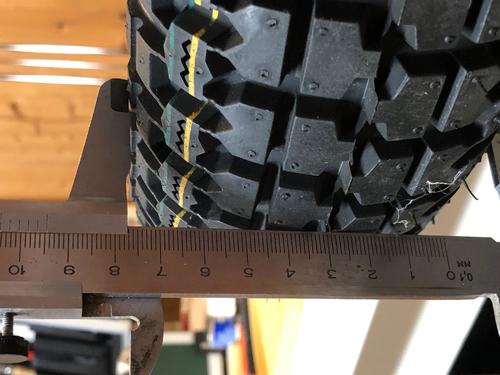
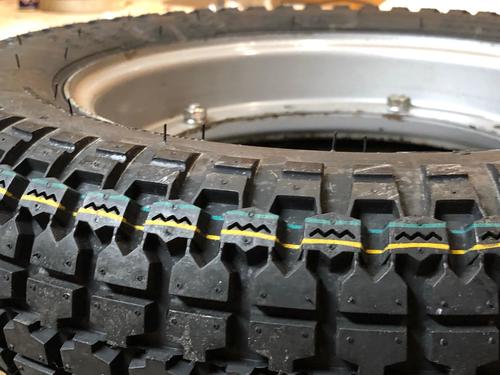
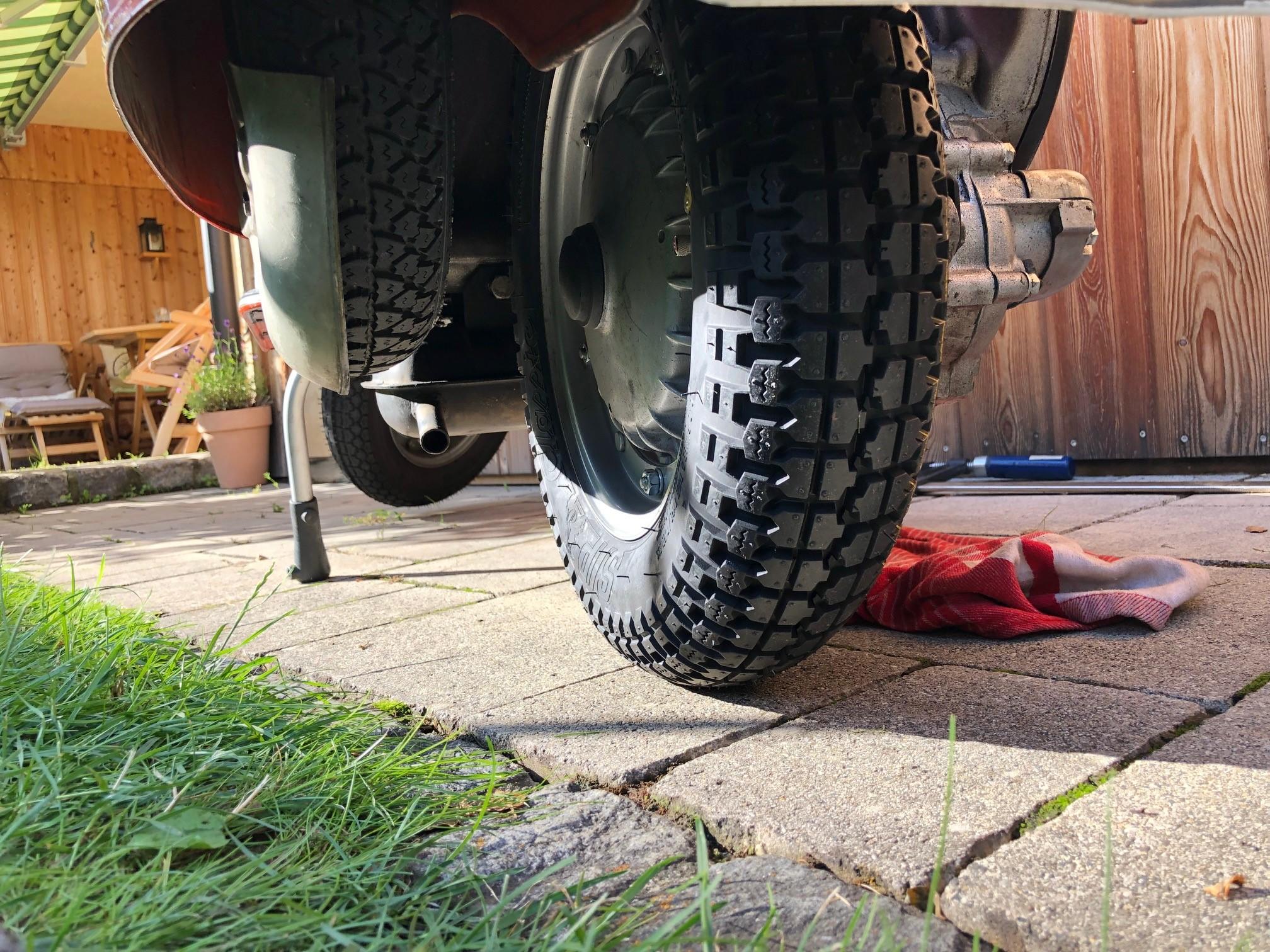
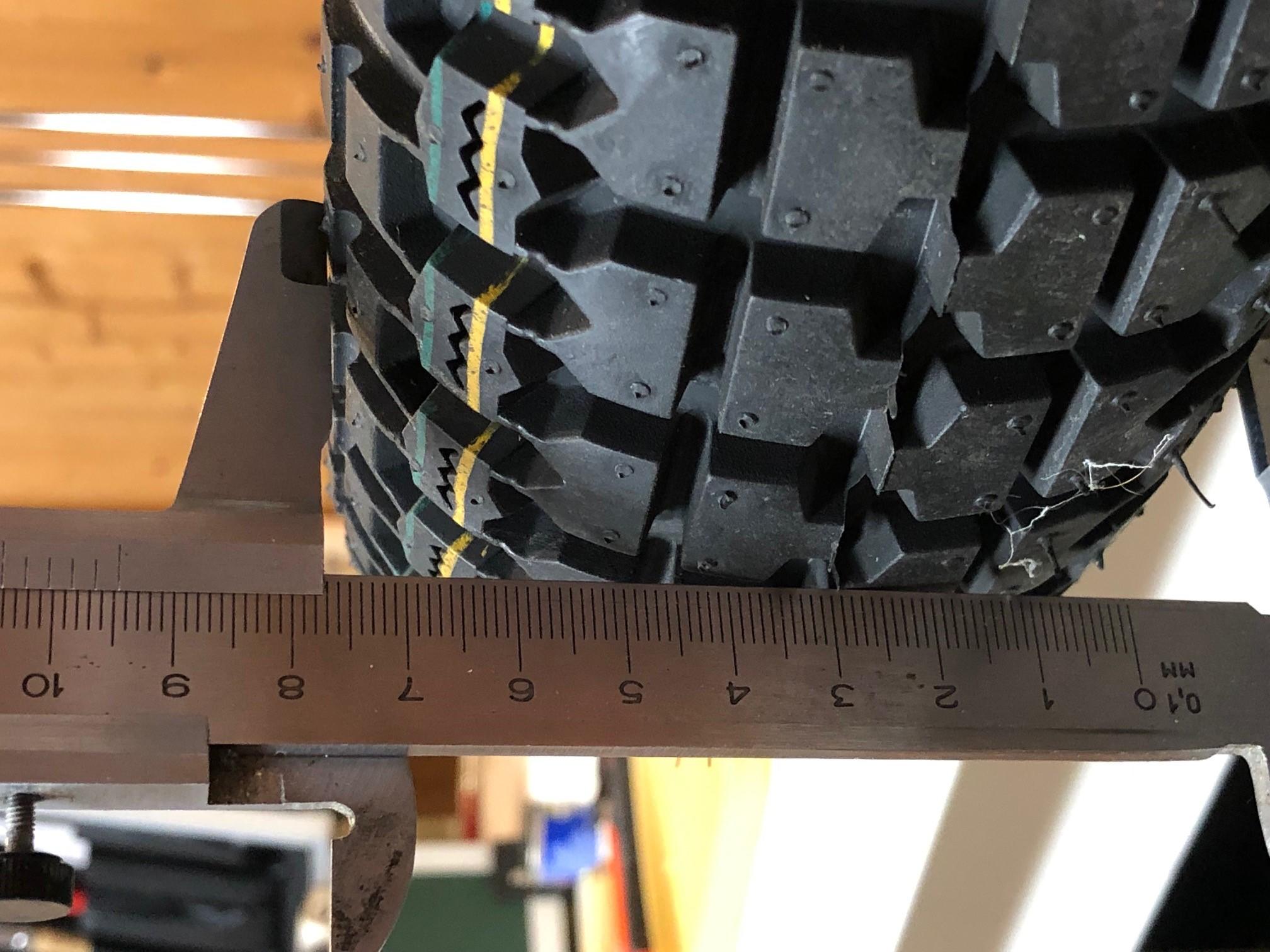
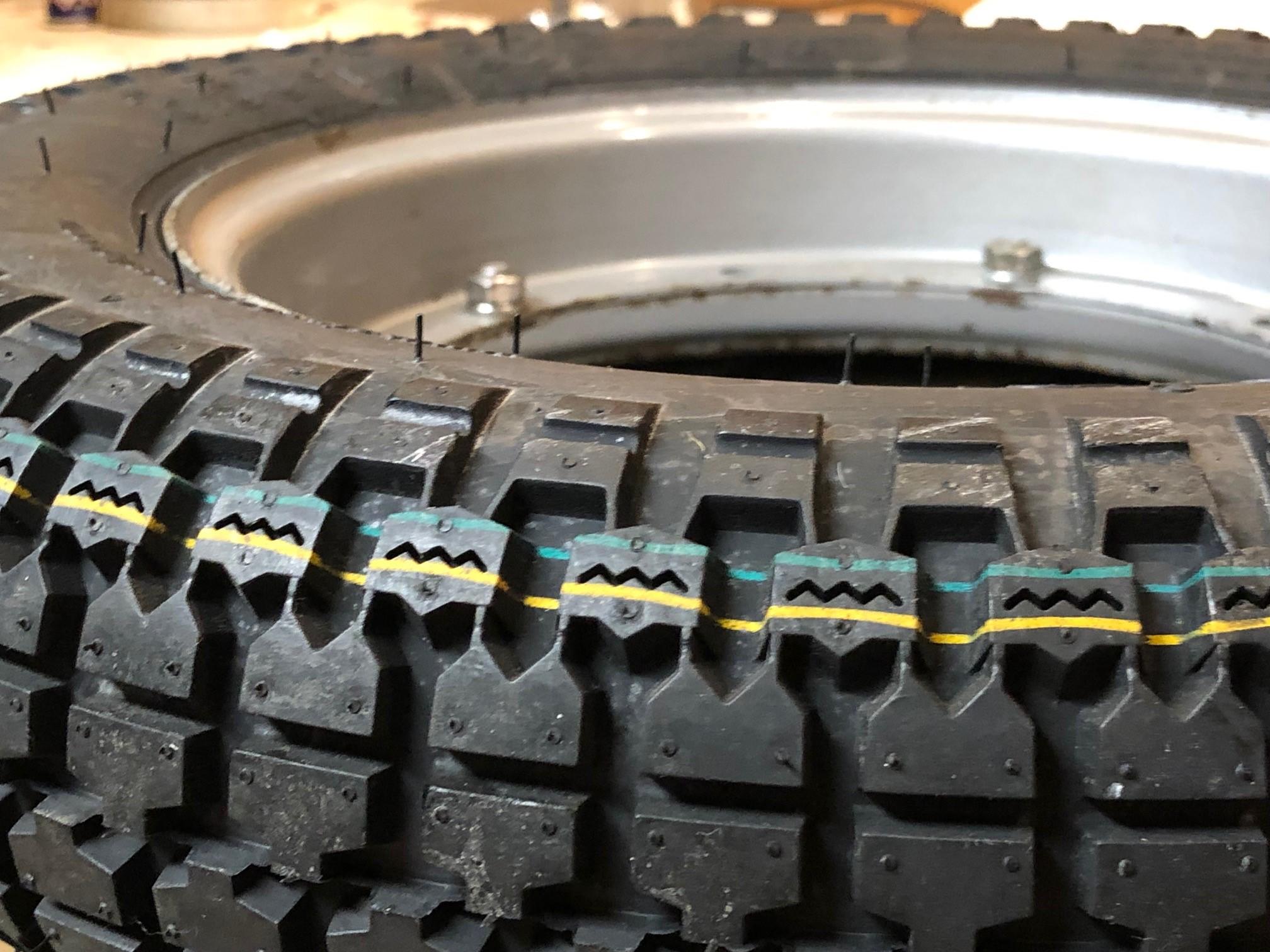
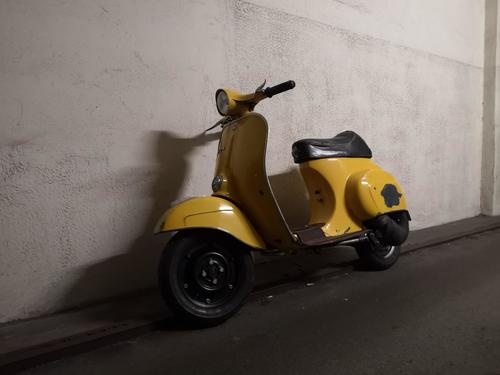 1 Punkt1 Punkt1 Punkt1 PunktIch hab die Reifen am laufen und bis jetzt kann ich noch nichts negativen sagen. Günstig sind sie eigentlich auch. Der Look gefällt mir auch. Allgemein kommt mir der Reifen recht weich und grob vor, vermutlich wird die Laufleistung nicht besonders hoch sein. Nach einem Jahr kann ich mehr sagen:-)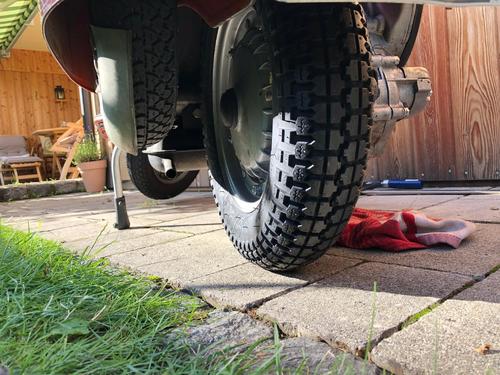
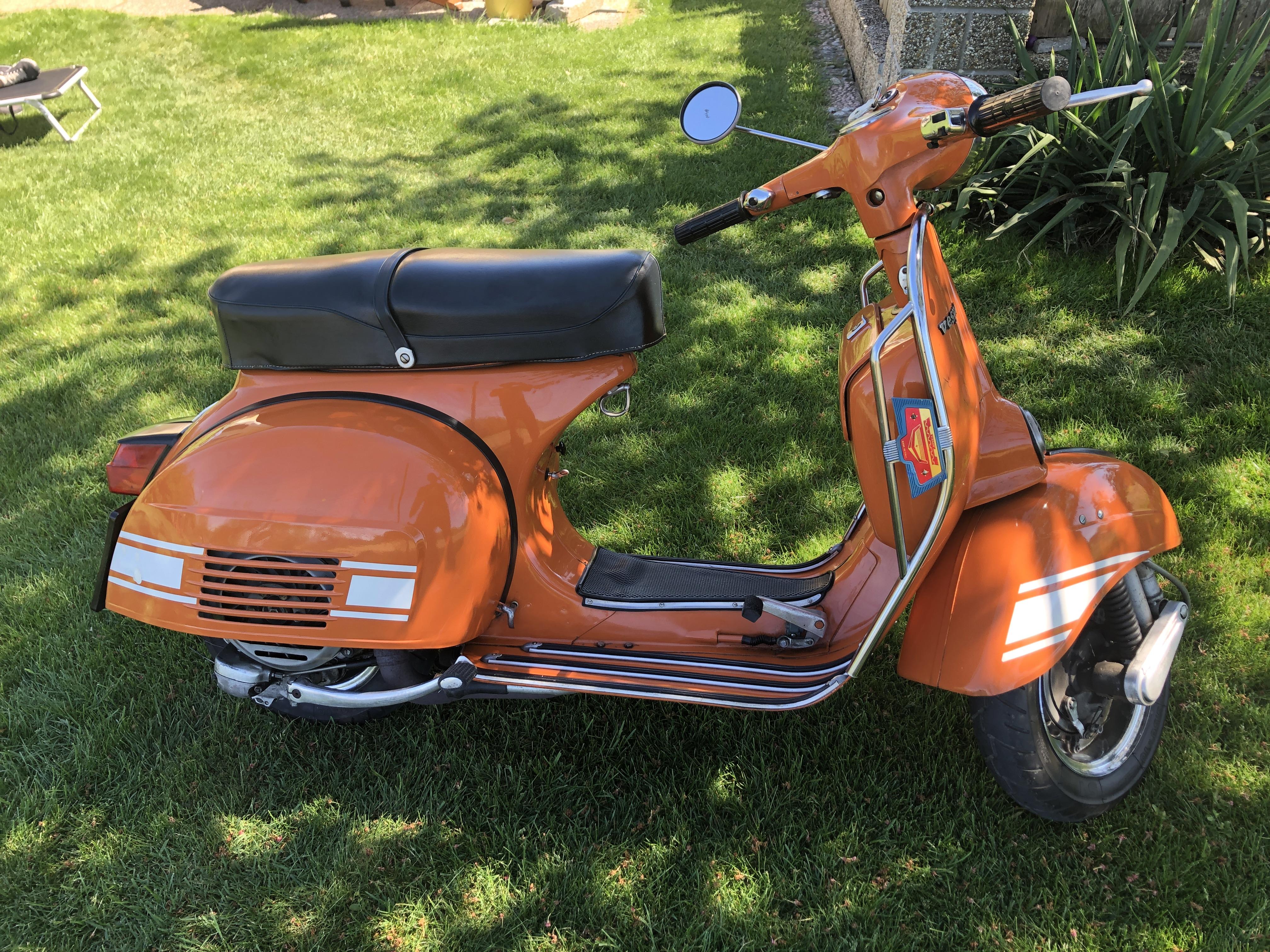
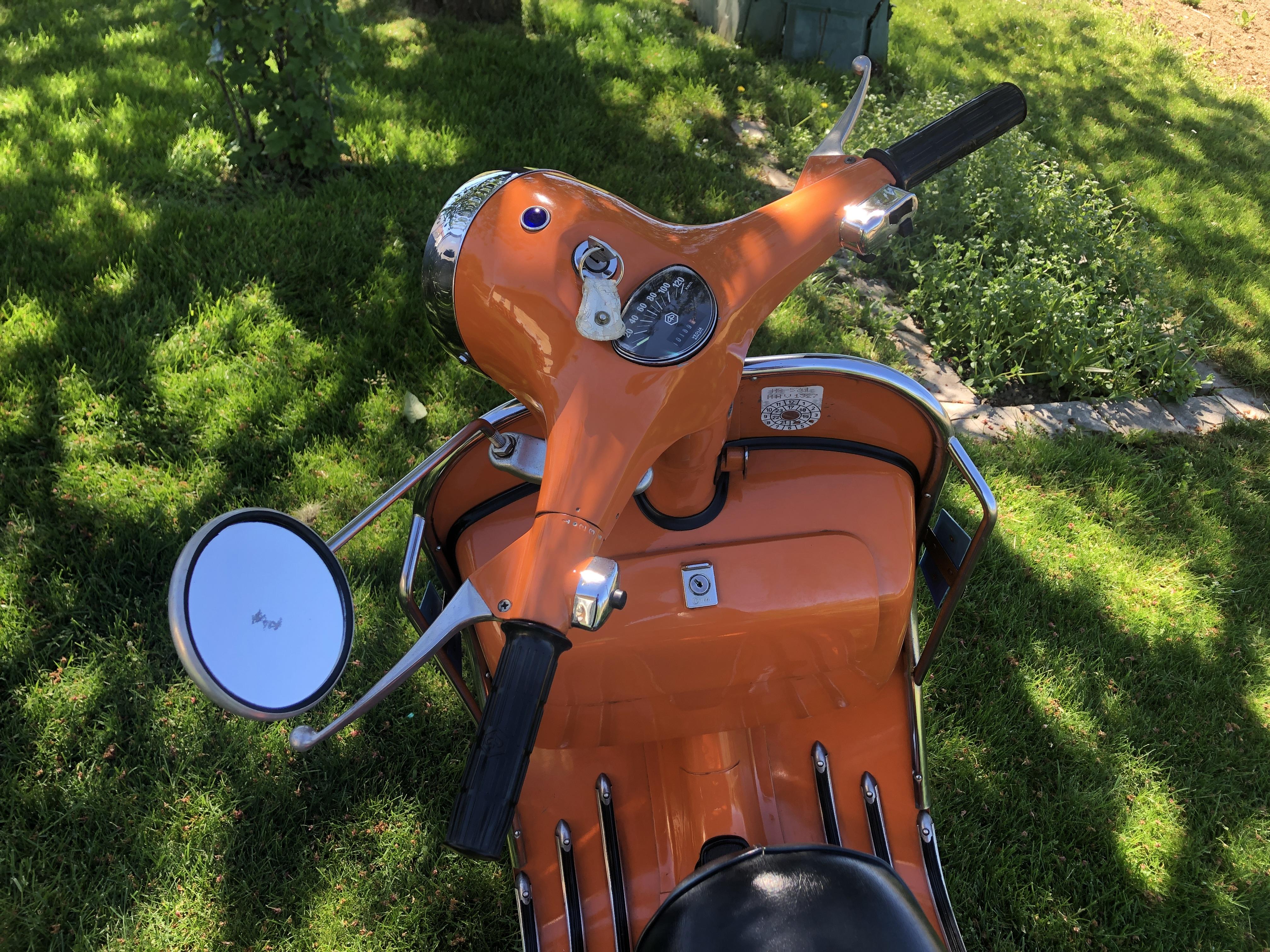
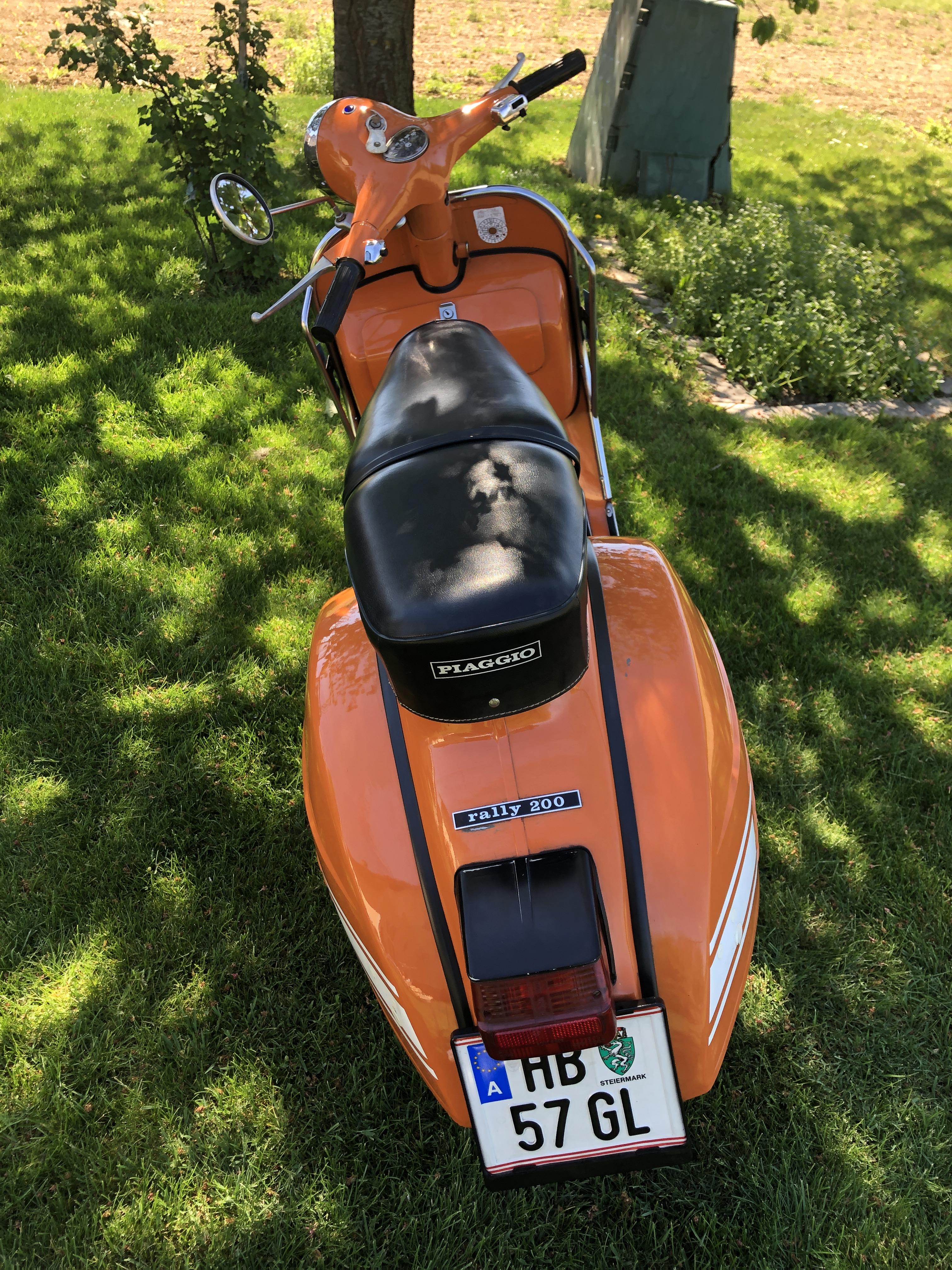
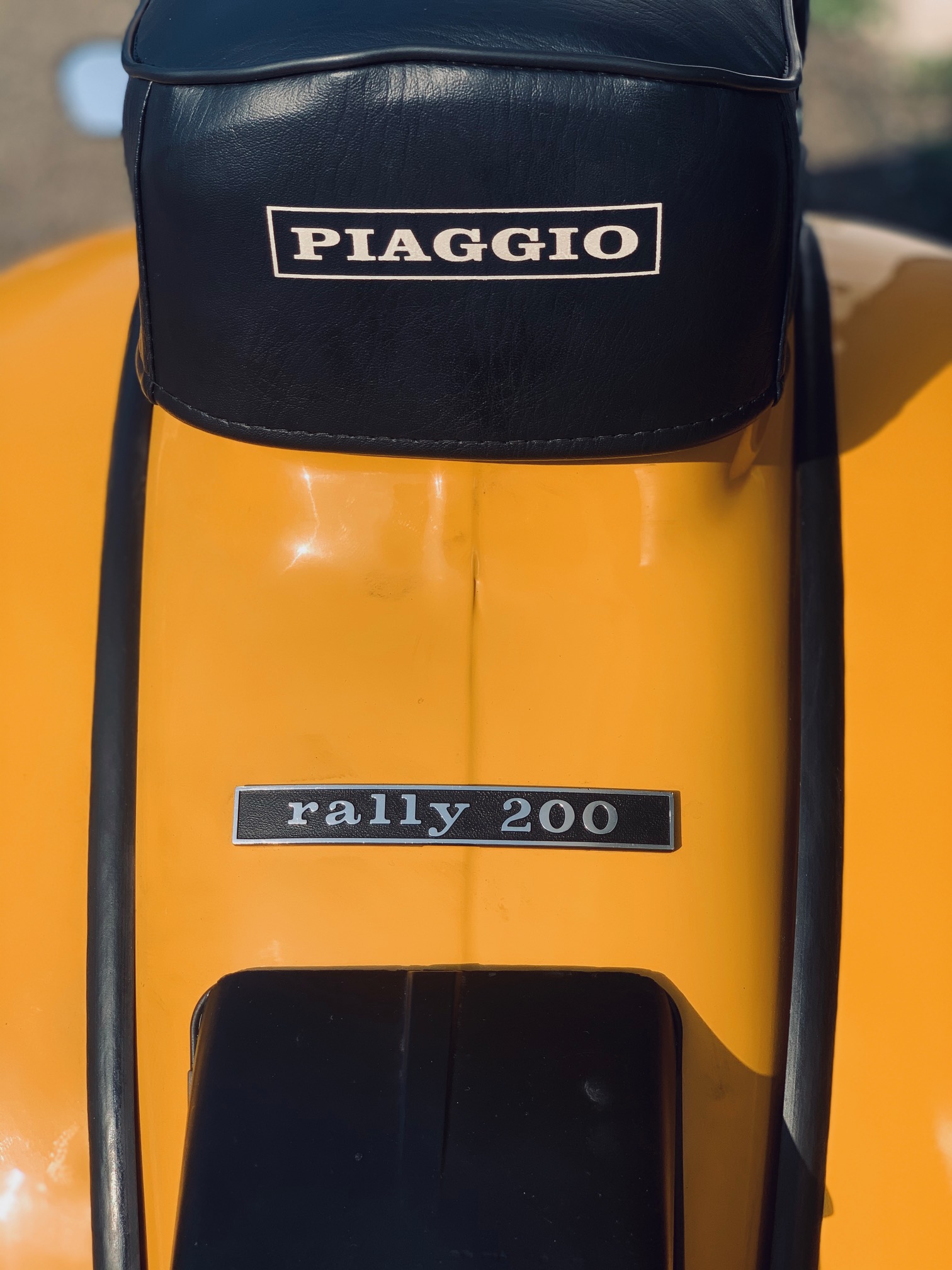
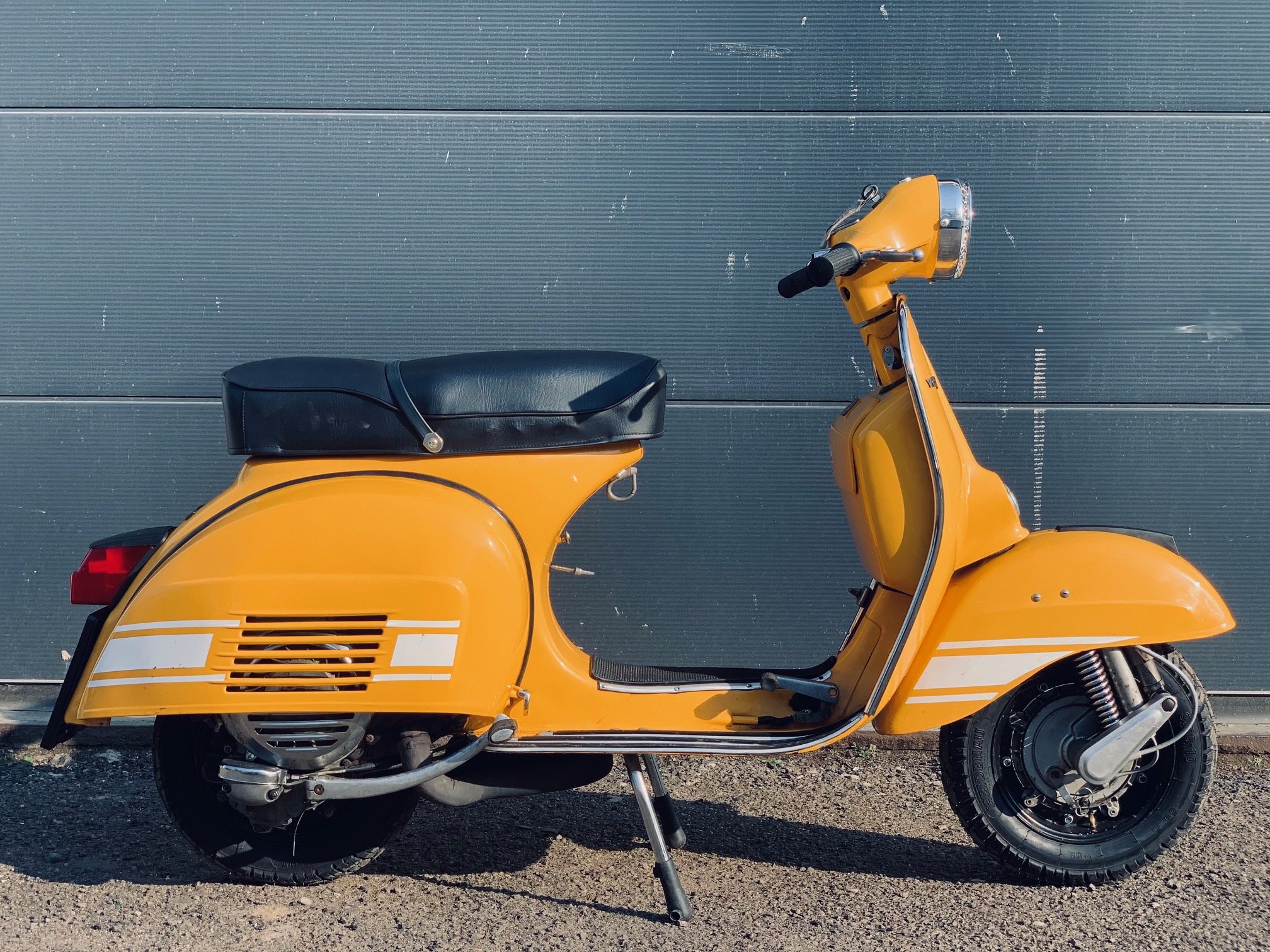
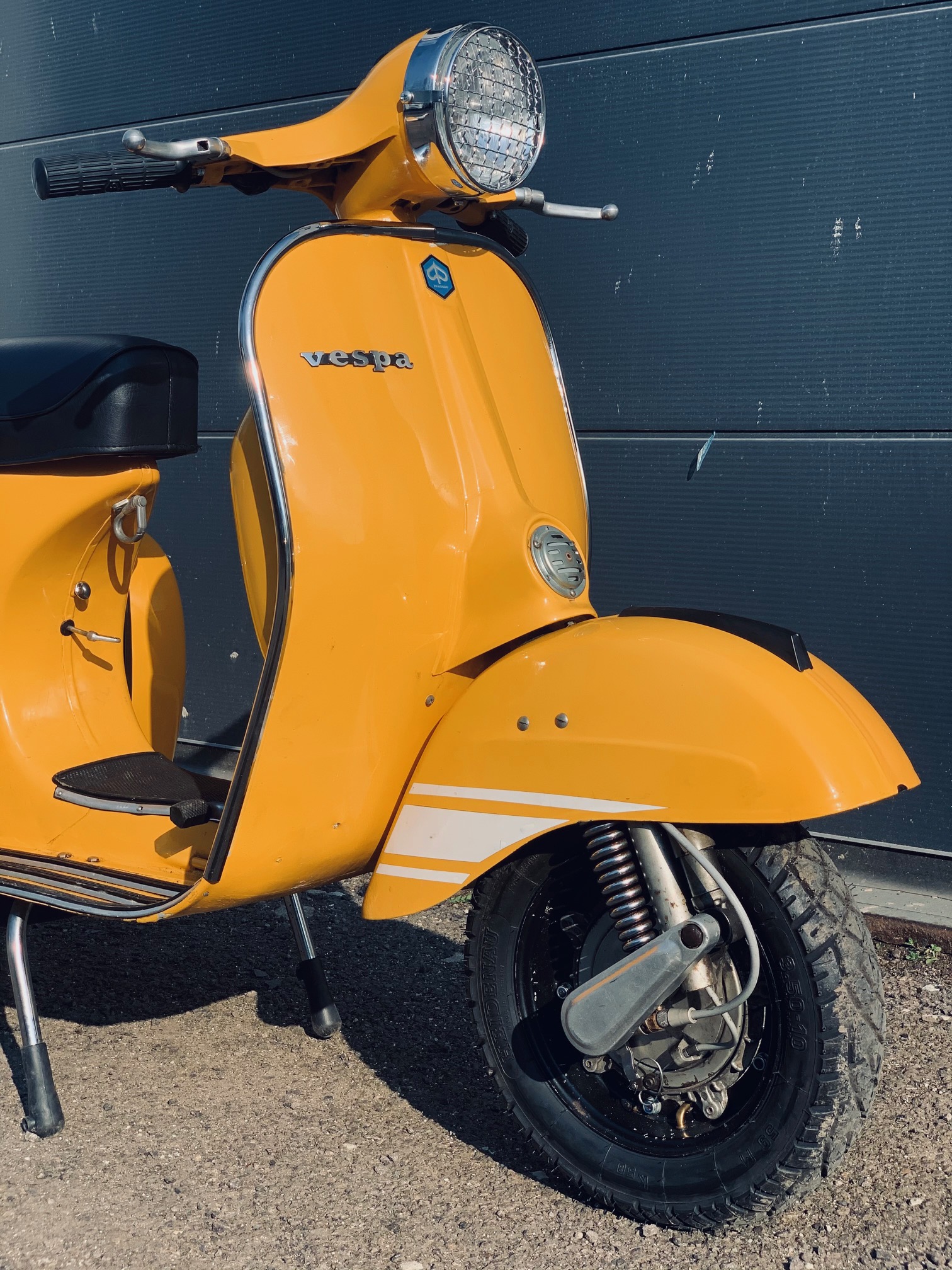
 1 Punkt1 Punkt@cheafbroady Puh.......weiß garnicht wo ich anfangen soll.... Dir gefällt die Patina, warum machst du sie dann weg ? Hab schon einige Trittbretter mit Olack + Patina gerettet. Als allererstes mache ich bei solchen Rahmen immer erstmal das draufgeschweißte Blech weg. Gedoppeltes Blech ist der Tod für das Trittblech. Das wird jetzt erst recht faulen. Das hat sicher ein KFZ-Schweißer aus dem Autobereich gemacht. Die darf man nie eine Vespa schweißen lassen. Hab genau so auch angefangen Autos zu schweißen. Blech drüber und gut. Ich schweiße das heute auf Stoß, nie drüber. Also als erstes runter mit dem Blech. Dann Risse und Rostlöcher zuschweißen. Leider ist schon der Übergang zum Holm und die Außensicke mit Schweißpunkten versaut. Da hast du dir extra Arbeit gemacht und braucht viel Geduld und Dremelarbeit, daß das wieder halbwegs gut und original aussieht. Hättest mal lieber vorher gefragt. Lassen würde ich es so auf garkeinen Fall. Sorry, wenn ich so direkt bin. Sehr schade, bekommt man aber mit viel Mehraufwand wieder hin. Typischer Anfängerfehler1 Punkt1 Punkthier mal ein paar Bilder meiner Rally 200 aus dem Jahr 1975 sie stammt aus England und wurde 2014 neu aufgebaut.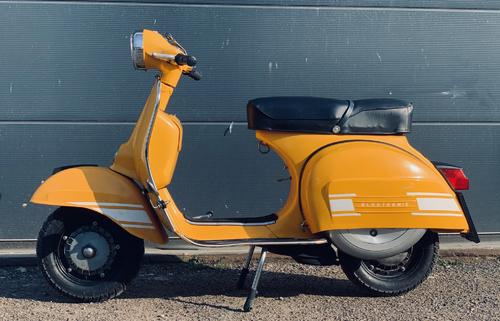
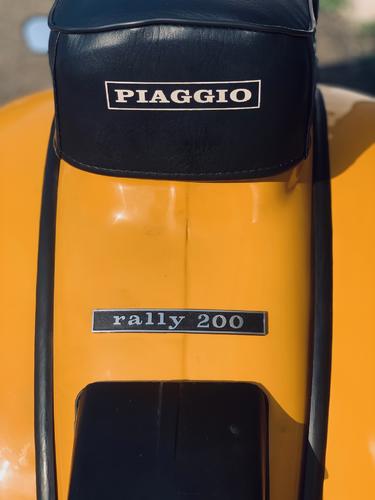
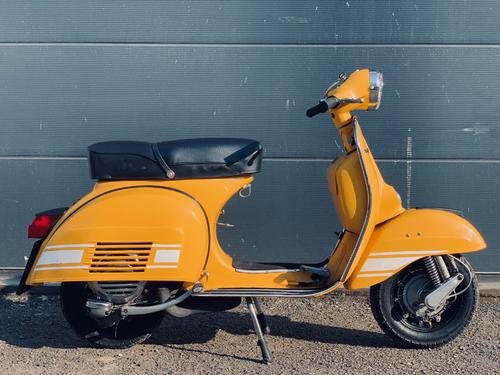
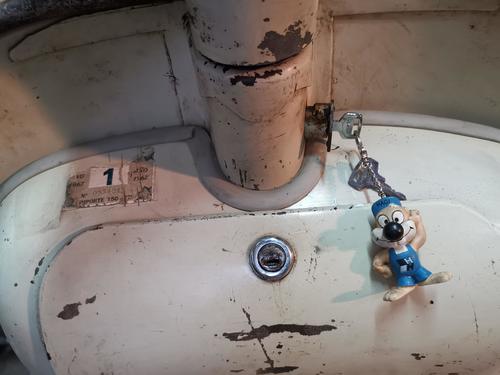
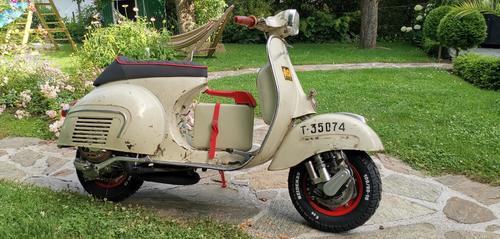
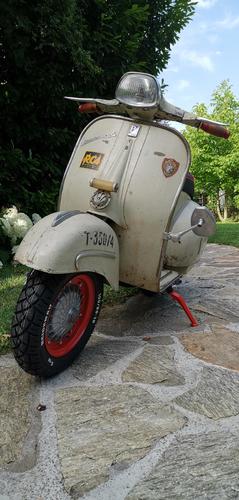
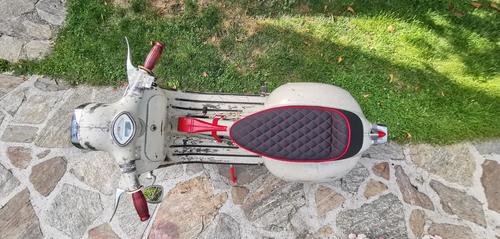
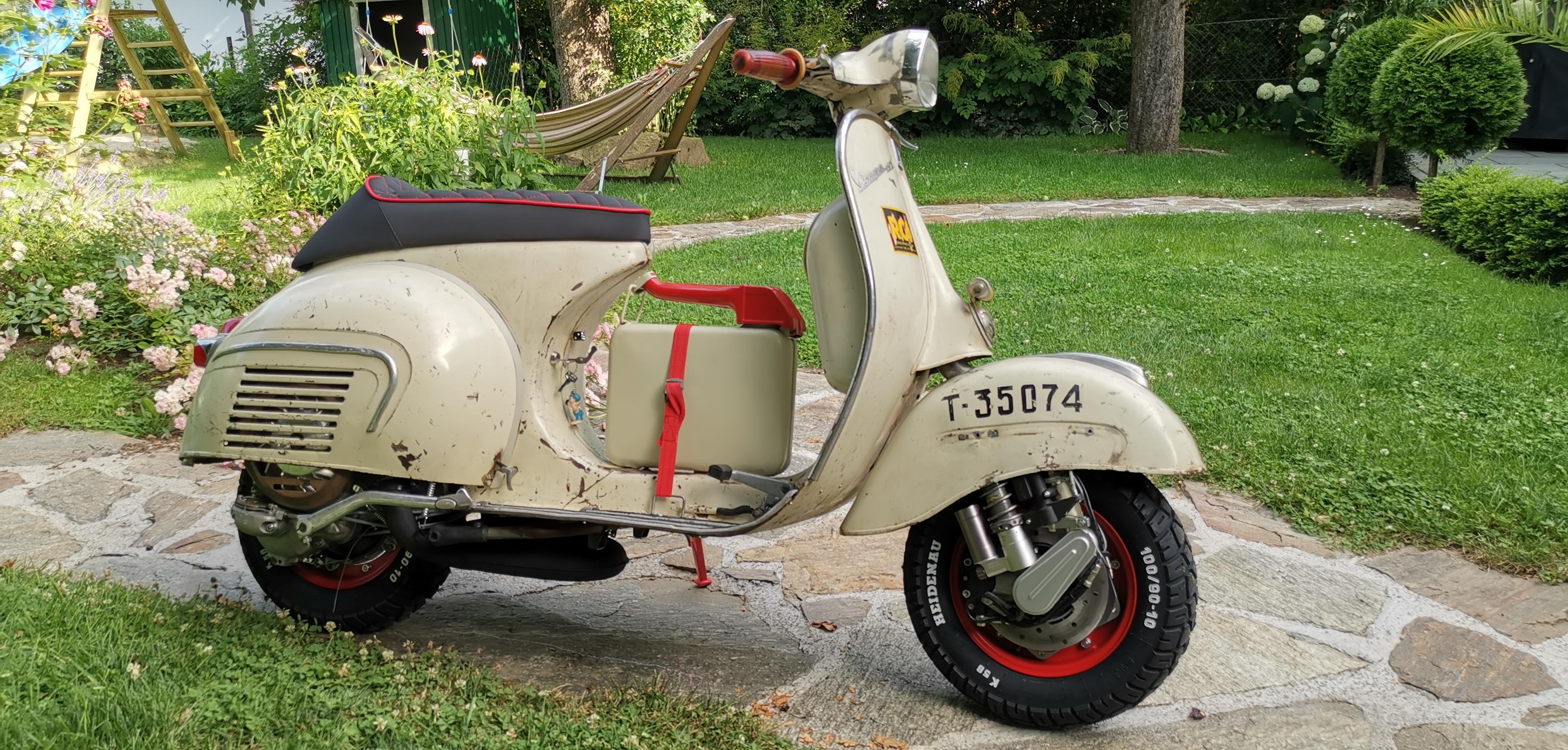
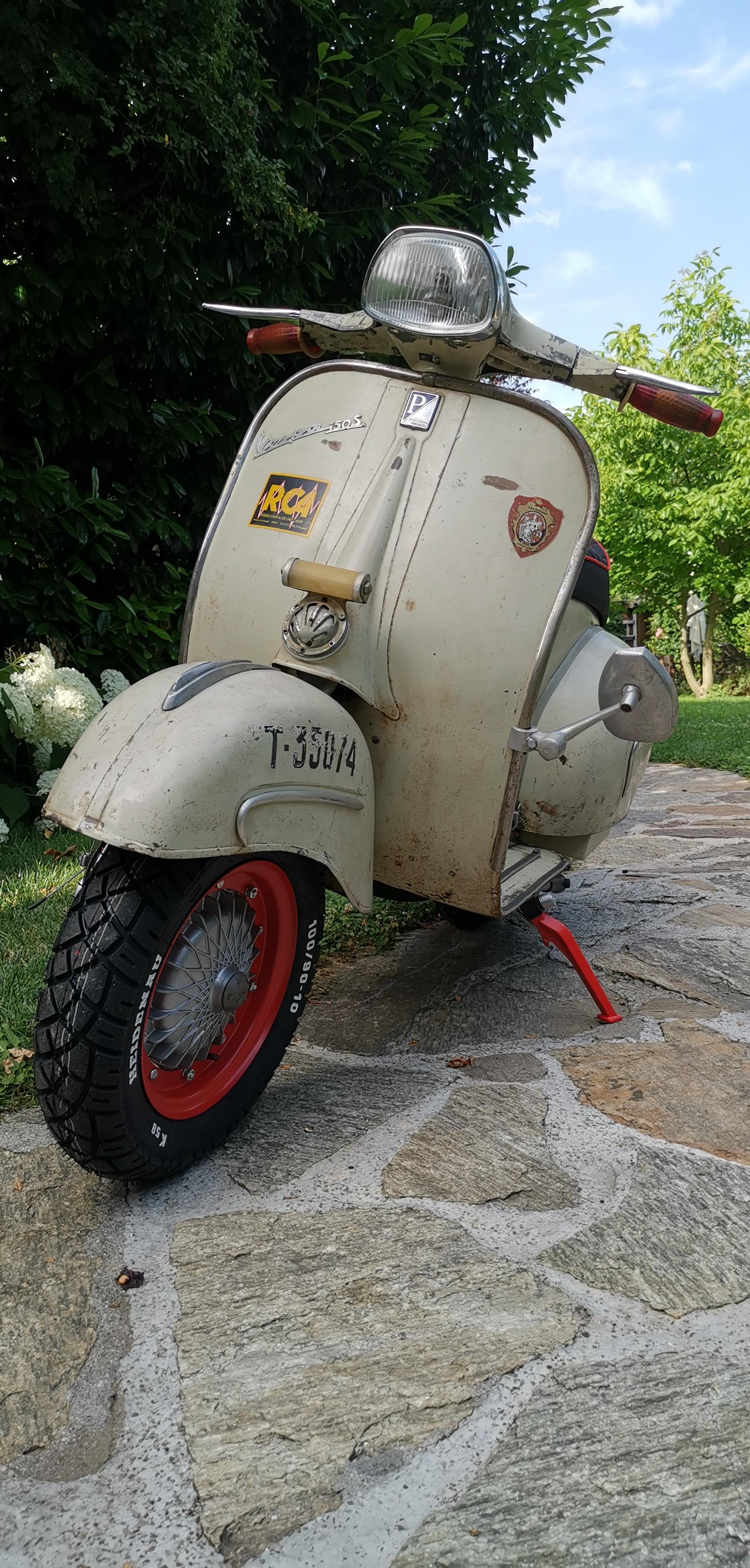
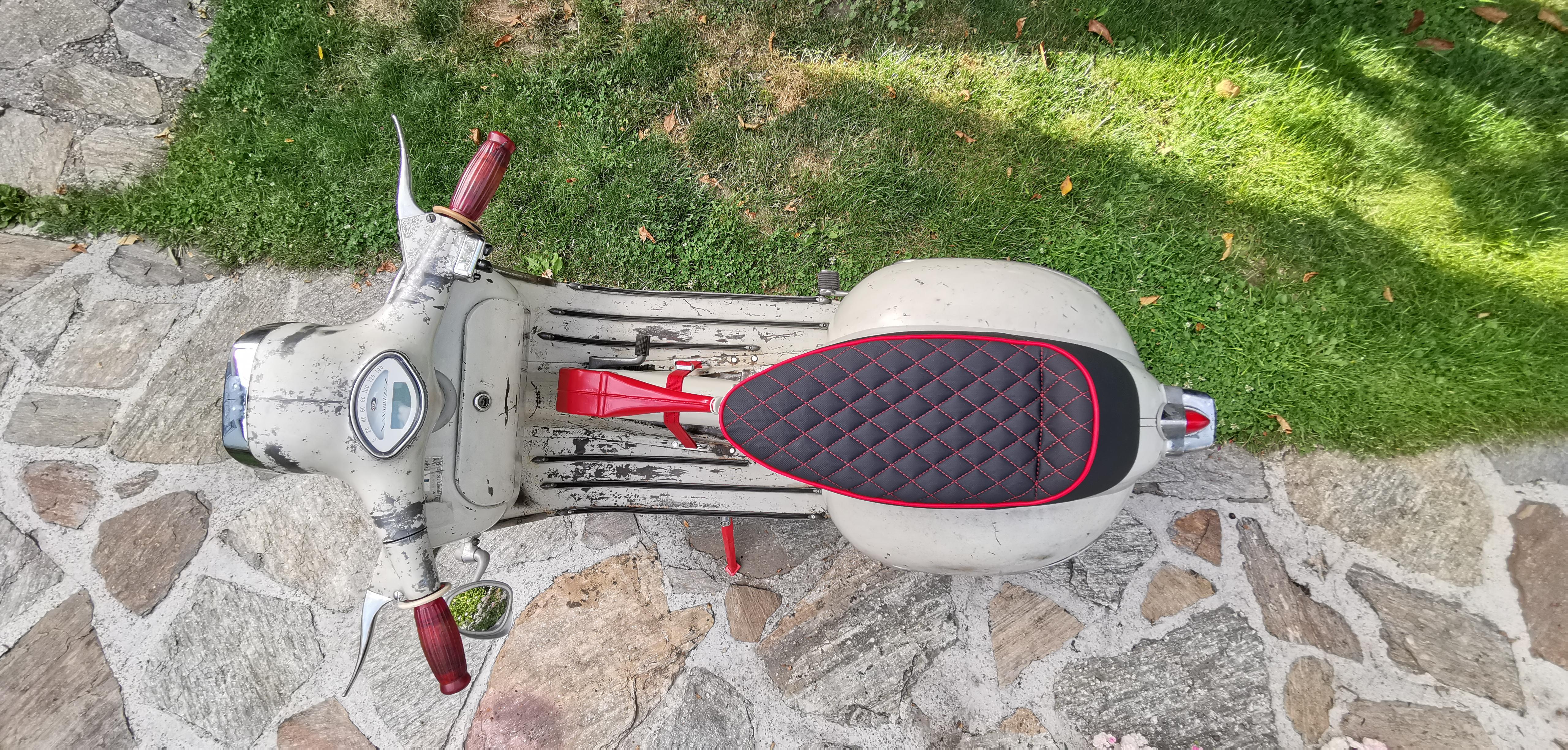
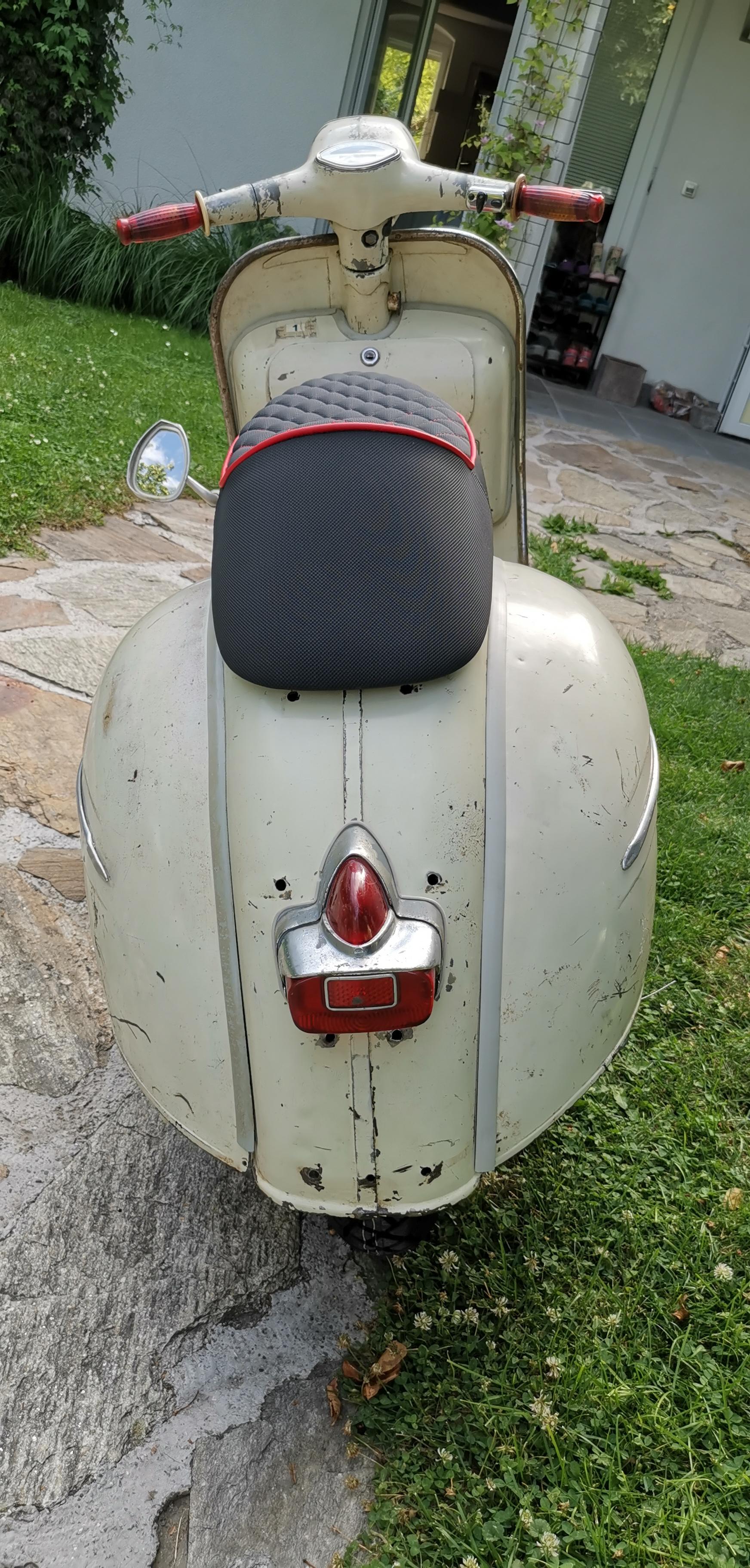
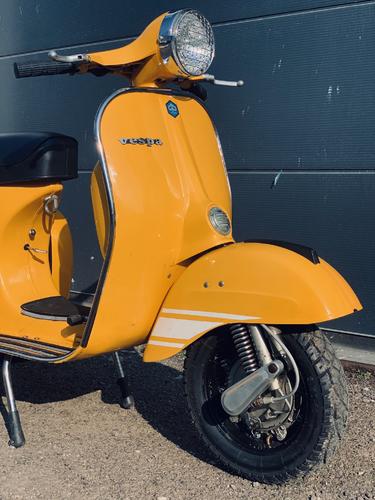 1 PunktHoffe, hier ist die Motovespa richtig, oder doch unter Exoten? Möchte euch auch mein Moped präsentieren : Spanische 150S 2. Serie. Für mich einer der geilsten Roller, alleine wegen der schönen breiten Arschbacken O-Lack, auch die meisten Anbauteile sind original (Ständer, Rücklicht, Trittleisten, Benzinhebel, Griffe, alle Zierleisten, Hupe, Emblem und Schriftzüge, Schloss u. Schlüssel, Kotflügelnippel, uvm.) Im Gegensatz dazu moderne Technik (bei den Amischlitten sagt man aktuell zu sowas wohl Restomod). Und ein paar "Eyecatcher" mit der Farbe Rot als Thema, der "rote Faden" sozuagen PX200 Motor mit 210 Malle Sport, Stoffi 60er DS Welle, 26er Pinasco mit Venturi und Airbox, Road 3.0 Auspuff, SIP VAPE Zündung + 12V Conversion Kabelbaum, BGM Fast flow Benzinhahn, Cosa Sport 2 Kupplung Vorne PK XL Gabel (von roberto umgeschweißt), Grimeca Classic teilhydraulische Scheibenbremse, BGM Dämpfer vorne Zündschloss neben Benzinhahn unterm Sitz, 12V Steckdose zum Navi laden im Handschuhfach Streamline Sitzbank, SIP Digitaltacho, Großes Staufach unter der linken Seitenbacke SIP Felgen "spezial" (selbst rot lackiert) für Breitreifen mit Heidenau K58 100/90-10 Seitenständer SIP 72° (wurde mittlerweile aber nochmals gekürzt) Reservekanister eines VW Käfers im Durchstieg. Eventuell folgt im Winter auf Reservekanister und Seitenbacken noch ein Airbrush/Pinstripe. Schriftzug im 50iger Hotroad Style und Used look. Ist aber noch nicht entschieden, bin mir nicht sicher, ob es dann nicht "too much" ist. Greetz, STANI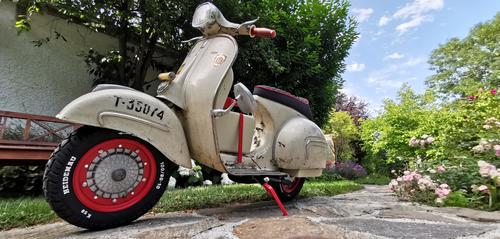
 1 Punkt
Wichtige Information
Diese Website nutzt Cookies und vergleichbare Funktionen zur Verarbeitung von Endgeräteinformationen und personenbezogenen Daten. Die Verarbeitung dient der Einbindung von Inhalten, externen Diensten und Elementen Dritter. Je nach Funktion werden dabei Daten an Dritte weitergegeben. Einige dieser Verfahren sind technisch unerlässlich, andere kommen nur mit Ihrer Zustimmung zum Einsatz, eine Anpassung ist in den die Cookie-Einstellungen möglich. Für Details siehe die Datenschutzerklärung










































Account
Navigation
Suche
Configure browser push notifications
Chrome (Android)
- Tap the lock icon next to the address bar.
- Tap Permissions → Notifications.
- Adjust your preference.
Chrome (Desktop)
- Click the padlock icon in the address bar.
- Select Site settings.
- Find Notifications and adjust your preference.
Safari (iOS 16.4+)
- Ensure the site is installed via Add to Home Screen.
- Open Settings App → Notifications.
- Find your app name and adjust your preference.
Safari (macOS)
- Go to Safari → Preferences.
- Click the Websites tab.
- Select Notifications in the sidebar.
- Find this website and adjust your preference.
Edge (Android)
- Tap the lock icon next to the address bar.
- Tap Permissions.
- Find Notifications and adjust your preference.
Edge (Desktop)
- Click the padlock icon in the address bar.
- Click Permissions for this site.
- Find Notifications and adjust your preference.
Firefox (Android)
- Go to Settings → Site permissions.
- Tap Notifications.
- Find this site in the list and adjust your preference.
Firefox (Desktop)
- Open Firefox Settings.
- Search for Notifications.
- Find this site in the list and adjust your preference.