
Rangliste
-
PXCop
GSF Support8Punkte1.179Gesamte Inhalte -
floryam
Members7Punkte6.080Gesamte Inhalte -
vespa-joe
Members6Punkte1.002Gesamte Inhalte -
Primavera-Opa
Members6Punkte910Gesamte Inhalte

Beliebte Inhalte
Inhalte mit der höchsten Reputation am 19.06.2024 in Beiträge anzeigen
-
schon witzig, wie sich über einen für Tüv Abnahmen jährlich durch Ammerschläger kalibrierten P4 ausgelassen wird und Kurven von Sausage Scooters dagegen anscheinend für bare Münze genommen werden weitermachen8 Punkte
-
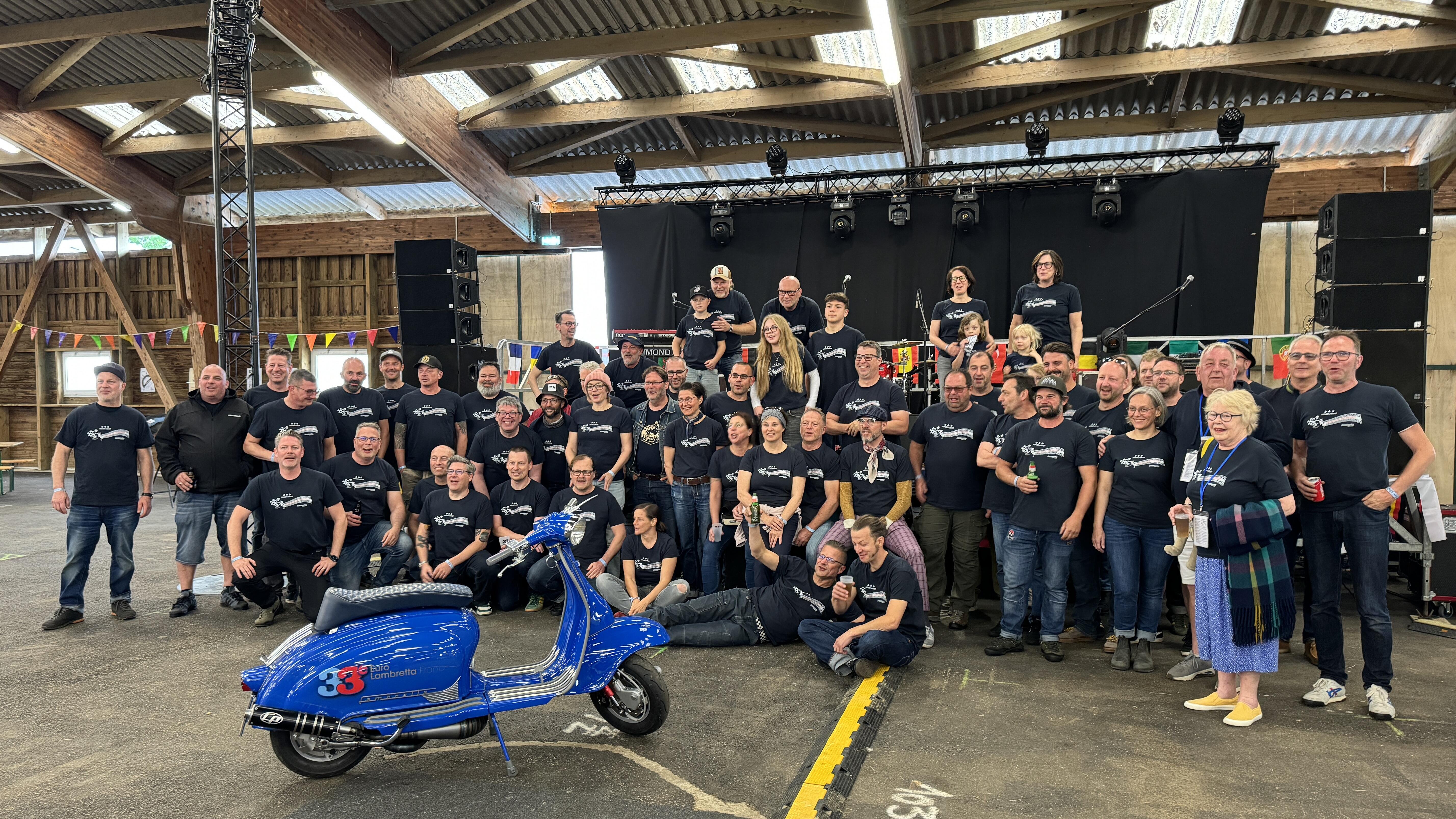
Hier die Vorankündigung aus Schottland: The Lambretta Club of Scotland would like to invite our Lambretta friends from around the world to celebrate the 34th Euro Lambretta in the land of Robert Burns, of Robert the Bruce, of a Viking Capital and of amazing castles. We therefore invite you to: AYR RACECOURSE Whitletts Road, Ayr, KA8 0JE JUNE 26th - JUNE 29th 2025 Ayr is situated on the West Coast of Scotland and is a popular seaside resort with lots of hotels and Bed & Breakfast accommodation. We will of course have a campsite and we are planning to have the popular option of Glamping tents available. The campsite will be open from 12 noon on Thursday 26th June and will close at 12 noon on Sunday 29th June. There will be ride outs on Friday and Saturday visiting some of the sites mentioned above. Concourse de elegance on Saturday. Dealer village and scooter repair facilities available too. More information and a detailed programme will be made available once all our plans are in place around the end of the year. We thank you for your patience until all arrangements can be advised.5 Punkte
-
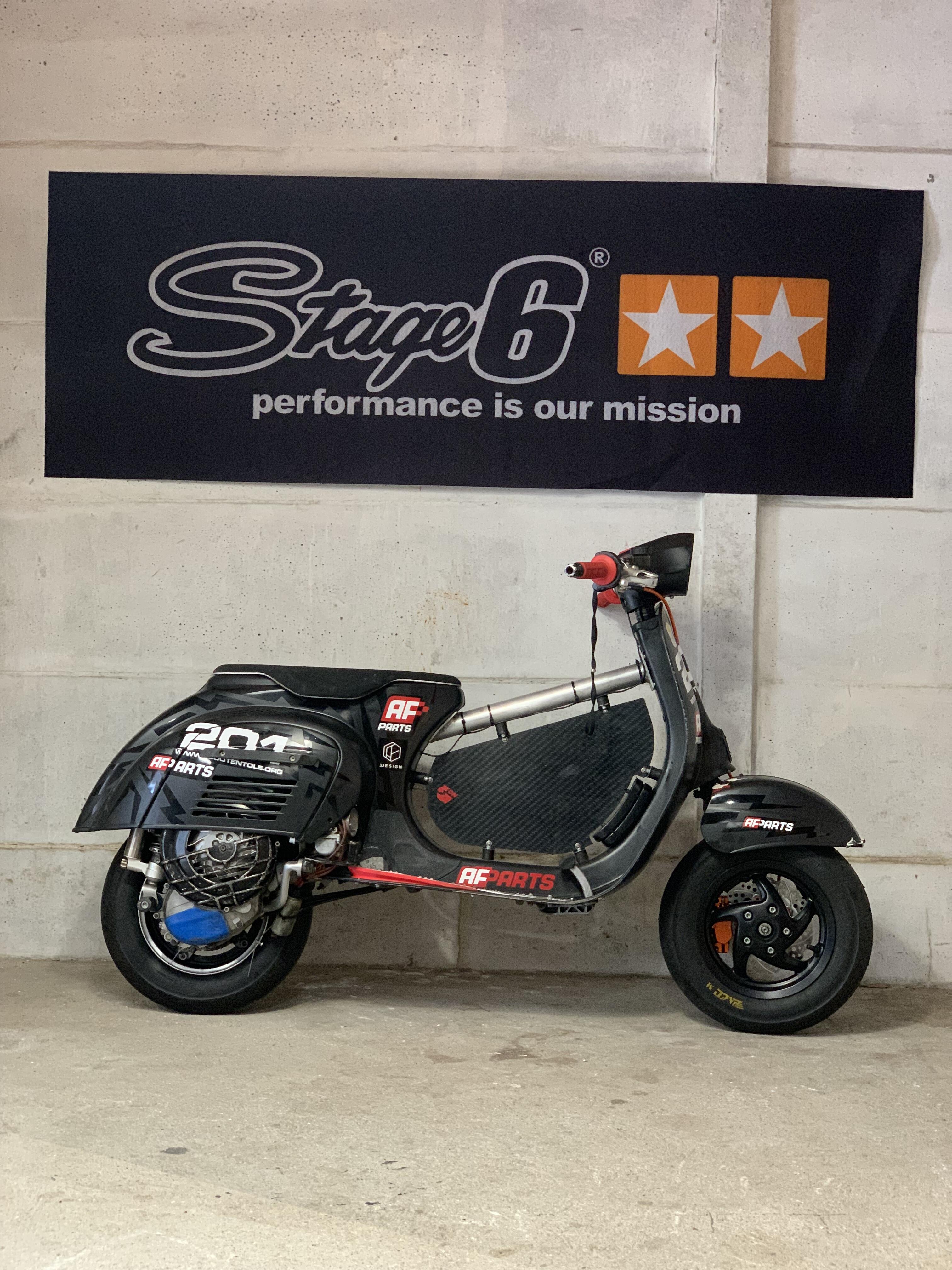
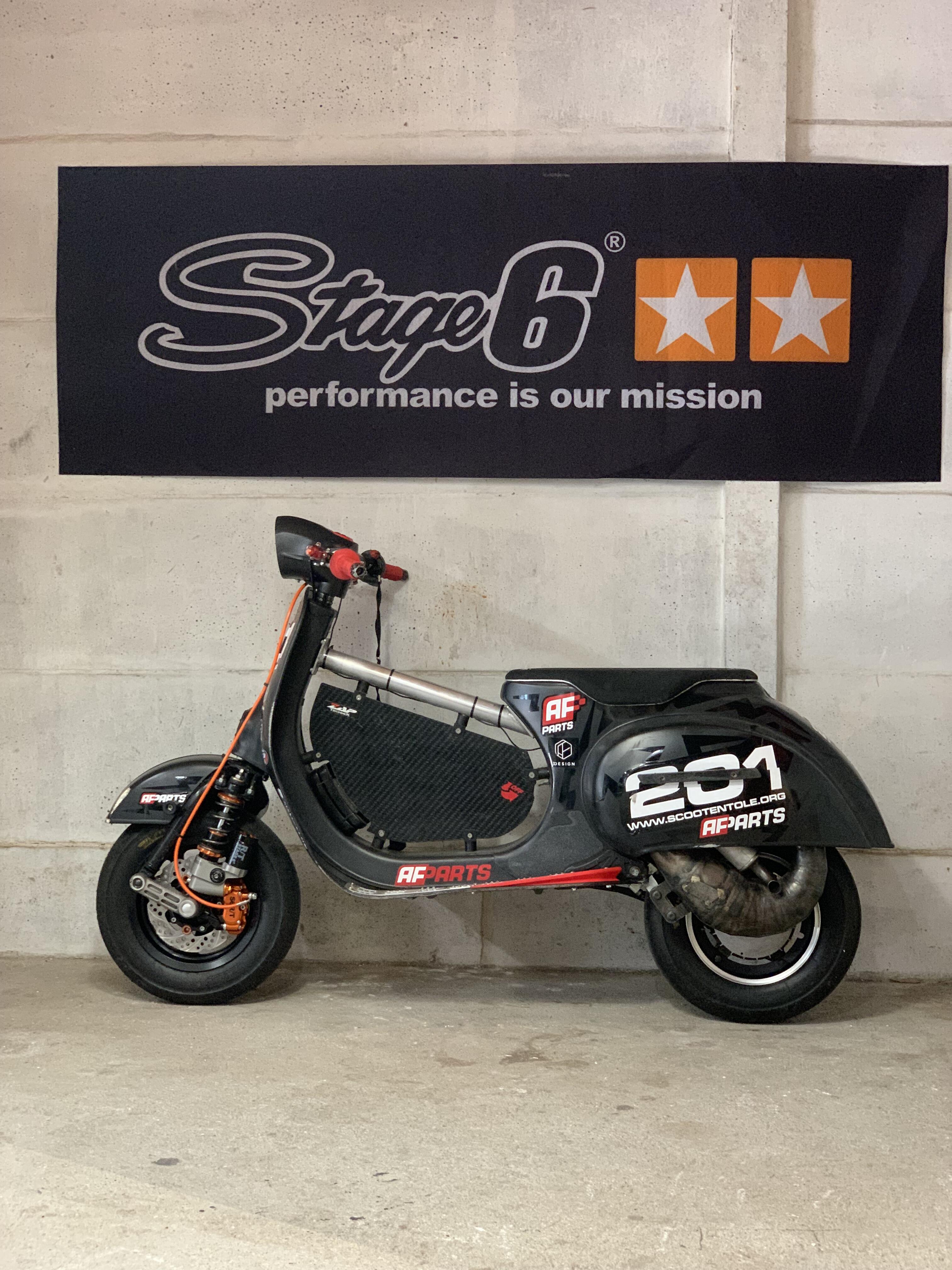
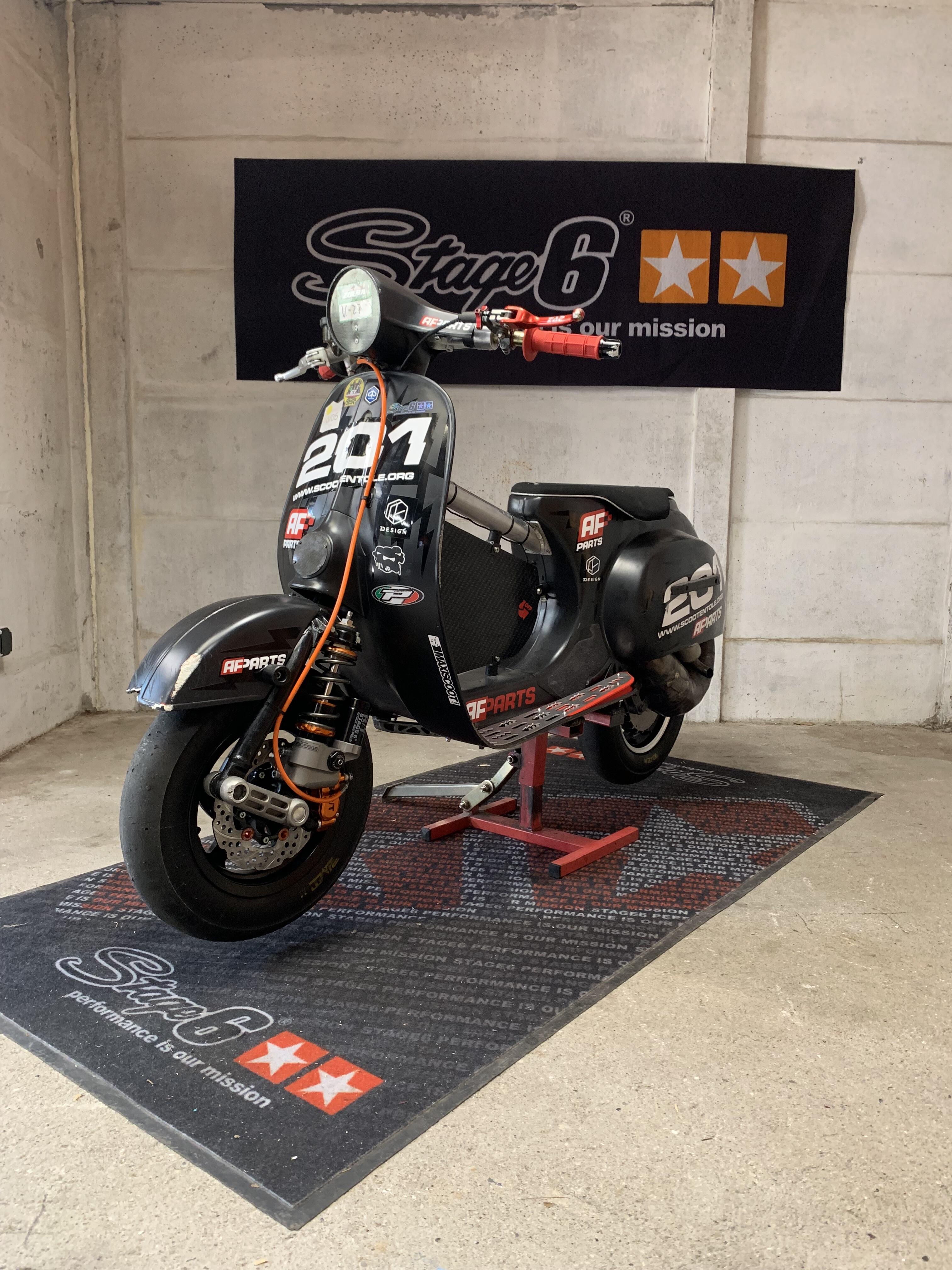
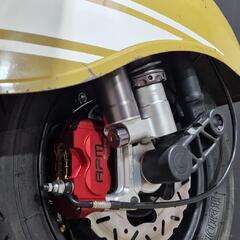
5 PunkteHere a post for my racing K2 to share my tunings and collect your enthusiastics advices. Setup: V5 frame with SS shield W-force 58/105 in 58x54 setup pre-owned by Torsten Timings 127/192 Casings SIP EVO Crankshaft dead BGM 54/105 Keihin 35 AS Extra short CNC intake with integrated stuffer FAIO eco christmas tree with short 3 / 4, long 1 Primary FAIO on needles Hartz clutch Caliper carrier AFparts race v1 proto Caliper Stage6 MK2 with Ceramic pads Zip SP1 fork with Stage6 shock Magura 195 11mm master cylinder
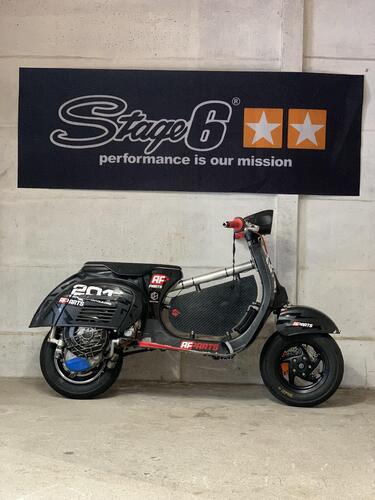
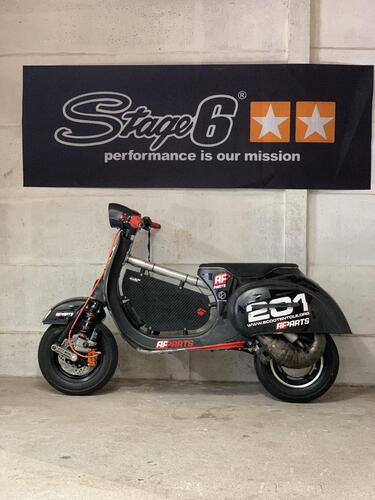
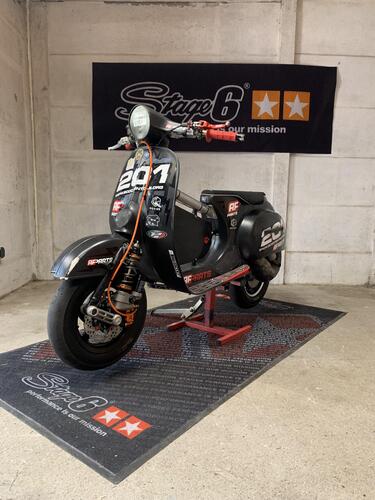 5 Punkte
 -
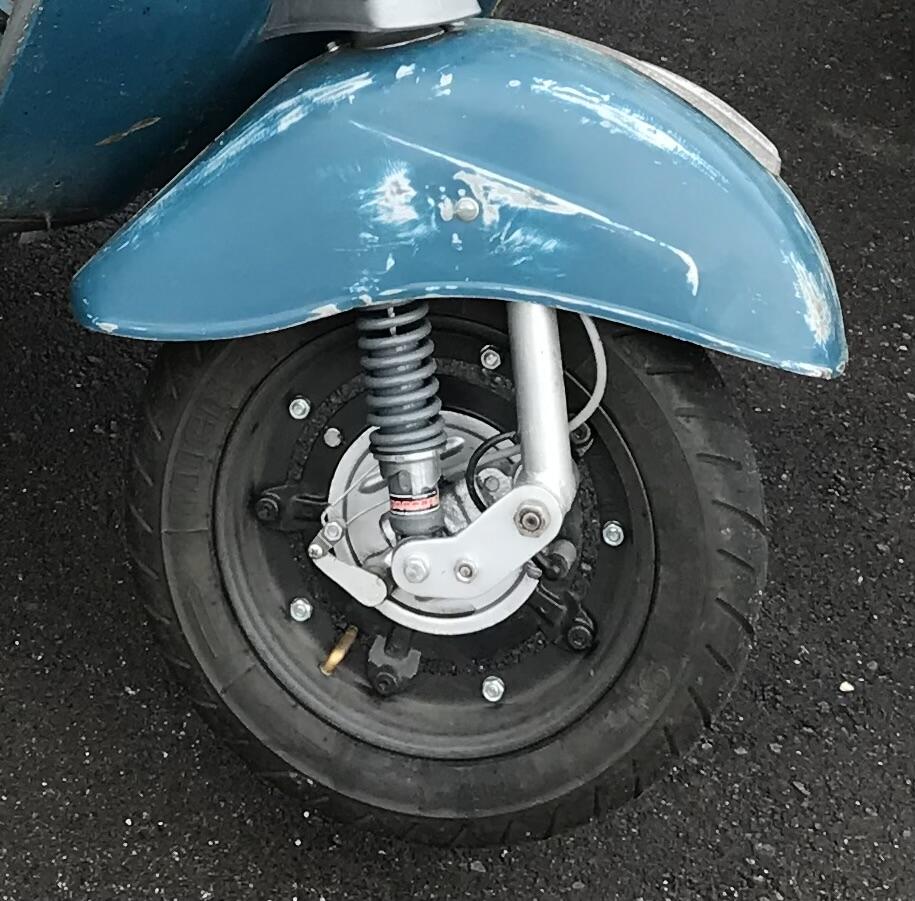
5 PunkteWenn man die Stoßdämpferaufnahme etwas modifiziert, dann ist der Dämpfer auch gerade und die Dämpfungskräfte werden genau in Richtung Lenkrohr geleitet. Die Kolbenstange wird dadurch auch von radialen Kräften befreit. Das bedingt aber Schweißarbeiten an der Gabel.
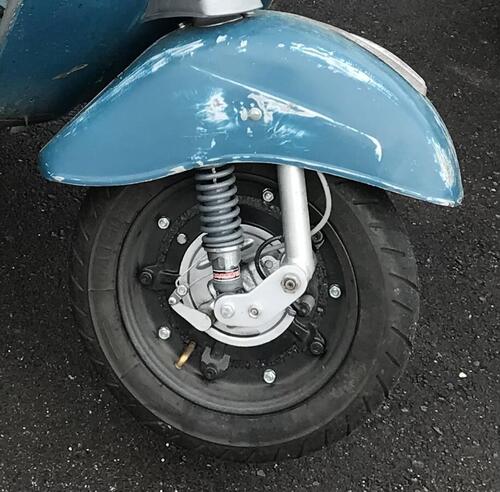 5 Punkte
 -
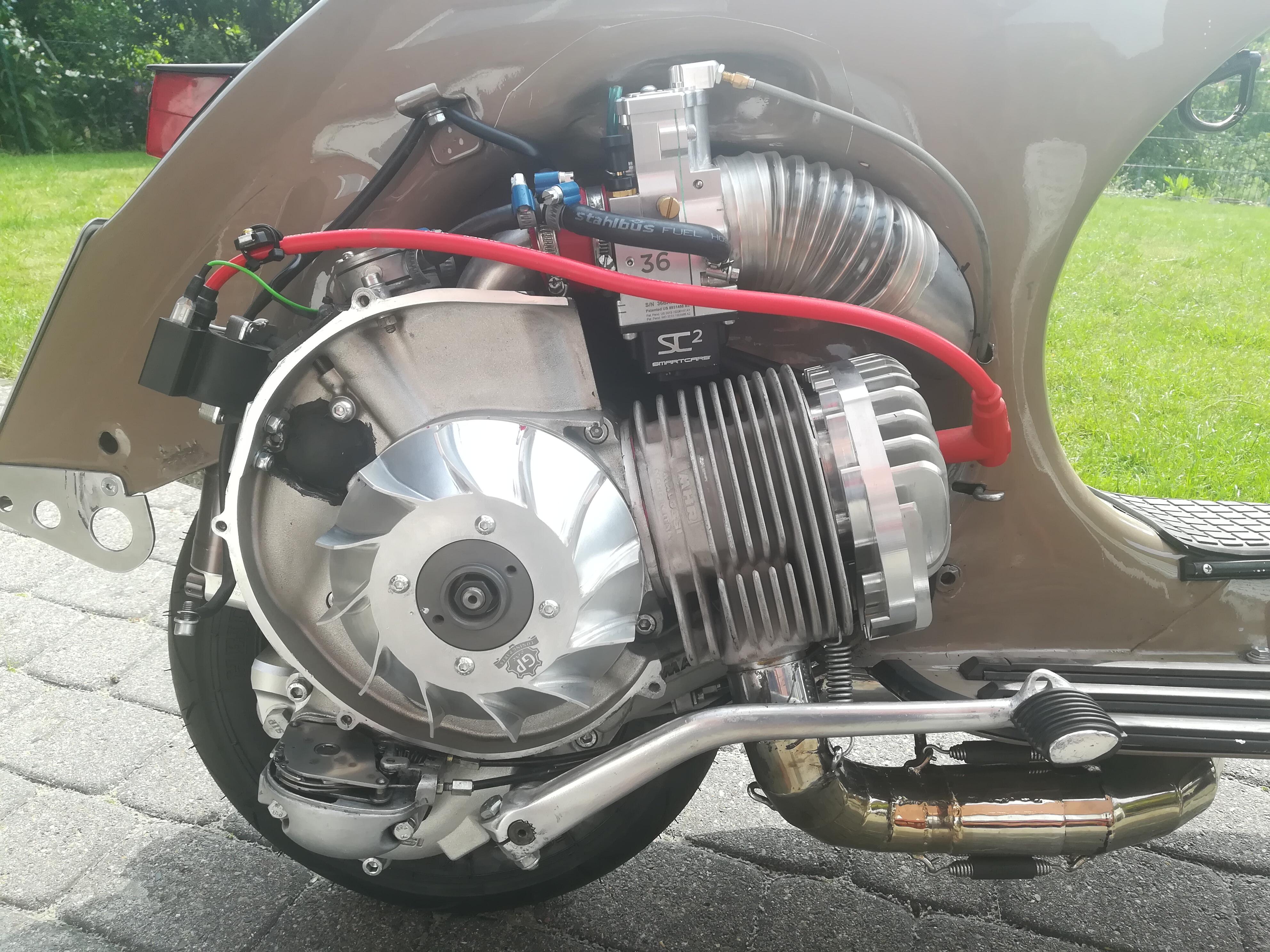
Danke für die Blumen… Ich versuche bei meinen Beiträgen über meine Motoren möglichst transparent darzustellen, was ich wo, wie usw. gemacht habe, damit wenn einer einen Vergleich anstellen möchte auch Äpfel mit Äpfel und Birnen mit Birnen verglichen werden können. Bin da her auch über gegangen bei meinen Diagrammen eine Kurve mit Schlauch/Vergaserwannendeckel (eben so wie ich das auf der Straße bewege) und ein ohne Deckel zu zeigen, Papier ist eben geduldig und es läßt sich nicht schneller und einfacher bei einem DS Motor mit Si Leistung generieren, in dem ich den Schlauch oder Deckel entferne… Bei einem Potenten Motor sind das eben gleich mal 1,5-2 Ps wenn sonst am Rahmen nichts modifiziert wurde. Kommt natürlich immer darauf an wofür der Motor gebaut wurde… Straße oder Prüfstand… Aber auch ich bin der Meinung dass mit Standartprodukten die ohne Bearbeitung von Motorblock, Zylinder, Zylinderkopf und Kurbelwelle…also wirklich pnp so wie sie sind aus der Schachtel zusammen gesteckt werden im Bereich bis 62 Hub und auf Drehschieber momentan der Bereich um 28Ps das höchste der Gefühle darstellt und die meisten Sachen werden PnP die 28Ps nicht erreichen. Ich gehe da jetzt natürlich von meiner Vorstellung eines Straßensetups aus… also auf SI, mit kompletter Vergaserwanne und Schlauch zum Rahmen. Was ohne den ganzen Schnickschnack auf dem Papier/Diagramm steht ist natürlich was anderes, interessiert mich persönlich aber nur Sekundär, ist sinnvoll um die Luftzufuhr zu optimieren, aber eben schon ein großer Unterschied wenn die Angabe fehlt wie das Diagramm zu Stande gekommen ist. Man darf aber auch nicht vergessen dass ich bei meinem Motor eine auf 64 Hub umgebaute Ds Welle fahre. Und ich glaube da bin ich einer der ganz wenigen, wenn nicht der einzige auf Drehschieber… zumindest momentan noch… Weiß aber von drei DS Projekten die demnächst auch auf 64 Hub laufen werden.4 Punkte
-
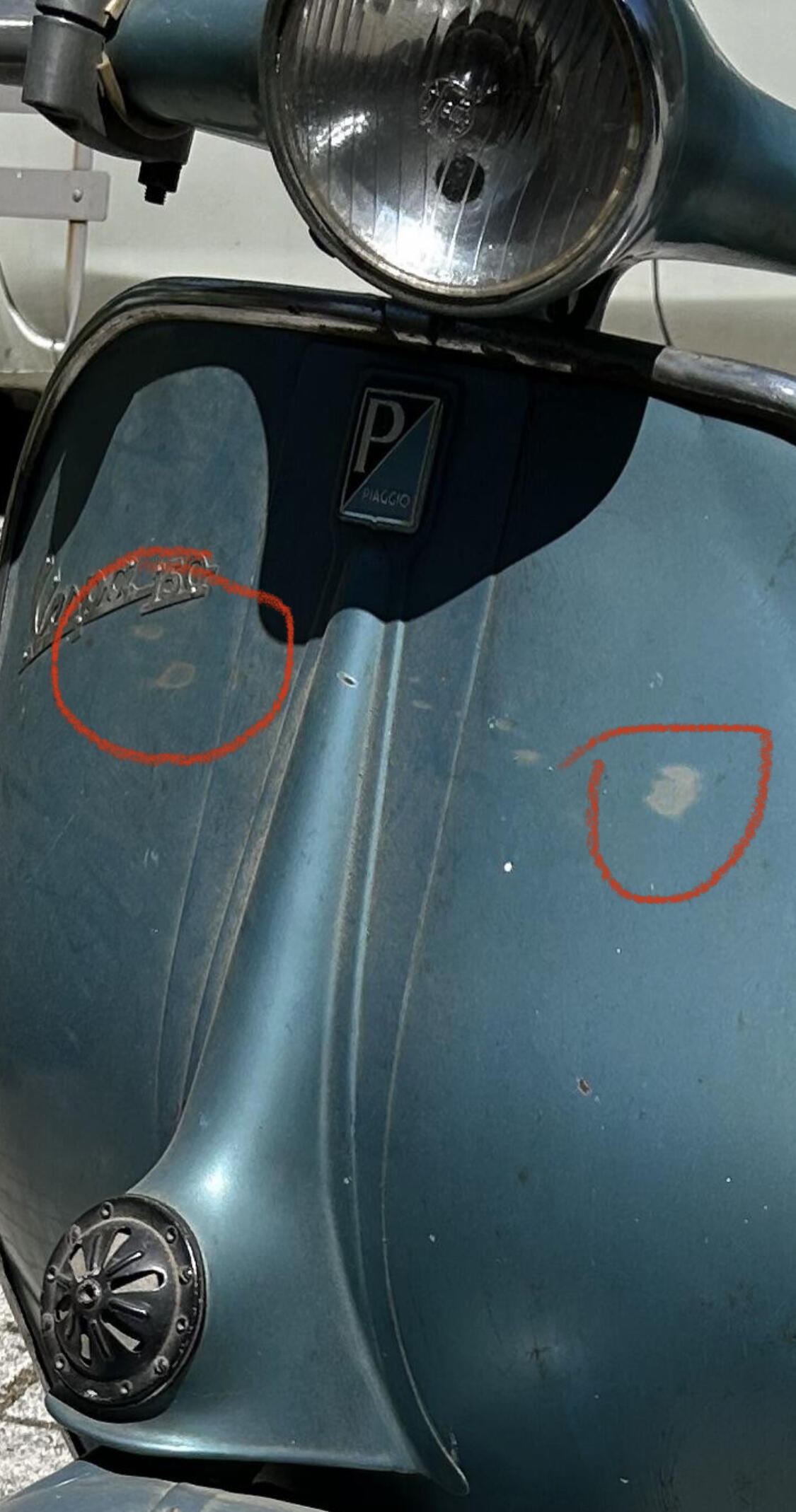
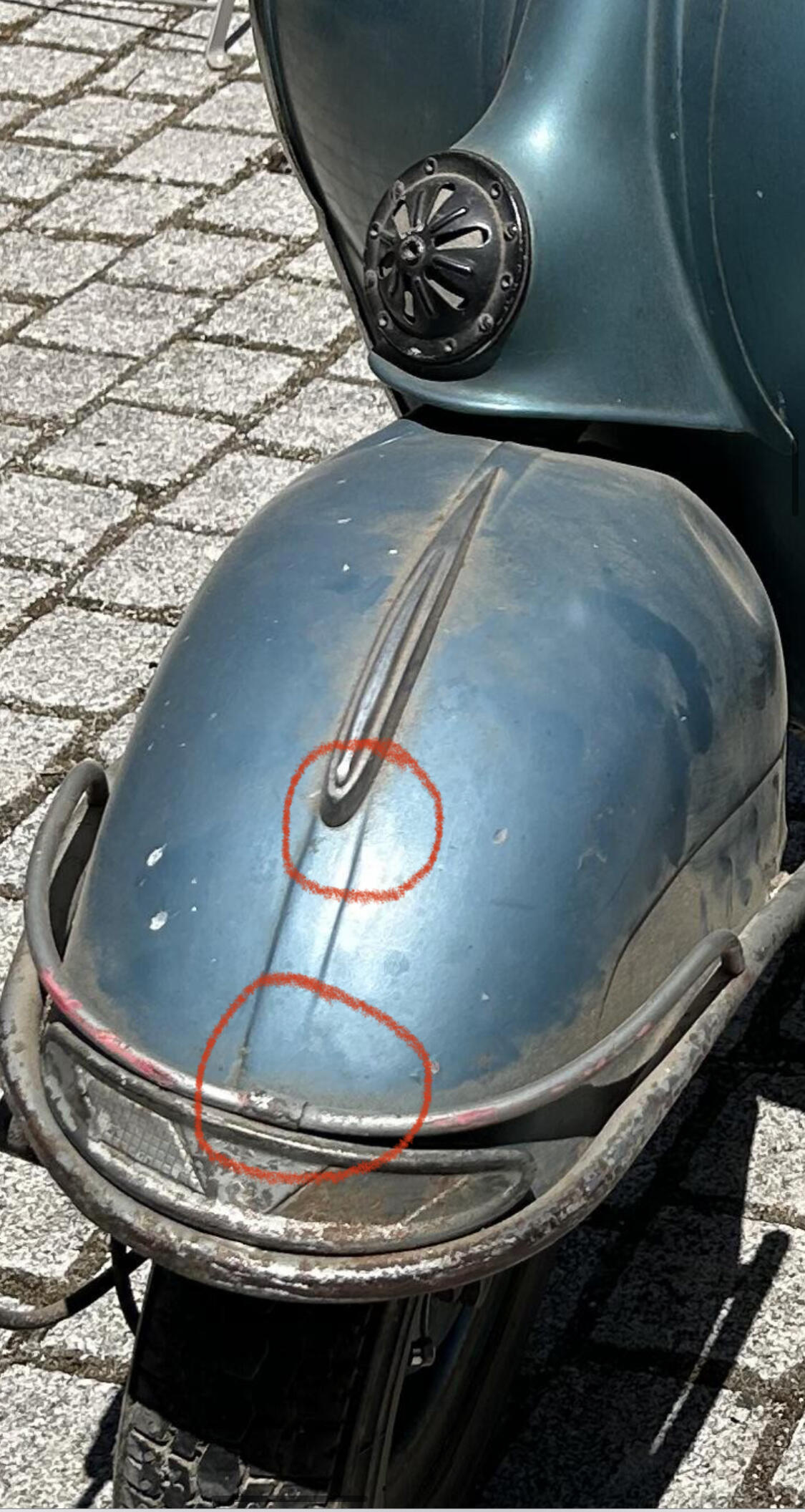
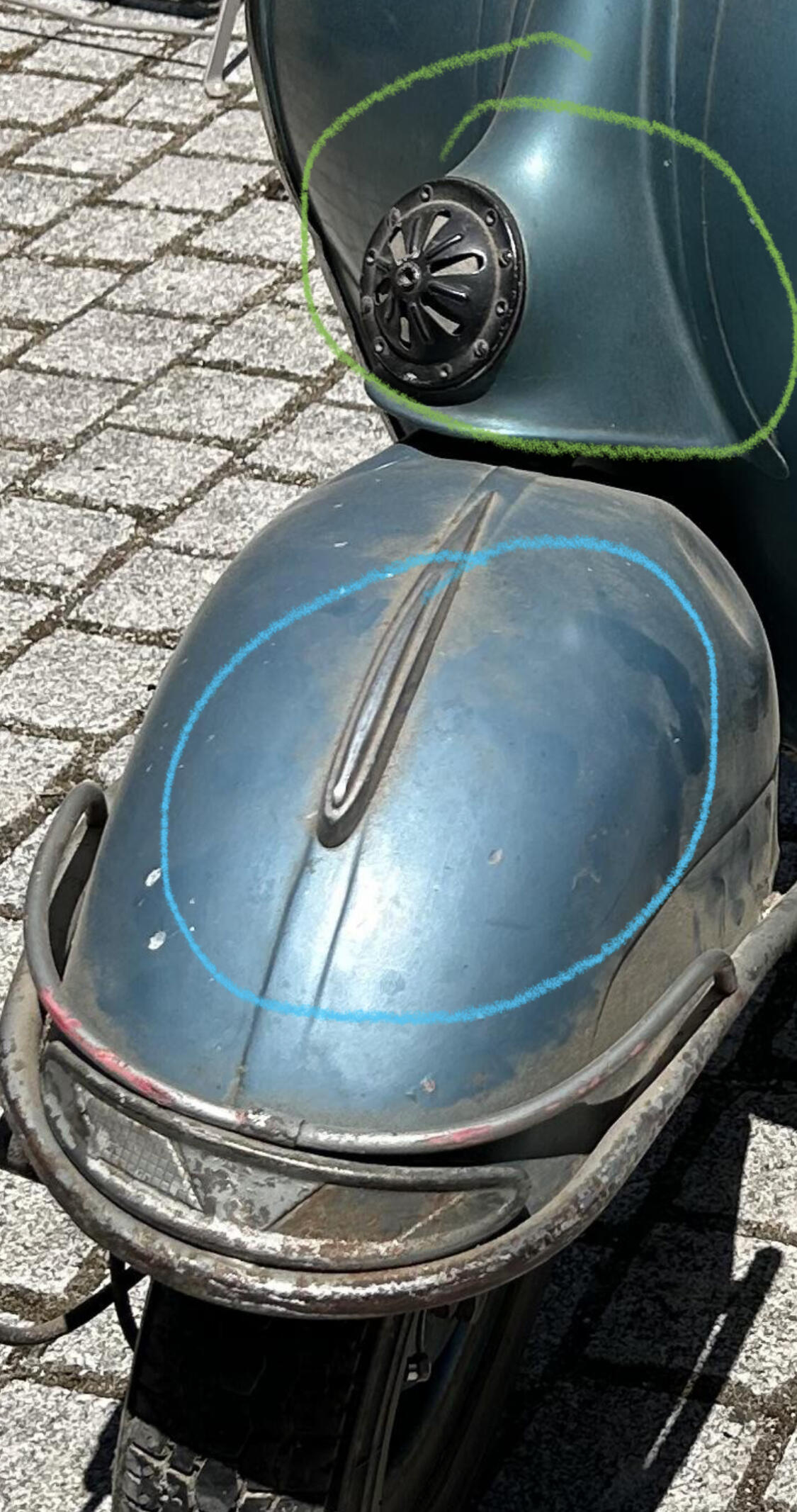
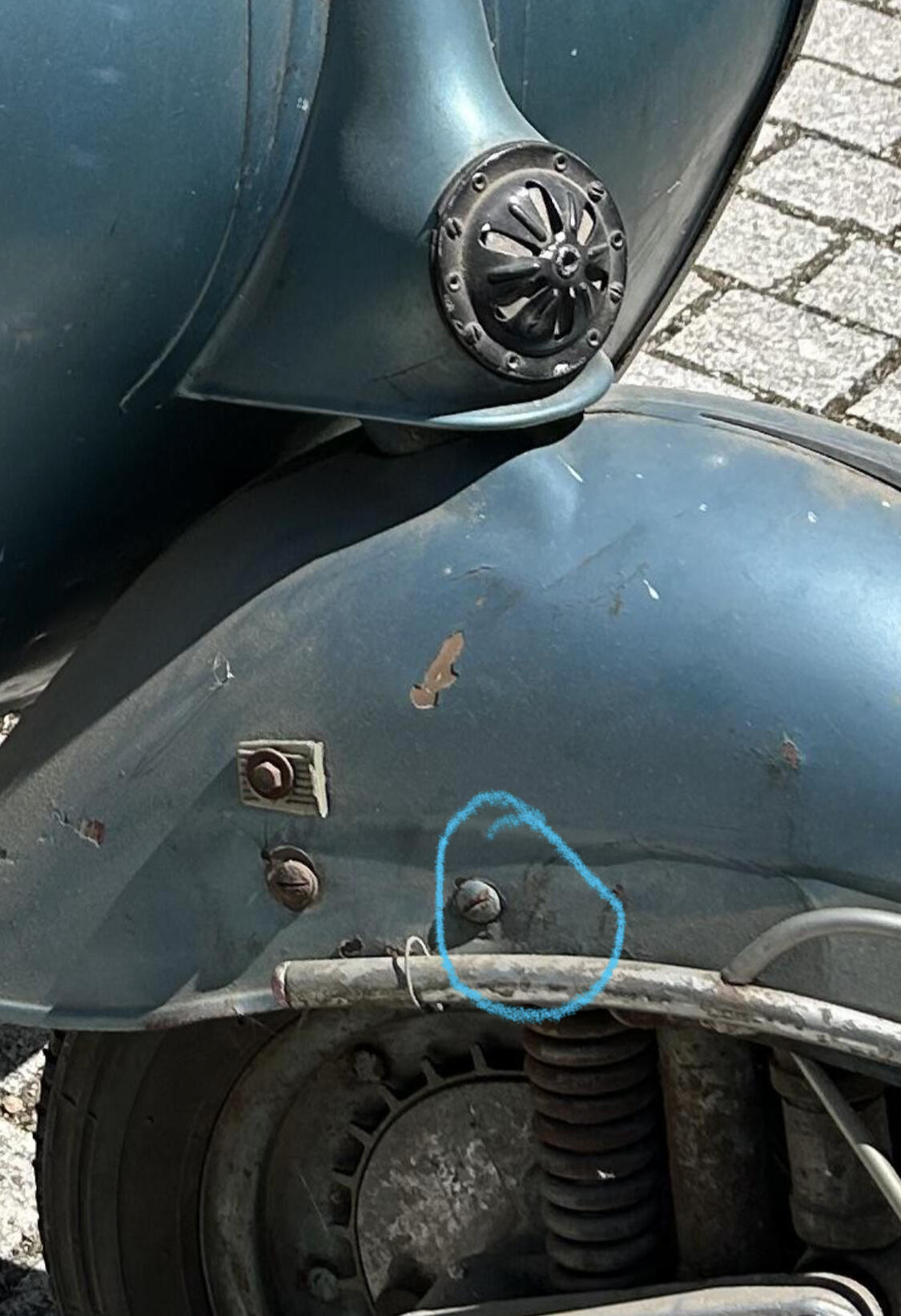
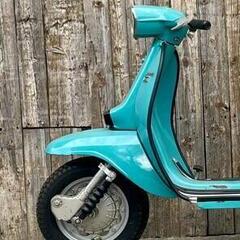
4 Punkte4 PunkteHi, also da würde ich eher widersprechen, nachdem ich die Bilder genauer angeschaut hab. Natürlich müsste man die live sehen, aber die Bilder sind recht gut. Daher alles ohne Gewähr. Ich lasse mich gerne eines Besseren belehren 1. Die abgeschüften Stellen am Beinschild zeigen unter dem recht dunklen Lack (ein Indiz, mMn für eine VBB ZU dunkel) einen anderen Blauton/Grauton. Eher grau, dann Spachtel/Füller. 2. Die Kotflügelsicke verschwindet vorne kurz vor dem Chromgelöt ins Nirvana. Kurz vor der Finne ist die Linienführung auch nicht mehr parallel, sondern läuft eher zusammen. 3. Kotflügel wirkt blau, Beinschild dunkler und eher grünlich. 4. Nicht wirklich ersichtlich, aber für mich erscheint die vordere Kotflügelschraube übergenebelt in Blau. Dafür ist hier die nussbraune Grundierung an dem großen Abplatzer zu sehen. MMn ist der Roller großflächig überlackiert, insgesamt sieht es aber ganz stimmig aus. Ich würde das bei einem VK auf jedenfall erwähnen. Ich sehe den Roller eher bei 4-4,3 Und alles Gute für die Zukunft @vespanarrisch!!!
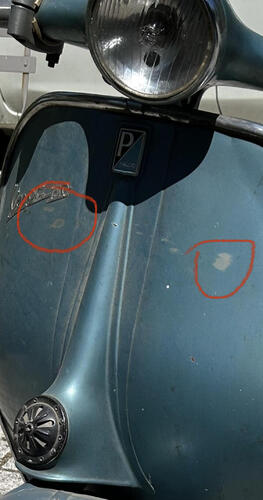
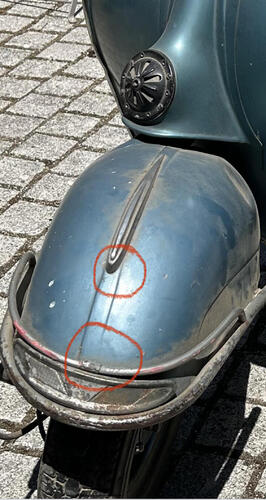
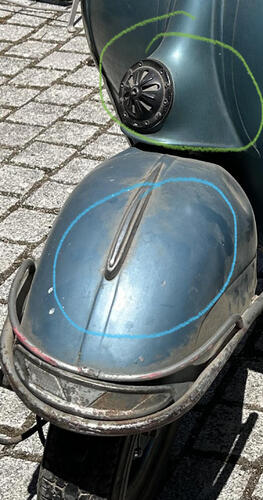
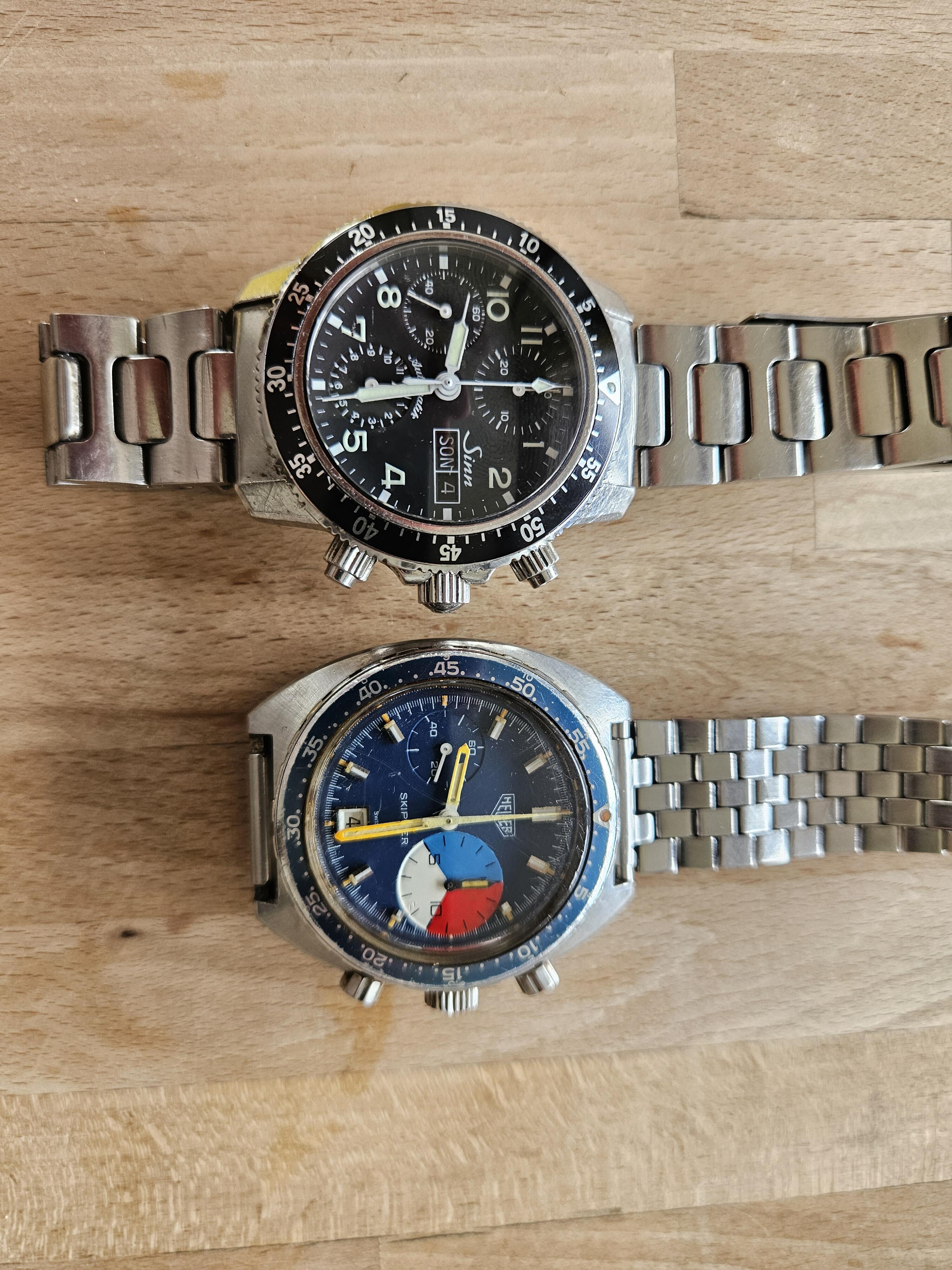
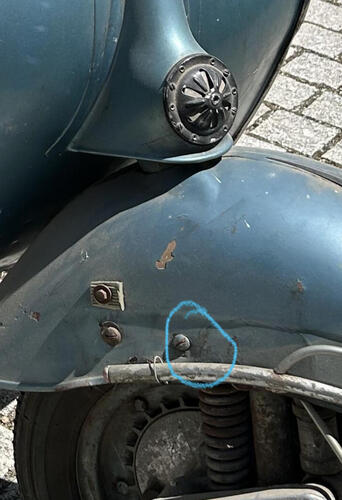 3 PunkteIch weiß nicht, was „besser“ ist: „Du hast was verändert“ (2016) oder „Das ist nicht von uns, das ist eine Kopie“ (2024)2 PunkteGanz ehrlich.. ich hatte in den letzten Jahren so viele Probleme mit BGM Teilen (Schaltkreuz, Gangrädern, Lammykupplung, SF Kurbelwelle) das ich nur noch die Stoßdämpfer und die LF + SF Kickerritzel mit Ölnut von BGM verwende.. von allem anderen BGM Teilen lasse ich die Finger weg... Ist aber wie immer nur meine Erfahrung und meine Einschätzung.. LG Thomas2 PunkteDann sollte der Klappspaten zur Standardausrüstung zählen .2 Punkte2 PunkteSehe ich nicht so... selbst mit einer Kurbelwelle mit längeren Öffnungszeiten (z.B. die SIP Welle) kommt der Einlass beim Drehschieber-Stecktuning schnell an seine Grenzen. Lasse mich gerne eines besseren belehren, wenn es dazu ein Diagramm gibt (gilt nicht für Savage Scooter Messungen ) Wenn ich sehe was Leute wie @vespa-joe für einen Aufwand betrieben um 30PS rauszuholen, kann ich mir die 28PS gesteckt nur schwer vorstellen...2 PunkteGibt's da ein Diagramm dazu? (Außer dem vom SIP) Ein gesteckter Quattrini m244 macht um die 22/23 PS mit der langen 60er SIP Welle. Der SIP Motor hat die 62er Welle verbaut - okay - trotzdem würde der VMC einen großen Leistungssprung machen wenn durch kleinen Mehrhub + VMC Zylinder bis zu 5PS mehr rauskommen. Ich bastel jetzt so ein Teil zusammen, Teile liegen schon da. Dann lass ich den Fräser weg und schau auf dem Prüfstand was rauskommt.2 Punkte2 PunkteVielleicht noch mal zum Kontext wo ich das "Anti-Dive" fahre -> In einer v50s mit um die 15PS. Da funktioniert das super mit dem Stoßdämpfer und der Bremstrommel vom Alex/SCK. Wenn man den 4-Loch Look behalten will, gibts halt nicht so viele Alternativen. Wenn dann sind das alles Kleinserien, die man dann verpasst hat, wenn man sie braucht In meine SL, die gerade in der Mache ist, und eher was um die 25PS bekommen wird, kommt eine PK Gabel rein und dort auch am liebsten Vollhydraulik. Da war aber eh 5-Loch verbaut. Generell jemanden als nicht begabt, oder faul zu erachten, ist echt komplett im Ton vergriffen. Jeder kann das so handhaben wie er will. Ich zähle mich eigentlich nicht zu denjenigen, die nicht begabt wären, oder faul sind. Edit sagt: Ne Et4 Gabel auf einer Smallframe für den täglichen Gebrauch sieht einfach unglaublich scheisse aus. Da nimmt man doch eher eine gekürzte PK Gabel. Im Rennroller kein Thema, aber auf der Strasse würde ich sowas nie fahren. Da ist für mich alles falsch dran.2 PunkteHeuer Autavia Skipper Serie1 Bj71 an Sinn St103 Sa zum Größenvergleich...
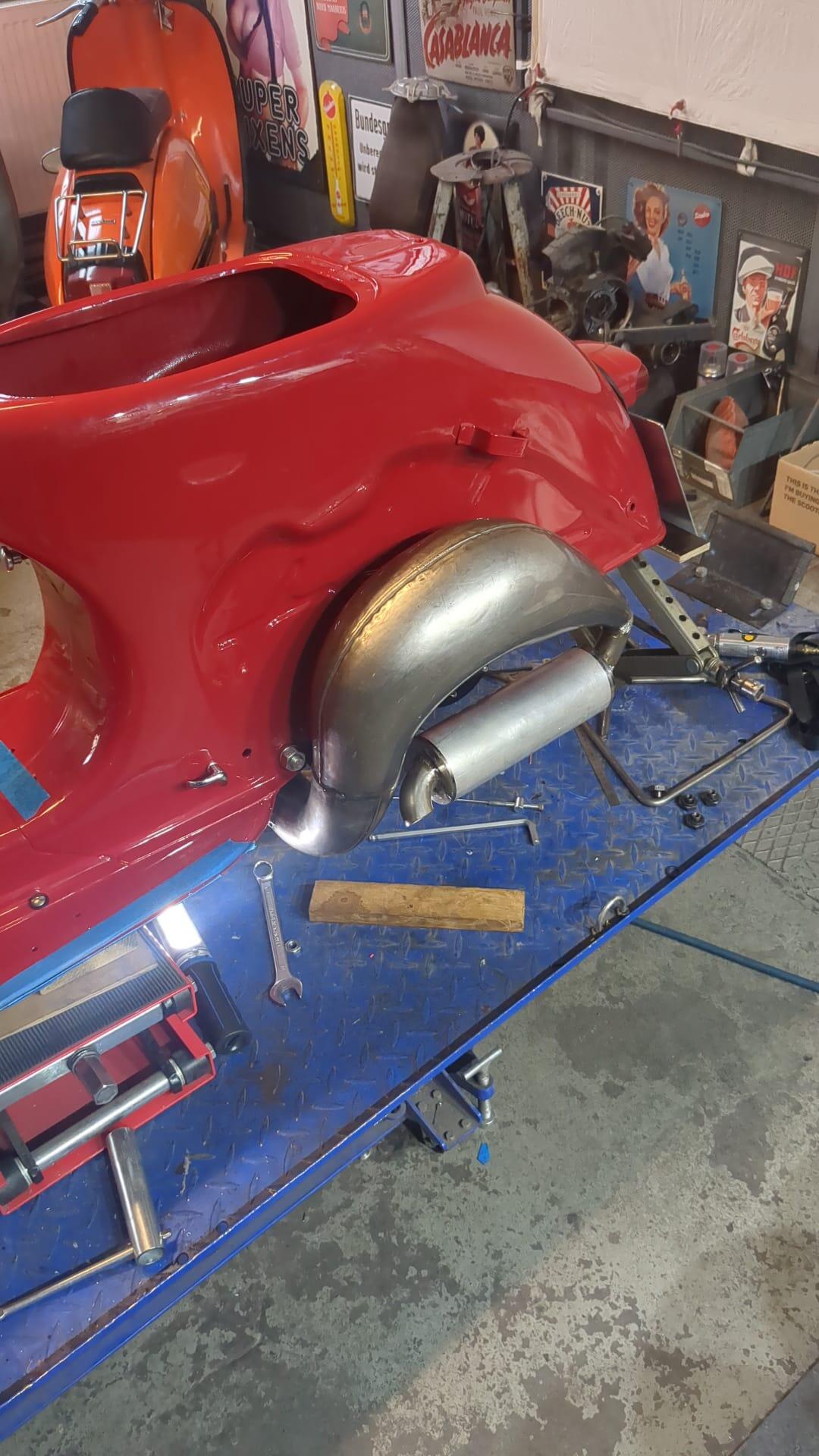
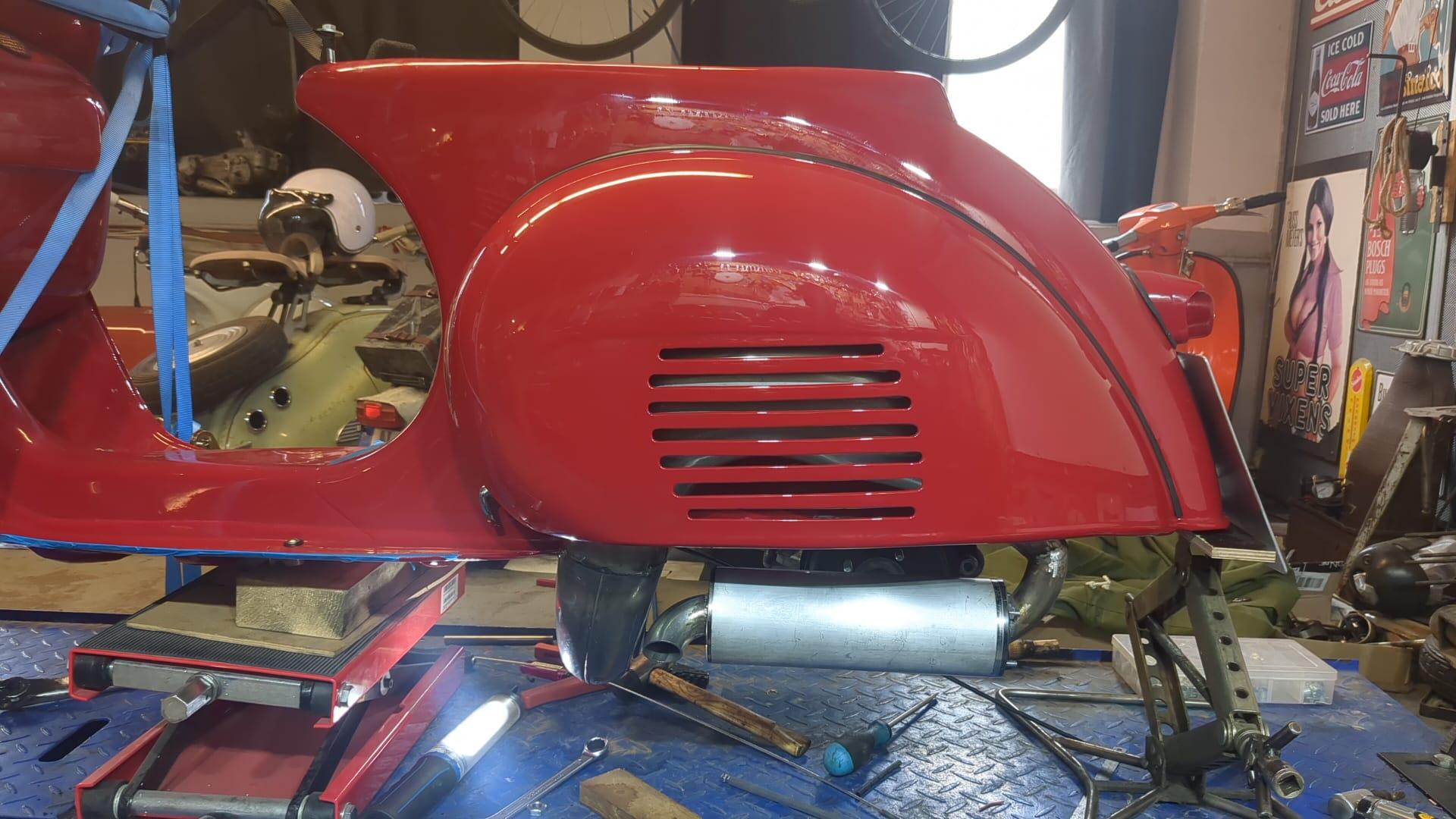
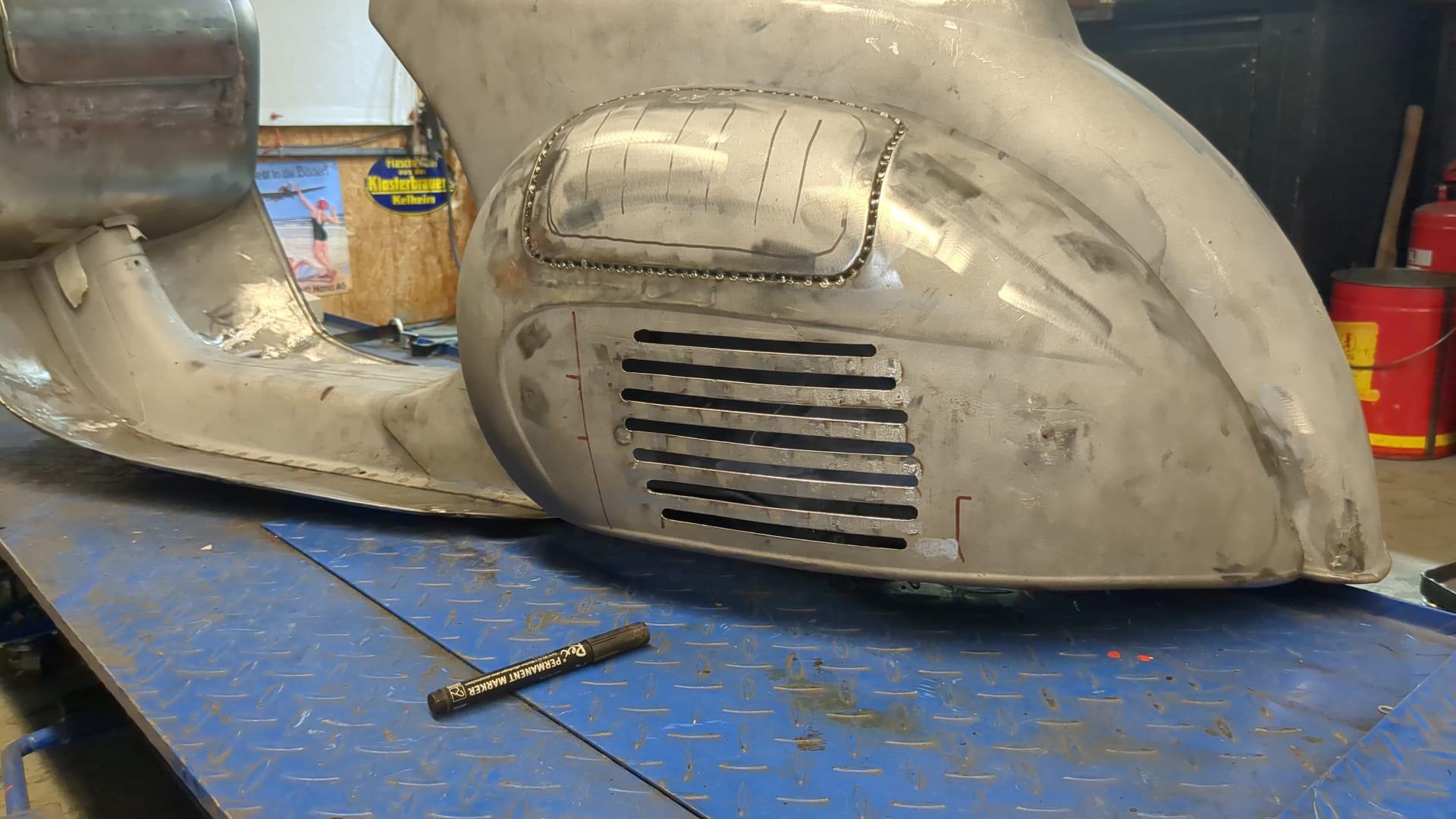
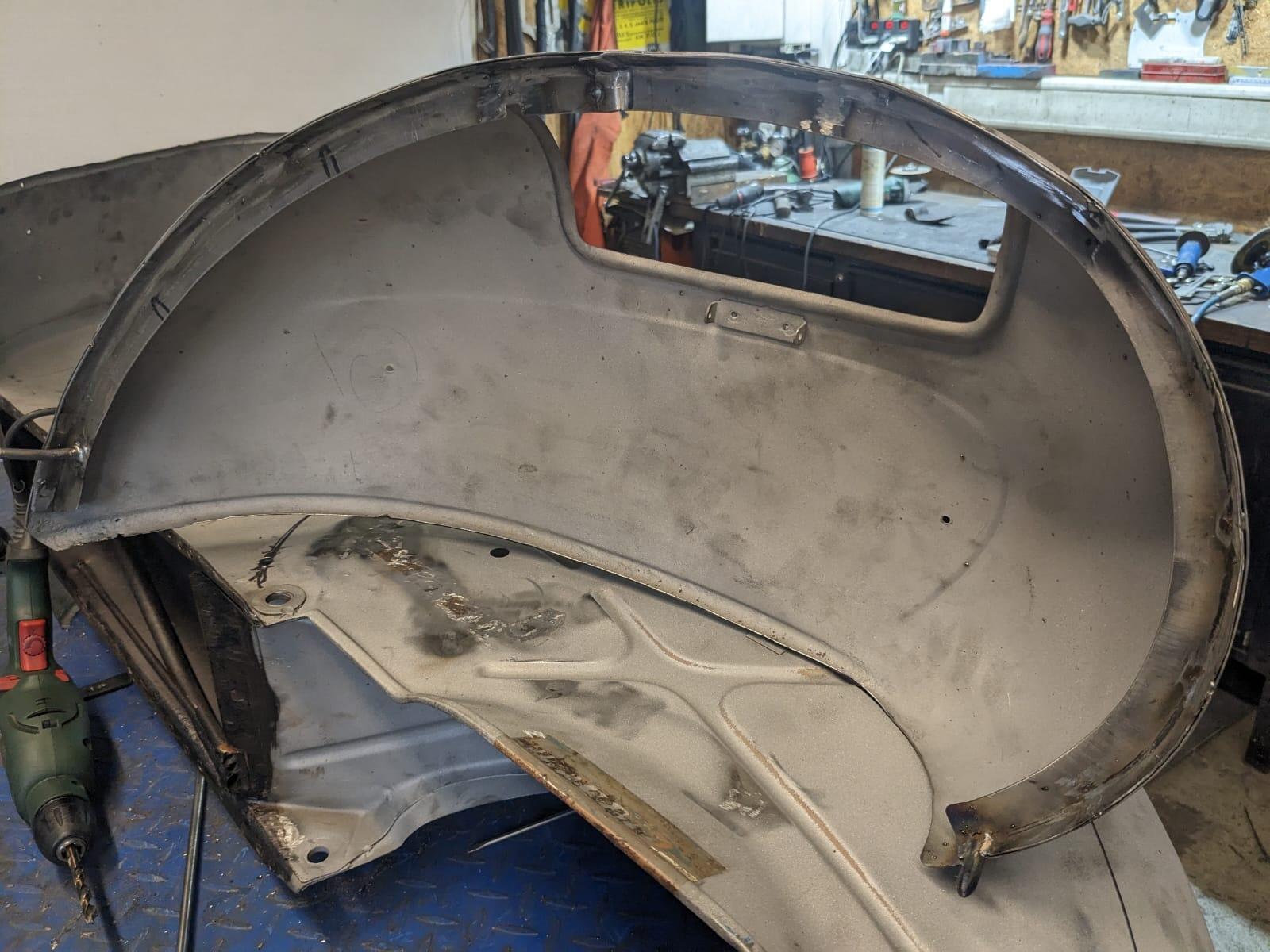
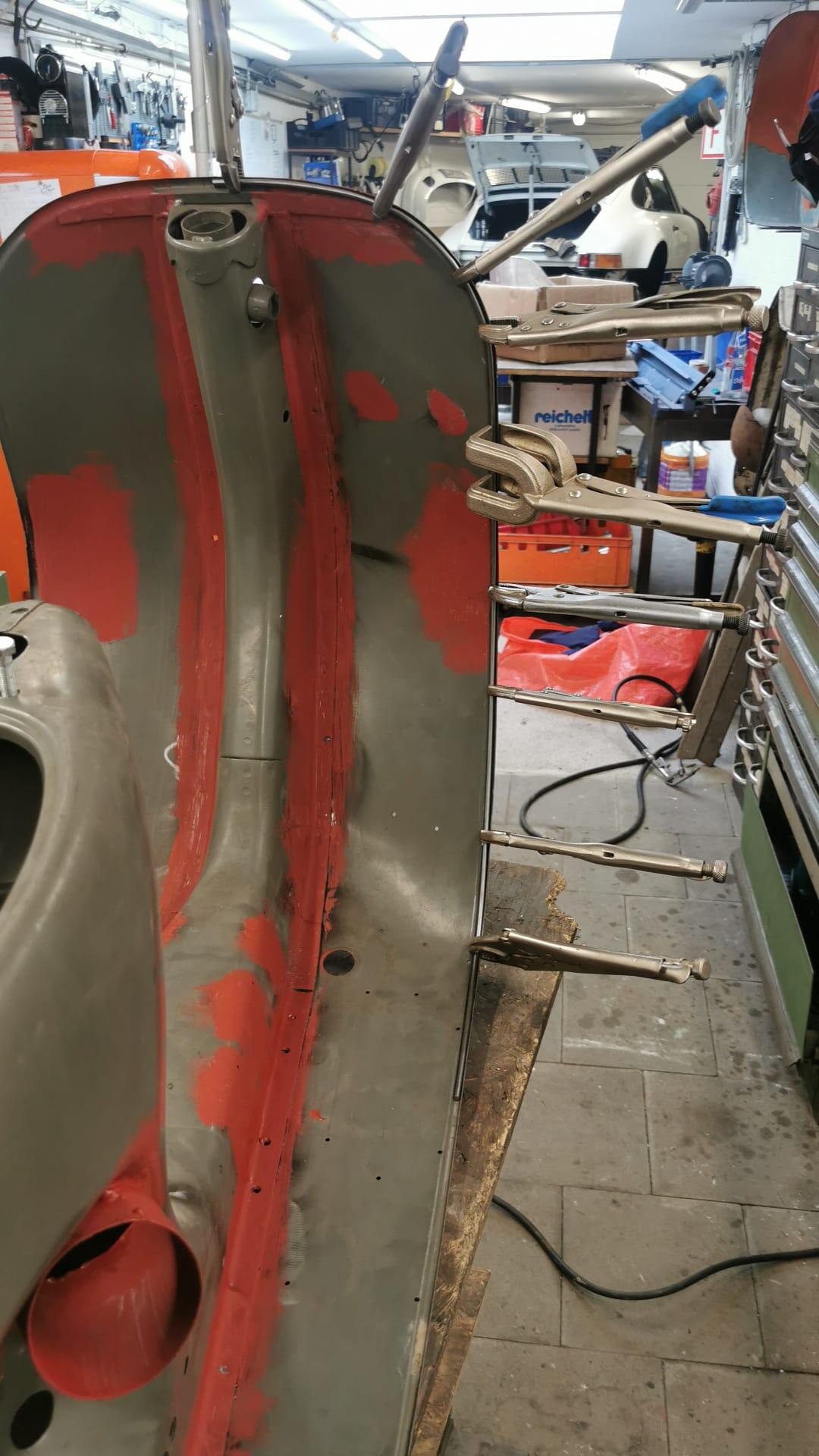
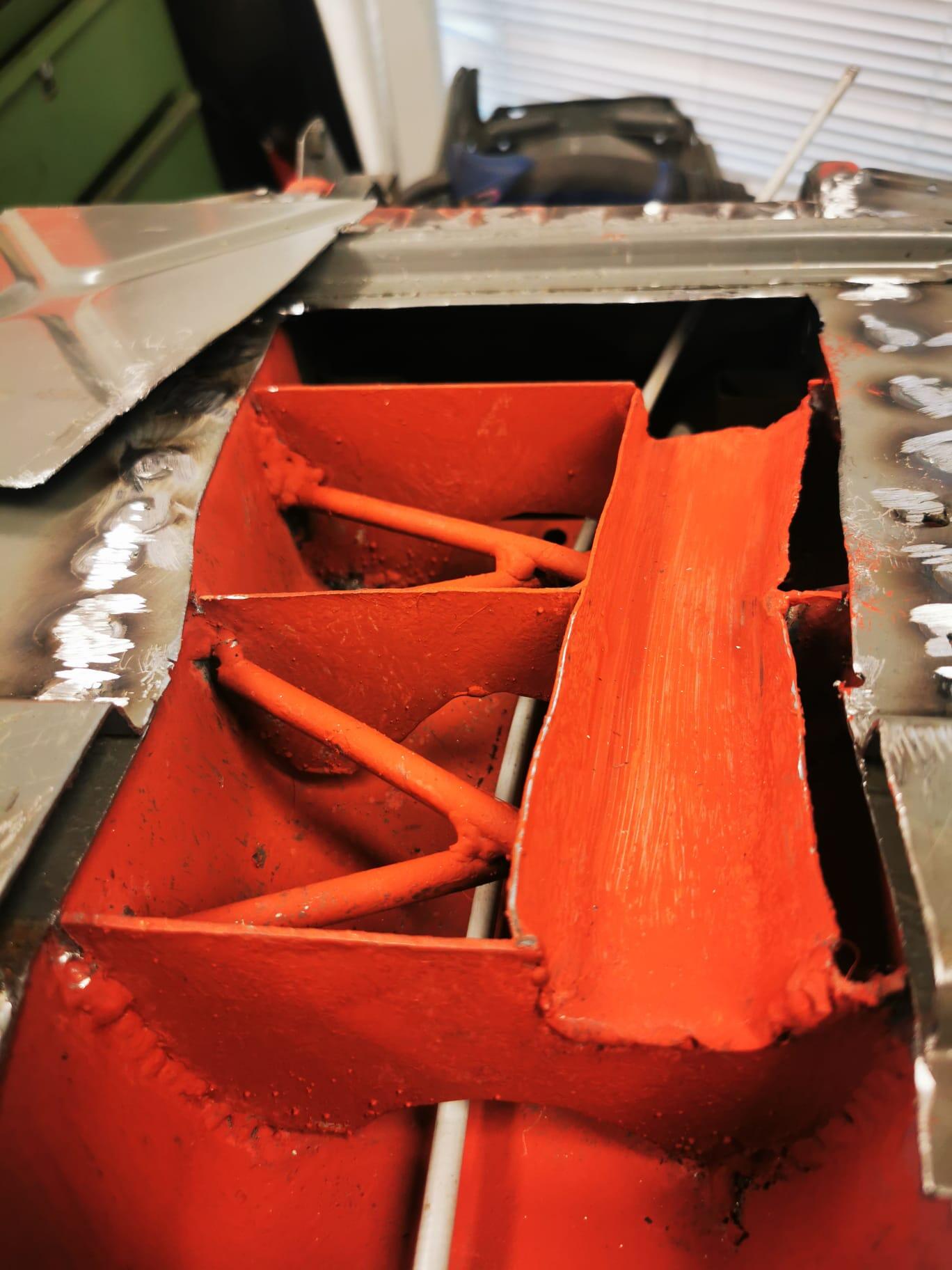
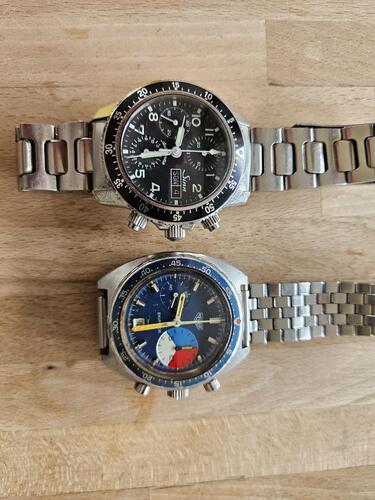 2 Punkte2 Punkte2 Punkte2 Punkte1 Punkttotal easy... VBA Gepäckfachbacke auf abnehmbar umgebaut. Luftschlitze wiederholt. Ausgestellter Bereich am Rahmen geglättet. Und fertig. Bei mir ist es ein TK Cobra. Bilder sagen mehr als...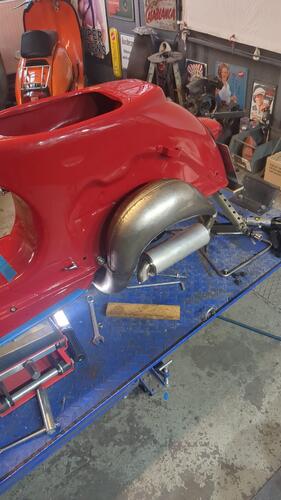
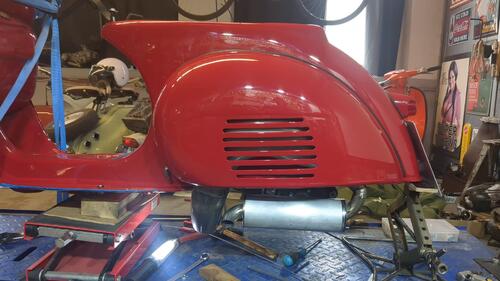
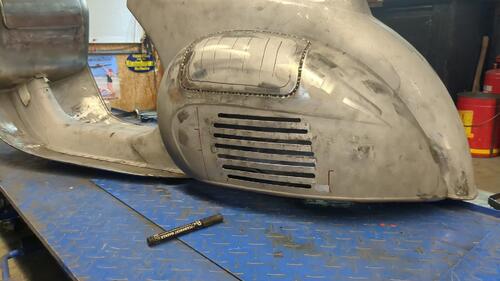
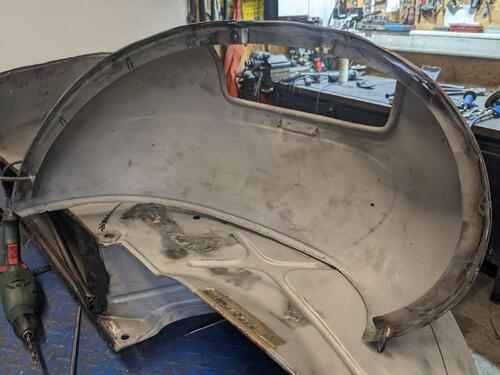
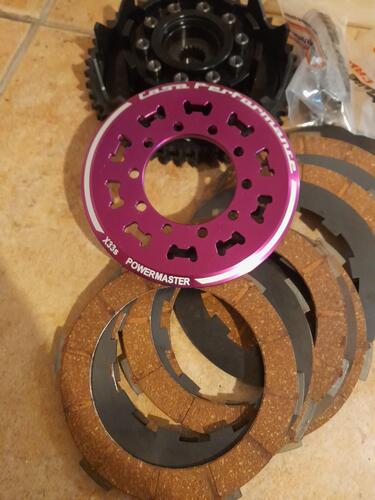
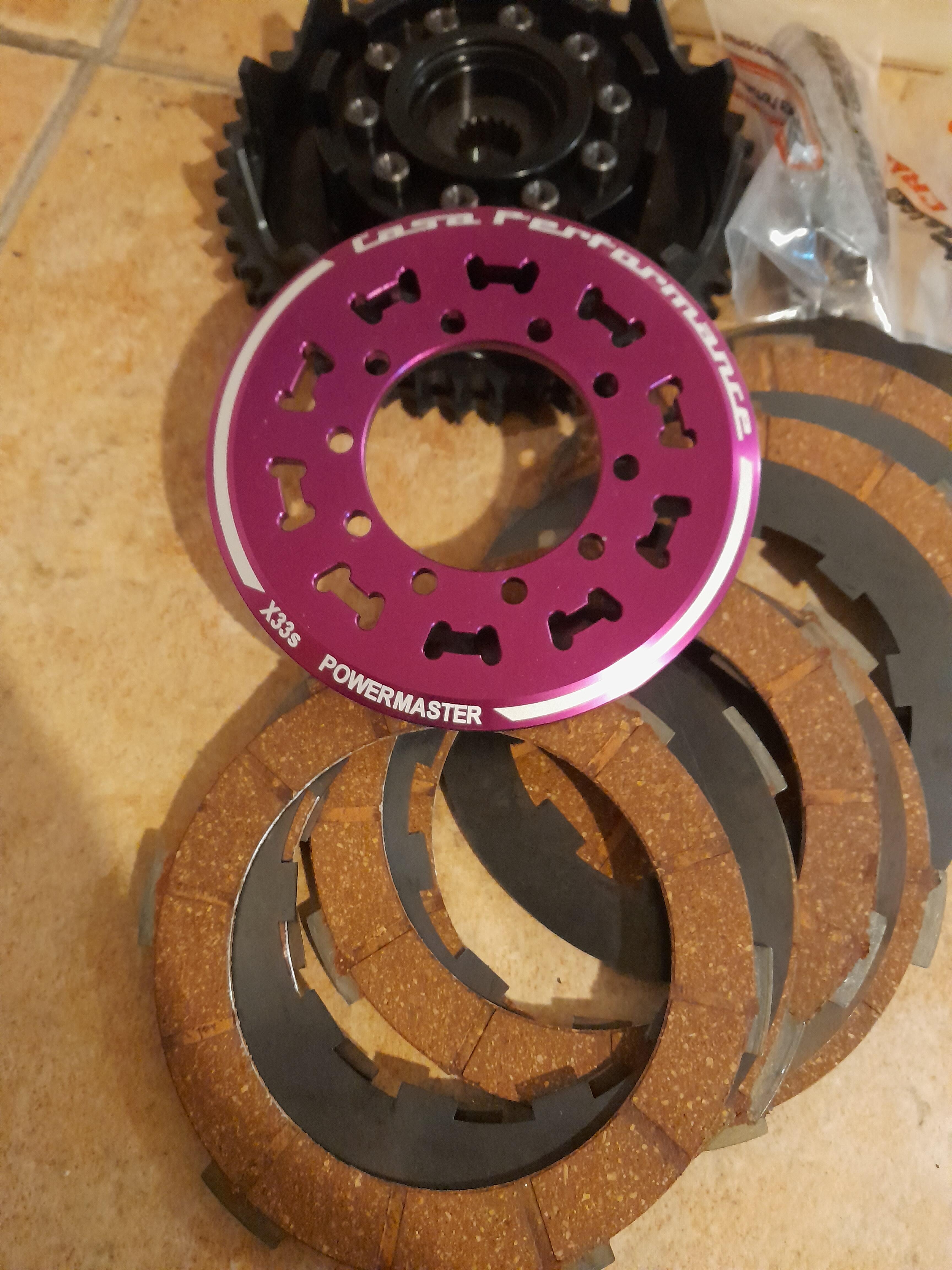
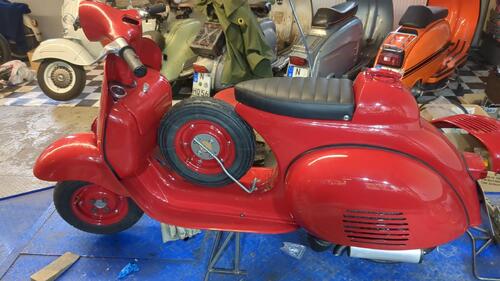 1 Punkt1 PunktIn meiner unverbauten Powermaster haben die Kupplungsbeläge 2,35 -2,38mm (7Stück) und die Zwischenscheiben 1,0mm (6 Stück)
 1 PunktO.k. danke für die Berichte. Kommen wir zur yellow press. Bin hungrig nach Geschichten, wer mit wem beim Bumsen im Zelt erwischt wurde? Wer hat sich derart abgeschossen, dass er/sie nackt übers Gelände getorkelt und in einen Stand gestürzt ist? Wer hat sein Schulfranzösisch ausgepackt und statt drei Bier versehentlich vier blow jobs bestellt? Wer ist aufs Schlimmste unterwegs mit der zuvor schlecht geschraubten Karre irgendwo in der Bourgogne gestrandet und wurde dann von zwei 80jährigen Franzosen in einer Citröen DS bis aufs Gelände gebracht? Wer hat unterwegs im Heuschober die Tochter des Motelbesitzers mit dem Polradhaltewerkzeug bearbeitet und ist dann im Morgengrauen mit Vollgas abgehauen?1 PunktEZ 93, der Road war montiert, wurde einfach mit eingetragen.1 Punkt1 PunktIch habe die Vermutung, dass die original Schaltkreuze aktuell durch Piaggio von CIF bezogen werden. (optisch gleiche Erscheinung, Haptik identisch, Gewicht identisch) Somit wäre die Qualität gut. Aber der Lieferant ändert sich auch regelmäßig....1 PunktI am not sure about the manifold, but for sure the end plate is different in diameter. You can order it on avotechnica. I didn't notice much difference in noise or power between the touring or sport endplate.1 PunktTja.. leider nur weil ich es bis jetzt noch nicht gepostet habe.. Letzten Sommer.. auf M244 DS Motor mit 23PS und original Lusso 200 Getriebe ist das Polini Schlatkreuz gebrochen.. also keine Brüllerleistung.. BGM Schaltkreut 2 Stk. nach nicht mal 1000km komplett rund genudelt. Inzwischen verbaue ich wieder originale Piaggio..1 Punkt1 PunktRein theoretisch könnte man doch einfach einen Versatz aus 5mm Stahl an die Stelle packen, die den Aufnahmepunkt des Dämpfers von der Seite nach links verschiebt und den Dämpfer dadurch wieder parallel zum Lenkrohr bringt? Sind die Kräfte an der Stelle doof, wenn ich da quasi keine direkt angeschweißte Halterung habe? Technische Mechanik 1-3 war bei mir von 1995-1997 Also quasi einen Flachstahl nehmen, dort vielleicht noch ein kleineres Stück draufschweissen, das sich in die Vertiefung der Gabel reinsetzt. Dann dort mit der Gabel verschrauben. Dann die obere Führung/Halterung für den Stoßdämpfer auf den Flachstahl aufschweißen, so das auch der runde Gummi wieder passt. Würde dann aber tatsächlich etwas höher stehen, die Kiste, halt um den verschraubten Versatz. Und ob das mit dem Kotflügel sich ausgeht...hmn... Fragt sich nur, ob das nicht zu weit links steht am Ende, und man um ein Schweißen nicht rumkommt. Sieht aber sehr gut aus so @Primavera-Opa!1 Punkt1 PunktLike this. Do it a bit before plating. Plating is just 0.1mm thick. So make sure to not overdo it. After plating polish it
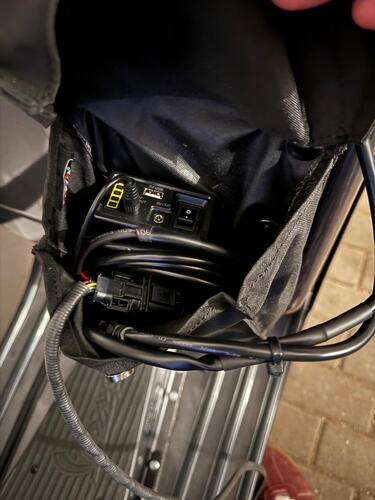
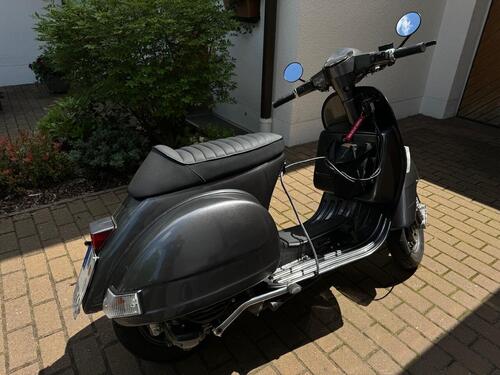
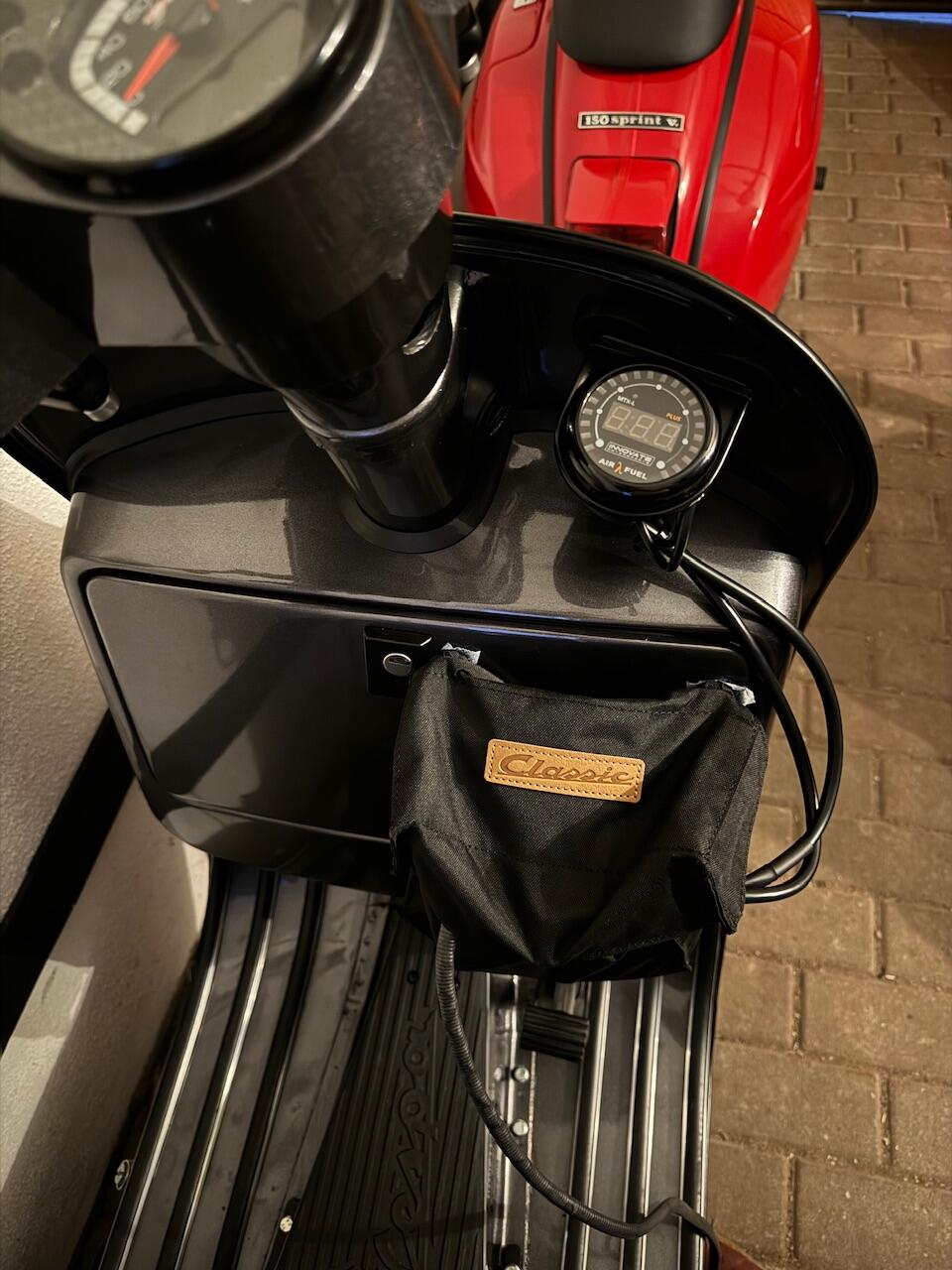
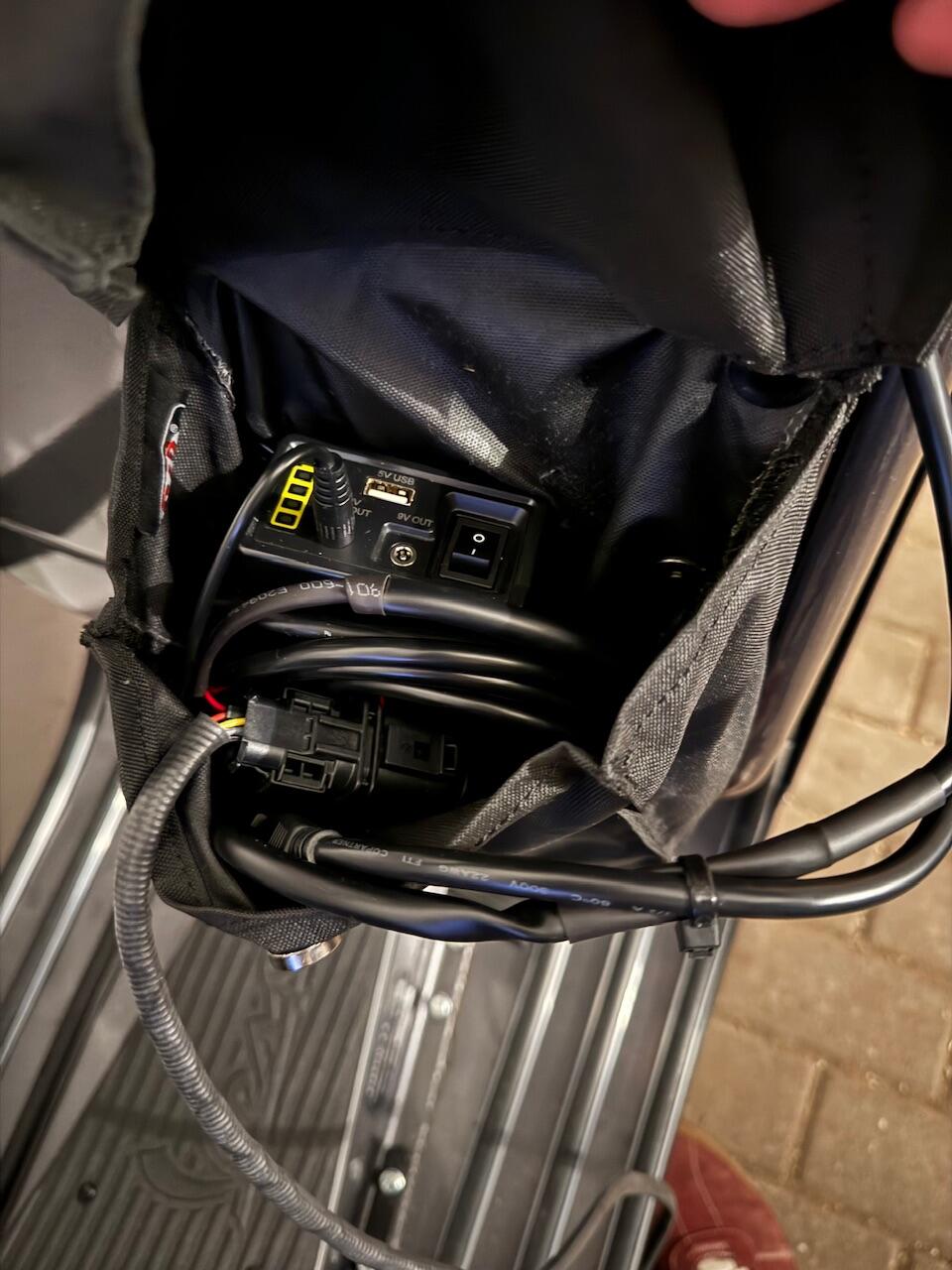
 1 Punkt1 PunktWobei Du mit 182 Grad am Auslass eigentlich am Boxthema vorbei bist, noch dazu mit der Auslassfläche vom Crono.1 Punkt1 Punkt64mm Rat-Bones. Hatte ja erst auf B52s gehofft... Das Brett hat echt fast kein concave. Fühlt sich sehr ungewohnt an.. Ihr habt recht: Rails bleiben erstmal ab. Trau mich damit eh nicht, loszushredden und mit Rails sind ja gleich mal Löcher drin.. Zum schön zerkratzen hab ich ja noch ein andres Board..1 PunktBei mir ist es ähnlich geworden, mit den Magneten und dem Halter, den @Grubi_67 verwendet hat in Kombination mit 12V Powerbank und Magnettasche ist das schon fast nur noch plug&play.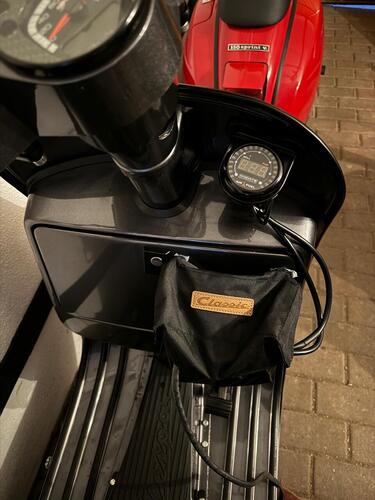
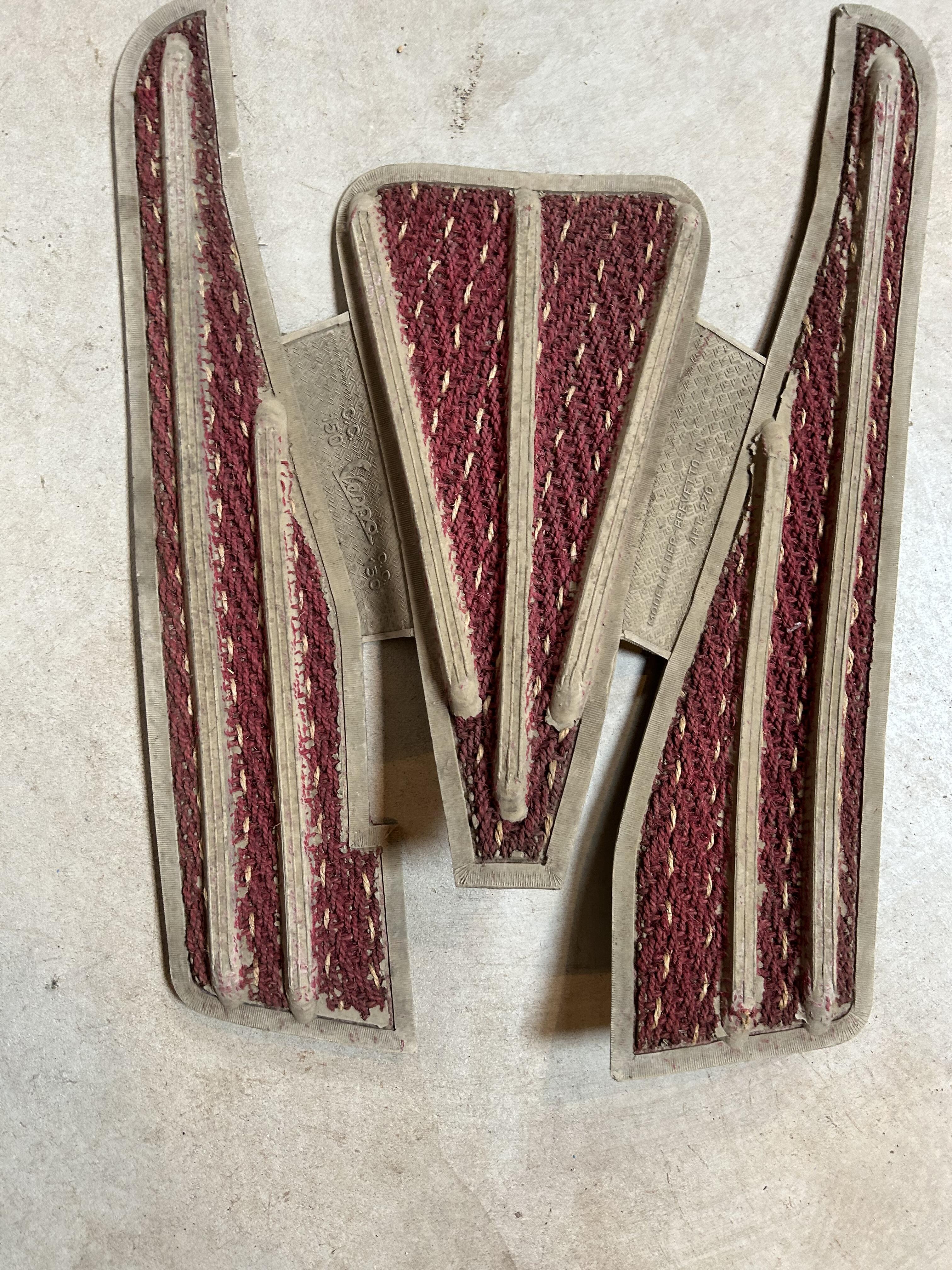
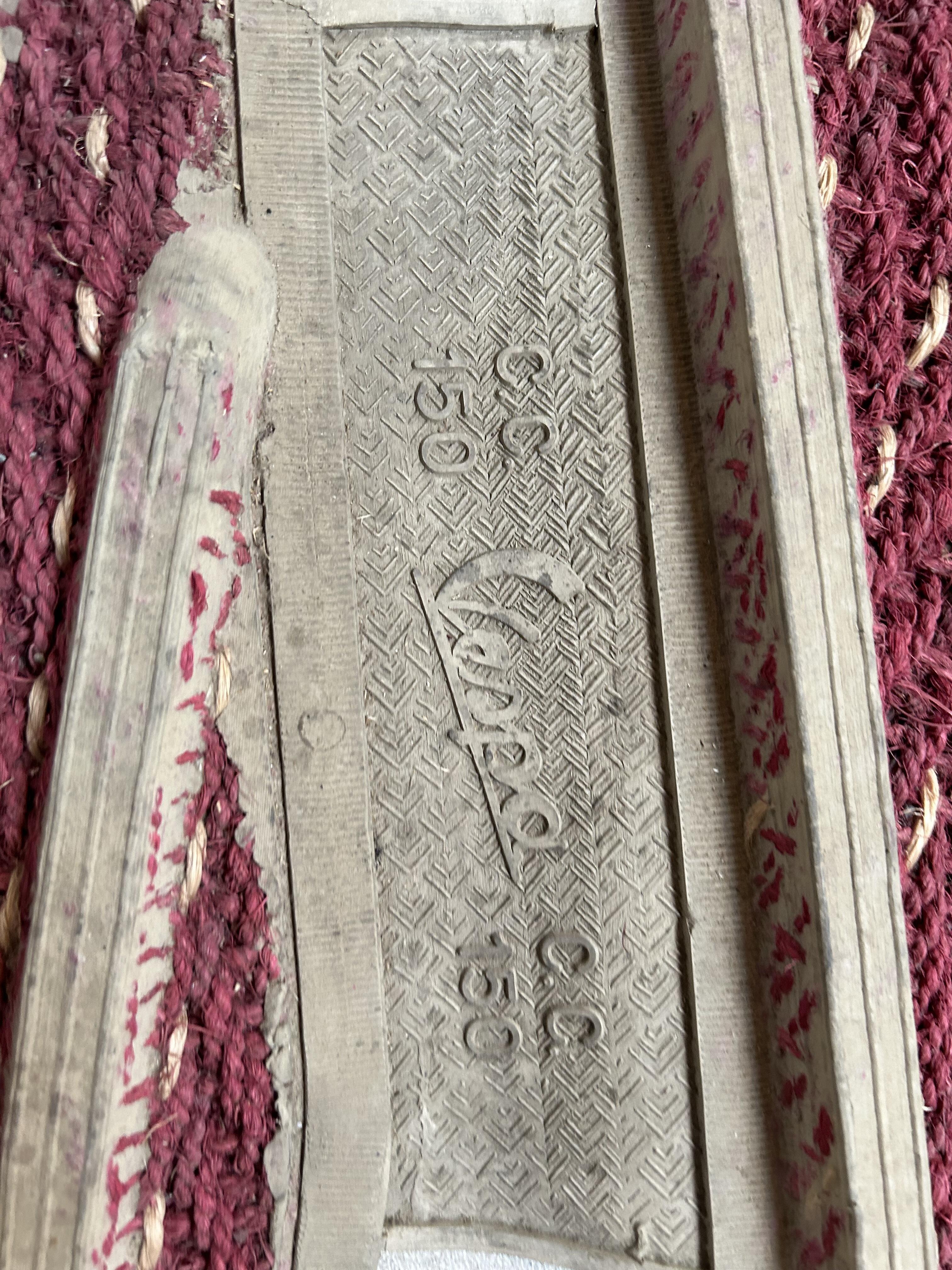
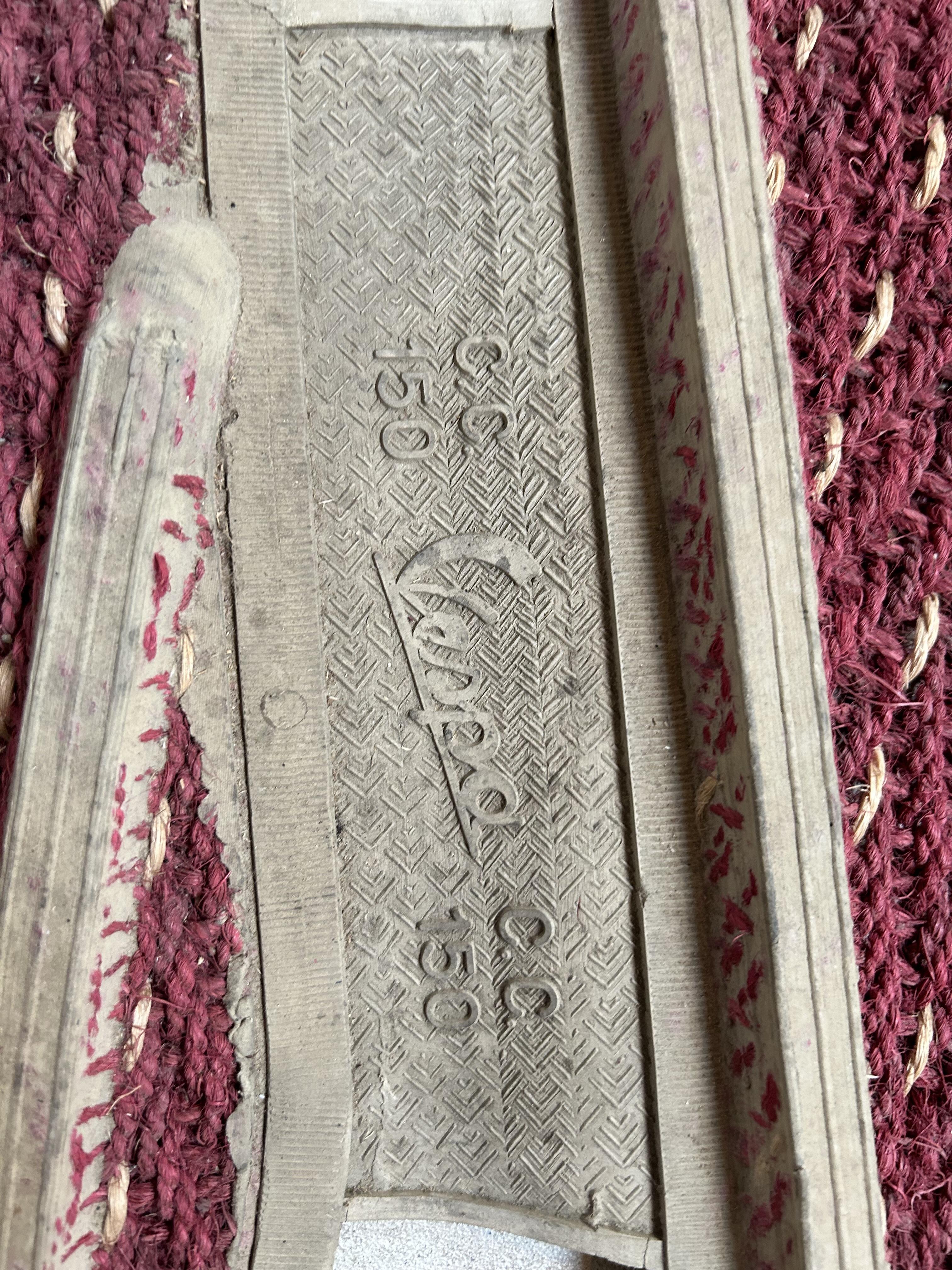
 1 PunktHab zu schnell auf senden gedrückt 😇noch eine Abdeckung diese von Vespa für die 150er. Mit eine Art teppichfasern befleckt. 1a Zustand. Was bekomm ich dafür?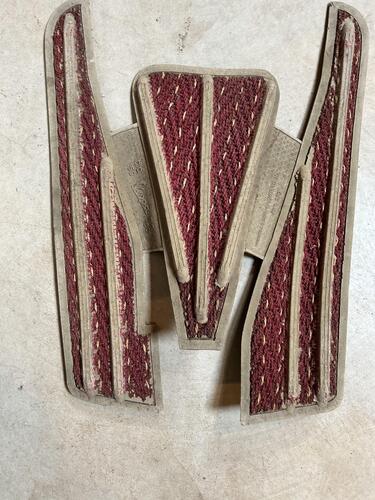
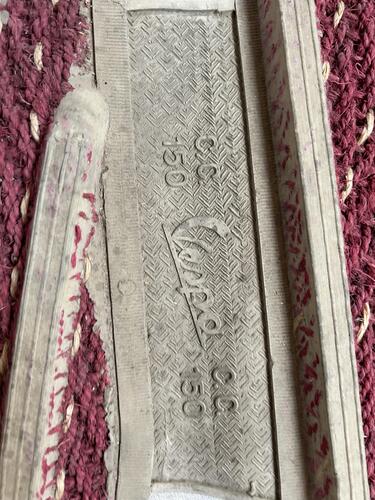
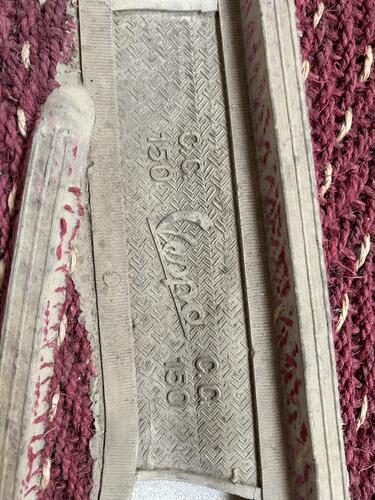
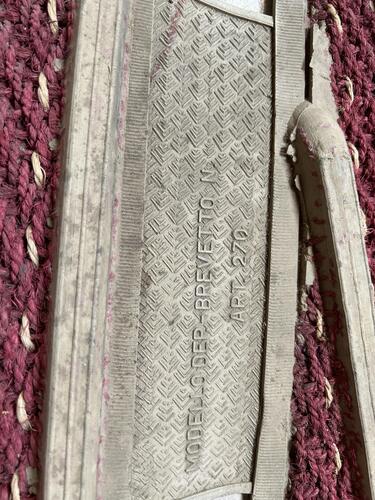 1 Punkt1 PunktBisschen weniger fressen und die Bremse ist 1A!!! Spaß beiseite. Wenn man die vernünftig einschleift und gut behandelt ist die m.E. nicht so schlecht. Und wenn man damit nicht fährt wie Sebastian Loeb bleibt die auch gutmütig. Wenn man rasen will, muss man halt auch in die Tasche greifen und das Ding hässlich machen.1 Punkt1 PunktDas war auch der Grund, warum ich das Anti-Dive wieder ausgebaut und stattdessen einen besseren Stoßdämpfer verbaut habe.1 PunktHallo zusammen... Danke ElBarto für den Tipp mit dem Konsulat! Hat bei mir jetzt endlich geklappt... Ende letzten Jahres habe ich beim spanischen Konsulat in Stuttgart angefragt wegen Abmeldung meine MV in Barcelona... die hatten mir 4 Formulare geschickt... hab ne kleine Gebühr überwiesen... und musste einen Vorort Termin machen! Die Unterlagen wurden durchgesprochen... ergänzt... und gingen dann per Diplomatenpost nach Madrid... und von dort zur Zulassungstelle in Barcelona... Nach ca. 2 Monaten hatte ich eine Antwortmail mit einem spanischen PDF mit der Info, dass die jetzt abgemeldet ist. Zur Sicherheit habe ich bei meiner Zulassungsstelle nochmal wegen einer REGINA Abfrage nachgefragt... und nach einer Woche einen Anruf bekommen, dass jetzt alles in Ordnung ist und ich die MV anmelden kann! Problem war leider, dass meine §21 Abnahme länger als 18 Monate her war... und ich das ganze nochmal machen musste! Hat aber geklappt... und ich konnte sie jetzt endlich anmelden... ohne original Papiere... mit dem Schreiben aus Spanien, positiver REGINA Abfrage, §21 Gutachten und dem Kaufvertrag. Im ganzen gesehen... hat sich der günstige Kauf in Barcelona nicht gelohnt... was ich alles noch rein stecken musste und sonst noch an Kosten hatte... hätte ich gleich ne ordentliche PX hier in Deutschland gekauft... aber was solls... jetzt isses halt so... Grüssle Mike...1 Punkt1 Punkt...Weil mein 4 Jahres Projekt (schon seit ein paar Tagen) vom Lackierer wieder da ist, inzwischen Lackschutzfolie gekriegt hat und ich heftig am zusammenbauen bin Skawoogie nur das Beste gewünscht und drücke die Daumen das es besser wird.
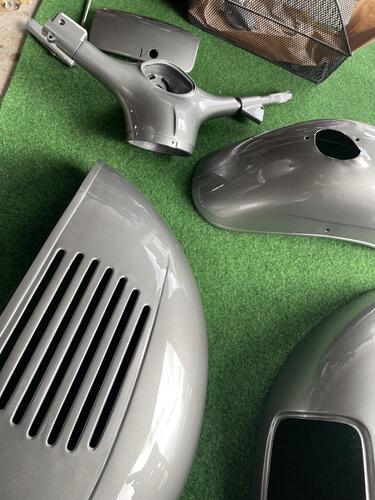
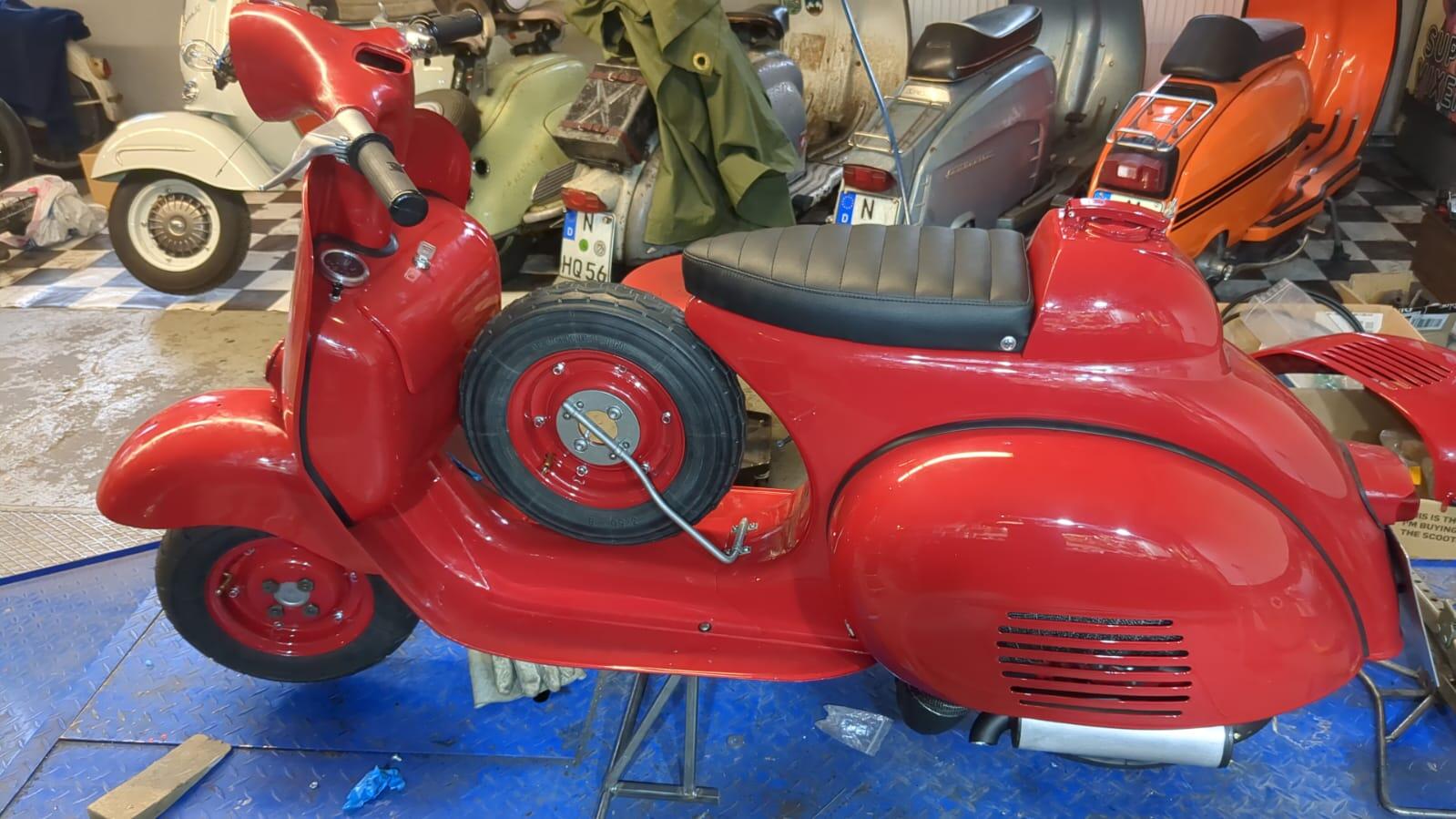
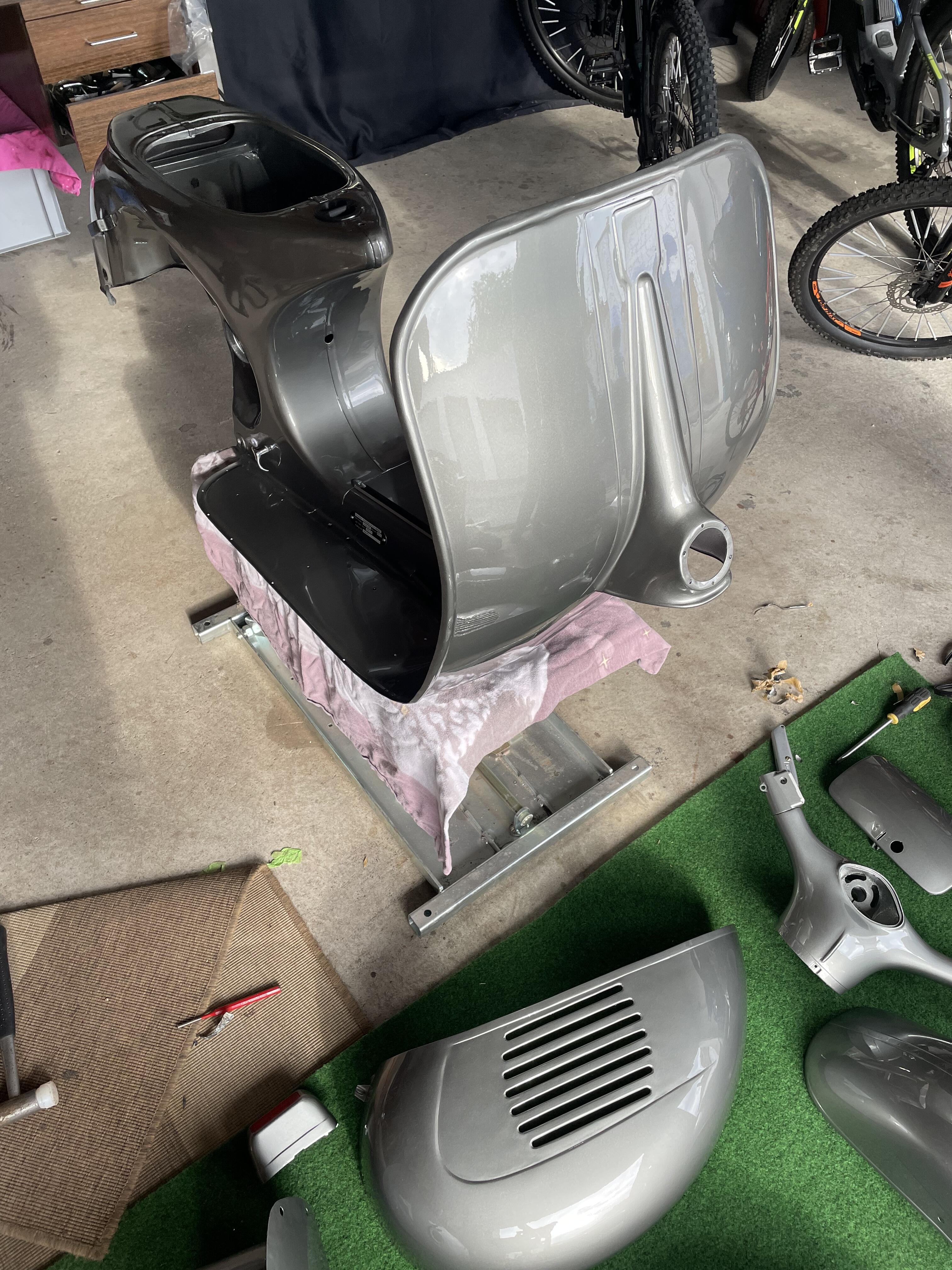
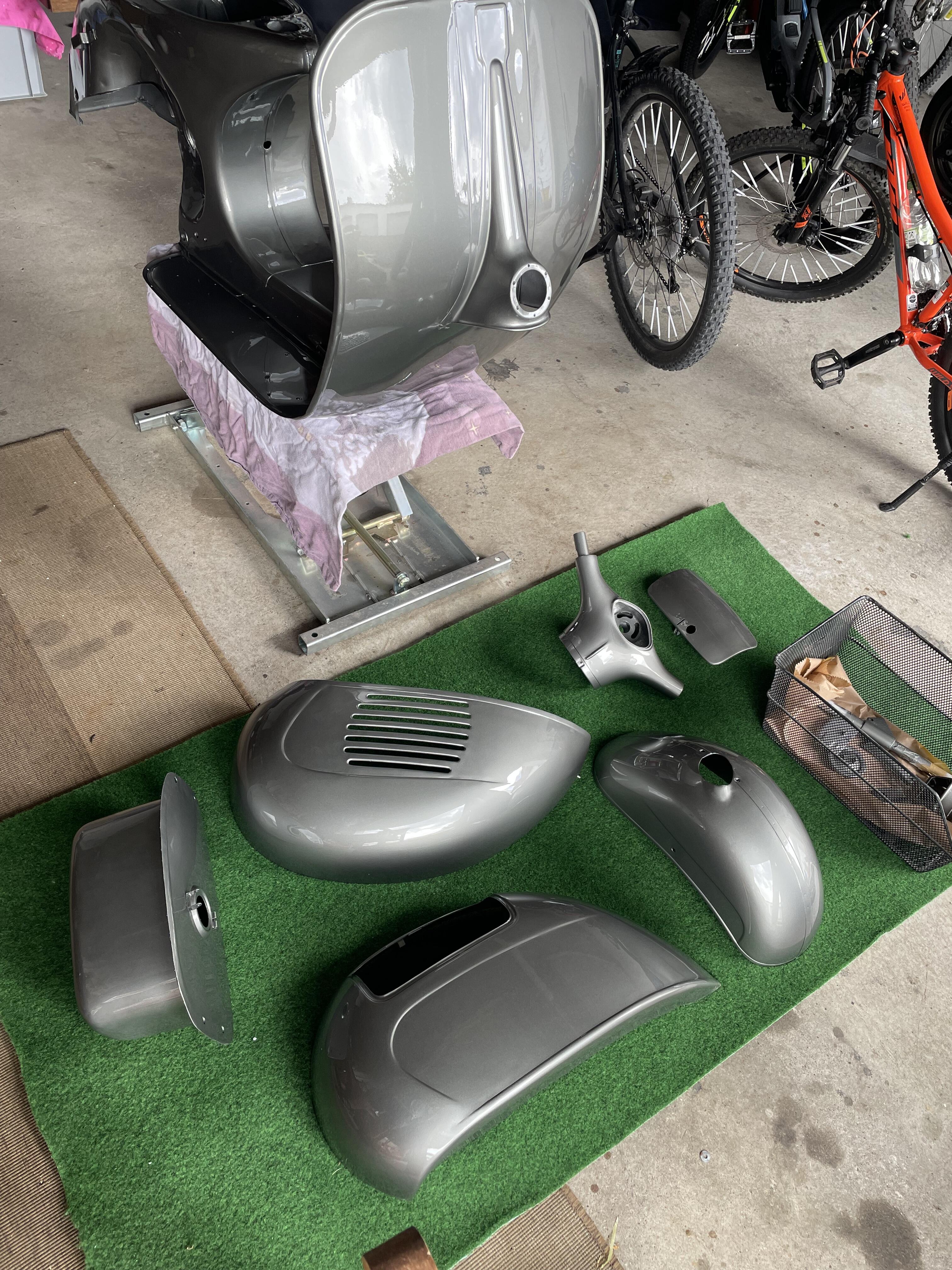
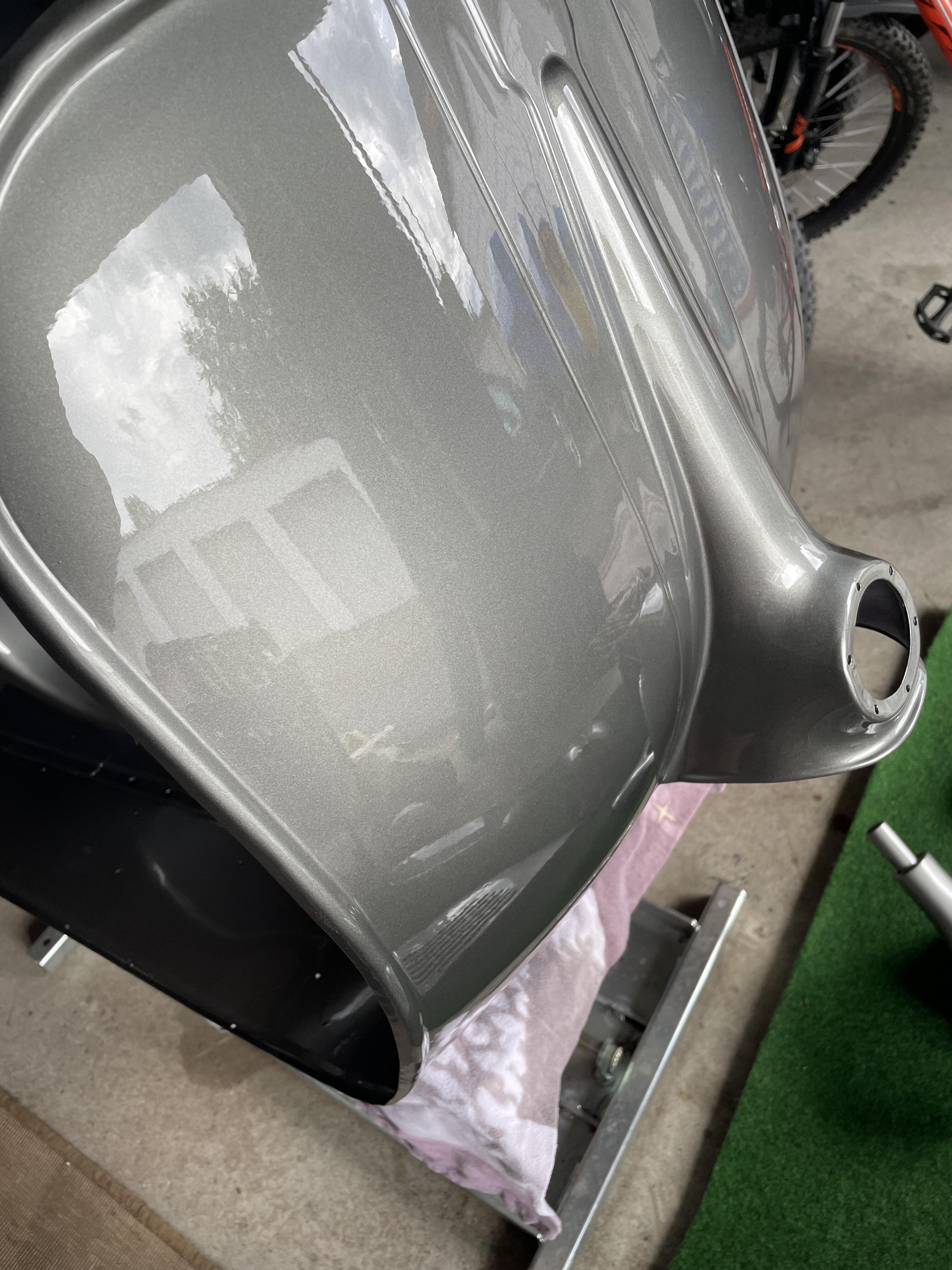
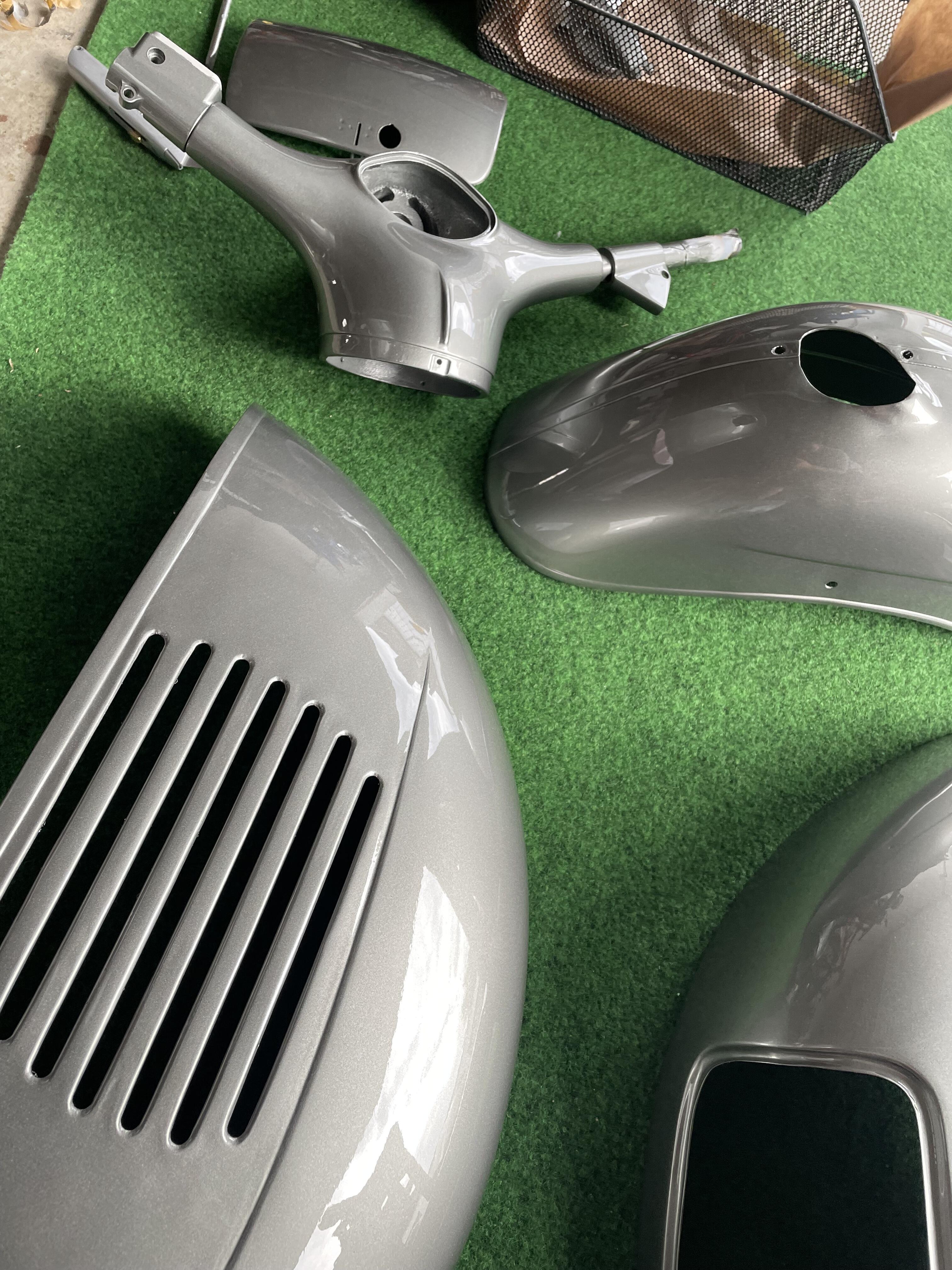
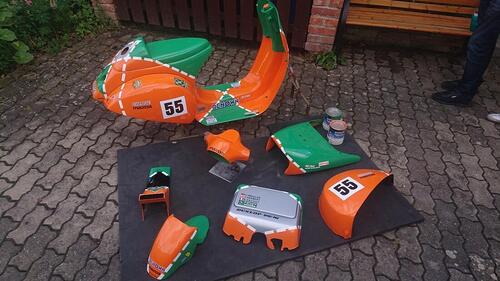 1 PunktEndlich war es soweit, und ich konnte sie vom lackieren abholen. bei der Lackierung habe ich mich für Felsengrün metallic von Porsche entschieden.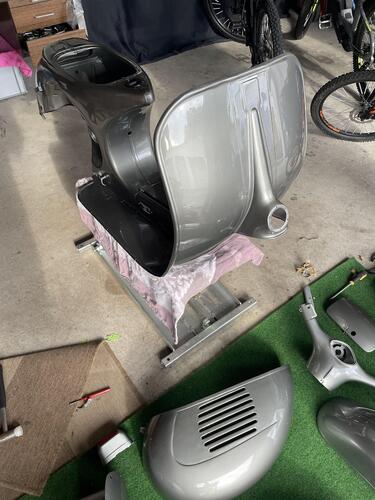
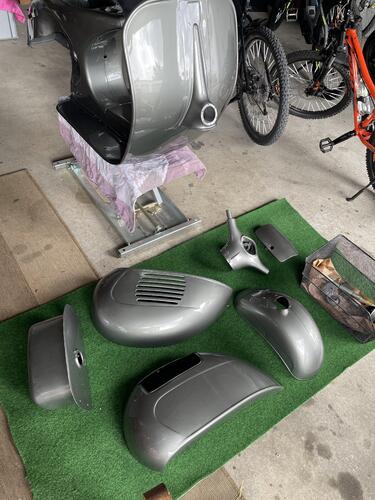
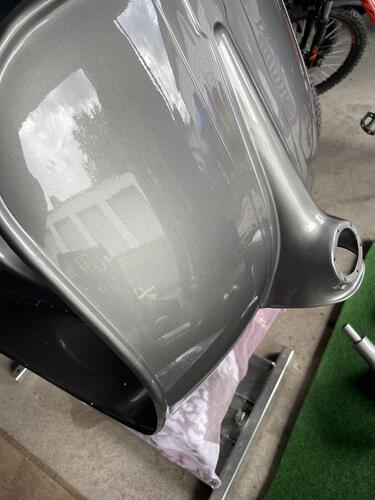
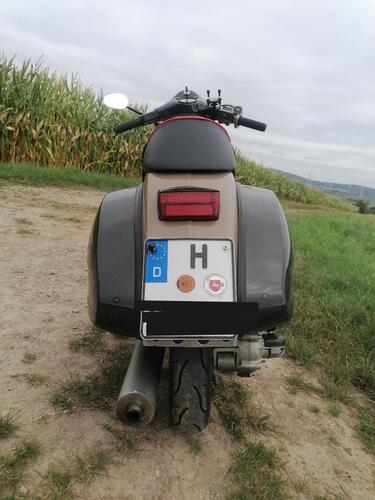
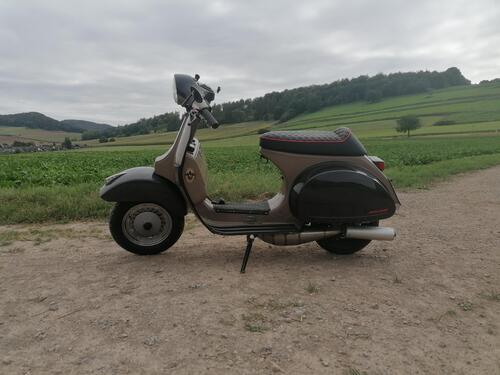
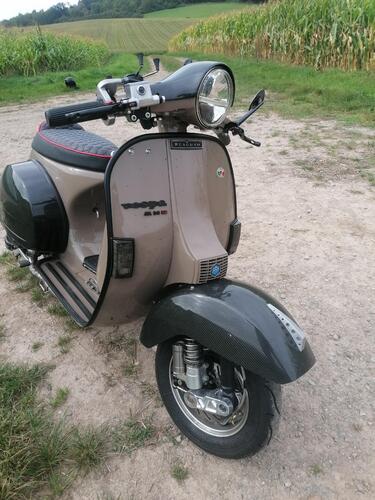
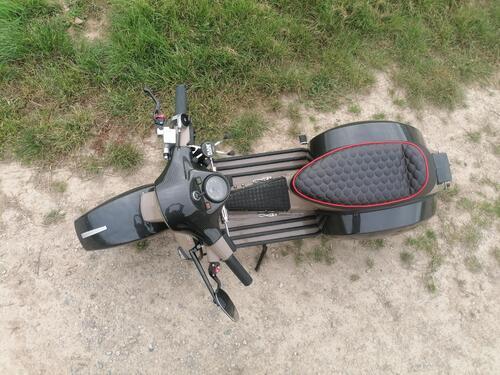
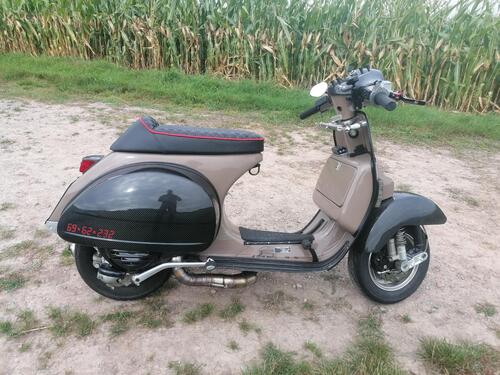
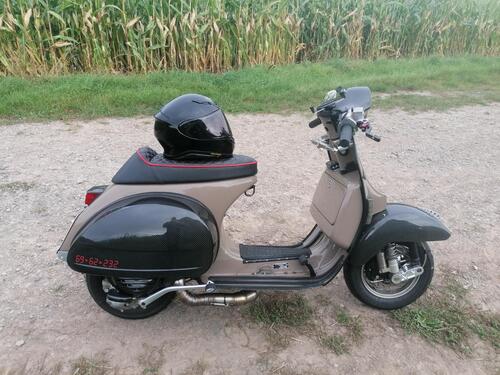
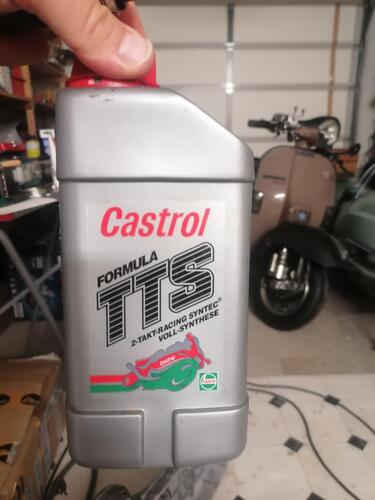
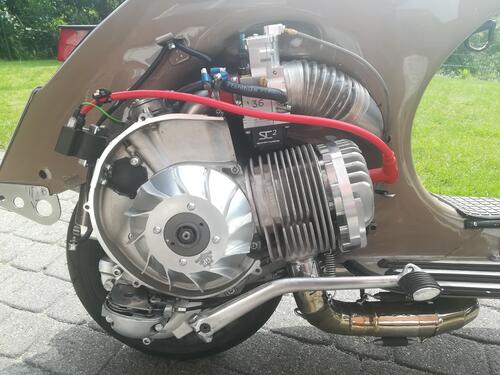
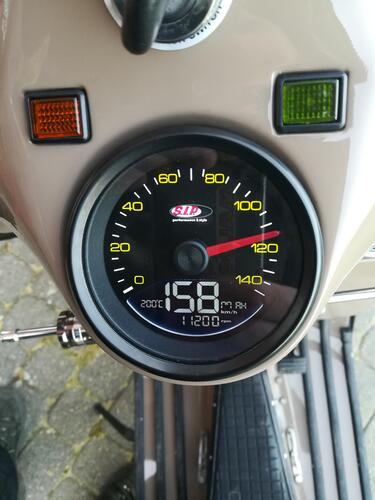
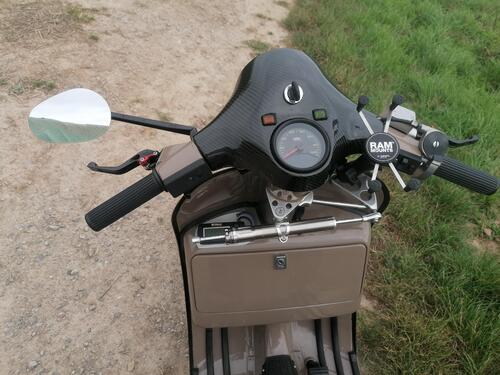
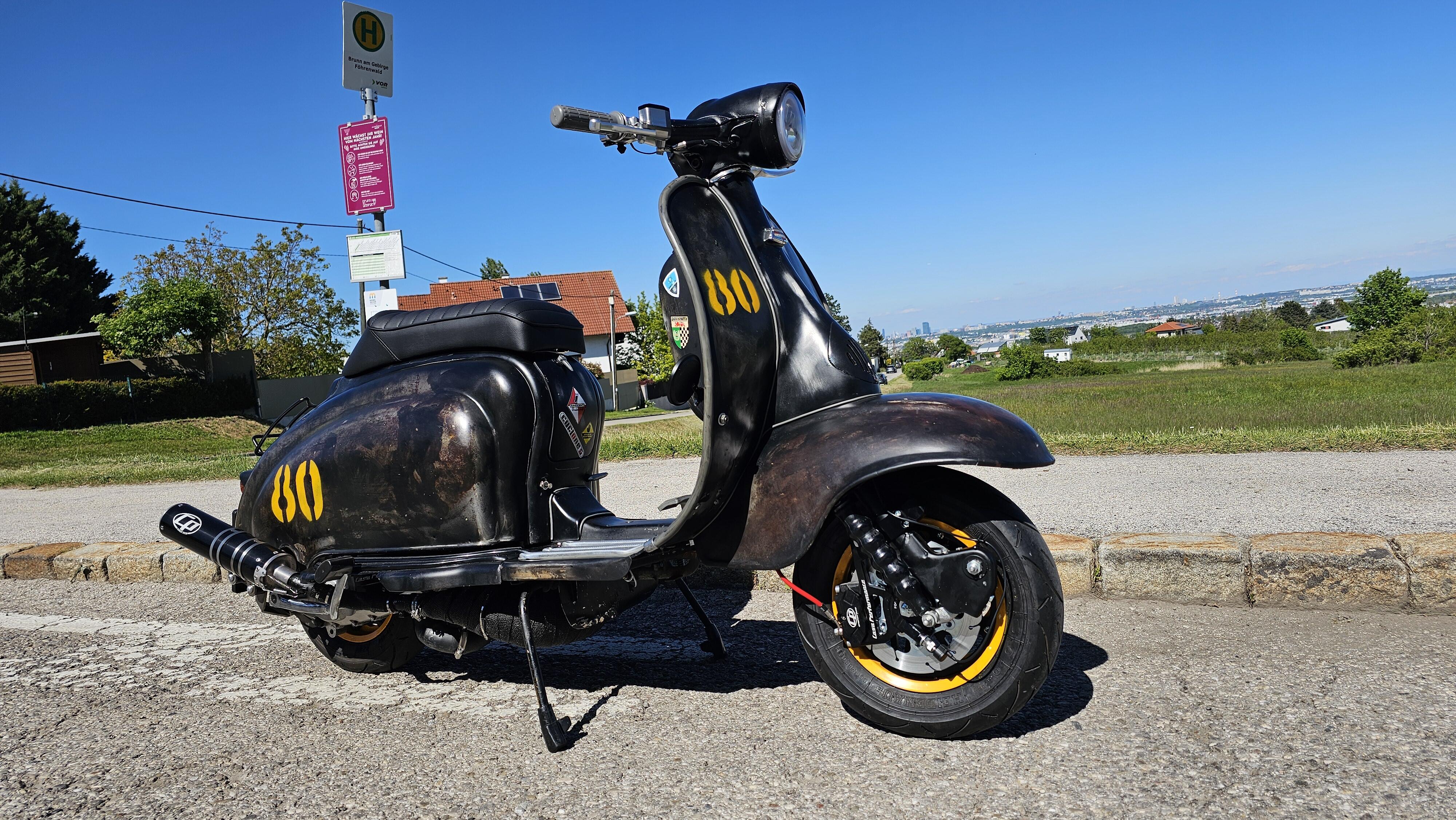
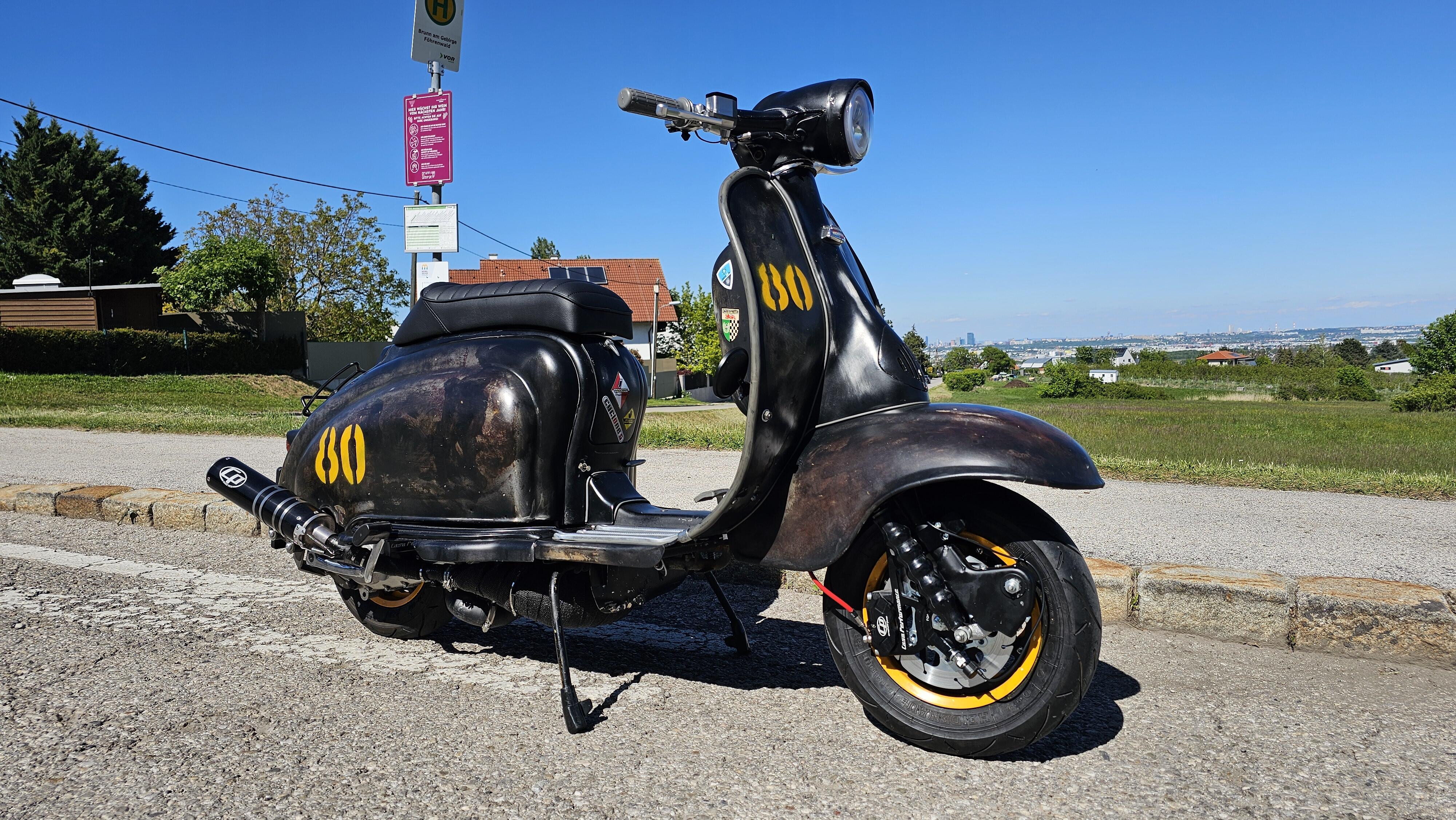
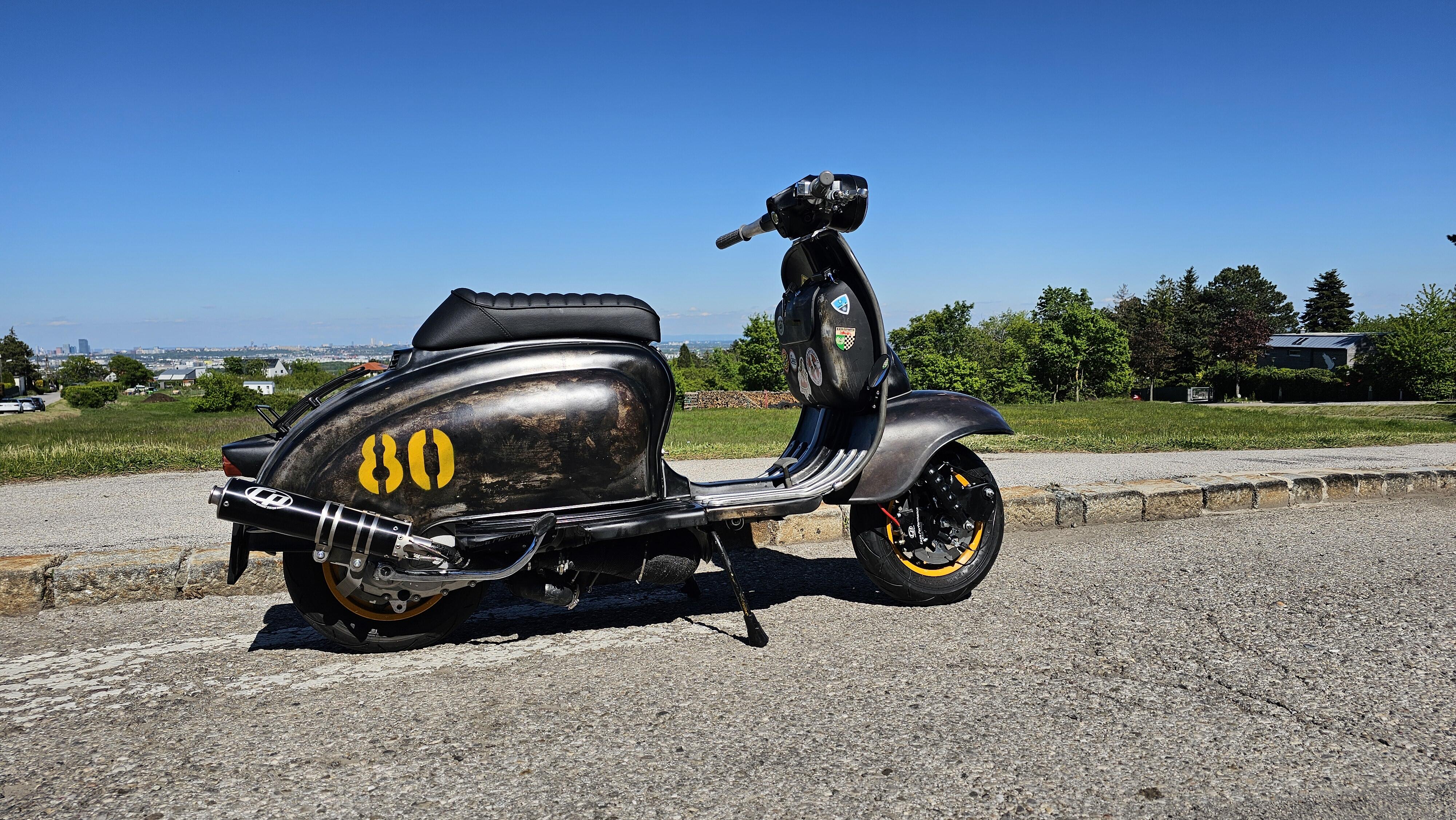
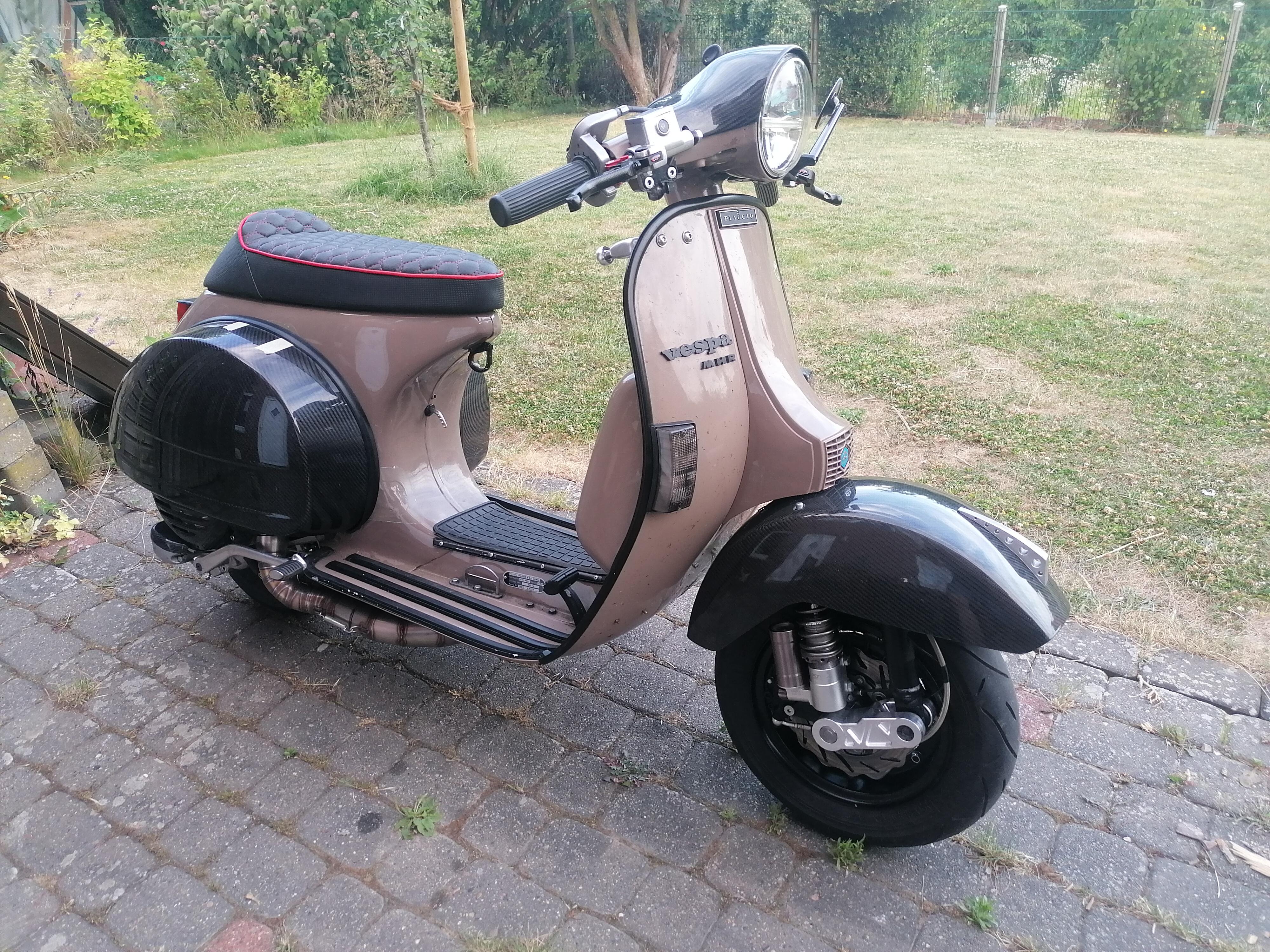
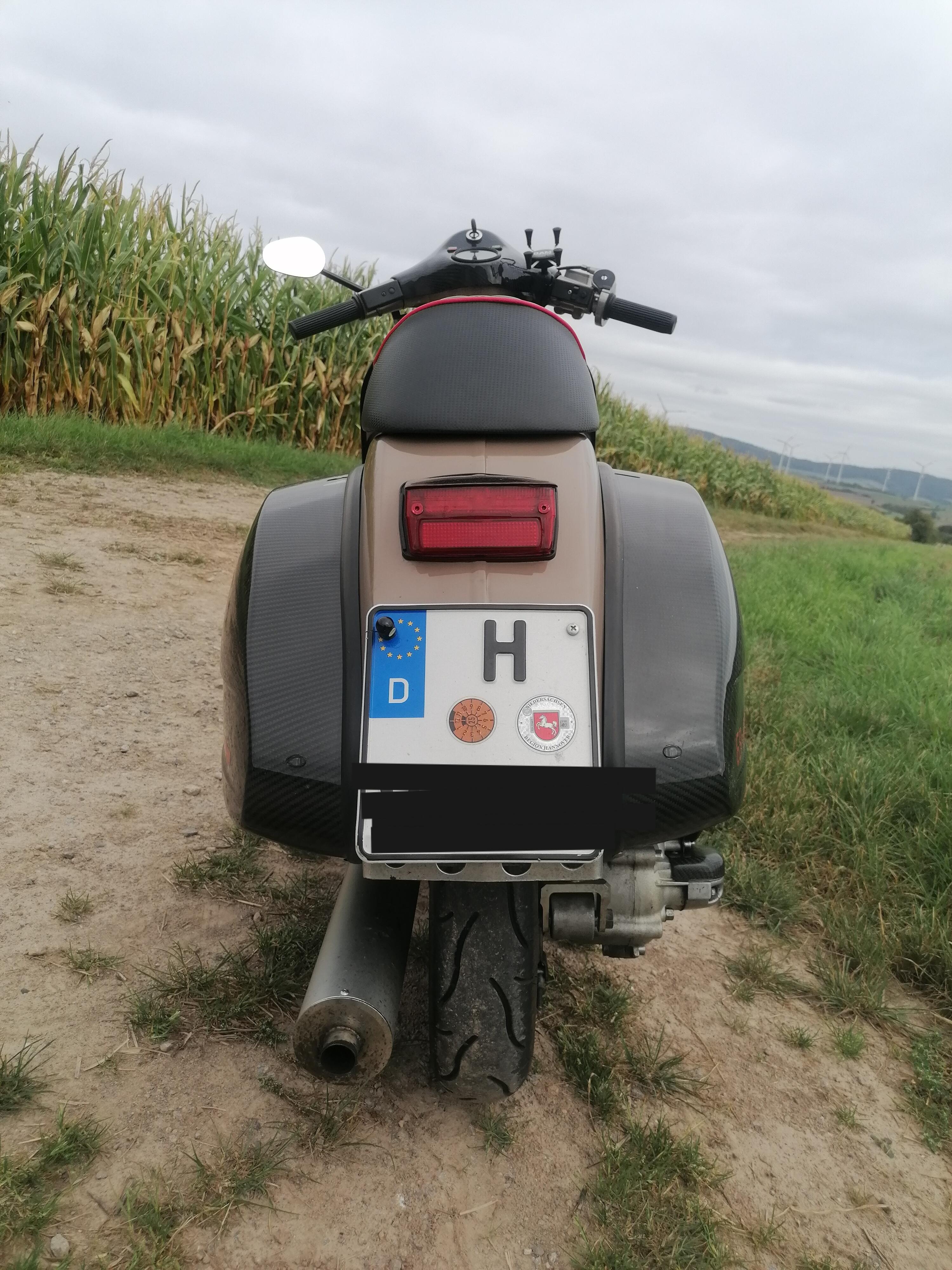
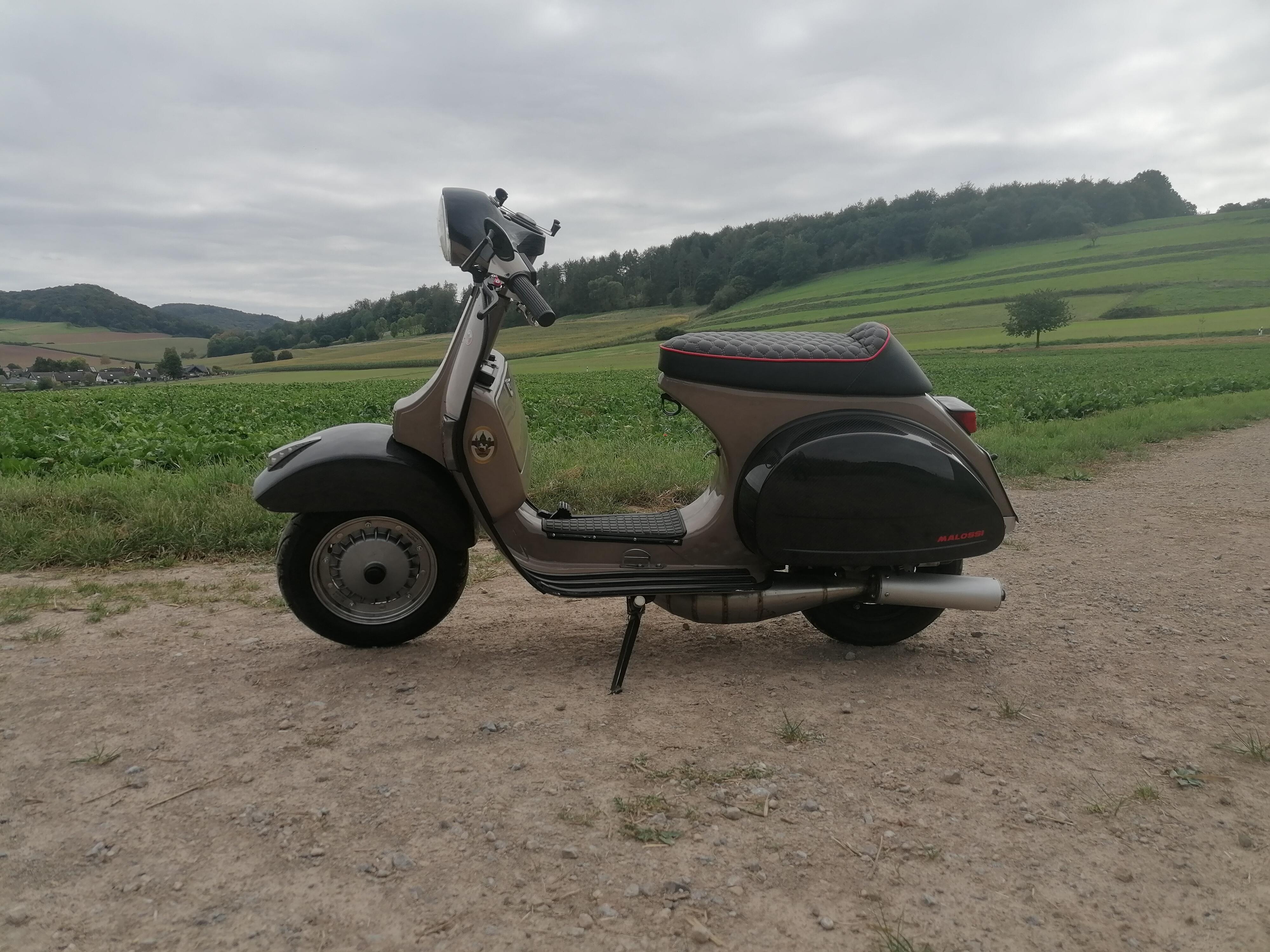
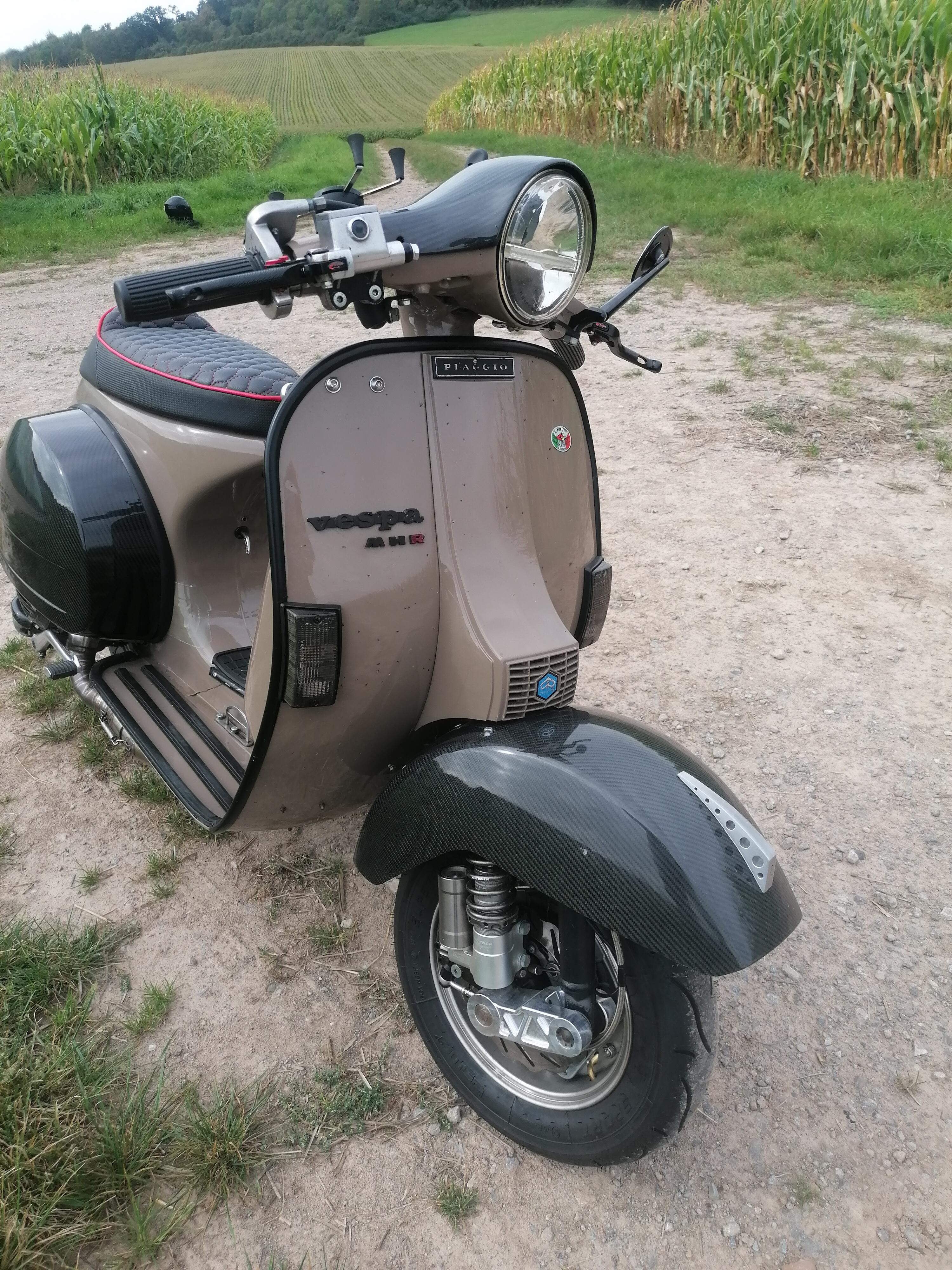
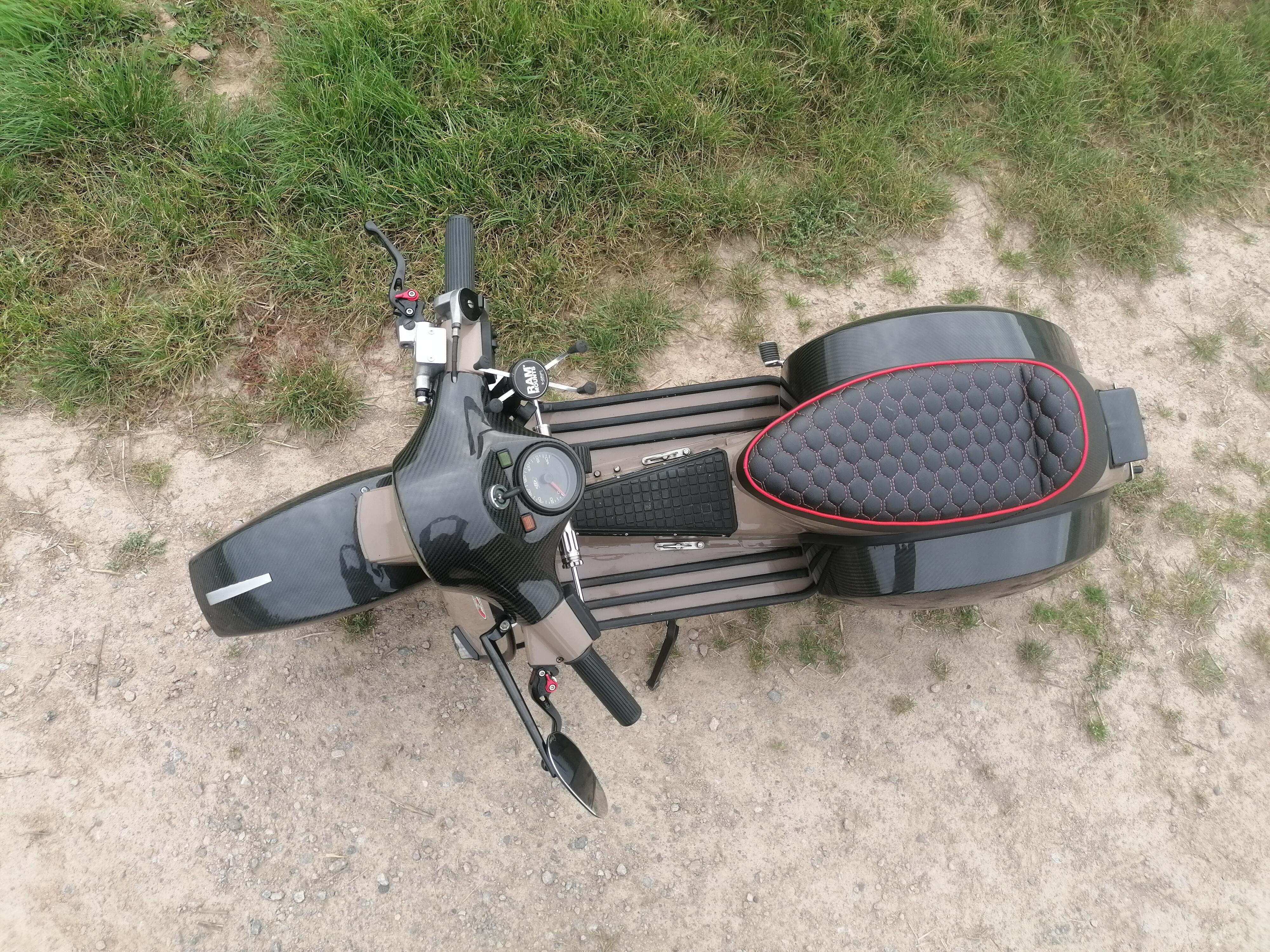
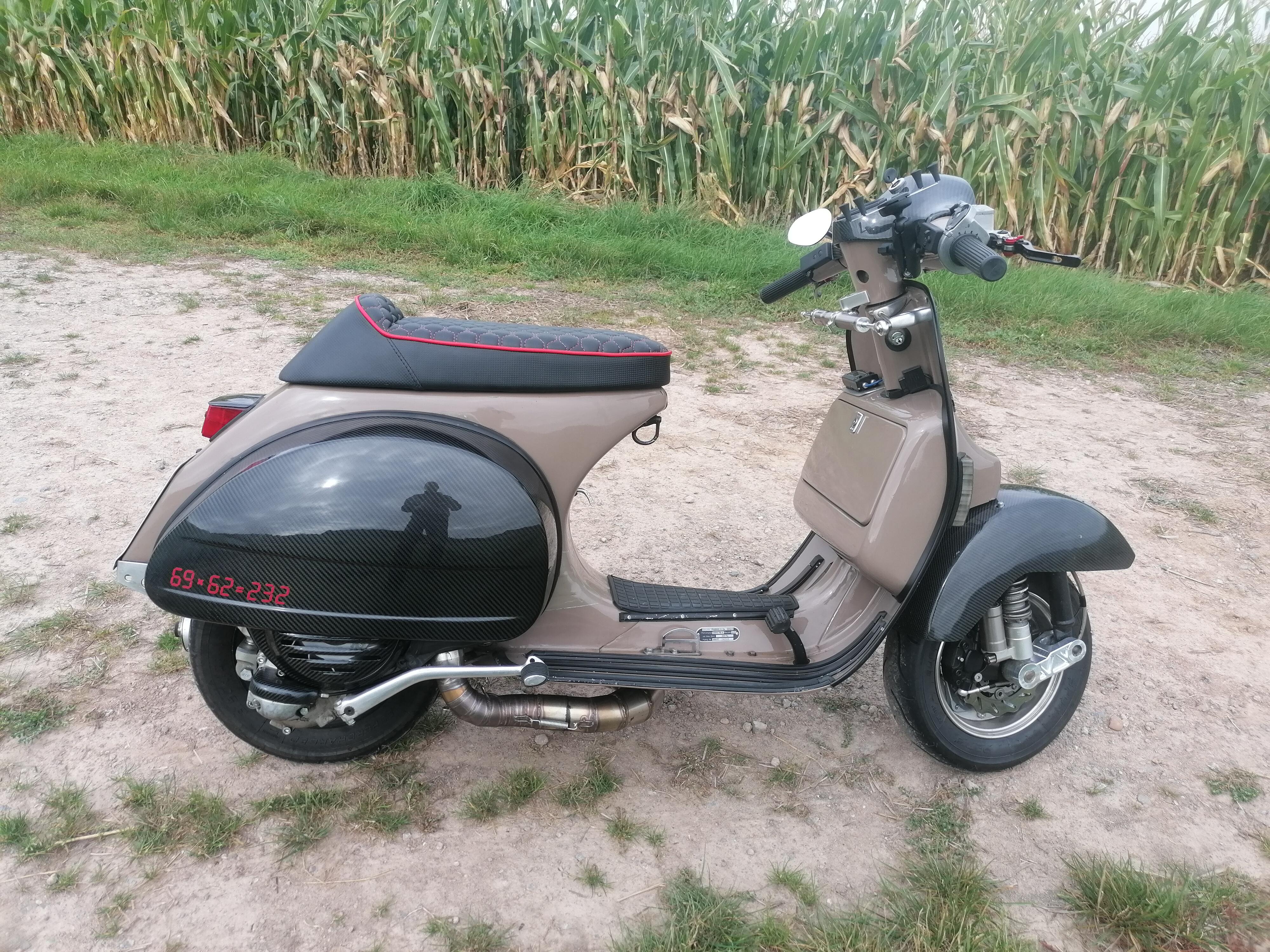
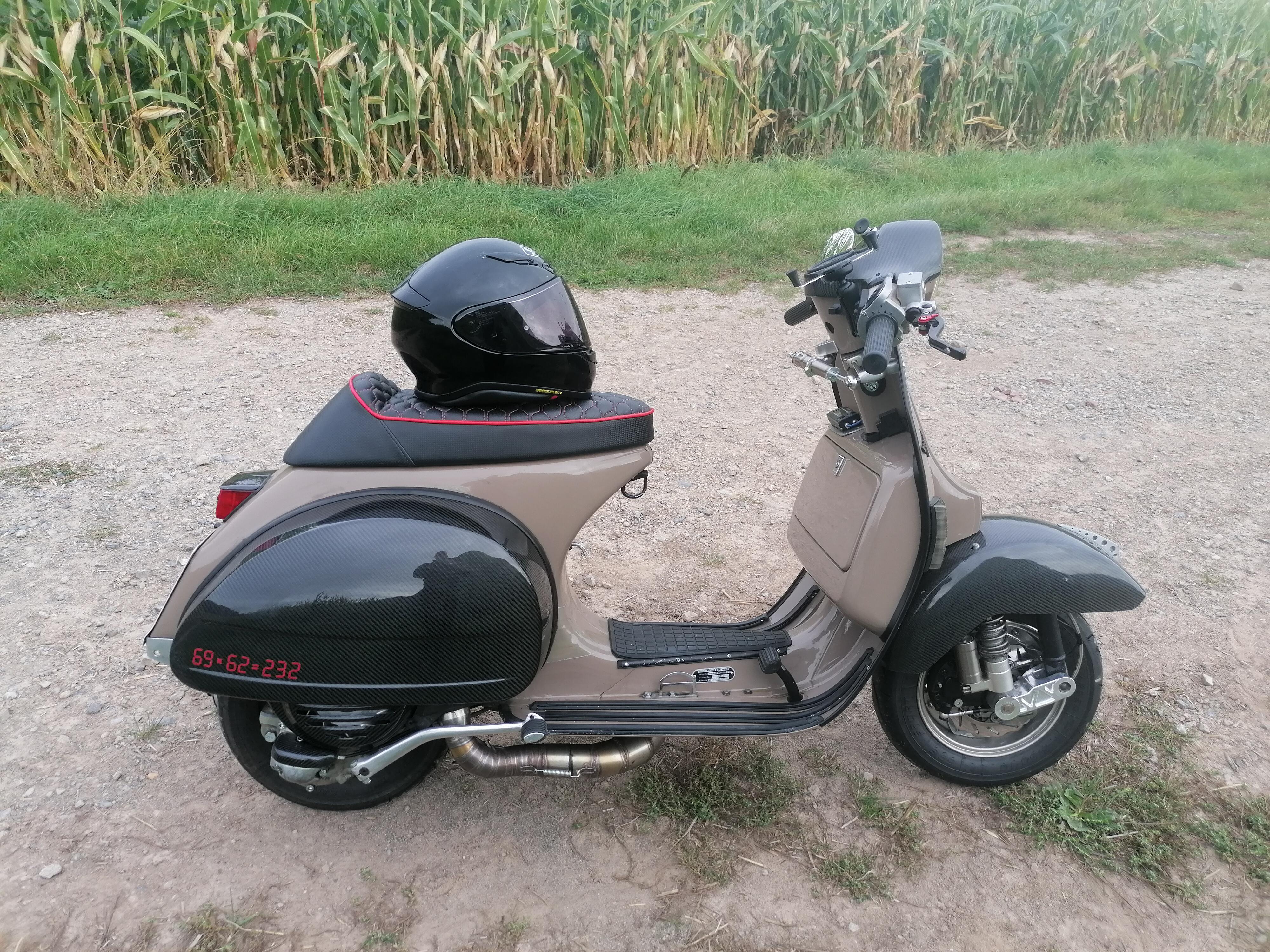
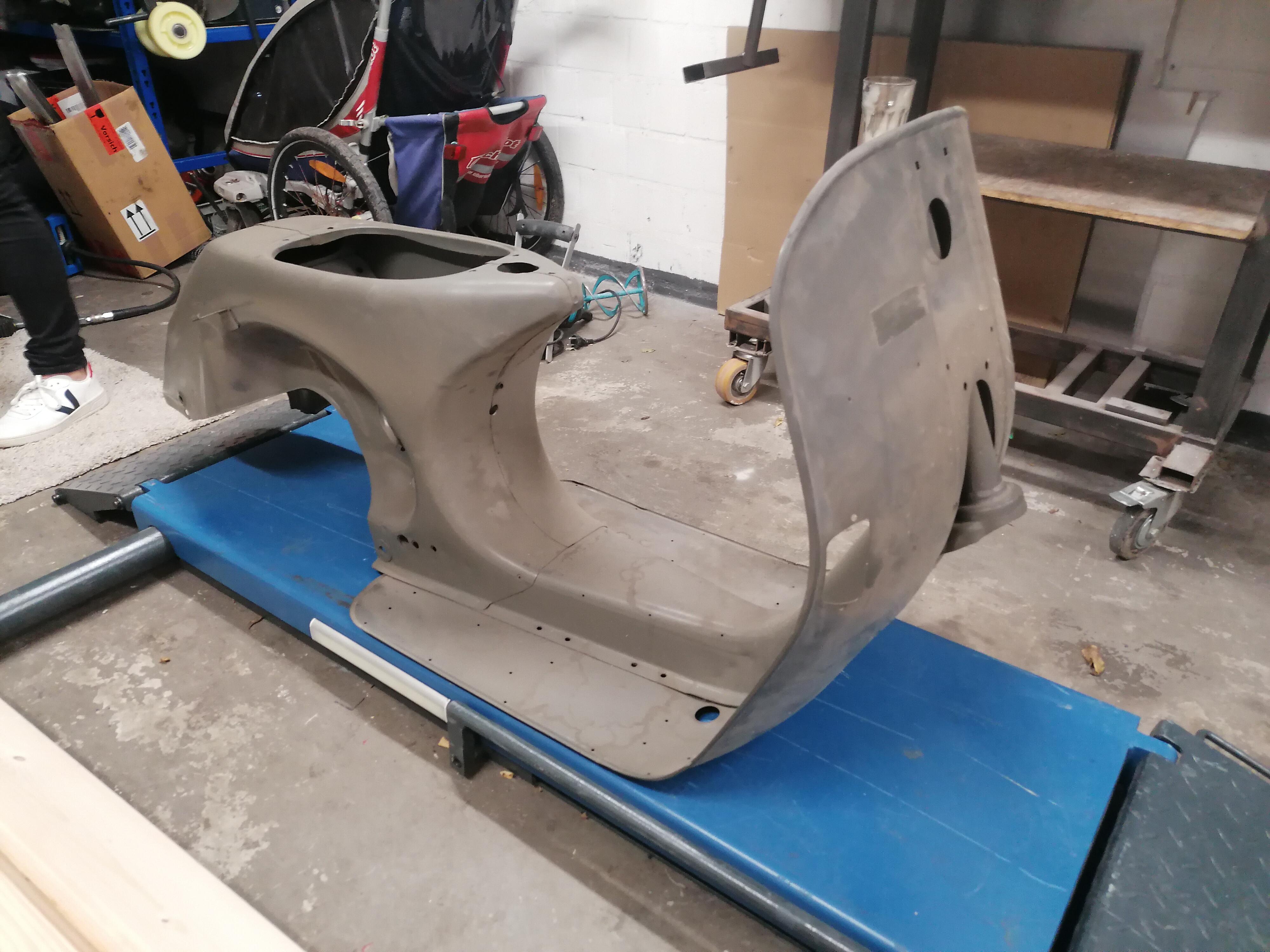
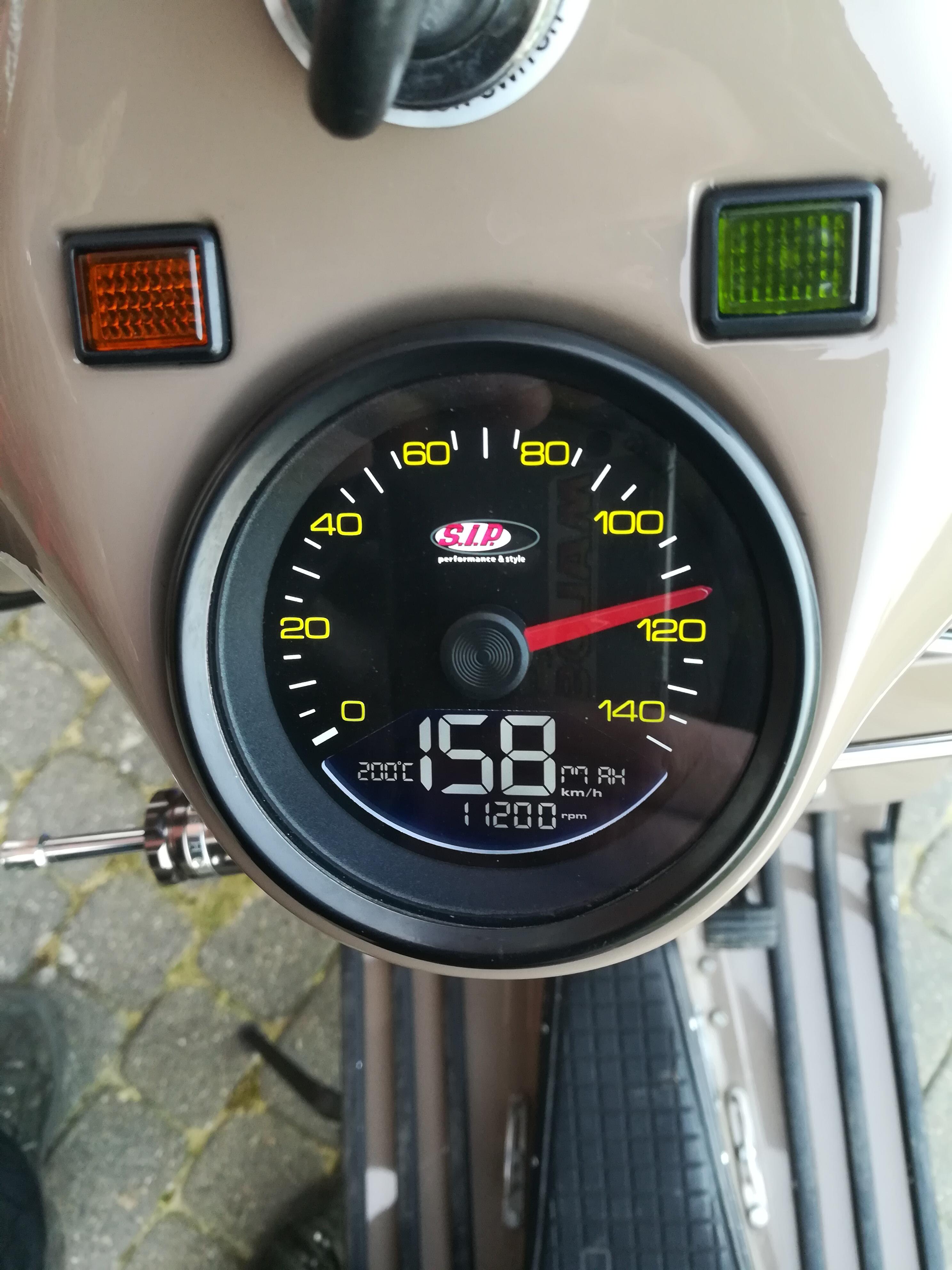
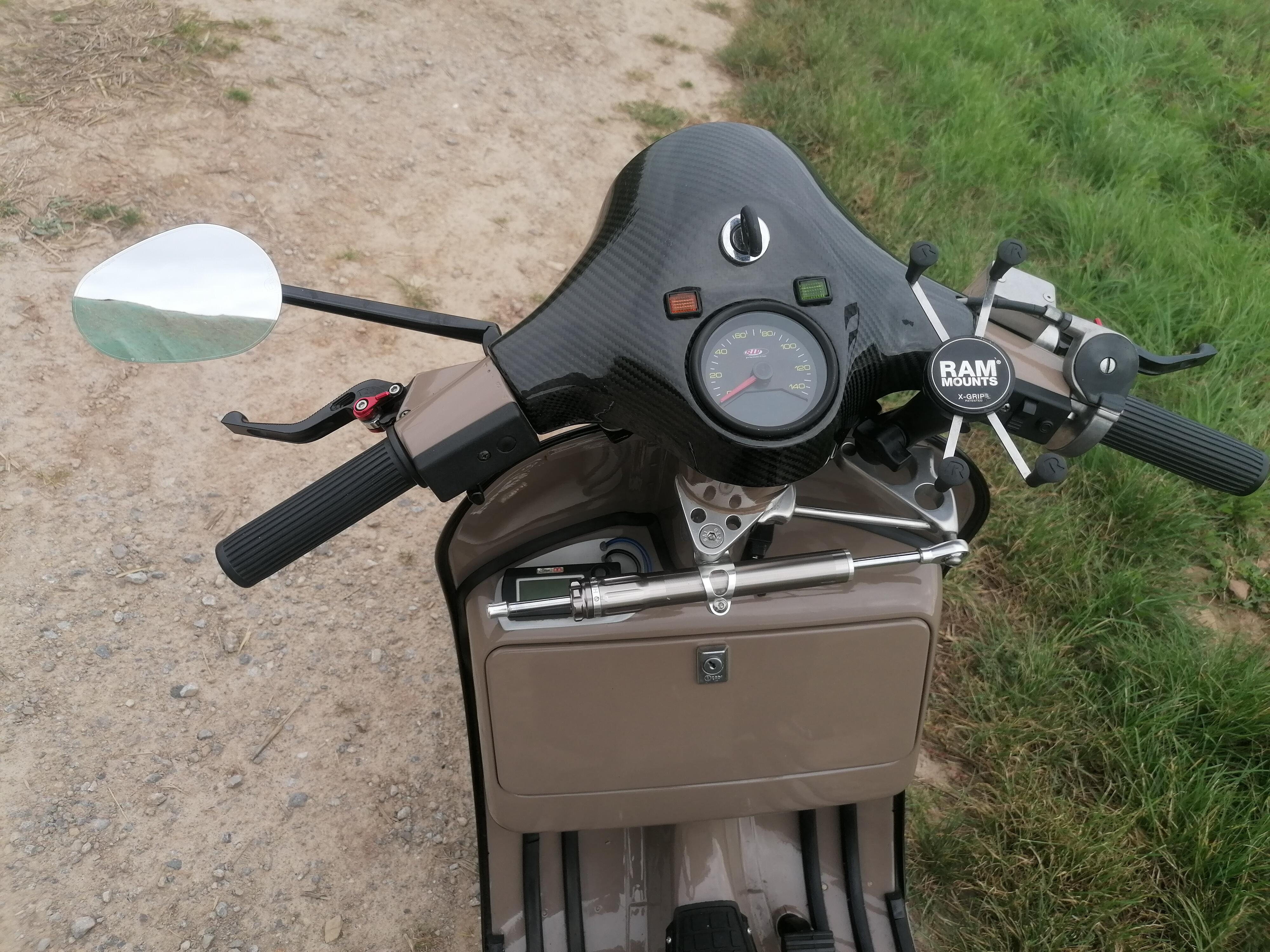
 1 Punkt1 Punkt... weil es mir nach der Radioliganden-Therapie vor 2 Wochen wieder richtig gut geht. Ich hatte die letzten 6 Monate stetig zunehmende Schmerzen und abnehmende Lebensqualität und war zu nichts mehr zu gebrauchen. Ich habe 20 Kg abgenommen und habe echt keine schöne Zeit gehabt. Nun hatte ich vor 2 Wochen die erste Runde der Therapie und habe keine Schmerzen mehr im Becken. Das ist ein Zugewinn an Lebensqualität, ich könnte den ganzen Tag grinsen...1 PunktEs war seeeehr schön mit- und bei Euch. Freu mich schon auf das nächste Jahr! ...Allerdings erst ab Mittwoch wenn die Schmerzen nachlassen!1 Punkt1 PunktWie Tiere in Wirklichkeit aussehen würden, die unsere Kinder für uns gemalt haben, Teil 2:1 Punkt1 Punkt1 Punkt1 Punkt1 PunktJa das crimaz Gerät ist einfach ein anderes Level. Und auch die Fahrer. Das ist einfach spitzenniveau. Umso grösser die Leistung von Team germany und Projekt Paul da doch noch so gut dranbleiben zu können. Crimaz hat auch ausser einmal nicht geschraubt. Nur reifenwechsel und getankt und gefahren. War sehr eindrucksvoll das ganze zu sehen Überlegt euch nicht doch mal mitzufahren, oder bei einem Team als Unterstützer dabei zu sein. Oder nur als Zuschauer. Das ganze ist einfach unfassbar gut zum dabei sein. So ein Event gibt es sonst nicht wirklich. Zu vergleichen mit den grossen 24h Rennen wie le mans oder nürburgring.1 Punkt1 PunktWenn wer Bock auf ein geiles Rennen hat, merkt euch das vor. Davon erzählt ihr euren Enkeln am Sterbebett, das sag ich euch.1 Punkt1 PunktMoin, ich stelle Euch hier mal meine Braune vor, bevor sie komplett überarbeitet wird. Folgende Teile sind verbaut: Piaggio P80X, Bj. 83 Malossi Vr one Motorgehäuse Mrp Adapter Vforce 4 Mrp Schnüffelstück Keihin PWK 35 Airstriker Gaszug Deckel CMD Eigenbau Dumbo 70mm Mikuni Benzinpumpe Overrev DSE race, Viper Box oder PD Bullet Mrp kopf MHR 232cc (AS 196, ÜS 132, VA 32) 69er GS Kolben 62er Kingwelle Pinasco 9ball Hauptlager Gp one Lüfterrad Superstrong cr80 23 Z. Drt primär 62 Z. Drt spitfire Vorgelege 12/13/17/20 Drt Gänge (56/40/37/36)) KR automation poligon Hauptwelle Poligon Bremstrommel Motorini Diavolo Schaltraste mod. by Vnb3t BGM Schaltwelle BGM Schaltkreuz GS Ölschrauben Cnc Entlüftung Mrp Kupplungsarm Bgm Pro sc 16 Fahrwerk Oldschool Bremstrommel v Polini wave Bremsscheibe Spiegler Stahlflex BGM Sport 3.50/10 BGM Edelstahl Felgen Bgm Pro Schläuche Bgm Lenkungsdämpfer Drop Bar Cosa Gabel - 35mm CNC Schwinge Lenkkopflager by rd racer SIP Tacho AFR Konverter Egt Anzeige Streamline Sitzbank Carbon Backen Carbon Drop bar Abdeckung Carbon T5 Kotflügel Carbon Schaltrastenabdeckung Carbon Lüfterradabdeckung Carbon Rücklichtabdeckung LED Scheinwerfer LED Blinker LED Rücklicht LED Kennzeichenbeleuchtung Bosch AGM Batterie Bgm Helmhaken Buzzetti Seitenständer, gekürzt Mrp Gepäckösen PM Hebel USB Steckdose Navi Halter Eigenbau Alu: 70mm Dumbo Kotflügelfinne Spritzschutz Halter Lenkungsdämpfer CDI Halter Benzinhahn Hebel (V4A) Spiegelhalter 3d Druck : Halter für Tachosteuergerät, AFR Konverter, mhr Schriftzug, Vergaserhutze, Ansauggummi Paar Bilder: Dazu kommt dann noch ein vom Blechmann verstärkter NOS Rahmen: Teaser zum neuen Design, 90er Custom Racer: Netten Tach noch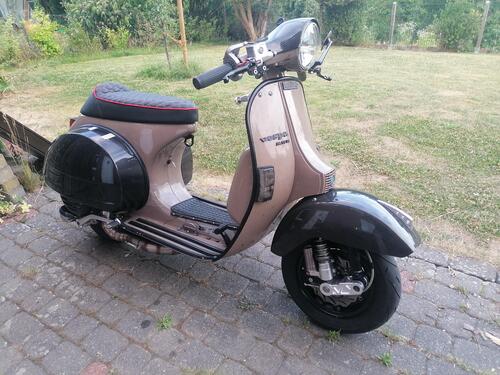
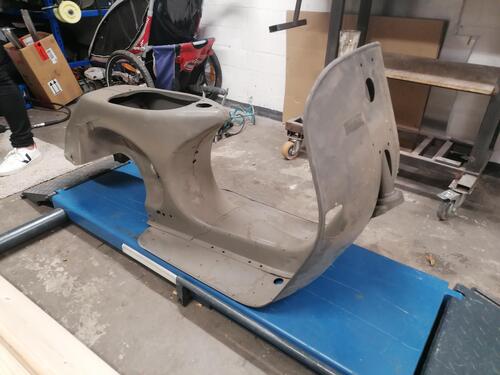
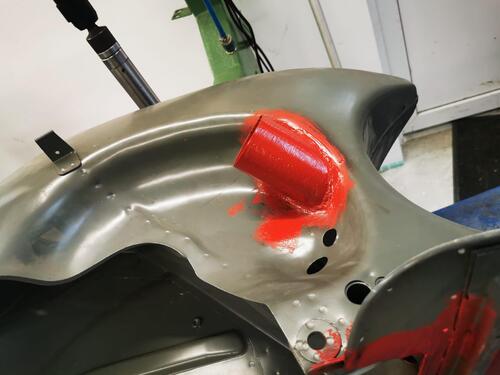
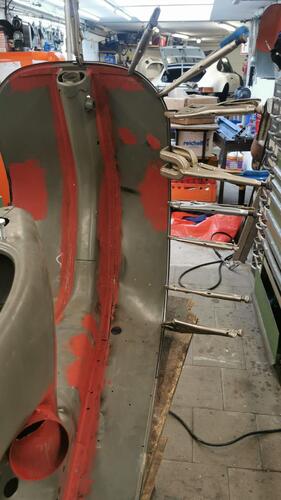
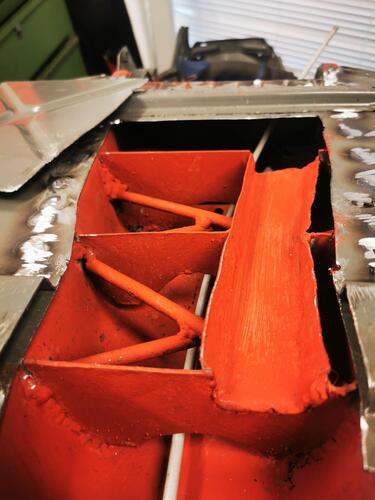
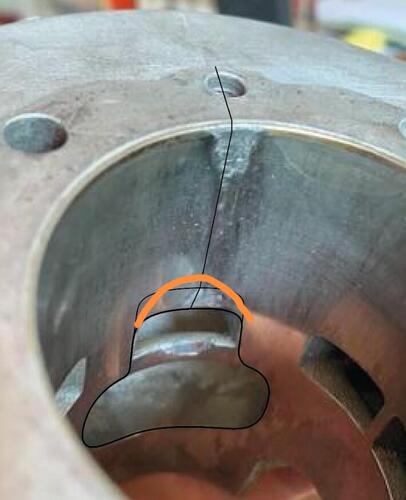
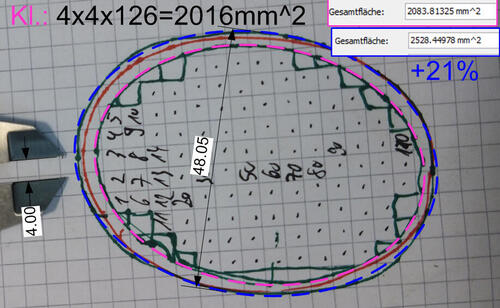
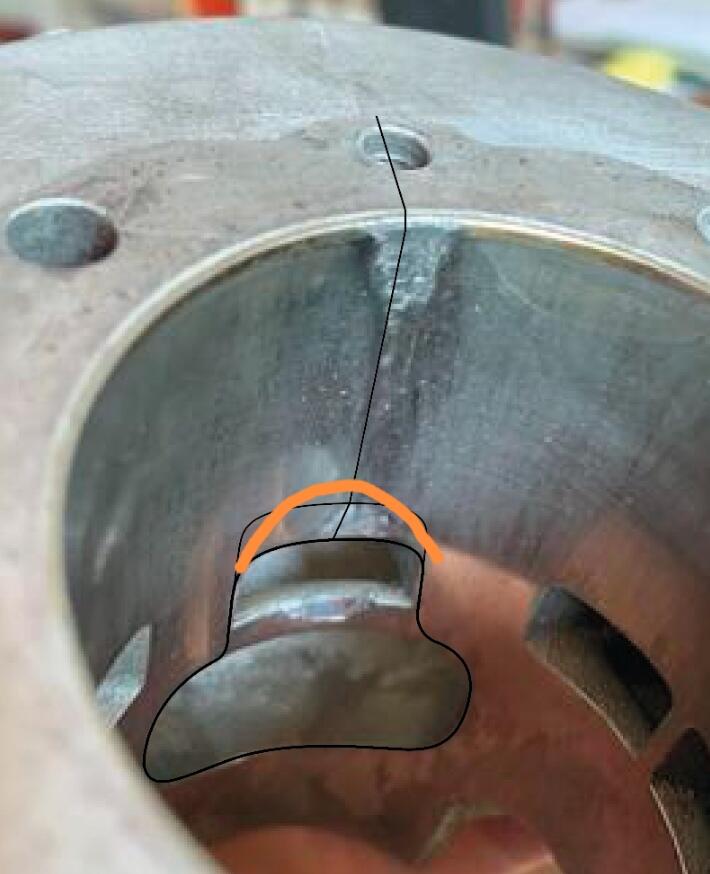
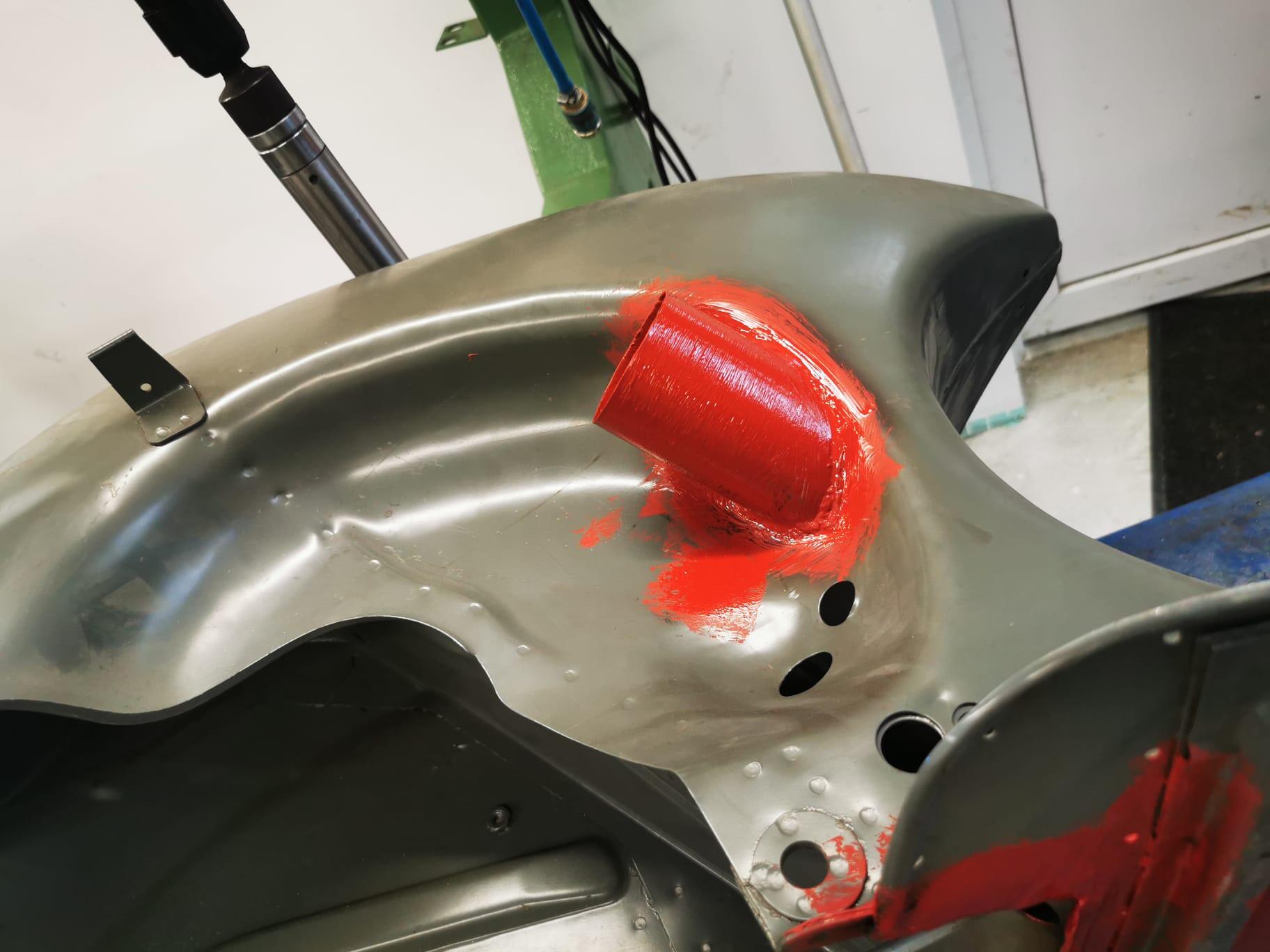
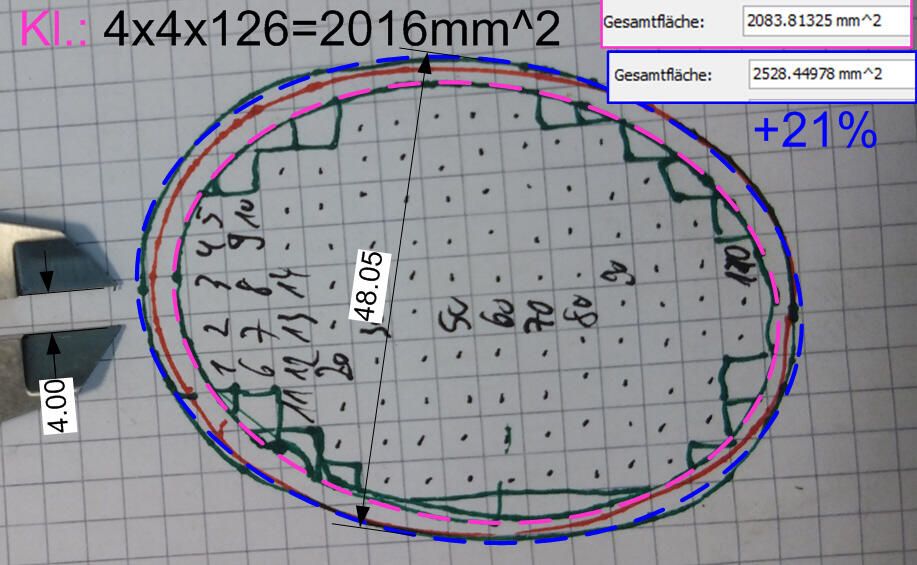
 1 Punkt@dorkisbored natürlich. Hatte mir den hier gekauft: ALLmeter Mini Digitaler Winkelmesser Magnetisch Wasserwaage 4*90° VA Bildschirm Hintergrundbeleuchtung Neigungsmesser mit USB Typ-C aufladbares Winkelmessgerät Sägeblatt Bevel Box für Holzbearbeitung : Amazon.de: Baumarkt aber mit Winkel usw hat mir das nicht gefallen. Auch sind bei mir immer verschiedene FZ mit verschiedenen Polrädern und deren Abziehern im Einsatz. Daher wollte ich eine universelle einfache Lösung. Oberteil/Unterteil gedruckt und mit Sekundenkleber verklebt. STL dazu im Anhang. (Datei ist von mir erstellt und ab jetzt für jeden frei verfügbar.) Diese Magnete wurden dafür verwendet: Magnetpro 12 Stück Magnete 10 KG Kraft 20 x 7 mm mit Loch und Kapsel, Senkkopf-Topfmagnet mit Schrauben und 12 Stahlkissen : Amazon.de: Gewerbe, Industrie & Wissenschaft (Hoffe das ist ok mit den Links) Anmerkung: geht natürlich auch direkt auf dem Polradabzieher ohne die Schraube, oder auf der Kuwe... DigWiHa.zip1 PunktHab die Tage mal das Loch im Rahmen original und nach einer moderaten Erweiterung ausgemessen und die Fläche mit Visio berechnet: Immerhin 21% grössere Fläche und es ist noch nicht alles ausgereizt... Edit: meine Skalierung in Visio ist etwas ungenau, die ausgezählten 4x4 Karos sind wohl zuverlässiger. Die KI berechnet folgendes: Ellipse lange Achse kurze Achse Fläche blau 65.8 mm 48.05 mm 2484 mm² (+22%) rosa 60.0 mm 43.2 mm 2035 mm²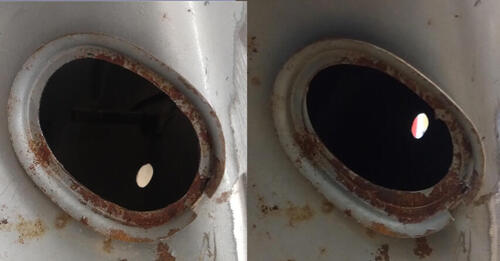
 1 PunktJa...extrem lange....von Sonntag morgen bis Montag morgen, da stand der Termin anscheinend schon. Also eigentlich die Zeit in der man der Meinung ist, nie wieder Alkohol trinken zu wollen. Die Entscheidung freut mich aber1 Punkt
Wichtige Information
Diese Website nutzt Cookies und vergleichbare Funktionen zur Verarbeitung von Endgeräteinformationen und personenbezogenen Daten. Die Verarbeitung dient der Einbindung von Inhalten, externen Diensten und Elementen Dritter. Je nach Funktion werden dabei Daten an Dritte weitergegeben. Einige dieser Verfahren sind technisch unerlässlich, andere kommen nur mit Ihrer Zustimmung zum Einsatz, eine Anpassung ist in den die Cookie-Einstellungen möglich. Für Details siehe die Datenschutzerklärung





















.thumb.jpg.9b066c8bf7cde81e084ce88643f48ef7.jpg)




Account
Navigation
Suche
Configure browser push notifications
Chrome (Android)
- Tap the lock icon next to the address bar.
- Tap Permissions → Notifications.
- Adjust your preference.
Chrome (Desktop)
- Click the padlock icon in the address bar.
- Select Site settings.
- Find Notifications and adjust your preference.
Safari (iOS 16.4+)
- Ensure the site is installed via Add to Home Screen.
- Open Settings App → Notifications.
- Find your app name and adjust your preference.
Safari (macOS)
- Go to Safari → Preferences.
- Click the Websites tab.
- Select Notifications in the sidebar.
- Find this website and adjust your preference.
Edge (Android)
- Tap the lock icon next to the address bar.
- Tap Permissions.
- Find Notifications and adjust your preference.
Edge (Desktop)
- Click the padlock icon in the address bar.
- Click Permissions for this site.
- Find Notifications and adjust your preference.
Firefox (Android)
- Go to Settings → Site permissions.
- Tap Notifications.
- Find this site in the list and adjust your preference.
Firefox (Desktop)
- Open Firefox Settings.
- Search for Notifications.
- Find this site in the list and adjust your preference.