


Trenck1
Members
-
Benutzer seit
Alle Inhalte von Trenck1
-
Ein A380 ist auf dem Weg über den Atlantik. Er fliegt gleichbleibend mit 800 km/h in 30.000 Fuß Höhe, als plötzlich ein Eurofighter mit Tempo Mach 2 auftaucht. Der Pilot des Kampfjets bremst ab, fliegt neben dem Airbus her und grüßt den Piloten des Passagierflugzeugs per Funk: „Langweiliger Flug, was? Dann pass mal auf!“ Er rollt seinen Jet auf den Rücken, beschleunigt, durchbricht die Schallmauer, steigt rasant in eine schwindelerregende Höhe, nur um gleich darauf in einem atemberaubenden Sturzflug fast bis hinunter auf Meereshöhe zu stürzen. Mit einem Looping kehrt er neben den A380 zurück und fragt: „Na, wie war das?“ Der Pilot des Airbus antwortet: „Sehr beeindruckend. Aber jetzt schau du mal her!“ Der Jetpilot beobachtet die Passagiermaschine, aber es passiert nichts. Sie fliegt weiter stur geradeaus, mit immer gleichem Tempo. Nach fünf Minuten meldet sich der A380-Pilot per Funk: „Na, was sagst Du jetzt!?“ Der Jetpilot fragt irritiert: „Was hast du denn gemacht?“ Der andere lacht und sagt: „Ich bin aufgestanden, habe mir die Beine vertreten, bin nach hinten auf die Toilette gegangen, dann habe ich mir einen Kaffee und eine Zimtschnecke geholt und mich für die nächsten drei Nächte mit der Stewardess verabredet – in einem 5-Sterne-Hotel, das von meinem Arbeitgeber bezahlt wird.“ Die Moral der Geschichte ist: Wenn du jung bist, scheinen Geschwindigkeit und Adrenalin etwas tolles zu sein. Aber wenn du älter und klüger wirst, sind Bequemlichkeit und Ruhe auch nicht zu verachten. Man nennt das S.O.S.: slower, older, smarter. Gewidmet allen meinen Freunden, die sich wie ich dem S.O.S. nähern...
-
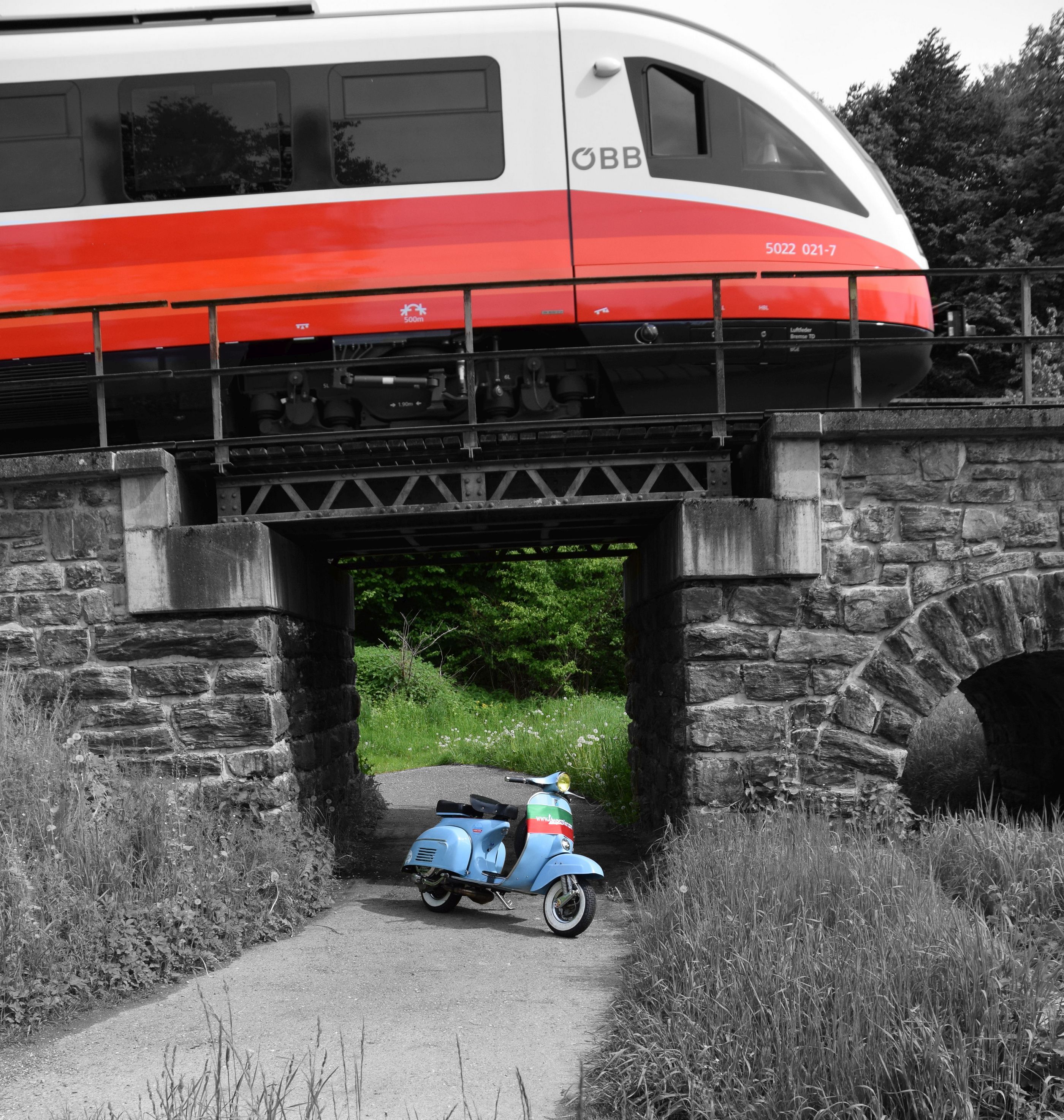
die Vespa ist von einen guten Freund, auf einer 4 spurigen Straße hatte hat jemand vom Gegenverkehr vor mit dem Auto über seine Fahrspur abzubiegen, fast ungebremst in die Beifahrer Türe, zum Glück Crosshelm er hat mit viel Glück überlebt, seitdem fährt er kein Zweirad mehr, irgendwie will er zwar wieder aber sobald ein gegen verkehr kommt wird ihm anders der unfall war vor 10 jahren, die vespa wurde gleich verkauft so wie sie war.
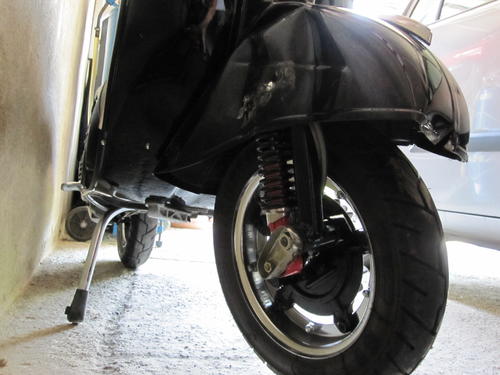
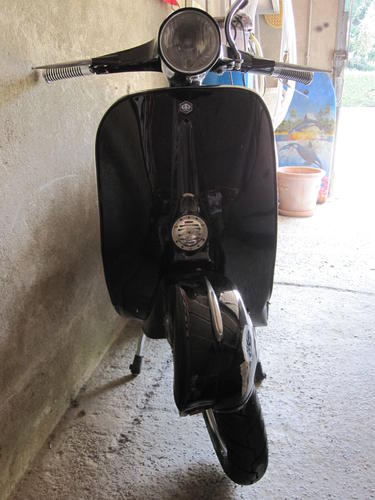
-
bei mir leider auch das gleiche
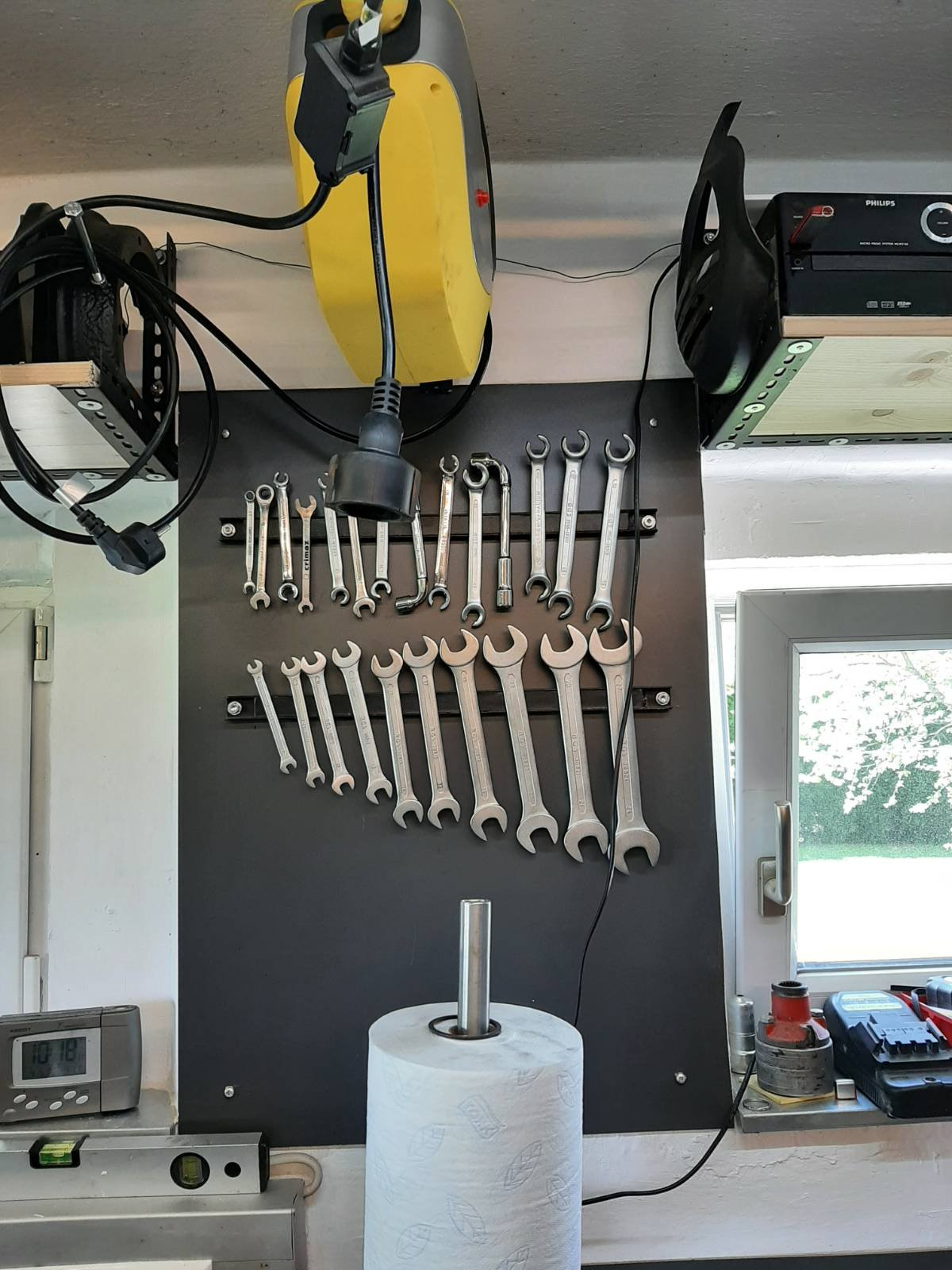
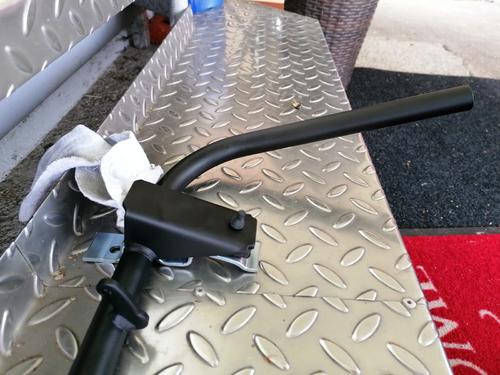 habe bei mir auch magent leistn montiert vom Hofer/Aldi
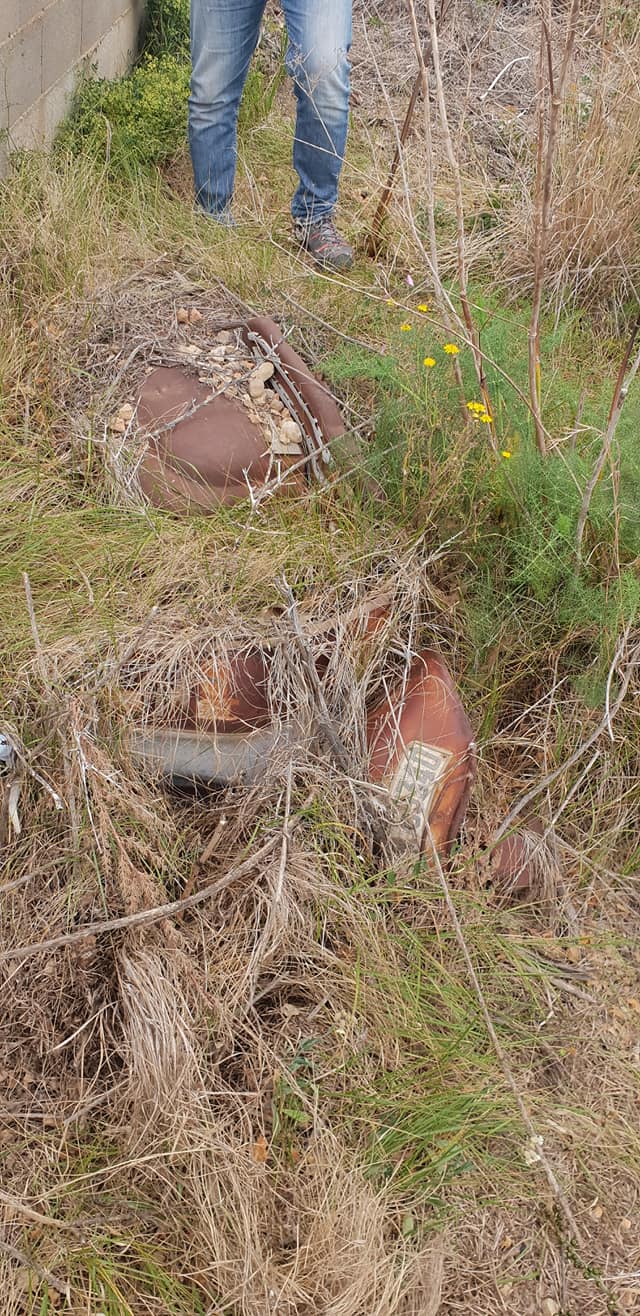
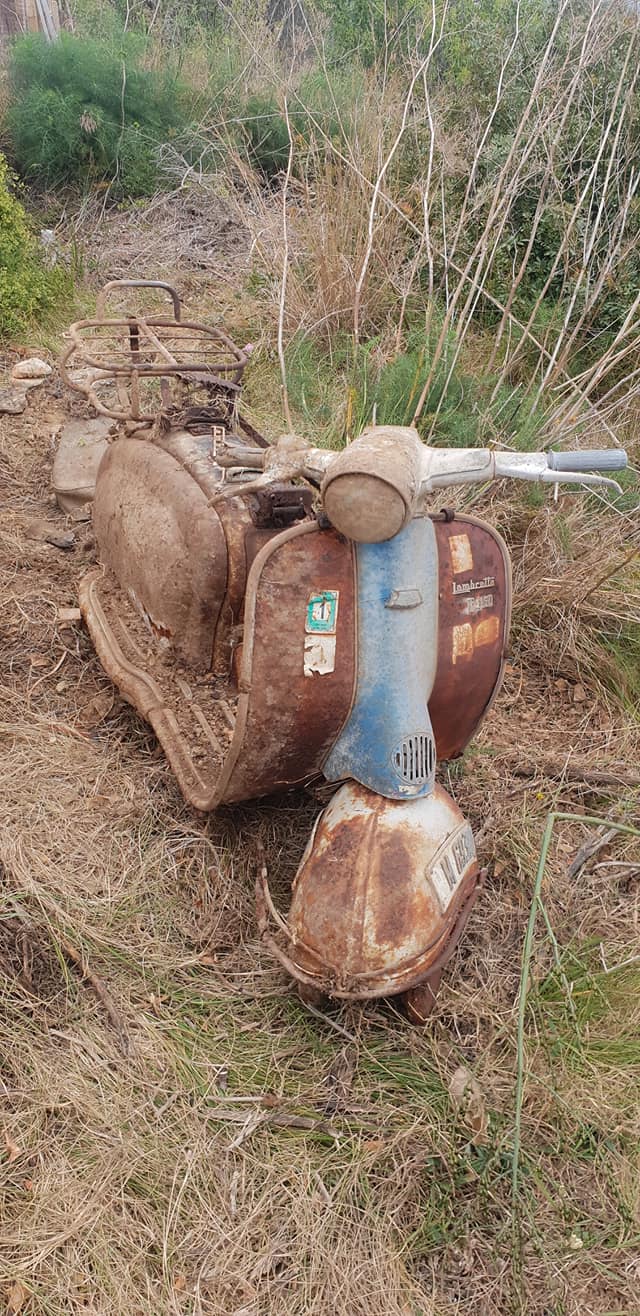
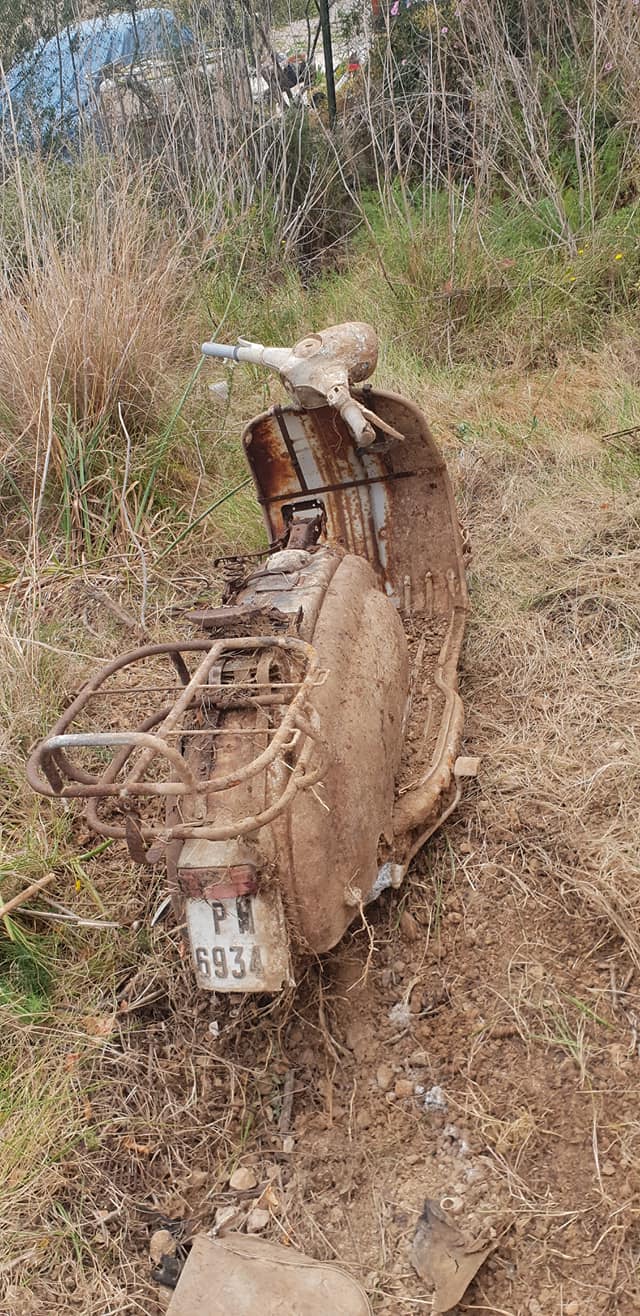
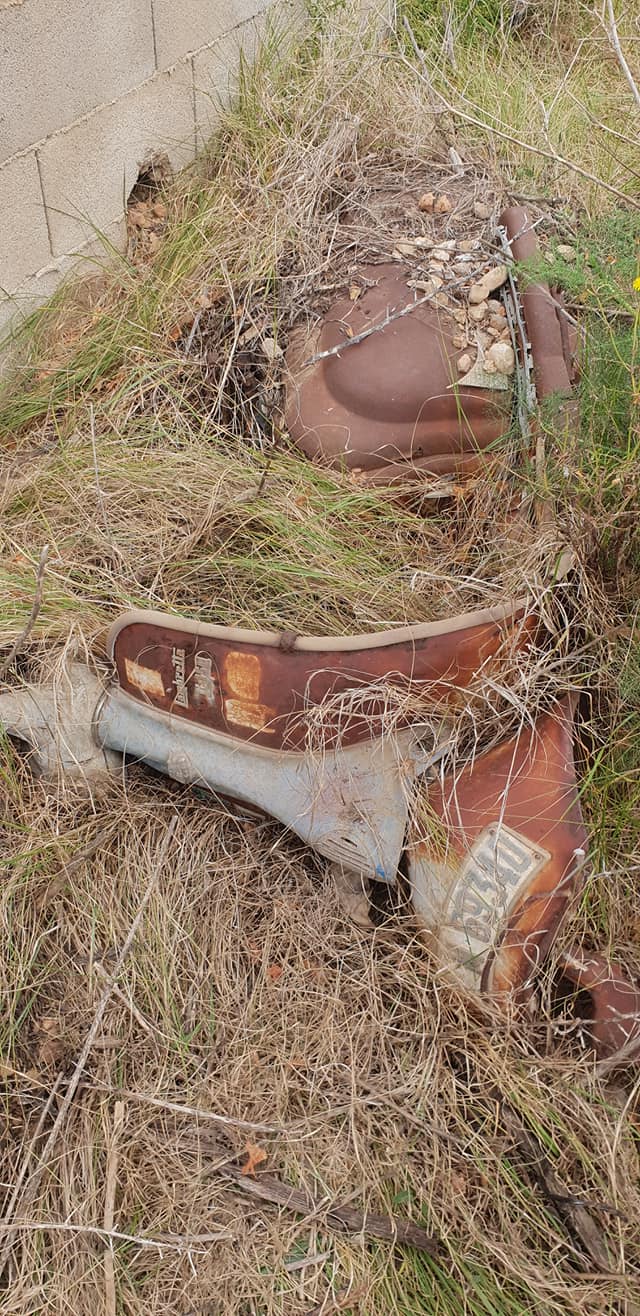
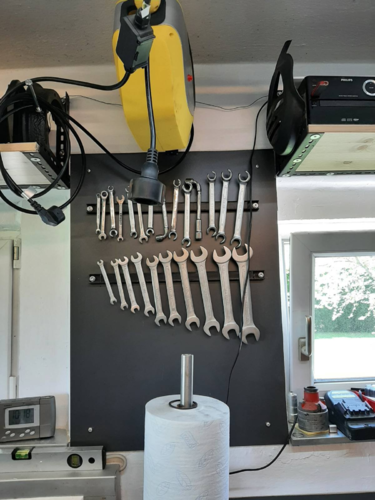 fotos in der FB gruppe Classic Lambretta Owners gefunden is zwar keine scheune, aber ne ausgrabung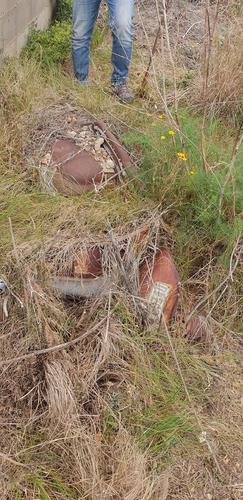
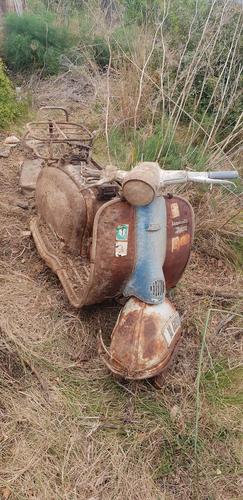
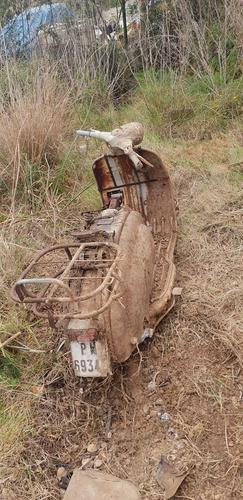
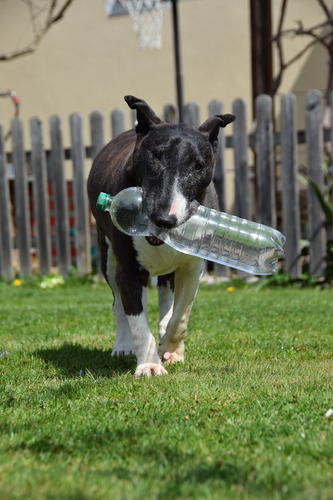
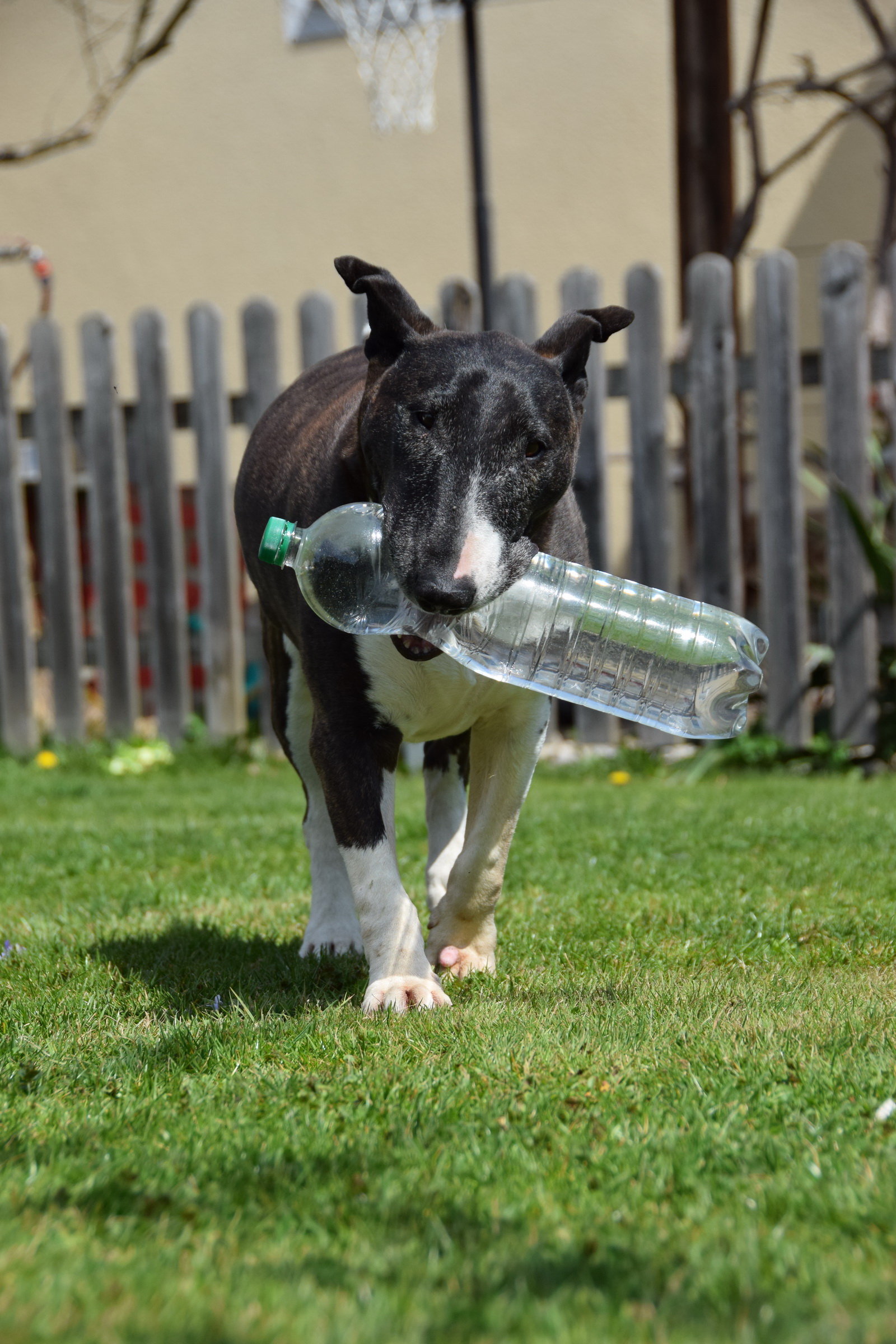
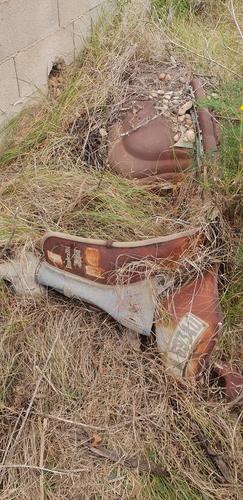 Paula meine wasser trägerin
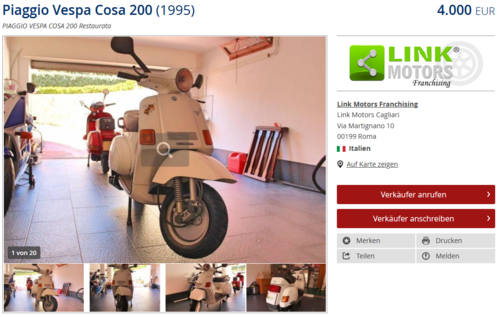
 https://www.classic-trader.com/de/motorrad/inserat/piaggio/vespa-cosa-200/1995/235451
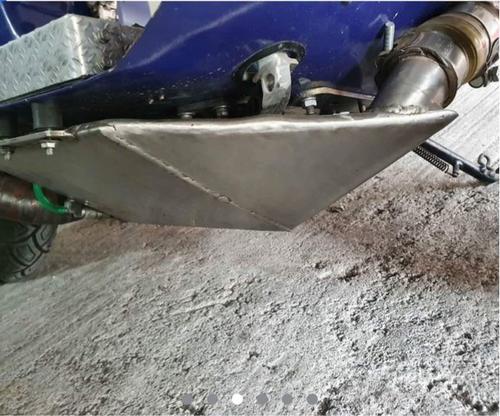
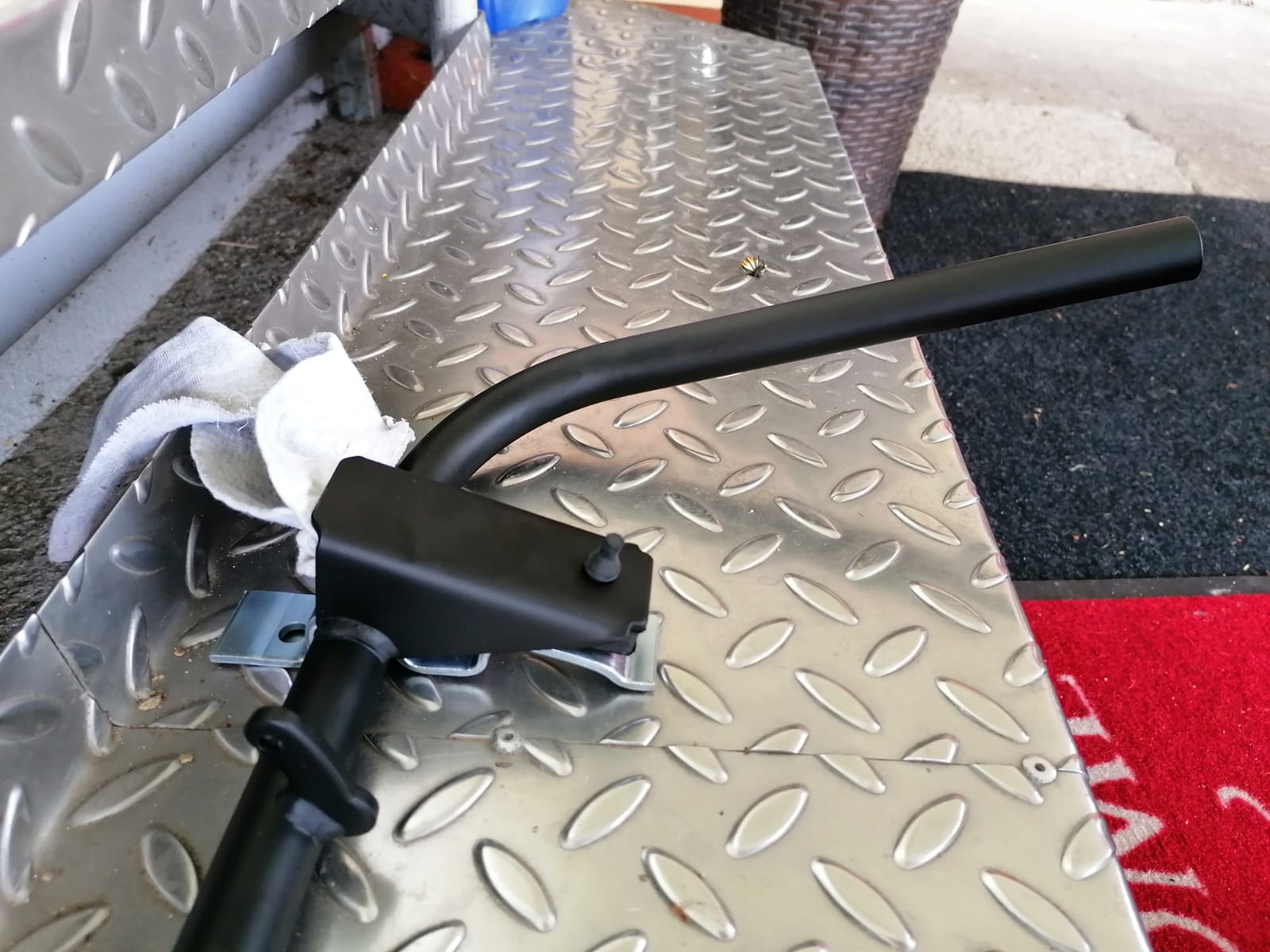
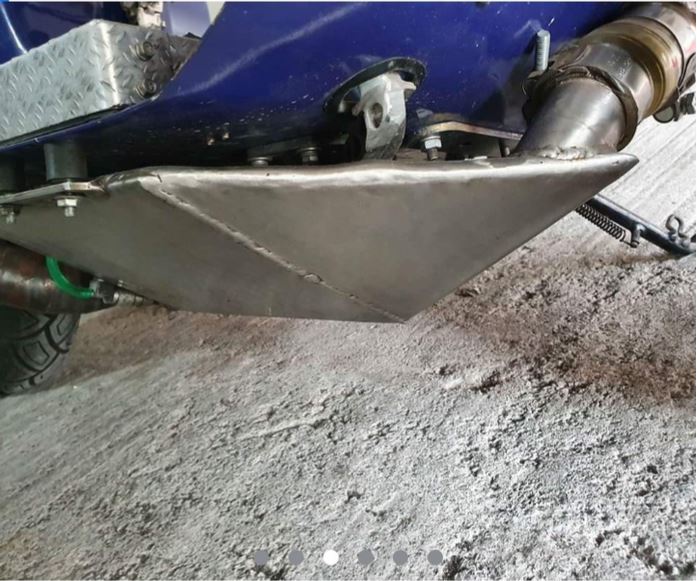
 warum baut man sich einen tank unters trittbrett
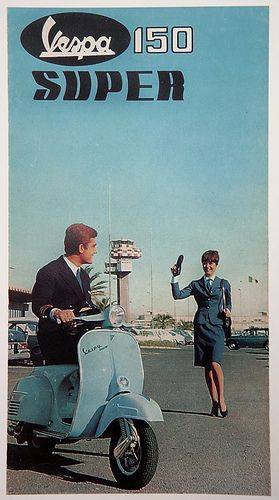
 gibt es eigentlich noch andere werbe fotos von der super außer dieses ?
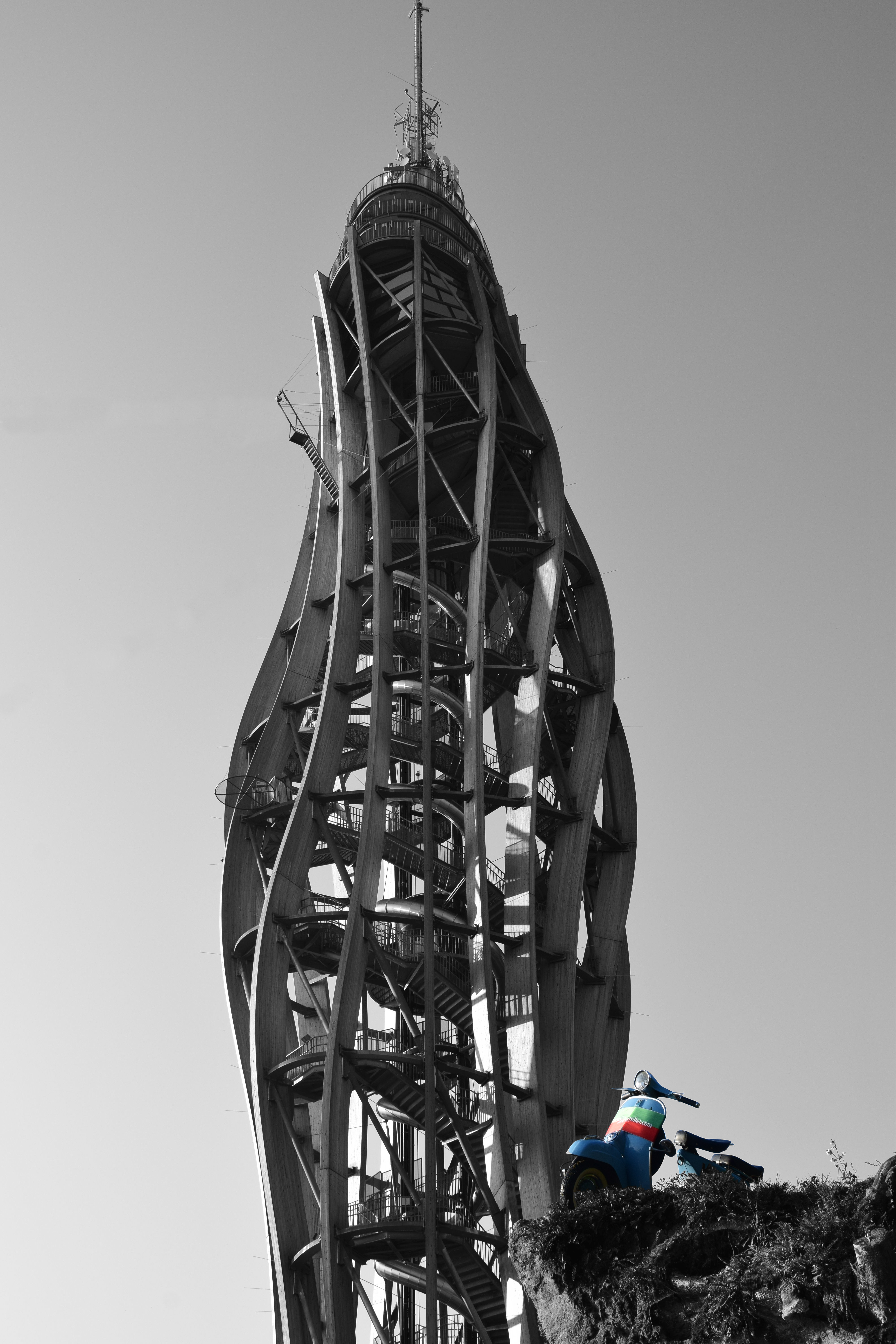
 Pyramidenkogelwenn ich nur aufhören könnte spinz.io/was sagt ihr zu so einen flüster kompressor ? 6 Zylinder Flüsterkompressor | Luft ohne Ende in Zimmerlautstärke! | STAHLWERK ST 1008Meine erste war eine vespa PK 50 ohne blinker ohne gepäckfach, 1. besitz war meine schwester habe sie dann zu tode gefahren und noch irgend wie verkauft foto dürfte von 1989 sein Aufkleber von 0 - 100 in 15 minuten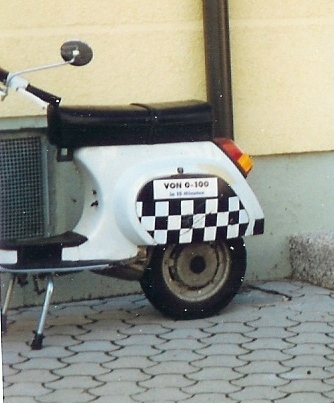
Wichtige Information
Diese Website nutzt Cookies und vergleichbare Funktionen zur Verarbeitung von Endgeräteinformationen und personenbezogenen Daten. Die Verarbeitung dient der Einbindung von Inhalten, externen Diensten und Elementen Dritter. Je nach Funktion werden dabei Daten an Dritte weitergegeben. Einige dieser Verfahren sind technisch unerlässlich, andere kommen nur mit Ihrer Zustimmung zum Einsatz, eine Anpassung ist in den die Cookie-Einstellungen möglich. Für Details siehe die Datenschutzerklärung














Account
Navigation
Suche
Configure browser push notifications
Chrome (Android)
- Tap the lock icon next to the address bar.
- Tap Permissions → Notifications.
- Adjust your preference.
Chrome (Desktop)
- Click the padlock icon in the address bar.
- Select Site settings.
- Find Notifications and adjust your preference.
Safari (iOS 16.4+)
- Ensure the site is installed via Add to Home Screen.
- Open Settings App → Notifications.
- Find your app name and adjust your preference.
Safari (macOS)
- Go to Safari → Preferences.
- Click the Websites tab.
- Select Notifications in the sidebar.
- Find this website and adjust your preference.
Edge (Android)
- Tap the lock icon next to the address bar.
- Tap Permissions.
- Find Notifications and adjust your preference.
Edge (Desktop)
- Click the padlock icon in the address bar.
- Click Permissions for this site.
- Find Notifications and adjust your preference.
Firefox (Android)
- Go to Settings → Site permissions.
- Tap Notifications.
- Find this site in the list and adjust your preference.
Firefox (Desktop)
- Open Firefox Settings.
- Search for Notifications.
- Find this site in the list and adjust your preference.