Sam666
Members
-
Benutzer seit
-
Letzter Besuch
Alle Inhalte von Sam666
-
Mir gefällts!
-
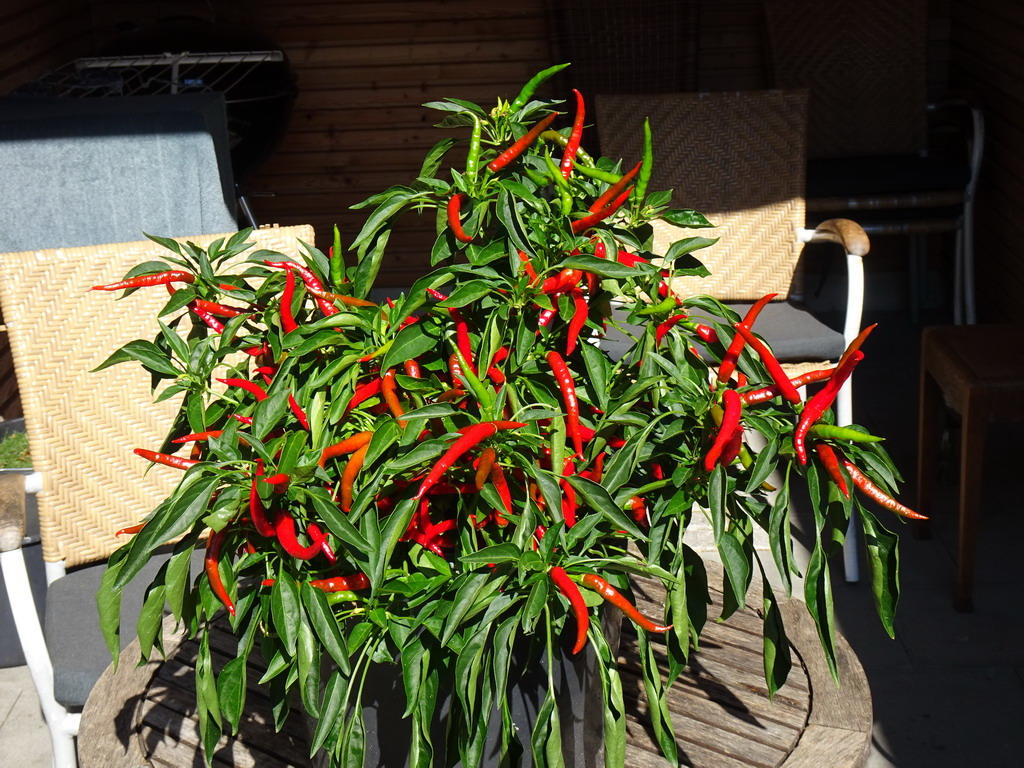
Hier nimmt der scharfe Scheiß langsam Fahrt auf... Sorte weiß ich nicht...war anfangs nen Minipflänzchen ner Arbeitskollegin... Ist doch ziemich scharf das Zeug...ab in den Dörrautomat!


-
https://www.youtube.com/watch?v=zmkTAvtneYw
-
Liebster Rudi, ich wünsche dir auch alles Gute zum runden Geburtstag! GIB ALLES und TU ES! Bis hoffentlich irgendwann um halb an der Bar!
-
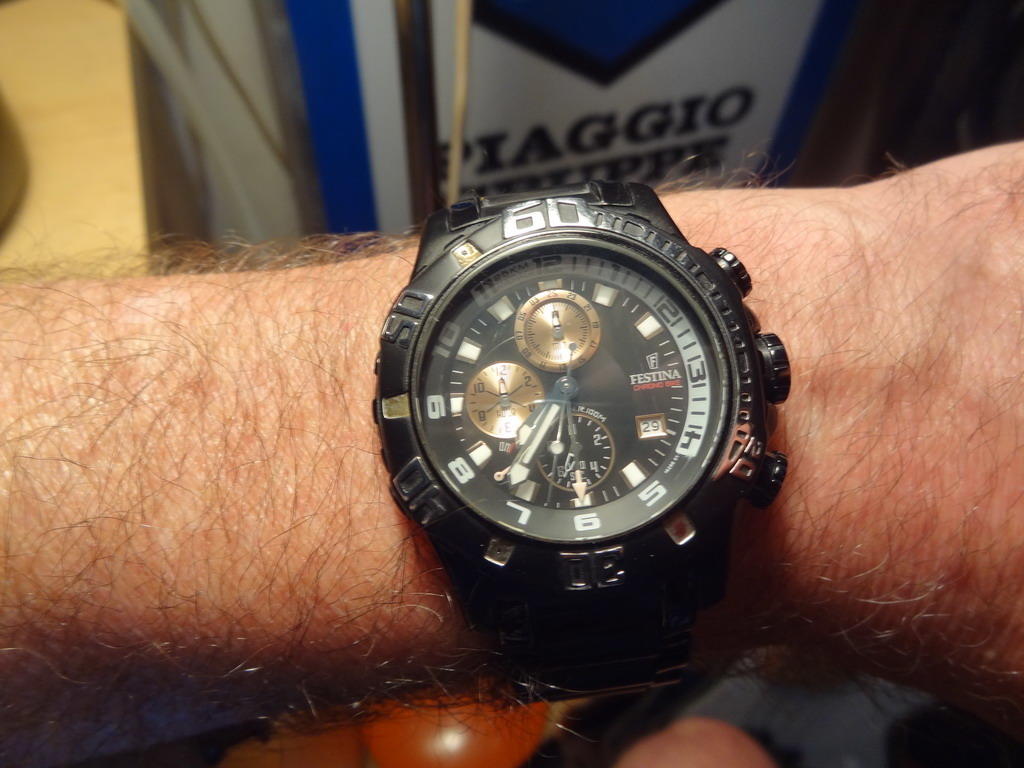
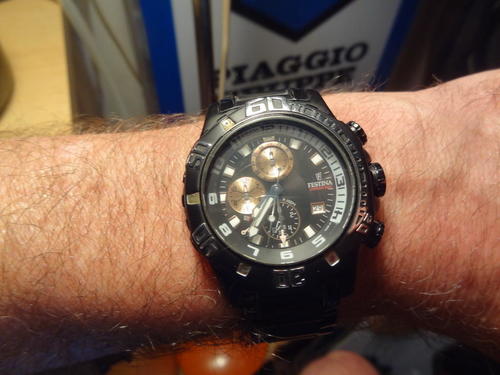
Seit vielen Jahren an meinem Handgelenk... ...Festina Ghost Rider:
-
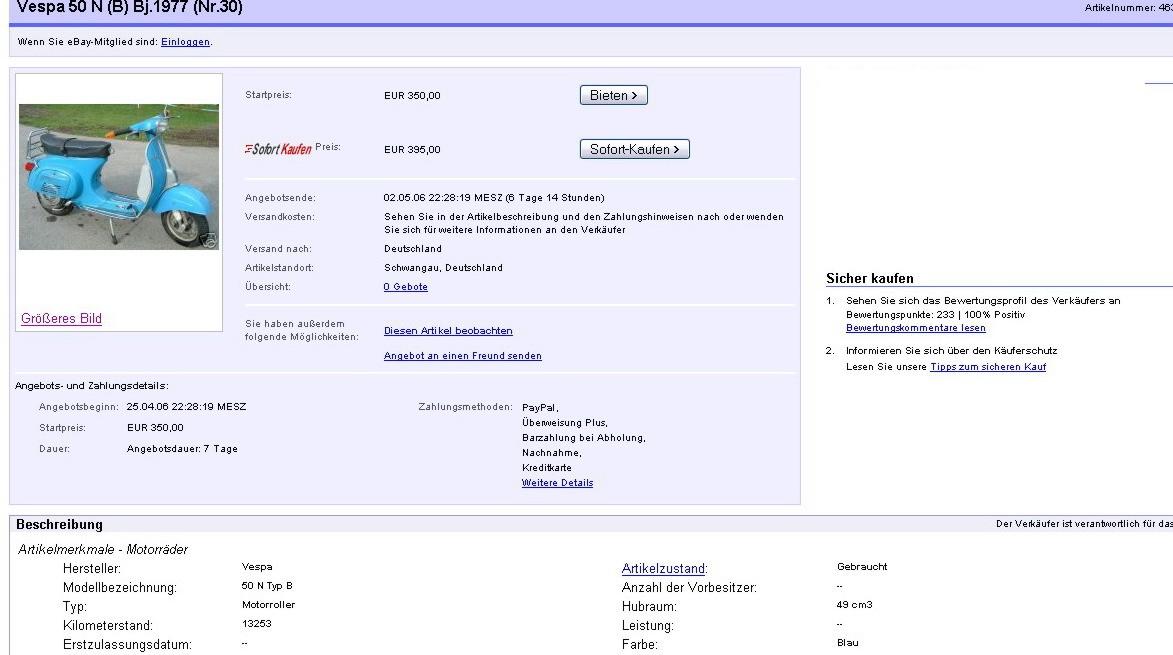
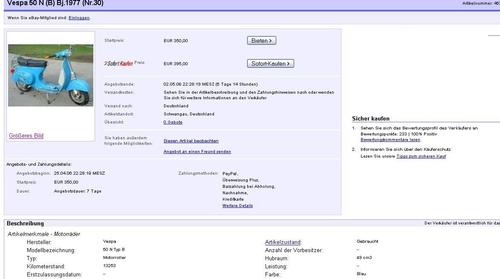
Damals...also 2006...konnte man noch Schnäppchen machen:
-
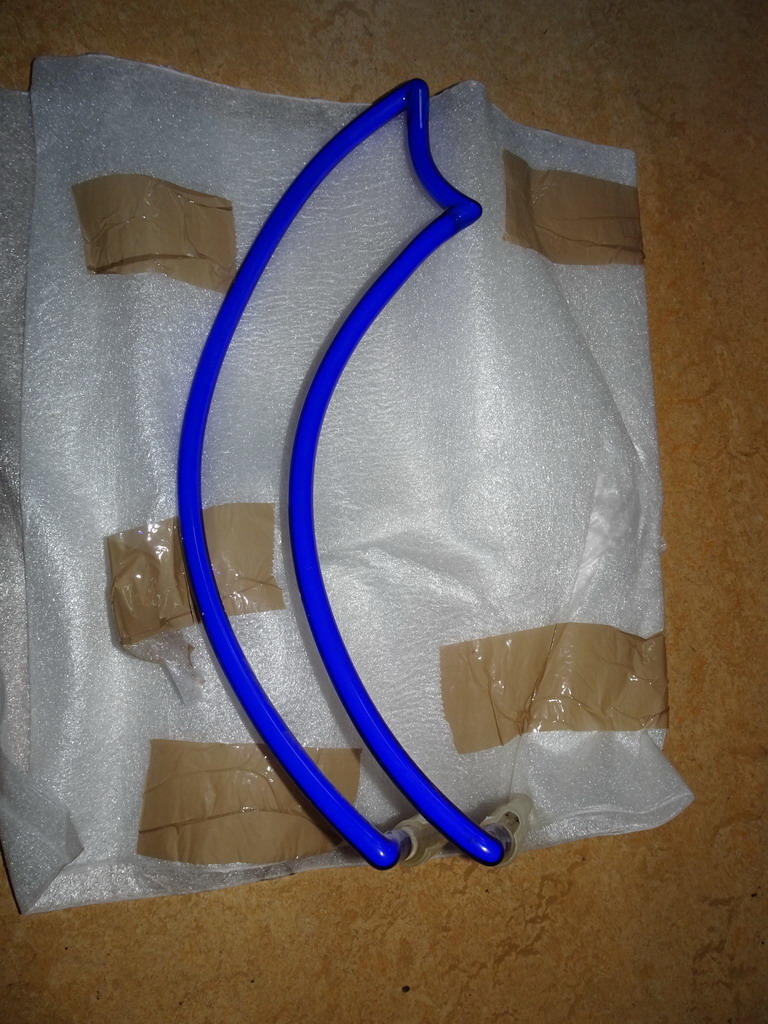
Hier 80cm...ohne Genova
 So Ihr hübschen... ...nach über fünfzehn Jahren gibts jetzt noch nen Nachschlag auf diesen geilen Run: Sam
Wichtige Information
Diese Website nutzt Cookies und vergleichbare Funktionen zur Verarbeitung von Endgeräteinformationen und personenbezogenen Daten. Die Verarbeitung dient der Einbindung von Inhalten, externen Diensten und Elementen Dritter. Je nach Funktion werden dabei Daten an Dritte weitergegeben. Einige dieser Verfahren sind technisch unerlässlich, andere kommen nur mit Ihrer Zustimmung zum Einsatz, eine Anpassung ist in den die Cookie-Einstellungen möglich. Für Details siehe die Datenschutzerklärung
Account
Navigation
Suche
Configure browser push notifications
Chrome (Android)
- Tap the lock icon next to the address bar.
- Tap Permissions → Notifications.
- Adjust your preference.
Chrome (Desktop)
- Click the padlock icon in the address bar.
- Select Site settings.
- Find Notifications and adjust your preference.
Safari (iOS 16.4+)
- Ensure the site is installed via Add to Home Screen.
- Open Settings App → Notifications.
- Find your app name and adjust your preference.
Safari (macOS)
- Go to Safari → Preferences.
- Click the Websites tab.
- Select Notifications in the sidebar.
- Find this website and adjust your preference.
Edge (Android)
- Tap the lock icon next to the address bar.
- Tap Permissions.
- Find Notifications and adjust your preference.
Edge (Desktop)
- Click the padlock icon in the address bar.
- Click Permissions for this site.
- Find Notifications and adjust your preference.
Firefox (Android)
- Go to Settings → Site permissions.
- Tap Notifications.
- Find this site in the list and adjust your preference.
Firefox (Desktop)
- Open Firefox Settings.
- Search for Notifications.
- Find this site in the list and adjust your preference.